Something shifted in late 2025 and it never slowed back down. AI tools went from "interesting novelty" to "daily production staple" for millions of creatives, marketers, developers, and brands. The conversation is everywhere, in studios and boardrooms, on Reddit threads and LinkedIn feeds, in design sprints and content calendars. But not every tool earning attention is earning it for the right reasons. Some are genuinely remarkable. Others are repackaged older tech with a new name on the homepage.
This article focuses on the 10 AI tools that are actually earning their reputation right now, with real outputs that speak for themselves. All 10 are accessible directly on PicassoIA, so you can test any of them side-by-side without juggling a dozen different accounts.
Output Quality Changed Fast
A year ago, generating a realistic photograph with an AI required heavy prompt engineering, multiple attempts, and still accepting imperfections. Today, models like Flux 2 Pro and Imagen 4 Ultra produce results indistinguishable from studio photography in a single generation. The gap between "AI-made" and "real" has collapsed, and that collapse is driving adoption at a speed that would have seemed implausible two years ago.
Speed Is No Longer a Trade-Off
Early AI tools forced a choice: quality or speed. The new generation refuses that compromise. GPT Image 1.5 processes complex prompts in seconds. Veo 3 renders video with synchronized audio in minutes. This shift is what moved AI tools from hobbyist experimentation into professional production pipelines across every creative industry.

The 4 AI Image Generators Everyone Is Using
There are over 90 text-to-image models available in 2027, but a few have pulled so far ahead in quality, consistency, and real-world reliability that they dominate every conversation about the category.
1. Flux 2 Pro
Flux 2 Pro from Black Forest Labs has been at the top of independent quality benchmarks since its release. It handles complex prompts involving multiple subjects, intricate backgrounds, and specific lighting without the "AI mush" look that made older models easy to spot. Beyond pure text-to-image generation, it also accepts an existing photo as input and regenerates it with targeted modifications. It is the image AI that professionals in commercial photography are actually adopting into real workflows.
Best for: Product shots, editorial images, commercial photography, fine art generation.
💡 Describe lighting with specifics. "Soft diffused window light from the left" consistently outperforms "good lighting" or "natural light" in prompt accuracy.
2. GPT Image 1.5
GPT Image 1.5 from OpenAI solved a problem that has frustrated designers since day one of AI image generation: clean transparent outputs. Logo on a clear background? Product shot with no background noise? GPT Image 1.5 handles it natively, without post-processing workarounds. The model also produces unusually accurate compositional results, following complex multi-step instructions with a precision that other models frequently miss.
Best for: Brand design assets, product images, transparent background outputs.
3. Imagen 4 Ultra
Google's Imagen 4 Ultra is the photorealism benchmark that every other image model gets measured against. Skin texture, fabric drape, architectural surfaces, natural light on water: it renders all of these with a fidelity that genuinely surprises people. Close-up portraits and lifestyle photography are where this model performs best, often producing results that experienced photographers need a second look at to confirm are AI-generated.
Best for: Portraits, lifestyle photography, architectural imagery, product advertising.
4. Ideogram v3 Quality
Most image models fail badly at text rendering. They blur letters, invent characters, or place words in ways that look wrong at a glance. Ideogram v3 Quality was built specifically around fixing this. It renders legible, stylized, well-spaced text inside images with a reliability that designers can actually depend on, making it the essential tool for any creative work where words need to appear inside the visual.
Best for: Posters, social graphics, typographic art, event materials, branded imagery.

The AI Video Tools Reshaping Content Creation
Video AI has gone from "short looping clips" to "cinematic productions with synchronized audio" in under two years. These three models are the ones professionals are putting into real client work right now.
5. Veo 3
Google's Veo 3 is the release that changed what the industry thought was possible. It generates audio natively alongside the video. Not background music dropped in during post-production. Actual synchronized ambient sound, dialogue, and sound effects that match what's happening on screen. A clip of rain hitting a window generates the sound of rain. A character speaking generates lip-synced audio. This is what text-to-video was always meant to be, and Veo 3 is the first model to deliver it convincingly at scale.
Best for: Storytelling, narrative content, social videos that need audio, documentary-style clips.
💡 Include audio cues in your prompts. "Sound of leaves rustling in a gentle breeze" or "ambient city noise, distant traffic" dramatically improves audio-visual coherence.
6. Sora 2
OpenAI's Sora 2 brings physics accuracy to AI video that earlier models couldn't approach. Water moves the way water moves. Fabric drapes with actual weight. Crowds feel organic rather than copy-pasted. The Sora 2 Pro variant pushes this further with higher resolution and longer clip lengths. The model is particularly impressive at camera movement: dolly shots, crane shots, and tracking shots that feel directed rather than generated.
Best for: High-production video content, cinematic shorts, marketing campaigns requiring visual realism.
7. Kling v3
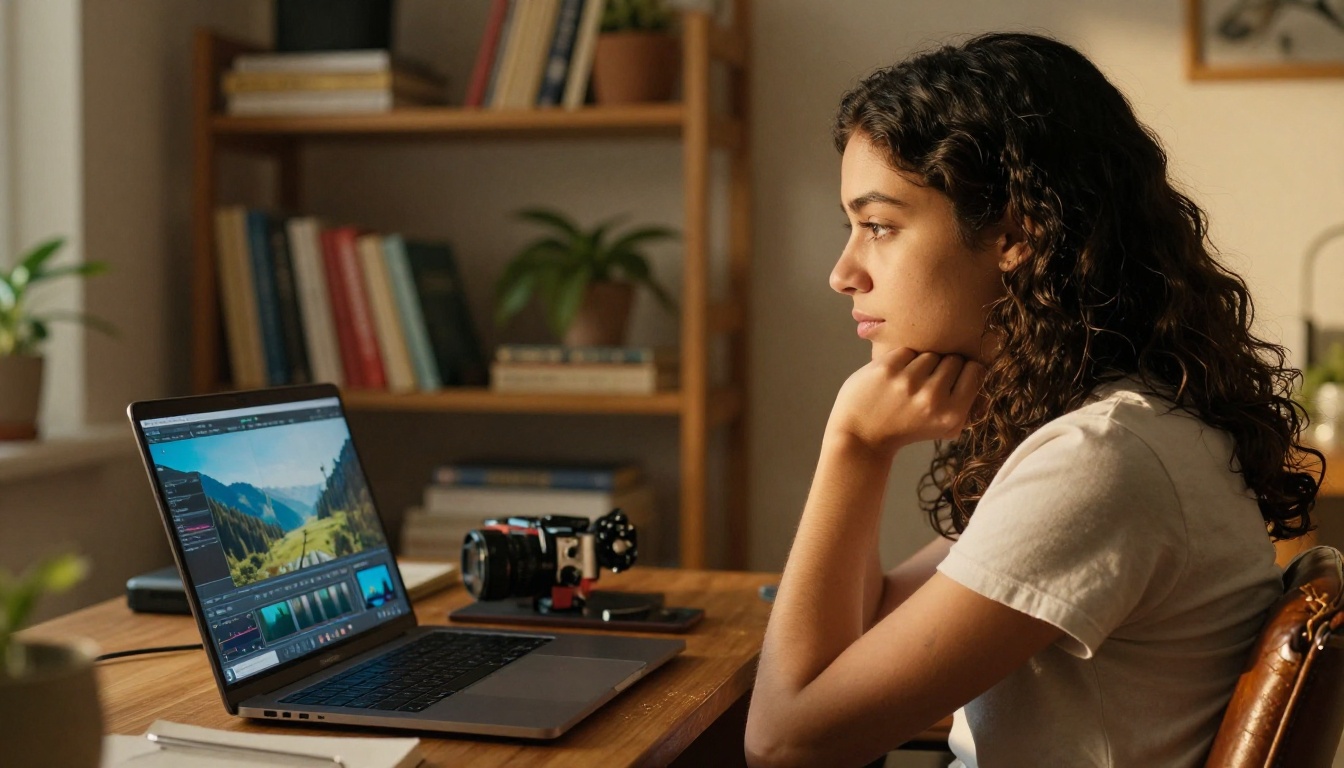
Kling has been one of the most consistently improved video AI series, and Kling v3 Video is its clearest statement yet. It outputs 1080p cinematic video with smooth motion and handles character consistency across scenes better than most alternatives at this resolution. The Omni Video variant accepts both text and image inputs, letting you animate a still photograph into a video sequence with directional control over the resulting motion.
Best for: Character animation, short films, image-to-video conversion, visual storytelling.
Audio AI has been quietly catching up with visual tools. Two distinct capabilities are worth your attention right now: video-with-audio synthesis and AI music generation.
8. Seedance 2.0
Seedance 2.0 from ByteDance generates video with synchronized audio output, competing directly with Veo 3 for the audio-aware video space. Where Veo 3 tends to perform better on environmental and abstract scenes, Seedance 2.0 distinguishes itself through character focus. Human subjects in Seedance outputs feel warmer, more expressive, and more emotionally present, making it the stronger choice for creator-led content and personality-driven social media.
Best for: Character-focused video, social media creators, B-roll footage with audio.
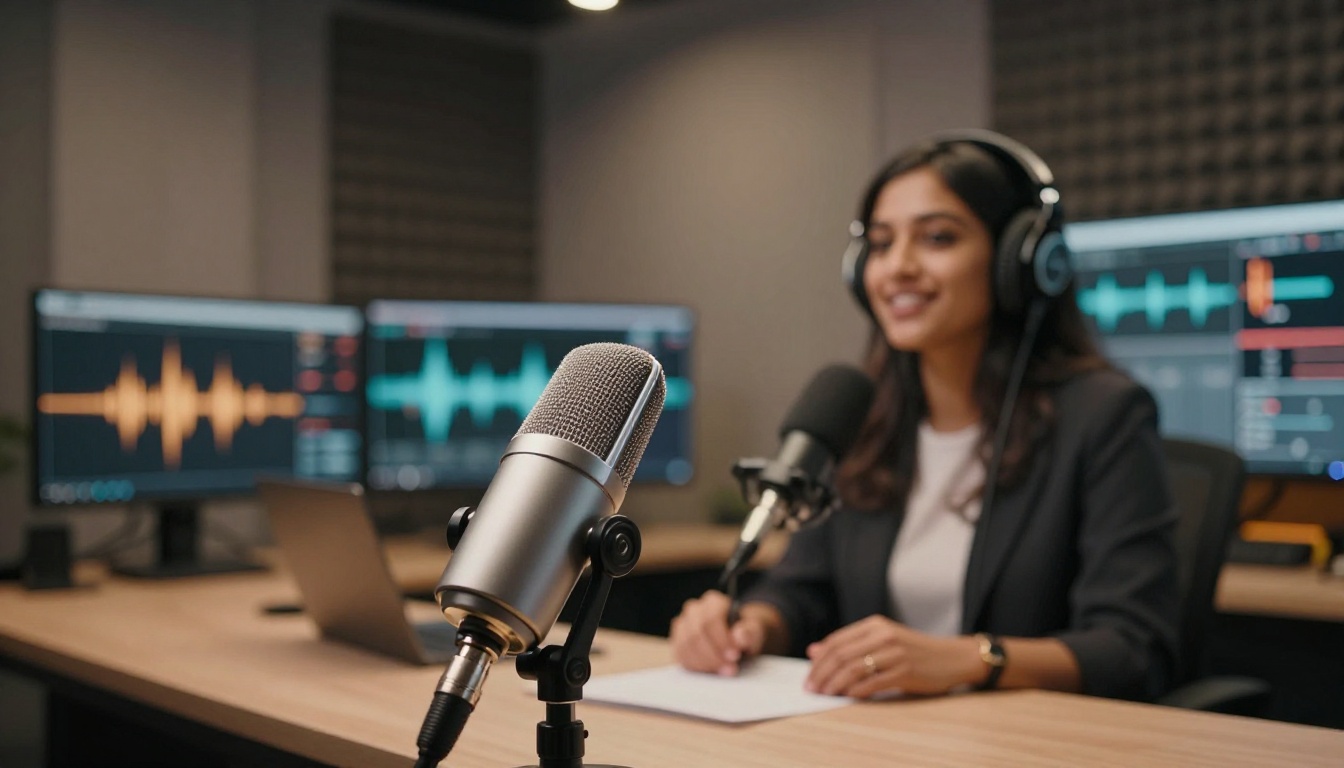
For dedicated music creation, PicassoIA also provides AI music generation tools that let you describe a track by genre, mood, tempo, and instrumentation, and receive a fully produced audio file. No DAW experience required.
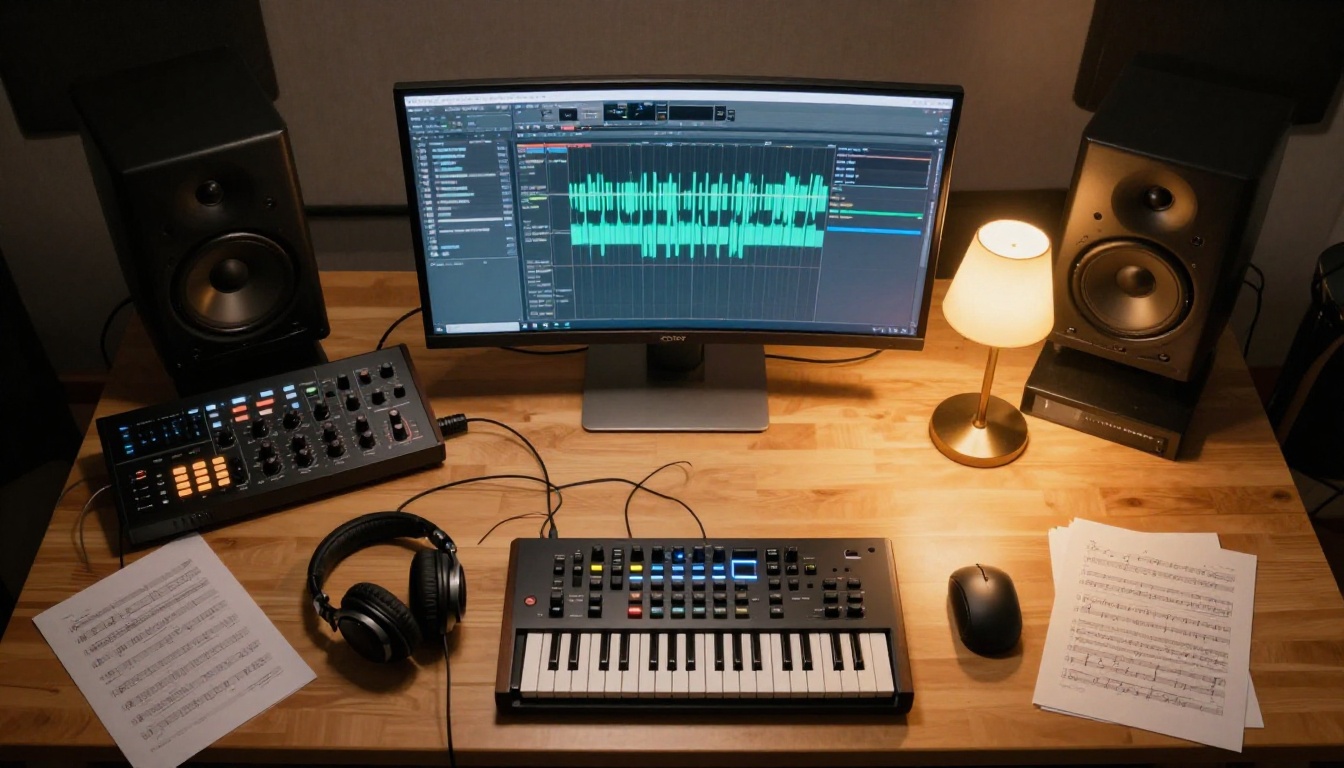
Some tools stand out not just for what they create, but for how directly usable the output is without additional editing. These two consistently hit a standard that agencies and studios can deliver to clients.
9. Recraft v4 Pro
Recraft v4 Pro has carved out a specific niche as the tool designers actually trust for client deliverables. Clean lines, accurate color reproduction, compositional control that allows brand-consistent results across multiple generations. The SVG variant generates scalable vector assets, making it particularly useful for logo design, iconography, and any work that needs to scale without quality loss.
Best for: Brand assets, commercial illustration, print design, scalable vector art.
10. Hailuo 02
Hailuo 02 from Minimax generates 1080p video with a quality-to-speed ratio that has made it a favorite for content teams who need volume. Where some high-end models take significant render time, Hailuo 02 returns usable footage quickly without sacrificing the resolution that makes video actually deliverable for production use.
Best for: High-volume content creation, branded video production, social media at scale.

How All 10 Stack Up
| Tool | Category | Best For | Standout Strength |
|---|
| Flux 2 Pro | Image | Commercial photography | Multi-subject prompt accuracy |
| GPT Image 1.5 | Image | Design assets | Transparency + instruction precision |
| Imagen 4 Ultra | Image | Portraits, lifestyle | Photorealism benchmark |
| Ideogram v3 | Image | Graphic design | Text rendering in images |
| Veo 3 | Video + Audio | Storytelling | Native audio generation |
| Sora 2 | Video | Cinematic content | Physics accuracy |
| Kling v3 | Video | Character animation | Motion smoothness at 1080p |
| Seedance 2.0 | Video + Audio | Creator content | Character expressiveness |
| Recraft v4 Pro | Image | Brand design | Print-ready, scalable output |
| Hailuo 02 | Video | Volume production | Speed at 1080p |
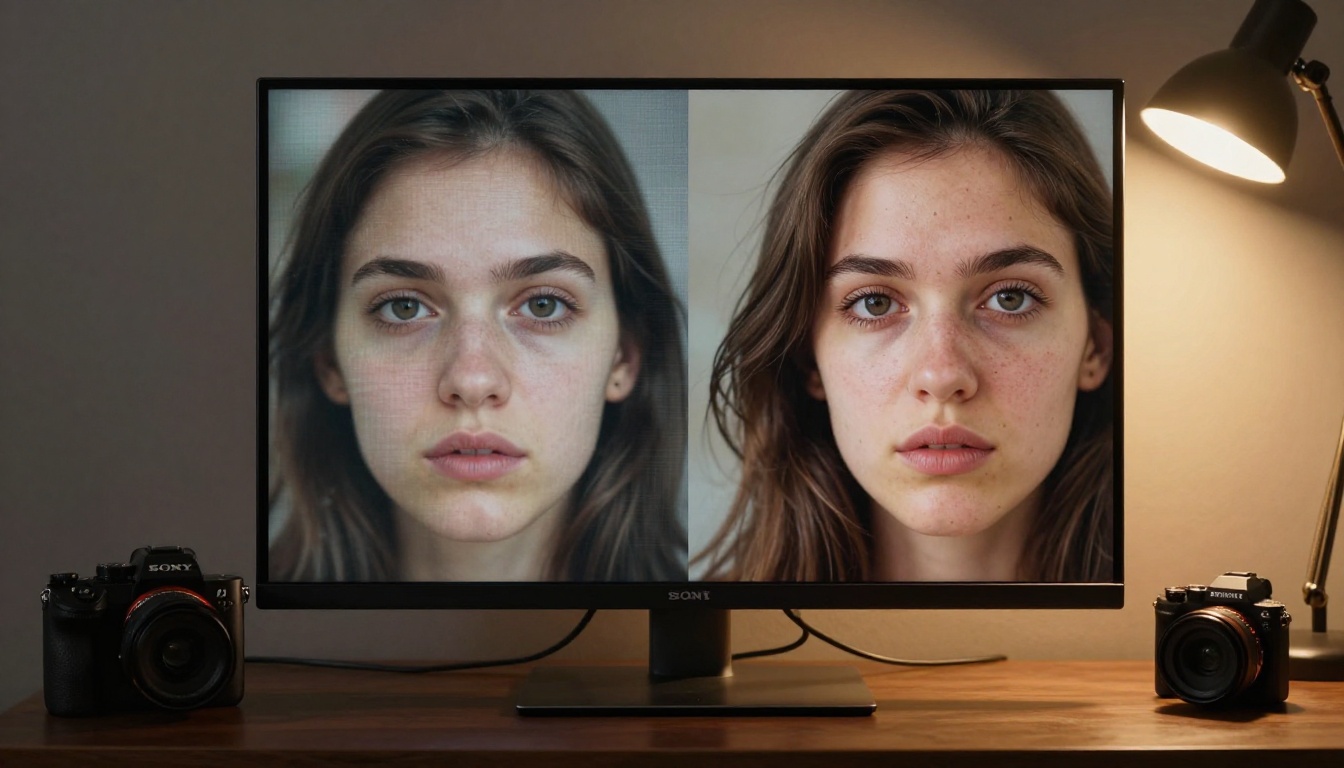
How to Use Flux 2 Pro on PicassoIA
Since Flux 2 Pro is consistently the most talked-about image model right now, here is a walkthrough for using it directly on PicassoIA. No local installation, no GPU required, no waiting list.
Your First Generation
Step 1: Visit Flux 2 Pro on PicassoIA.
Step 2: Write your prompt in the text field. Be specific about the subject, the environment, the lighting direction, and the mood. Flux 2 Pro rewards detailed prompts with noticeably better results.
Step 3: Select your aspect ratio. Use 1:1 for social posts, 16:9 for YouTube thumbnails and banners, 9:16 for Instagram and TikTok verticals.
Step 4: If you want to modify an existing photo, upload it as a reference image. Flux 2 Pro accepts both pure text prompts and text + image inputs.
Step 5: Click generate. Output typically appears within 10 to 20 seconds.
Settings That Matter
- Steps: Set between 30 and 40 for maximum sharpness. Lower values produce faster but softer results.
- Guidance Scale: Keep between 7 and 9 for balanced quality. Pushing above 10 makes the model follow the prompt more rigidly, which can sometimes reduce natural-looking output.
- Seed: Set a specific number to reproduce a similar composition. This is useful when you find a result you like and want to iterate on details while keeping the overall structure.
- Negative Prompts: Adding "no watermark, no text overlay, no blur, no artifacts" consistently improves output cleanliness.
💡 For portrait work, add "85mm portrait lens, shallow depth of field, Kodak Portra 400 film grain" to your prompt. Flux 2 Pro interprets photography metadata cues and adjusts its output accordingly.
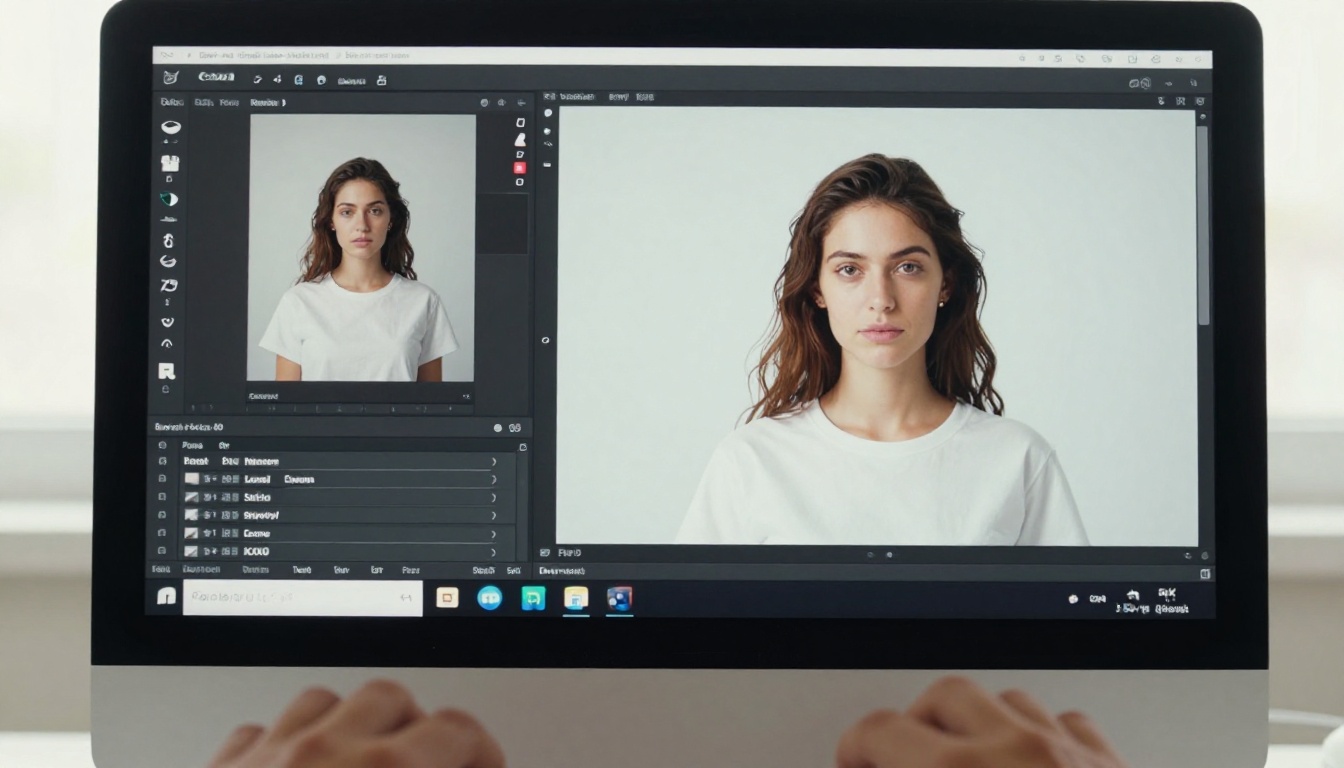
Beyond Flux 2 Pro, PicassoIA gives you access to all 10 tools on this list and over 180 additional AI models across image, video, audio, and editing categories. You can try Seedream 4 for 4K outputs, use Ideogram v3 Turbo when you need text-in-image results fast, or switch to Kling v3 Omni Video for character animation, all in a single session.
Who Should Start With What
The right first choice depends entirely on your workflow and what you are actually making:
Social media creators: Flux 2 Pro for images, Kling v3 for video.
Designers and art directors: Recraft v4 Pro for commercial-ready assets, GPT Image 1.5 for design precision.
Video content professionals: Veo 3 and Sora 2 are the current benchmarks for cinematic quality.
High-volume content teams: Hailuo 02 and Seedance 2.0 are built for speed at scale.
Graphic designers with text requirements: Ideogram v3 is the only reliable option for legible in-image text right now.
Portrait and lifestyle photographers: Imagen 4 Ultra sets the standard for photorealistic skin, light, and texture fidelity.
Stop Reading, Start Making
The 10 AI tools covered here are not on a waiting list. They are not in private beta. They are live, running, and accessible right now. Flux 2 Pro, Veo 3, Sora 2, Imagen 4 Ultra, Recraft v4 Pro, and the rest are all available on PicassoIA. One platform, no juggling subscriptions, no separate accounts for each tool.
The creative tools that were science fiction five years ago are sitting in your browser tab right now. The only thing left to do is open one and type a prompt. Whether you want to generate a product photo, animate a still image, produce a branded video with audio, or create a poster with sharp in-image text, the right model is already waiting.
Open PicassoIA, pick the tool that matches your project, and see what the current state of AI actually looks like when you use it rather than read about it.


