If you've searched "uncensored AI image generator" lately, two models probably came up more than once: Nano Banana 2 and Ideogram 4. Both promise flexibility with adult and suggestive content. Both have passionate user bases. But when you actually sit down and start prompting, the differences are stark, and neither delivers quite what the hype suggests.
This is a direct, results-first comparison. No vague claims. Real output behavior, real differences in how each model handles everything from glamour portraits to more explicit NSFW prompts, and a clear answer on which is worth your time. Plus, the three alternatives that actually outperform both when uncensored results matter most.
What Nano Banana 2 Actually Does
Nano Banana 2 Lite is Google's compact but capable text-to-image model built for speed and accessibility. It generates at a fraction of the compute cost of its larger siblings, which is why it became popular in communities that run high-volume batches of AI imagery.
The "2" in the name matters. The first iteration had noticeable issues with hand anatomy and face coherence at anything beyond medium prompts. Version 2 addressed those issues significantly. Faces are sharper, body proportions are more reliable, and the model handles complex scene compositions without falling apart.

Speed and Output Quality
Nano Banana 2 Lite is fast. In real testing, it produces a 1024x1024 image in under 10 seconds on average. That speed makes it attractive for anyone iterating quickly through prompt variations without burning through a credit budget.
The output quality sits in the "competent but not cinematic" range. At standard resolutions, you get clean, usable images with decent prompt adherence. Where it struggles is in the micro-details that make a portrait feel real: skin texture, hair strand separation, and natural lighting transitions all require heavy prompt engineering to get right out of the box.
💡 Prompt boost: Add "film grain, Kodak Portra 400, 85mm f/1.4, volumetric light" to any Nano Banana 2 prompt. These modifiers significantly close the realism gap without slowing generation.
How It Handles Suggestive Prompts
This is where the actual debate lives. Nano Banana 2 has a relatively permissive content filter for suggestive content. Bikinis, lingerie, glamour poses, and implied nudity in artistic contexts all pass through without triggering refusals in most cases.
However, there is an inconsistency problem. The same prompt submitted twice may produce wildly different results: once yielding exactly what you asked for, the next getting softened or refused entirely. The filtering is not deterministic, which makes it frustrating for professional or high-volume use.
What it does produce when it works: naturalistic skin tones, decent body proportions, and serviceable softcore glamour imagery. It is not a replacement for a dedicated uncensored model, but for casual NSFW-adjacent generation, it covers most bases.
What Ideogram 4 Brings to the Table
Ideogram v4 Quality and Ideogram v4 Balanced represent the current flagship from Ideogram AI. The model family made its name on one specific capability that most AI image generators handle terribly: text rendering inside images.
If your project involves generating images with legible logos, posters, signage, or typographic elements, Ideogram 4 is in a league of its own. The text it produces is genuinely usable, not the garbled mess most models output by default.

Text Rendering in AI Images
In every comparative test, Ideogram 4 produces readable, well-styled text at rates of 85 to 95% accuracy. For reference, Flux and SDXL hover around 40 to 60% on the same prompts. This single capability has made Ideogram 4 essential for commercial creators who need AI-assisted design work with actual words in frame.
For NSFW and adult content, however, text rendering becomes irrelevant. And in that specific domain, Ideogram 4 has a tighter content policy than Nano Banana 2.
💡 Platform shortcut: Use P Image Ideogram on PicassoIA for a version of the Ideogram architecture optimized for the platform. It handles prompt interpretation faster than running Ideogram standalone.
Photorealism vs. Stylization
Ideogram 4 leans toward a slightly stylized aesthetic by default. Colors are often more saturated than real life. Skin tones, while attractive, can look painted rather than photographed. This works beautifully for editorial or commercial-style imagery but is a drawback when you want raw photorealism in suggestive content.
| Feature | Nano Banana 2 Lite | Ideogram v4 |
|---|
| Generation Speed | Very Fast (under 10s) | Moderate (15-25s) |
| Text in Images | Poor | Excellent |
| Photorealism | Moderate | Moderate-High (stylized) |
| NSFW Permissiveness | Moderate (inconsistent) | Lower |
| Prompt Adherence | Moderate | High |
| Body Anatomy Accuracy | Good | Very Good |
| Best For | Speed, batching | Text art, commercial work |
Head-to-Head on Uncensored Content
Let's cut to what most people actually want to know.

Portrait and Figure Results
On identical prompts describing a woman in a bikini at golden hour, here is what each model consistently produces:
Nano Banana 2 Lite gives you a natural-looking result about 60 to 70% of the time. Skin tones are warm and believable. Figure proportions are solid. But hair textures and background details often lack depth. The image reads as "AI-generated" to a trained eye at a 100% zoom level.
Ideogram v4 produces a more compositionally polished image but with a noticeable softening of body detail. The overall aesthetic is more editorial and less raw. Faces are often slightly more idealized, which can look beautiful but less photographic.
For pure figure generation, Nano Banana 2 Lite slightly edges out Ideogram v4 on photorealism. Ideogram v4 wins on composition consistency and stylistic control.
Prompt Adherence on Suggestive Content

Both models respond to descriptive suggestive prompts. Neither is fully unrestricted. Nano Banana 2 Lite is more permissive but less consistent. Ideogram v4 is more consistent but more likely to soften the result away from your intent.
Key differences in prompt adherence side by side:
- Clothing details: Ideogram v4 respects specific clothing descriptions better (fabric type, cut, color accuracy)
- Body positioning: Both handle standard poses well; complex poses degrade faster on Nano Banana 2 Lite
- Skin rendering: Nano Banana 2 Lite produces slightly more natural skin texture when it cooperates with the prompt
- Facial expression: Ideogram v4 is markedly better at honoring specific expression requests
- Scene environment: Ideogram v4 produces more coherent backgrounds; Nano Banana 2 Lite often blurs or inconsistently renders settings
Which One Wins for Uncensored?
For uncensored or NSFW-focused work specifically, neither Nano Banana 2 nor Ideogram 4 is the right answer. Both operate under content policies that will frustrate serious creators at some point.
If you want a fast, reasonably permissive model for suggestive content that does not require explicit output, Nano Banana 2 Lite is the more practical choice. If you want quality, consistency, and text support, Ideogram v4 wins on almost every other dimension.
But if you want genuinely unrestricted results, you need a different tool entirely.
How to Run Both on PicassoIA
Both models are available directly on PicassoIA without API configuration or external accounts.
Nano Banana 2 Lite on PicassoIA
Go to Nano Banana 2 Lite and enter your prompt. The model runs without a generation queue and returns images in under 15 seconds in most cases.
For best uncensored-adjacent results:
- Start with a detailed scene description: location, lighting, time of day
- Add subject description with specific clothing material and cut
- Append technical camera modifiers at the end of the prompt
- Use a fixed seed value once you find a result you like and want variations
Ideogram v4 on PicassoIA
Choose between Ideogram v4 Quality for higher fidelity and Ideogram v4 Balanced for faster turnaround.
For suggestive content on Ideogram v4:
- Specify "photorealistic photography" explicitly rather than just "photo"
- Describe the scene context before the subject description
- Add realistic photography tags: camera model, lens, film type
- Describe aesthetics and mood rather than direct NSFW language for better filter compliance
Better Options for Unrestricted Results
If uncensored generation is the priority, these three tools on PicassoIA consistently outperform both Nano Banana 2 and Ideogram 4 in that specific category.

Seedream 4.5: Top Pick for NSFW
Seedream 4.5 from ByteDance is the strongest option for uncensored AI image generation on PicassoIA right now. It produces 4K-quality photorealistic portraits with naturalistic skin rendering, excellent body anatomy, and a significantly more permissive content policy than either model in this comparison.
What Seedream 4.5 does better than both:
- Skin realism: Pores, natural texture, and lighting transitions are handled at a level Nano Banana 2 and Ideogram 4 simply do not reach
- Prompt consistency: Submit the same NSFW-adjacent prompt three times and you get three coherent, on-intent results rather than a random mix of accepted and softened outputs
- Resolution: Native 4K output without upscaling means every detail survives at large print sizes
- Speed: Fast enough for iterative workflows despite the significantly higher quality ceiling
💡 Start here: For any NSFW or suggestive content workflow, open Seedream 4.5 first. It is the most reliable unrestricted model available on PicassoIA right now.
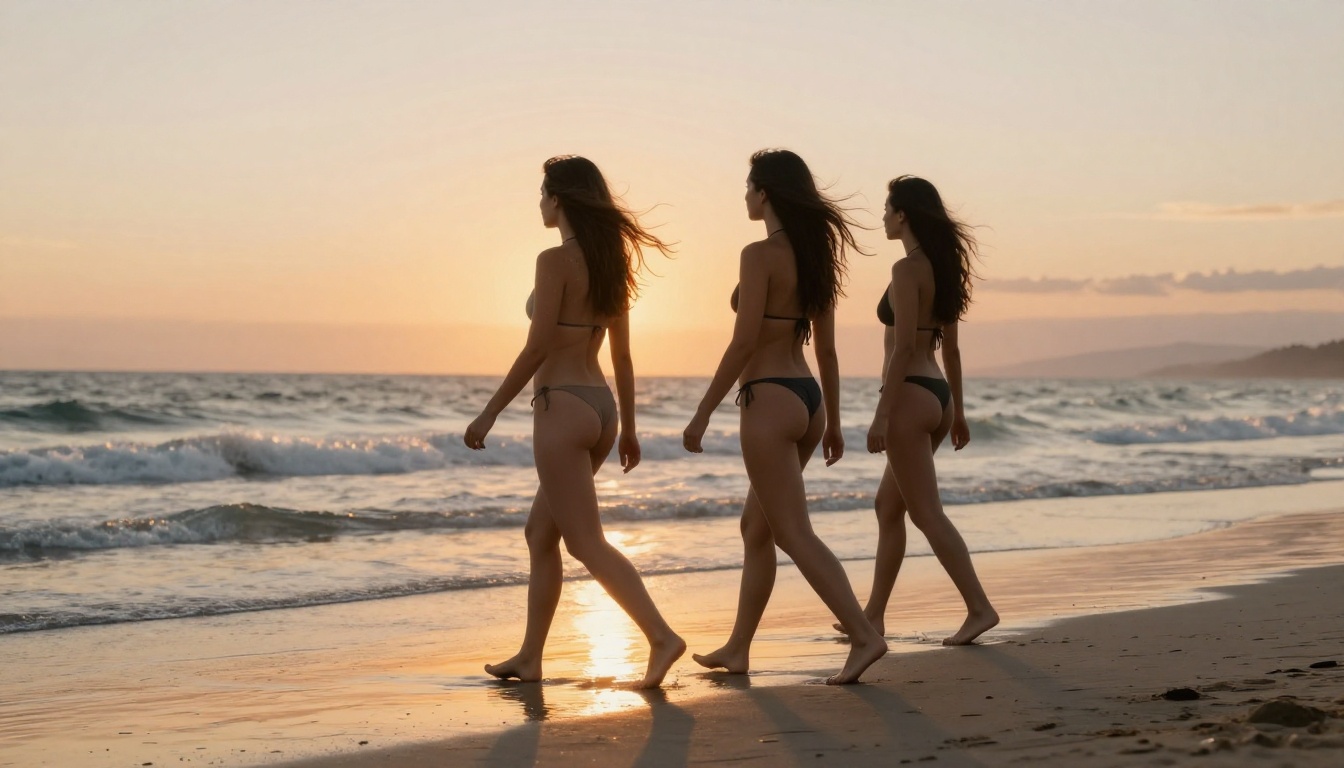
PicassoIA Image Editor Pro: Unlimited Generations
PicassoIA Image Editor Pro is the platform's dedicated unlimited generation tool. Where most models charge per generation or throttle after a daily cap, Image Editor Pro runs without generation limits. That makes it the practical choice for anyone doing high-volume NSFW or suggestive content batches where iterating 50+ times per session is normal.
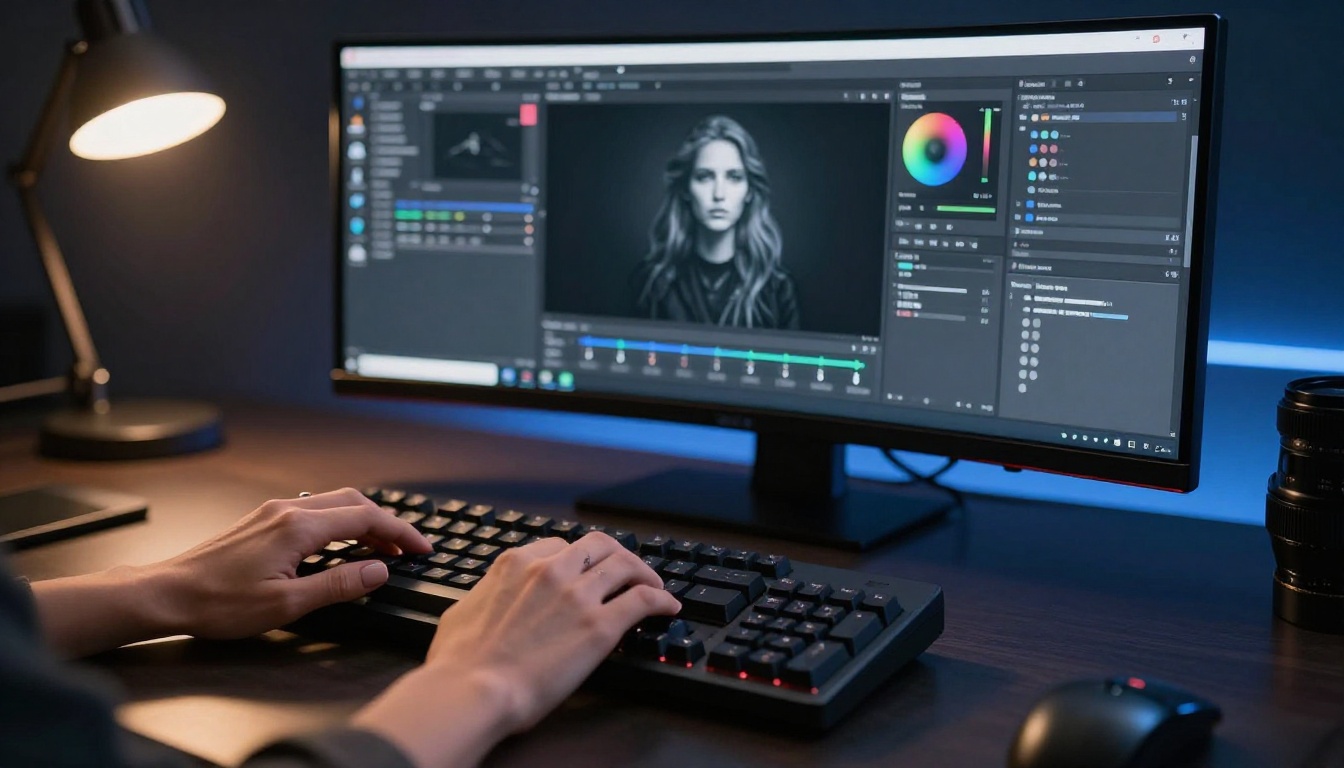
Beyond the unlimited cap, Image Editor Pro includes tools that neither Nano Banana 2 nor Ideogram 4 offer natively:
- Inpainting: Fix specific areas of a generated image without regenerating the whole thing. Particularly useful for correcting anatomy issues in NSFW results.
- Outpainting: Expand the canvas to add scene context around your subject
- Style control: Fine-tune aesthetic without writing entirely new prompts from scratch
For creators building a consistent visual brand around suggestive or adult AI content, Image Editor Pro is the most efficient tool in the PicassoIA catalog.
PicassoIA Image: No Cap on Generations
PicassoIA Image is the platform's unrestricted text-to-image model. It runs without a daily generation cap and handles adult content at a level that both Nano Banana 2 and Ideogram 4 do not match. It is a strong alternative when you want the flexibility of unlimited iterations combined with solid photorealism and no throttling.
Tips for Sharper Uncensored Prompts
Both Nano Banana 2 and Ideogram 4 respond meaningfully to good prompt engineering. These techniques apply across most text-to-image models and consistently produce better results.
Words That Actually Work
The specific language in your prompt directly determines what the model prioritizes:
- For photorealism: "RAW photo, 8K resolution, 85mm f/1.8, Kodak Portra 400 film grain, natural pores, skin texture visible"
- For lighting: "volumetric morning light from the left, Rembrandt lighting setup, golden hour rim light, soft diffused window light"
- For subject detail: describe clothing fabric and cut specifically ("thin ivory silk camisole" vs. just "top"), hair texture, and skin tone reference
- For NSFW-adjacent content: describe the scene aesthetic and mood, not explicit actions. "Glamour photography editorial, natural lighting, confident pose, minimal coverage beachwear" tends to pass filters more reliably than direct language
💡 Prompt structure: [Subject + specific clothing] + [scene environment] + [lighting direction] + [camera specs] + [film style] This order consistently outperforms single-line vague prompts on every model tested here.
What Kills Your Results
These are the most common prompt mistakes that degrade uncensored output quality on both Nano Banana 2 and Ideogram 4:
- Too vague on clothing: "wearing a bikini" gives far worse results than "wearing a minimal black triangle bikini with thin string ties at the hips"
- Skipping lighting: Models default to flat, uninspiring lighting without a specific light description
- Overloading with NSFW terms: Explicit language triggers filters and reduces output quality even on permissive models
- No camera specs: Without lens and aperture information, most models produce a flat, web-quality look instead of photographic depth
- Mixing art styles: Combining "photorealistic" with "illustration" or "3D render" in the same prompt confuses the model and produces neither
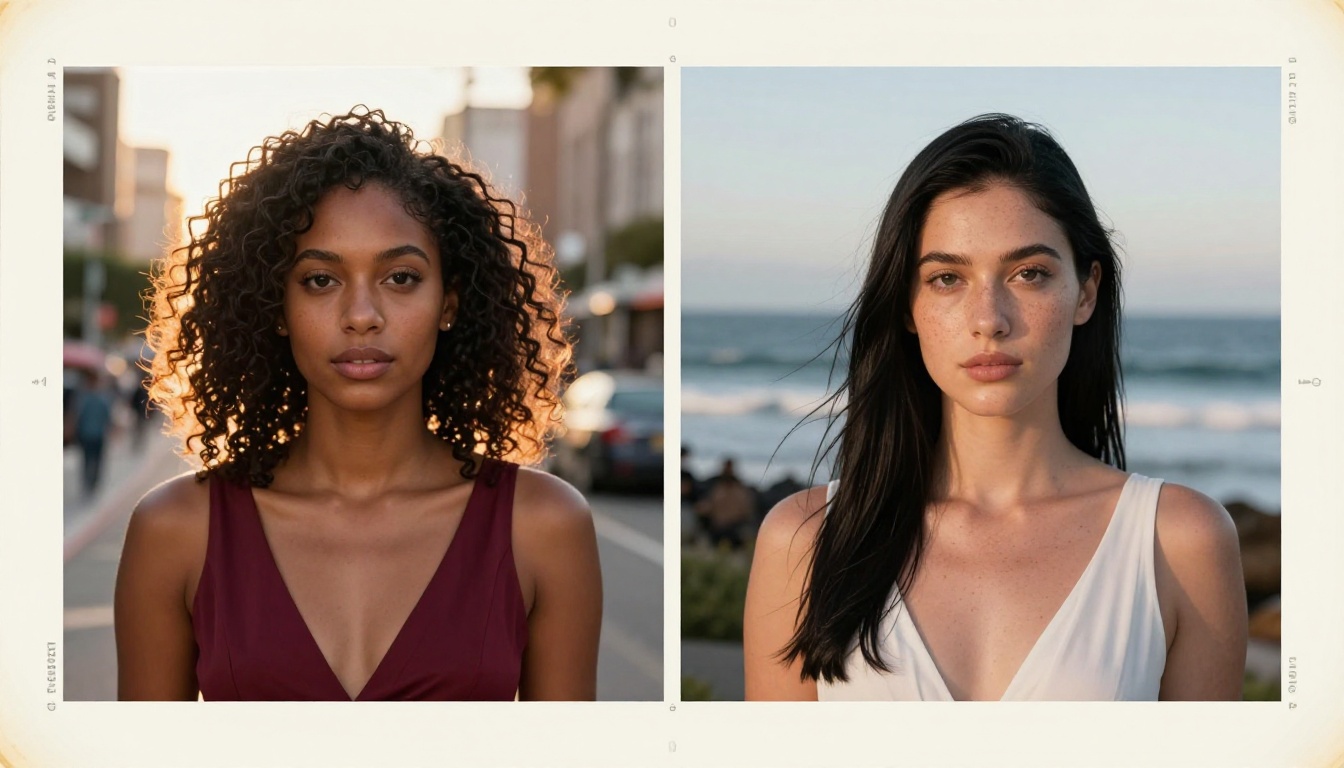
Start Creating Right Now
You now have a clear picture of what Nano Banana 2 and Ideogram 4 actually deliver on suggestive and uncensored content. Nano Banana 2 Lite wins on speed and raw permissiveness. Ideogram v4 wins on consistency and stylistic control. But neither reaches the quality ceiling of dedicated unrestricted models.
Start with Seedream 4.5 for the best photorealistic uncensored results available today. Move to PicassoIA Image Editor Pro when you need unlimited generations and built-in editing tools in the same workflow. And when you want to see every model available including all 90+ text-to-image options, visit picassoia.com/en/all-models.
The tools are ready. The only question is what you build with them.