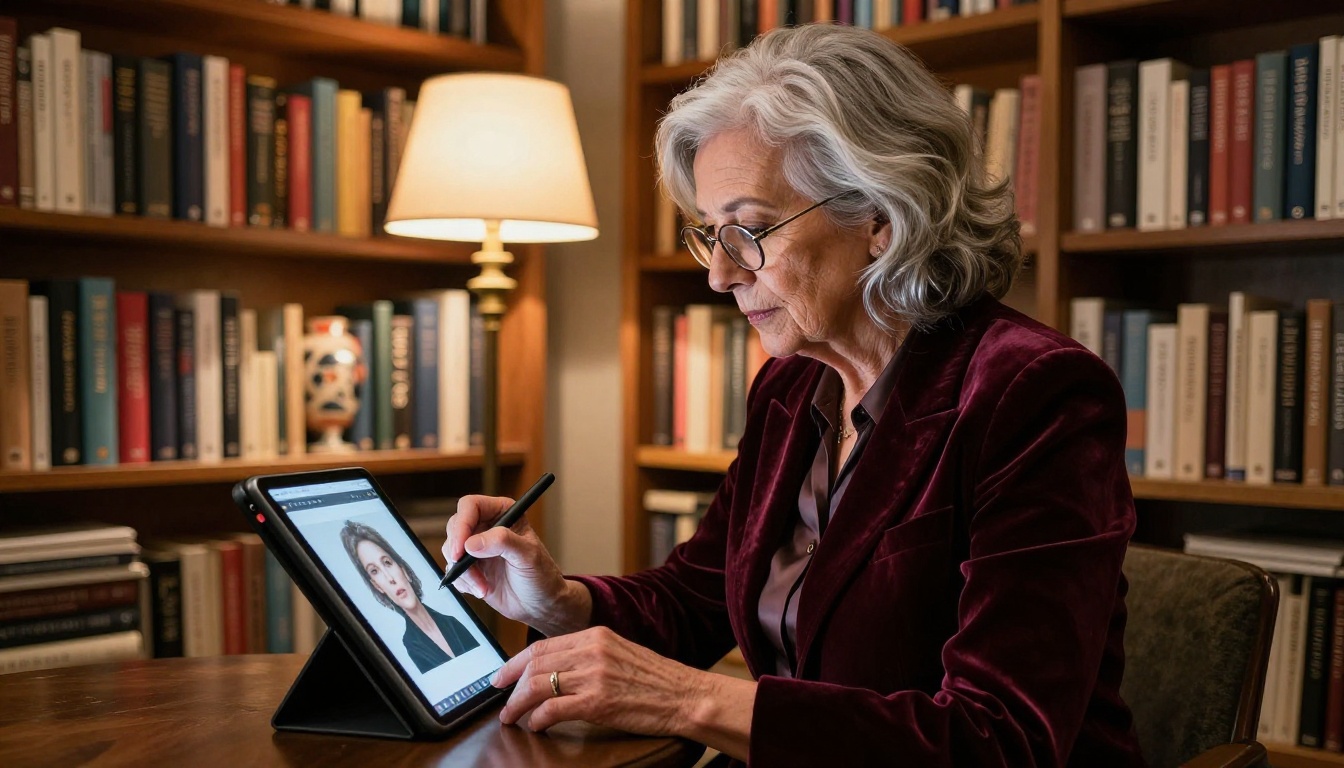
Paying for AI image generation is optional. Several platforms now offer genuinely free text-to-image tools with no watermarks, no usage caps, and no credit card required. Whether you need a product mockup, a social media graphic, or a detailed concept scene, the tools below will produce it from a plain text prompt in seconds. This is a curated breakdown of the 11 best free AI art generators available today, including what each one does well, where it falls short, and exactly how to start using it.
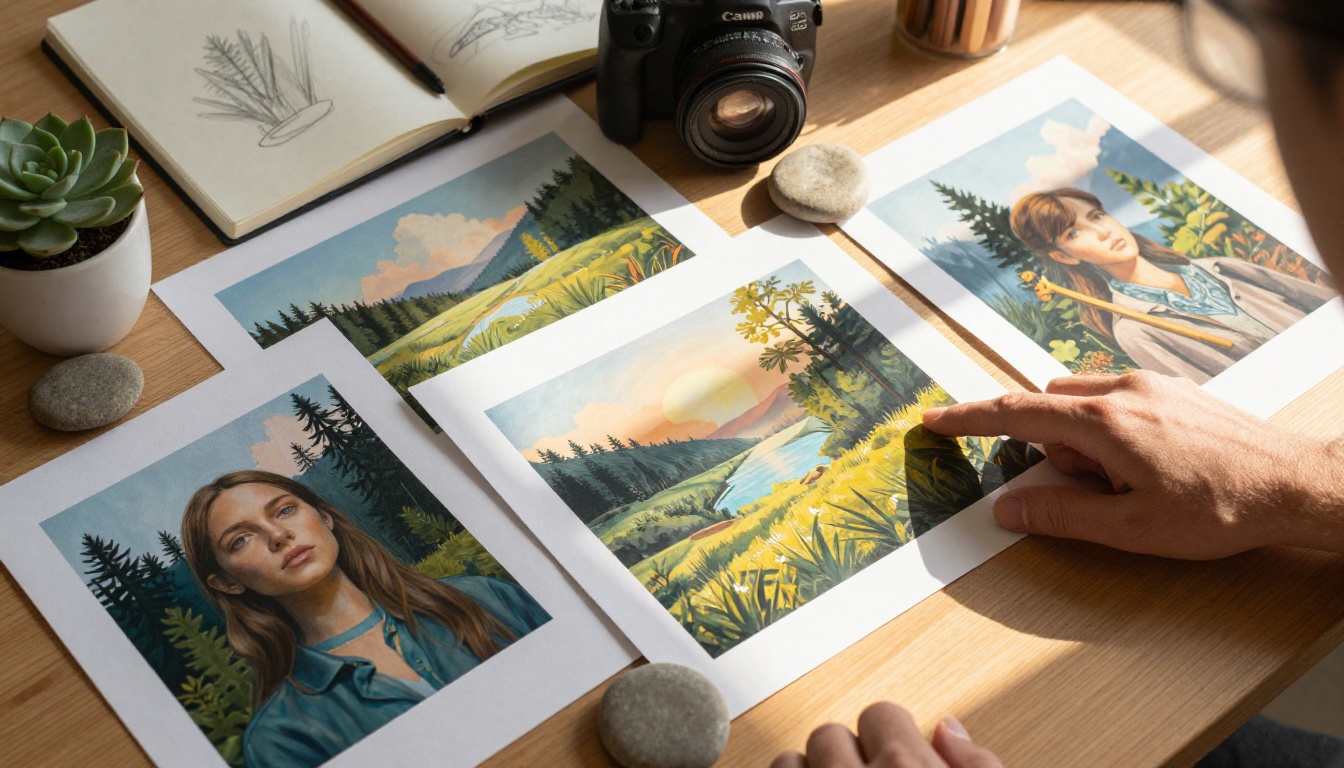
Free AI Art Got Genuinely Good
A few years ago, "free" meant blurry outputs, aggressive watermarks, and a daily limit of three images. That era is over. The open-source release of Stable Diffusion changed the pricing landscape permanently, and platforms like PicassoIA now offer professional-grade models with no usage quotas.
Here is what changed:
- Compute costs dropped. Cloud GPU prices have fallen sharply, making it viable to offer free tiers at scale.
- Open weights models. Models like Flux and Stable Diffusion are free to run, so platforms can offer them without licensing fees.
- Competition. Dozens of platforms compete for users, and "free with no limits" is the most compelling offer in the category.
The result: you can generate high-resolution, watermark-free images from a text prompt, for free, right now.

No credit card, no queue
The best free tools on this list require nothing beyond an account. No subscription tiers to navigate, no paywalls for wider aspect ratios. PicassoIA runs its entire model library with no credit caps. You can generate 200 images in a single session without watching a counter.
Output quality rivals paid tools
Flux Schnell produces 1-megapixel images in under 5 seconds. Flux Dev renders detailed photorealistic compositions that were, until recently, only possible with a paid Midjourney subscription. The gap between free and paid has narrowed to a point where most users cannot tell the difference in a side-by-side comparison.
11 Free AI Art Generators, Ranked
These are ordered roughly by capability and versatility, with the most powerful free options first.

1. Flux Schnell on PicassoIA
Flux Schnell is the fastest free AI art generator available right now. It processes a prompt in just 4 denoising steps and returns a finished image in under 5 seconds. For anyone who iterates through multiple prompt variations before settling on a final image, the speed advantage is enormous.
What it does well:
- Near-instant generation on any prompt type
- 11 aspect ratios including ultra-wide 21:9 and vertical 9:16
- Sharp, clean outputs even on short prompts
- No watermarks, downloadable as WebP, JPG, or PNG
- Unlimited generations with no credit counter
💡 Best for: Rapid prototyping, social media thumbnails, and concept sketching where speed matters more than maximum detail.
Limitation: Because it uses fewer inference steps, very complex scenes with specific lighting may look simpler than expected. Use Flux Dev when maximum fidelity is required.
2. Flux Dev on PicassoIA
Flux Dev is a 12-billion parameter model that handles both text-to-image generation and image-to-image editing. Upload a reference photo and describe the change you want to make. The model preserves the structural composition while applying your described transformation.
What it does well:
- Photorealistic portrait and scene generation
- Img2img mode for editing existing photos without Photoshop
- 28 to 50 adjustable inference steps to balance speed against quality
- Seed locking to reproduce the exact same image output across runs
- Fast mode for quick drafts, standard mode for maximum fidelity
💡 Best for: Product photography mockups, portrait generation, and any workflow involving iterative editing from an existing image.
The combination of img2img support and unlimited free generations makes Flux Dev one of the strongest free alternatives to paid photo editing software available today.
3. Flux 1.1 Pro on PicassoIA
Flux 1.1 Pro is the highest-fidelity model in the Flux family. Where Flux Schnell prioritizes speed and Flux Dev balances speed with quality, Flux 1.1 Pro focuses on precise prompt adherence and visual diversity. Describe a complex scene with multiple specific elements and it reflects each one accurately.
What it does well:
- Multi-element composition from detailed prompts
- Optional prompt expansion for more creative and varied outputs
- Reference image input to steer style and composition
- Custom width and height for any canvas size
- Precise seed control for reproducible results
💡 Best for: Brand visuals, editorial illustrations, or concept art where every described element in the prompt must appear correctly in the output.
| Feature | Flux Schnell | Flux Dev | Flux 1.1 Pro |
|---|
| Generation speed | Under 5 seconds | 10-20 seconds | 10-15 seconds |
| Img2img editing | No | Yes | Yes |
| Output quality | High | Very high | Highest |
| Prompt precision | Good | Strong | Very strong |
| Best use | Speed | Balance | Precision |
4. SDXL on PicassoIA
SDXL generates images at 1024x1024 pixels with support for inpainting, img2img, and custom LoRA style weights. Inpainting lets you select a specific region of an existing image and replace only that area using a text prompt. This is useful for fixing backgrounds, swapping objects, or adjusting composition without regenerating the entire image from scratch.
What it does well:
- Region-specific editing with inpainting masks
- LoRA style transfer for consistent visual branding across multiple images
- Seven scheduler options for different generation behaviors
- Negative prompts to precisely exclude unwanted visual elements
- Expert ensemble refiner for sharper, higher-detail outputs

💡 Best for: Anyone who needs fine-grained control over the generation process, particularly for product mockups, brand imagery, or editing existing photos with precision.
The built-in refiner pipeline in SDXL adds a second generation pass that sharpens textures and surface detail, which is visible on complex scenes with multiple objects.
5. Stable Diffusion on PicassoIA
Stable Diffusion is the foundational open-source model that started the free AI art movement. On PicassoIA, it runs with no credit caps, so you can run hundreds of iterations in one session without tracking any usage counter.
What it does well:
- Six scheduler options including DDIM, K_Euler, and DPMSolverMultistep
- Resolution control from 64px to 1024px in 64px increments
- Negative prompts for tight control over what appears in the output
- Guidance scale to dial between creative freedom and prompt fidelity
- Batch output to compare multiple prompt variations side by side
💡 Best for: Power users who want maximum control over every parameter. If you know how to write detailed prompts with guidance scales and negative prompts, Stable Diffusion gives you more control than most free tools on this list.
The ability to combine negative prompts with adjustable guidance scale gives Stable Diffusion a level of output control that simpler, more automated interfaces do not offer.
6. Adobe Firefly
Adobe Firefly offers a free tier that lets you generate images from text prompts directly in a browser, with no Photoshop subscription required. It is built on commercially licensed training data, which matters for anyone producing images for paid work or client deliverables.
What it does well:
- Generative fill directly on uploaded photos
- Text-to-image with style reference controls
- Trained on licensed content, reducing commercial copyright risk
Limitation: The free tier has a monthly credit allowance. Once those credits are used, you wait until the next billing cycle or upgrade to a paid plan.
7. Canva AI Image Generator
Canva's free plan includes an AI image generator embedded in the design editor. You can generate an image and drop it immediately into a presentation, poster, or social media template without switching between applications.
What it does well:
- Tight integration with the Canva design editor
- Style presets to steer output without writing detailed prompts
- Practical for users already working inside Canva's design ecosystem
Limitation: Free plan has a generation cap. Image detail is lower than dedicated generation platforms like PicassoIA.
8. Microsoft Bing Image Creator
Bing Image Creator uses DALL-E under the hood and is free with a Microsoft account. No separate signup is required, and it integrates with Windows and the Edge browser.
What it does well:
- Fast generation with no additional account creation beyond a Microsoft login
- Accessible directly from Bing search results
- Straightforward prompting for general-use imagery
Limitation: Daily generation limits apply. Output style tends toward an illustrative look rather than photorealistic.
9. Craiyon
Craiyon (formerly DALL-E mini) is completely free with no account required. Generation speed is slower than other tools on this list, and output quality is lower, but it requires zero setup and runs on any device with a browser.
What it does well:
- No registration or account setup needed
- Works on low-powered devices and slow connections
- Useful for quick concept visualization where output quality is not the priority
Limitation: Image quality and resolution are significantly below Flux or SDXL models. Not suitable for professional deliverables.
10. NightCafe
NightCafe gives users free credits daily and hosts multiple generation models including Stable Diffusion and SDXL. Its community gallery is useful for browsing prompts that others have used successfully.
What it does well:
- Multiple models accessible under one interface
- Community prompt library for inspiration when starting from scratch
- Daily free credits for consistent, limited usage
Limitation: Free credits run out quickly during intensive sessions. The multi-step interface adds friction compared to direct model access on dedicated platforms.
11. Leonardo.ai
Leonardo.ai offers a free tier with a daily token allowance. It supports fine-tuned models and allows training on custom datasets for consistent style output across multiple images.
What it does well:
- Fine-tuned models for specific visual styles
- Custom model training on uploaded image sets
- Active community with published models available to use immediately
Limitation: Daily token cap significantly limits heavy usage. Higher-quality models are paywalled behind paid plans.
Side-by-Side Comparison
| Tool | Free limit | Watermark-free | Inpainting | Speed |
|---|
| Flux Schnell (PicassoIA) | Unlimited | Yes | No | Under 5 sec |
| Flux Dev (PicassoIA) | Unlimited | Yes | No | 10-20 sec |
| Flux 1.1 Pro (PicassoIA) | Unlimited | Yes | No | 10-15 sec |
| SDXL (PicassoIA) | Unlimited | Yes | Yes | 10-30 sec |
| Stable Diffusion (PicassoIA) | Unlimited | Yes | Yes | 10-30 sec |
| Adobe Firefly | Monthly cap | Yes | Yes | 5-15 sec |
| Canva AI | Daily cap | Yes | No | 5-10 sec |
| Bing Image Creator | Daily cap | Yes | No | 5-10 sec |
| Craiyon | Unlimited | No | No | 30-60 sec |
| NightCafe | Daily credits | Yes | No | 10-30 sec |
| Leonardo.ai | Daily tokens | Yes | No | 10-20 sec |
How to Pick the Right One
With 11 options available, the choice comes down to what the output is actually for.
For speed and volume
Use Flux Schnell on PicassoIA. It generates in under 5 seconds with no limits. If your workflow involves running dozens of prompt variations to find the right composition, nothing on this list is faster.
For photorealistic quality
Use Flux Dev or Flux 1.1 Pro on PicassoIA. Both produce images with realistic texture, accurate lighting, and consistent anatomical detail in portraits that hold up at full resolution.
For editing existing images
Use SDXL on PicassoIA for inpainting and img2img. If you need to fix a specific area of an existing photo, SDXL's mask-based inpainting is the most capable free option on this list.
For maximum parameter control
Use Stable Diffusion on PicassoIA. Guidance scale, six schedulers, negative prompts, and resolution control give power users more dials to turn than any other tool here.
For commercial safety
Use Adobe Firefly. Its training data is licensed for commercial use, which removes copyright concerns for generated content used in paid client work.
For zero-setup access
Use Craiyon. It requires no registration and runs immediately in any browser.
How to Use Flux Schnell
Since Flux Schnell is the fastest and most accessible free generator on this list, here is exactly how to start using it.
Step 1: Open the model page
Go to Flux Schnell on PicassoIA. Create a free account or log in. No payment details required.
Step 2: Write your prompt
Type your description in the prompt field. Be specific about subject, environment, and lighting. For example: "close-up portrait of a woman with freckles, soft window light from the left, shallow depth of field, photorealistic, natural skin texture, 85mm lens"
Step 3: Set your aspect ratio
Choose from 11 available ratios. For social media vertical posts, use 9:16. For website banners, use 16:9. For square thumbnails, use 1:1. Generate in the correct ratio from the start rather than cropping after.
Step 4: Generate and iterate
Click generate. The image returns in under 5 seconds. If the result is close but not exactly right, adjust one element of the prompt and regenerate. Set a fixed seed to keep the composition stable while you refine the description word by word.
Step 5: Download
Download your image as WebP, JPG, or PNG. No watermark is added. The file is ready to use in any project immediately.
💡 Prompt tip: Add specific lighting direction ("morning light from the left") and camera lens details ("85mm portrait lens, f/1.8") to push Flux Schnell toward more photorealistic, professional-looking results on every generation.
Tips That Improve Your Results
The difference between a generic AI output and a compelling one comes down almost entirely to the prompt. Here is what works consistently across all the tools on this list.
Write longer, more specific prompts
Short prompts produce generic results. "A woman in a park" gives you a cliche stock photo. "A woman in her thirties sitting on a wooden bench in a sun-dappled city park, autumn leaves scattered on the ground, shallow depth of field, soft overcast light, candid documentary-style photography" gives you something with character and specificity. Aim for at least 30 to 50 words.
Use negative prompts when the tool supports them
Tools like SDXL and Stable Diffusion accept negative prompts. Specify what you do not want: "blurry, oversaturated, distorted hands, watermark, text, low resolution, flat lighting". Removing these visual artifacts cleans up outputs significantly without changing the core prompt.
Fix the seed to iterate cleanly
When you get a composition you like but need to adjust one element, lock the seed number. The spatial layout stays consistent while you change the description. This is how you iterate toward a final image without losing the promising structure you found in an earlier generation.
Match the aspect ratio before generating
Generate in the correct ratio from the start. Cropping a 1:1 image to 16:9 after the fact discards subject matter at the edges. Flux Schnell supports 11 ratios, so there is no reason to generate in the wrong format and lose information in post-processing.
Use reference images when available
Flux Dev and Flux 1.1 Pro both accept a reference image alongside your text prompt. Uploading a visual reference alongside your description dramatically improves how closely the output matches your creative vision, particularly for composition and color palette.
Start Creating Your Own Images
The 11 tools on this list cover every common use case for AI-generated images: fast concept sketching, photorealistic product visuals, social media assets, portrait illustration, inpainting, and detailed scene composition. All of them are free. Most require nothing beyond a browser and an account.
PicassoIA gives you access to Flux Schnell, Flux Dev, Flux 1.1 Pro, SDXL, Stable Diffusion, and over 85 additional text-to-image models, all in one place, all free, all with no usage quotas. If you have been putting off trying AI image generation because of cost or complexity, there is no reason left to wait.
Open PicassoIA, pick a model, and write your first prompt. Your first image will be ready before you finish your coffee.