The question is not whether AI can generate beautiful, unrestricted adult imagery. It already does, with stunning photorealism, nuanced lighting, and a level of detail that rivals professional photography. The real question is which +18 AI image generator gives you the most creative control with the fewest artificial limitations, and how to use it to produce results that are genuinely impressive rather than just technically permitted.
This article breaks down the best AI models for adult and NSFW content generation, how to prompt them effectively, and what platform capabilities matter most when you are working in this space. Whether you are a digital artist, a content creator, or someone pushing the boundaries of AI creativity, you will find everything here to get professional-quality results.
What "No Content Restrictions" Actually Means
Not all AI image generators are built the same. Most consumer-facing tools, including the ones bundled into social media platforms and mainstream creative apps, apply aggressive safety filters that block anything remotely suggestive. That is fine for general audiences, but it creates a wall for artists, photographers, and adult content creators who need more freedom.
A truly unrestricted AI image generator operates differently. It removes or significantly reduces those content filters, allowing you to generate:
- Artistic nudity in the tradition of fine art photography and classical portraiture
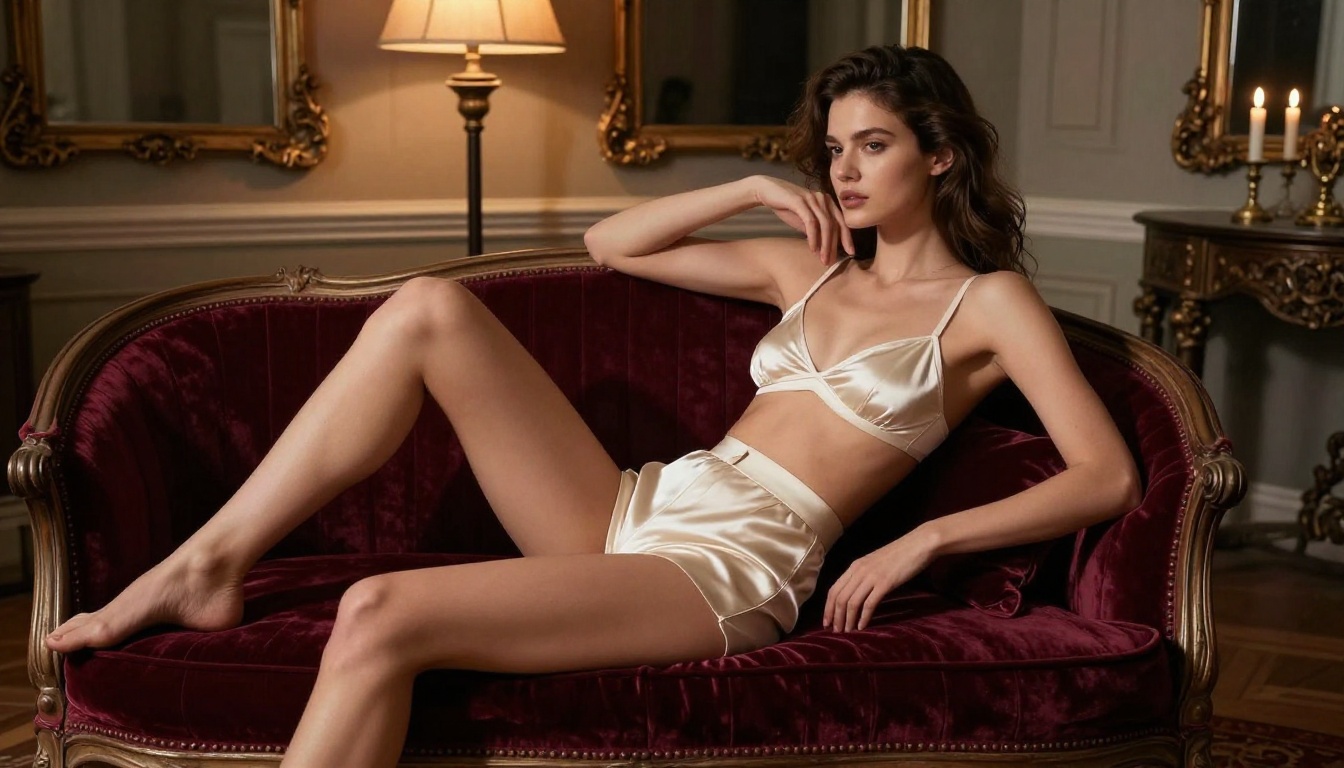
- Glamour and boudoir imagery at a professional editorial level
- Suggestive and sensual compositions for adult-oriented creative projects
- Mature themes that would be flagged and blocked on mainstream platforms
💡 The distinction that matters: an unrestricted generator does not mean low quality or low effort. The best +18 AI tools produce images that look like medium-format editorial photography, not blurry amateur outputs.
Content Filters vs. Open Generation
Standard AI platforms apply filters at multiple levels: in the prompt parser (blocking certain words), in the model itself (fine-tuned to refuse certain outputs), and in a post-generation review layer. Each filter layer reduces both the quality and the specificity of what you can create.
Models trained specifically for adult content, or those built on open-weight architectures that can be fine-tuned without restrictions, bypass these layers entirely. The result is a dramatically different creative experience where your prompt is interpreted literally, not sanitized.
Why Serious Creators Need Unrestricted AI
If you are a professional photographer who wants to use AI to pre-visualize a shoot, a fashion designer working with sensual aesthetics, or an adult content creator building a brand, you cannot afford to work with tools that will reject half your prompts. Consistency, control, and quality are the three things that matter, and restricted tools fail on all three when your subject matter sits anywhere near mature content.
The Best Models for +18 AI Image Generation
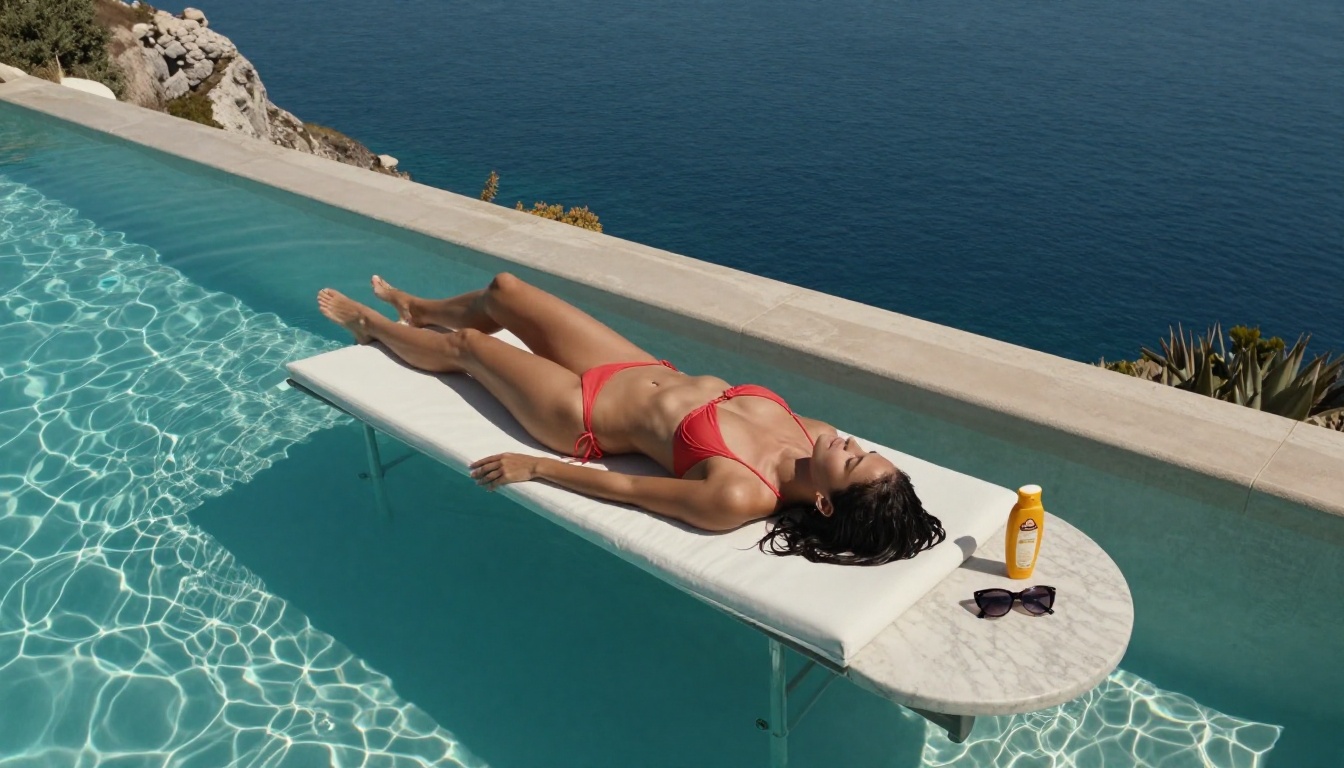
The model you choose is the single biggest variable in output quality. Here is a breakdown of the top performers for adult and NSFW AI generation.
Flux 1.1 Pro Ultra: The Realism Standard
Flux 1.1 Pro Ultra from Black Forest Labs is widely considered the current gold standard for photorealistic image generation. Its strength lies in anatomical accuracy, skin texture rendering, and the ability to follow complex compositional prompts without hallucinating details.
For +18 content, this translates to images where the skin looks like skin, not smooth plastic. Light behaves like real light. Hair has individual strands. The result is the kind of image that looks like it was shot on a Hasselblad, not generated by a computer.
Best for: High-fidelity portrait photography, editorial glamour, artistic nudity with maximum detail.
Realistic Vision v5.1: Purpose-Built for Photorealism
Realistic Vision v5.1 is a fine-tuned model specifically optimized for photorealistic human subjects. It handles skin tones, body proportions, and facial expressions with a consistency that few models match.
Where it particularly excels is in medium and close-up shots where the details of the subject are front and center. If you are generating beauty photography, intimate portraits, or glamour work where the subject fills most of the frame, this is one of the strongest choices available.
Best for: Beauty photography, close-up portraits, skin texture detail.
RealVisXL v3.0 Turbo: Speed Without Compromise
RealVisXL v3.0 Turbo gives you near-real-time generation speed without the typical quality tradeoff. Built on the SDXL architecture with optimized turbo sampling, it produces photorealistic results in a fraction of the time of full-quality models.
This makes it ideal for rapid iteration: testing different poses, lighting setups, or wardrobe choices before committing to a final high-resolution generation.
Best for: Rapid prototyping, concept testing, workflow efficiency.
Flux 2 Pro and Flux Dev: The Flexible Workhorses
Flux 2 Pro and Flux Dev offer the same architectural quality as Flux 1.1 Pro Ultra with different performance and cost profiles. Flux Dev in particular is a favorite in the open-source community because of how well it responds to custom LoRA fine-tunes, allowing you to train a model on specific styles, aesthetics, or consistent characters.
Best for: Custom style fine-tuning, LoRA training, consistent character generation across a series.
DreamShaper XL Turbo: Cinematic Artistic Freedom
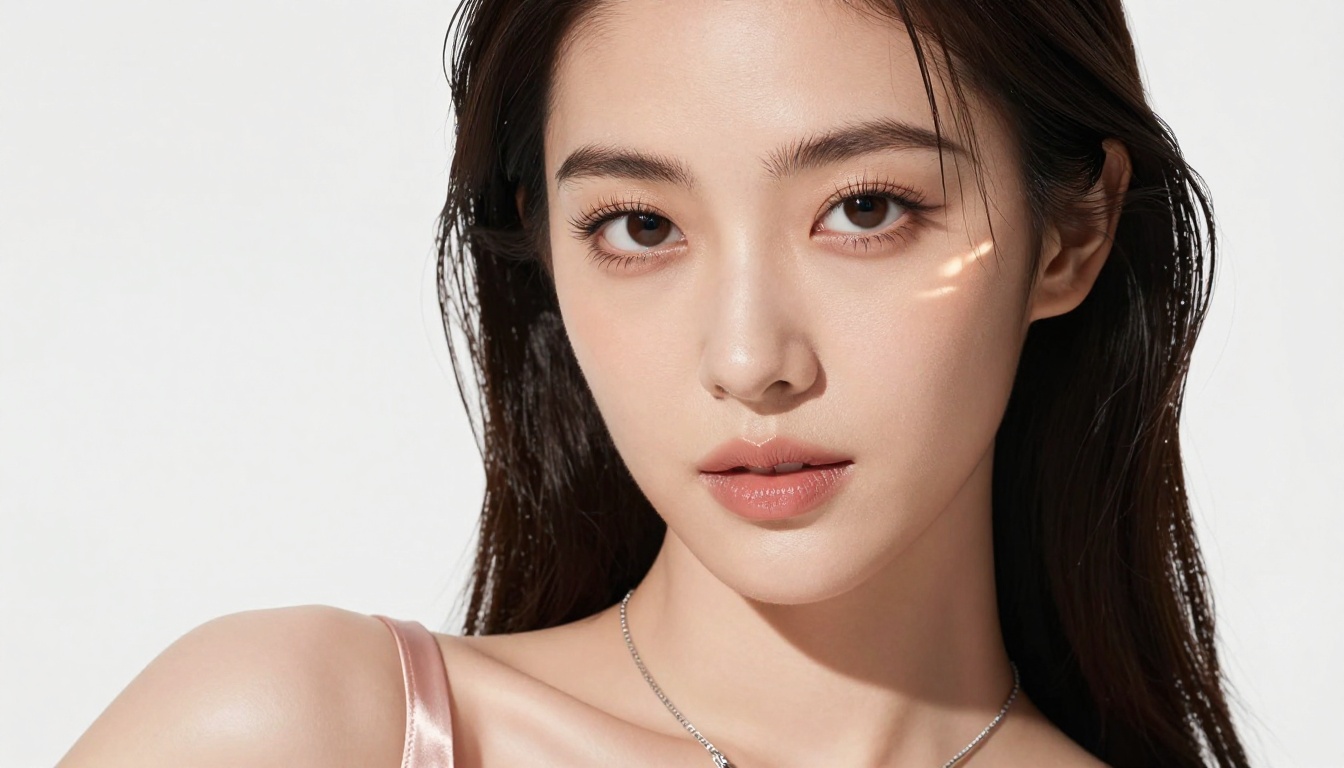
DreamShaper XL Turbo leans toward a slightly more stylized aesthetic while remaining firmly photorealistic. It handles cinematic and artistic compositions particularly well, making it a strong choice when you want images that feel like high-end fashion film stills rather than purely documentary photography.
Best for: Cinematic compositions, artistic glamour, stylized adult content with narrative quality.
Model Comparison at a Glance
How to Write Prompts That Actually Work
The model matters, but the prompt is where most people fail. A mediocre prompt given to the best model will still produce mediocre results. Here is how to write prompts that produce professional-quality +18 AI images every time.
The Anatomy of a Strong NSFW Prompt
Every effective prompt for adult AI generation has five layers:
- Subject description: Who, wearing what, doing what, with what expression and body language
- Environment: Where, with what background, at what time of day and season
- Lighting specification: Direction, quality, color temperature, and modifier (softbox, window light, golden hour)
- Camera and technical: Focal length, aperture, film simulation, sensor or camera type
- Atmosphere and mood: Emotional tone, texture details, color palette
Weak prompt: "Beautiful woman in bikini on beach"
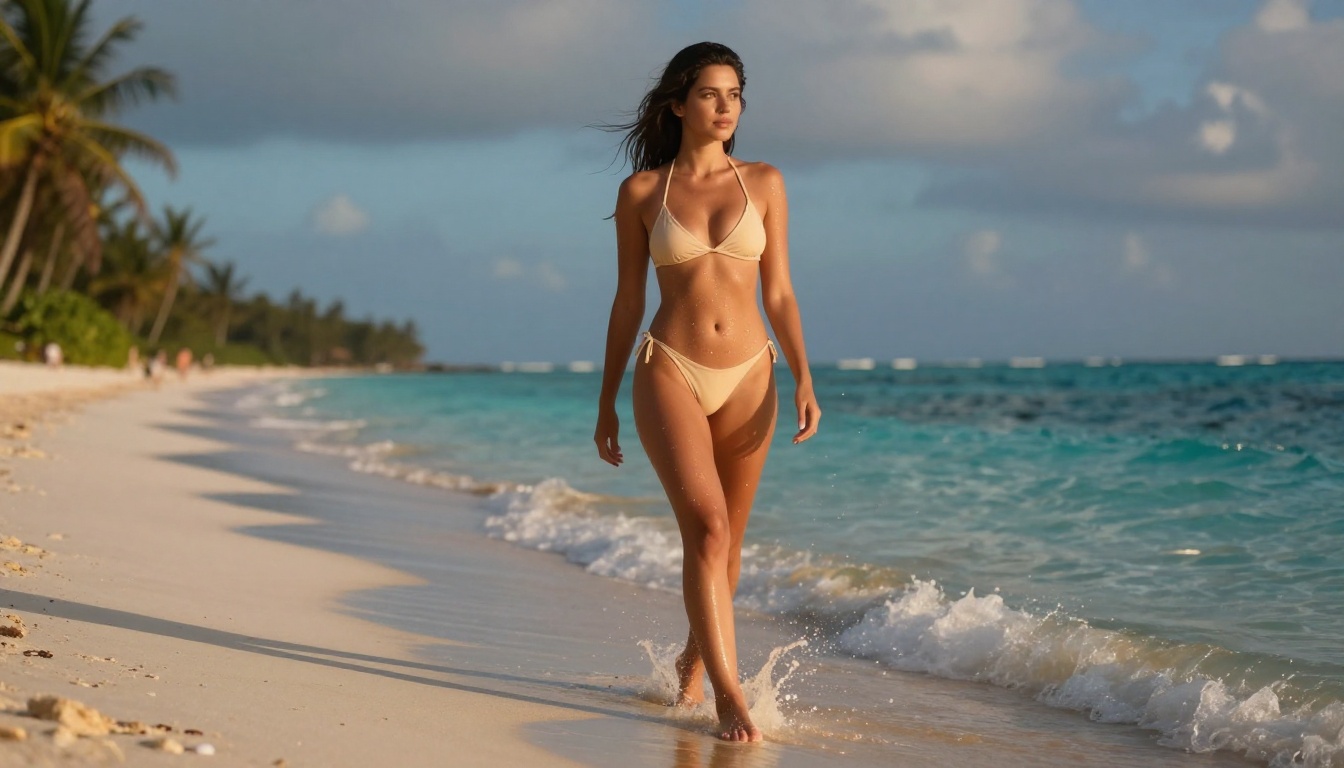
Strong prompt: "Photorealistic portrait of a woman in her late twenties, wearing a champagne high-cut bikini, standing at the shoreline at golden hour, warm turquoise waves at her feet, volumetric side light from right, rim lighting separating her from the deep copper-orange horizon, shot on Sony A7R V with 85mm f/1.4, Kodak Portra 400 simulation, fine grain in shadows, skin texture in hyperreal detail, visible pores, subcutaneous warmth in cheeks and forearms"
The difference in output quality is dramatic and immediate.
Lighting Is Everything
If there is one variable that separates amateur AI outputs from professional ones, it is lighting specification. Vague prompts produce flat, overlit images. Specific lighting prompts produce images with depth, mood, and cinematic quality.
Use these lighting descriptors regularly:
- "Rembrandt lighting from upper left" for dramatic portraiture with deep shadow
- "Volumetric golden hour light from right" for warm, skin-flattering outdoor scenes
- "Single softbox above-left, deep shadows" for studio glamour work
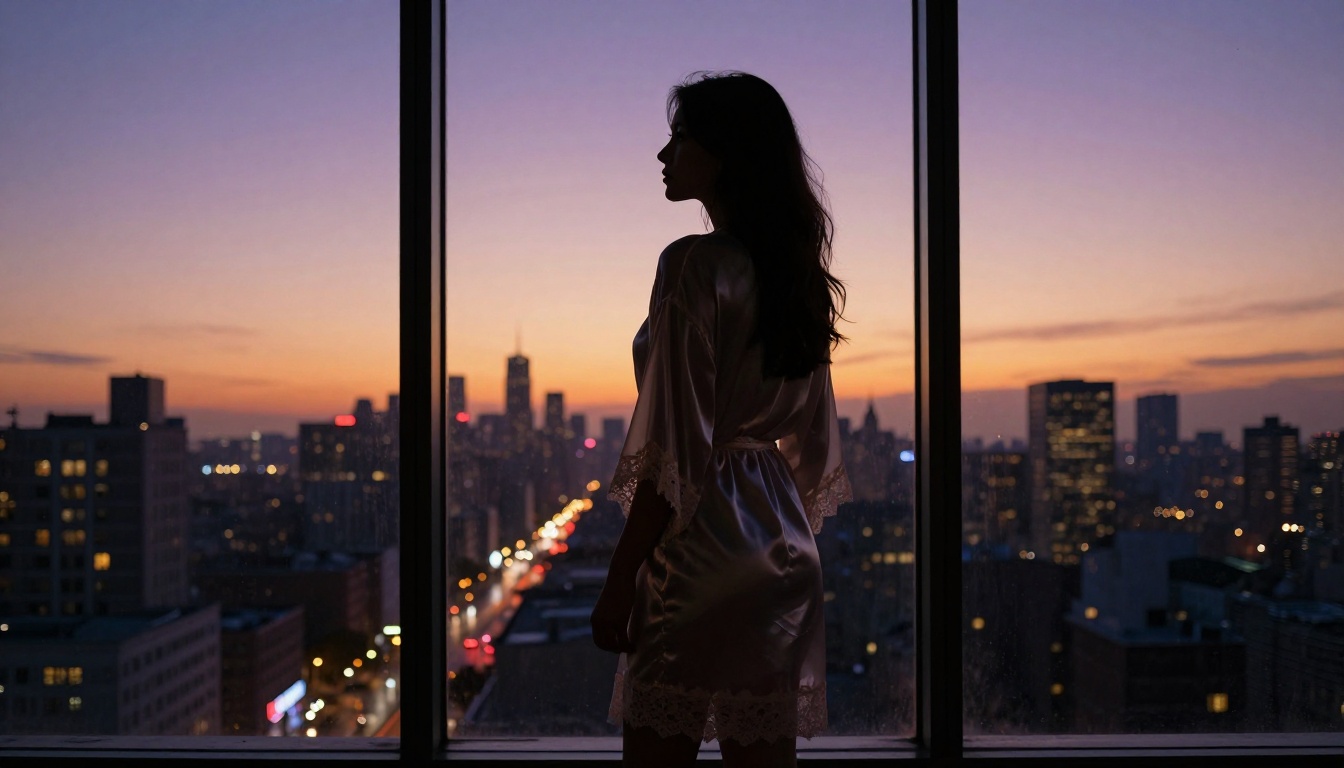
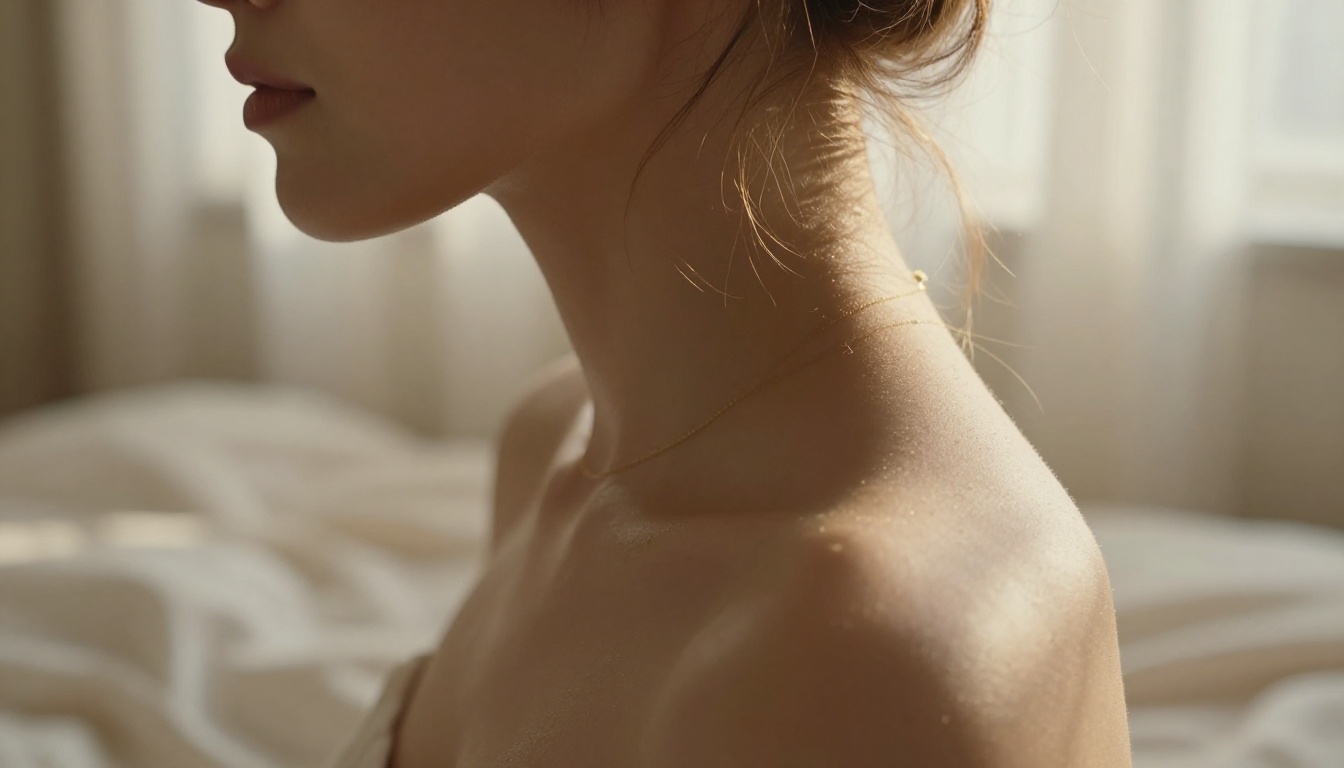
- "Backlit by window, translucent fabric catching light" for silhouettes and layered atmosphere
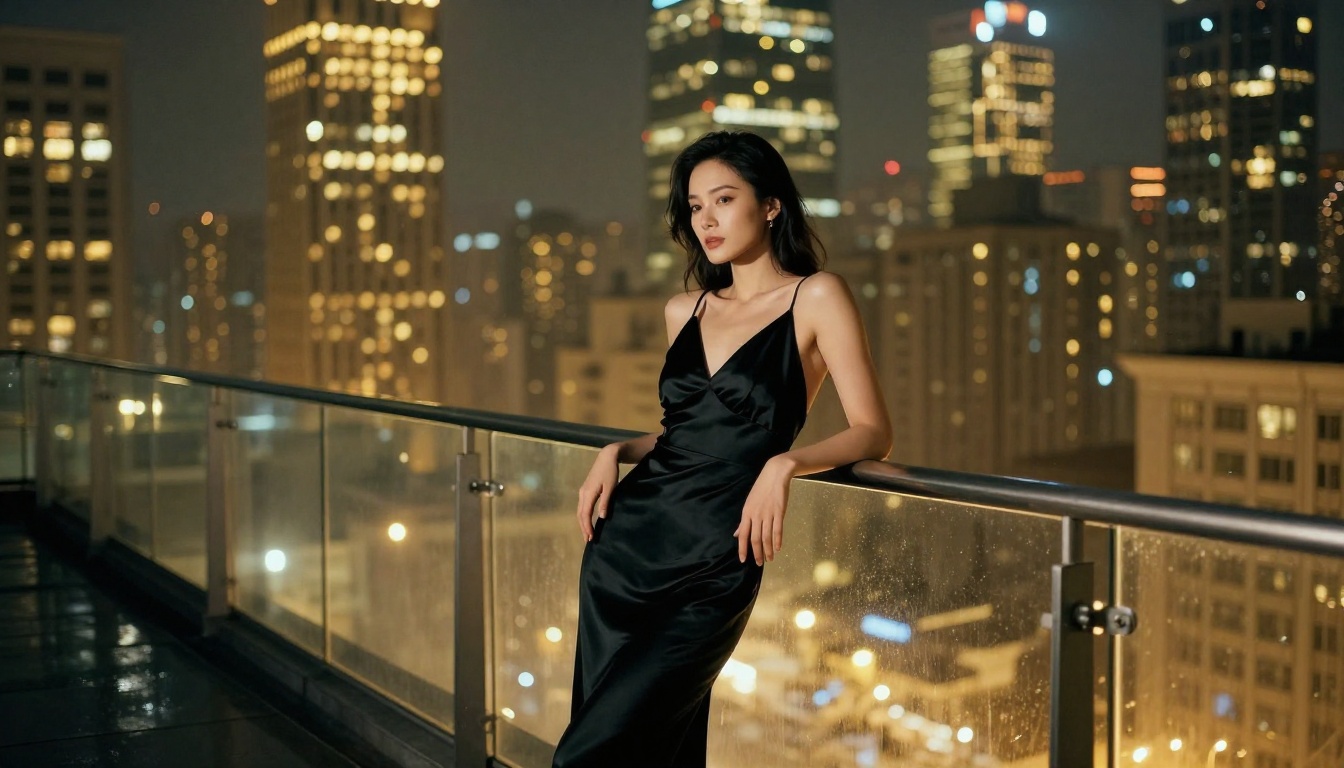
- "Ambient city glow from below" for moody nighttime rooftop editorial shots
💡 Always specify both the direction and the quality of light. "Good lighting" tells the model nothing. "Soft diffused light from a large north-facing window, cool color temperature, gentle shadow roll-off on the right cheek" tells it everything it needs.
Common Mistakes That Kill Quality
These are the most frequent errors that produce bad results, even with great models:
- Vague clothing descriptions: "Wearing something sexy" tells the model nothing. Specify fabric, color, cut, and fit precisely.
- Missing camera data: Without focal length and aperture, you get a generic optical rendering with no character.
- No film simulation: Adding "Kodak Portra 400" or "Fuji Provia" instantly adds photographic authenticity.
- Ignoring skin texture: Add "natural skin texture, visible pores, subtle subcutaneous warmth" to every portrait prompt.
- Generic backgrounds: "Beach" is weak. "Fine white sand, shallow turquoise water, warm copper horizon, scattered palm fronds in soft bokeh" is strong.
- Forgetting atmosphere: The mood of an image lives in the details: the haze, the humidity, the grain, the color temperature.
The model is just one piece of the production workflow. The best results for adult AI content often come from using multiple tools in combination.
Inpainting for Precise Control
Inpainting lets you selectively regenerate specific regions of an image while keeping the rest intact. This is invaluable for fixing anatomical inconsistencies, adjusting wardrobe details, or refining specific compositional elements without regenerating the entire image. If a model produces a near-perfect result but gets one detail wrong, inpainting is how you correct it without starting over.
ControlNet and Pose Control
SDXL ControlNet LoRA gives you structural control over the generation. You provide a pose reference or composition sketch, and the model builds around it. This is how professional workflows achieve consistent poses and camera angles across multiple images, rather than relying on the randomness of pure text-to-image generation.
Super Resolution for Final Output
Once you have a great generation, super resolution upscaling takes it from 1024px to 4K and beyond, adding interpolated detail that makes the image printable and genuinely high-resolution. This step is often skipped by beginners and the quality difference is immediately apparent. Always upscale your best outputs before final use.
How to Use Flux 1.1 Pro Ultra on PicassoIA
Flux 1.1 Pro Ultra is available directly on PicassoIA. Here is how to get the best results from it for adult content generation.
Step 1: Select the Right Model
Navigate to Flux 1.1 Pro Ultra. This is the highest-fidelity model in the Flux family and handles photorealistic human subjects better than any other option in the lineup. If speed is a priority over maximum quality, Flux 2 Pro or RealVisXL v3.0 Turbo are strong alternatives.
Step 2: Build Your Prompt in Layers
Do not write your prompt in one pass. Build it deliberately:
- Start with the subject (person, clothing, pose, expression)
- Add the environment (location, time of day, background elements)
- Layer in the lighting (direction, quality, color temperature)
- Add camera specifics (lens, aperture, film simulation)
- Finish with atmosphere (mood, texture descriptors, color palette)
Step 3: Set the Aspect Ratio
For portraits and editorial work, 16:9 gives you the widescreen format that reads as professional photography. For vertical social-media formats, switch to 9:16. Avoid 1:1 for human subjects unless you have a specific compositional reason.
Step 4: Iterate Fast, Then Refine
Generate 3 to 4 variations at standard settings first. Pick the best composition and use it as the base. Then use inpainting to fix any details that are not perfect, and finish with super resolution upscaling to bring the final image to full output quality.
💡 Pro tip: Run initial generations with RealVisXL v3.0 Turbo to test compositions quickly and cheaply, then switch to Flux 1.1 Pro Ultra for your final high-quality output. This two-stage workflow cuts generation costs significantly without sacrificing final quality.
Aesthetics Over Explicitness: The Better Approach
The most compelling adult AI imagery does not rely on explicitness. It relies on suggestion, light, composition, and atmosphere. The images that get shared, printed, and remembered are the ones that feel like they belong in a luxury editorial magazine. The ones that feel like unfiltered data dumps get ignored regardless of their content.
Study Real Photography References
The best photographers to reference for adult and glamour AI work:
- Helmut Newton for graphic, architectural compositions with confident female subjects
- Ellen von Unwerth for playful, high-contrast glamour with strong narrative energy
- Paolo Roversi for atmospheric, soft-focus intimacy with painterly, otherworldly light
- Herb Ritts for clean, sculptural body work with bold geometric composition
When you reference these names and their visual characteristics in your prompts, models trained on photography datasets will pull from those aesthetic traditions. "Helmut Newton compositional gravitas" and "Paolo Roversi atmospheric light" are legitimate prompt modifiers that meaningfully shift your outputs toward those visual styles.
The Role of Color Grading
Color grading is one of the most underused prompt elements in adult AI generation. Specify a film stock or color palette in every prompt:
- Kodak Portra 400: Warm, skin-flattering, lifted shadows, gentle saturation
- Fuji Provia: High saturation, crisp, vivid environmental colors
- Cinestill 800T: Warm shadows, blue-magenta highlights, tungsten halation
- Kodak Tri-X 400: Classic black-and-white with beautiful silver grain structure
What to Avoid in Your Workflow
Several approaches consistently produce bad results regardless of which model you use.
Prompt dumping: Piling 200 words of buzzwords into a prompt without structure. The model averages everything into visual noise. Structure your prompts in the five layers described above.
Skipping negative prompts: Most models accept negative prompts where you specify what you do not want. Using these to exclude deformed anatomy, plastic skin, flat lighting, and watermarks significantly improves output consistency.
Over-relying on one model: Different models excel at different things. A smart workflow uses Realistic Vision v5.1 for portrait detail, Flux 1.1 Pro Ultra for final high-resolution outputs, and RealVisXL v3.0 Turbo for rapid composition testing.
Skipping the upscale step: Generating at base resolution and calling it done is the single biggest quality-killer in AI image workflows. Always upscale your best outputs before final delivery.
Ignoring ControlNet: Once you find a composition that works, use ControlNet to lock that pose and generate variations with different lighting, clothing, or background without losing the fundamental structure that made it work.
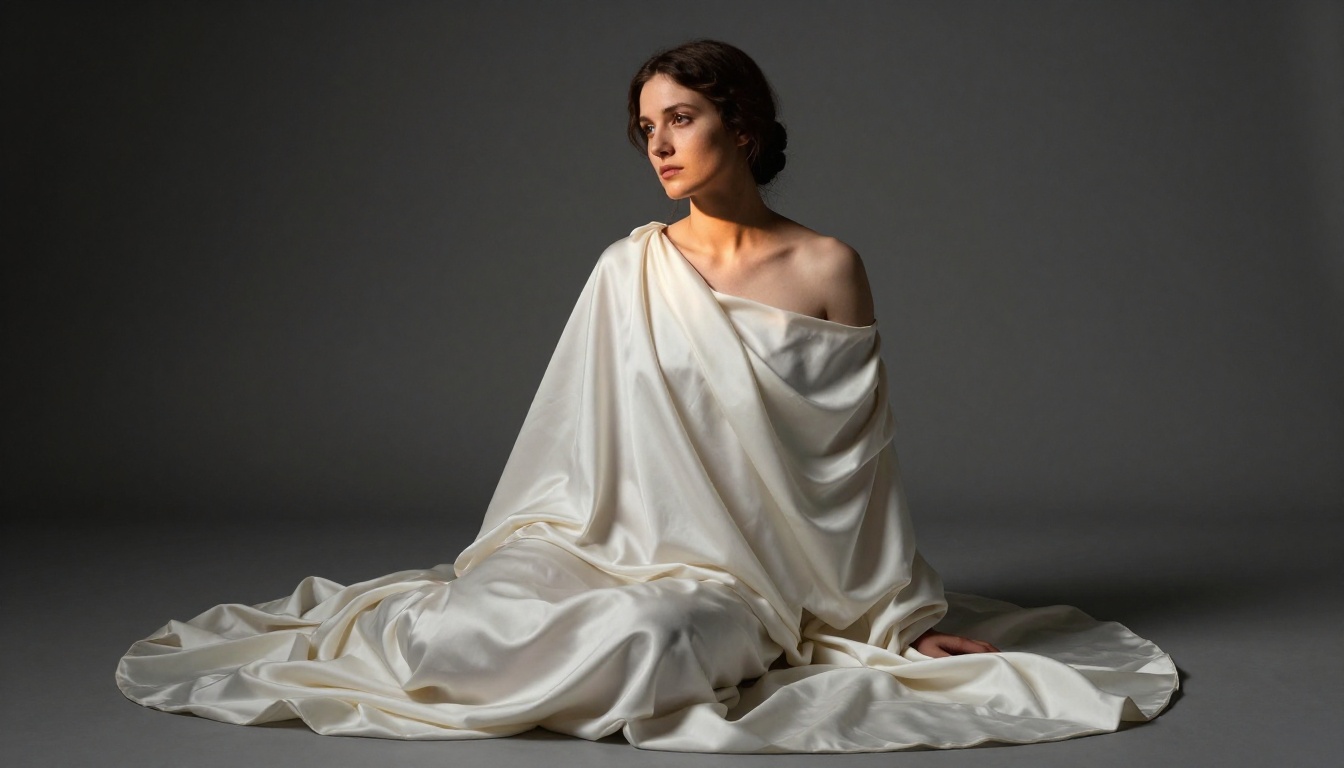
The Current State of +18 AI Generation
The gap between AI-generated adult imagery and professional photography has closed dramatically in the past two years. What used to require a professional photographer, a studio, models, lighting equipment, and post-production can now be prototyped or fully produced with a well-crafted prompt and the right model.
This creates real opportunities:
- Content creators can produce consistent, high-quality visual assets without production costs
- Digital artists can use AI as a generative layer for compositing and mixed-media work
- Brands in the adult industry can generate marketing imagery at scale with total visual consistency
- Photographers can use AI for pre-visualization, lighting tests, and creative exploration before a physical shoot
The models available today, particularly Flux 1.1 Pro Ultra, Stable Diffusion 3.5 Large, and Realistic Vision v5.1, produce results that are genuinely competitive with photography for a wide range of adult content types.
The Quality Ceiling Is Your Prompts
Every model listed here is capable of producing images that look like they came from a professional studio shoot. The ceiling is not the technology. It is the quality of your prompts and the discipline of your workflow.
The gap between someone who writes "woman in bikini on beach" and someone who writes a 70-word prompt specifying the exact lighting direction, lens focal length, film stock, skin texture, background depth, and atmospheric conditions is a gap that shows immediately and completely in the output. The model does not add imagination you did not provide. It executes what you describe, with the most sophisticated visual execution engine in history.
Practice building prompts in the five-layer structure. Use the platform tools like inpainting, ControlNet, and super resolution to refine your best outputs. The results will be different from anything produced by restricted platforms, not just in content terms, but in raw visual quality.
Start Creating Your Own Images Now
The models described in this article are all available and ready to use on PicassoIA. Pick one based on your priority: Flux 1.1 Pro Ultra for maximum realism, Realistic Vision v5.1 for portrait detail, or RealVisXL v3.0 Turbo if you want speed for testing ideas.
Write a prompt using the five-layer structure described above. Add a specific film stock. Specify your lighting direction. Name your camera and lens. Then generate, iterate, and upscale. There is no better way to see what these models can do than to put a real, well-structured prompt in front of them. Try it now.


