There are over a hundred AI image generators available right now. Most people use three of them. The rest go completely unnoticed, even when they consistently outperform the household names at specific tasks. That's not a coincidence, it's a marketing problem, not a quality problem.
This article focuses on five tools that deserve far more attention than they get. Each one has a specific strength that puts it ahead of better-known alternatives for certain use cases. If you've been stuck in the same creative workflow for months, at least one of these will change how you work.

The AI image generator space is dominated by a handful of names. Midjourney, GPT Image 1.5, and Flux Dev take up most of the oxygen. The reasons are obvious: they got early press coverage, built large communities, and became the default answer whenever someone asks "what AI image tool should I use?"
But the AI image generation space has evolved fast. Models that launched 12 months ago are being outclassed by newer architecture that most creators haven't even tried. The five tools below are all actively maintained, producing excellent output, and available to use right now without a waitlist or special access.
The Real Cost of One-Tool Workflows
Every AI image generator has failure modes. No single model handles every subject, style, and lighting condition equally well. Creators who only use one tool spend hours in negative prompting and inpainting to fix things that a different model would have gotten right on the first generation.
Knowing your options isn't about collecting tools. It's about finishing work faster with results that actually hold up.
💡 Pro tip: The best workflow isn't picking the "best" model. It's knowing which model to pick for each specific job.
#1 Seedream 4: Resolution That Hits Different
Seedream 4 comes from ByteDance, the same company behind TikTok. It doesn't have Midjourney's brand recognition, but it has something arguably more useful: ultra-high-resolution output with strong compositional coherence at large sizes.

What Makes It Stand Out
Most text-to-image models struggle when you push them to generate at very high resolutions. Details break down, anatomy distorts, and the overall composition loses coherence. Seedream 4 was trained specifically to maintain quality at high output sizes, which makes it particularly useful for:
- Print work where you need large, clean files without upsizing artifacts
- Commercial product photography with precise surface and material detail
- Architectural visualization where proportions need to stay accurate at full size
- Portrait work where skin texture and facial anatomy matter to the client
The model also has strong prompt adherence. Complex multi-subject scenes tend to come out closer to what you actually described, without the need to simplify your prompt until it stops misfiring.
When to Skip It
Seedream 4 is a deliberate model. It prioritizes accuracy over stylistic flair. If you want something with a distinctive artistic "look" right out of the box, you'll want to pair it with a style-specific LoRA or look at other options on this list. For raw technical precision though, very few models in this price range come close.
💡 If you need even faster output without sacrificing resolution, Seedream 5 Lite is the quicker sibling worth testing in parallel.
#2 Ideogram V3: Text Inside Images, Properly
The biggest unsolved problem in AI image generation for years was text rendering. Ask any model to put readable words inside an image and you'd get garbled nonsense, misspelled signs, or letters that looked like they belonged in a fever dream.
Ideogram V3 Quality changed that in a way that genuinely surprised professionals who had given up on the capability entirely.
Readable Text, First Try
Ideogram was built from the ground up with text rendering as a primary capability. The V3 Quality tier produces images where embedded text is consistently legible, correctly spelled, and properly integrated into the visual composition. This isn't a minor improvement over other models. It's a completely different category of capability.
Use cases where this becomes immediately valuable:
- Social media graphics that need headline text baked into the image
- Mockups for posters, book covers, and retail signage
- Product label design previews for client presentations
- Advertising creative where a tagline needs to sit naturally within a scene
Speed vs. Quality Tradeoffs
The Ideogram family has three tiers worth knowing. Ideogram V3 Turbo generates fast with acceptable text quality. Ideogram V3 Balanced hits the middle ground. Ideogram V3 Quality takes longer but produces the sharpest, most reliable text integration for final delivery.
💡 When generating text-heavy images, always specify the exact wording you want in quotes inside your prompt: a vintage travel poster with the text "BORN TO ROAM" in bold serif capitals, warm amber and cream tones.
#3 Recraft V4: Built for Designers
Most AI image generators were built for general audiences who want to make something cool. Recraft V4 was built for designers who need to deliver work that holds up in a professional context.
What Designers Actually Need
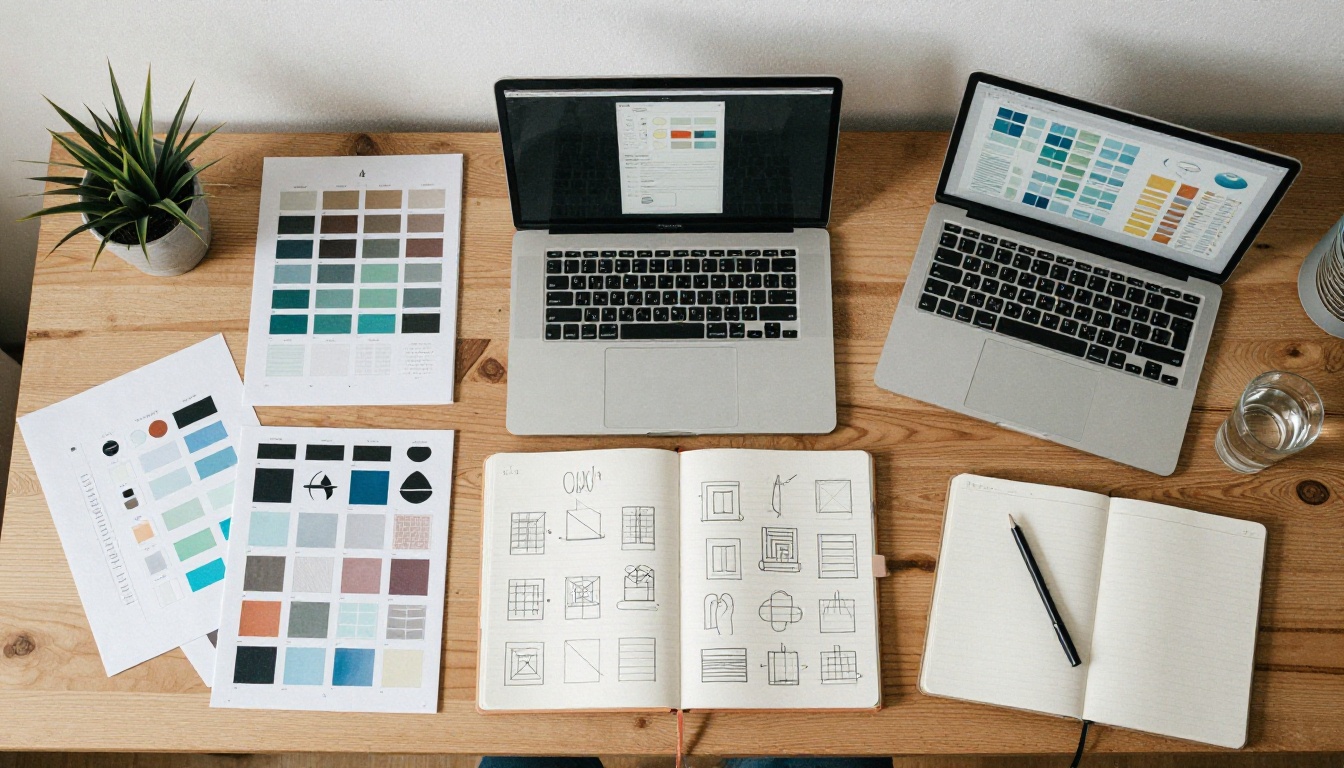
The core difference is style consistency. Recraft V4 allows you to define a visual style once and apply it across multiple generations. For designers working on brand systems, product catalogs, or social media sets, this is critical. You can't build a coherent visual identity if every image looks like it came from a different photographer on a different day.
Recraft V4 also ships with strong support for vector output through its sibling model Recraft V4 SVG, which generates clean vector graphics directly from text prompts. This occupies a category that almost no other model touches, making it genuinely useful for:
- Icon design and iconography systems
- Logo ideation and brand mark exploration
- Illustration work where scalable output matters
- Infographics and data visualization backgrounds
Style Categories That Actually Work
Recraft V4 ships with a structured set of style categories rather than leaving everything to prompt engineering. You pick a base style (realistic photo, digital illustration, vector art, etc.) before prompting. This reduces the randomness that makes other models unpredictable in brand work contexts.
For premium output, Recraft V4 Pro adds higher resolution and more granular style control, with Recraft V4 Pro SVG extending that precision to vector generation.
#4 HiDream L1: The New Architecture Nobody Noticed
HiDream L1 Full is one of the newest models on this list and one of the least covered in mainstream AI coverage. That gap between quality and attention is exactly why it belongs here.
A Different Diffusion Approach
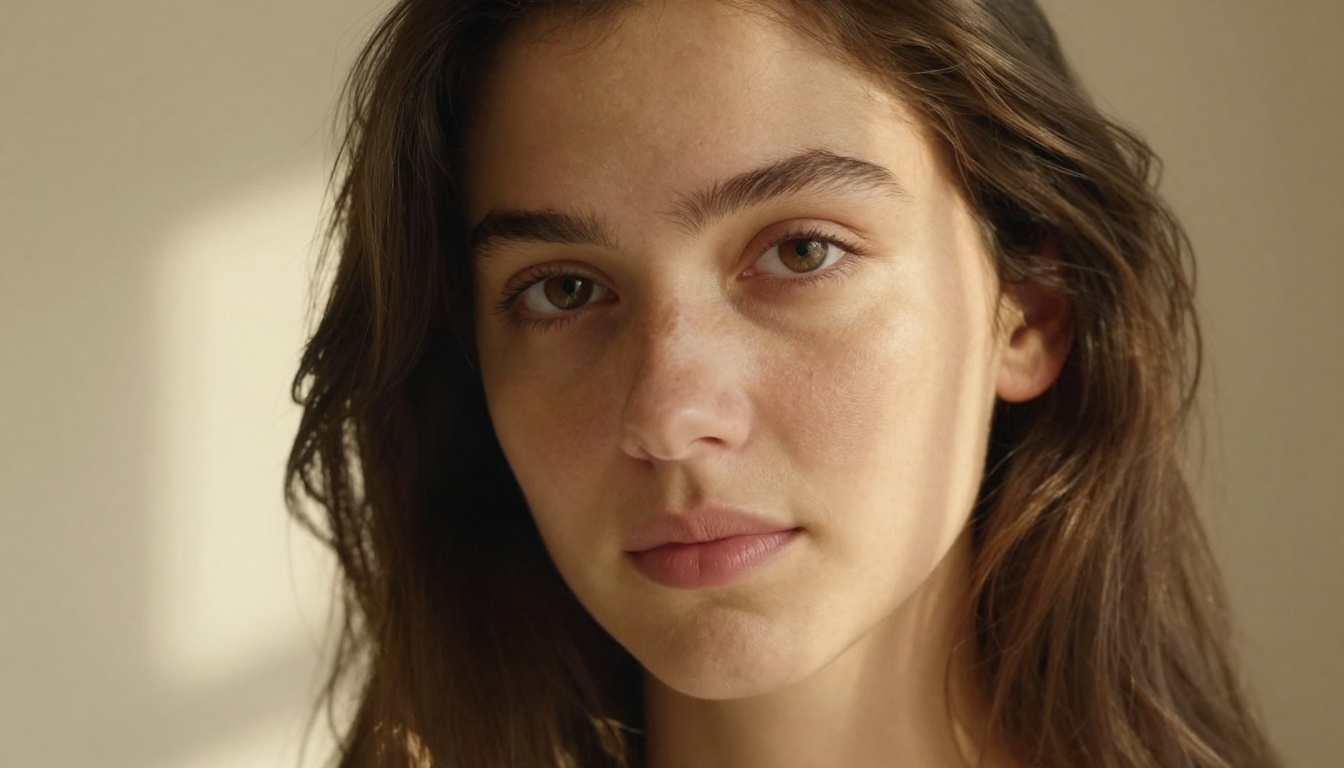
HiDream L1 uses a training methodology that prioritizes fine detail preservation in complex scenes, particularly in areas where competing models tend to produce soft or inconsistent results: hair strands, fabric folds, and background elements at medium distance.
The model family has three tiers to choose from based on your workflow needs:
- HiDream L1 Fast: Optimized for speed, well-suited for iteration rounds before final generation
- HiDream L1 Dev: Development tier with more flexibility for extended prompt experimentation
- HiDream L1 Full: Full model quality, best reserved for final output
Portrait and Fashion Applications
Where HiDream L1 Full visibly outperforms many well-known models is in portrait and fashion photography outputs. Skin tones render accurately. Clothing folds and fabric texture hold up under close inspection. Hair maintains individual strand definition without the plastic sheen that plagues faster models.
If your work involves lifestyle, fashion, or beauty content, this model is worth spending a few hours with before dismissing it as an unknown. The results speak for themselves at full resolution.
#5 SANA Sprint 1.6B: One Step, Full Speed
Every other model on this list uses a multi-step diffusion process. SANA Sprint 1.6B from NVIDIA does it in one step.
Why One-Step Diffusion Matters
Standard diffusion models denoise an image over 20 to 50 steps. Each step takes compute time. SANA Sprint 1.6B compresses that entire process into a single forward pass. The result is generation speeds that feel almost instantaneous compared to conventional models.
The practical implications are significant across multiple workflow types:
- Rapid creative iteration: Run 50 variations in the time a standard model runs 5
- Real-time prompt testing: Adjust a prompt word by word and see results immediately
- High-volume production: Product photography, social content, and stock generation at scale
- Lower cost per image: Fewer computational steps means meaningfully lower API costs per generation
Where the Quality Lands
The obvious question is what you give up for that speed. The honest answer: some fine detail in complex scenes, and the stylistic range isn't as wide as a full multi-step model. But for many real-world use cases, especially web graphics, social media assets, and rapid concepting, the output quality is more than sufficient for the job.
SANA Sprint 1.6B pairs well with a post-processing pass using a super resolution model to recover fine detail before final delivery.
How These 5 Models Stack Up
Here's a direct comparison across the dimensions that matter most for practical work:
| Model | Best Use Case | Speed | Text Rendering | Resolution | Style Consistency |
|---|
| Seedream 4 | Print, portraits, architecture | Medium | Average | Excellent | High |
| Ideogram V3 Quality | Social graphics, mockups, signage | Medium-Slow | Excellent | Good | Medium |
| Recraft V4 | Brand work, design systems | Medium | Good | High | Excellent |
| HiDream L1 Full | Fashion, beauty, lifestyle | Medium | Average | Very High | High |
| SANA Sprint 1.6B | Iteration, social assets, volume | Very Fast | Average | Good | Medium |
No single model wins across every column. That's the whole point. The right model depends on the job, not on which one has the biggest following.
Using only Flux Dev or SDXL for everything is like owning one lens for every type of photography. You can make it work, but you're always compromising somewhere, and the compromise usually shows up in the delivered work.
The five models above cover gaps that the popular tools genuinely leave open:
- Text rendering: None of the dominant models handle this reliably. Ideogram V3 Quality does.
- One-step speed: No mainstream model comes close to SANA Sprint 1.6B for raw iteration throughput.
- Vector output: Recraft V4 SVG occupies a category that almost no other model in this space touches.
- Ultra-resolution: Seedream 4 holds quality at sizes where others fall apart.
- Portrait detail: HiDream L1 Full captures fine texture that faster models smooth over into plastic uniformity.
The best AI image workflow isn't a single model. It's a rotation of the right tools for the right jobs, and knowing this list gives you a serious edge over creators still defaulting to the same three options everyone else uses.

Try All 5 on PicassoIA Right Now
All five models featured in this article are available immediately on PicassoIA, alongside over 90 other text-to-image models spanning every style and use case imaginable.
You don't need to commit to any single tool upfront. Try Seedream 4 on your next high-resolution project. Run a prompt through SANA Sprint 1.6B when you need fast iteration on a tight deadline. Use Ideogram V3 Quality the next time a client needs legible text inside a visual asset. Take Recraft V4 for a run on a brand asset set. Let HiDream L1 Full handle the next portrait brief.
The models that most people don't know about are often the ones that solve the specific problems the popular tools can't. You now know five of them.
Start creating with any of these models on PicassoIA and see firsthand why early adopters are quietly switching parts of their workflow to these lesser-known but highly capable AI image tools.


