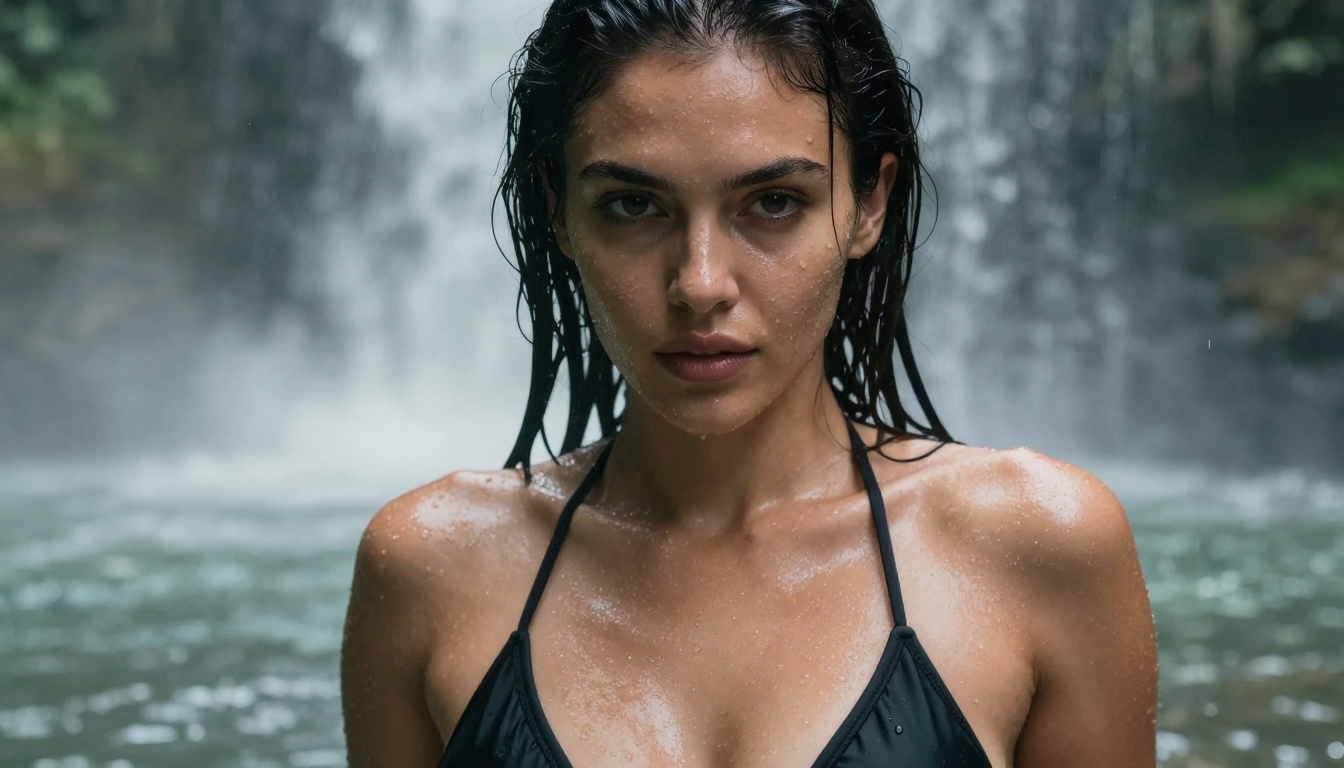
The demand for AI tools that generate suggestive, glamorous, and adult-oriented content has exploded over the past two years. Photographers, digital artists, content creators, and curious users are all searching for reliable, free platforms that don't censor every bikini shot or tasteful glamour image. The problem? Most mainstream AI image generators are locked behind aggressive content filters that flag even tasteful lingerie photography.
That's where NSFW-capable AI tools change everything. This article breaks down the 12 best free AI tools that generate NSFW content in 2027, with real image and 720p video examples, what each model does well, how realistic the outputs are, and where you can use them without paying a subscription fee.
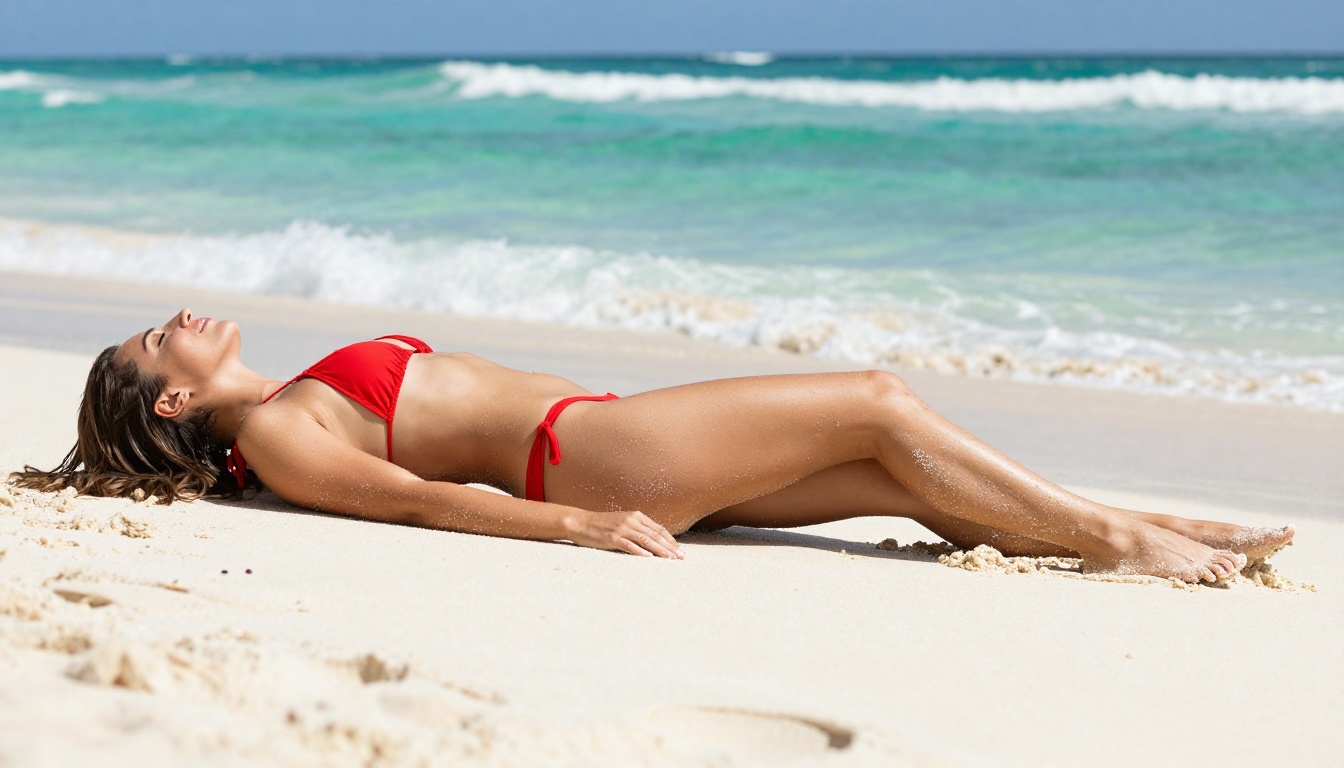
What Counts as NSFW in AI Art?
Before getting into the tools, it's worth clarifying what "NSFW" actually means here. Not all NSFW AI content is explicit. The spectrum runs from:
- Suggestive: Bikinis, lingerie, sheer fabrics, implied nudity
- Glamour: High-fashion photography with skin exposure
- Artistic nudity: Figure studies, boudoir-style shots, tasteful partial nudity
- Explicit: Fully pornographic content (not included here)
The tools below focus on the first three categories. They are powerful enough for professional glamour photography, digital art, and aesthetic content, without crossing into territory that violates platform terms.
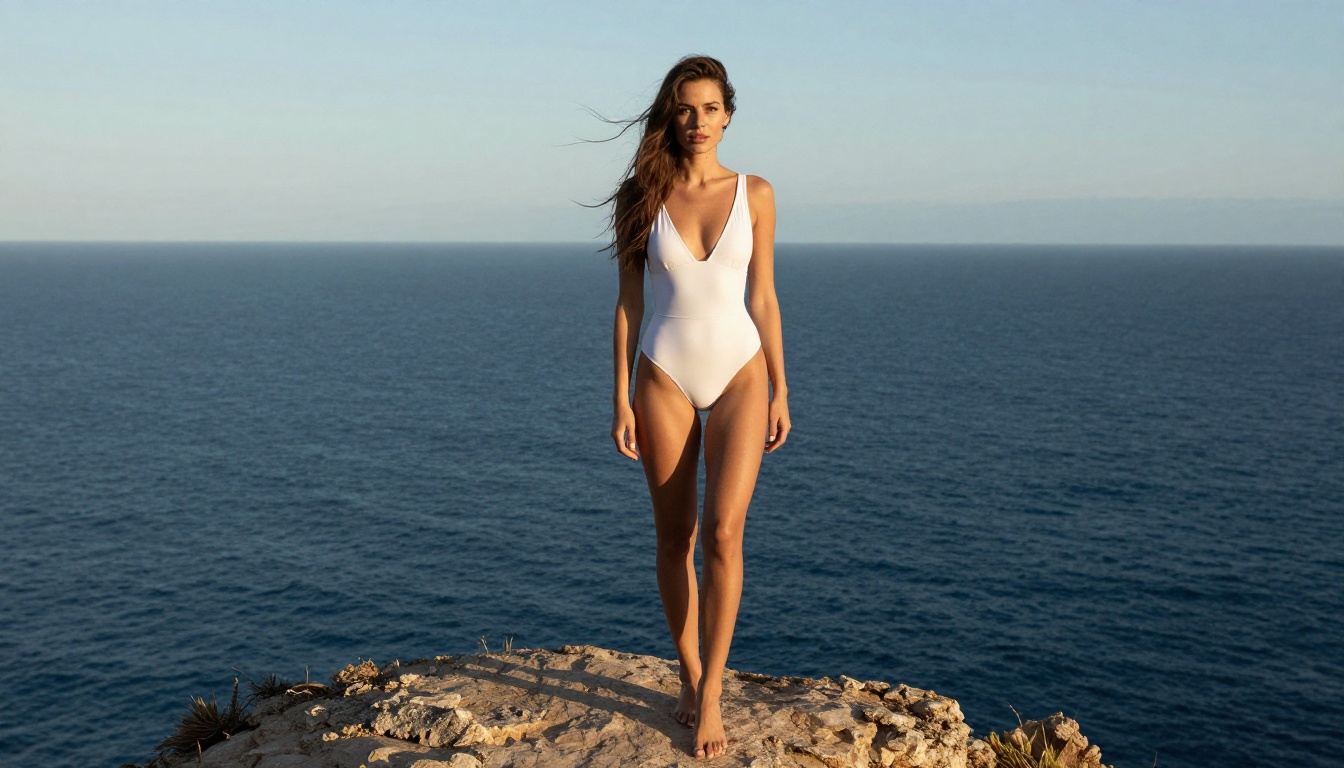
💡 The real difference between a censored and uncensored AI tool isn't only what it generates. It's whether the model was trained with adult content in its dataset and whether the platform lets you use that capability freely.
Standard platforms like Midjourney, DALL-E 3, and Adobe Firefly apply aggressive safety filters. These aren't only prompt filters. They are baked into the model architecture itself. Even the words "bikini" or "lingerie" can trigger rejections on stricter platforms.
The models below take a different approach. Many are open-weight models trained on broader datasets, giving them the ability to generate realistic human figures without constant refusals.
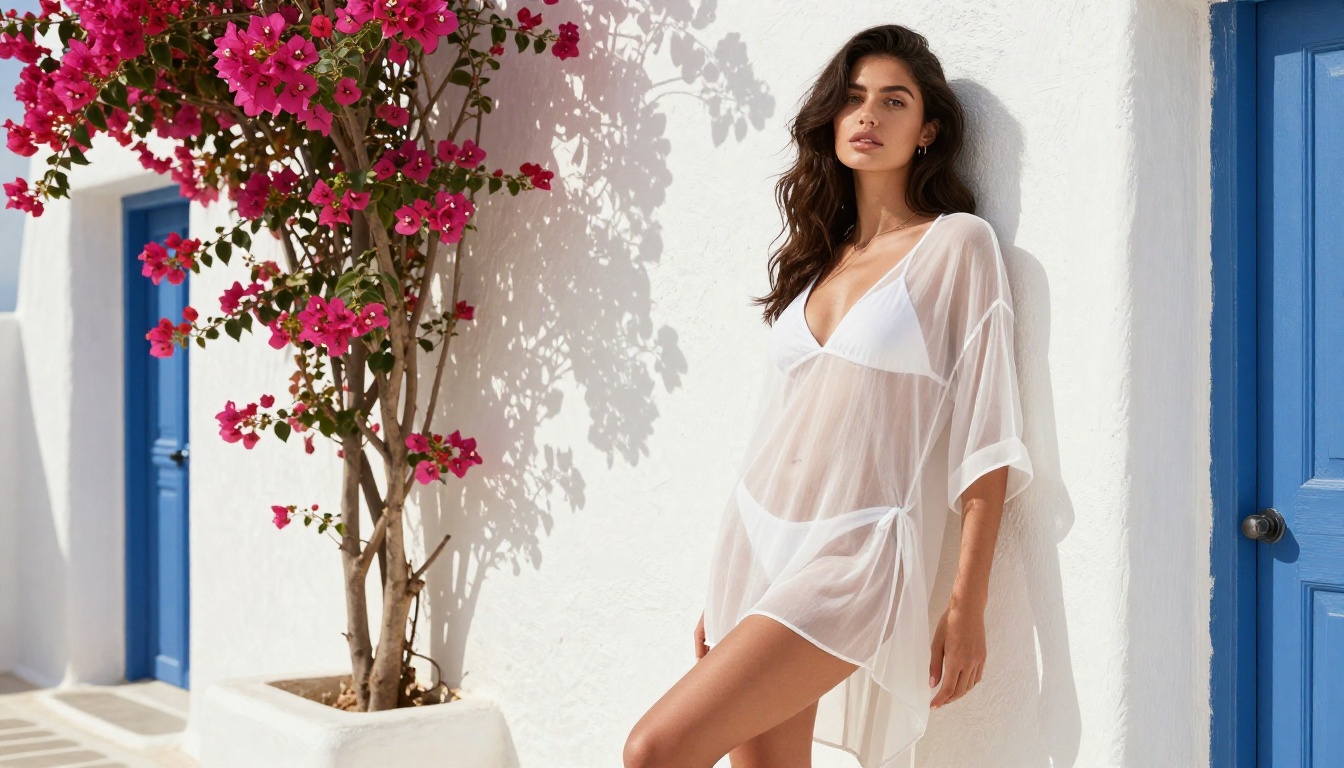
The 12 Free AI Tools That Generate NSFW Content
1. Seedream 4.5
Seedream 4.5 takes the top spot, and for good reason. This is the model to beat when you want realism. It accepts NSFW prompts, produces strikingly photorealistic people and scenes, and renders skin, fabric, and lighting with a level of detail most free models can't match.
What pushes it to first place:
- Accepts NSFW content without choking on suggestive prompts
- Extreme realism at 2K and 4K resolution
- Image editing built in: feed it a reference photo and describe the change
- Speed: it returns a finished image in under 3 seconds, so iteration is effortless
That combination, realism plus image editing plus near-instant speed, is why Seedream 4.5 is the strongest all-rounder on this list. You can generate a glamour shot from text, then upload your own photo and restyle it, all in the same place. The performance is genuinely exceptional for a free model.
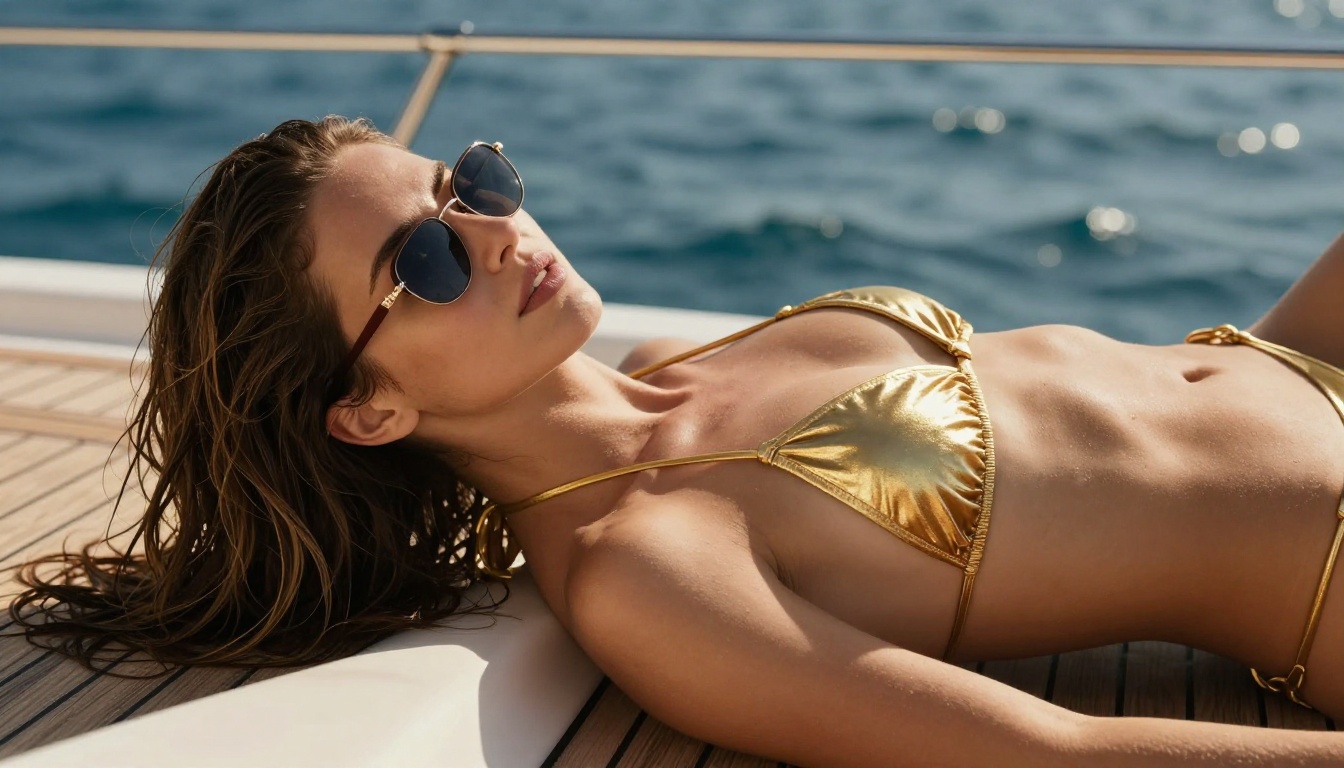
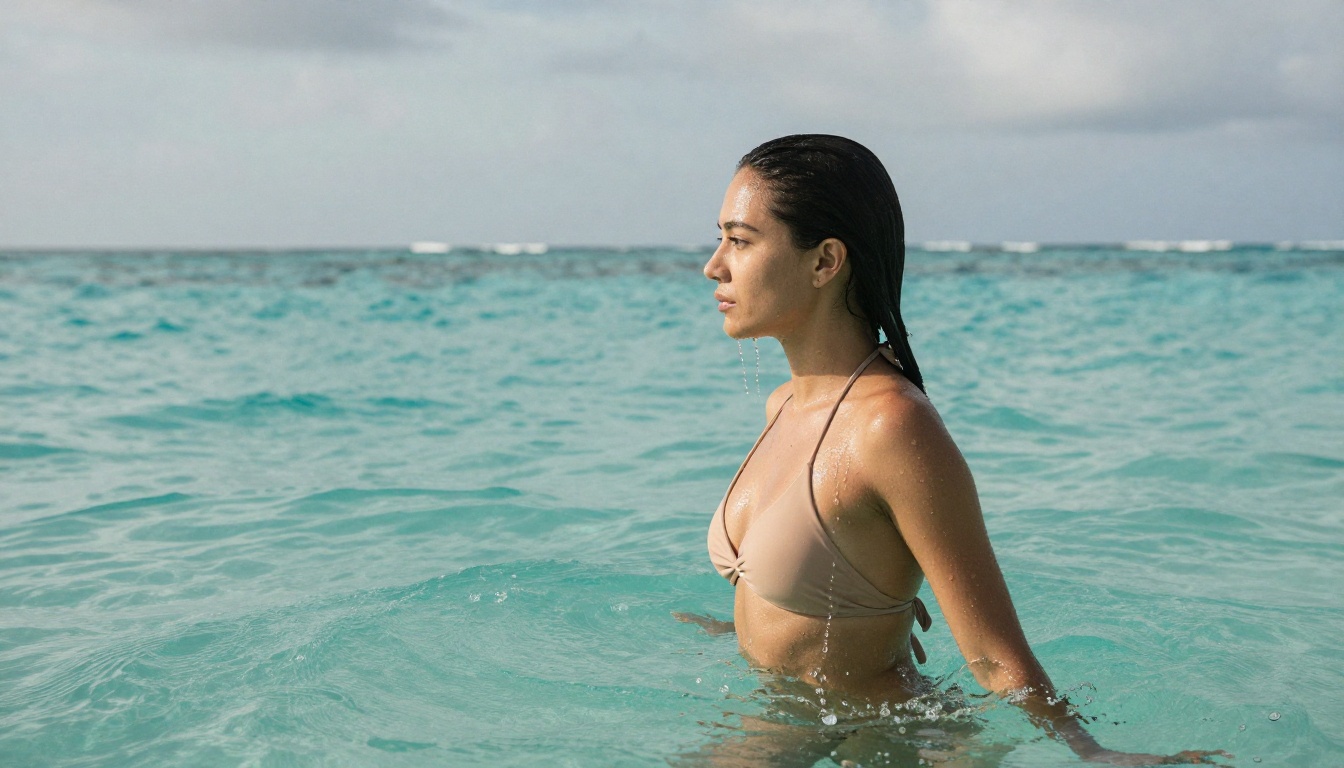
Best for: Realistic glamour and bikini photography, fast iteration, and editing existing photos.
2. PicassoIA Image Editor Pro
PicassoIA Image Editor Pro is the one that changes the economics of NSFW content entirely. It's an image-to-image (img2img) model, so you upload a photo and describe the edit. The headline feature: it is unlimited.
Think about what that means. If you need 1,000 images, you generate 1,000 images at no extra cost, included in your Elite or Infinite subscription. There is no per-image charge and no quota that runs dry. You generate without limits, as many times as you want.
Compare that to a model like Nano Banana, where generating 1,000 images can cost around $100. With PicassoIA Image Editor Pro, those same 1,000 images cost nothing beyond your plan.
| Generating 1,000 images | PicassoIA Image Editor Pro | Nano Banana |
|---|
| Cost | Free (Elite / Infinite plan) | ~$100 |
| Generation cap | Unlimited | Pay per image |
| NSFW content | Yes | Limited |
| Speed per edit | Under 1 second | Varies |
On top of that, it accepts NSFW content, it's fast (results in less than a second), and there's a free trial of 3 generations with no credit card required. Upload, prompt, done.
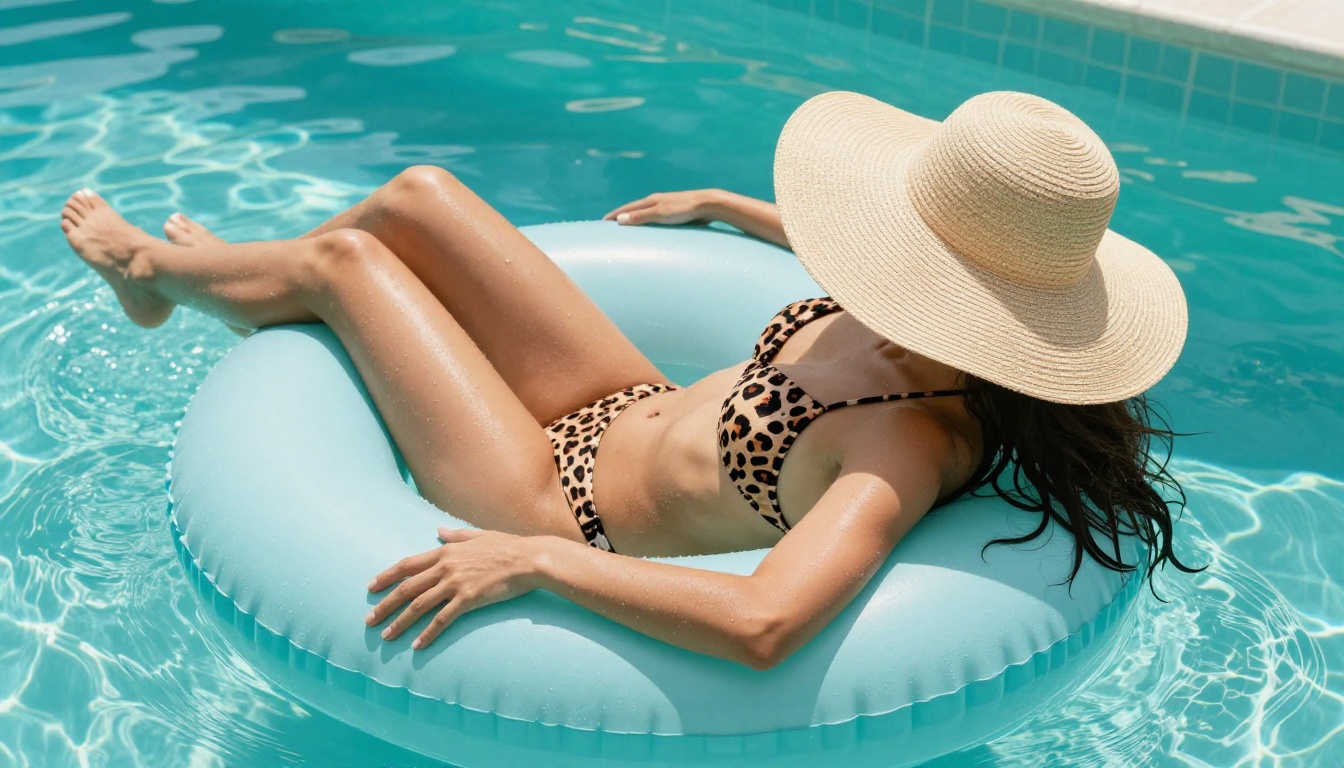
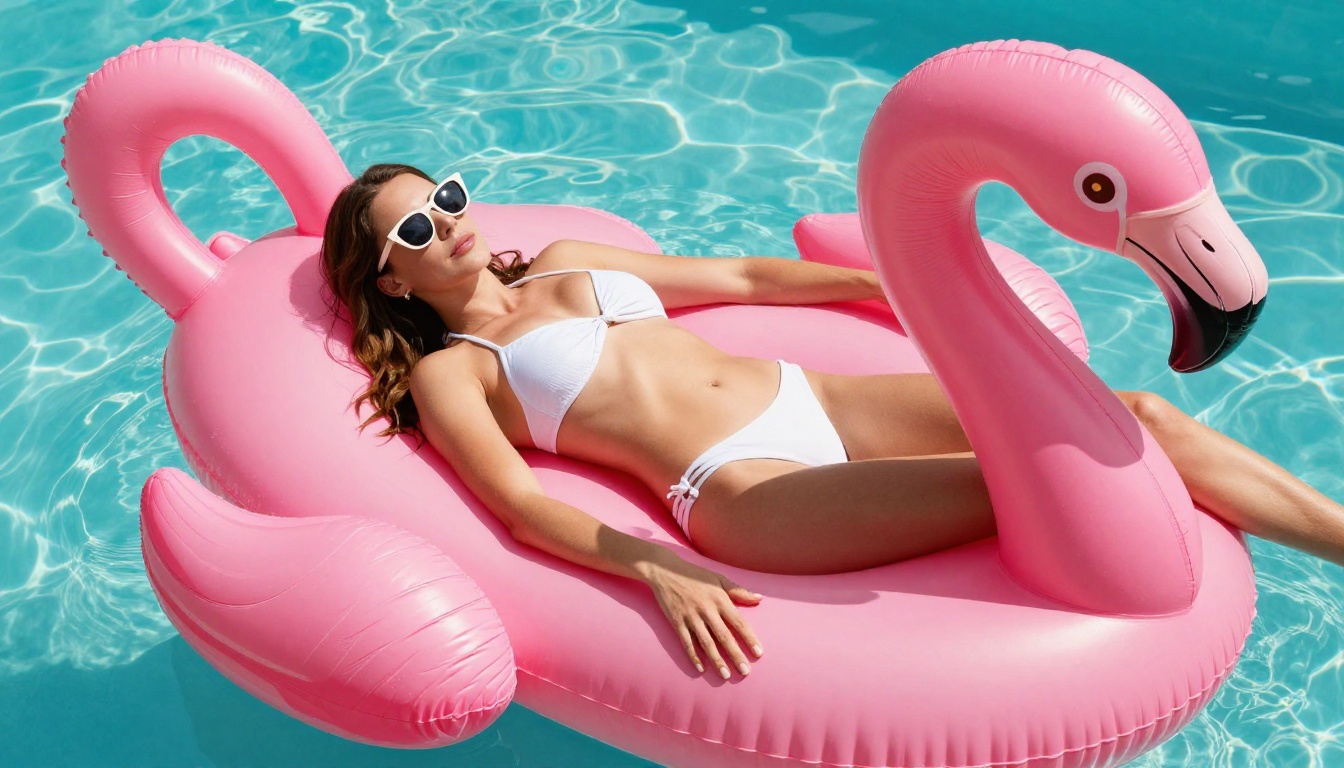
Best for: High-volume img2img editing, swapping outfits and backgrounds, and anyone who hates per-image pricing.
3. Qwen Image 2
Qwen Image 2 is the open-source powerhouse here. Because it's open source, it's flexible enough to edit or create almost any image you describe, and it does it in seconds with genuinely detailed realism.
It works in two modes: pure text-to-image, or upload a reference photo and describe the edit. Skin texture, fabric, and lighting come out sharp, and the model follows clothing and pose instructions closely.
- Open source flexibility with strong realism
- Edit or create any image from a written instruction
- Seconds per generation
- Nine aspect ratios for any format
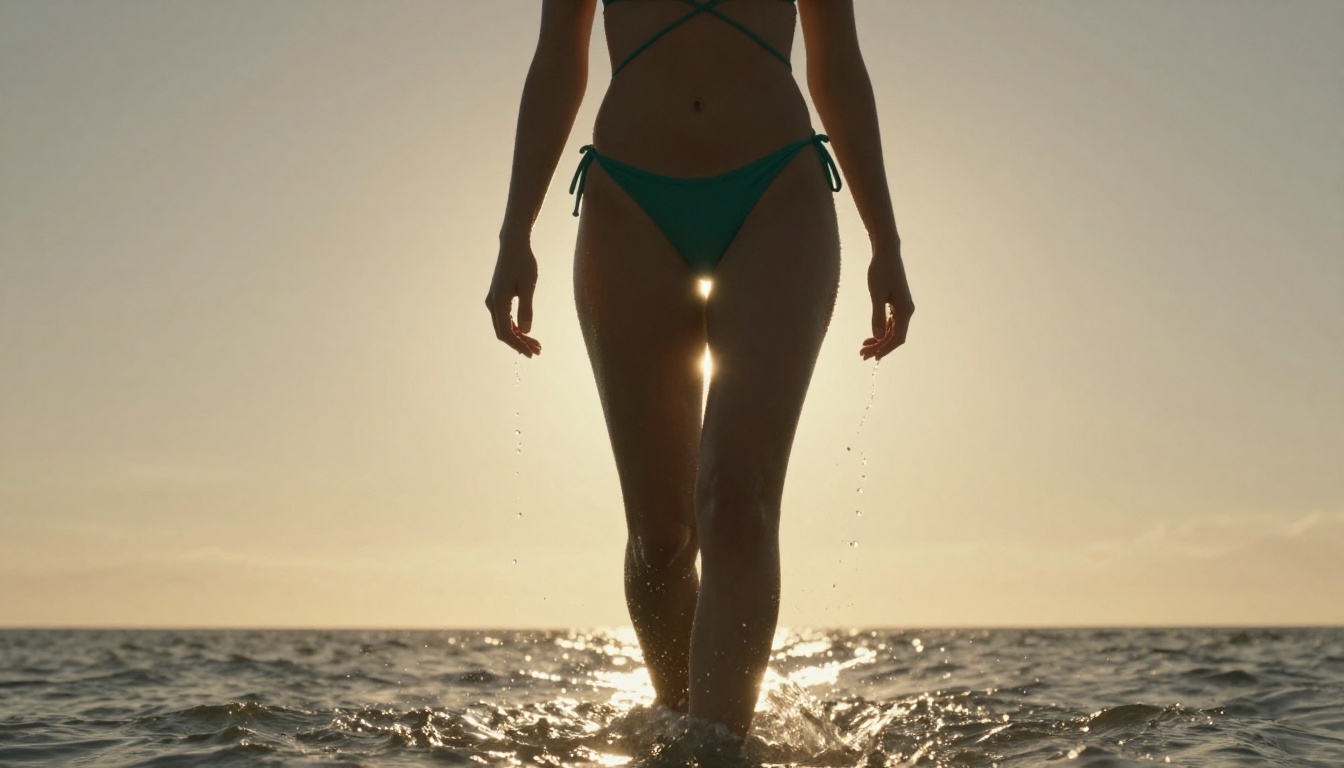
Best for: Fast, detailed creation and editing when you want open-source flexibility.
4. Grok Imagine Image
Grok Imagine Image has one trick that makes it a favorite for this niche: it converts any image into a bikini version in a remarkably realistic way. Upload a photo, ask for swimwear, and it restyles the outfit while keeping the person and scene believable.
Beyond that signature edit, it handles general text-to-image and photo editing across 14 aspect ratios, with unlimited generations on PicassoIA.
- Image to bikini edits that actually look real
- Photo editing plus text-to-image in one model
- 14 aspect ratios, no credits or caps
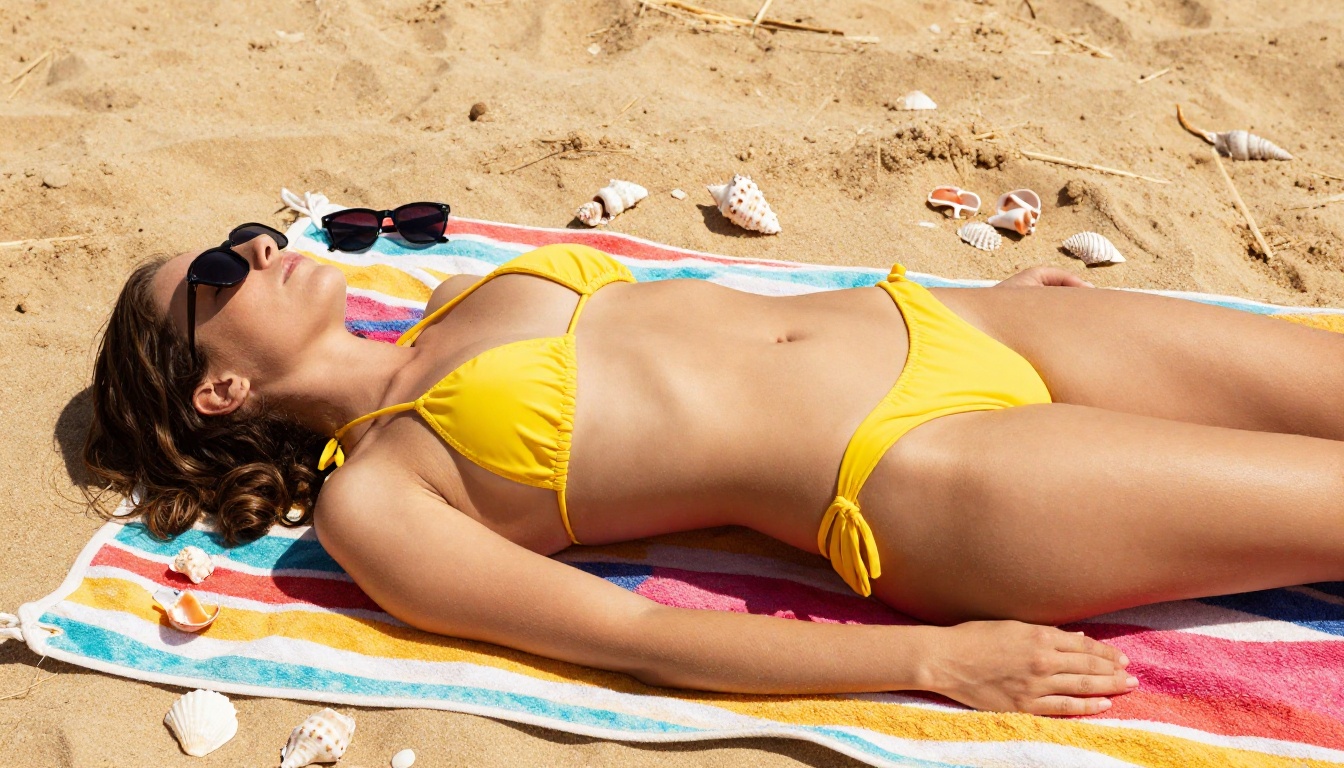
Best for: Turning existing photos into realistic bikini and swimwear shots.
5. Recraft v4
Recraft v4 rounds out the new additions with seriously realistic results. The catch: it's text-to-image only, so there's no img2img editing here. What you get in return is precise prompt accuracy and art-directed composition that looks intentional rather than randomly generated.
If your workflow is "describe the scene, get a polished realistic image," Recraft v4 delivers. It just won't edit an existing photo for you.
- Very realistic text-to-image output
- Art-directed composition and framing
- Text-to-image only (no editing)
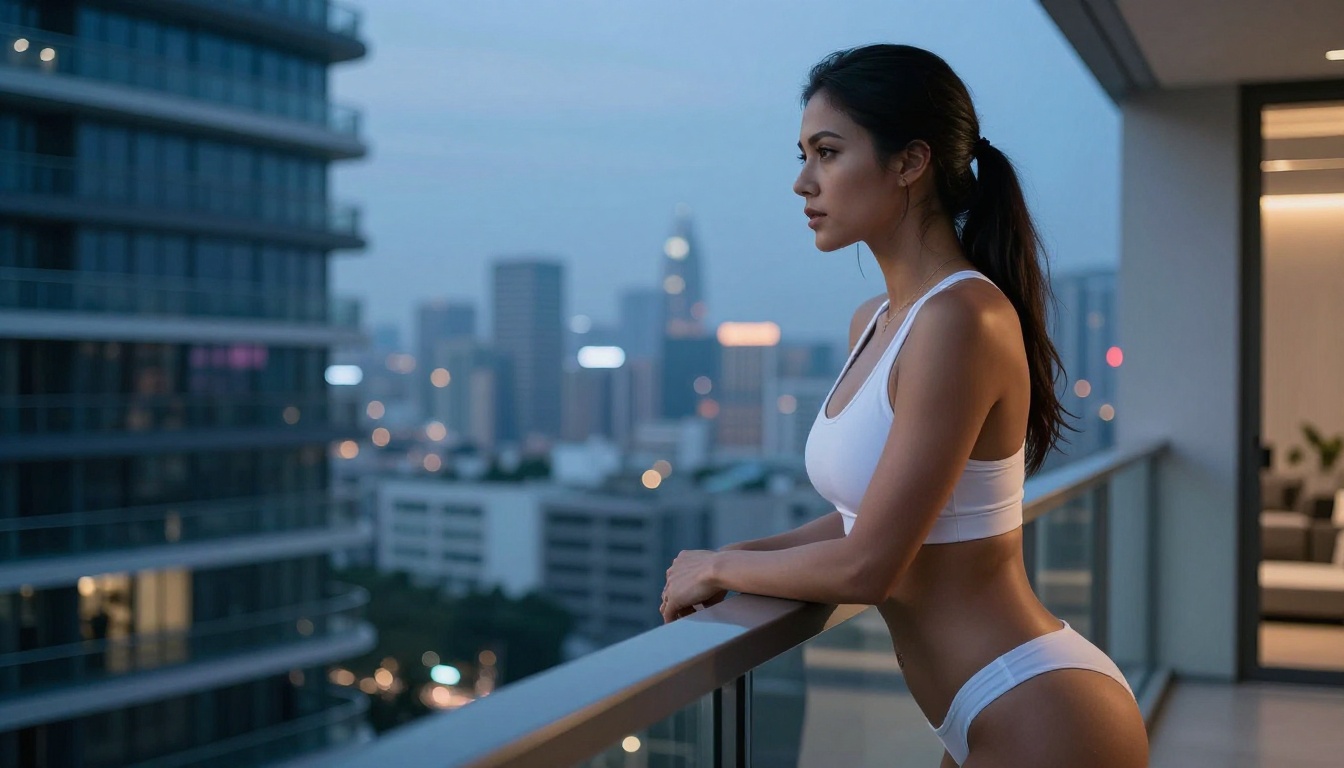
Best for: Realistic text-to-image glamour where you start from a prompt, not a photo.
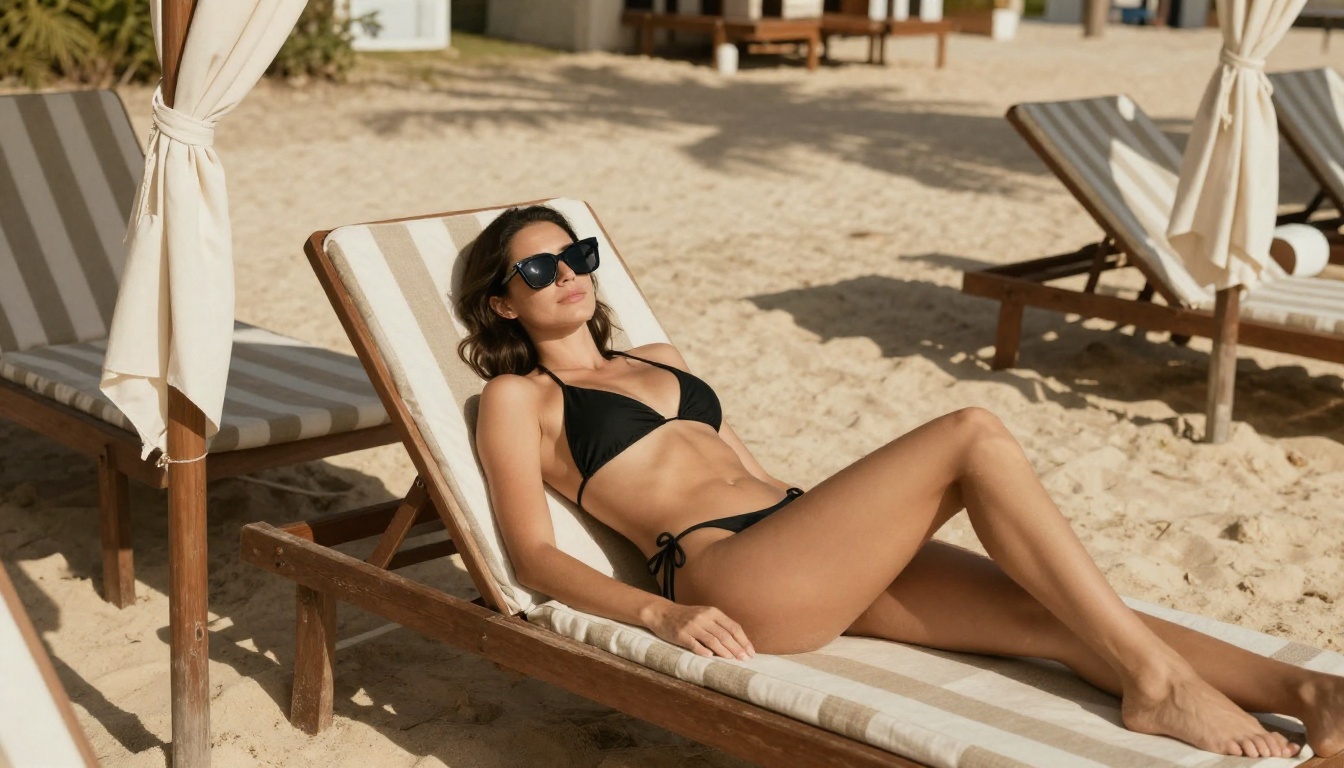
6. Flux Dev
Flux Dev by Black Forest Labs is one of the most capable open-weight models available for realistic human figure generation. It was trained on a high-quality dataset that includes diverse photographic styles, making it exceptional at skin tones, fabric textures, and natural body proportions.
Why it works for NSFW:
- Exceptional prompt adherence for clothing descriptions
- Realistic skin rendering at high resolutions
- No built-in hard blocks on suggestive content
- Supports detailed 16:9 compositions
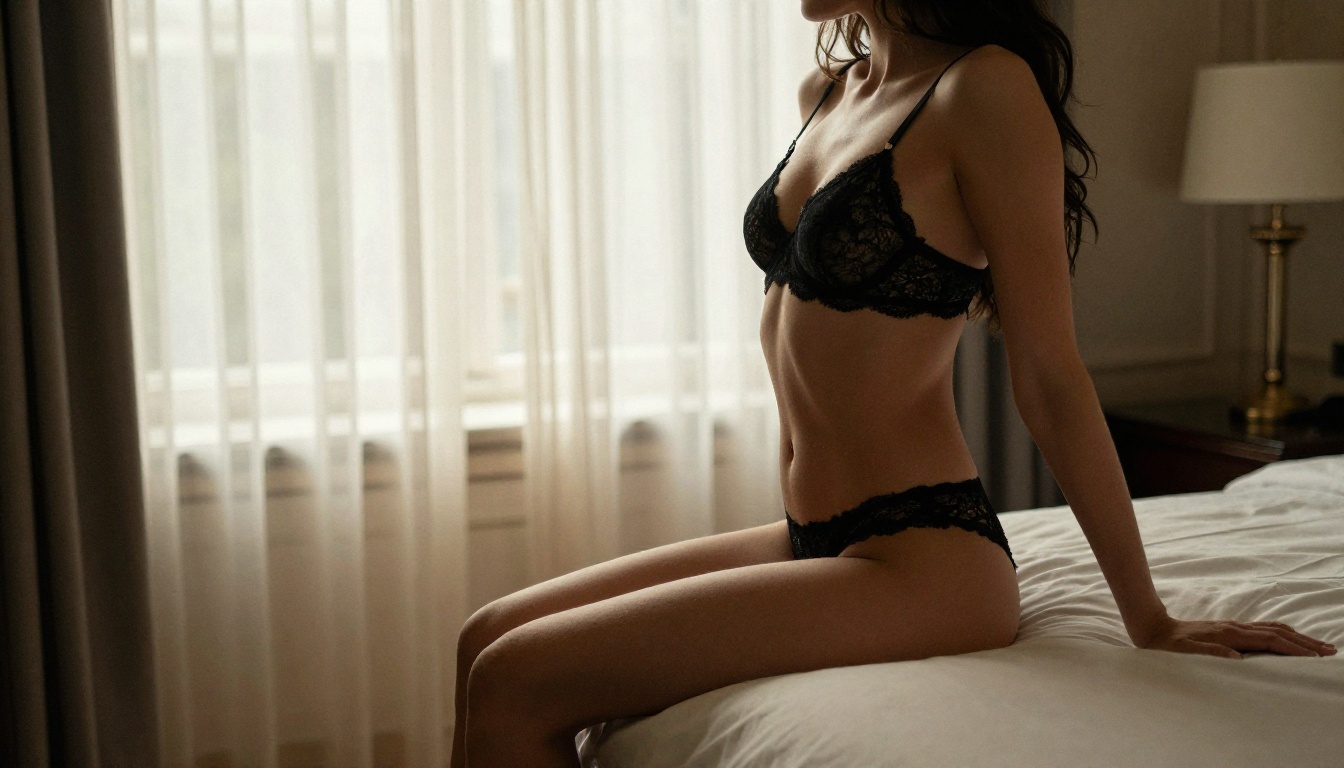
Best for: Glamour photography, boudoir-style imagery, realistic fashion shots
Compared to older diffusion models, Flux Dev produces anatomy that actually looks human. No extra fingers, no melted skin. The realism level approaches actual photography when you craft your prompt carefully.
7. Stable Diffusion 3.5 Large
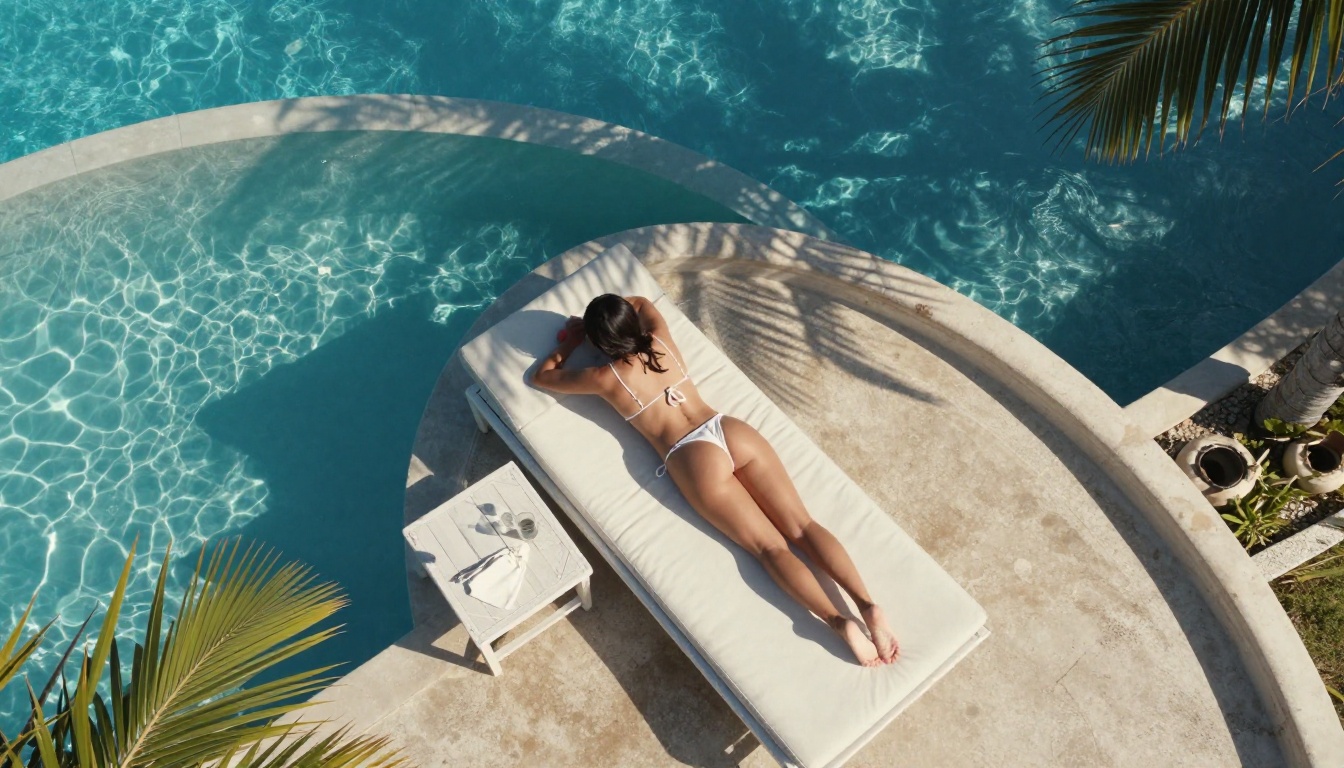
Stable Diffusion 3.5 Large from Stability AI represents the latest evolution of the model that started the open-source AI art movement. The 3.5 architecture introduced a multimodal diffusion transformer that dramatically improved human figure coherence.
Specs at a glance:
| Feature | SD 3.5 Large |
|---|
| Resolution | Up to 1024x1024 |
| Parameters | 8.1B |
| Anatomy Quality | Excellent |
| Prompt Following | Very High |
| Free Access | Yes (via PicassoIA) |
The 3.5 Large variant excels at compositional prompts where you need a specific scene layout. If you're generating a woman in a specific setting with specific clothing and lighting, SD 3.5 Large will follow your instruction more precisely than most models.
💡 Tip: Use weight markers in your prompts like (wearing sheer dress:1.3) to emphasize specific clothing items. SD 3.5 Large responds well to weighted prompt syntax.
8. Realistic Vision v5.1
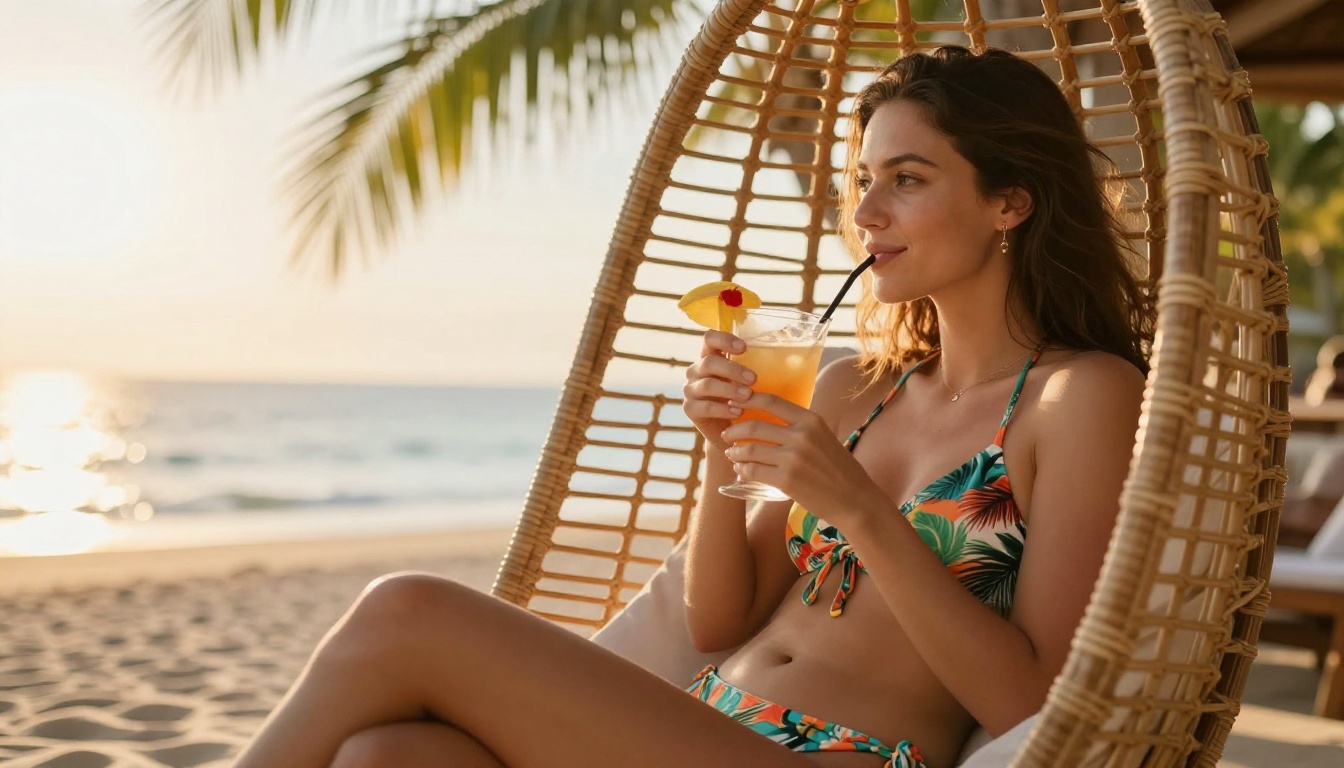
If pure photorealism is the goal, Realistic Vision v5.1 deserves its own spotlight. This is a fine-tuned SDXL-based model specifically optimized for photographic realism.
What sets it apart from other models is its focus on skin texture, lighting response, and natural color grading. The outputs look like they came from a professional camera rather than a computer algorithm.
Realistic Vision v5.1 strengths:
- Hyper-realistic facial features and skin pores
- Natural fabric drape and texture
- Cinematic lighting simulation
- Accurate body proportions
This model was specifically fine-tuned to avoid the uncanny valley effect that plagues many AI generators. Faces look genuinely human, expressions are natural, and the overall aesthetic leans heavily into the look of high-end fashion photography.
9. RealVisXL v3.0 Turbo
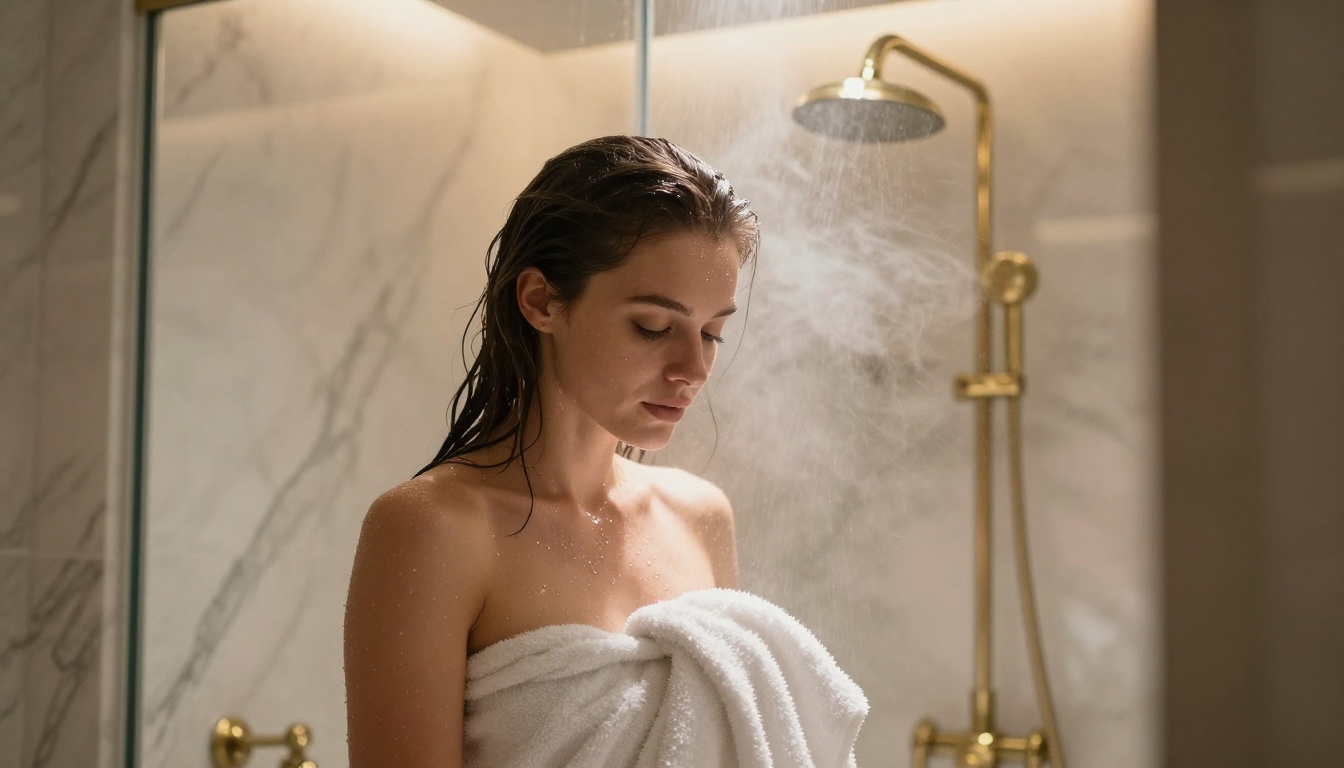
RealVisXL v3.0 Turbo takes the photorealism focus of Realistic Vision and combines it with SDXL's larger architecture for significantly better image quality. The "Turbo" designation means it generates images in fewer steps without sacrificing quality.
Speed vs. quality comparison:
For creators who need high output volume without sacrificing photorealism, RealVisXL v3.0 Turbo is the practical choice.
10. SDXL
SDXL remains one of the most versatile base models in existence. While it's not the newest model on this list, its large community means there are thousands of fine-tunes, LoRAs, and extensions built on top of it, many specifically designed for adult content generation.
The base SDXL model shines when combined with:
- LoRA weights for specific styles or characters
- ControlNet for pose control and composition
- Negative prompts to enforce realistic skin and avoid cartoonish outputs
💡 Power user tip: Using SDXL with a negative prompt like (cartoon, anime, 3D render, illustration, oversaturated:1.5) forces the model toward photographic realism even without a fine-tuned checkpoint.
The main advantage of SDXL over newer models is its compatibility with the broader ecosystem. If you want to build workflows, automate generation, or work with specific character LoRAs, SDXL is still the backbone of choice for many professionals.
11. DreamShaper XL Turbo
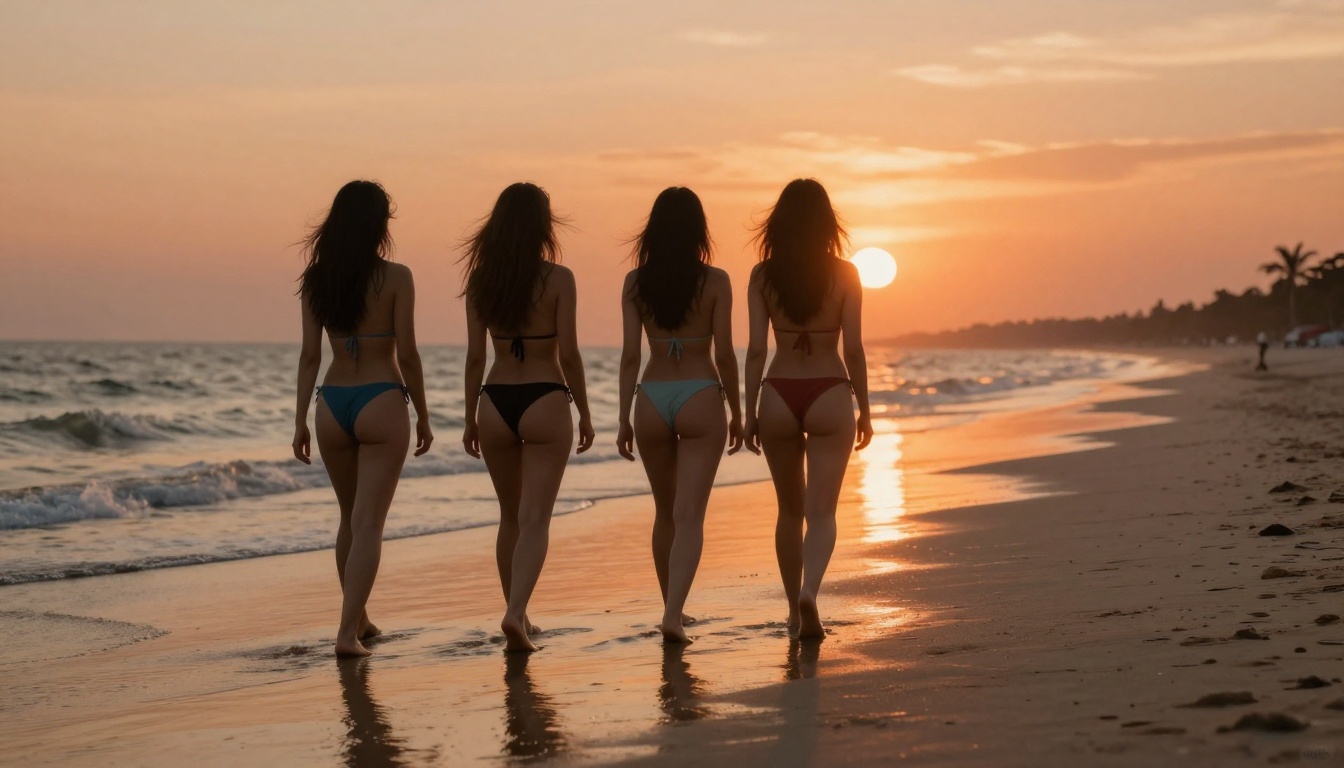
DreamShaper XL Turbo sits in an interesting category: it bridges photorealistic and artistic styles, making it ideal for content that should look beautiful and slightly stylized rather than purely photographic.
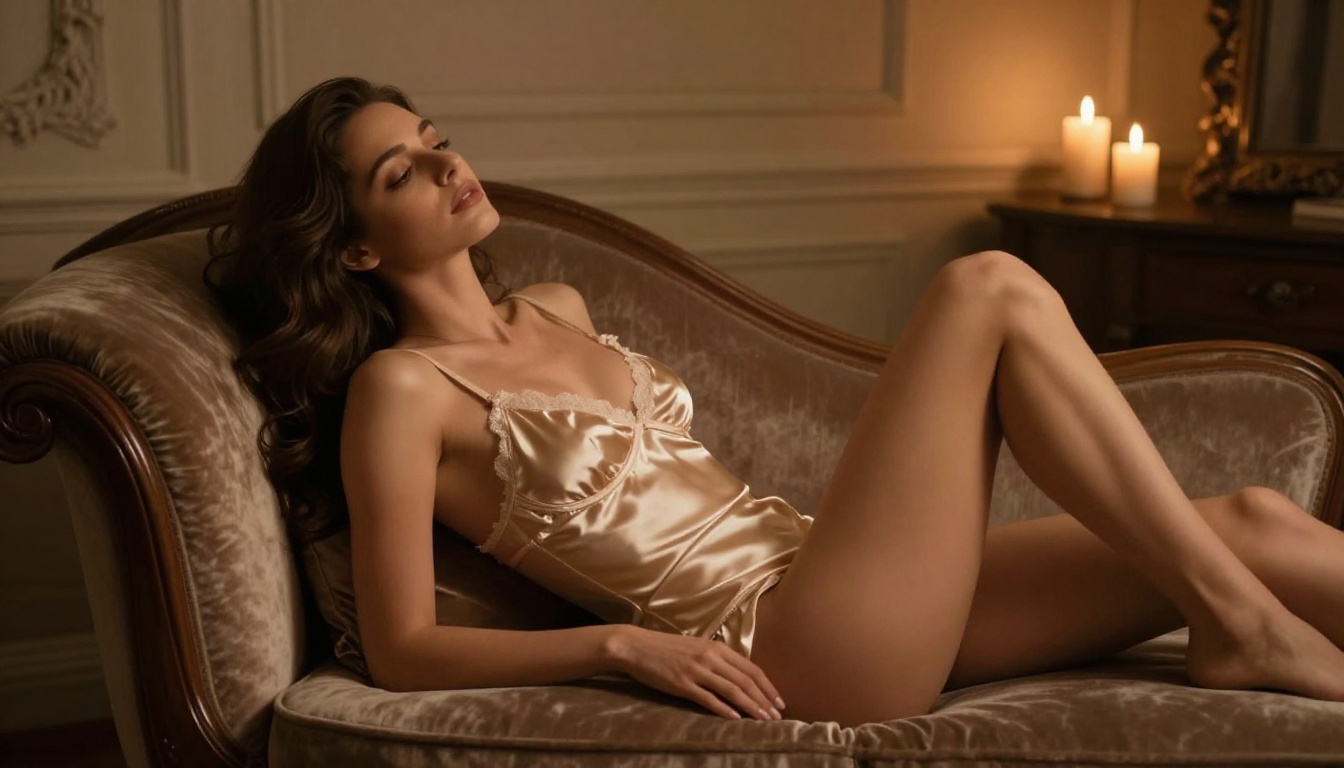
Think of it as the tool for glamour-forward content rather than strict photorealism. The outputs have a polished, editorial-magazine quality that works exceptionally well for:
- Beauty photography
- Swimwear editorial content
- Fantasy-inspired glamour shoots
- Boudoir artistic imagery
The Turbo speed advantage means you can iterate quickly. If a prompt doesn't produce what you expected, the short generation time makes it fast to experiment with variations.
What DreamShaper does better than pure realism models:
- More flattering skin rendering with natural beauty retouching
- Better at dramatic lighting setups (rim light, candlelight, studio)
- More flexible with stylistic variations in a single prompt
12. Flux Schnell
Flux Schnell closes the list as the fastest option in the Flux family. Built for speed above all else, it generates 16:9 images in seconds rather than minutes, making it the go-to tool for rapid concept testing.
The tradeoff: it trades some of Flux Dev's fine detail rendering for dramatically faster output. For many use cases, especially when testing concepts, that's a worthwhile exchange.
When to use Flux Schnell vs. Flux Dev:
How to Use These Models on PicassoIA
All twelve models above are accessible through PicassoIA's platform without installing local software, configuring GPUs, or managing model files. Here's the workflow:
Step 1: Choose Your Model
Navigate to the text-to-image collection and pick one of the models from this list. For beginners, Seedream 4.5 or PicassoIA Image Editor Pro are the strongest starting points because of their balance between realism, speed, and ease of use.
Step 2: Write a Detailed Prompt
Vague prompts produce average results. The more specific you are, the better the output. Include:
- Subject: Who or what is in the image
- Clothing/state: Exactly what they're wearing
- Setting: Where the scene takes place
- Lighting: Direction, quality, and source of light
- Camera: Lens type, angle, depth of field
- Film/style: Kodak Portra, cinematic, photorealistic
Step 3: Set the Aspect Ratio
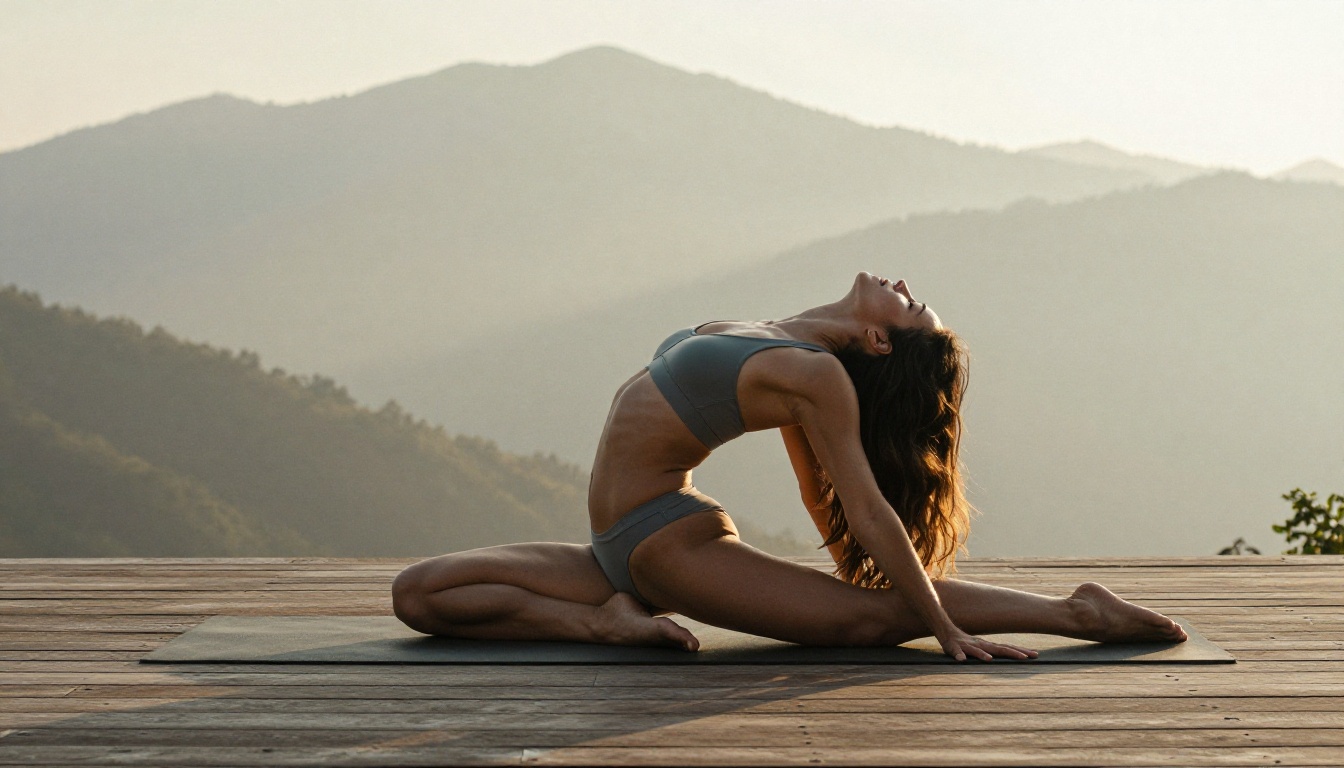
For most content on this list, 16:9 works best. It mirrors the natural framing of professional photography and gives the model more compositional space to work with.
Step 4: Iterate Rapidly
Your first generation won't be perfect. Run 3-5 variations of the same prompt, tweaking one element at a time. Swap the setting, change the lighting direction, adjust the clothing description. The speed of PicassoIA makes this iteration fast and frictionless, especially with models like Image Editor Pro that have no generation cap.
Prompting for Better Suggestive Results
There's a real craft to writing prompts that generate beautiful, tasteful NSFW imagery. The same concept can produce dramatically different results based on how you structure your words.
High-impact prompt components:
| Element | Weak Version | Strong Version |
|---|
| Clothing | "bikini" | "minimal high-cut coral bikini, wet fabric clinging to skin" |
| Lighting | "good lighting" | "volumetric golden hour light from the left, highlight on collarbone" |
| Camera | "close up" | "85mm f/1.4, shallow depth of field, subject sharp, background bokeh" |
| Film | "realistic" | "Kodak Portra 400 film grain, natural color temperature" |
| Setting | "beach" | "secluded white sand beach, Caribbean turquoise water, midday sun" |
Notice the pattern: more sensory specificity in every element. Tell the model exactly what you see in your mind's eye.
💡 Film emulation is your secret weapon. Specifying "Kodak Portra 400" or "Fujifilm Pro 400H" pushes models toward warmer, more flattering skin tones and introduces organic grain that makes the image feel shot on real film rather than generated by software.
See These NSFW Models in Motion
Static images are only half the story. On PicassoIA you can take any generated image and animate it into a 5 second clip with synchronized audio. Every clip below was made from one of the photos in this article and rendered in crisp 720p. This is where suggestive content really comes alive.
Emerald bikini walking out of the sea at sunset
Coral bikini in a turquoise infinity pool
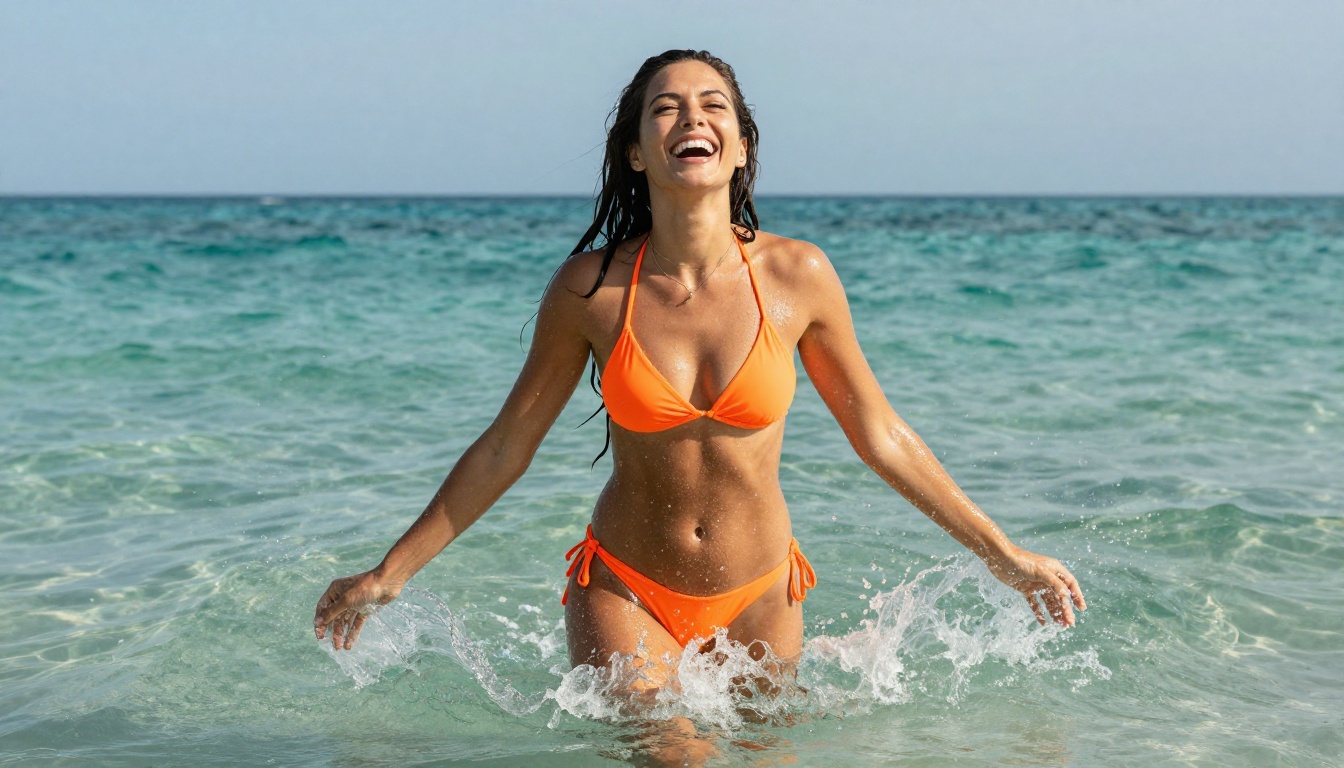
Orange bikini splashing in the surf
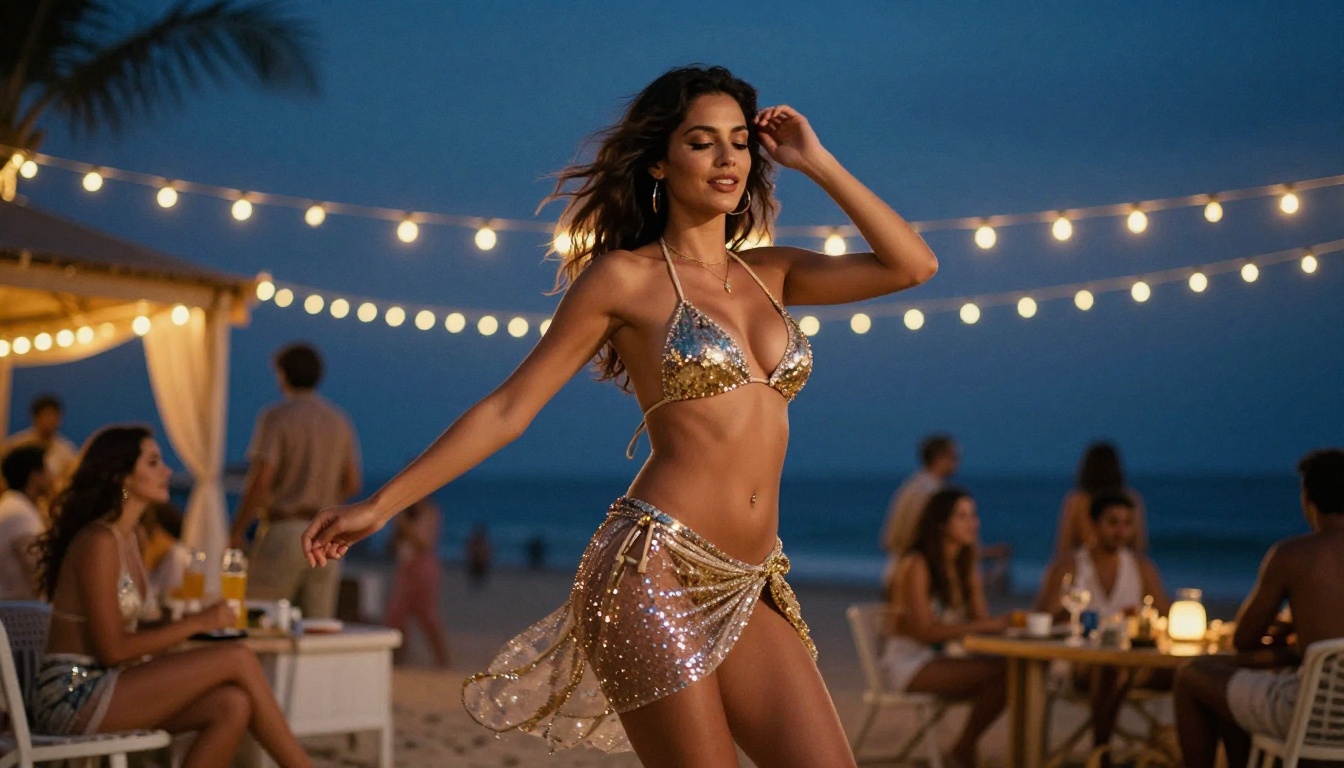
Sequined bikini dancing at a beach club
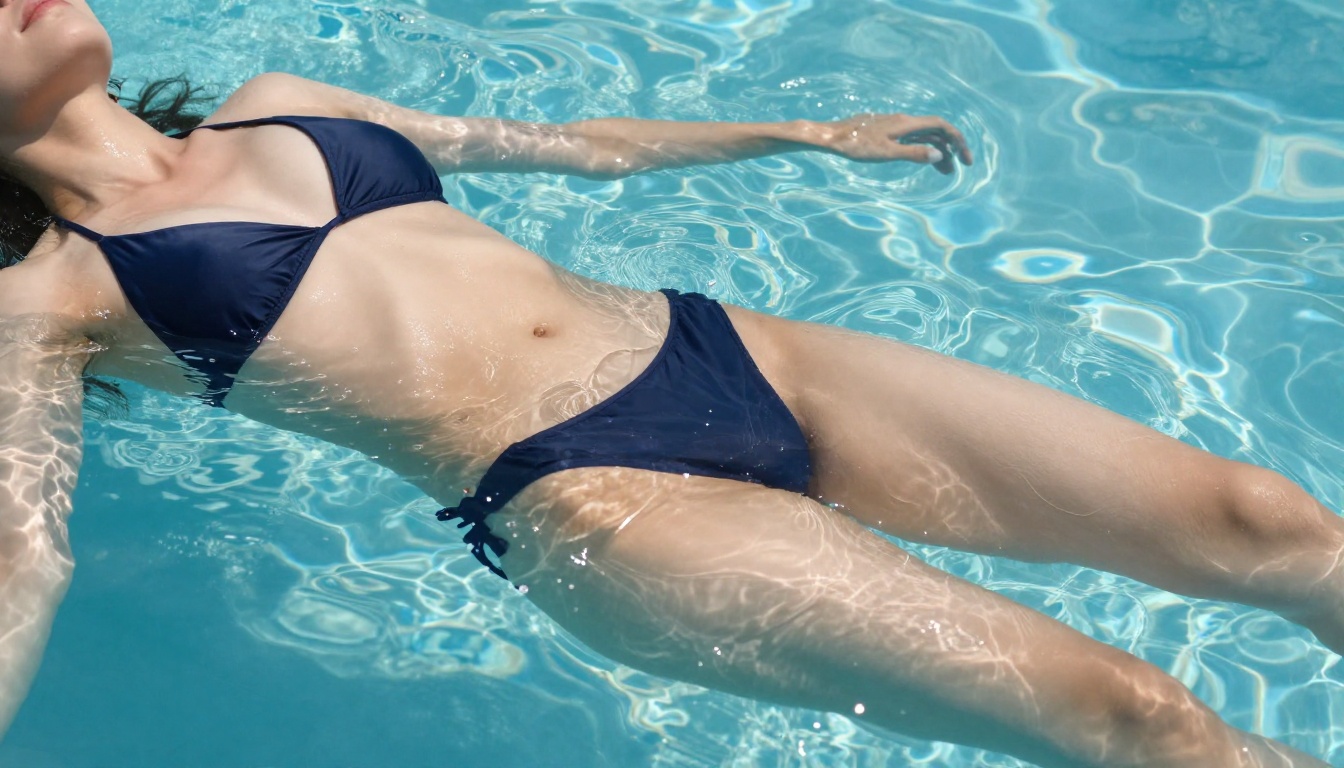
Navy bikini floating in a clear pool
White swimsuit on a windswept ocean cliff
Silver bikini at an infinity pool at sunset
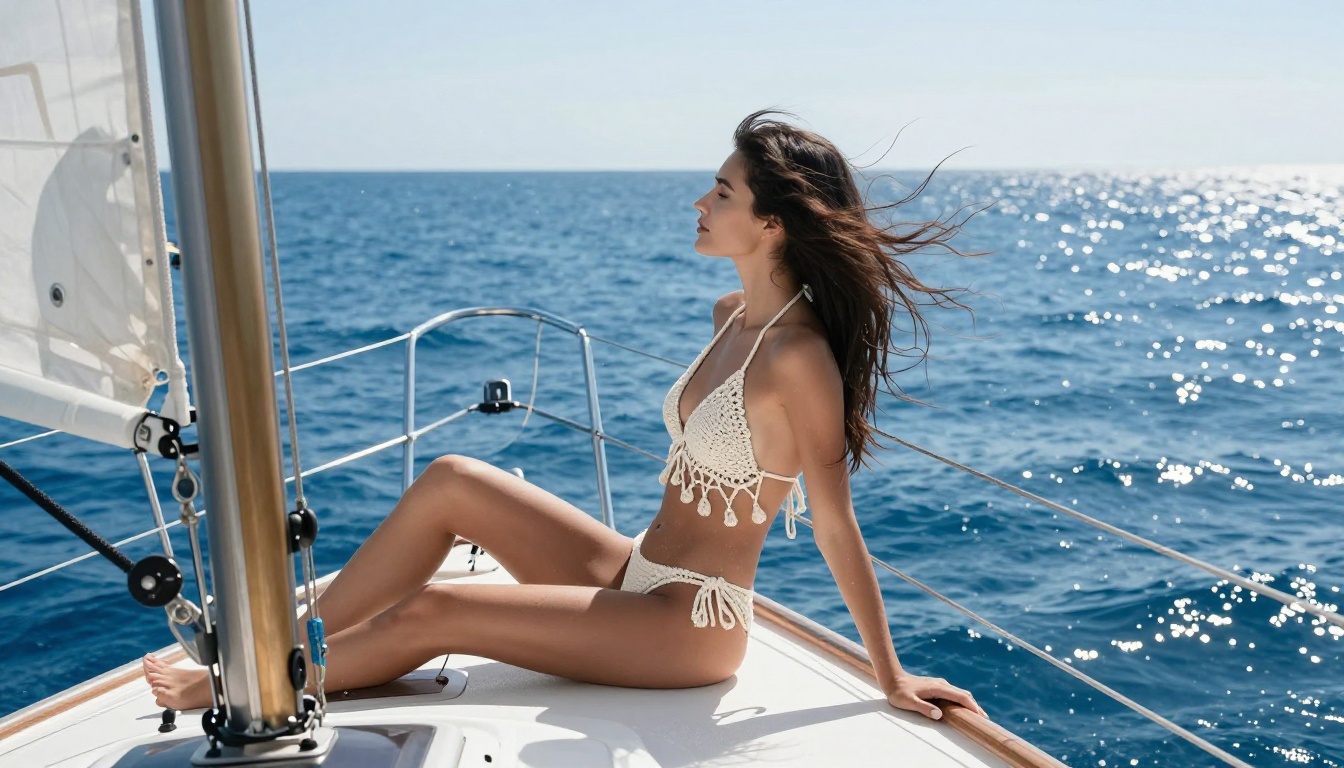
Crochet bikini on the bow of a sailing yacht
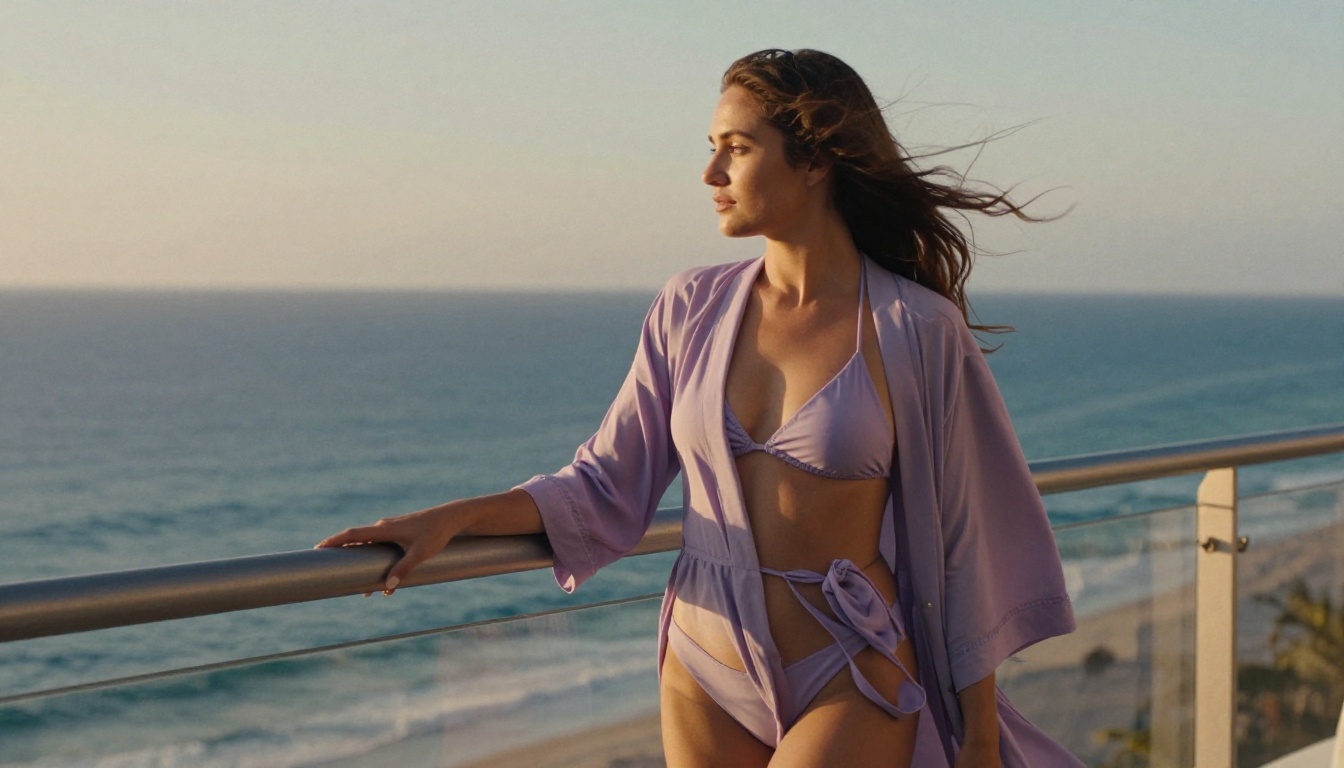
Lavender bikini on a seaside balcony at golden hour
Black bikini at a tropical waterfall
Bikini stroll along the shore at sunset
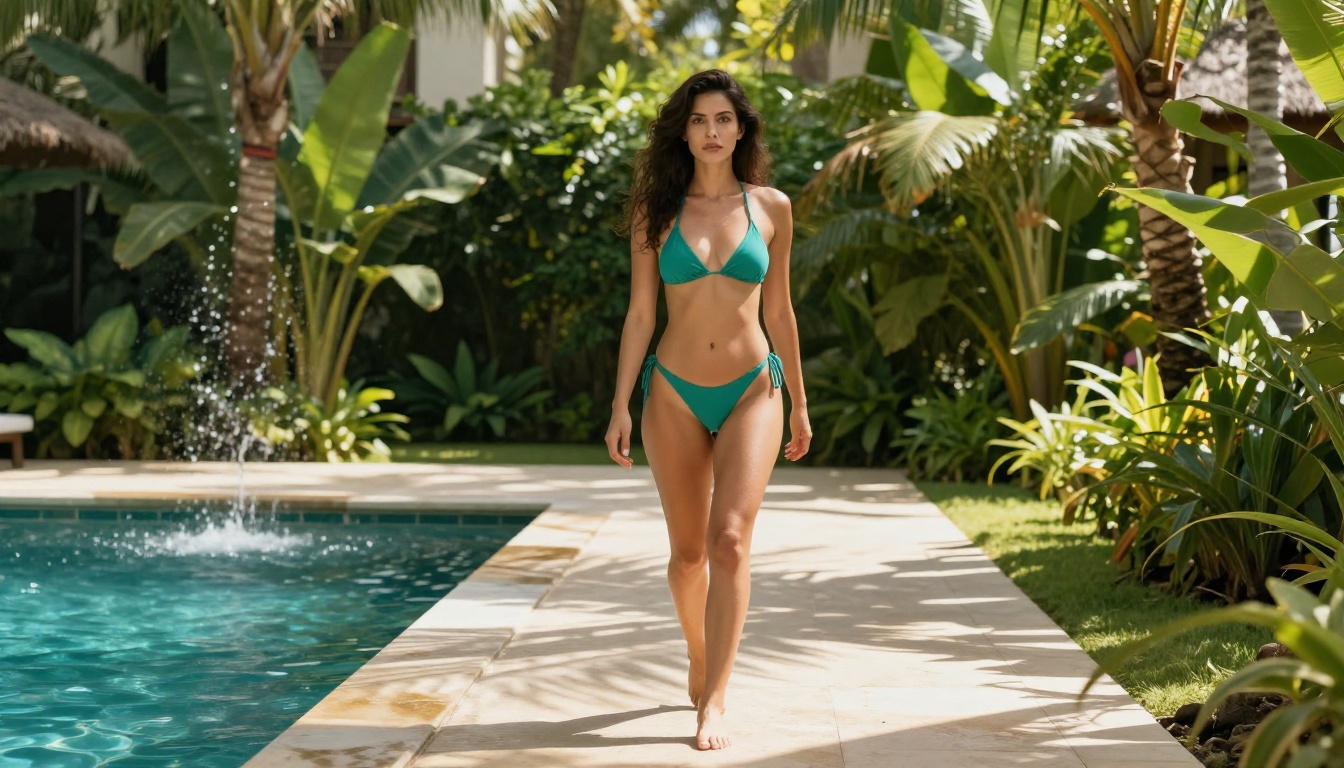
Teal bikini walking through a resort garden
Yes, with caveats. Here's the honest breakdown:
Truly free tier: All twelve models listed here have free access through PicassoIA. You can generate images without paying for a subscription, and PicassoIA Image Editor Pro even gives you 3 free generations with no credit card to test it first.
What changes with credits or paid plans:
- Higher resolution outputs
- Faster generation queues
- Unlimited generations on models like Image Editor Pro with an Elite or Infinite plan
- Access to premium model variants like Flux 1.1 Pro Ultra
For casual use and experimentation, the free tier is genuinely capable. Professional creators who need volume will love that an Elite or Infinite subscription turns those 1,000 images from a $100 bill on other platforms into a flat, no-extra-cost workflow here.
Every model on this list has a scenario where it's the best choice. There's no single winner.
If you want maximum realism with editing and instant speed, Seedream 4.5 is the obvious first call. If you plan to generate at high volume from your own photos, PicassoIA Image Editor Pro and its unlimited img2img generations save you real money. Want to turn a portrait into a swimwear shot? Grok Imagine handles that in one step.
For open-source flexibility, Qwen Image 2 is hard to beat, and for pure text-to-image realism without editing, Recraft v4 is excellent. The Flux family and the SDXL-based models remain strong for final artwork, LoRA workflows, and editorial glamour.
The smart approach is to test several. Use the free tier to generate a few variations with each model using the same prompt, then compare results directly. You'll quickly develop a feel for which model matches your visual preferences.
Start Creating Your Own Images Now
Every model on this list is waiting for you on PicassoIA. With over 91 text-to-image models in the collection, including all twelve listed here, there's no reason to be limited by censored platforms that reject perfectly tasteful creative prompts.
Pick one model, write a detailed prompt using the structure from the prompting section above, and generate your first image. The quality gap between a vague one-liner and a thoughtfully crafted 50-word prompt is genuinely shocking once you see it side by side.
Whether you're a content creator, digital artist, photographer testing compositions, or someone who simply appreciates beautiful AI-generated imagery, these tools are here, they're free, and they're more capable than most people realize.
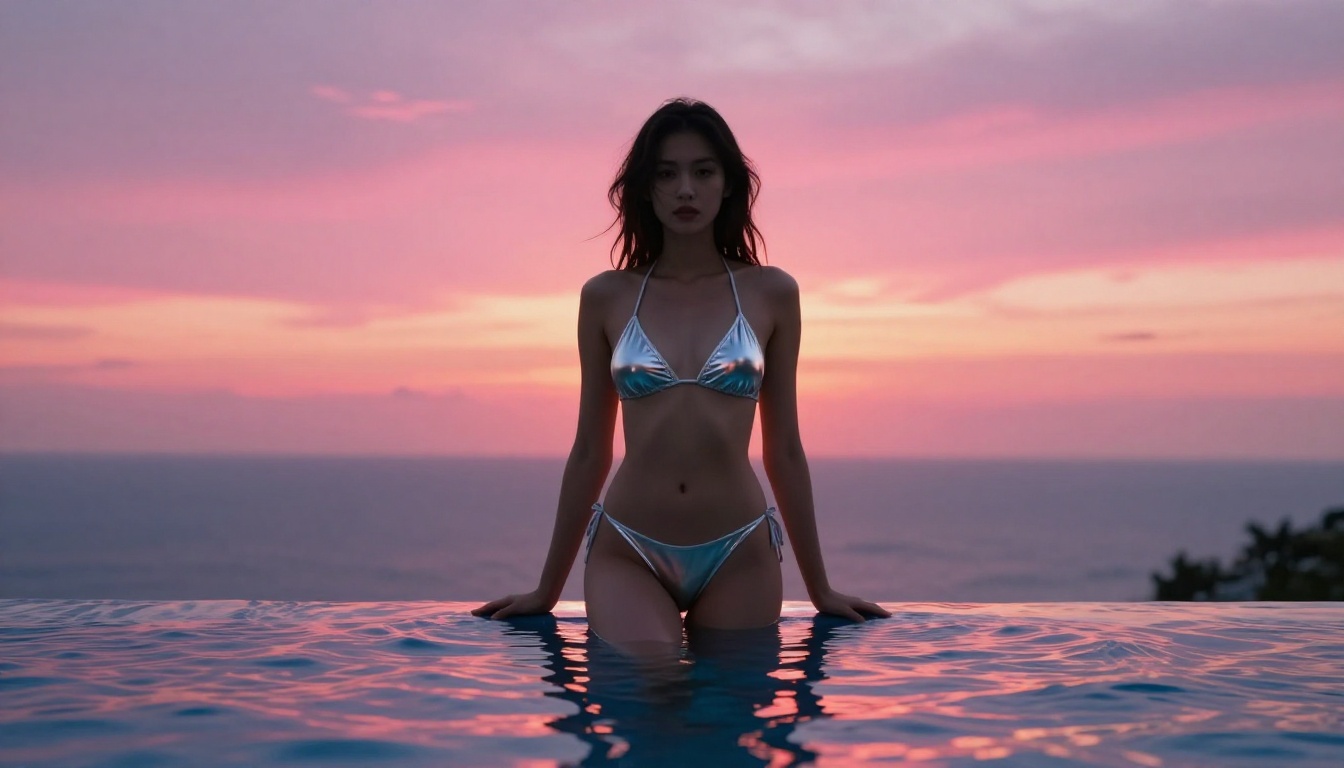
Start generating with Seedream 4.5 on PicassoIA and see what serious photorealistic NSFW AI art looks like when the right model meets a well-crafted prompt.
Want the full lineup? Head over to all PicassoIA models to find the best NSFW AI models and generate without limits.