Adobe Firefly Image 4 is the most capable version Adobe has shipped to date, and after months of being the industry's most talked-about AI image model, it now makes a compelling case for replacing expensive stock photography in many real workflows. This is not a tool for hobbyists only anymore.
What Adobe Firefly Image 4 Actually Does
At its core, Firefly Image 4 is a text-to-image model trained exclusively on licensed and public-domain content. That single decision shapes everything about it: the output quality, the licensing terms, and the trust designers place in it when submitting work to clients.
The model generates images at up to 2048 x 2048 pixels with photorealistic rendering that holds up at 100% zoom in most commercial scenarios. Skin texture, fabric grain, reflective surfaces — all handled with a level of fidelity that earlier Firefly versions noticeably struggled with.
From Text to Photorealism
The core text-to-image pipeline in Firefly Image 4 benefits from a new attention architecture that better resolves spatial relationships in prompts. When you describe a scene with multiple subjects or specific spatial directions ("woman on the left, product on the right"), the model follows through. Earlier versions would frequently collapse or misplace elements.
The default output style has shifted toward photorealism by default, with optional style modes for illustration, graphic, and artistic output. This default matters: most commercial use cases want something that looks like a photograph, not a painting.
💡 Write your prompts in complete sentences describing what a photographer would see through a lens. Avoid abstract nouns. "A 35-year-old woman in a red jacket standing near a rain-wet window" outperforms "modern woman, fashion, red, city."
The Prompt Rewrite Engine
One of the less-discussed features in Image 4 is the built-in prompt rewrite system. When you type a short or vague prompt, Firefly automatically expands it with lighting, camera, and composition details before passing it to the model.
This is a double-edged feature. On one hand, it makes the tool more accessible for users who do not know how to craft AI prompts. On the other hand, power users often fight it, because the expansion can introduce style decisions they did not ask for. Adobe added a toggle to disable the expansion, which solves this.

Features That Change Your Workflow
Adobe did not just improve image quality. Firefly Image 4 introduced several workflow-level features that matter more than raw pixel fidelity for people who use AI in production environments.
Structure Reference Images
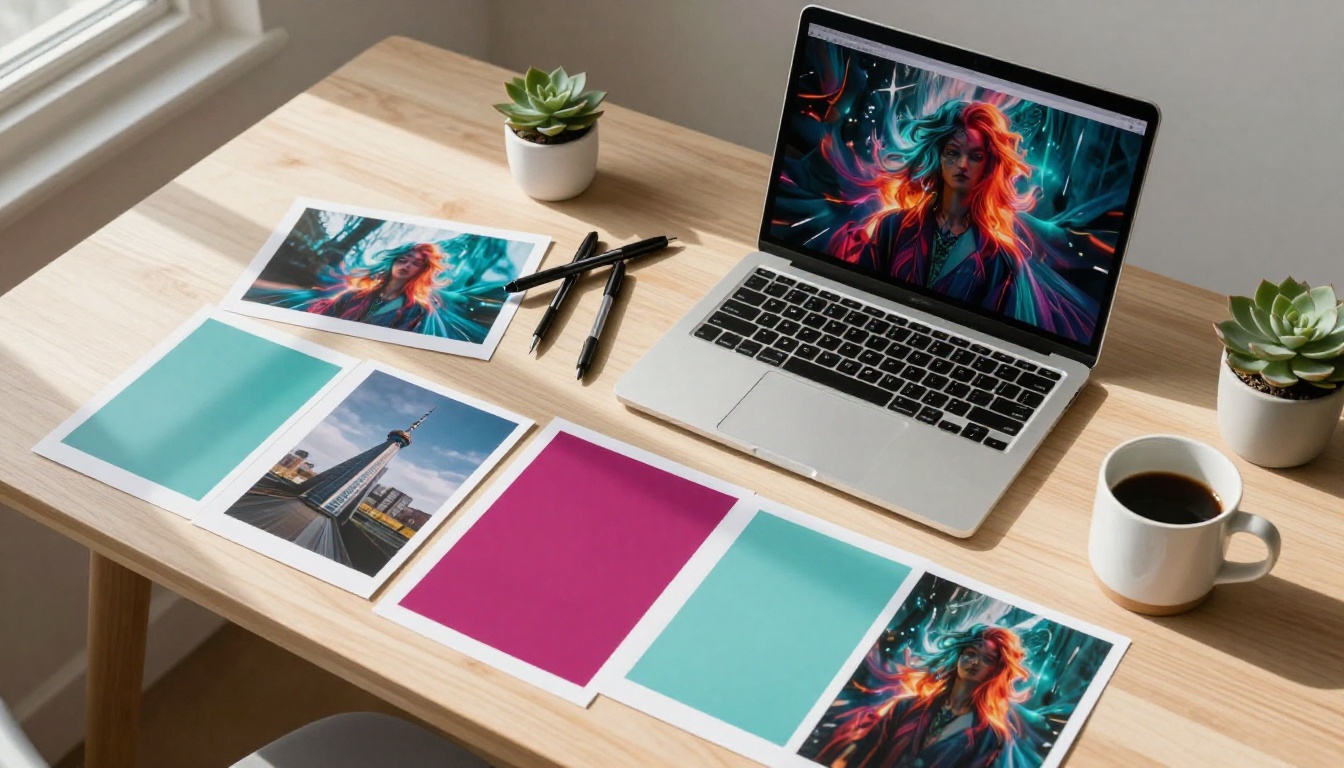
The Structure Reference feature lets you upload an existing image and use its composition and spatial layout as a generation guide. The model reads depth maps and object placement, then generates a new image that mirrors the structure while applying your text prompt as the visual content.
This is particularly powerful for:
- Maintaining consistent product placement across a campaign
- Adapting existing photography into different visual styles
- Creating variations of a hero image without reshooting
The output quality varies depending on the reference. High-contrast structural references work very well. Busy, cluttered reference images often produce confused results requiring several regeneration attempts.
Style Reference Matching
Style Reference is a separate control from Structure Reference. You upload a visual style example — a photography look, an illustration feel, a color palette image — and Firefly uses it to influence the output's aesthetic tone without copying the content.
In testing across commercial projects, Style Reference delivers consistent results when the style source is clean and stylistically distinct. A fashion editorial photo as a style source pushes outputs toward editorial warmth and specific grain quality. A product photo on white keeps outputs clean and high-key.
💡 Use your brand's existing photography as style references to create AI-generated content that matches your visual identity without hiring additional photographers.

Content Credentials Built In
Every image generated through Firefly Image 4 carries Content Credentials, Adobe's implementation of the C2PA (Coalition for Content Provenance and Authenticity) standard. These are invisible metadata tags embedded in the file that disclose AI involvement in the image's creation.
This matters for several reasons:
- Compliance: Some publishers and clients now require AI disclosure on submitted images
- Trust signals: Content Credentials help your clients verify that images were not manipulated after delivery
- Industry positioning: Adobe is betting that transparent AI will win commercially over the long term
The metadata stays attached through export, email, and most major CMS uploads. It strips in some edge cases (heavy compression, certain social platforms), but the intent is sound and the coverage is improving.
Commercial Licensing, Explained Simply
This is the feature most designers actually care about but rarely get a straight answer on.
Adobe trains Firefly exclusively on Adobe Stock images, openly licensed content, and public domain material. No web scraping, no copyright-disputed datasets. Images generated through Firefly Image 4 come with commercial usage rights included in your Creative Cloud subscription.
You can use generated images in:
- Client deliverables
- Paid advertising
- Product packaging
- Editorial publications
- Social media for commercial accounts
Why This Matters for Professionals
The commercial licensing story is Firefly's strongest differentiator. Most open-source AI image models exist in legal gray zones for commercial use because their training data provenance is unclear or disputed.
Firefly removes that uncertainty. When a client asks "where did this image come from?", you have a clear, documented answer backed by Adobe's legal team.
💡 If you are delivering AI-generated content to legal or financial clients, Firefly's clean licensing story is often the deciding factor over raw image quality.
Real Use Cases Worth Knowing
The gap between "interesting AI demo" and "actually useful in production" is where most AI image tools fall apart. Firefly Image 4 closes that gap in several specific areas.
Fashion and Editorial Work
Fashion photographers and stylists are using Firefly Image 4 to generate location concepts before booking shoots. Instead of expensive location scouts, art directors describe the environment and generate 20 variations in minutes. The team picks the visual direction, then executes the real shoot with alignment on mood, light, and background already established.
The model handles fabric texture and skin tone variation well enough that some teams use it for casting mood boards, generating different demographics against a concept environment to show clients representative options before any real production begins.

Product Photography Without a Set
E-commerce teams are finding strong ROI in Firefly Image 4 for lifestyle background generation. You provide a packshot (product on white background), and Firefly places it into a generated environment: kitchen counter, bathroom shelf, outdoor terrace.
The strongest technique here is using Generative Fill in Photoshop (which runs on the same Firefly model) to composite products into generated backgrounds rather than generating the whole scene from scratch. This preserves exact product fidelity while letting the AI handle environmental storytelling.
| Use Case | Traditional Photography | With AI |
|---|
| Lifestyle background (single product) | 2-3 days | 45 minutes |
| 10 campaign variations | 2-3 weeks | 4-6 hours |
| International localization visuals | 4+ weeks | 1-2 days |

Architecture and Interior Concepts
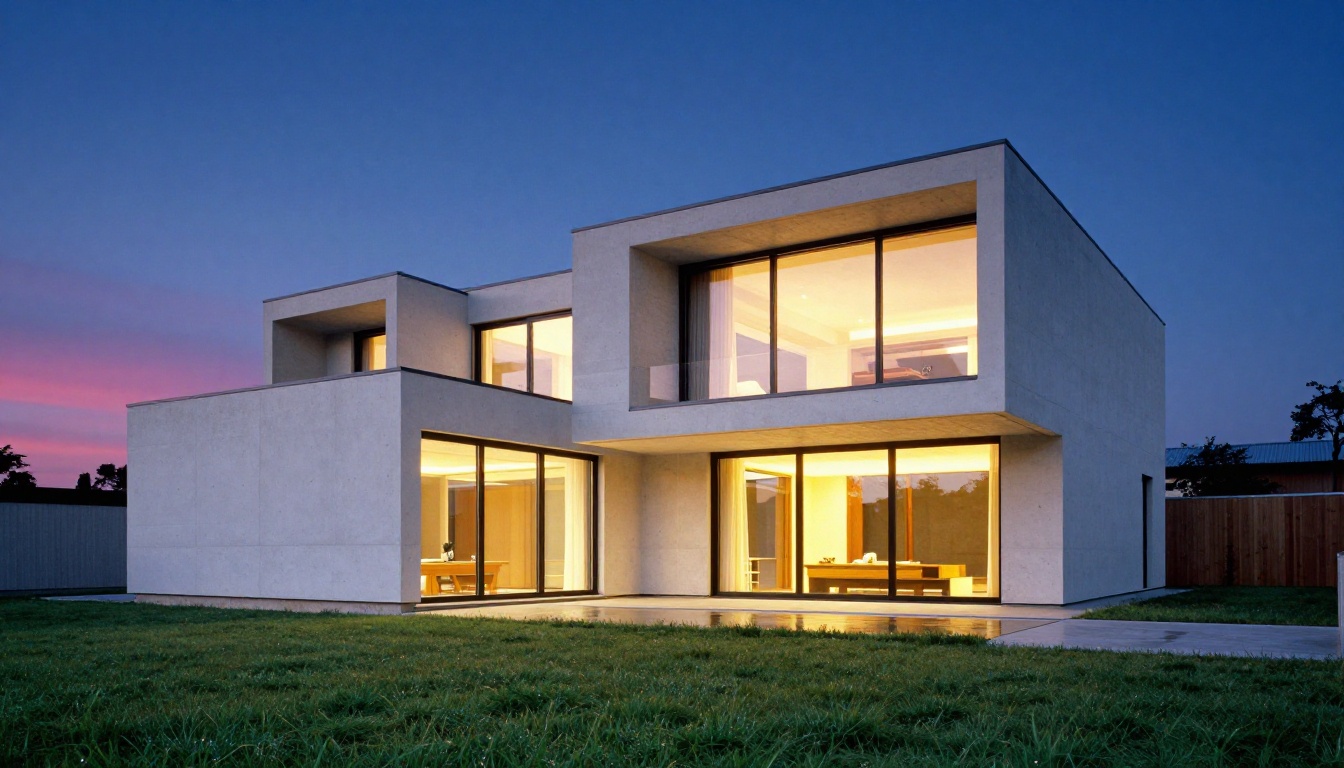
Architects and interior designers are integrating Firefly Image 4 into early-stage client presentations. The model generates photorealistic exterior and interior concept images from text descriptions with enough fidelity to communicate spatial intent before any 3D modeling begins.
For residential projects, this means showing clients what their home could look like at different times of day, in different seasons, or with different material choices, without paying for architectural renderings at every revision stage.
Marketing Campaigns at Scale
Marketing teams managing localization across multiple markets are among the fastest adopters. Creating culturally appropriate imagery for 12 different countries using traditional photography requires massive budget and logistics coordination.
With Firefly Image 4, teams generate base campaign images and then create localized variants by modifying specific elements: swapping background environments, adjusting model demographics, changing seasonal contexts. The commercial licensing makes this viable without legal review on every single output.

How Firefly Image 4 Compares
Not every AI image tool solves the same problem. Here is where Firefly Image 4 sits relative to the competitive landscape:
| Feature | Firefly Image 4 | Midjourney v7 | Open-Source Models |
|---|
| Commercial licensing clarity | Strong | Moderate | Variable |
| Photorealistic output | Strong | Very Strong | Variable |
| Creative Cloud integration | Native | None | None |
| Structure/Style reference | Yes | Limited | Model-dependent |
| Content Credentials | Yes | No | No |
| Prompt adherence | Strong | Moderate | Strong |
| Speed | Fast | Fast | Variable |
| Price | CC subscription | Separate subscription | Free to paid |
The honest takeaway: Firefly Image 4 wins on workflow integration and legal clarity. It does not produce the most visually stunning results in every category, but for teams inside the Adobe ecosystem, the native integration with Photoshop, Illustrator, and Express makes it the pragmatic choice.
Alternatives on PicassoIA Worth Trying
Adobe Firefly operates within a Creative Cloud subscription model. If you want to test alternative AI image generators without committing to one ecosystem, PicassoIA gives access to a wide range of frontier models in one place.
For Photorealistic Quality
Seedream 4.5 generates 4K photorealistic images from text with strong prompt adherence and fine detail on skin, fabric, and environments. It sits in the same quality tier as Firefly Image 4 for photorealism-focused work.
Wan 2.7 Image Pro delivers high-resolution output at 4K with detailed texture rendering, making it a strong alternative for product and architectural visualization.
Hunyuan Image 2.1 from Tencent produces 2K images with impressive realism for portraits and lifestyle imagery across a wide range of demographics.
For Editing and Retouching
Qwen Image Edit Plus handles AI-powered photo editing directly from text instructions, similar to Firefly's Generative Fill capability. Describe what you want changed and the model applies it with solid spatial accuracy.
Flux Redux Dev creates controlled image variations with strong style consistency, which is useful when you need multiple versions of a concept image without losing visual coherence.
For Custom Style Training
P Image Trainer lets you train a custom LoRA on your own images, producing a model that generates images in your specific visual style. This is what Firefly's Style Reference attempts to approximate, but a trained LoRA gives finer control and more consistent results across a wider variety of prompts.

What Firefly Still Gets Wrong
Firefly Image 4 is the best version Adobe has made. It is still not perfect.
Complex multi-person scenes remain inconsistent. Two or more people interacting naturally continues to challenge the model, with hands, faces, and spatial relationships occasionally breaking down in ways that require multiple regenerations.
Typography and text within images is still unreliable. While the model has improved text rendering over previous versions, long strings or stylized lettering produce errors often enough that this should not be relied on for production work.
Prompt interpretation at creative extremes suffers. When you push toward highly specific or unusual visual combinations, Firefly tends to revert toward safer, more conventional interpretations. More experimental models like GPT Image 2 handle creative outlier prompts more faithfully.
Generative credit consumption frustrates power users. Creative Cloud plans include a limited number of generative credits per month. Heavy users burn through them quickly, and overage pricing adds up faster than expected. Open-access models on PicassoIA do not carry the same per-generation cost structure.
Try It Yourself on PicassoIA
Firefly Image 4 represents a meaningful step forward in commercial AI image generation. The photorealism is real, the licensing story is clean, and the Creative Cloud integration is genuinely useful for teams already inside Adobe's ecosystem.
But the AI image generation space has never been more competitive. Models like Seedream 4.5, Wan 2.7 Image Pro, and Hunyuan Image 2.1 are delivering comparable photorealism without a Creative Cloud paywall, and the gap in output quality narrows with every model release.
If you want to work across multiple frontier models in one place, without being locked into one subscription ecosystem, PicassoIA gives you access to over 90 text-to-image models, including every alternative mentioned in this article.

Pick a model, write your prompt, and see the output in seconds. No confusing credit systems, no single-vendor lock-in. Just high-quality images ready for your next project.


