The adult content AI space has exploded. Dozens of new models launch every month, each claiming to be the most realistic, the most flexible, the most capable. For creators who actually produce adult art regularly, the fragmentation is exhausting. You shouldn't need six different accounts, six different interfaces, and six different billing systems to get the best outputs.
All-in-one platforms solve this. Instead of jumping between standalone tools, you get a single interface with access to dozens, sometimes hundreds, of AI models. The question is which platforms do it well, and which models inside them actually produce the quality adult content creators demand.
This is a direct breakdown of the best AI adult content generators in 2027, what separates a good platform from a great one, and how to get the most out of the top models available.
Beyond Single-Model Tools
A single-model tool is easy to use but fragile. When the model gets updated, deprecated, or simply falls behind the curve, you're stuck. A platform that aggregates models gives you flexibility: swap between Flux 1.1 Pro Ultra for maximum photorealism, SDXL for stylized art, and DreamShaper XL Turbo for faster drafts, all in one place.
The creators who produce the best adult AI content aren't loyal to one model. They're loyal to outcomes, and they switch models based on what the scene demands.
The Model Library Problem
Most platforms that offer "multiple models" are still limiting. They curate five to ten options, usually the most popular ones from two years ago. The best all-in-one platforms are continuously updated, adding new model releases within days of launch. This matters because the gap between a model released in 2023 and one released in 2025 in terms of skin texture, lighting accuracy, and anatomical realism is enormous.
💡 Tip: When evaluating a platform, check when their newest model was added. Stale libraries mean stale results.
Best AI Models for Adult Image Generation
Flux Series: The Realism King
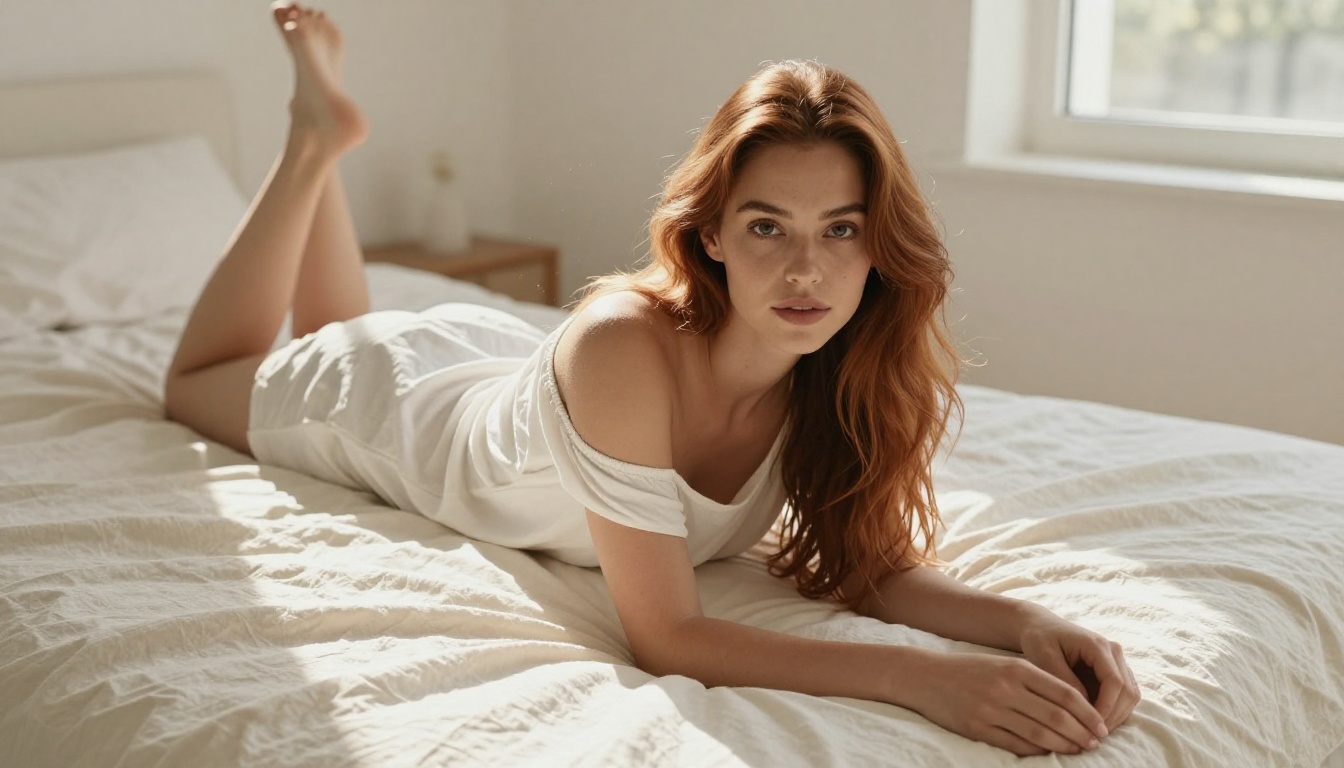
The Flux family from Black Forest Labs has become the gold standard for photorealistic adult content. Flux 1.1 Pro Ultra produces images that consistently fool the human eye. The model handles skin tones, lighting variations, and fine body details with a precision that earlier diffusion architectures couldn't match.
For most creators, the workflow looks like this: draft with Flux Schnell for quick iteration, then finalize with Flux 1.1 Pro Ultra for production quality. Flux 2 Pro and Flux 2 Max push the ceiling even further with improved instruction following and enhanced detail retention.
Stable Diffusion for NSFW Art
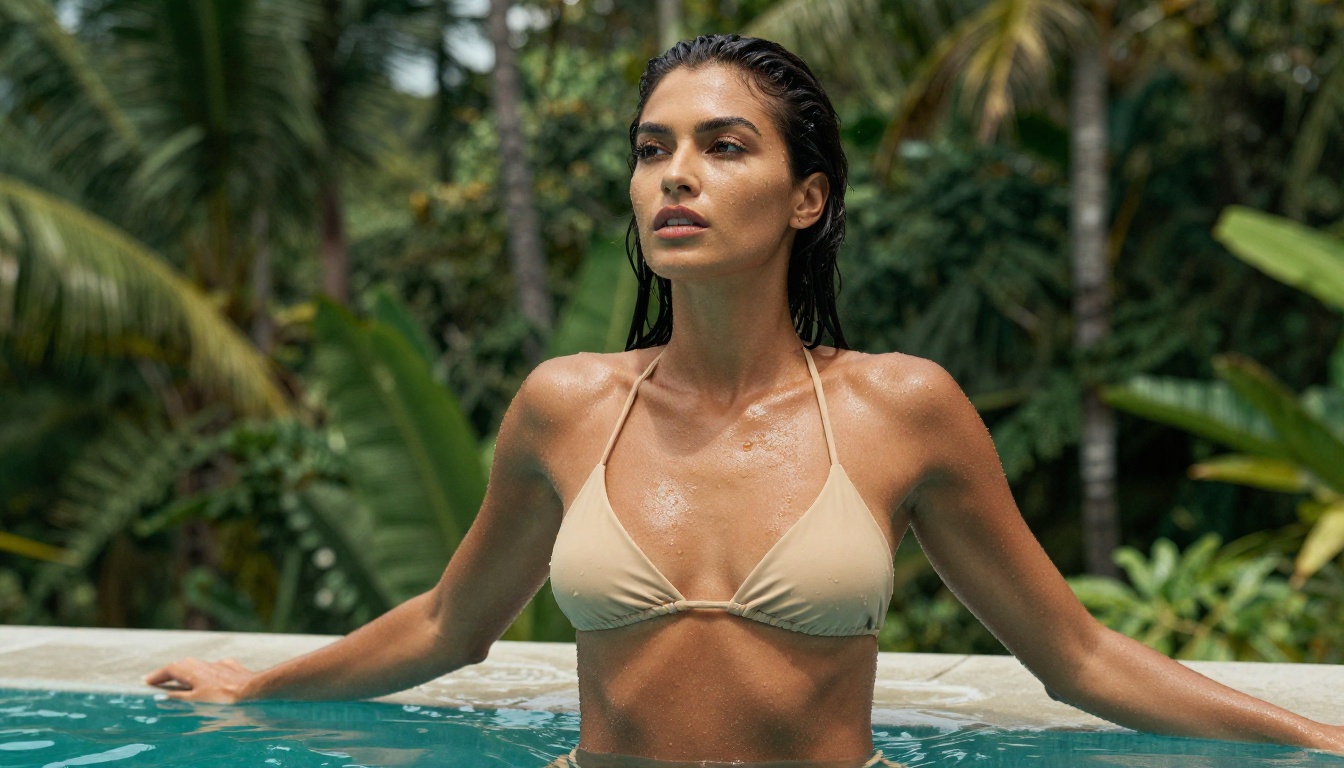
Stable Diffusion 3.5 Large remains relevant because of its fine-tuned model ecosystem. The base model is strong, but it's the community of custom checkpoints built on top of it that makes it valuable for adult content creation specifically. Its handling of anatomy, poses, and lighting in complex compositions is consistently solid.
Stable Diffusion 3.5 Large Turbo cuts generation time significantly while maintaining most of the quality. For high-volume creators who need to iterate through many variations, it's the practical choice.
Realistic Vision and RealVisXL
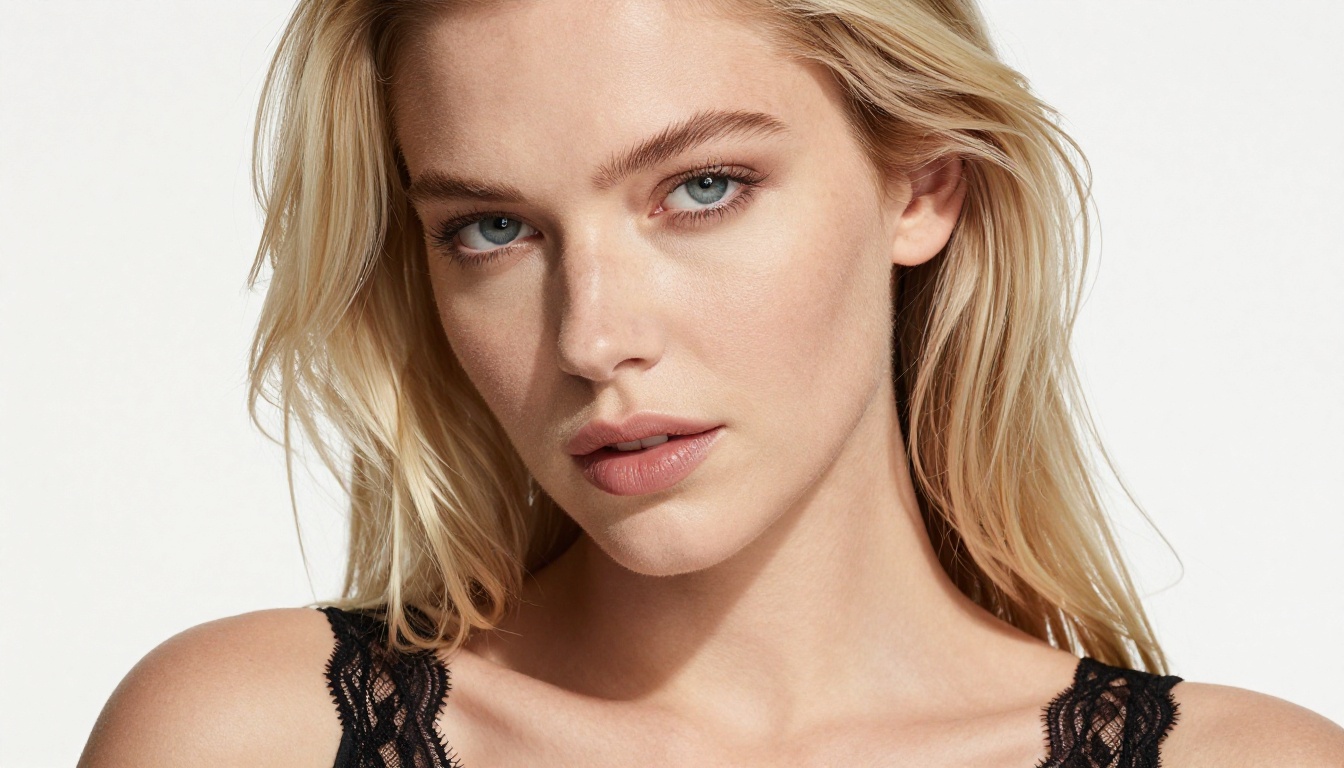
Realistic Vision v5.1 was one of the first models specifically fine-tuned for photorealistic human subjects. It still produces excellent results for portrait-style adult content, particularly for close-up facial and upper-body shots where skin pore detail matters.
RealVisXL v3.0 Turbo takes the same philosophy to the XL architecture, delivering larger canvases with more anatomical consistency. It's particularly strong when combined with ControlNet for pose-guided generation.
How to Pick the Right Model
Quality vs. Speed Trade-offs
The hardest question isn't "which model is best?" It's "which model is best for this specific image?" A few practical rules:
NSFW-Specific Parameters
Beyond model choice, parameters make or break adult AI content. The most impactful settings to dial in:
- Steps: Higher step counts (30-50) improve skin texture and fine detail resolution significantly. Don't rush this.
- CFG Scale: 6-8 typically hits the sweet spot between prompt adherence and natural-looking output. Too high and faces become waxy.
- Negative prompts: Include "cartoon, illustration, watermark, text, distorted anatomy, extra limbs" as a baseline.
- Seed locking: When you find an output you love, lock the seed and iterate on the prompt.
💡 Tip: Save your best negative prompt strings. The same negative prompt can dramatically improve outputs across different models.
Prompt Crafting for Adult Content
Words That Actually Work
Prompt engineering for adult AI content is a specific skill. The models respond to photography terminology more than abstract descriptions. Think like a photographer:
Instead of: "sexy woman"
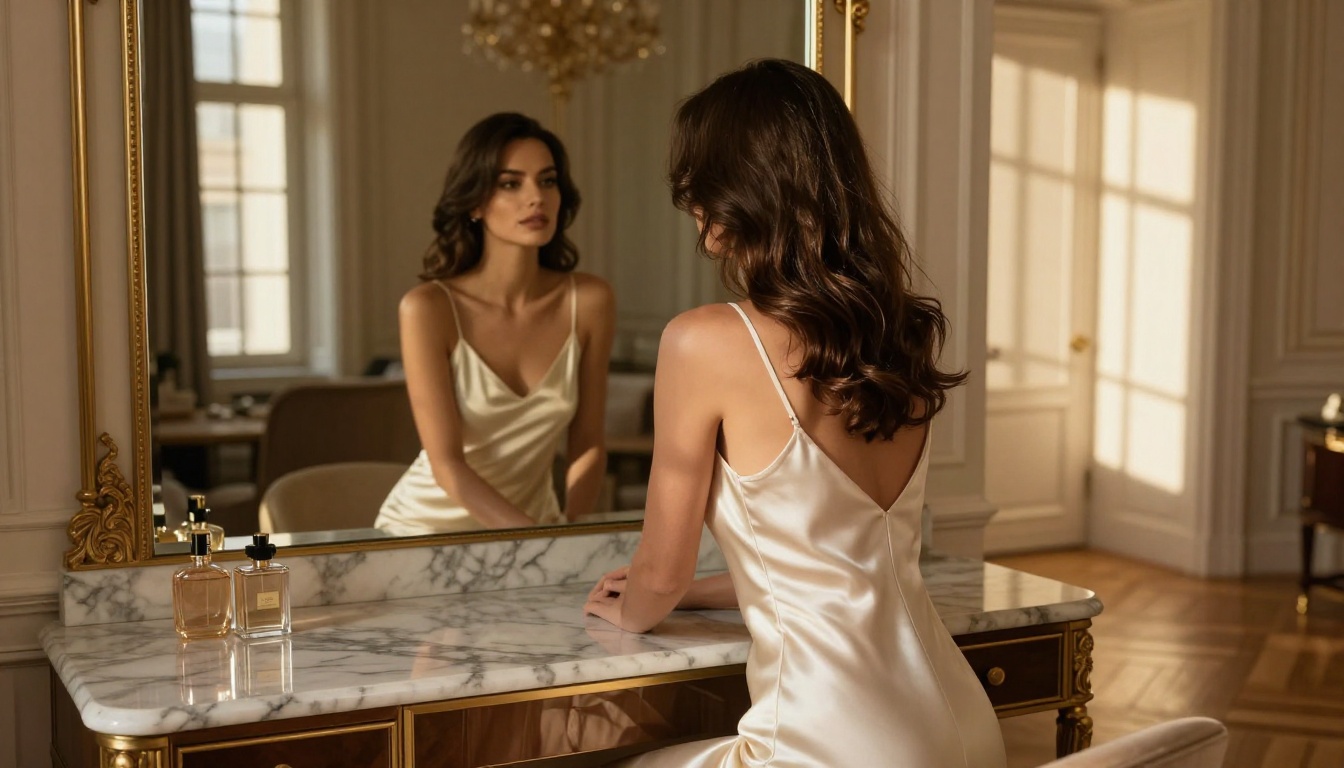
Use: "photorealistic portrait, 85mm f/1.4, a 28-year-old woman with tan skin wearing a silk slip, soft rim lighting from behind, skin pores visible, Kodak Portra 400 film grain"
The more your prompt reads like a camera setup sheet, the better the output. Specify:
- Camera and lens (Canon R5, 85mm, f/1.8)
- Lighting direction and quality (volumetric morning light from the left, soft octabox at 45 degrees)
- Film stock or sensor (Kodak Portra 400, Fuji Velvia, RAW sensor)
- Subject specifics (skin tone, hair type, specific garments)
- Environment (marble floor, French windows, tropical pool)
Common Mistakes to Avoid
The most common pitfalls for adult AI image generation, and why they matter:
| Mistake | What Happens | Fix |
|---|
| Too vague ("beautiful woman") | Generic, forgettable output | Add photography specs and environment |
| Overloaded prompts | Model ignores half the prompt | Keep core subject first, details second |
| Skipping negative prompts | Distorted anatomy, artifacts | Use a strong baseline negative prompt |
| Ignoring aspect ratio | Cropped or stretched compositions | Set 16:9 for scenes, 3:4 for portraits |
| Wrong model for the task | Stylized output when realism needed | Match model to output goal |
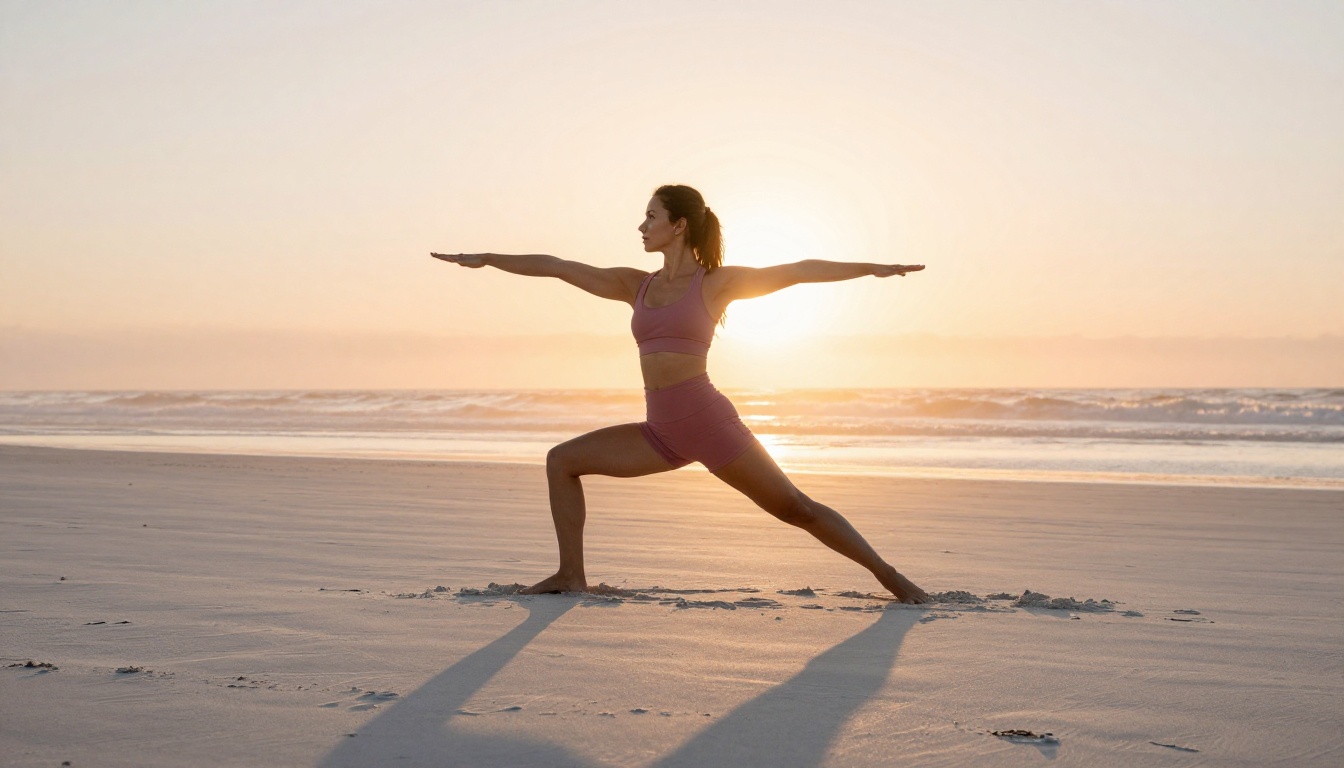
How to Use Flux 1.1 Pro Ultra on PicassoIA
Flux 1.1 Pro Ultra is one of the most requested models for realistic adult content creation. Here's how to get the best results using it on the platform:
Step 1: Select the model
Go to the Flux 1.1 Pro Ultra page and open the image generation interface.
Step 2: Set your aspect ratio
For full-body scenes, use 16:9. For portraits and close-ups, switch to 3:4 or 2:3 to give the model more vertical space and reduce compositional cropping.
Step 3: Write your prompt with photography intent
Start with the subject and their key visual attributes, then layer in the lighting setup, environment, and camera details. Example:
"A 25-year-old woman with caramel skin and dark wavy hair reclining on a white linen daybed, wearing a sheer ivory camisole. Soft morning window light from the left at 30 degrees. Canon R5, 85mm f/1.4. Kodak Portra 400 film grain. RAW photography. Photorealistic."
Step 4: Set negative prompt
Use: "cartoon, painting, illustration, 3D render, watermark, text, extra fingers, distorted face, blur, low quality"
Step 5: Generation steps
Set to 40 steps for best quality. The extra time is worth it with this model.
Step 6: Seed
Leave random for exploration. Once you find a composition you like, note the seed number and lock it for variations.
Step 7: Refine with editing tools
After generating, use inpainting to fix any minor anatomy issues or re-prompt specific areas without regenerating the whole image.
💡 Tip: Flux 1.1 Pro Ultra responds exceptionally well to lighting direction cues. Be specific about where your light source is, and the model will render shadows and highlights with striking accuracy.
What separates a real all-in-one platform from a basic multi-model tool? These are the criteria that matter for adult content creators:
| Feature | Basic Tool | All-in-One Platform |
|---|
| Number of models | 1-5 | 50-100+ |
| Model update frequency | Months | Days/weeks |
| Editing tools (inpainting, outpainting) | None | Included |
| Super resolution upscaling | No | Yes |
| Face swap | No | Yes |
| Background removal | No | Yes |
| Video generation | No | Yes |
| Credit system | Per-model billing | Unified credits |
| ControlNet/pose control | No | Available |
The practical advantage is cost and workflow. When all your tools live in one platform with shared credits, your workflow is tighter and your costs are predictable. You're not paying three separate subscriptions to access inpainting on one platform, super resolution on another, and face swap on a third.
Image Editing After Generation
Inpainting and Outpainting
Generation is only the first step. The best adult content creators spend as much time on post-generation editing as on the initial prompt. Inpainting lets you target specific areas of an image (a face, a hand, a background element) and regenerate just that portion without touching the rest.
This is particularly valuable for adult content because anatomy issues, the most common failure point in AI image generation, can often be fixed in a single inpainting pass rather than requiring a full regeneration. Fix a distorted hand, correct an inconsistent facial expression, or swap out a distracting background element in seconds.
Outpainting works the opposite way: it extends the canvas beyond the original frame. A portrait can become a full-body shot. A bedroom scene can expand to show the full room. This flexibility is one of the underutilized capabilities on all-in-one platforms.
Face Swap and Super Resolution
Face swap AI allows creators to maintain consistent character identity across multiple generated images. This is critical for series-style adult content, where the same character needs to appear recognizably in different scenarios, outfits, and environments.
Super resolution upscales images 2x to 4x while adding realistic detail. A 512px draft becomes a 2048px production-ready asset. The combination of generation, editing, face consistency, and upscaling, all within one platform, is what makes the all-in-one model so compelling for serious adult content creators.
💡 Tip: Generate at standard resolution first, iterate quickly to find the right composition and prompt, then apply super resolution only on your final approved version. This saves credits and time.
The Models Worth Knowing Beyond Flux
The Flux series dominates headlines but it's not the only option worth understanding.
GPT Image 1.5 excels at following complex compositional instructions and produces exceptionally clean, detail-rich outputs. It handles intricate scene descriptions better than most models.
Imagen 4 from Google delivers outstanding color accuracy and scene coherence. For outdoor and environmental scenes with human subjects, it's among the most consistent performers.
Seedream 4.5 from ByteDance produces impressively detailed portraits with natural skin tones, making it a solid alternative when Flux is overkill for the task.
Ideogram v3 Quality stands out for its compositional awareness. It handles complex multi-element scenes without the anatomical breakdown that plagues many models in busy compositions.
Flux Kontext Pro adds text-based image editing on top of generation. You can describe a change in plain text: "change the dress from blue to red" or "remove the background" and the model applies it without losing the rest of the image structure.
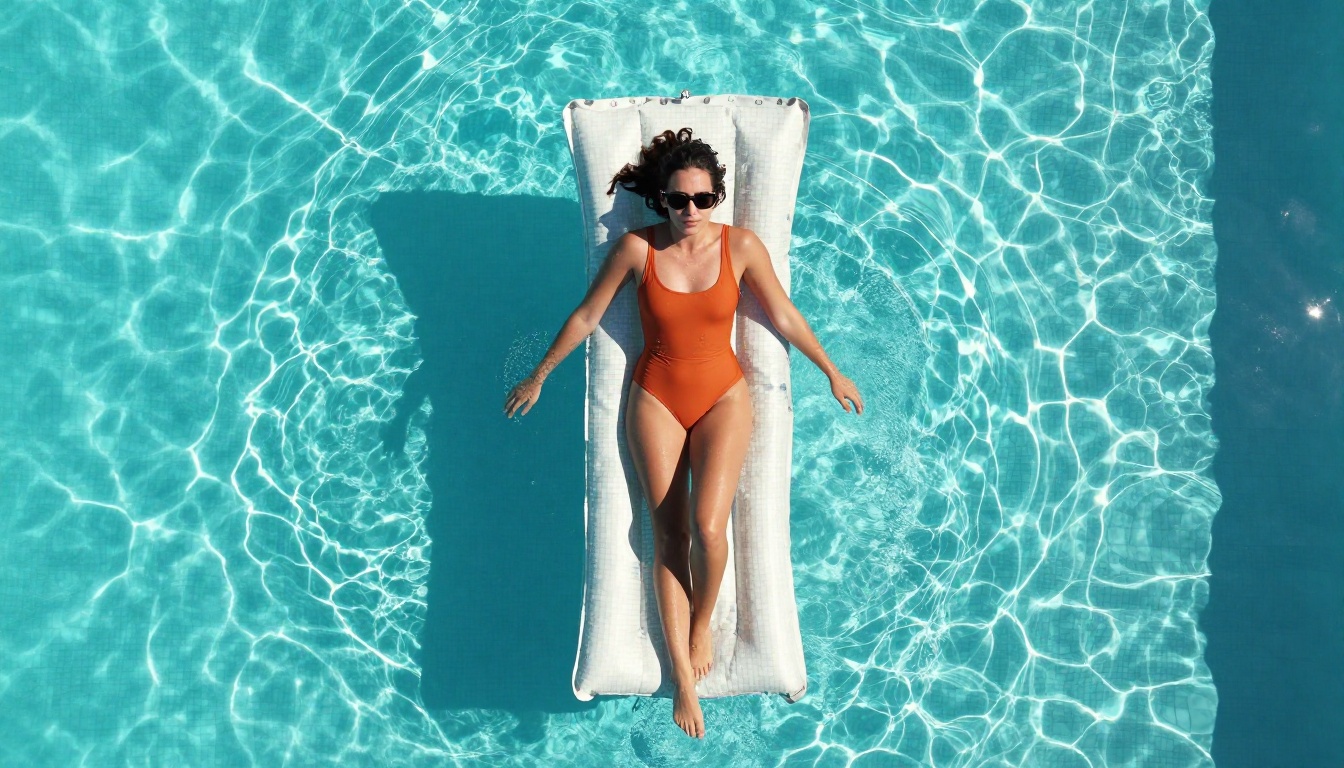
Start Creating on PicassoIA
The platform with the broadest selection of active, up-to-date AI models for adult content in 2027 is PicassoIA. With 91 text-to-image models alone, including the full Flux family, Stable Diffusion 3.5, Realistic Vision, RealVisXL, GPT Image 1.5, Imagen 4, and dozens more, plus integrated editing tools, video generation, face swap, super resolution, and audio capabilities, it genuinely functions as the all-in-one creative platform for serious AI adult content creators.
The fastest way to see what's possible: open Flux 1.1 Pro Ultra, write a detailed photography-style prompt, and run your first generation. The difference between this and a basic single-model tool is immediately visible in the output.
If you want to experiment with stylized alternatives, try DreamShaper XL Turbo for artistic NSFW outputs, Realistic Vision v5.1 for portrait-focused content, or Flux 2 Max when you want the absolute ceiling of what AI image generation can produce today.
The creative ceiling is determined by the platform you use. Choose one that keeps pace with the field.


