The adult AI image generation space has grown faster than almost any other sector in AI art. In 2027, if you know which tools to use and how to prompt them, you can produce stunning, photorealistic +18 content that would have required a professional photographer just a few years ago. The question is no longer "can AI do this?" but "which tool does it best?"
This article cuts straight to the answer. We tested the top AI image generators available today, focusing on output quality, prompt responsiveness, realism, and how well each handles mature, suggestive, or adult content. Whether you are an artist, content creator, or someone who wants to push what AI can produce, here is what you need to know.
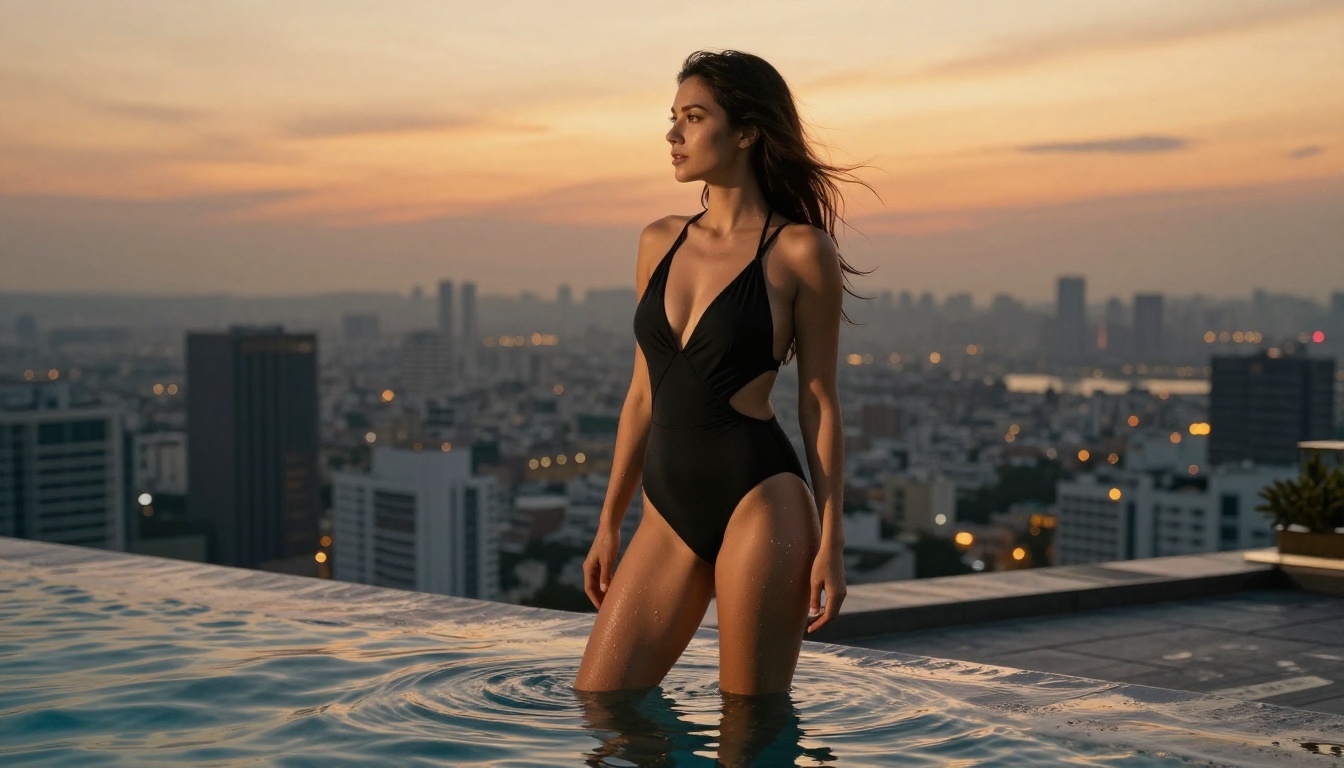
What Makes a Good Adult AI Generator
Before diving into the tools themselves, it is worth defining what "good" actually means in this context. Not all image generators handle adult prompts equally, and the differences go beyond just whether they allow NSFW content.
Output Realism
The most critical factor is how photorealistic the output looks. Adult content that looks like a low-resolution painting fails on every level. You need models trained on high-quality photographic data, capable of rendering natural skin tones, realistic anatomy, fabric textures, and accurate lighting. Generic models optimized for fantasy art or graphic design rarely deliver here.
Prompt Fidelity
A tool that ignores half your prompt and substitutes its own interpretation is useless for adult content where specific poses, outfits, environments, and compositions matter. The best models follow complex, multi-clause prompts with precision. This separates amateur-level tools from professional-grade generators.
Privacy and Data Control
This matters more than most people acknowledge. When generating personal or adult content, you want to know your prompts and outputs are not being stored, reviewed, or used for training without consent. Read the terms carefully on any platform you use and choose services with clear, transparent data policies.
💡 Tip: For maximum output quality in adult image generation, always include lighting descriptors (e.g., "Rembrandt lighting from upper-left"), camera lens info (e.g., "85mm f/1.4"), and texture descriptors (e.g., "Kodak Portra 400 film grain, photorealistic skin pores"). These alone can dramatically improve realism.
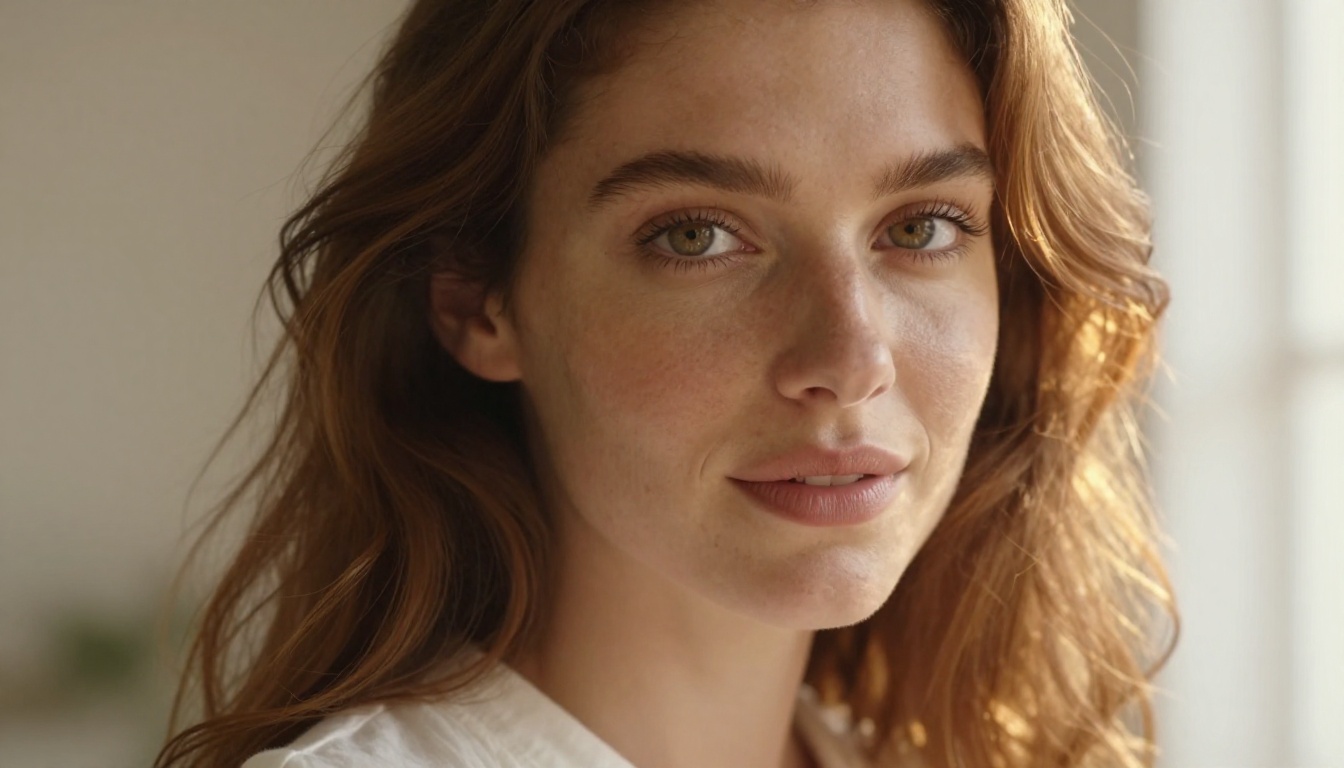
The Best Models Right Now
Here is where it gets specific. These are the models that actually deliver when generating adult and +18 content. All of them are available on PicassoIA.
Flux 1.1 Pro Ultra
Flux 1.1 Pro Ultra by Black Forest Labs is currently the gold standard for photorealistic image generation. Its training on high-quality photographic data means it renders skin, hair, fabric, and environments with accuracy that approaches professional photography.
For adult content, this model excels at:
- Photorealistic portraits with natural skin tones and micro-texture
- Complex lighting setups including natural, golden hour, and studio conditions
- Clothing and fabric detail, from silk to lace to denim with accurate wrinkles
- Compositional control, following complex camera angle and framing instructions precisely
- Consistent anatomy across different body types and poses
The ultra variant adds higher resolution output and better prompt adherence compared to the base version. If you are only using one model for serious adult content creation, start here.
Flux 2 Pro and Flux 2 Max
Flux 2 Pro and Flux 2 Max represent the latest generation from Black Forest Labs. These models push realism even further, with improved anatomy accuracy and better handling of subtle expressions and body language.
Flux 2 Max in particular stands out for its ability to handle long, detailed prompts without losing track of individual instructions. This is a common failure point in most generators, where mid-prompt details get dropped or blended incorrectly.
💡 Tip: When using Flux 2 models, place your most important visual elements at the beginning of the prompt. Subject description first, then environment, then lighting, then camera specs. This ordering improves output significantly because models process prompts front-to-back.
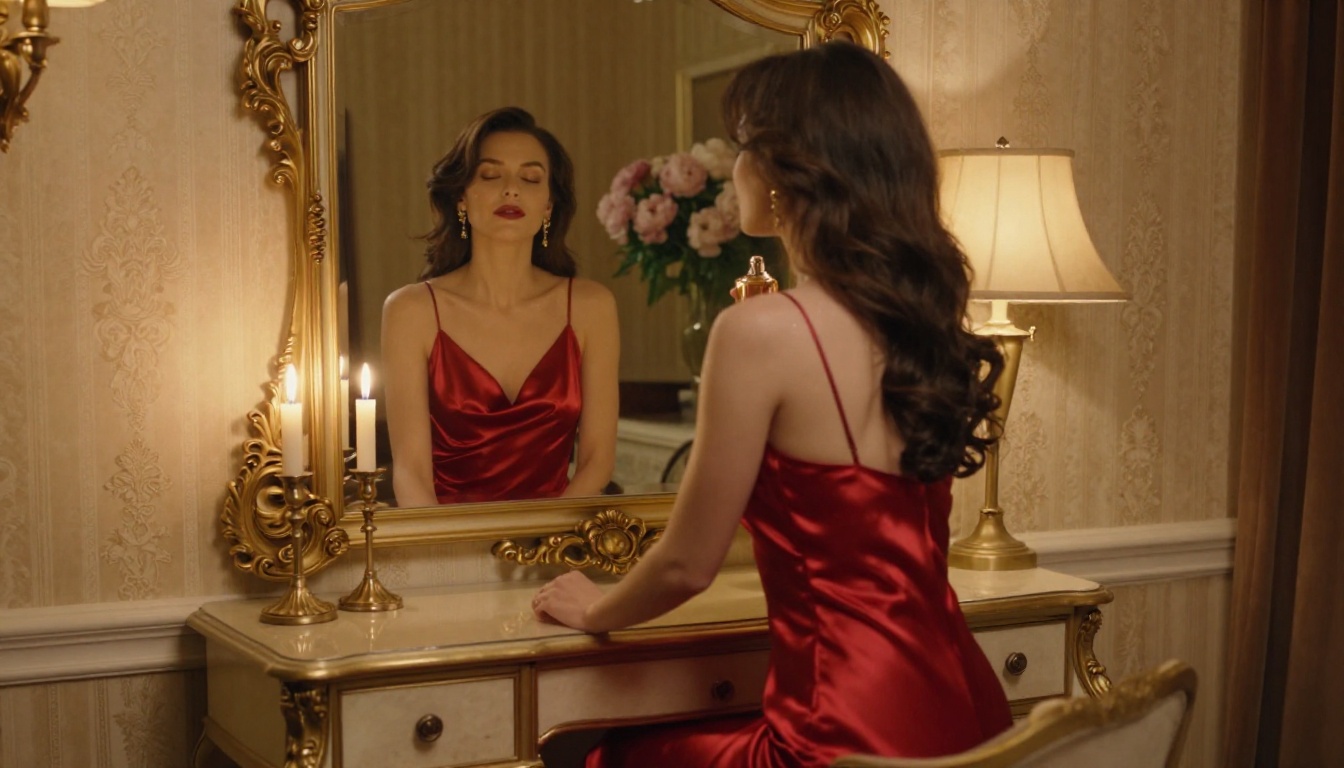
Stable Diffusion 3.5 Large
Stable Diffusion 3.5 Large from Stability AI brings open-weight power to adult content generation. Its architecture handles human anatomy exceptionally well, with good attention to proportions and natural body positions that often trip up other models.
The turbo variant, Stable Diffusion 3.5 Large Turbo, trades a small amount of quality for significantly faster generation, making it ideal for iterating through prompt variations quickly before committing to a final high-quality render.
What SD 3.5 Large handles well:
- Natural, realistic body proportions with minimal anatomical errors
- Environmental settings with depth and genuine believability
- Close-up skin and texture rendering
- Mixed lighting scenarios (candlelight combined with ambient room light, for example)
Realistic Vision v5.1
Realistic Vision v5.1 is a community favorite for a specific reason: it was fine-tuned with a singular focus on photorealistic output, and that focus shows in every generation. This model produces images that can genuinely be mistaken for photographs when prompted correctly.
For +18 content, it handles with particular strength:
- Natural-looking faces with accurate proportions and expression variety
- Soft, cinematic lighting in indoor settings
- Believable fabric and material rendering across silks, cottons, and synthetics
- Both candid and posed photography styles with equal confidence
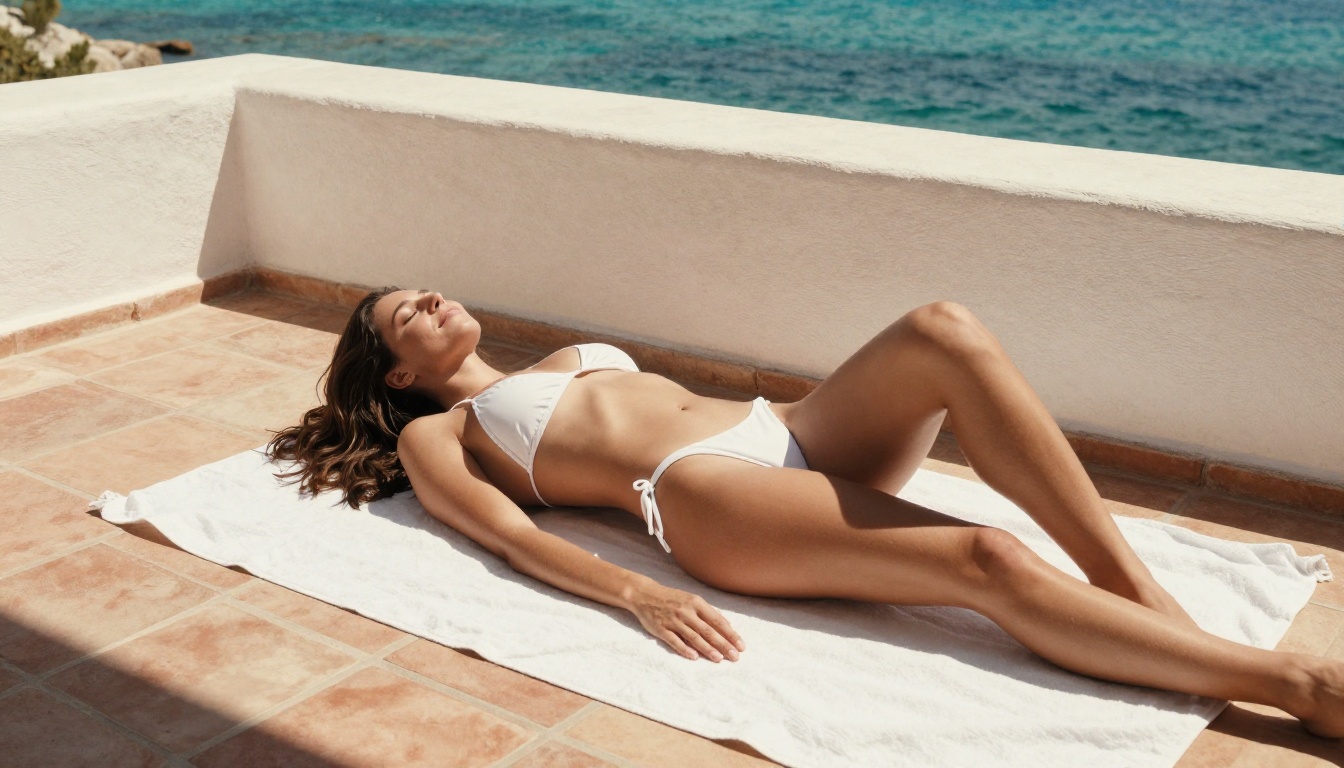
RealVisXL v3.0 Turbo
RealVisXL v3.0 Turbo takes the photorealism approach further with an XL base model. The larger parameter count translates directly to finer details, especially in close-up work where skin texture, individual hair strands, and subtle facial features need to look genuinely real.
This model works particularly well for:
- Portrait-focused adult content where face quality is paramount
- High-resolution close-ups where skin and material detail must hold up
- Mixed indoor and outdoor environments with complex ambient lighting
- Fashion-adjacent suggestive content with editorial quality
SDXL
SDXL remains relevant despite being an older release. Its versatility, strong community fine-tune ecosystem, and reliable anatomy handling make it a solid choice. It does not match the newer Flux models in raw realism, but its consistency and generation speed make it effective for rapid prototyping before finalizing with a higher-quality model.
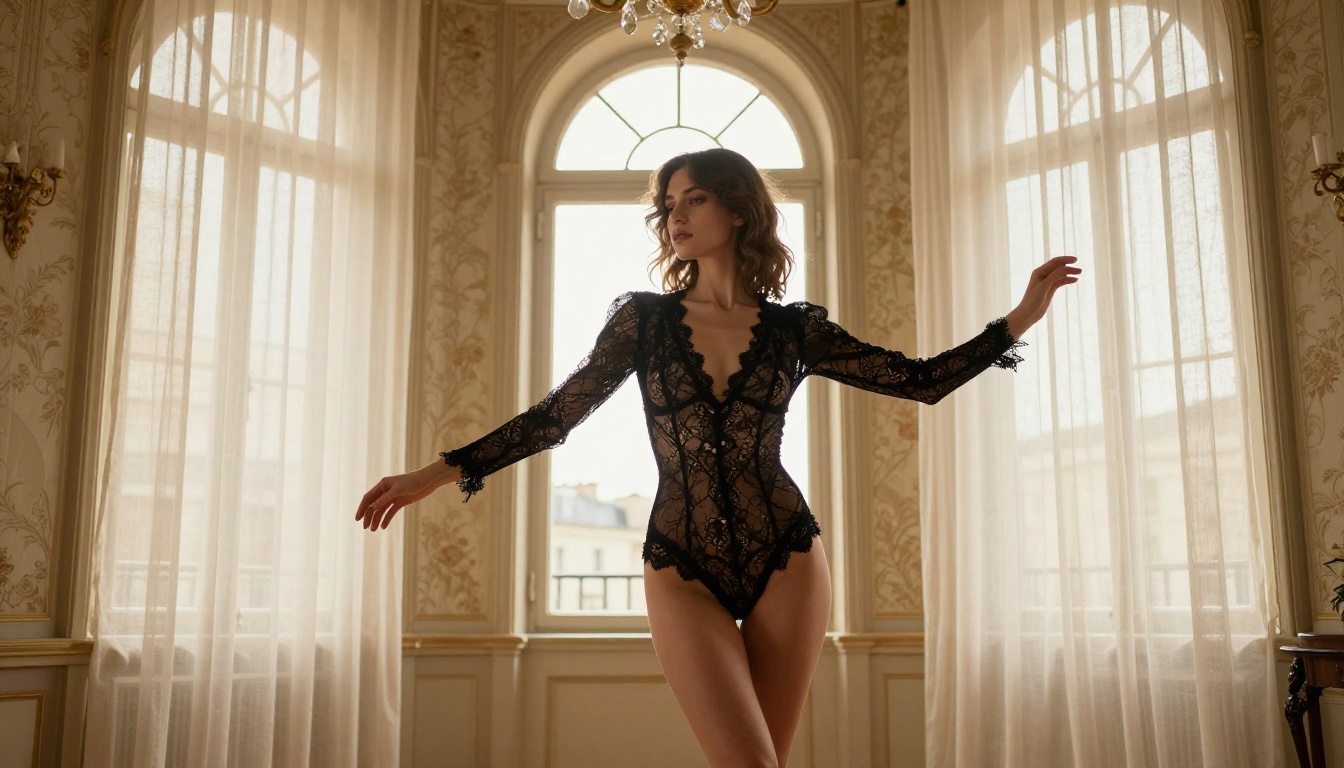
Model Comparison at a Glance
How to Use Flux for +18 Content on PicassoIA
PicassoIA gives you direct access to all the Flux models and every other generator listed here without needing to manage local installations, VRAM requirements, or complex configuration. Here is a step-by-step process for getting the best results.
Step 1: Pick the Right Starting Model
Go to the Text-to-Image collection. For photorealistic adult content, start with Flux 1.1 Pro Ultra or Flux 2 Max. If you want to iterate faster and then finalize with a premium model, use Flux Dev for your early drafts.
Step 2: Structure Your Prompt
Order your prompt this way for best results:
- Subject (who, what they are wearing, what they are doing, skin and hair details)
- Environment (where they are, background elements and textures)
- Lighting (source direction, quality, color temperature)
- Camera (angle, lens focal length, aperture)
- Style Qualifiers (film grain, photorealistic, 8K RAW, etc.)
This ordering matters. Models process prompts from start to finish, and subject information placed early receives the most weight during generation.
Step 3: Write Effective Negative Prompts
Most models on PicassoIA support negative prompts. For adult content, a reliable starting set includes:
- cartoon, anime, illustration, CGI, 3D render
- low quality, blurry, pixelated, watermark, text
- unrealistic skin, plastic skin, waxy, oversmoothed
- extra fingers, merged limbs, anatomical errors
Step 4: Iterate with Purpose
Rarely does the first output nail exactly what you want. Generate 3 to 5 variations, identify what works, and refine deliberately. Adjust lighting, change the camera angle, or swap environment descriptions. The fastest improvers treat each output as useful feedback rather than a final result.
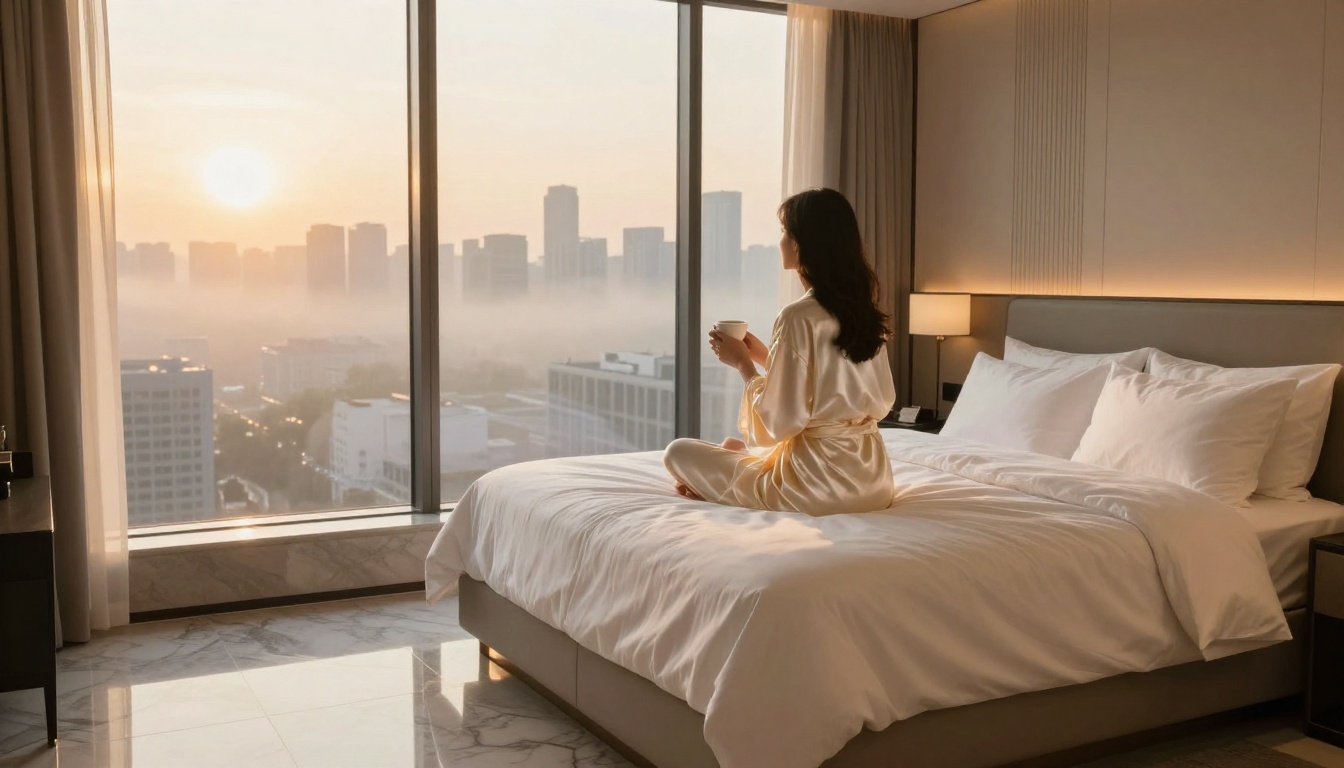
Writing Prompts That Actually Work
Bad prompts produce bad images. This is the single most common reason people get mediocre results from otherwise excellent models.
Specificity Beats Vagueness Every Time
"A beautiful woman" produces generic, forgettable results. "A woman in her early 30s with dark curly hair wearing an ivory silk slip dress, seated at a marble bathroom counter, backlit by morning light through frosted glass, shot with a 50mm f/2.8 lens, Kodak Portra 400 film grain" produces something specific, cinematic, and often striking.
Every concrete detail you add gives the model more material to work with. Subject details, clothing fabric, hair texture, skin tone, environment materials, lighting source direction, lens choice. None of these are optional if you want professional output.
Lighting Is the Real Differentiator
Professional photographers know that lighting separates a memorable image from a forgettable one. The same principle applies to AI generation. These lighting descriptors reliably improve outputs:
- "Rembrandt lighting from upper-left" for dramatic, sculpted portraits
- "Soft diffused window light from the right" for natural indoor scenes
- "Golden hour backlight, warm rim lighting on hair" for outdoor shots with depth
- "Candlelight and ambient lamp glow, warm amber tones" for intimate, private settings
- "Volumetric morning light streaming through tall windows" for atmospheric bedroom or hotel scenes
Camera Specs Add Realism
Including camera and lens specifications triggers photographic reasoning in the model and consistently improves output quality:
- "85mm f/1.4 portrait lens" produces natural subject isolation with precise background blur
- "35mm f/2.8 environmental portrait" gives wider context while maintaining subject sharpness
- "Canon EOS R5, RAW capture" signals high-end photographic quality
- "Kodak Portra 400 film grain" adds organic texture that reads as authentic and tactile
💡 Tip: Pairing a specific lens focal length with a specific aperture (e.g., "85mm f/1.4") consistently produces more photo-accurate depth of field and background separation than generic phrases like "blurry background." The more technical the prompt reads, the more photographic the output tends to look.
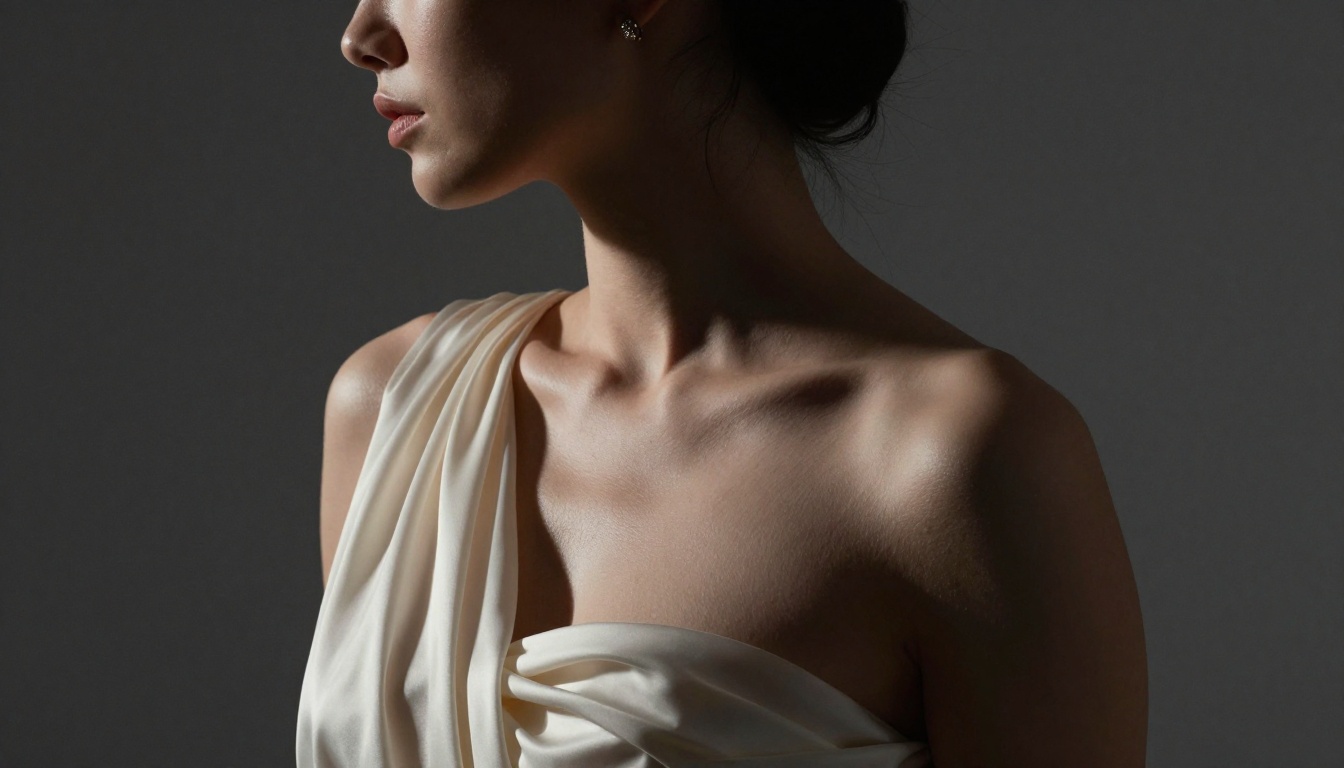
Free vs. Paid: The Quality Gap Is Real
There is a significant difference between free-tier AI generators and premium models. Understanding where that gap actually lives helps you decide where to invest.
| Factor | Free Models | Premium Models |
|---|
| Resolution | 512 to 768px | 1024 to 2048px |
| Anatomy accuracy | Inconsistent | Reliably accurate |
| Skin texture realism | Waxy or over-smooth | Natural pores, realistic tone |
| Complex prompt following | Often drops details | Precise multi-clause adherence |
| Generation speed | Slow shared queues | Priority access |
| NSFW capabilities | Usually blocked or filtered | Available with appropriate settings |
For casual experimentation, free models work fine as a starting point. For serious adult content creation, the jump to premium models like Flux 1.1 Pro Ultra or Flux 2 Pro is immediately visible in the first generation. The skin texture alone makes the difference between something that looks AI-generated and something that reads as a photograph.
Beyond Basic Image Generation
Adult AI content creation does not stop at text-to-image. The broader ecosystem around it has expanded significantly, and combining tools produces results that no single model can achieve alone.
Super Resolution and Upscaling
After generating an image, super-resolution tools can upscale it 2x to 4x while preserving and enhancing detail. This is especially valuable for close-up work where skin texture and fabric need to hold up at large display sizes or for print use.
Face Swap
Face Swap AI tools allow you to replace faces in generated images with photorealistic alternatives. This opens up creative possibilities that static generation alone cannot match, particularly for consistent character work across multiple images.
Inpainting
Once you have a base image you like, inpainting lets you selectively modify specific areas without regenerating the entire composition. Adjust outfits, change backgrounds, fix anatomical issues, or refine specific details. All while keeping everything that is already working exactly as it is.
Outpainting
Need more canvas? Outpainting expands an existing image beyond its original borders, letting you extend scenes and add environmental context around the original composition. A portrait becomes a full-body shot. A room becomes a suite.
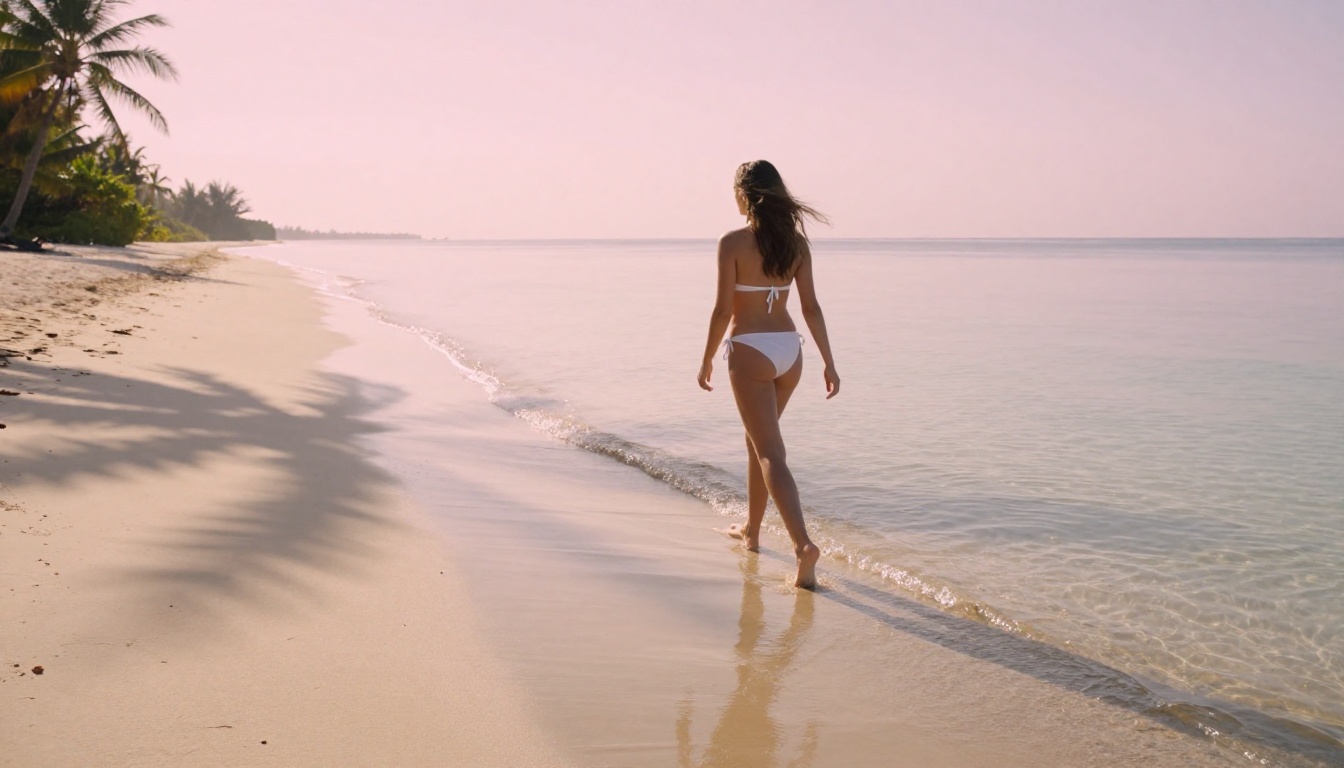
Beyond the top tier, several other models are worth knowing depending on your specific use cases.
GPT Image 1.5 handles text and image integration unusually well, making it valuable when you need specific text elements incorporated naturally into an image composition.
DreamShaper XL Turbo offers a slightly stylized but realistic output that works well for images where you want photorealism with a subtle editorial polish. It is faster than the top Flux models while maintaining solid anatomy and proportions.
Seedream 4 by ByteDance brings ultra-high-resolution output. For adult content where final image size matters for print or large-format display, this model's resolution ceiling is notably higher than most alternatives.
Playground V2.5 takes an aesthetic-first approach, producing outputs with natural color grading that feels less processed than many AI images. It shines for fashion-adjacent glamour and editorial photography styles.
Flux Dev remains the go-to for rapid iteration. It is not the highest quality model in the Flux family, but it generates fast enough that you can run 10 to 15 variations in the time a premium model produces two or three. Use it to find the right composition, then switch to Flux 1.1 Pro Ultra for the final render.
Mistakes Most People Make
Most people generating adult AI images run into the same problems repeatedly. Knowing them in advance saves you hours of frustration.
Overloaded prompts cause models to lose track of key details. Keep each concept clear and avoid stacking too many competing ideas in a single prompt. One subject, one setting, one primary lighting condition. Add a second subject or lighting scenario only after your baseline is working.
Skipping negative prompts results in common AI artifacts: extra fingers, merged limbs, plastic-looking skin, and unnatural eyes. A basic negative prompt set eliminates roughly 80% of generation failures before they happen.
Wrong aspect ratio for the content type creates compositional problems that no model can fix. Portrait-oriented content needs portrait ratios (9:16 or 3:4). Landscape scenes and environmental shots benefit from 16:9 or 3:2. Forcing a vertical composition into a square format produces cropped, awkward results almost every time.
Not iterating is the biggest mistake by far. Your first generation is a starting point, not a final result. Run variations, adjust specifics, and treat each batch as information that helps you refine the next one. The best AI content creators generate dozens of images before selecting the ones worth keeping.
💡 Tip: Build a personal prompt library. Save your best prompts for different scenarios (lighting setups, outfit types, environments, body positions) in a text file. A personal prompt library speeds up future sessions dramatically and helps maintain consistency across a series of related images.
Start Creating Now
The tools are here. The models work. The only thing between you and high-quality adult AI images is knowing how to use them correctly.
PicassoIA gives you access to all of the models in this article in one place. No local installations, no VRAM requirements, no waiting for API access. Start with Flux 1.1 Pro Ultra for your first serious attempt. Write a detailed prompt using the structure above: subject first, then environment, then lighting, then camera specs. Run five variations. Then refine based on what comes back.
The quality ceiling for AI adult content is higher than most people realize, and the gap between mediocre outputs and professional-quality results almost always comes down to prompt construction. The more intentional you are with your descriptions, the better every image will be.
Every model in PicassoIA's text-to-image collection is ready for your next session. The only question is what you want to create.


