Creative freedom is the whole point of AI video generation. But if you've spent more than an hour trying to produce adult content with mainstream tools, you already know the frustration: blurry results, blocked prompts, accounts suspended, and outputs that look nothing like what you typed. The good news? The censorship problem is a platform problem, not an AI problem. The right models, on the right platform, produce exactly what you want.
Why Most AI Platforms Block Adult Content
Most consumer AI tools are built for broad adoption, which means they optimize for the widest possible audience. That almost always means heavy filtering. OpenAI, Adobe Firefly, Canva, and similar services apply content policies that flag anything remotely suggestive. That's their choice. It doesn't mean the technology can't do it.
The real issue is that most users never get past the front-end restrictions. They use tools that are designed to say no.
The Filter Problem
Content filters in mainstream AI platforms work at multiple levels:
- Prompt filtering: Keywords and phrases flagged before generation even starts
- Output filtering: Post-generation classifiers that block or blur results
- Account-level restrictions: Cumulative flags that limit or terminate access
These filters are not about capability. They're about policy. The underlying models, especially open-source ones built on architectures like Wan, LTX, and Kling, have no such restrictions baked in by default.
What Censorship-Free Actually Means
"Censorship-free" in AI video doesn't mean anything goes with no boundaries. It means the platform doesn't impose arbitrary creative restrictions on legal adult content. The distinction matters. The best adult AI platforms still prohibit illegal material, but they don't block creative adult expression between consenting themes, artistic nudity, glamour content, or suggestive scenarios.
When a platform advertises unrestricted video generation, look for these specifics: no keyword blocking at the prompt level, no output blurring, and no account penalties for adult prompts.
The Models That Actually Deliver
Not every text-to-video model handles adult content with the same quality. Some produce stiff, unnatural motion. Others miss anatomy entirely. After testing across dozens of models, a clear tier system emerges based on prompt adherence, motion quality, and detail fidelity.
Top Models for Adult Video Creation
| Model | Best For | Speed | Quality |
|---|
| Kling v3 | Full-body motion, character animation | Medium | ★★★★★ |
| Kling V3 Omni | Text + Image to video, flexible input | Medium | ★★★★★ |
| Seedance 2.0 | Cinematic quality, native audio | Slow | ★★★★★ |
| WAN 2.6 T2V | Open-weight, unrestricted, detailed | Medium | ★★★★☆ |
| Hailuo 2.3 | Fast generation, realistic textures | Fast | ★★★★☆ |
| PixVerse v5.6 | Dynamic motion, stylized looks | Fast | ★★★★☆ |
| LTX-2.3 Pro | Long form, audio integration | Medium | ★★★★☆ |
| P-Video | Budget-friendly, text/image/audio | Fast | ★★★☆☆ |
💡 For adult content specifically, models with open-weight architectures like WAN 2.6 tend to have more flexible content handling because the underlying weights were not fine-tuned with restrictive content policies.
Image-to-Video vs Text-to-Video
This choice alone determines 70% of your output quality.
Text-to-Video works best when:
- You have a clear, specific scene in mind
- You want speed over precision
- You're fine with the AI interpreting your description freely
Image-to-Video works best when:
- You've already generated a photorealistic base image you like
- You need exact control over character appearance
- You want consistent facial features across the video
For adult content, image-to-video is almost always superior. Generate your reference image first, then animate it with Kling V3 Omni or WAN 2.6 I2V. The character stays consistent. The results are dramatically better.
How to Use Kling V3 for Adult Video Creation
Kling v3 is currently the strongest model for producing high-quality, motion-rich video from both text and image inputs. Its motion quality is unmatched for realistic human movement, and it handles subtle details like fabric dynamics and hair physics better than any comparable model.
Setting Up Your Prompt
The prompt structure that works best with Kling v3 for adult content follows this pattern:
[Character description] + [Action/Pose] + [Environment] + [Lighting] + [Camera movement] + [Style]
Weak prompt: "sexy woman in bed"
Strong prompt: "A beautiful woman in her late twenties wearing a sheer black silk slip, slowly stretching her arms above her head while seated on the edge of an unmade ivory linen bed, morning sunlight streaming through sheer curtains creating warm dappled light on her skin, camera slowly dolly-in from across the room, 35mm cinematic film look, realistic skin texture"
The difference is specificity. Every detail you don't provide, the model invents. And it often invents badly.
Parameters That Matter
When using Kling v3, pay attention to these settings:
- Duration: 5 seconds is the sweet spot for most adult content clips. Long enough for meaningful motion, short enough to maintain quality throughout.
- CFG Scale: Keep it between 7-9. Too low and the model ignores your prompt. Too high and you get artifacts and distortion.
- Motion Intensity: For sensual or intimate content, lower motion intensity (30-50%) produces more natural, fluid movement. High motion settings create jerky, exaggerated results.
- Seed: Save seeds that work. When you get a result you like, record the seed so you can reproduce similar outputs.
Getting the Best Results
💡 Always start with a negative prompt. Tell the model what you don't want. Common negative prompts for adult video: "blurry, distorted anatomy, extra limbs, deformed hands, watermark, text overlay, cartoon, animation, low quality, pixelated"
For Kling V3 Omni specifically, the image input mode gives you the most control. Generate your character once, get the look right, then use that image as the starting frame for every subsequent video. This solves the consistency problem that plagues text-only workflows.
Prompt Writing That Works
Prompts are everything. The same model with a weak prompt produces garbage. With a strong prompt, it produces something worth keeping. Here's the framework that consistently delivers for adult AI video content.
The Anatomy of a Good Adult AI Prompt
Every strong adult video prompt has four components:
1. Subject Definition
Be specific about physical characteristics. Age, hair color, skin tone, body type, clothing. The more precise, the more the output matches your vision.
2. Action Specification
Don't just say "posing." Say "slowly turning to look over her shoulder while seated on a velvet chair." Motion verbs with direction and pace give the model real instructions.
3. Environmental Context
The background is not irrelevant. A scene in a candlelit bedroom creates different physics and lighting than a rooftop at golden hour. Specify the setting and the model uses it to determine reflections, shadows, and ambient color.
4. Camera Direction
This is the most underused element. "Close-up on face" vs "wide establishing shot" produces completely different video. Adding camera movement, "slow push-in," "slight parallax drift," "static wide," elevates output from snapshot to cinematic.
Common Prompt Mistakes
| Mistake | Why It Fails | Fix |
|---|
| Too vague ("beautiful woman") | Model defaults to generic | Add 5+ physical descriptors |
| No action described | Static pose, minimal motion | Add active verbs with direction |
| Missing lighting info | Flat, uninteresting output | Specify light source and quality |
| No camera instructions | Random framing | Add explicit camera angle and movement |
| Over-stuffed prompts (200+ words) | Model loses coherence | Keep to 80-120 words, prioritize |
From Still Image to Video
This workflow produces the most consistent adult AI video results. It requires more steps than pure text-to-video, but the quality difference is significant.
Step 1: Generate Your Base Image
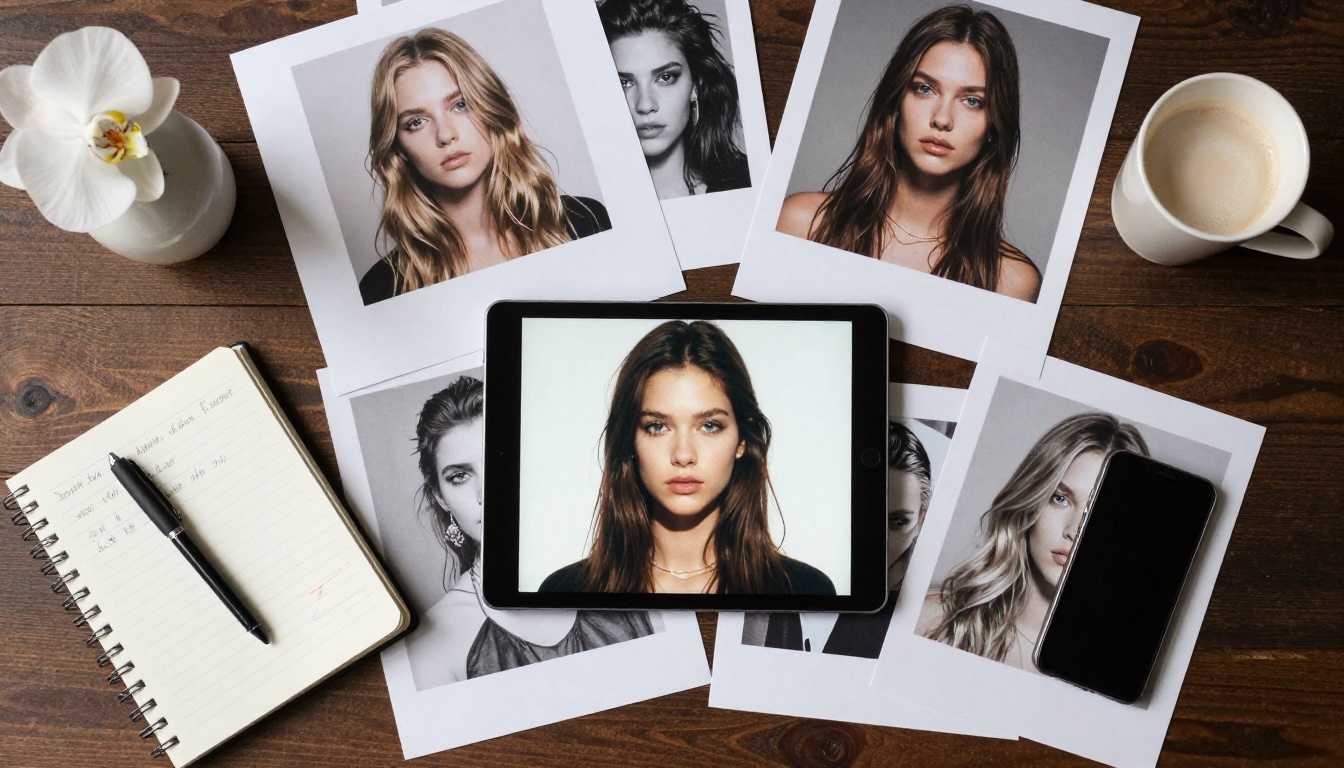
Start with a text-to-image model to create the character and scene you want. Get the face right. Get the clothing right. Get the lighting right. This image becomes your "character sheet" for all subsequent videos.
Recommended approach: generate 4-6 variations of your character, pick the best one, and save it. Don't skip this step. Trying to get a consistent character from pure text-to-video is almost impossible.
Step 2: Animate with AI
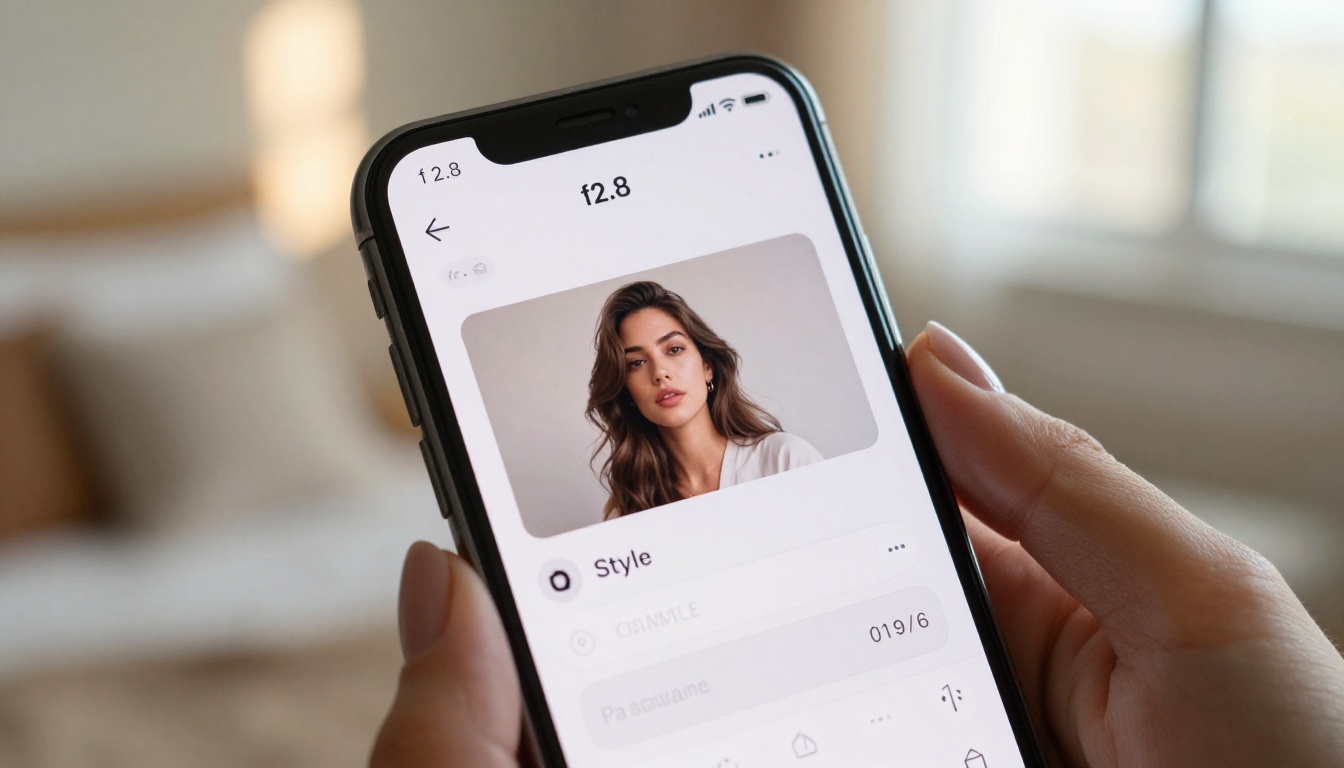
Upload your saved image to Kling V3 Omni or WAN 2.6 I2V. Now your prompt only needs to describe the action and camera, since the character already exists in the input image.
Prompt format for image-to-video: "[Action] + [Camera movement] + [Lighting change if any] + [Style modifiers]"
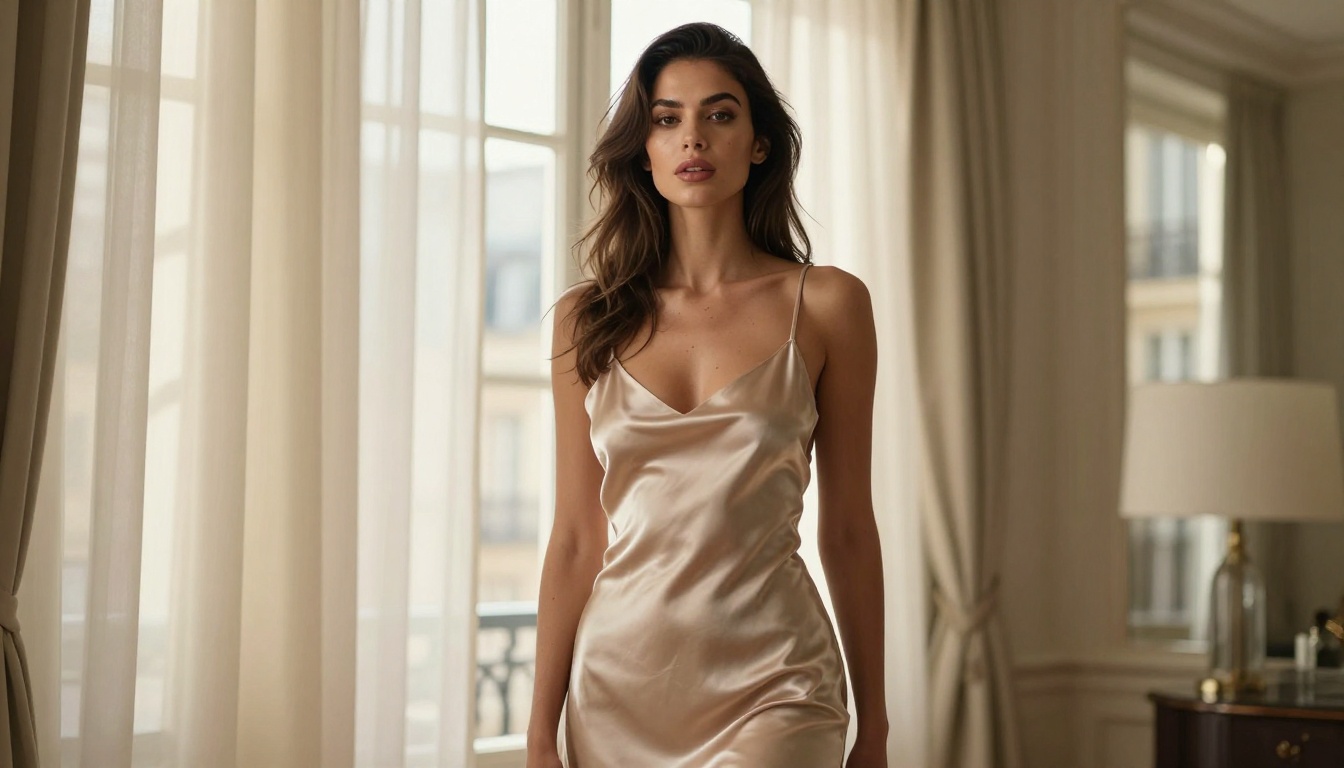
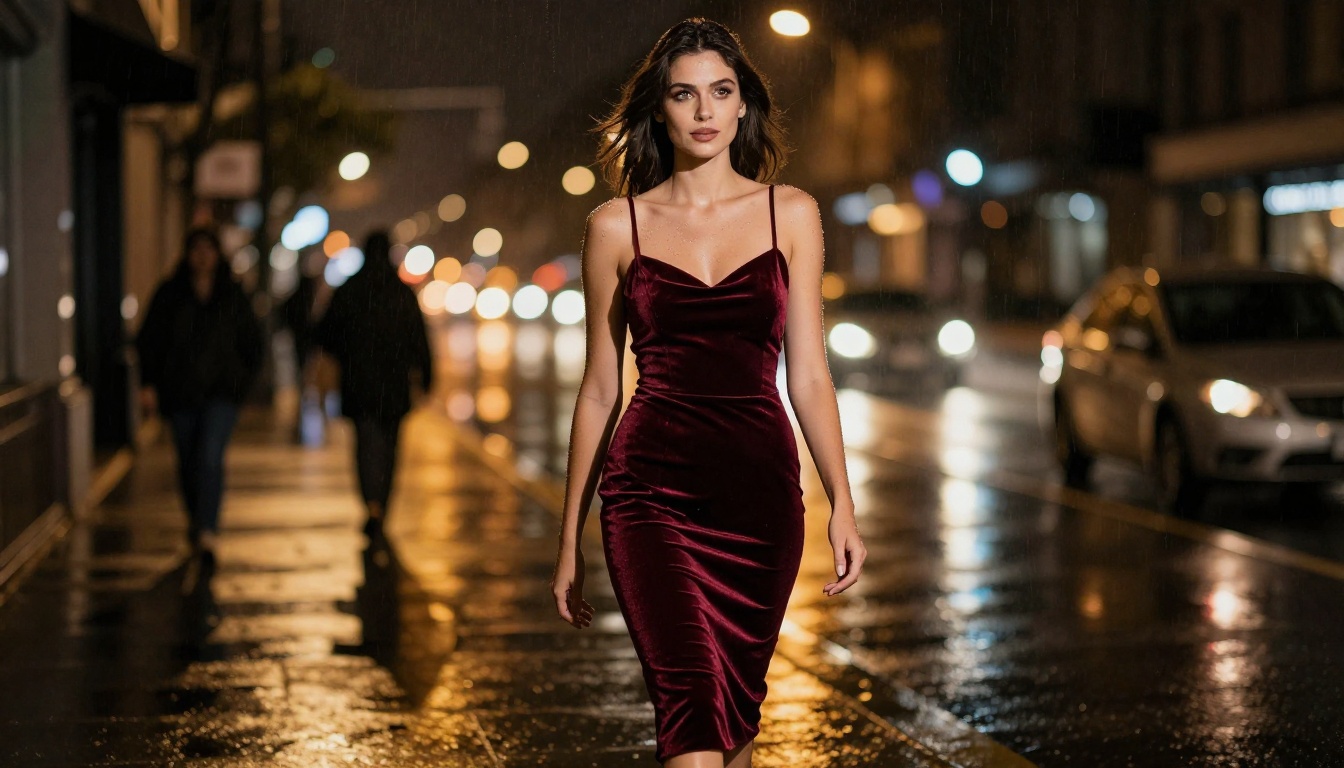
Example: "Subject slowly stands, smoothing the fabric of her dress, turns toward camera with a confident expression, slow push-in, warm golden hour light intensifying from left, cinematic 35mm"
Step 3: Enhance and Export
After generation, use a super-resolution model to upscale the output if needed. Seedance 2.0 natively generates at higher resolution and includes audio support, making it ideal when you want finished content without post-processing.
💡 Export tip: Compression artifacts are more visible in skin tones than in any other subject matter. Always export at the highest resolution your model supports.
Motion Control for Precision
One of the most overlooked tools in adult AI video creation is motion control. Kling V3 Motion Control lets you transfer movement from a reference video to any character. This means you can use generic, non-adult reference footage to define motion patterns, then apply those patterns to your own AI-generated characters.
The workflow:
- Find or record reference footage with the motion you want (walking, turning, sitting)
- Upload it as the motion reference in Kling V3 Motion Control
- Provide your character image as the subject input
- Let the model transfer the motion to your character
This approach solves one of the hardest problems in adult AI video: getting natural, specific motion without describing every frame of it in a prompt.
Platform Tips Nobody Tells You
Safe vs NSFW Modes
Some models operate differently depending on whether the platform has enabled adult content. When using Hailuo 2.3 or PixVerse v5.6, check whether the platform you're using has toggled adult content permissions. The same model can produce very different results with and without those permissions enabled.
What to look for in a platform:
- Explicit NSFW toggle in model or account settings
- No prompt keyword blocking for common adult terms
- Private generation history that isn't shared or reviewed publicly
- No social feed that exposes your generation history to other users
Privacy and Storage
If you're generating adult content, storage and privacy matter. Look for platforms that store generated media in private, account-linked buckets, don't display outputs in public galleries, and offer clear data deletion options.
💡 Download and save your outputs locally. Don't rely solely on cloud storage for content you want to keep private long-term. Platforms change policies. What was stored privately today may be subject to different terms tomorrow.
What to Expect from Each Model
Realistic expectations based on current performance for adult content specifically:
Kling v3: Best overall motion quality. Handles clothing physics, hair dynamics, and full-body movement better than any other model available right now. Some variation in face consistency across frames.
Seedance 2.0: Best cinematic quality. Native audio generation included. Slower than other options but the output has a genuine film feel. Worth the wait for hero content.
WAN 2.6 T2V: Best for open-weight flexibility. Because WAN is open-source at its core, it handles prompts without heavy filtering. Great for rapid iteration before committing to a premium model run.
Hailuo 2.3: Best speed-to-quality ratio. When you need results in under a minute without sacrificing too much detail, Hailuo consistently delivers.
PixVerse v5.6: Best for dynamic, energetic motion. If your content involves movement-heavy scenarios like dancing, walking, or active scenes, PixVerse handles kinetic energy better than its competitors.
💡 Recommendation: Use WAN 2.6 for rapid iteration and concept testing. Use Kling v3 or Seedance 2.0 for final output.
Start Creating Now
Every workflow described here is available right now, with no software to install and no technical background required. The models listed above are accessible through a browser, results download directly, and the learning curve is measured in hours, not weeks.
The biggest barrier to quality adult AI video isn't the technology. It's taking the time to write a proper prompt, choose the right model for the job, and iterate until the output matches your vision. Start with a strong base image. Pick Kling v3 or Kling V3 Omni for your first animation. Write a specific, layered prompt. Generate. Adjust. Repeat.
The platform with the widest selection of uncensored text-to-video models, from Seedance 2.0 to WAN 2.6 to PixVerse v5.6, is ready to use. Pick a model, type your first prompt, and see what's actually possible when the platform gets out of your way.


