Running an Etsy shop with handmade goods on a shoestring budget means you are a maker, marketer, photographer, and shipping department all at once. If you have ever tried to photograph your own products at 11pm under a kitchen ceiling light, you already know how that turns out. The good news is that AI for Etsy sellers and small brands has quietly become one of the most practical toolsets available to indie creators, and it does not require a design degree, a photography studio, or a significant budget.
Why Your Listing Photos Are Costing You Sales
The average Etsy shopper makes a decision within the first few seconds of landing on a listing. What they see first is not your description, your reviews, or your price. It is your photo.
What buyers see before they read anything
Etsy's algorithm surfaces listings with high click-through rates. A buyer scrolling through search results clicks on the listing that looks the most professional, the most appealing, and the most trustworthy. If your photos look like they were taken in bad lighting on a cluttered surface, your listing gets passed over even if your product is significantly better than the competition. Visual quality is a pre-filter. Buyers do not stop to read a description for a listing that does not catch their eye first.
The numbers behind listing clicks
Independent seller studies consistently show that listings with clean, high-quality main images get up to 40% more clicks than those with amateur photography. For small sellers operating on thin margins, that gap is enormous. It is the difference between consistent daily sales and a shop that sits without orders for weeks. And because Etsy's search algorithm rewards engagement, low click-through rates push your listings further down in search results over time, creating a compounding visibility problem.
The Real Cost of Professional Photography
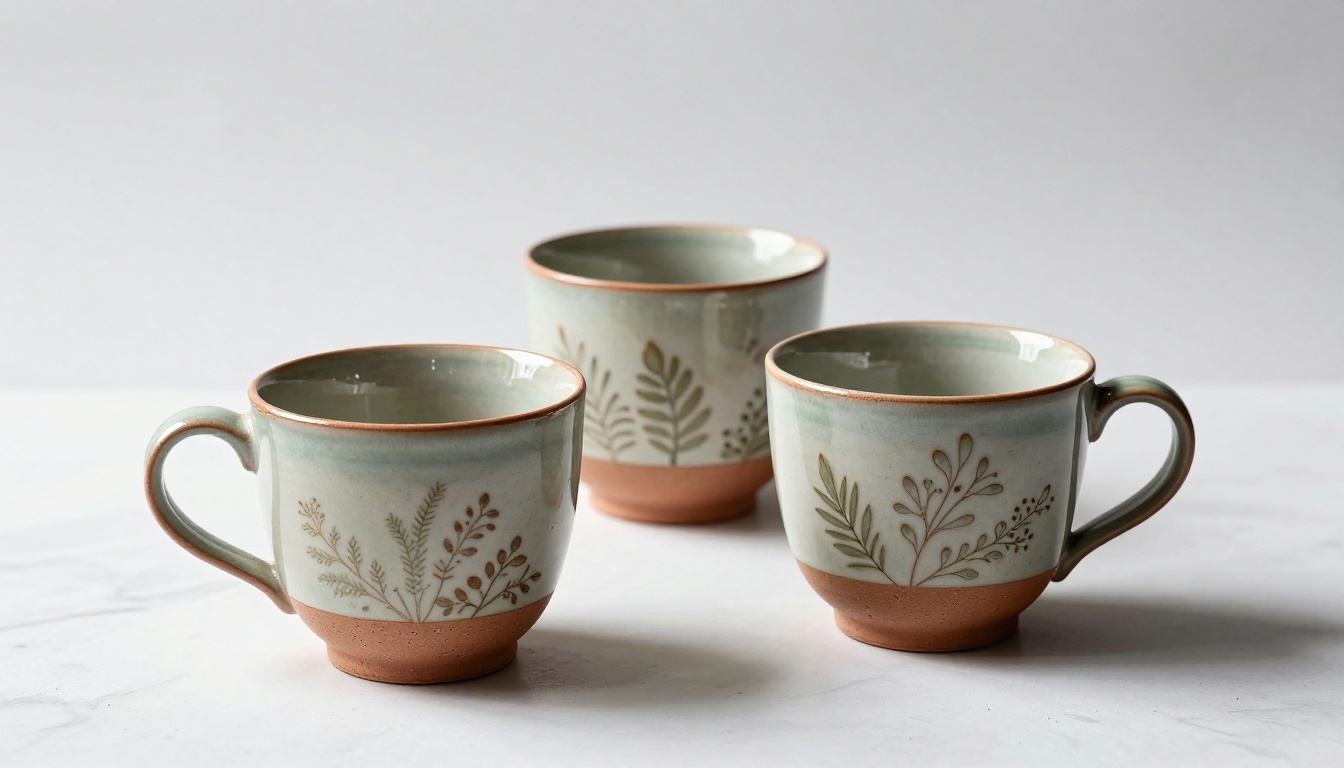
Before AI tools existed, a small brand owner had two realistic options. Hire a professional photographer, which typically costs between $150 and $500 per session with no guarantee the images would match the exact aesthetic of the brand. Or learn photography yourself, which requires equipment investment, lighting setup, editing software, and still spending hours per product.
Studio shoots vs. AI: what actually makes sense
| Method | Average Cost | Time Required | Flexibility |
|---|
| Professional Studio Shoot | $200-$500/session | 1-3 days | Low |
| DIY Photography Setup | $300-$800 upfront | Ongoing hours | Medium |
| AI Image Generation | Free to $20/month | 5-15 minutes | Very High |
| AI Product Photo Tools | Free to $30/month | 2-10 minutes | Very High |
The math is straightforward for a seller with 20 products. A studio session might cover 5 to 10 products per shoot. That means multiple sessions, multiple invoices, and no ability to quickly update photos when packaging changes or seasonal visuals are needed.
Three real costs nobody talks about
Beyond the obvious dollar figure, traditional photography carries hidden costs that independent sellers absorb without realizing. There is the reshoot cost when your packaging changes mid-season. There is the inconsistency cost when different sessions produce different lighting styles that make your shop look fragmented. And there is the speed cost when you need a new visual in 24 hours for a sale promotion and your photographer is booked for two weeks.

AI Product Photos That Look Like Studio Shots
This is where the technology has genuinely crossed a threshold that matters for small sellers. A handful of AI tools now produce product images that are indistinguishable from professional studio photography. Not stylized, not clearly computer-generated, but clean, natural-light, commercial-quality product images.
Product Packshot for instant pro results
Product Packshot is specifically built for exactly this use case. You upload a photo of your product and it generates a professional packshot with controlled lighting, a clean background, and the kind of polished presentation that usually requires a full lightbox setup and hours of post-production editing. For Etsy sellers photographing ceramics, candles, jewelry, or skincare products, this is one of the most directly applicable tools available right now.
Pro Tip: Use Product Packshot to batch-process all your existing product photos in a single session. Visual consistency across your shop listings significantly increases perceived brand quality and buyer trust.
Riverflow for true-to-life product renders
Riverflow 2.0 Refsr takes a different approach, generating true-to-life product renders that look like a product placed in a real environment. If you are prototyping a new product or want to show your item in a lifestyle context before physical inventory is available, this tool is remarkably capable. The result looks like a real product photograph, not a digital mockup.
Flux Krea Dev for natural, non-AI-looking images
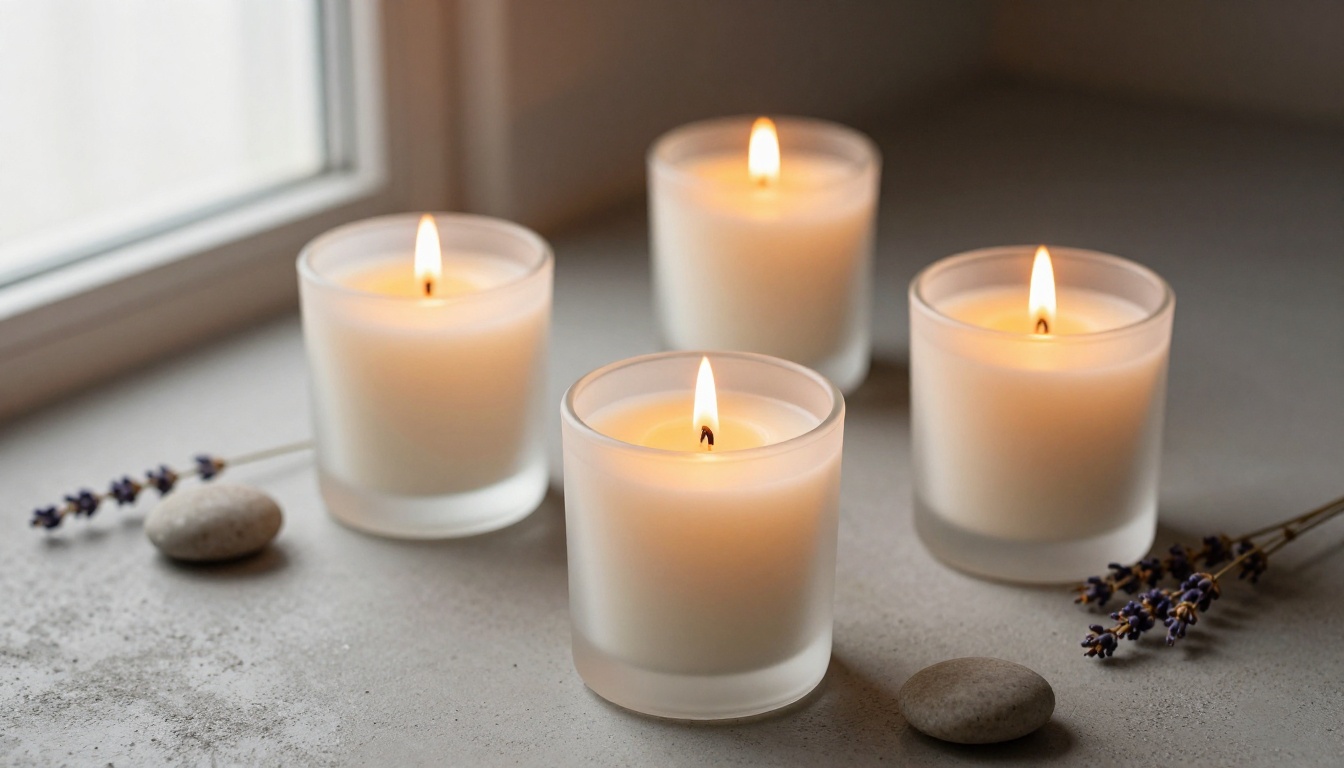
One of the most common frustrations with AI-generated images is the uncanny "AI look," that slight over-smoothness and impossible perfection that reads as artificial. Flux Krea Dev is specifically engineered to eliminate that problem. The model produces images that feel genuinely photographic, with natural imperfections, realistic textures, and none of the telltale qualities that give away AI generation. For product photography that needs to feel authentic and handcrafted, this is the model to reach for.
How to Remove Backgrounds on Any Product
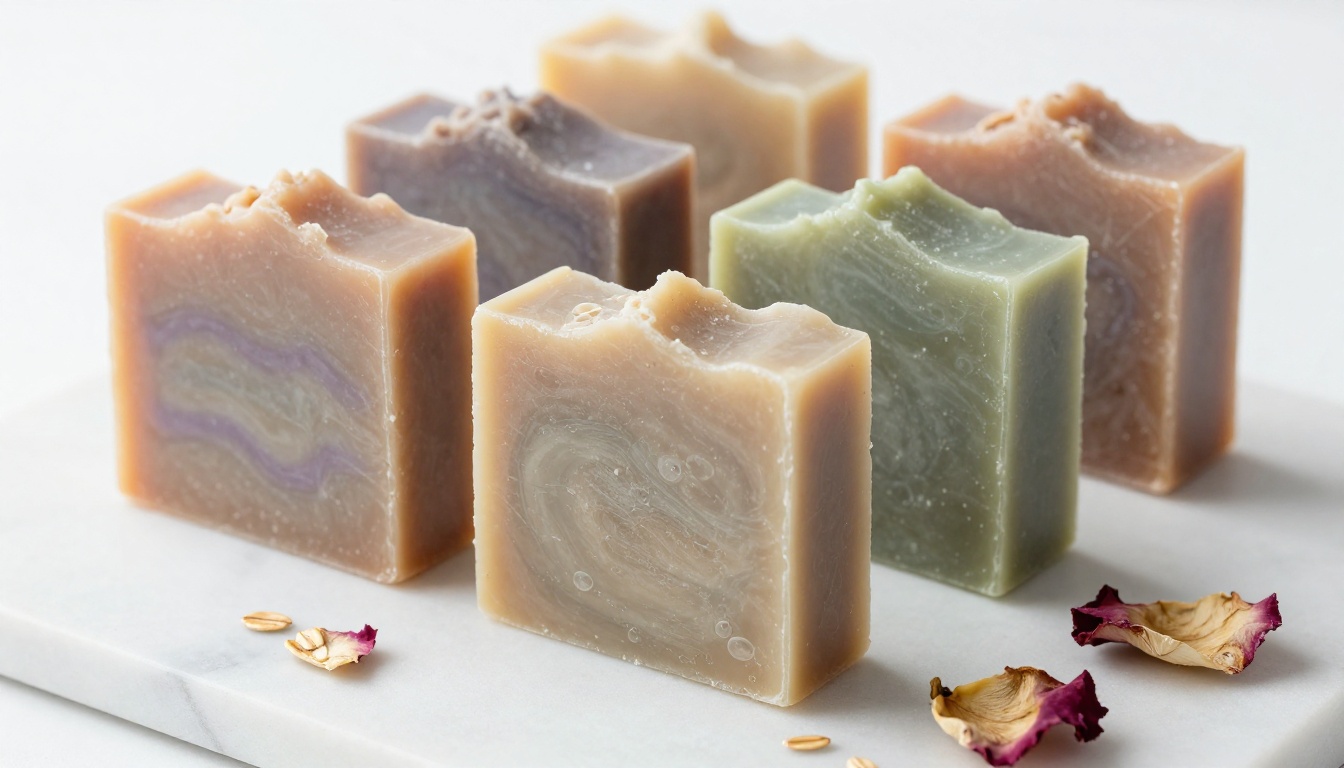
Clean backgrounds are a non-negotiable standard in Etsy product photography. Buyers expect white or neutral backgrounds on main listing images because it makes products easy to see and compare. Achieving this cleanly on irregular shapes like macrame pieces, delicate jewelry, or textured ceramics traditionally required skilled Photoshop work or a subscription to expensive editing software.
Removing backgrounds in one click
Product Cutout handles this with precision that was simply not accessible to independent sellers a few years ago. It isolates product shapes from complex backgrounds, handles fine details like fringe, hair, thin metal links, and transparent glass edges, and exports clean transparent-background files that are ready for your Etsy main listing image.
Adding professional shadows
Removing a background and placing a product on white can sometimes look flat and unconvincing. Product Shadow adds realistic, physically accurate shadows beneath your product. This single addition is what separates an amateurish cutout from a result that looks like it came from a professional studio. The difference in perceived quality is visible immediately.
Pro Tip: Pair Product Cutout with Product Shadow for a two-step workflow. Take a casual photo on your kitchen table, remove the background, add a realistic shadow, and the result is a clean, studio-ready listing image. The whole process takes under five minutes.
Building a Brand Identity with AI Visuals
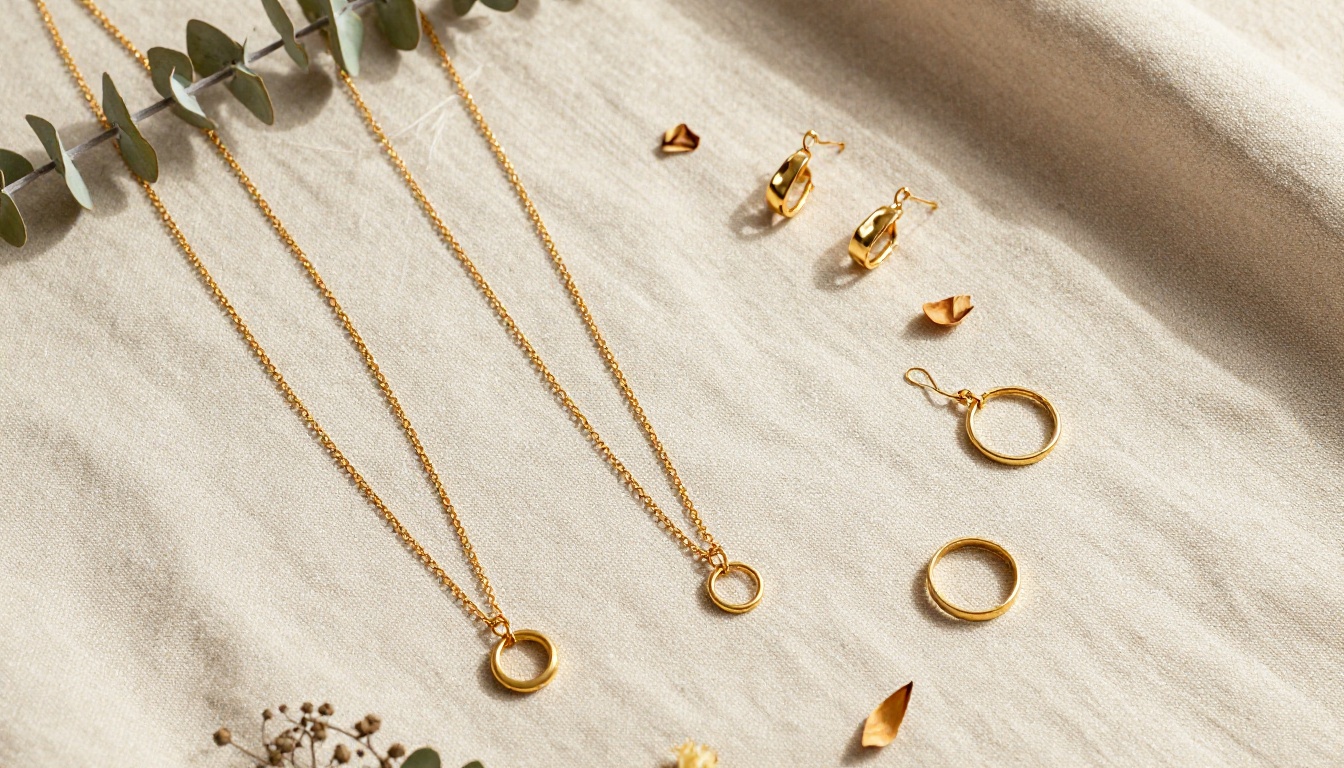
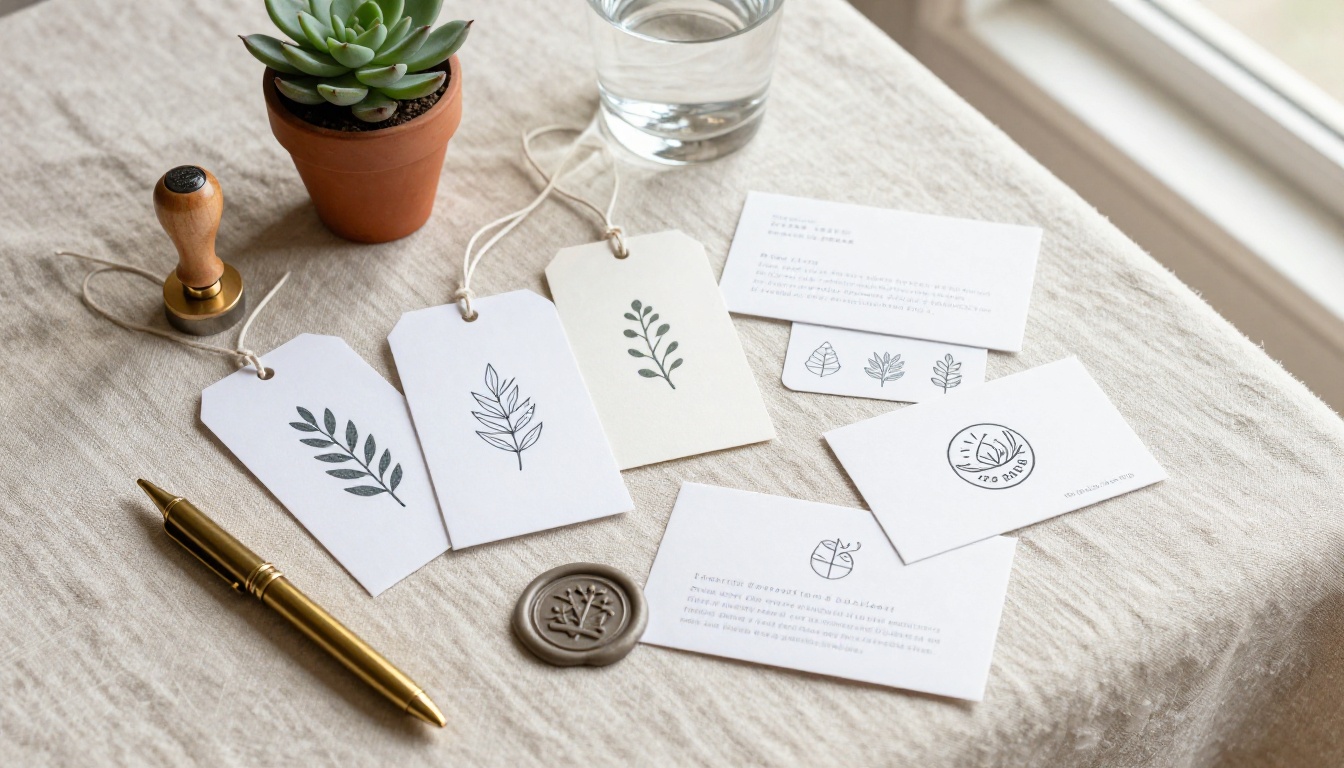
Beyond individual product photos, small brands need visual consistency. A shop banner, a recognizable icon, a logo, a color palette, and cohesive styling across every touchpoint signal to buyers that this is a real brand worth trusting. AI tools now put professional-level brand asset creation within reach for solo sellers.
Banner designs that tell your brand story
GPT Image 2 is one of the most versatile generation tools for brand visual creation. You can describe exactly the mood, color palette, and aesthetic you want for a shop banner and get photorealistic results that match your brand identity. Unlike earlier generation models, GPT Image 2 responds accurately to detailed descriptions of color grading, composition, and emotional tone, making it genuinely useful for brand work where visual consistency is non-negotiable.
Creating SVG logos for small brands
Logo design is often where small brands overspend in the early stages. Recraft 20B SVG generates scalable vector graphics from text prompts. You describe your brand concept and receive clean vector logo files usable at any size, from a small shop icon to a large banner print. The output is a true vector format, not a rasterized image, which is exactly what professional brand workflows require for resizing without quality loss.
Scaling Your Visual Content Without Burning Out
The volume problem is real for growing sellers. As you add new products, create seasonal collections, or expand to multiple platforms, the demand for new visual content scales faster than any solo creator can manage alone. AI tools change that ratio dramatically.
Batch generating visuals for new collections
Flux Schnell LoRA is optimized for speed without sacrificing quality. When you have a new collection of 15 products and need matching lifestyle imagery for each piece, Flux Schnell LoRA generates variations quickly while maintaining visual consistency across the set. You can describe a scene once and generate it at multiple angles, with different products placed in it, without any additional photography setup.
Upscaling product photos you already have
Not every older product photo needs to be retaken from scratch. P Image Upscale takes lower-resolution photos and sharpens them with AI, improving detail clarity, reducing noise, and upgrading overall visual quality. For sellers with large back catalogs of products photographed on older smartphones, this is a fast way to bring your entire shop visual standard up without reshooting everything.
Pro Tip: Run your entire existing product photo catalog through P Image Upscale before the holiday season. Even a significant quality improvement across 50 listings can meaningfully improve your conversion rates during the highest-traffic selling period of the year.
Reusing one product photo in many contexts
Flux Redux Schnell generates rapid AI image variations from a reference photo. You can take one good photo of your product and generate it in multiple styled contexts: on a kitchen counter, on a shelf between plants, on a bedside table, wrapped as a gift. Etsy recommends multiple listing photos showing products in real-world use. This tool makes creating those variations dramatically faster and more cost-effective than additional photography sessions.
AI for Specific Etsy Niches
AI image tools are not one-size-fits-all. Different product categories benefit from different tools and approaches depending on what visual qualities matter most to buyers in that niche.
Handmade goods: texture matters most
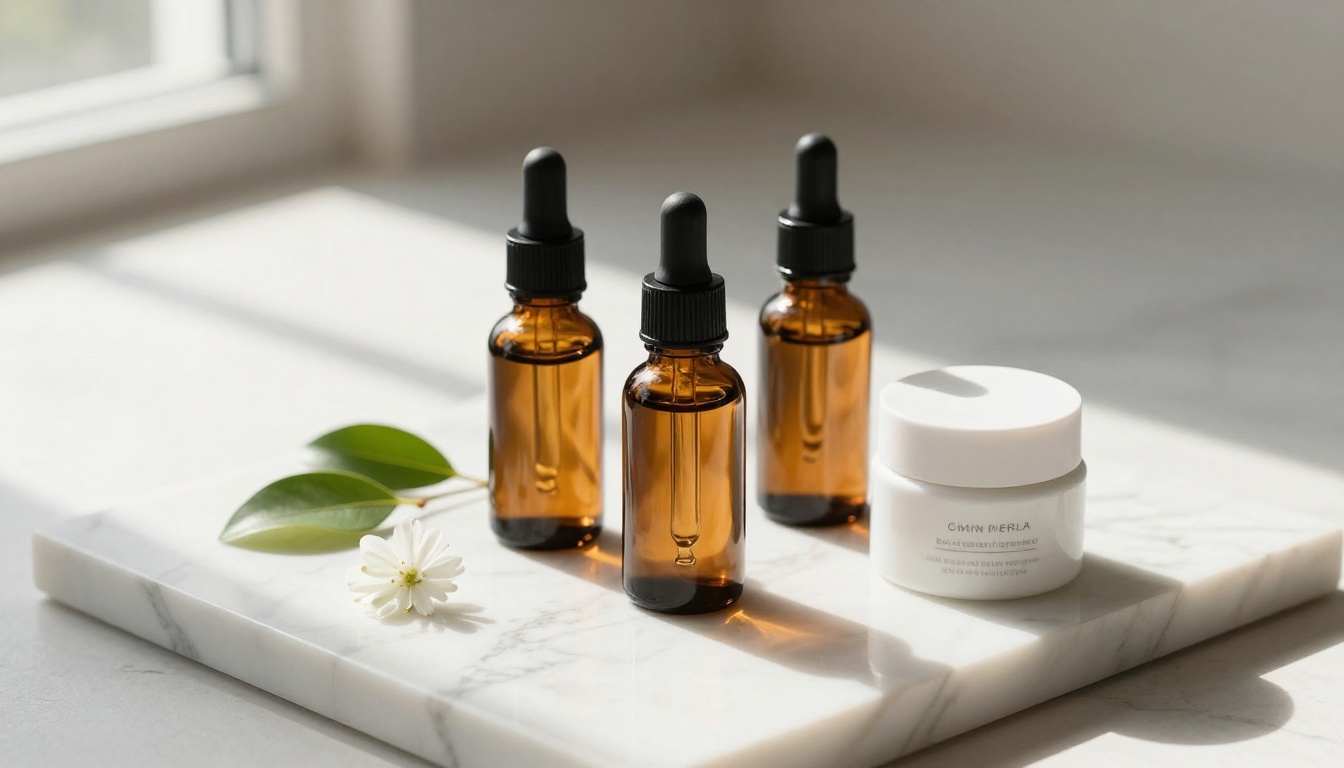
For ceramics, fiber arts, woodworking, and other tactile crafts, the central challenge is conveying texture through a screen. Seedream 4.5 generates 4K images with exceptional texture rendering. When you need a photo that communicates exactly how rough that hand-thrown pot feels or how soft that hand-dyed yarn is, texture fidelity in the generated image directly impacts buyer confidence and willingness to purchase without being able to touch the item.
Digital downloads and printables
For sellers of digital products, compelling visual content means lifestyle mockups showing your printables in use. A planner open on a desk. A wall print framed above a sofa. A pattern printed on a tote bag. Flux Krea Dev handles these lifestyle mockups with natural photographic quality, letting digital product sellers create visual representations of items that exist only as files.
Fashion and wearables
For clothing, jewelry, and accessories, showing the product worn is often more effective than product-only shots. Riverflow 2.0 Pro specializes in realistic product renders that show how items appear in real-world conditions, helping buyers visualize wearing or using the piece before they commit to purchasing.
Step-by-Step: Using Product Packshot on PicassoIA
Since Product Packshot is one of the most immediately useful tools for Etsy sellers, here is exactly how to use it.
Step 1. Go to Product Packshot on PicassoIA.
Step 2. Upload a photo of your product. The tool works best with photos where the product is reasonably well-lit, even if the background is messy or imperfect. You do not need a perfectly staged photo to begin.
Step 3. Select your background preference. Options include white, gradient, and contextual placements in realistic environments.
Step 4. Choose your lighting style. For Etsy, soft diffused lighting is the right choice for most product types as it flatters textures and colors without harsh shadows.
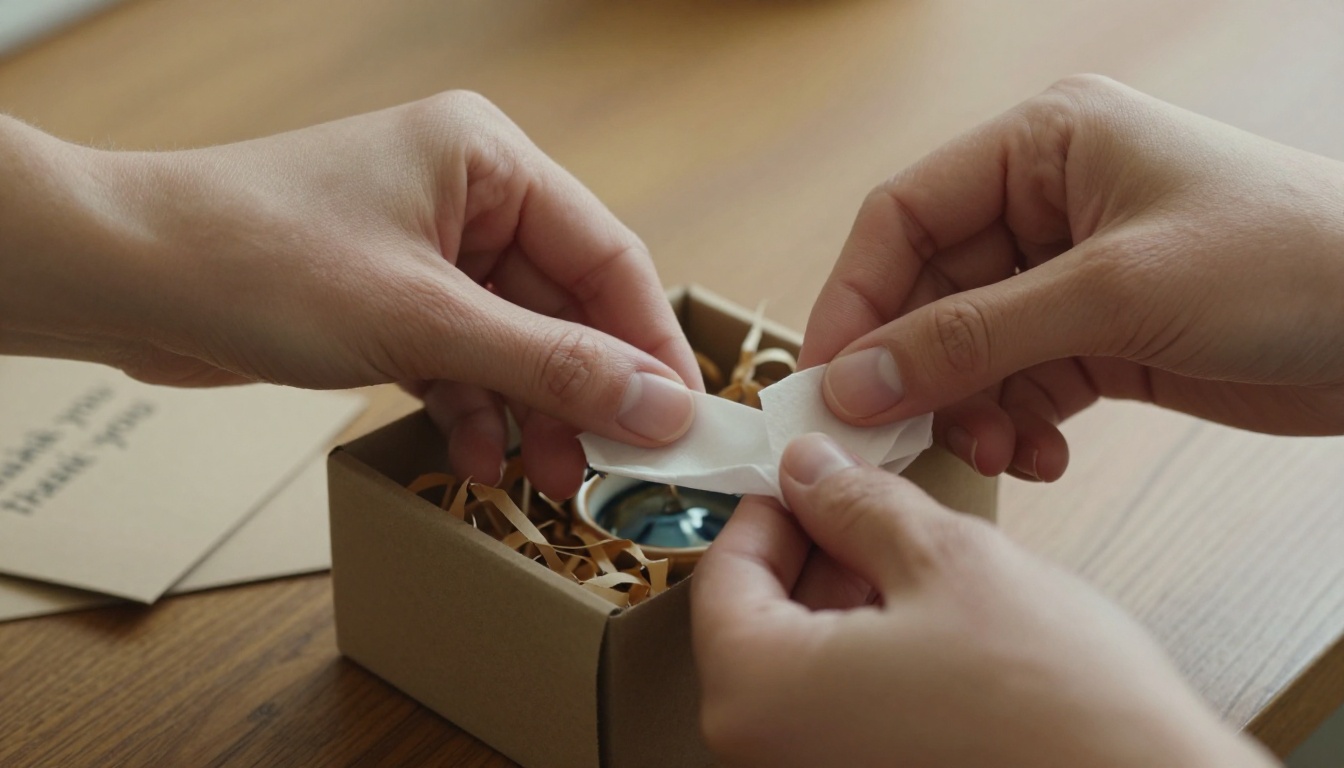
Step 5. Generate and download. The output is a professional-quality product image ready for use as your main Etsy listing photo.
Step 6. Run the output through Product Shadow to add a natural ground shadow, completing the studio-quality result.
Tip: For best results, photograph your product against any clean, evenly lit surface first. The AI handles the rest, including isolating the product and placing it on a professional background with accurate lighting.

The Competitive Window Is Still Open
Right now, the majority of Etsy sellers are still photographing products with smartphone cameras under whatever light is available. The sellers who have adopted AI product photography tools represent a small fraction of shops on the platform. That gap will not last indefinitely.
The visual quality bar on Etsy has been rising every year as more professionally branded sellers enter the marketplace. Smaller, independent sellers who do not close this visual quality gap will increasingly find themselves unable to compete on click-through rates, regardless of how strong their actual products are.
AI for Etsy sellers and small brands is not a trend to watch from the sidelines. It is a practical toolset available right now that costs less per month than a single professional photography session. The sellers building habits around these tools today will hold a meaningful visual quality advantage as the rest of the market catches up.
Start creating your own product photos today. Every model mentioned in this article is available on PicassoIA. Whether you need professional packshots, clean background removals, consistent lifestyle imagery, SVG logos, or upscaled versions of your existing photos, you can begin experimenting immediately. Upload one product photo, run it through Product Packshot and Product Shadow, and see the difference before committing to any plan.


