The question comes up constantly in AI art communities: which generators actually let you create NSFW content without triggering an instant refusal? Most commercial platforms wrap themselves in conservative content filters that block even mildly suggestive prompts, leaving creators frustrated and stuck. But a clear group of tools and models genuinely give creators real freedom to work with mature, glamorous, sensual, and adult-adjacent imagery. This article breaks down exactly which AI image generators allow NSFW content in 2027, how they differ in what they permit, what the top models are actually capable of, and how to get the most photorealistic results possible.
Why Most Generators Say No
The "safe by default" trap
The mainstream AI image generation market has converged on one default setting: block it all. Tools from major technology companies apply aggressive content filters because they serve mass audiences, integrate with educational environments, and face potential scrutiny from app store policies and regulators. The result is that a prompt as innocuous as "woman in a bikini on a beach" can return an error message or a fully clothed substitute.
This is not a limitation of the underlying model. The model knows exactly how to generate the image. The filter layer placed on top of it is what refuses to pass the prompt through. This distinction matters because it means that permissive generation is about platform policy, not about what AI is fundamentally capable of.
What NSFW actually means in AI
"NSFW" covers a very wide spectrum in AI image generation. There are three distinct tiers most creators care about, and knowing them helps you find the right platform for your specific needs:
| Tier | Description | Examples |
|---|
| Suggestive | Bikinis, lingerie, implied partial nudity | Swimwear, glamour, fashion editorial |
| Artistic Nudity | Non-explicit, non-pornographic nudity | Fine art portraits, classical style |
| Explicit | Pornographic content | Prohibited on most hosted platforms |
Most serious creators working in photography, fashion, fine art, or adult content production are interested in the first two tiers. The generators described in this article handle at least the suggestive tier reliably, with several supporting artistic nudity through appropriate model selection and precise prompt construction.
What Separates a Good NSFW Generator
Content policy flexibility
The single biggest differentiator between platforms is not the model itself but the content policy layered on top of it. Open-weight models like Flux Dev and SDXL are inherently uncensored at the model level. What a specific platform does with them determines what you can actually generate in practice.
Look for platforms that:
- Allow you to select from multiple models rather than locking you into a single system
- Have transparent content policies that clearly distinguish between artistic and explicit content
- Do not apply blanket NSFW filters uniformly to all prompts by default
- Support fine-tuned variants (LoRAs) that give you additional creative control
Output quality at scale
A platform that allows NSFW prompts but produces anatomically incorrect or low-resolution results is not useful for serious work. The generators that matter for professional creative output combine permissive content policies with state-of-the-art model quality. Photorealistic skin texture, anatomically accurate proportions, and natural lighting are non-negotiable when the output is intended for publication or commercial use.
Speed and creative iteration
Getting the right image in this category frequently requires prompt iteration. A generator that takes 90 seconds per image creates friction in creative workflows. Faster models like Flux Schnell and Flux Fast let you test prompt variations quickly before committing to a high-resolution final generation with a more capable model.
The Models That Actually Deliver
Flux Dev and Flux Pro
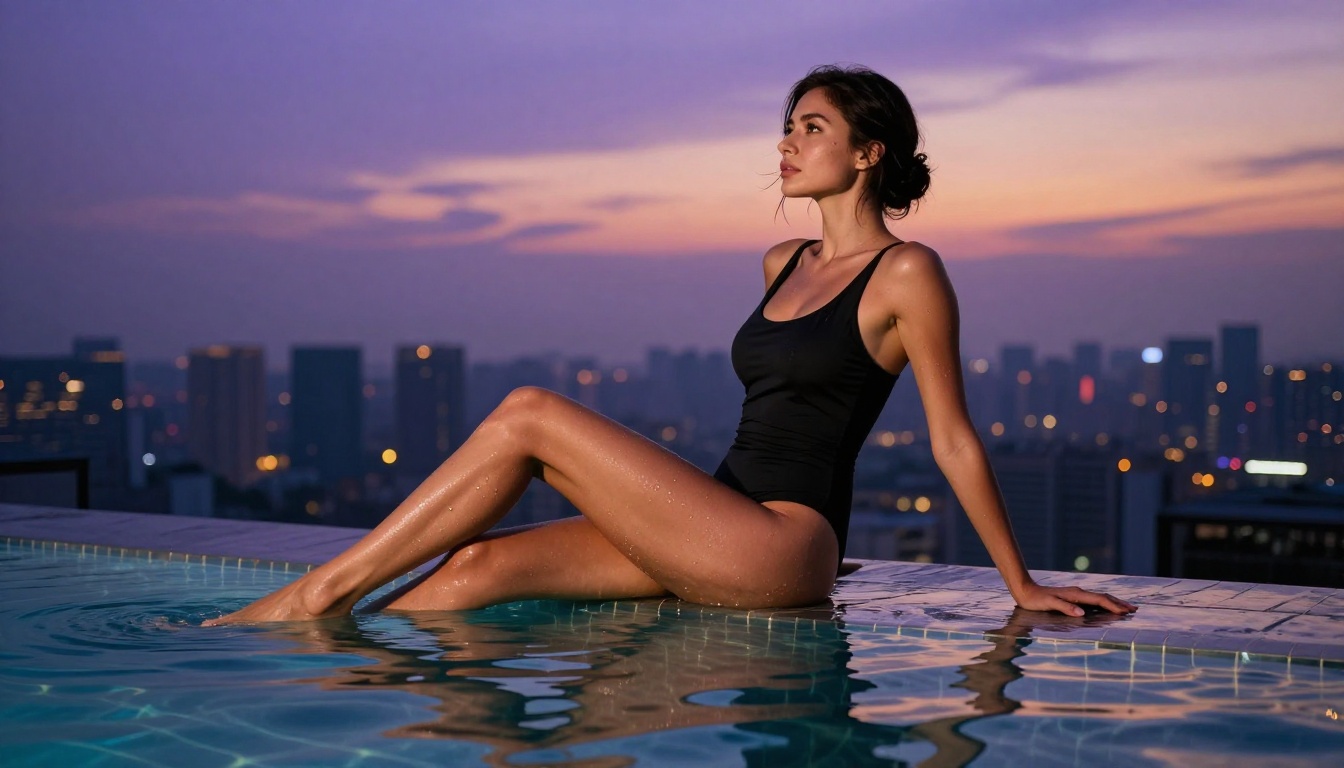
The Flux family from Black Forest Labs has become the dominant force in high-quality permissive image generation. Flux Dev is an open-weight model released under a non-commercial license that gives creators significant latitude over content type and subject matter. Flux Pro pushes quality further for commercial creative applications.
What makes Flux models exceptional for NSFW creative work:
- Superior skin rendering: Flux generates realistic pore detail, natural skin tone variation, and accurate subsurface scattering that makes portraits read as photographed rather than generated
- Prompt adherence: Detailed, descriptive prompts translate accurately into generated images with minimal interpretation gaps
- Composition control: Flux consistently handles complex poses, environmental contexts, and layered lighting scenarios that trip up older architecture models
For maximum quality at 4MP resolution, Flux 1.1 Pro Ultra delivers the highest fidelity output in the entire Flux lineup. It is the choice when the output needs to hold up at large print sizes or in professional publishing contexts.
Realistic Vision v5.1
Realistic Vision v5.1 is a community-trained checkpoint specifically built to maximize photographic realism in human subjects. It was fine-tuned from a base model with an explicit focus on skin accuracy, natural lighting reproduction, and facial detail fidelity.
Realistic Vision excels at:
- Close-up portrait photography with fine facial and skin detail
- Natural skin texture that reads as genuinely photographic under scrutiny
- Flexible content generation that responds well to suggestive and artistic descriptions
The trade-off compared to the Flux family is that Realistic Vision shows limitations in complex compositional scenarios. For tight portrait shots and bust-length framing, though, it remains one of the most reliable and consistently accurate choices available.
SDXL and DreamShaper XL Turbo
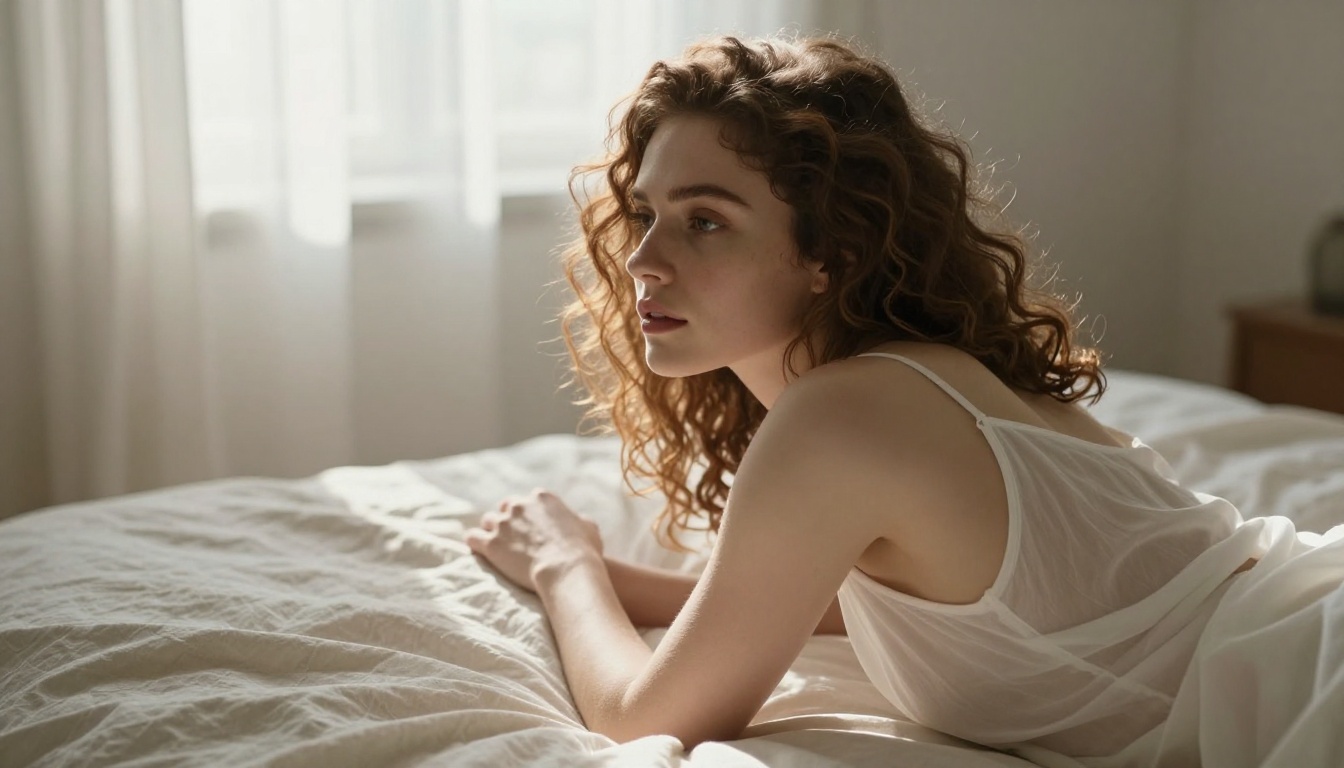
SDXL was a significant leap forward in the diffusion model space and remains highly capable for NSFW creative work. As an open-weight model, it runs without restrictive content filters when accessed through appropriate platforms that choose not to impose them.
DreamShaper XL Turbo builds on SDXL's architecture with fine-tuning aimed at photorealism and generation speed. The "Turbo" designation means it produces quality results in significantly fewer inference steps, making it faster than the base SDXL model without major quality trade-offs on standard use cases.
Tip: SDXL and DreamShaper both respond well to the positive-negative prompt format. Writing an explicit negative prompt that lists what you do not want ("cartoon, 3D render, illustration, CGI, painting") keeps outputs in the photographic register and prevents stylistic drift.
Flux 2 Pro and Flux 2 Dev
The second generation of Flux models raises the quality bar further across all dimensions. Flux 2 Pro and Flux 2 Dev offer improved instruction following, better handling of complex environmental scenes, and substantially more accurate human anatomy compared to first-generation Flux.
For creators working in glamour photography or artistic nudity, the anatomy improvements in Flux 2 are the most immediately noticeable upgrade. Earlier models produced unreliable results with hands, feet, and complex body positioning. Flux 2 handles these scenarios with a consistency that makes it practical for professional output.
How to Get Better Results
The prompts that work
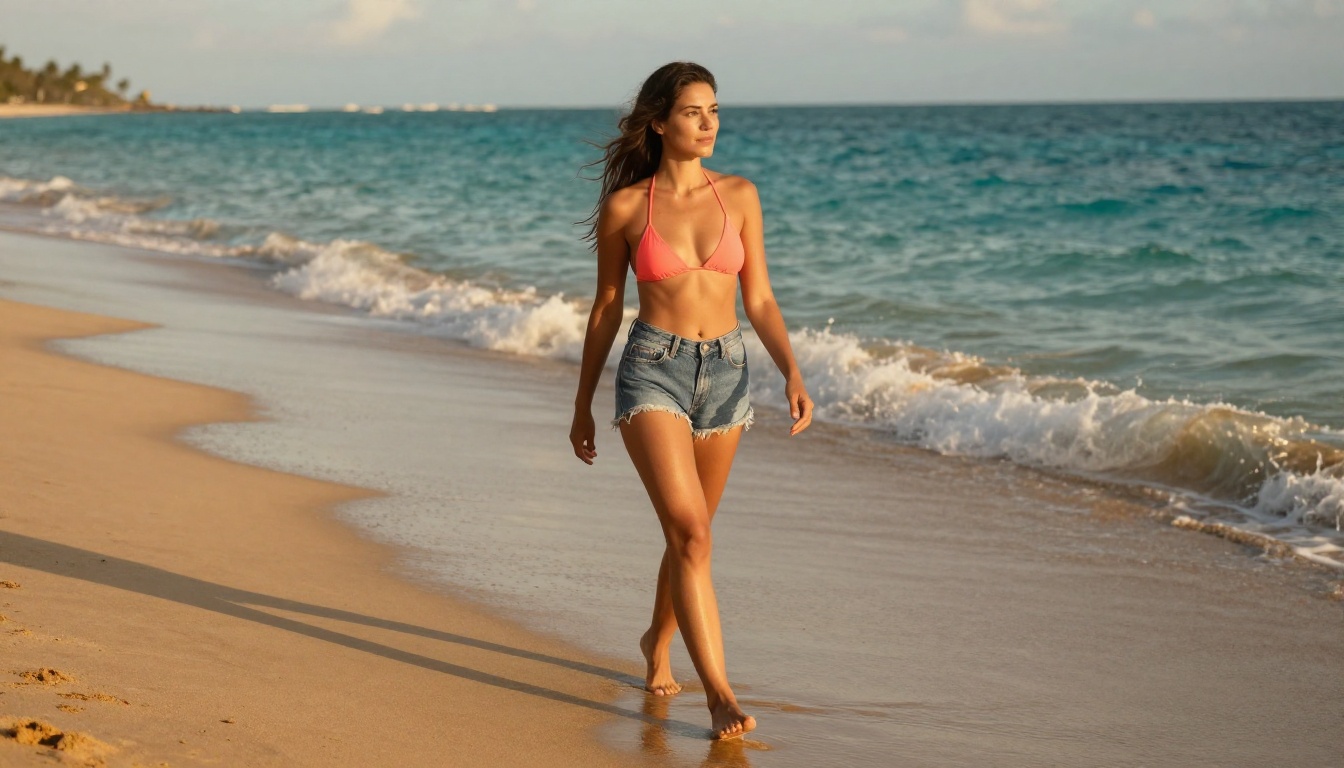
Effective prompting for photorealistic suggestive content follows a consistent structure across all major models. The more specific and photographically grounded your language, the better the results.
A strong prompt includes all of these elements:
- Subject description: Body type, hair color and style, skin tone, expression, clothing specifics or state of dress
- Environment: Location type, time of day, specific surfaces, props, and spatial context
- Lighting: Direction, quality (hard vs. soft), source (natural sunlight, artificial lamp, mixed), and color temperature
- Camera specifications: Lens focal length, aperture value, shooting angle and distance from subject
- Film and texture: Film stock simulation (Kodak Portra 400, Fujifilm Velvia), grain characteristics, color profile
Example framework:
"[Subject description] in [specific setting], [detailed lighting conditions], shot with [camera and lens], [film stock], photorealistic RAW 8K, --ar 16:9 --style raw"
This structure works across Flux 2 Pro, Flux Dev, Realistic Vision v5.1, and SDXL with minor adjustments per model.
Common prompt mistakes
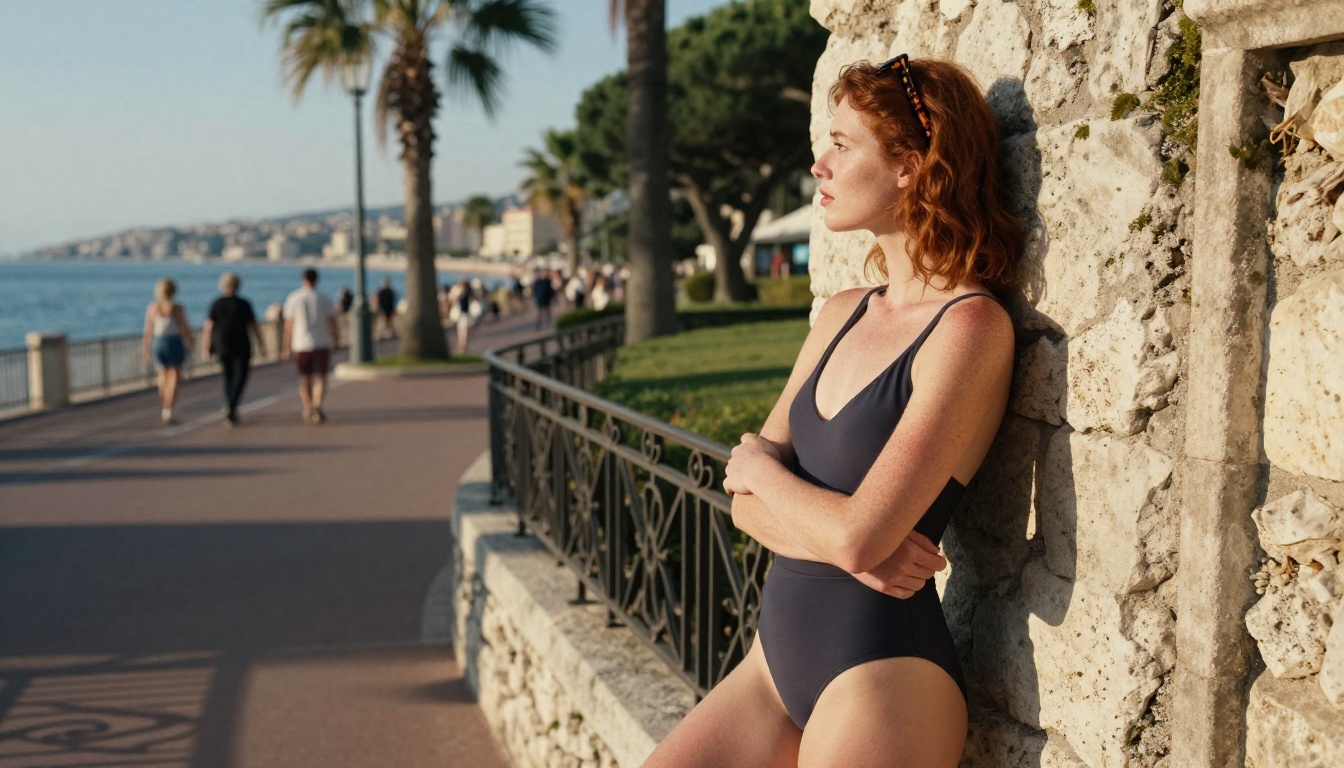
Several patterns consistently produce poor results or trigger content filters even on permissive platforms:
- Vague descriptions: "Sexy woman" produces generic, low-quality results. Specific physical and environmental detail drives both quality and consistency.
- Explicit anatomical language: On platforms with partial filtering, direct anatomical terms trigger refusals even for non-pornographic scenes. Descriptive, photographic language performs better.
- Mixed style signals: Combining "photorealistic" with "digital art" or "illustration" confuses the model and degrades output quality. Choose one visual register and maintain it throughout the prompt.
- Skipping negative prompts: On SDXL-family models especially, omitting negative prompts allows the model to drift toward stylized or cartoony outputs regardless of how photorealistic the positive prompt was.
Tip: Writing from the perspective of a photography director gives you a natural language structure that produces consistently photorealistic results. Describe the shoot as if briefing a photographer, not requesting an AI image.
LoRA and fine-tuning layers
For creators who need specific, consistent character styles, body types, or artistic aesthetics, LoRA models provide a powerful additional control layer. Many open platforms allow you to apply LoRA weights on top of base models like Flux Dev or SDXL, giving you fine-grained control over style, face consistency, and content specificity.
Flux Kontext Max extends creative control further by letting you edit existing generated images with text instructions. This makes iterative refinement of suggestive content practical: generate a base image, then modify specific elements (lighting, clothing, pose) without regenerating from scratch.
Model Comparison at a Glance
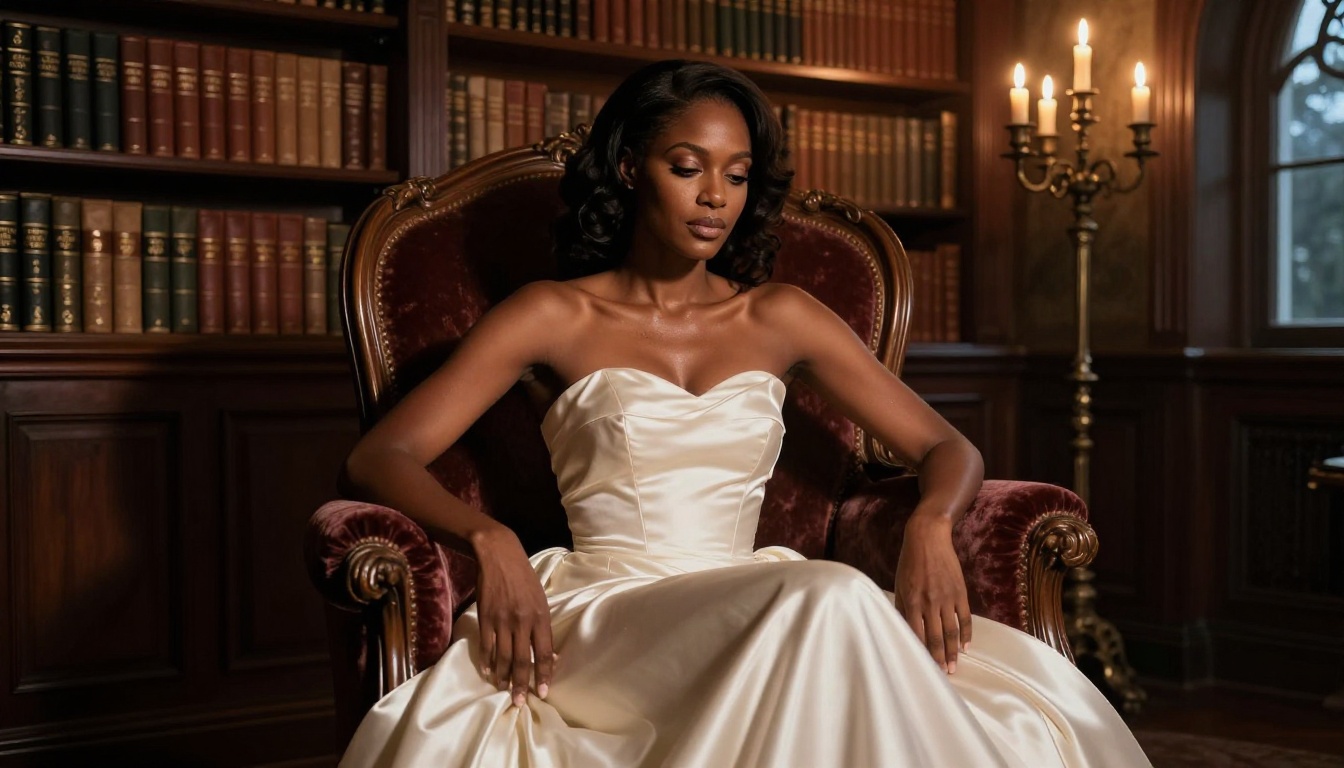
Here is a direct comparison of the top models for NSFW-adjacent creative work:
PicassoIA for NSFW Content Creation
PicassoIA hosts the full range of models described above in a single platform, giving you access to permissive, high-quality generation without running local GPU infrastructure. The platform spans models from conservative commercial options to fully open-weight models, meaning you can choose the level of creative latitude that fits your project.
Using Flux 2 Pro on PicassoIA
Flux 2 Pro on PicassoIA gives you full model capability through a web interface with no local setup required. It is the best starting point for high-quality glamour and suggestive content.
Step-by-step workflow:
- Open Flux 2 Pro on PicassoIA
- Write your prompt using the photography-director structure: subject, environment, lighting, camera, film stock
- Set aspect ratio to 16:9 for landscape shots or 9:16 for portrait orientation
- Adjust the guidance scale to 8-12 for tighter prompt adherence on suggestive content
- Generate and evaluate the initial output
- Refine specific elements (lighting direction, clothing detail, background depth) in subsequent iterations
Tip: For suggestive content specifically, describing what the subject is wearing rather than what they are not wearing produces better results. "In a sheer silk slip dress with visible décolletage" creates a precise visual directive that models handle reliably.
Realistic Vision v5.1 for portrait work
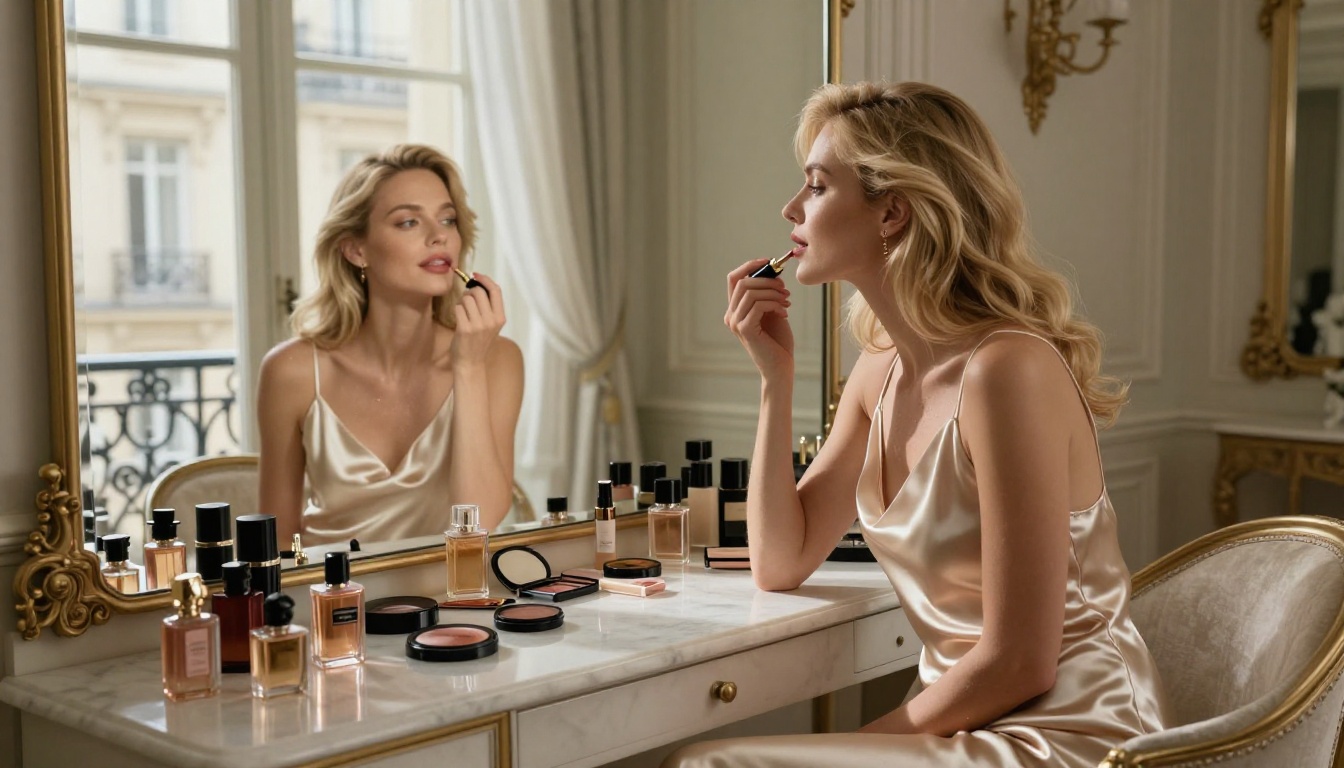
Realistic Vision v5.1 is the model for tight portrait work where skin fidelity is the primary concern. On PicassoIA, it runs with the original community checkpoint weights.
Parameters that produce the best results:
- Steps: 25-35 for the optimal quality-to-speed balance
- CFG Scale: 6-8 for natural output; values above 10 produce an over-sharpened, processed look
- Negative prompt: Always include "cartoon, illustration, 3D render, CGI, painting, drawing, unrealistic, blurry"
- Sampler: DPM++ 2M Karras or Euler A both work well for this model
Realistic Vision handles natural light scenarios with particular accuracy. Prompts describing window light, overcast outdoor illumination, or golden hour conditions produce results that are genuinely difficult to distinguish from actual photography.
NSFW Content Without the Chaos
Using NSFW-capable generators responsibly means knowing what each platform actually supports and staying within those limits. The models listed here are used by professional photographers, concept artists, fashion designers, and adult content creators for legitimate creative work every day.
The distinction that matters is not "NSFW vs. safe" but "artistic vs. explicit." Every model in this article handles suggestive and glamour content reliably. The open-weight models like Flux Dev and SDXL can go further when accessed through appropriate channels. Content involving minors or non-consensual scenarios remains universally prohibited and is not supported by any platform discussed here.
Always check the specific platform's terms of service before generating content in sensitive categories. Different platforms apply different rules to the same underlying models, and those rules matter for what you can actually do.
Start Creating on PicassoIA
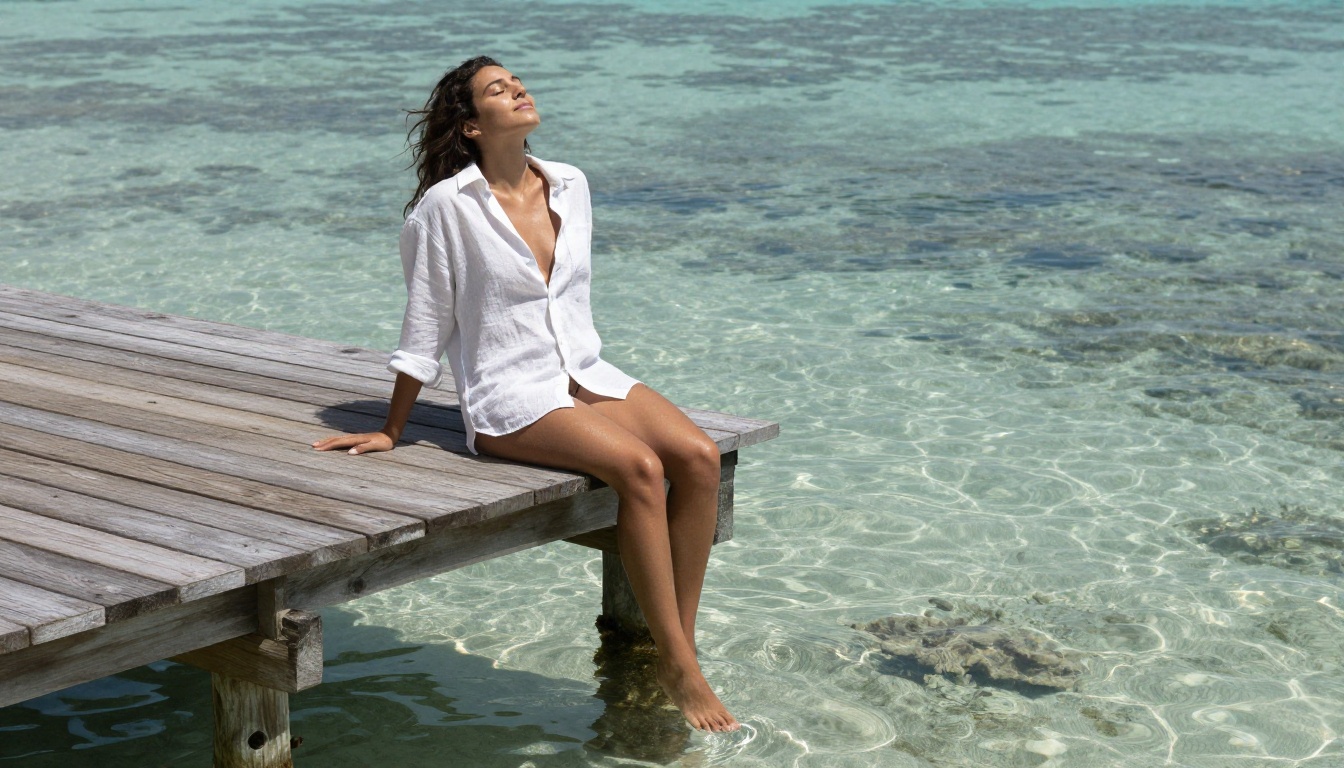
All of the models described in this article are available right now through PicassoIA. Flux 2 Pro, Flux Dev, Flux Pro, Realistic Vision v5.1, SDXL, and DreamShaper XL Turbo are all accessible in one place without local GPU setup or technical configuration.
Start with Flux Dev if you want the widest creative latitude for open-ended artistic work. Move to Flux 2 Pro when you need polished, high-resolution output suitable for publication. Use Realistic Vision v5.1 when portrait-focused skin fidelity is the priority.
The platform also includes tools for refining your output after generation. Super resolution upscaling takes generated images to print-ready quality, and Flux Kontext Max lets you edit specific elements of any image with text prompts rather than regenerating from scratch. For creators who want consistent character appearances across multiple images, face consistency tools are part of the available toolkit as well.
This is what serious AI image creation looks like in 2027: model choice, prompt precision, and a platform that does not impose unnecessary barriers between you and your work. Everything you need for high-quality suggestive, glamour, and artistic content is already there. The only variable is what you bring to the prompt.


