If you have spent any time trying to generate mature, suggestive, or artistically bold images with mainstream AI tools, you already know the frustration. Type something slightly outside the narrow safe zone and watch the refusal pop up instantly. In 2027, that experience is becoming obsolete. A new generation of AI image tools with no content filters has arrived, offering genuine creative freedom for artists, photographers, content creators, and platforms that serve adult audiences. This is not about breaking rules. It is about working with tools that actually match what professionals and creatives need.
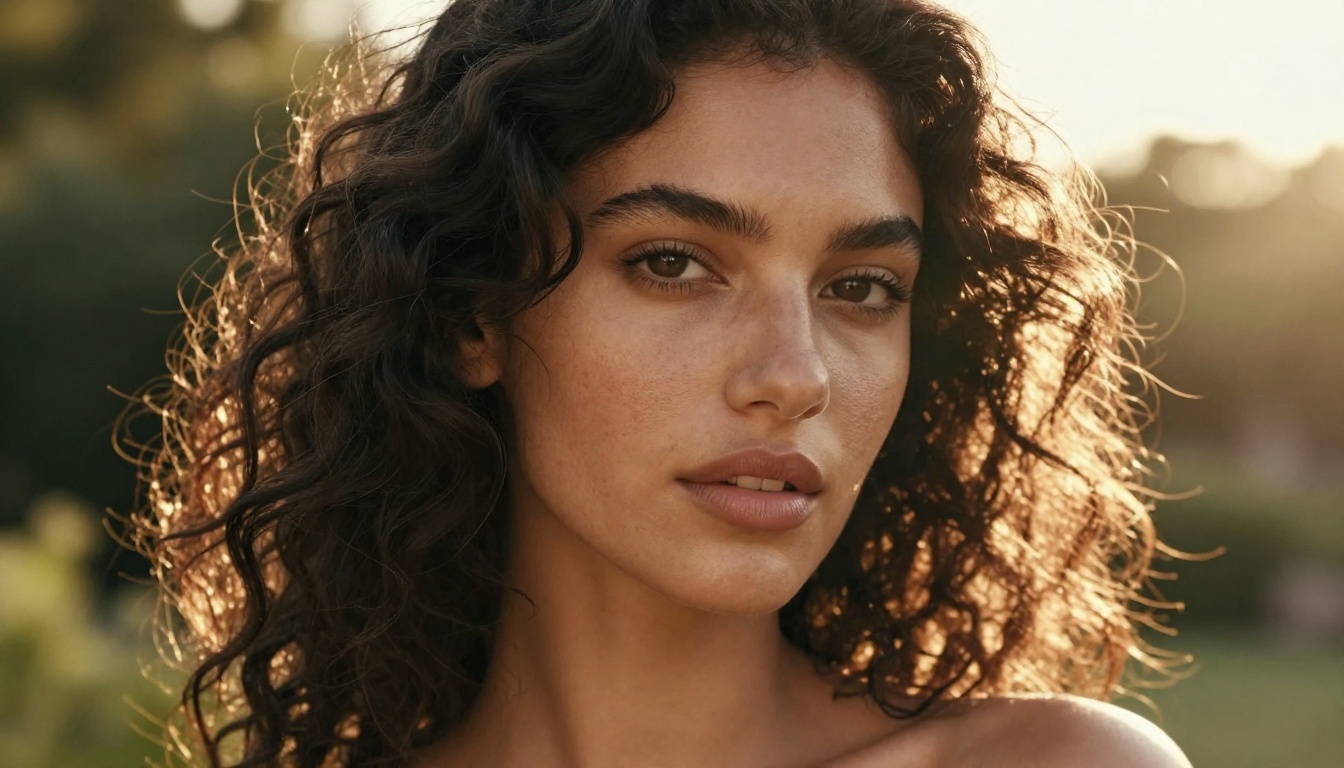
Why Mainstream AI Tools Feel Like Handcuffs
The frustration is real and widespread. Tools like DALL-E 3, Midjourney, and Adobe Firefly operate under strict corporate content policies. These policies are not inherently bad; they exist for legitimate reasons. But they create a problem: the same filter that blocks explicit content also blocks artistic nudity, editorial fashion photography with skin showing, and fictional scenes involving romance or intimacy.
The Filter Problem in 2026
In 2024 and 2025, major platforms tightened their restrictions rather than loosened them. That trend pushed a significant portion of the creative community toward open-weight models and self-hosted solutions. By 2026, the gap between filtered platforms and unrestricted alternatives has never been wider.
💡 Worth knowing: "No content filters" does not mean low quality. The best unrestricted AI image tools in 2027 produce output that rivals high-end commercial photography.
Who Actually Needs These Tools
The audience for unrestricted AI image generation is much broader than most people assume:
- Adult content platforms requiring original, legally-produced imagery
- Fashion and glamour photographers prototyping editorial concepts with AI
- Novelists and comic creators visualizing characters in mature scenes
- Body positivity and art communities producing work that celebrates the human form
- Game developers creating assets for mature-rated titles
- Marketing agencies working on adult wellness, lingerie, or cosmetics brands
The demand is legitimate. The tools are now capable of meeting it.
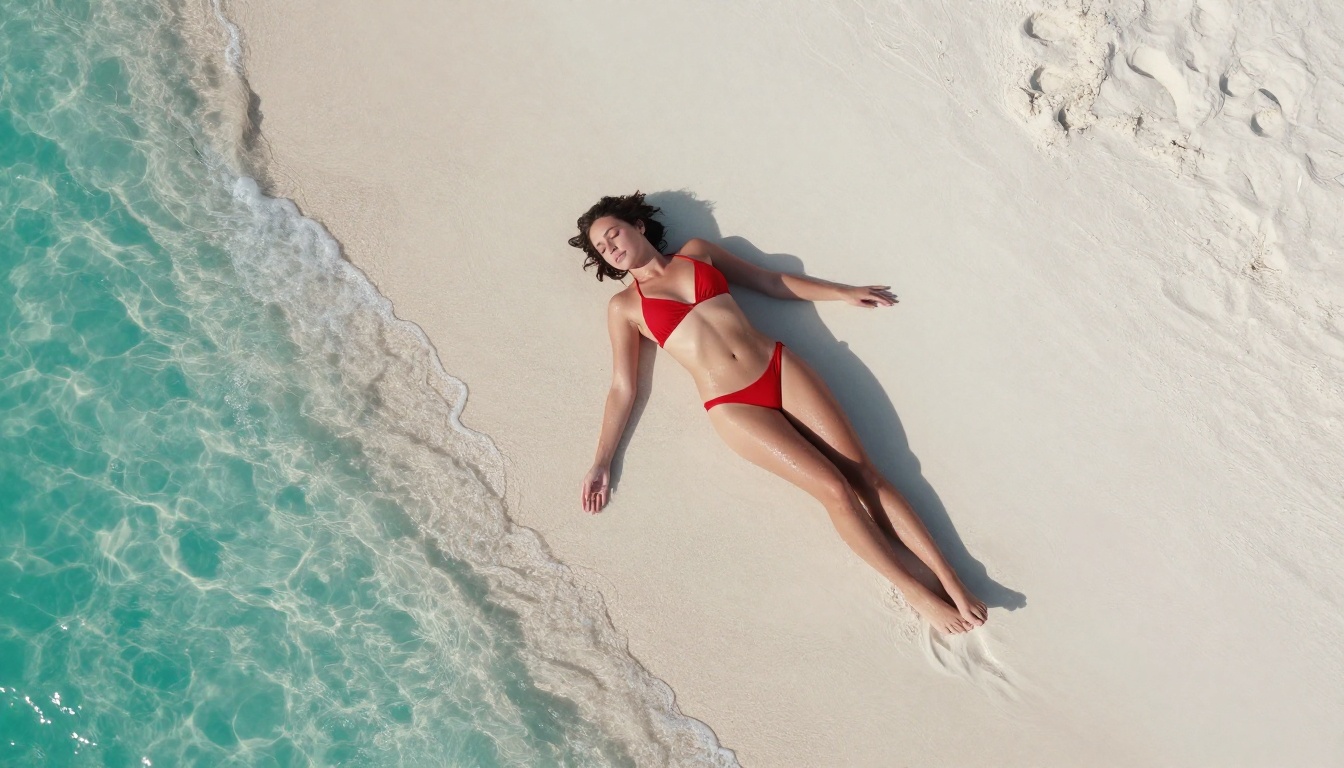
Not every platform that claims to offer "no content filters" actually delivers. Some throttle output quality when you approach restricted territory. Others have inconsistent moderation. The best platforms combine genuine creative freedom with top-tier model access and reliable output.
PicassoIA Stands Out in 2027
PicassoIA has built one of the most thorough ecosystems for unrestricted AI image creation available today. The platform provides access to dozens of models across multiple categories, including text-to-image, image editing, face swap, and more, without the excessive guardrails that frustrate users on mainstream platforms.
What makes PicassoIA particularly strong is its breadth of model selection. Rather than relying on a single model with its quirks and limitations, you can switch between different architectures and pick the one that suits your subject matter, style, and realism requirements.
The platform's interface is clean, fast, and does not punish you with vague error messages for prompts that do not violate actual laws.
What Separates Great Tools from Average Ones
| Feature | PicassoIA | Typical Filtered Tool |
|---|
| Mature content | Supported | Blocked |
| Model variety | 90+ models | 1-3 models |
| Image resolution | Up to 8K equivalent | 1024px typical |
| Speed | Fast (optimized) | Varies |
| Prompt flexibility | High | Severely limited |
| Custom parameters | Yes (CFG, steps, seed) | Rarely exposed |
The Models That Changed Everything
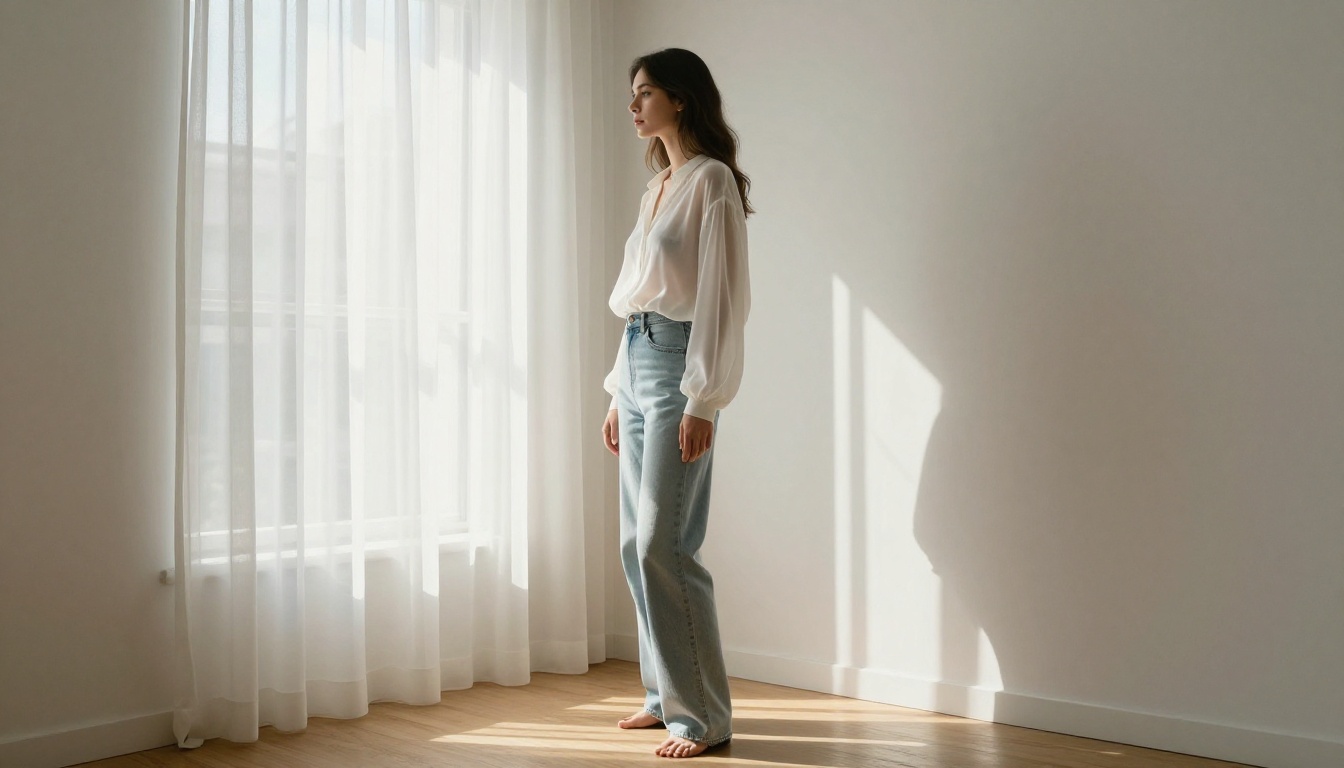
The real revolution in unrestricted AI image creation in 2027 is at the model level. Open-weight models released by research labs and independent developers have created an ecosystem that no single platform can control or censor entirely.
Flux Dev and Flux Pro
The Flux Dev model, available on PicassoIA, is among the most capable text-to-image architectures currently available. It produces images with exceptional anatomical accuracy, natural skin tones, and photorealistic detail. For creators working in the glamour and fashion space, Flux Dev strikes a balance between creative responsiveness and image fidelity that earlier models could not achieve.
Flux Pro takes things further with enhanced prompt adherence, meaning what you type is what you get. The model understands complex spatial relationships, clothing details, and lighting conditions described in prompts with remarkable accuracy.
💡 Tip: When working with Flux on PicassoIA, set your guidance scale between 3.5 and 5 for realistic photography output. Higher values increase prompt adherence but can introduce artifacts.
Juggernaut XL for Photorealism
Juggernaut XL has earned a strong reputation in the AI art community for one specific reason: it renders human skin better than almost any other model. The micro-texture detail, the way light behaves on different skin tones, the naturalness of facial expressions. These are areas where Juggernaut consistently outperforms alternatives.
For portrait-heavy work, editorial photography concepts, or any application where the human figure is central, Juggernaut XL on PicassoIA is a first choice for many experienced creators.
SDXL and Its Variants
SDXL remains a workhorse in 2027. Its open-weight nature means the community has built an enormous ecosystem of fine-tuned variants around it, each specialized for different aesthetics and content types. On PicassoIA, you can access SDXL directly and experiment with its parameters without hitting artificial walls.
Flux Schnell is the speed-optimized sibling in the Flux family. When you need rapid iteration through concepts, Schnell delivers quality output in a fraction of the time, making it ideal for prototyping before committing to a full high-resolution generation.
How PicassoIA Handles Creative Freedom
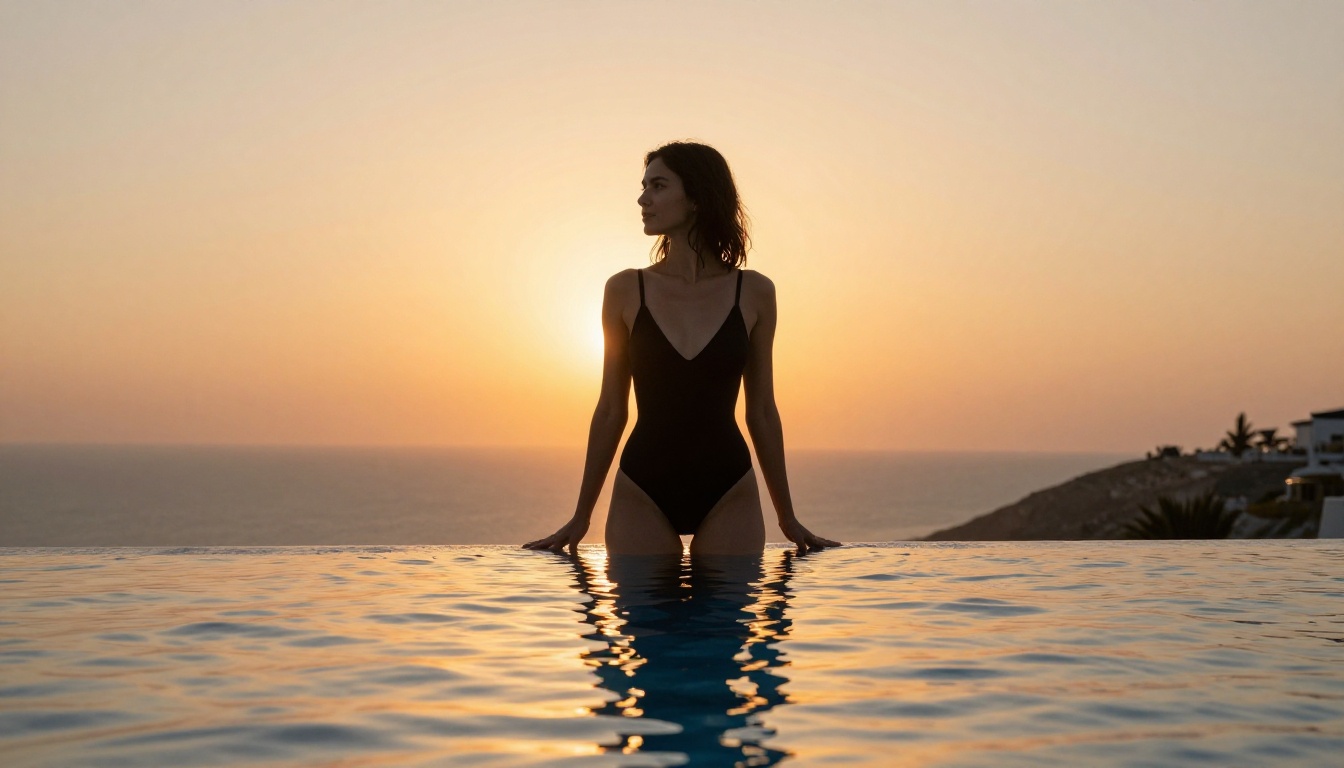
One of the things that sets PicassoIA apart is that the platform was built with professional creators in mind from day one. That means access to parameters that other platforms hide or remove entirely.
Step-by-Step with Flux Dev
Here is a straightforward workflow for producing high-quality suggestive or glamour content on PicassoIA using Flux Dev:
- Select your model: Navigate to the text-to-image section and choose Flux Dev or Juggernaut XL for maximum photorealism
- Write a descriptive prompt: Be specific about lighting, pose, clothing, environment, and camera angle
- Set aspect ratio: 16:9 works well for editorial images; 3:4 or 2:3 for portrait-style output
- Adjust guidance scale: Between 3.5 and 5 for realistic results
- Set steps: 25 to 35 steps for high-quality output
- Review and refine: Use the seed value to reproduce and iterate on promising results
Getting the Best Results
The quality of your output depends heavily on prompt structure. Vague prompts produce vague images. Specific, detailed prompts produce professional results.
Effective prompt elements to always include:
- Subject description (age appearance, hair, clothing, expression)
- Environment (location, time of day, weather conditions)
- Lighting (direction, quality, color temperature)
- Camera (lens focal length, aperture, shooting distance)
- Atmosphere (mood, texture, film stock reference)
Prompts That Actually Work
Writing prompts for unrestricted AI image tools is a skill that develops quickly with practice. The biggest mistake beginners make is being too vague. Here is how to think about it differently.
The Anatomy of a Strong Prompt
Think of your prompt as a director's shot description. You are not just describing what you want to see. You are describing the scene as if you were giving instructions to a cinematographer.
Weak prompt example:
beautiful woman on beach
Strong prompt example:
young woman with tanned skin and dark curly hair, wearing a white string bikini, standing at the shoreline of a tropical beach at golden hour, warm orange backlight creating a halo effect around her silhouette, soft wet sand reflecting light at her feet, shallow depth of field with turquoise water blurred in background, Canon 85mm f/1.4, photorealistic, Kodak Portra 400 grain
The difference in output quality between these two prompts is dramatic. The specific version will consistently produce editorial-quality imagery.
Mistakes That Hurt Your Results
Avoid these common errors:
- Stacking too many subjects: Focus on one person or scene at a time
- Ignoring lighting details: Lighting is the single biggest factor in perceived realism
- Skipping camera specifications: Lens and aperture details dramatically affect depth of field and composition
- Using generic style words: "Beautiful" and "stunning" are largely ignored; be specific instead
- Forgetting negative prompts: When using SDXL-based models, negative prompts like "blurry, deformed hands, bad anatomy, watermark" significantly improve output
💡 Pro tip: For skin realism with Juggernaut XL, always include a specific film stock in your prompt. "Kodak Portra 400 grain" or "Fujifilm Superia 400" dramatically improve how natural the final image looks.
Quality Is Non-Negotiable in 2026
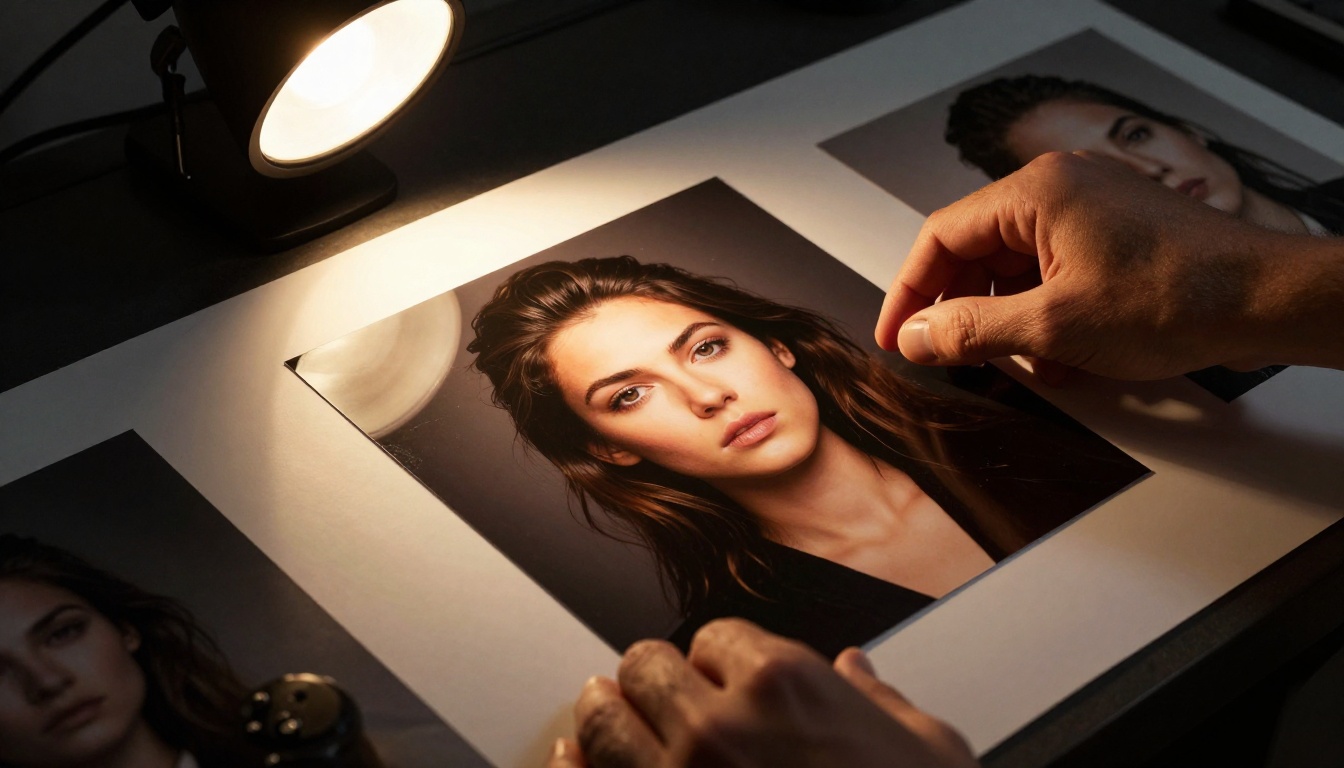
The era of "good enough for AI" is over. In 2026, the bar for AI-generated imagery has risen dramatically. If your output looks like a 2022 AI image, nobody is impressed. The tools available now can produce images that are genuinely indistinguishable from photography when used correctly.
8K Realism vs. Basic Output
The difference between a 512x512 pixel output and a true 8K equivalent image is not just about resolution. It is about the rendering of micro-details: individual strands of hair, the texture of fabric weave, the subtle variation in skin tone across different areas of the face. These details are what separate AI outputs that feel real from those that feel synthetic.
On PicassoIA, models like Juggernaut XL and Flux Pro are optimized for this level of detail. For even further improvement, the platform's super-resolution tools can upscale your output 2x to 4x while preserving or adding fine details.
Realism Comparison Across Tool Types
| Quality Metric | Low-Tier Tools | PicassoIA Top Models |
|---|
| Skin texture | Smooth/plastic | Pores, micro-detail |
| Hair rendering | Clumped/flat | Individual strands |
| Eye detail | Generic | Iris pattern, catchlights |
| Hands | Often deformed | Anatomically accurate |
| Lighting accuracy | Flat/inconsistent | Directional, volumetric |
| Background coherence | Blurry/incoherent | Sharp, detailed |
What You Can Create Right Now
The practical applications of unrestricted AI image tools in 2027 are extensive. Here is what professional creators are actually building with these platforms.
Glamour and Fashion Concepts
Fashion photographers and stylists are using AI to prototype editorial concepts before expensive shoots. This includes testing lighting setups, outfit combinations, location aesthetics, and model poses. The AI output is detailed enough to present to clients for approval before a single dollar is spent on production.
Common uses in this space:
- Lookbook concepts for fashion and swimwear brands
- Lingerie and intimate apparel editorial planning
- Mood board creation with realistic, original imagery
- A/B testing visual concepts before production
Portrait Photography Style
Portrait photographers use AI image tools to test concepts that would be difficult or costly to arrange with real subjects. This includes lighting experiments, background composite ideas, and stylistic explorations. The photorealistic output of models like Flux Dev makes these tests genuinely useful reference material rather than rough approximations.
Creative Character and Fantasy Art
Writers, game developers, and comic creators are using unrestricted AI image tools to visualize characters with real creative control. Whether that means a confident warrior character in partial armor, a romance novel illustration, or a mature fantasy character design, the tools in 2027 handle it all with photorealistic precision.
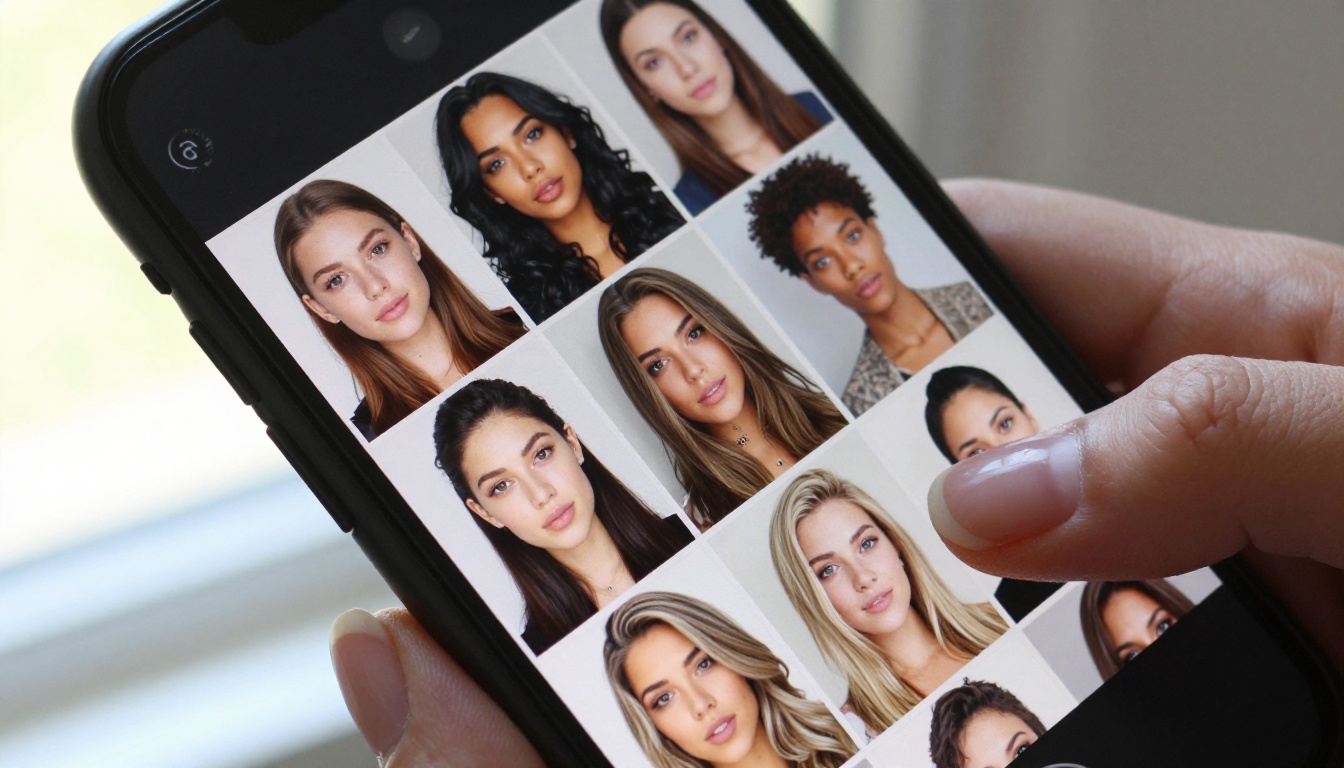
💡 Note: PicassoIA also offers face swap AI tools that allow realistic face replacements in generated images, opening up additional possibilities for character consistency across a series of illustrations or a content series.
Beyond Images: The Full Creative Stack
PicassoIA is not limited to static image generation. The platform offers a full creative pipeline that unrestricted image tools fit into naturally.
The toolkit includes:
This integrated approach means you can generate a raw image, upscale it, remove its background, and use it in a composite, all within a single platform. That workflow efficiency is valuable for creators working at volume.
Running Local Models vs. Using PicassoIA
Some creators choose to run open-weight models locally using tools like Automatic1111 or ComfyUI. This approach offers maximum control but comes with significant tradeoffs:
| Factor | Local Setup | PicassoIA |
|---|
| Setup time | Hours to days | Instant |
| Hardware required | High-end GPU | Browser only |
| Model variety | Manual download | Instant access |
| Updates | Manual | Automatic |
| Reliability | Depends on setup | Platform-managed |
| Cost | Hardware investment | Subscription/credits |
For most creators, the platform approach wins on convenience and reliability. Local setups remain the choice for those who need absolute maximum control or are running at extremely high volume.
Start Creating Your Own Images
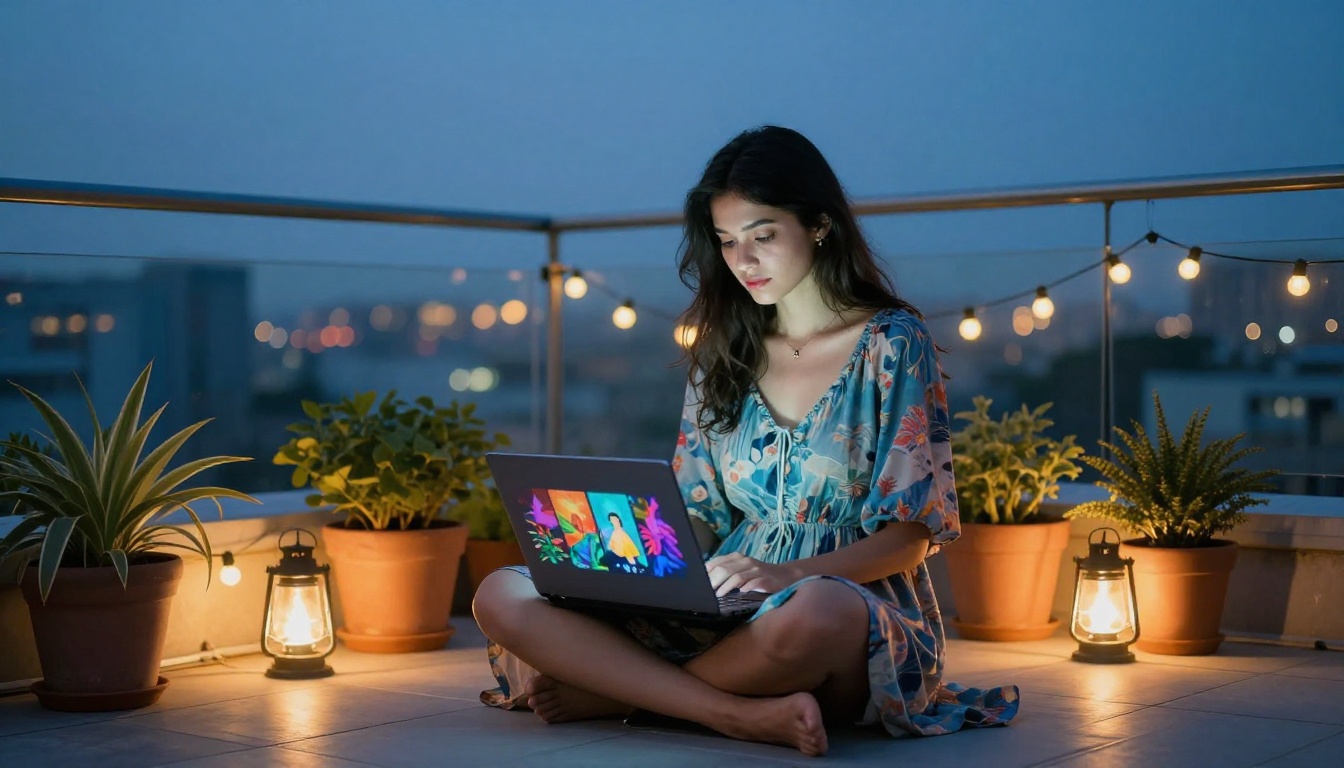
The barrier to creating high-quality, unrestricted AI images in 2027 has never been lower. The technology is mature, the models are exceptional, and platforms like PicassoIA have made access straightforward for anyone regardless of technical background.
If you have been frustrated by the limitations of mainstream AI image tools, the answer is not to settle for less. The tools that actually match professional creative needs exist and are accessible right now. Whether your goal is glamour photography concepts, adult content creation, artistic portraits, or mature illustration work, the combination of models like Flux Dev, Juggernaut XL, and SDXL on PicassoIA gives you the photorealistic output you need.
Head to PicassoIA and start experimenting. Generate your first image with real creative freedom and you will immediately understand why so many creators have made the switch from filtered platforms to tools that respect what you are actually trying to build.


