The adult content industry has always been first to adopt new technology. VHS, internet streaming, subscription platforms — adult creators have led every format shift. AI image generation follows the same pattern, and right now the gap between creators who use it and those who don't grows wider every week.
This ranking covers the best AI tools adult content creators are using in 2027, what each model actually delivers, and how to stop wasting time on tools that over-promise and under-deliver.
The Real Shift Happening Right Now
For years, adult creators faced a familiar problem: platforms control distribution, algorithms control reach, and content filters control what you can produce. AI flips the script on that last part. With the right uncensored AI image generator, you set the parameters and the model does the work. No photographer negotiations, no location permits, no shooting schedules.
The shift is not just about convenience. It is about volume, variety, and velocity. A single creator can now produce hundreds of unique images in a day, test different aesthetics, build full content series, and iterate on subscriber feedback in near real-time. That is a fundamentally different business than what was possible three years ago.
💡 The creators winning right now are not the ones with the best cameras. They are the ones who figured out AI first.
What separates an average AI output from a subscriber-stopping image? Three things: model quality, prompt precision, and platform access. This article covers all three.

Not all AI image generators are equal. Creators shopping for tools get overwhelmed fast by the sheer number of options. Here is what to actually evaluate before committing to any platform.
Realism vs. Stylization
Some models produce stunning photorealistic results. Others trend toward illustrated or anime aesthetics. For adult content, photorealism is king with most subscription-based audiences. Models like Flux 1.1 Pro Ultra and Realistic Vision v5.1 consistently top photorealism benchmarks.
Prompt Adherence
A model that hallucinates details or ignores pose instructions wastes your time. Top-tier models follow complex prompts precisely, down to lighting direction, fabric texture, and facial expression.
Speed and Throughput
When you are producing content at scale, generation speed is real money. Fast models like Flux Schnell and SDXL Lightning 4Step let you batch dozens of images in the time slower models produce one.
Resolution and Upscaling
Subscriber platforms reward high-quality visuals. Always check whether a model supports native high resolution or requires post-processing with super-resolution tools.
| Feature | Priority Level | Why It Matters |
|---|
| Photorealism | Critical | Subscribers expect lifelike visuals |
| Prompt adherence | High | Saves time on retakes |
| Speed | High | Volume equals revenue |
| Resolution | Medium | Platform display quality |
| LoRA support | Medium | Custom character consistency |
The Top Models Ranked
These rankings are based on actual output quality, community adoption among adult creators, and platform availability.
1. Flux 1.1 Pro Ultra
Flux 1.1 Pro Ultra sits at the top for one reason: it produces photorealistic images that are genuinely difficult to distinguish from professional photography. Skin texture, hair detail, fabric wrinkles, and lighting behave exactly as they would in a real photograph.
Why creators love it:
- Native 4MP output without upscaling needed
- Exceptional facial detail and expression accuracy
- Handles complex multi-element scenes without confusion
- Consistent results across different prompt styles
This is the go-to for subscription content where quality justifies premium pricing.
2. Flux 2 Pro
Flux 2 Pro is the workhorse of the Flux family for high-volume creators. Slightly faster than Ultra while maintaining near-identical quality in most use cases. When you need to produce a 50-image content pack in a single session, this is what you reach for.
💡 Pair Flux 2 Pro with super-resolution post-processing for output that matches Ultra at roughly 30% less time per image.
3. Stable Diffusion 3.5 Large
Stable Diffusion 3.5 Large brings the full flexibility of the SD ecosystem with dramatically improved realism over earlier versions. The open-weights nature of this model means the community has produced thousands of fine-tunes, LoRAs, and custom checkpoints specifically for adult content aesthetics.
Strengths:
- Massive community fine-tune library
- Excellent LoRA support for character consistency
- Strong performance with artistic and editorial styles
- Turbo variant available for fast-draft workflows
4. RealVisXL v3.0 Turbo
RealVisXL v3.0 Turbo is built specifically for photorealism at speed. It was trained on curated photographic datasets rather than broad internet imagery, which gives it a cleaner, more consistent aesthetic that reads as authentically photographic rather than AI-generated.
It handles skin rendering better than most models at its speed tier, which matters enormously for glamour and boudoir-style content.
5. Realistic Vision v5.1
Realistic Vision v5.1 is a community-proven model that has been a staple in the adult creator toolkit for years. While newer models have surpassed it in technical metrics, its color science and natural-feeling lighting are still hard to beat for certain aesthetics.
Creators who want that warm, slightly film-like quality rather than clinical AI sharpness consistently return to this model.
6. GPT Image 1.5
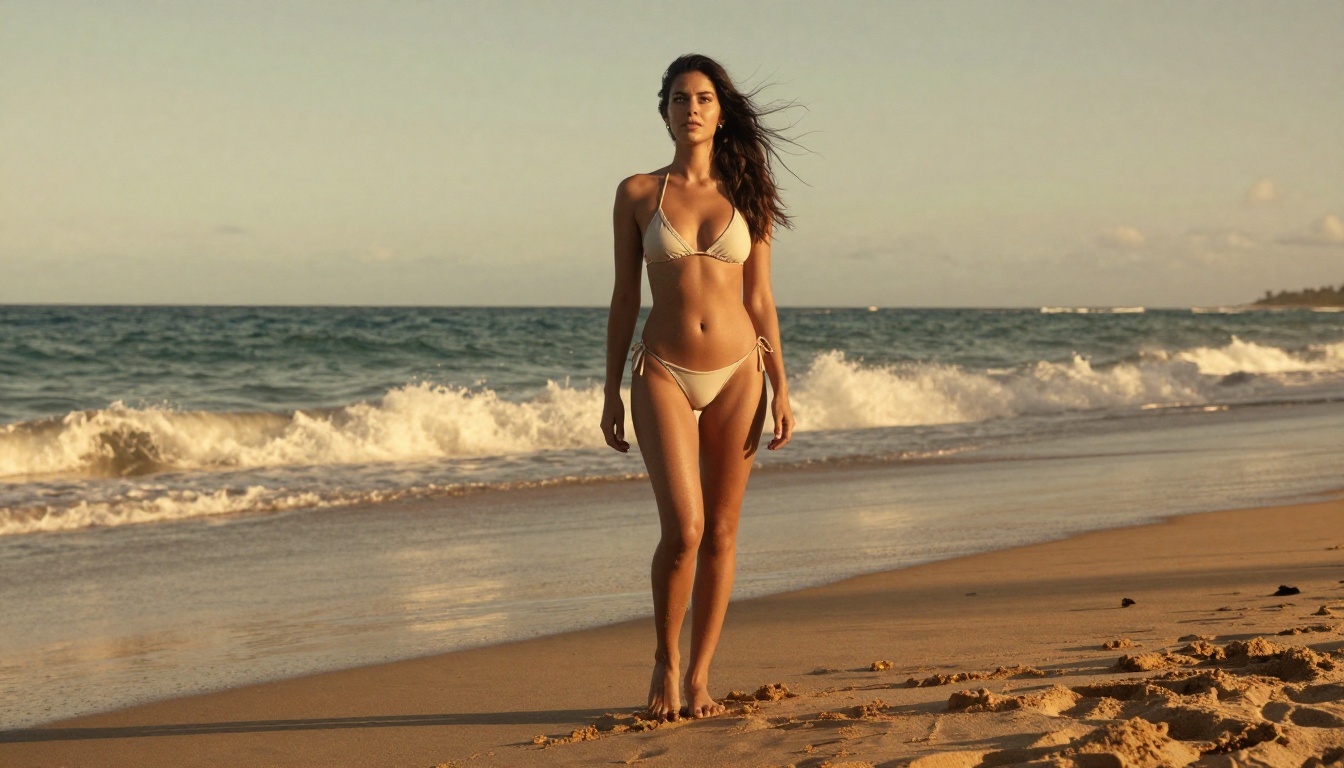
GPT Image 1.5 from OpenAI brings remarkable natural language prompt understanding to image generation. If you write the way you think rather than learning prompt syntax, this model interprets your intent more accurately than almost anything else.
Best for: Creators who want results without learning extensive prompt engineering. The natural language input makes it approachable for those new to AI workflows.
7. Seedream 4
Seedream 4 from ByteDance generates at ultra-high resolution with strong scene coherence. It handles outdoor lifestyle and travel-adjacent content particularly well, producing images where environment and subject feel genuinely integrated rather than composited.
For creators building a lifestyle brand around travel, beach, or outdoor aesthetics, this model delivers images where the background actually feels real.
8. DreamShaper XL Turbo
DreamShaper XL Turbo occupies a specific niche: high-speed generation with broad stylistic range. Useful for rapid concept testing, mood board creation, and volume-heavy workflows where individual image perfection is less important than overall content volume.
9. Ideogram v3 Quality
Ideogram v3 Quality stands out for its color science and compositional decisions. Images feel intentionally framed rather than algorithmically placed. For creators focusing on aesthetic-forward, editorial-style content, this model's output reads more like art direction than AI generation.
10. SDXL
SDXL from Stability AI remains relevant due to its enormous ecosystem of extensions. Inpainting, outpainting, ControlNet integrations, and the depth of available LoRAs make it a powerful foundation even as newer models have surpassed its base output quality. The SDXL Multi ControlNet LoRA setup is especially powerful for maintaining pose and character consistency across a series.
How to Use Flux Dev on PicassoIA
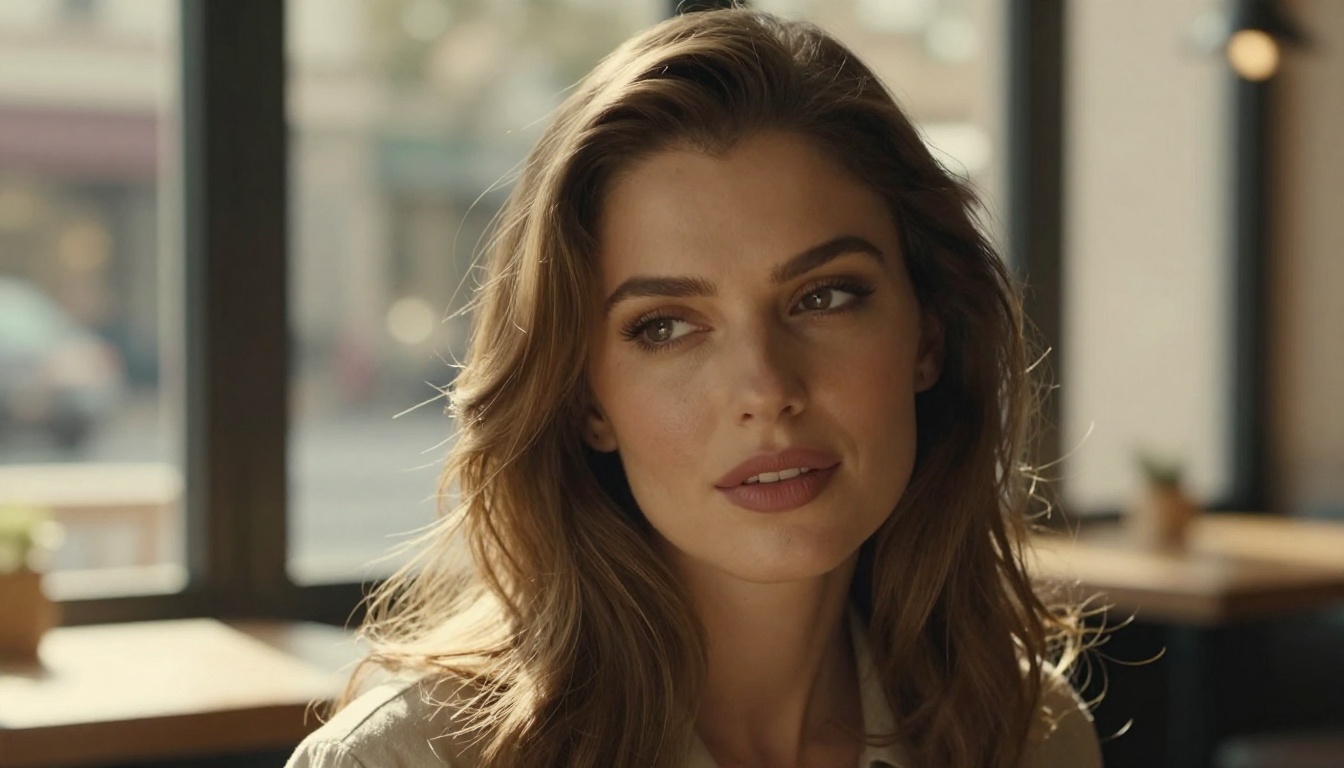
Flux Dev is the open-weight version of the Flux architecture, making it a powerful choice for creators who want high-quality output with more flexibility. Here is how to use it effectively on PicassoIA.
Step 1: Access the Model
Go to Flux Dev on PicassoIA. No complex setup needed to start generating.
Step 2: Write a Structured Prompt
Flux Dev responds best to descriptive, scene-based prompts. Use this structure:
- Subject description (who or what is in the shot)
- Pose or action
- Environment and background
- Lighting specifics
- Camera and lens details
- Style modifiers
Example prompt:
A confident woman in an elegant swimsuit sitting on the edge of a rooftop pool at sunset, cityscape in bokeh background, warm golden hour light from the right, 85mm f/1.8, Kodak Portra 400 film grain, photorealistic RAW photography
Step 3: Adjust Key Parameters
- Guidance scale: Keep between 3.5 and 4.5 for natural-looking results. Higher values follow prompts more strictly but can look over-processed.
- Steps: 28 to 35 steps give the best quality-to-speed ratio.
- Aspect ratio: Use 16:9 for platform banners and previews, 9:16 for mobile-first content.
Step 4: Iterate Fast
Generate 4 to 6 variations before committing to a prompt. Small wording changes produce dramatically different results. Save prompts that work and build a personal library.
💡 Adding "natural skin texture, visible pores, film grain" to any Flux Dev prompt immediately increases photorealism and removes the plastic AI look.
Step 5: Post-Process
Run your best outputs through PicassoIA's super-resolution tools to upscale for platform delivery. Inpainting handles minor detail inconsistencies without regenerating the full image.
Beyond Images: Building a Full Content Stack
Smart creators are not stopping at images. A full AI content stack for adult creators in 2027 looks like this:
Images as the Foundation
Text-to-image models covered in this article handle the bulk of production. The 10 models ranked above cover every aesthetic from hyper-realistic photography to editorial glamour.
Short Video Clips
Short video clips outperform static images on every major platform by engagement metrics. Text-to-video and image-to-video models are catching up fast on quality. A platform with 87-plus video generation models gives serious production flexibility without managing multiple accounts.
Voice and Audio
AI text-to-speech has reached a quality level where subscriber narrations, ASMR-adjacent content, and audio messages are genuinely production-worthy. Combined with a visual identity built on AI images, a creator can now deliver a full multi-sensory experience without a recording studio.
Editing and Refinement Tools
- Face Swap AI: Maintain consistent character identity across large content batches
- Inpainting: Fix detail errors or swap props without regenerating full images
- Object Replacement: Change outfits, props, or accessories on existing generations
- Background Removal: Pull subjects from AI generations to composite into real-world photos
- Super Resolution: Upscale 512px generations to print quality without visible degradation
Pricing: What You Actually Pay
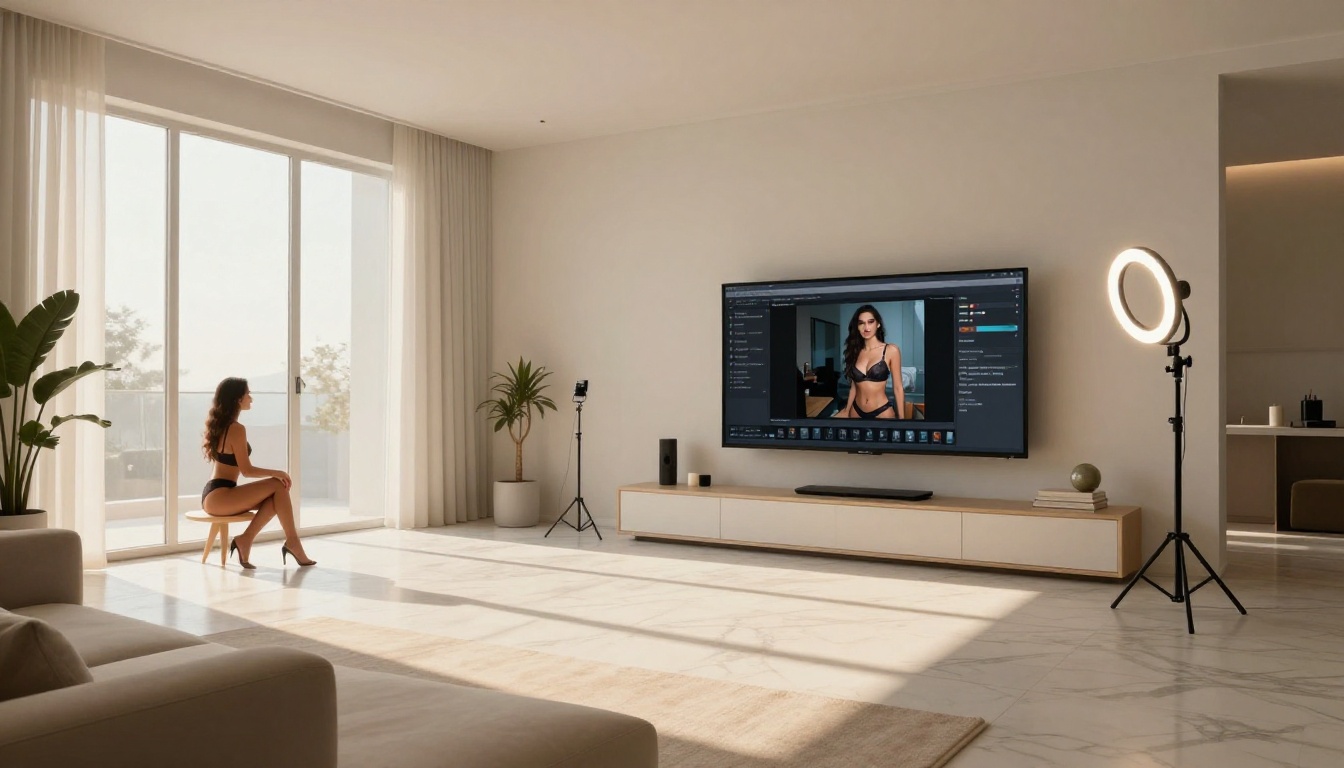
The economics of AI content creation tools have changed dramatically. What cost hundreds of dollars per month two years ago is now accessible at a fraction of that price.
| Access Model | Typical Cost | Best For |
|---|
| Pay-per-generation | $0.002 to $0.05 per image | Occasional use, testing |
| Monthly subscription | $15 to $50 per month | Regular content production |
| Platform credits | Varies | Multi-model access |
| Open-weight local | Hardware cost only | High-volume professionals |
For most creators producing content consistently, a platform subscription giving access to multiple top-tier models is the most economical approach. Running Flux 2 Max, Stable Diffusion 3.5 Large, and RealVisXL v3.0 Turbo under one subscription gives you range across different aesthetics without managing separate accounts.
💡 Free tiers exist but limit both resolution and daily generation counts. If you are serious about content production, the math on a paid subscription clears itself within a week of usage.
Building a Brand That Subscribers Pay For

The creators generating real recurring revenue from AI content share a few characteristics that have nothing to do with which specific model they use.
Character Consistency First
Subscribers pay for a persona, not random images. Using LoRA fine-tunes or SDXL ControlNet LoRA setups to maintain consistent character appearance across all content is non-negotiable at scale.
Series Over One-Offs
A single image is forgettable. A 20-image series set at the same location, same character, same lighting tells a story. AI makes producing series trivially easy compared to traditional photography workflows.
Platform-Native Formats
Different platforms reward different aspect ratios and image styles. Build AI prompt templates for each platform rather than cropping the same image everywhere.
3 Mistakes That Kill Output Quality
Most creators who are unhappy with their AI output are making one of these three errors:
- Over-specifying styles: Mixing too many style keywords produces muddy outputs. Pick one primary style per generation.
- Ignoring negative prompts: Telling the model what NOT to generate is as important as what to generate. Common negatives include: blurry, distorted anatomy, plastic skin, overexposed.
- Single-generation finalism: Top creators generate 5 to 10 variations of any concept and select the best. Committing to a first output is almost always a quality mistake.
Where This Is All Headed
The trajectory is clear. Models are getting faster, more photorealistic, and better at following complex instructions with every release cycle. Flux 2 Dev already surpasses what felt impossible a year ago. The next 12 months will likely bring native video generation quality that rivals smartphone footage.
For creators, the window to build an audience before AI content becomes completely saturated is now. The tools exist. The quality is there. The only variable is whether you start today or let someone else capture your potential subscribers first.
What the top tools deliver right now:
- Photorealism indistinguishable from professional photography
- Consistent character generation across full content series
- Speed measured in seconds, not minutes
- Access to 90-plus specialized models under one platform
- Inpainting, editing, and resolution tools integrated into the same workflow
The models that belong in every adult creator's toolkit, ranked by output quality: Flux 1.1 Pro Ultra, Flux 2 Pro, Stable Diffusion 3.5 Large, RealVisXL v3.0 Turbo, and Realistic Vision v5.1.
Your First Image Is One Prompt Away
You do not need a camera, a studio, or a production budget. You need a clear idea of what you want to create, the right model for that aesthetic, and a platform that gives you access to all of them in one place.
PicassoIA puts over 90 text-to-image models in a single interface, with support for video generation, face swap, inpainting, super-resolution, and every other tool in the stack described above. Start with Flux Dev if you want flexibility, or go straight to Flux 1.1 Pro Ultra if you want the absolute best output quality from the first generation.
The creators who will own this space in 2027 started building their AI workflows in 2026. That timeline starts now.


