The question has not changed much in the last three years, but the answer has. In 2027, the gap between free and paid AI image generators is narrower than ever on paper, yet it still matters enormously in practice, and knowing exactly where it matters is what saves you money or justifies spending it.
Free Is Not What It Used to Be
Twelve months ago, free tiers on most platforms meant watermarks, limited resolution, and a handful of daily credits. Today, free access to powerful text-to-image models is genuinely competitive for casual use. Platforms like PicassoIA give users access to multiple open-weight models at no cost, including SDXL Lightning 4Step, which runs fast and produces sharp results for everyday creative tasks.
But "free" still has a ceiling. And that ceiling shows up fast.
What Free Tools Actually Give You
Most free tiers in 2026 offer:
- Limited daily credits (typically 10-50 generations per day)
- Queue priority at the back, so your jobs wait while paid users run first
- Output resolution capped at 1024x1024 or 1024x576
- No commercial license on generated images
- Watermarks on some platforms, though not all
- Access to older or lighter model versions only
For personal experimentation, social media content, or creative exploration, that is often enough. But for anyone producing images professionally or at volume, these limits become friction fast.
Where Paid Plans Pull Ahead
The real advantages of paid subscriptions in 2026 are not just about better images. They are about workflow speed and creative freedom.
Paid plans typically unlock:
- Priority compute access: your jobs run first, every time
- Higher resolution outputs: 4K, 8K, and native aspect ratio support without cropping
- Commercial use rights: critical if you are selling, licensing, or publishing work
- More powerful model versions: GPT Image 2 at maximum settings, Flux Pro variants, Ideogram v3 full
- Batch processing: generate dozens of images from one prompt list
- Faster iteration: instead of waiting 90 seconds per image, you wait 8
💡 The single biggest paid advantage is not quality. It is speed. If you spend more than 2 hours per week generating AI images, slow queues alone cost you more than any subscription.
Breaking Down the Costs
What You Get at Each Price Tier
Here is how the market looks in 2026 across most major AI image platforms:
| Tier | Monthly Cost | Typical Credits | Resolution | Commercial Rights |
|---|
| Free | $0 | 20-50/day | Up to 1K | No |
| Basic | $8-$15 | 200-500/mo | Up to 2K | Limited |
| Pro | $20-$40 | 1,000-3,000/mo | Up to 4K | Yes |
| Creator | $50-$80 | Unlimited or 10K+ | 8K+ | Full |
| Enterprise | $100+ | Custom | 8K+ Custom | Full + Team |
Most solo creators and small businesses land comfortably in the Pro tier. It is where quality, speed, and rights align without paying enterprise rates.
Hidden Costs Nobody Talks About
The subscription price is rarely the only cost. Watch for:
- Per-generation overages: exceeding your monthly credit allotment triggers per-image charges that add up fast
- Upscaling fees: some platforms charge separately for 4x super-resolution passes
- API access: integrating AI image generation into your own apps is often billed separately from web interface credits
- Storage limits: some platforms auto-delete generated images after 30-90 days unless you pay for extended storage
💡 Always check whether "unlimited" plans cap resolution or compute time. A plan with unlimited 512x512 outputs is not the same as unlimited 4K outputs.
Image Quality: Does Paying Make a Difference?

The honest answer: it depends entirely on which model you are comparing, not just whether you paid.
A free run of Flux Redux Dev on a platform that offers it at no charge will outperform a paid subscription to a platform running an outdated base model. The model matters more than the subscription tier. What paid access unlocks is access to the best settings of the best current models.
Resolution and Output Quality Tested
In practical testing across platforms in early 2026:
- Free tiers at 1024x1024 are sharp enough for web use, social media, and blog thumbnails
- Pro tiers at 4K deliver images print-ready at A4 size or smaller
- Creator tiers at 8K allow large-format printing, commercial billboards, and product packaging
For social media content, free is often fine. For product photography replacements, e-commerce campaigns, or editorial illustration, paid 4K+ is where the ROI makes sense.
Prompt Accuracy at Different Tiers
Prompt following improves with more compute, not just resolution. GPT Image 2 with full settings enabled follows complex multi-element prompts with a level of compositional accuracy that free or limited-compute runs cannot match. The difference shows most in:
- Scenes with multiple characters or objects
- Specific clothing, colors, or branding elements
- Text legibility within images, including logos, signs, and labels
- Consistent lighting direction across complex compositions
Ideogram v3 Turbo is especially strong at this, particularly for anything involving readable text inside the image, which most models still struggle with on free settings.
Who Should Actually Pay
Not everyone needs to pay. Here is a simple breakdown.
Hobbyists vs. Professionals
Stay on free if:
- You generate fewer than 50 images per week
- You are not selling or publishing the images commercially
- You are experimenting, prototyping, or building your skills
- Resolution below 2K is acceptable for your use case
Upgrade to paid if:
- You are producing content for clients, brands, or publications
- You need images at print-ready resolution
- You are integrating AI generation into a product or service
- Queue wait times are interrupting your creative workflow
Commercial Use Cases That Demand Paid
Commercial licensing is the clearest line in the sand. Free tiers on virtually every major platform in 2027 explicitly prohibit commercial use of generated images. If you are using AI-generated images in:
- E-commerce product listings
- Marketing campaigns and paid ads
- Book covers or editorial illustrations
- Client deliverables of any kind
- Monetized social media for a business account
...you need a paid plan with commercial rights. Using free-tier images commercially exposes you to licensing violations. It is not a gray area.
💡 When in doubt, check the platform's Terms of Service for the phrase "commercial use." If it is not explicitly permitted in your tier, assume it is not allowed.
Top Models Worth Paying for on PicassoIA
PicassoIA provides access to a curated library of the best performing text-to-image models in 2027. Here are the ones that justify paid access most clearly.
GPT Image 2
GPT Image 2 is one of the strongest models available for prompt adherence and compositional control. It handles complex multi-element scenes, specific art directions, and realistic portrait generation with consistent quality. On paid plans, you can push it to maximum settings for 4K outputs with full prompt weighting.
Flux 2 Klein 9B
Flux 2 Klein 9B Base LoRA offers stylized image generation that blends realism and artistic flair. It is particularly effective for creating branded content with a distinct visual identity, giving designers more creative control than many competing models at a similar tier.
Seedream 4.5
Seedream 4.5 from ByteDance generates native 4K images from text with strong color vibrancy and cinematic framing. For lifestyle content, influencer aesthetics, and e-commerce product photography replacements, it performs consistently across varied prompt styles.
Hunyuan Image 2.1
Hunyuan Image 2.1 produces native 2K output with excellent skin and fabric texture rendering. For fashion photography, portraiture, and beauty content, this model's realism is hard to match without a dedicated photoshoot.
Ideogram v3 for Text-Heavy Images
Ideogram v3 Turbo stands apart for any use case requiring legible text inside the image. Packaging mockups, promotional banners, social cards with copy, and branded graphics all benefit from its superior text rendering. Paired with Qwen Image Edit Plus for post-generation editing, the workflow comes close to what was previously only possible with professional design software.
How to Use GPT Image 2 on PicassoIA

PicassoIA has GPT Image 2 available directly in its text-to-image collection. Here is how to get the best results from it.
Step 1: Open the model
Go to PicassoIA and navigate to the GPT Image 2 model page. No complex setup is required.
Step 2: Write a structured prompt
GPT Image 2 responds well to prompts that specify subject, environment, lighting, mood, and camera style. Example:
"A professional female chef in a modern restaurant kitchen, plating a colorful dish, warm overhead lighting, shot at 50mm f/2.0, cinematic, photorealistic 8K"
Step 3: Set your aspect ratio
For web articles and blog content, 16:9 is ideal. For social media, 1:1 or 9:16 works better. Select your ratio before generating.
Step 4: Adjust quality settings
On paid plans, push quality to maximum. This increases compute time slightly but dramatically improves fine detail in skin, fabric, and background elements.
Step 5: Iterate with specificity
If the first result is close but not perfect, refine the prompt by adding precise visual details. GPT Image 2 responds to granular instructions better than most competing models.
💡 Avoid vague terms like "beautiful" or "stunning." Replace them with specific visual instructions: "warm volumetric morning light from the left," "45mm lens depth of field," "soft shadow on the right side of the face."
Wan 2.7 Image Pro for 4K Output
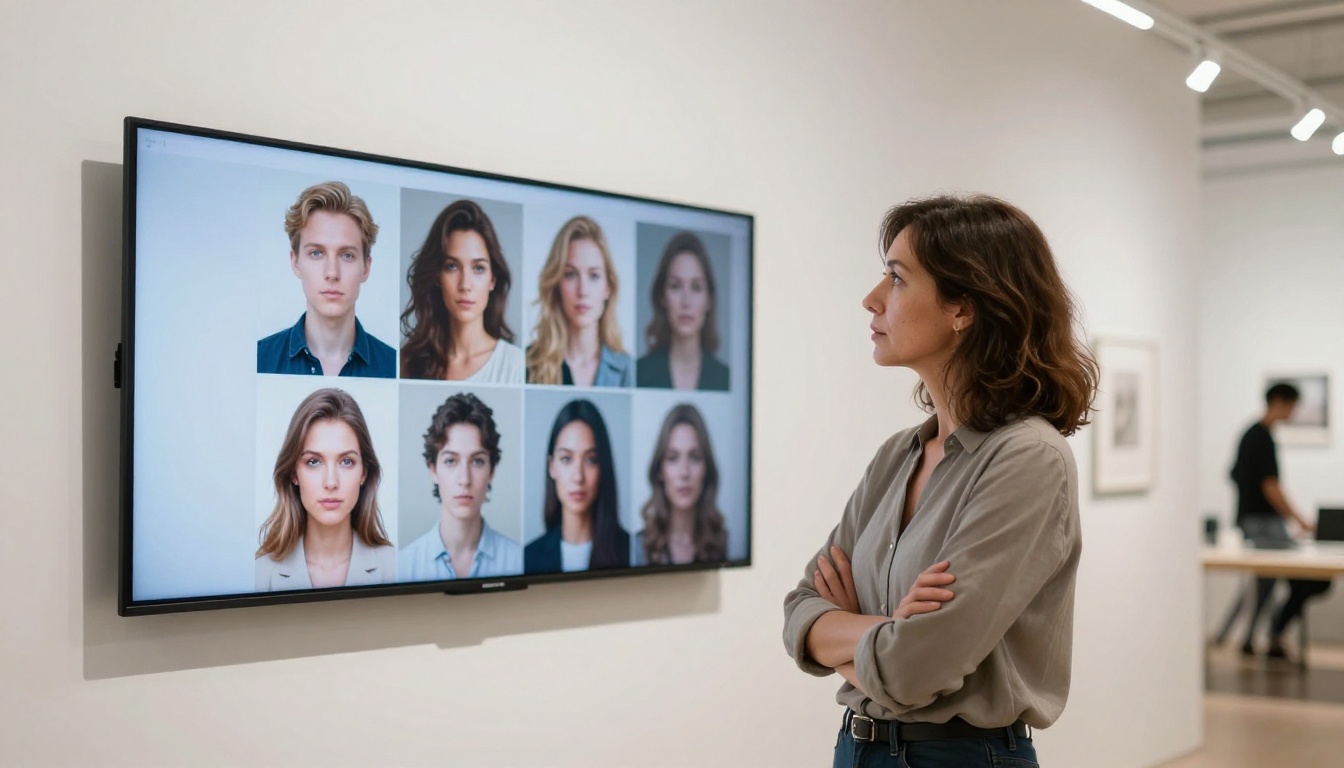
For users who specifically need 4K native resolution, Wan 2.7 Image Pro is one of the strongest options in PicassoIA's library. It generates at 4K natively, which means no post-generation upscaling artifacts. Images retain full sharpness and texture detail straight from the model output.
For users on lower-tier plans, Wan 2.7 Image offers 2K output that still delivers strong quality without maximum compute costs.
The Smarter Way to Pay Less

Stacking Free Tiers Strategically
In 2027, you can access high-quality AI image generation at very low cost by rotating across multiple platforms. Most platforms offer free tiers with different model access. PicassoIA's free tier includes access to a rotating set of open-weight models including SDXL Lightning 4Step and Ideogram v2 for personal use, which covers a wide range of everyday creative needs on their own.
For most casual creators, using two or three platforms with free accounts gives more than enough daily generation capacity without paying anything.
When to Upgrade, When to Stay Free
Here is a practical decision framework:
Upgrade when:
- You are waiting more than 15 minutes for a batch of 10 images
- A client or employer is using the images commercially
- You need consistent resolution above 2K
- You are running API-driven workflows or automation pipelines
Stay free when:
- You generate fewer than 30 images per week
- You are still testing what style and workflow works for you
- Your output is for personal use only
- You are hitting limits less than twice per month
💡 Start free for 30 days and track how often you hit your credit ceiling. If you hit it more than three times in a month, the math on upgrading almost always works in your favor.
Start Creating With PicassoIA Today
The short version: yes, paying for AI image generation in 2027 is worth it, but only under the right conditions. If you are creating content professionally, need commercial rights, or are consistently hitting free tier limits, a paid plan pays for itself quickly. If you are experimenting or creating for personal use, the free tier on PicassoIA gives you more than enough to produce genuinely impressive work.
PicassoIA makes it easy to test this for yourself without commitment. You can start generating right now with GPT Image 2, Flux Redux Dev, Seedream 4.5, Ideogram v3 Turbo, and more. The free tier is generous enough to give you a real feel for what each model delivers, and upgrading is a single click when you are ready to push further.
Stop reading about whether AI image generators are worth paying for. Open PicassoIA, type a prompt, and find out in the next 60 seconds.


