Every second a shopper spends staring at a distracting product background is a second they're not reading your copy, not comparing specs, and not clicking "Add to Cart." The background in a product photo is invisible when done right and catastrophically visible when done wrong. That gap between "right" and "wrong" is where sales are lost or won, and it all comes down to background removal for online stores.
Whether you sell handmade jewelry on Etsy, skincare on Shopify, or electronics on Amazon, your product images carry most of the persuasive work. Cleaner backgrounds mean faster trust, clearer product detail visibility, and a more polished store that signals buyers they're dealing with a professional seller.
This article covers what background removal actually does, why AI-powered tools have changed the workflow entirely, how PicassoIA's Bria Remove Background handles even the trickiest cutouts, and practical steps sellers use to get consistent, professional results across their entire catalog.
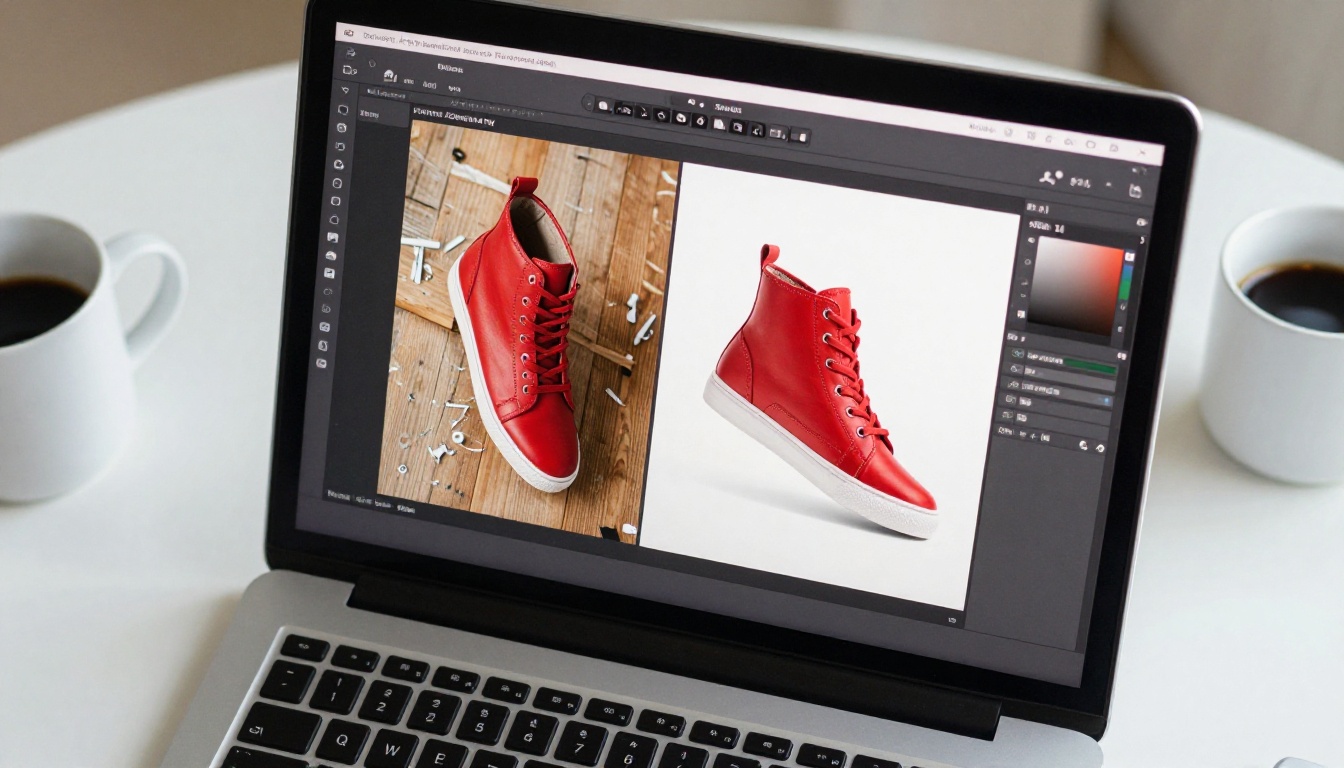
Why a Clean Background Is Worth More Than You Think
Product images aren't just decoration. On most ecommerce platforms, they're the primary decision driver. Text descriptions get skimmed. Reviews get filtered. But product images? Shoppers stop and actually look.
Research from multiple ecommerce studies shows that product image quality ranks as the number one factor influencing purchase decisions for clothing, accessories, and home goods categories. It even outranks price in premium segments.
Background removal sits at the center of image quality. It isn't just aesthetics. It's about giving shoppers the cleanest possible signal about the product itself.
The First Three Seconds of a Product Page
When a shopper lands on a product page, their attention follows a fast pattern: image first, price second, title third. Within three seconds, they've formed an initial impression about whether this product feels worth their money.
A product shot against a cluttered background forces the eye to work harder. The visual cortex has to separate the subject from the noise. By the time that processing happens, trust has already dipped slightly. It's unconscious, but it's consistent.
Clean white or transparent backgrounds remove that friction entirely. The product pops. The eye lands exactly where you want it. And the shopper's brain gets a very clear signal: this seller takes presentation seriously.
What Cluttered Backgrounds Signal to Buyers
This is the part most sellers underestimate. When a buyer sees a product photographed on a kitchen counter, in front of a bedroom wall, or against a wrinkled sheet, their brain runs a rapid credibility check.
The background becomes a proxy for your operation. A messy background suggests a smaller, less professional seller. A clean, isolated product on white suggests a brand. Those two perceptions affect pricing power, return rates, and repeat purchases far more than most sellers realize.
The fix doesn't require a professional studio. It requires background removal for online stores.

The Real Cost of Manual Background Removal
If you've ever tried to manually cut out a product in Photoshop, you know how tedious it gets. A single clean selection around a simple object might take 10-15 minutes. Anything with hair, fur, fabric edges, or transparent elements takes much longer.
For a store with 50 SKUs, that's potentially hours of editing time per product refresh. For stores with hundreds of products and seasonal catalog updates, manual background removal is simply not a viable workflow.
Time Per Image Adds Up Fast
Here's a realistic time breakdown comparing manual work versus AI-powered tools:
| Product Type | Manual Time | AI Tool Time |
|---|
| Simple solid object (mug, box) | 5-8 min | Under 10 sec |
| Clothing with soft edges | 15-25 min | Under 15 sec |
| Jewelry with reflection | 20-30 min | Under 15 sec |
| Product with hair or fur | 30-60 min | Under 20 sec |
| Transparent glass product | 45-90 min | 15-30 sec |
💡 At even 10 minutes per image, a 100-product catalog costs you 16+ hours of editing. AI background removal cuts that to under an hour.
The time savings alone justify switching to automated tools. But consistency is where the real ROI compounds.
Inconsistency Across Large Catalogs
When different team members manually cut product images, or when you outsource batches over time, the results vary. Slightly different shadow treatment here. A slightly rough edge there. One image has a warm white background, another is cooler.
These small differences break catalog cohesion. Shoppers scanning a category page notice when images don't match. It undermines the premium feel you're trying to project.
AI background removal tools apply the same algorithm every time. Every image gets the same processing logic, which produces naturally consistent results across hundreds of products. That consistency is worth as much as the time savings.
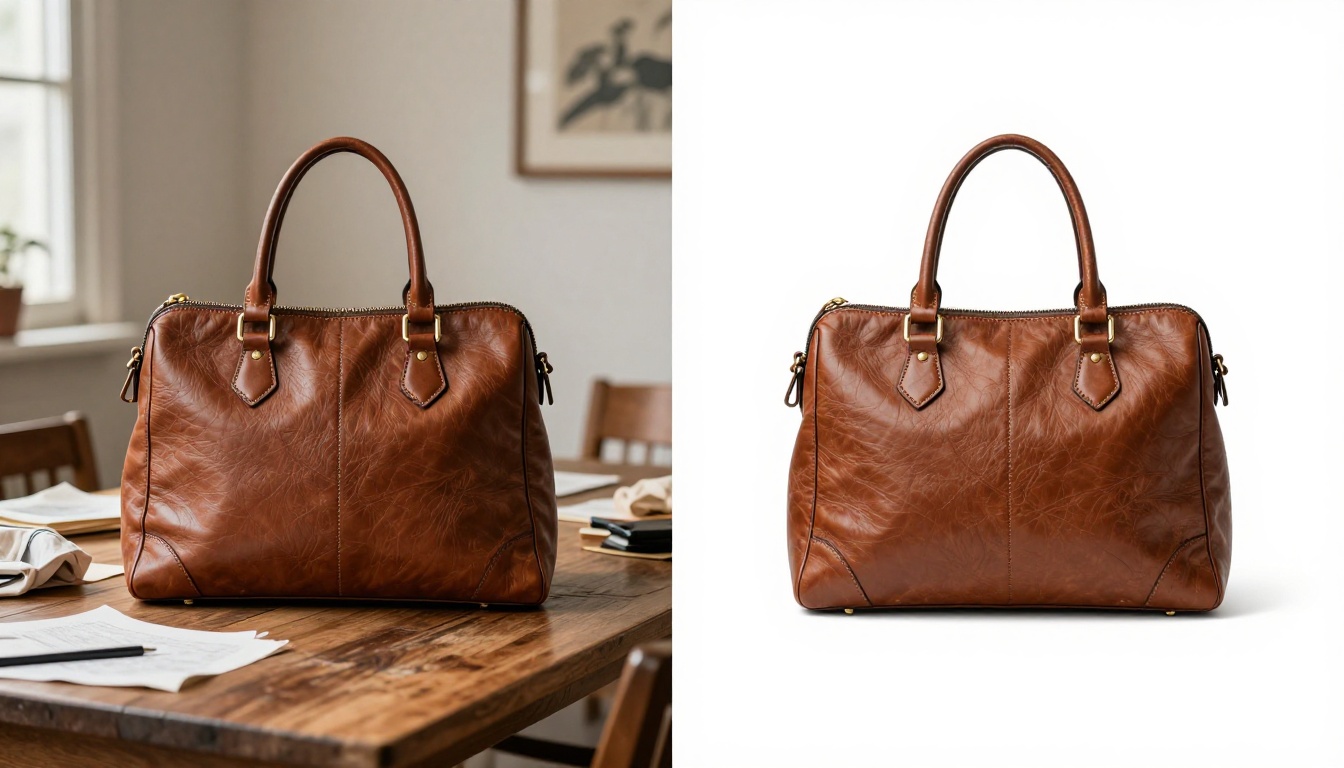
How AI Background Removal Works
Modern AI background removal doesn't just apply a color threshold like old "magic wand" tools. It uses trained neural networks that understand the semantic meaning of images, not just pixel values.
The model has been trained on millions of annotated images where every pixel was labeled as "foreground" (the subject) or "background." After training, the model can look at a new image and predict, pixel by pixel, which parts belong to the subject.
Pixel-Level Edge Detection
The most impressive capability of modern AI background removal is edge detection at the sub-pixel level. The model doesn't just find a rough outline. It preserves individual wisps of hair, fine fabric threads, product label text edges, and the subtle gradients on curved surfaces.
This matters enormously for product categories like:
- Clothing and apparel: Fabric edges, hanging threads, collar shapes
- Hair accessories: Products photographed with or near hair
- Skincare and cosmetics: Fine label text, curved bottle edges
- Jewelry: Thin chains, tiny clasp details, gemstone facets
Previous generations of background removal tools destroyed these fine details or left obvious halos. Modern AI models preserve them.
Handling Hair, Glass, and Transparent Products
Two categories that historically stumped background removal tools: hair and transparent objects.
Hair has thousands of fine strands with semi-transparent tips and varying opacity at the edges. Transparent glass products show the background through them, which means a simple cutout looks wrong even when technically correct.
AI background removal tools like Bria Remove Background on PicassoIA handle both of these cases significantly better than rule-based tools. The model has learned to preserve hair-strand opacity and handle semi-transparent regions with nuance rather than binary on/off masking.
The result: even difficult products come out clean, with natural-looking edges that don't require manual touch-up.

PicassoIA provides direct access to the Bria Remove Background model, one of the strongest AI background removal tools currently available. The workflow is simple enough that any seller can process their own catalog without technical skills.
Step-by-Step with Bria Remove Background
Step 1: Open the tool page
Navigate to Bria Remove Background on PicassoIA. No prior experience needed.
Step 2: Upload your product image
Click the upload area and select your product photo. JPG, PNG, and WebP are supported. The tool handles high-resolution files, so upload the best version you have.
Step 3: Process the image
Click the generate button. The AI processes your image within seconds, applying edge-aware segmentation to separate the subject from the background.
Step 4: Download the result
The output is a PNG file with a transparent background. From here, you can:
- Place it on a pure white background for platform compliance
- Place it on a colored or lifestyle background for campaign visuals
- Use it directly as a transparent PNG where supported
Step 5: Batch your workflow
For stores with large catalogs, process images in batches. The tool is fast enough that you can move through a large product library in a single session.
Tips for Best Results
Following these practices gets you cleaner output from AI background removal:
- Shoot against a contrasting background: Even if the AI removes it anyway, high contrast between product and background helps the model find edges more accurately. Light gray or light blue work well for most products.
- Use even, shadowless lighting: Harsh shadows cast by the product onto the original background can sometimes affect edge detection near shadow edges.
- Upload the highest resolution original you have: More pixels give the model more edge information to work with. Don't upscale, but do provide the native resolution file.
- Post-process complex products manually: For a very small number of images with extremely complex edges like intricate lace or sheer fabrics, a quick manual touch-up of the AI output takes seconds instead of doing the whole cutout from scratch.
💡 PicassoIA's super resolution tools can upscale your product images 2x-4x before background removal if your original shots are low resolution. Process order: upscale first, then remove background.
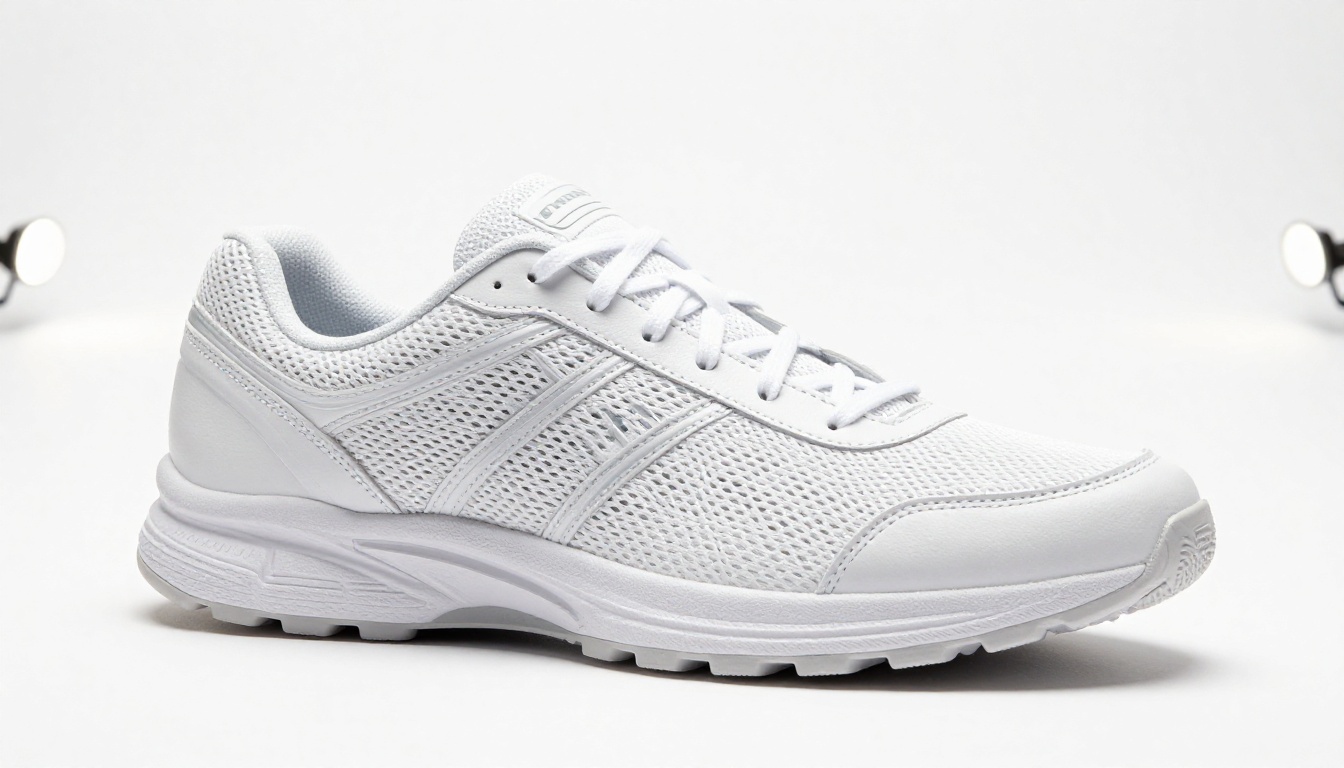
Best Background Choices for Product Listings
Once the background is removed, you need to decide what goes behind the product. This decision varies by platform, product type, and your brand aesthetic.
White vs. Transparent: When to Use Each
Use a pure white background (#FFFFFF) when:
- Listing on Amazon (required for main product images)
- Listing on Walmart Marketplace (required)
- Listing on eBay (strongly recommended)
- You want maximum brightness and shelf appeal on category pages
- Your product has dark or deep colors that need a bright contrast
Use a transparent PNG when:
- Your store platform supports transparent images (Shopify, WooCommerce, custom sites)
- You want to layer the product over lifestyle backgrounds for marketing
- You're building composite images with multiple products
- The platform renders its own background behind images
💡 Keep both versions. Export the transparent PNG from Bria Remove Background, then place it on white in a simple image editor for marketplaces that require solid backgrounds.
Platform Requirements by Store Type
| Platform | Main Image Background | Secondary Images |
|---|
| Amazon | Pure white required | Any |
| Etsy | White recommended | Lifestyle allowed |
| Shopify | Store owner's choice | Any |
| eBay | White recommended | Any |
| Instagram Shopping | Brand consistent | Lifestyle preferred |
Getting your main image background right matters for more than aesthetics. Amazon actively rejects listings with non-white main images. Etsy's search algorithm appears to favor listings with high-quality isolated product images. These aren't just best practices, they're often platform requirements.

Beyond Background Removal: Other Image Improvements
Background removal is one step in a larger product image quality workflow. Once your backgrounds are clean, other image issues often become more visible, and PicassoIA offers tools to address those too.
Super Resolution for Low-Quality Shots
Many sellers, especially those just starting out or transitioning from brick-and-mortar, have existing product photos shot on older phones or low-resolution cameras. These images look passable at small sizes but fall apart when displayed full-width on a product page.
PicassoIA's super resolution tools apply AI-powered upscaling that doesn't just stretch pixels. The model adds predicted detail based on training on millions of high-resolution images, producing sharper edges, more refined textures, and better overall image quality from a low-resolution original.
Workflow: Upscale first with super resolution, then remove the background. This gives the background removal model more edge detail to work with and produces a cleaner final cutout.
Inpainting to Fix Problem Areas
After background removal, some images reveal problems in the product itself that were hidden by the background context. A small scratch on a product surface. A crease in packaging. A fingerprint on a glass bottle that wasn't visible against a patterned background.
PicassoIA's inpainting capabilities let you select a specific region of the product image and fill it with contextually appropriate content. For product photography fixes, this is much faster than re-shooting and much cleaner than manual retouching.
💡 Inpainting works best when the area you want to fix is small relative to the overall image. Large fills on complex textures produce less predictable results.

Conversion Numbers Behind Clean Product Photos
The connection between product image quality and sales isn't anecdotal. There's substantial data from ecommerce studies, A/B tests, and platform analytics pointing consistently in one direction.
What Research Shows About Product Image Quality
Better product images increase conversion rates. Multiple studies across ecommerce categories show that improving image quality and providing more product angles can lift conversion rates by 9-40%, depending on the product category and the starting quality baseline.
Background matters at the category level. When products are shown in category grids, products with clean isolated backgrounds consistently outperform those with lifestyle or cluttered backgrounds in click-through rate tests. Clean backgrounds create stronger visual consistency in the grid, which draws more clicks per impression.
Mobile amplifies everything. On mobile screens, where most ecommerce browsing happens, backgrounds that competed with the product on desktop become overwhelming. Clean backgrounds that let the product dominate the screen are even more important on mobile than on desktop.
Three Quick Wins for Sellers
If you have a large existing catalog and limited time, prioritize background removal in this order:
-
Your top 20% of products by revenue first. Clean up the images that are already driving sales. Better images on proven sellers compounds existing performance.
-
Your hero product or store flagship second. If you have one product that defines your brand, its image quality sets shopper expectations for your entire store.
-
Category lead images third. When shoppers browse your collections, the first image in each category acts as a preview for the whole category. Clean, consistent lead images improve category-level click-through rates.

Ready to Clean Up Your Product Photos
Background removal for online stores is no longer a specialized skill requiring hours of Photoshop training or expensive professional retouchers. AI tools have made professional-quality product cutouts accessible to any seller, at any scale, in seconds per image.
The Bria Remove Background model on PicassoIA handles the full range of product types, from simple solid objects to complex clothing, jewelry, and transparent glass products. The edge detection is precise. The output is clean. And the workflow takes minutes to set up.
Start by uploading one of your existing product photos. See what it looks like with a clean background. Most sellers who try it once don't go back to cluttered backgrounds or slow manual editing workflows.
PicassoIA's tools go beyond background removal. Super resolution, inpainting, image generation, and over 90 other AI image models are available in one place. Your entire product image workflow, from raw shot to final listing-ready file, can run through a single platform.
Visit PicassoIA to see the full suite of image tools available, and start with the Bria Remove Background tool today. Your product photos will thank you, and more importantly, your conversion rate will too.