The right AI tool for +18 custom character creation will make or break your results. Most generators throw generic outputs your way, characters that look fine but never quite feel like your character. Hair too flat, skin too perfect in the wrong ways, expressions that read as stock photography rather than something intentional. That gap between what you imagined and what you got used to be frustrating. In 2027, it no longer has to be.
With the explosion of photorealistic text-to-image models available on PicassoIA, creating adult characters with custom traits, custom lighting, custom body types, and deliberate personality in the pose is genuinely achievable. The trick is knowing which model to reach for, how to prompt it, and where the platform's tools amplify your results.
This article covers exactly that.
Why Character Control Changes Everything
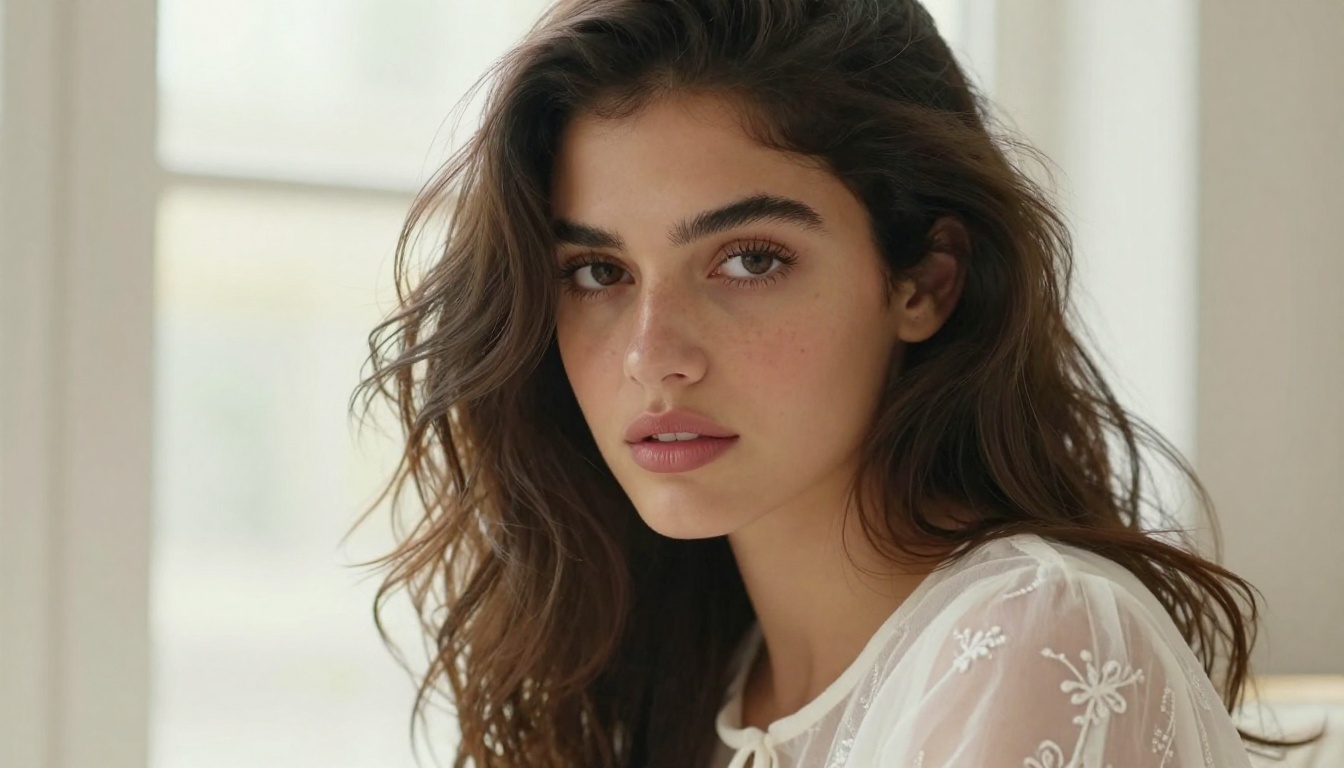
Most people start with a simple prompt. They type something like "beautiful woman, red hair, beach" and hit generate. The model gives them something technically competent and creatively hollow. The character doesn't belong to them. It looks like every other output from that model.
Real creative control means deciding the exact shape of the jaw, the softness in the eyes, whether the lighting is blue-hour cool or warm afternoon gold. It means consistency across multiple images so that your character looks like herself across scenes, not a different person every generation.
That level of control is what the best +18 AI generators are actually built for.
Beyond Generic Results
The models that separate themselves in adult character creation share one quality: prompt adherence. When you say "wavy auburn hair with a slight natural frizz," a strong model produces exactly that. A weaker one gives you smooth brown hair and calls it close enough.
Flux 1.1 Pro Ultra set a new standard here when it launched. Its attention to specific descriptors, particularly for facial features, hair texture, and skin quality, made it the go-to for character creators who need precision. Similarly, Realistic Vision v5.1 was specifically tuned for photorealistic faces, meaning your character's eyes land correctly, the lighting on skin reads naturally, and the whole image holds together as a believable portrait.
The +18 Difference
Adult content creation with AI is a specific discipline. The models that work well here need photorealistic skin rendering, anatomical awareness, and the ability to handle suggestive scenarios without defaulting to awkward or uncanny results. Clothing with real fabric physics, poses that feel natural rather than mannequin-stiff, and lighting setups that suit the mood you're creating are not optional details. They're the whole point.
What to Look for in a +18 AI Generator
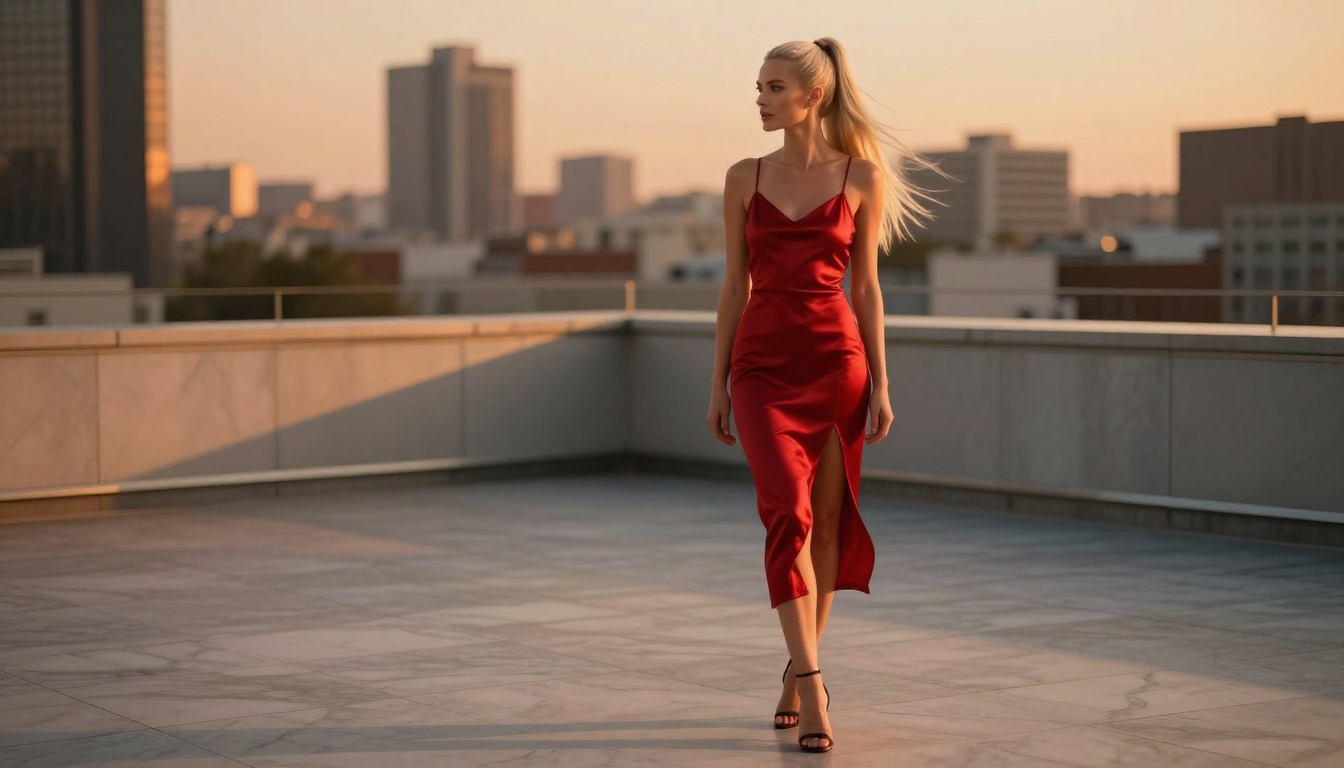
Not every model handles adult character creation equally well. Here's what actually matters when choosing.
Photorealism vs. Stylization
Some models favor stylized, illustrative outputs. Others go hard on RAW photorealism. For +18 character work, photorealism almost always wins because it brings the character to life in a tactile, convincing way.
Prompt Adherence and Consistency
Consistency is the hardest problem in AI character creation. Without fine-tuning via LoRA, models will drift between outputs. Your character's nose changes shape, her eyes shift color, her hair changes texture. Managing this through careful prompting is a skill, but choosing models with high prompt adherence reduces the drift significantly.
p-image-lora addresses this directly by supporting LoRA weights, which let you lock in a character's visual identity and call it back across multiple generations.
Model Variety and Speed
Speed matters when you're iterating. A 45-second generation time per image becomes exhausting when you need 30 variations to nail a pose. RealVisXL v3.0 Turbo and flux-schnell are your tools for rapid iteration. Once you have the composition locked, you switch to a premium model like Flux 2 Pro for the final, high-quality render.
Top Models for Custom +18 Character Creation
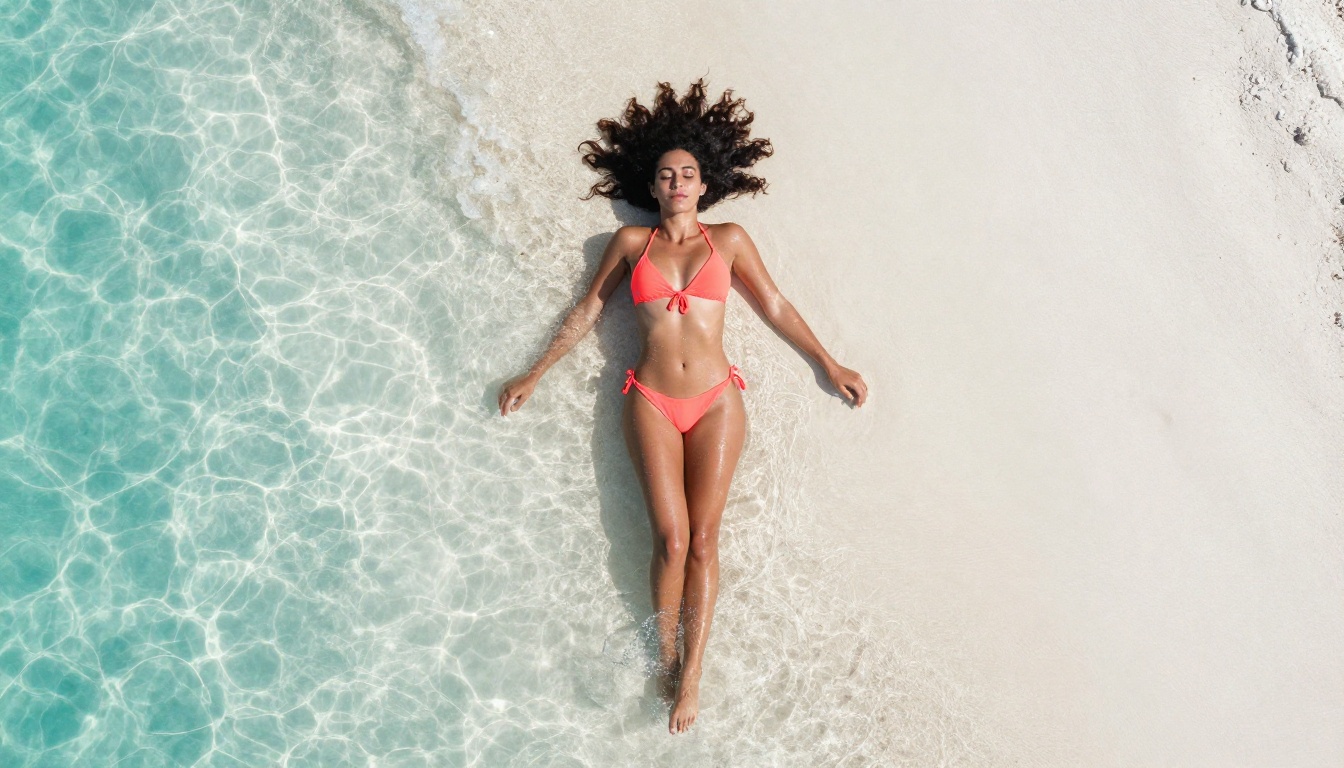
Flux 1.1 Pro Ultra: The Photorealism King
Flux 1.1 Pro Ultra remains the strongest single model for adult character creation that needs to look real. Its training gives it an exceptional grasp of skin, hair, fabric, and lighting. Where other models flatten skin into a plastic-looking surface, Flux 1.1 Pro Ultra renders pores, fine hairs, and natural skin variation with convincing accuracy.
For +18 work, this matters enormously. The difference between a character that feels real and one that feels fake often comes down to skin quality alone. Flux 1.1 Pro Ultra gets this right consistently.
What it does best:
- Full-body character portraits with accurate proportions
- Complex lighting setups (backlit, golden hour, rim lighting)
- Fine fabric textures on lingerie, silk, lace, and sheer materials
- Facial detail at close range without uncanny valley issues
Realistic Vision v5.1: Built for Faces
Realistic Vision v5.1 was purpose-built for photorealistic people. Its strength is portrait work: the face, the eyes, the skin tone, the hair at the scalp. When your primary concern is getting the character's face exactly right, this is the model to reach for.
It pairs exceptionally well with close-up and medium shots. For full-body work you'll sometimes need to push harder on body descriptors, but for face-focused custom AI character design it's unmatched.
💡 Combine "DSLR" and "85mm portrait lens" in your prompt with Realistic Vision v5.1 for the most natural-looking facial renders every time.
RealVisXL v3.0 Turbo: Speed Without Compromise
RealVisXL v3.0 Turbo is the iteration model. It delivers photorealistic outputs fast enough that you can test 10 different prompts, 10 different poses, or 10 different lighting setups in the time most premium models take to produce two.
This makes it the right starting point for a new character. Build the visual foundation here, iterate until the character concept is locked, then port the finalized prompt to Flux 1.1 Pro Ultra or Flux 2 Pro for your hero shots.
Stable Diffusion 3.5 Large: The Versatile Workhorse
Stable Diffusion 3.5 Large handles the widest variety of creative briefs. It's not the strongest at pure photorealism, but it adapts to more diverse visual styles than most other models. For character creators who want to work across different aesthetics, from editorial fashion to painterly glamour, it offers flexibility that specialized models don't.
Its open architecture also means it's one of the most community-tested models in existence, so prompt knowledge and reference resources are abundant everywhere.
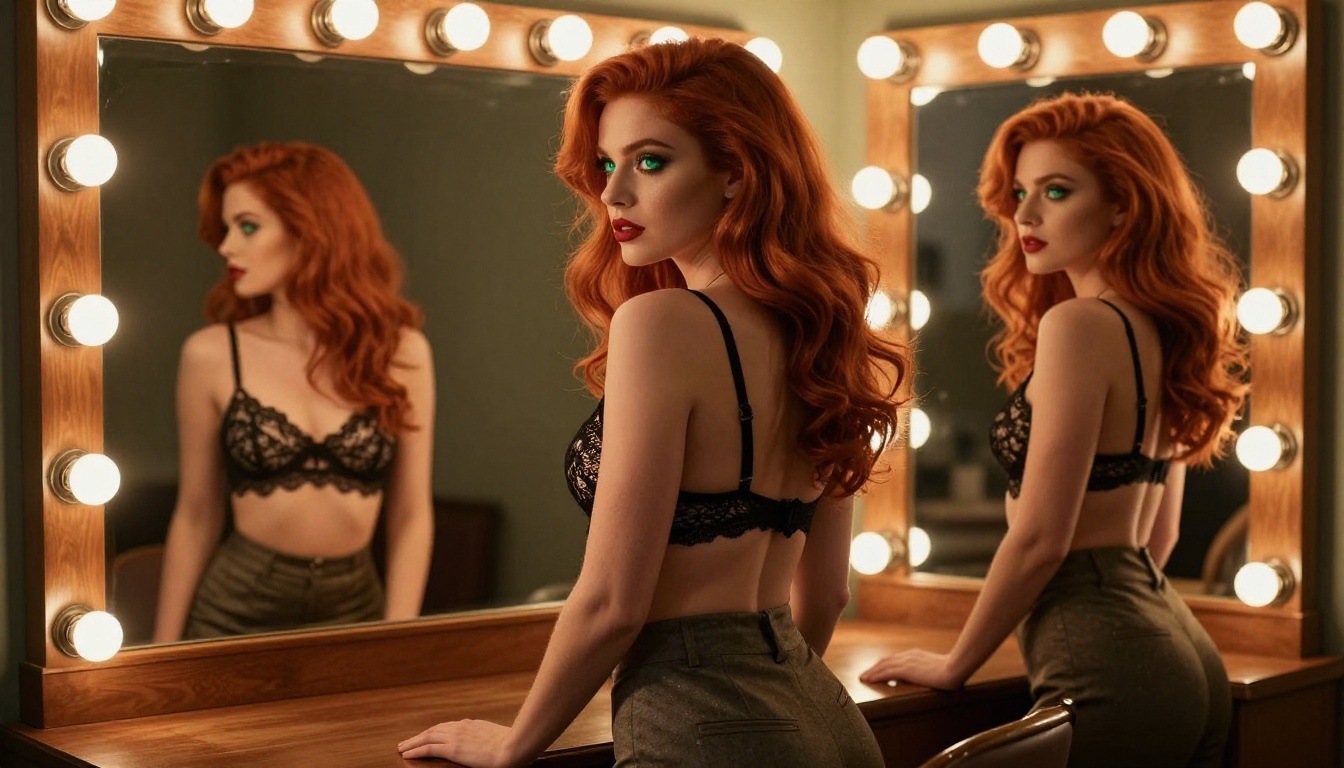
p-image LoRA: Your Character, Your Rules
p-image-lora is the model that solves the consistency problem. LoRA (Low-Rank Adaptation) weights allow you to train a small model layer on a specific character's features, then inject that character identity into every generation. The same face, the same eye color, the same jaw angle, scene after scene.
For adult character creation where you want a recurring character across multiple images, this approach is the industry standard. It's more involved to set up, but the payoff in consistency is transformative.
LoRA use cases for adult characters:
- Building an original character (OC) with a consistent visual identity
- Creating a series of images with the same character in different scenarios
- Maintaining facial consistency when changing outfits, lighting, or backgrounds
- Combining character LoRAs with style LoRAs for specific aesthetic effects
How to Use Flux 1.1 Pro Ultra on PicassoIA
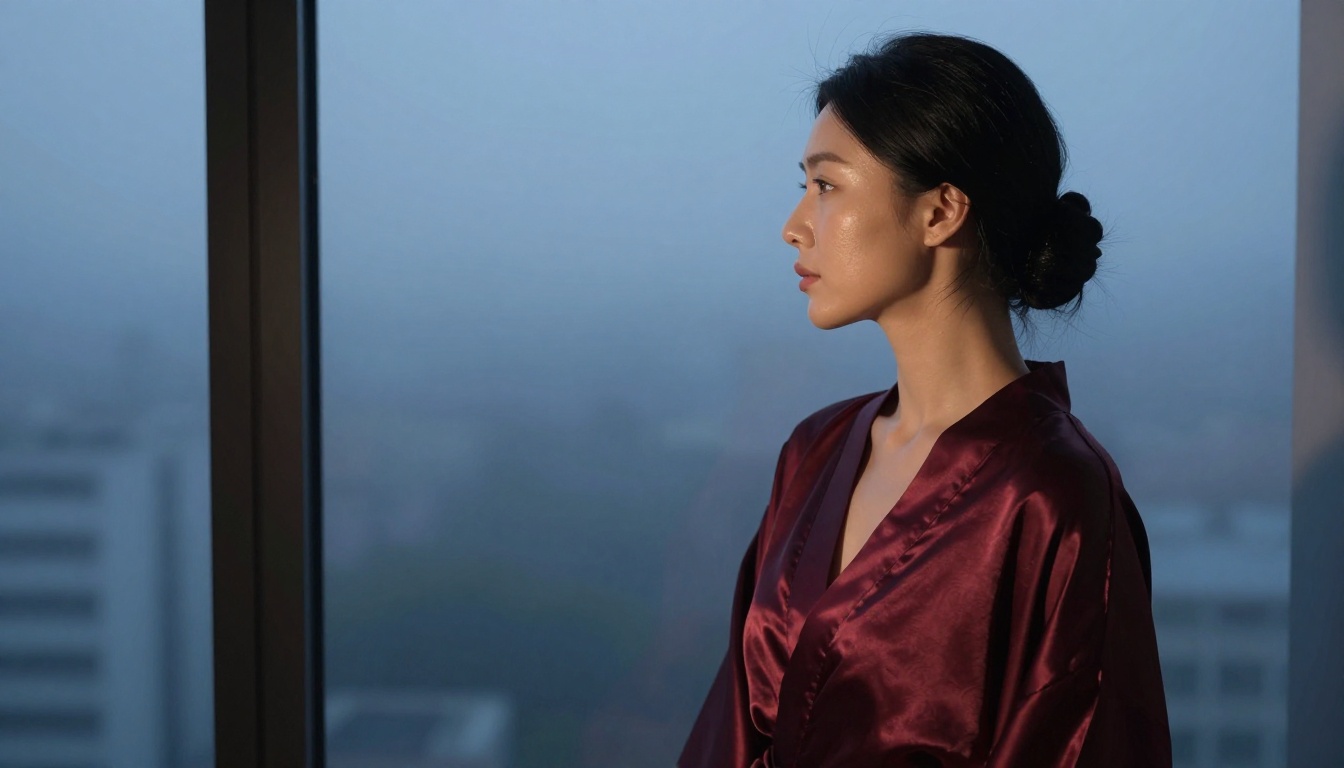
Flux 1.1 Pro Ultra is available directly on PicassoIA without any additional setup. Here's exactly how to get the best results for adult character creation.
Step 1: Set Your Character Foundation
Before typing a single word into the prompt field, decide on your character's core visual identity. Write it out in plain language first:
- Hair: Color, length, texture, natural or styled
- Face: Eye color, face shape, distinctive features, makeup or natural look
- Body: Height impression, build, skin tone and texture
- Clothing: What she's wearing, the fabric, the fit, how much is visible
The more specific you are at this stage, the more precisely the model delivers what you want. Vague inputs produce generic outputs every single time.
Step 2: Craft the Right Prompt
Structure your prompt in this order for best results:
- Subject description (who she is)
- What she's wearing and how it fits
- The environment and background context
- Lighting specifics (direction, temperature, quality)
- Camera and lens details
- Film or texture modifiers
Example prompt structure:
"A 28-year-old woman with wavy honey-blonde hair past her shoulders, wearing a black satin slip dress with a plunging neckline, sitting on a velvet chaise longue in a dimly lit Parisian apartment, soft candlelight from the left casting warm amber glow across her collarbone and cheek, 85mm f/1.4 lens portrait photography, Kodak Portra 400 film grain, RAW 8K photography, photorealistic"
Step 3: Dial In the Parameters
On PicassoIA's interface for Flux 1.1 Pro Ultra:
| Parameter | Recommended Setting | Why |
|---|
| Aspect Ratio | 9:16 or 2:3 | Better for portrait character shots |
| Steps | 30-40 | Sufficient detail without overprocessing |
| Guidance Scale | 3.5-4.5 | Balances prompt adherence with natural look |
| Seed | Fixed value | Locks character features for iteration |
Step 4: Iterate and Refine
Run 3-5 variations with the same prompt using different seeds. Select the best facial representation from those options. From that point, make targeted adjustments to lighting, pose, or clothing while keeping the character description locked. This approach builds a coherent character over 10-15 generations.
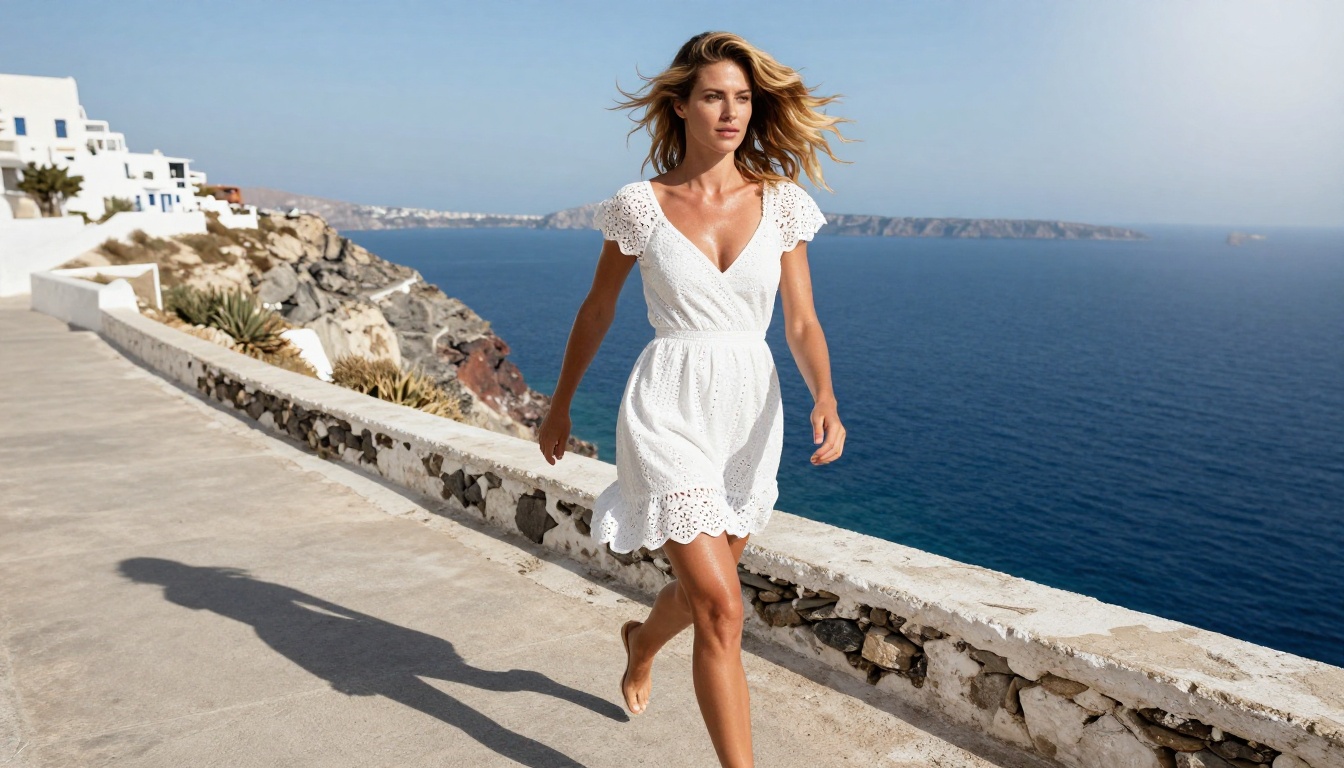
Writing prompts for adult AI character creation is a skill that compounds over time. The more you understand what specific words trigger in a model's output, the faster you arrive at exactly what you want.
The Anatomy of a Strong Character Prompt
Strong prompts for +18 character work always include all of these elements:
Subject phrase + Wardrobe detail + Setting context + Lighting descriptor + Camera and lens spec + Film emulation + Quality tag
What separates good from great is specificity in the lighting and camera sections. "Good lighting" produces generic studio setups. "Volumetric morning light from the upper left, warm golden hour color temperature, long natural shadows" produces something with atmosphere and mood.
Lighting and Atmosphere Modifiers
Lighting is the single most powerful atmospheric control in character prompting. These phrases consistently produce strong results:
- "Soft diffused window light from the left" creates a natural, intimate feel
- "Dramatic chiaroscuro with deep shadows" brings cinematic contrast
- "Golden hour backlight creating rim lighting along the silhouette" adds fashion editorial energy
- "Blue hour ambient light with warm practical interior lights" creates that cinematic dusk mood
- "Candlelight, warm flickering amber, close shadows" is the most intimate, sensual option available
Common Mistakes That Kill Quality
💡 Avoid these prompt patterns:
- Stacking too many clothing descriptors without scene context (the model gets confused about priorities)
- Using vague quality tags like "high quality" or "ultra detailed" without any specifics to back them up
- Forgetting camera lens descriptors entirely (they do far more work than most users realize)
- Prompting for multiple subjects without a clear compositional relationship between them
LoRA and Custom Fine-Tuning
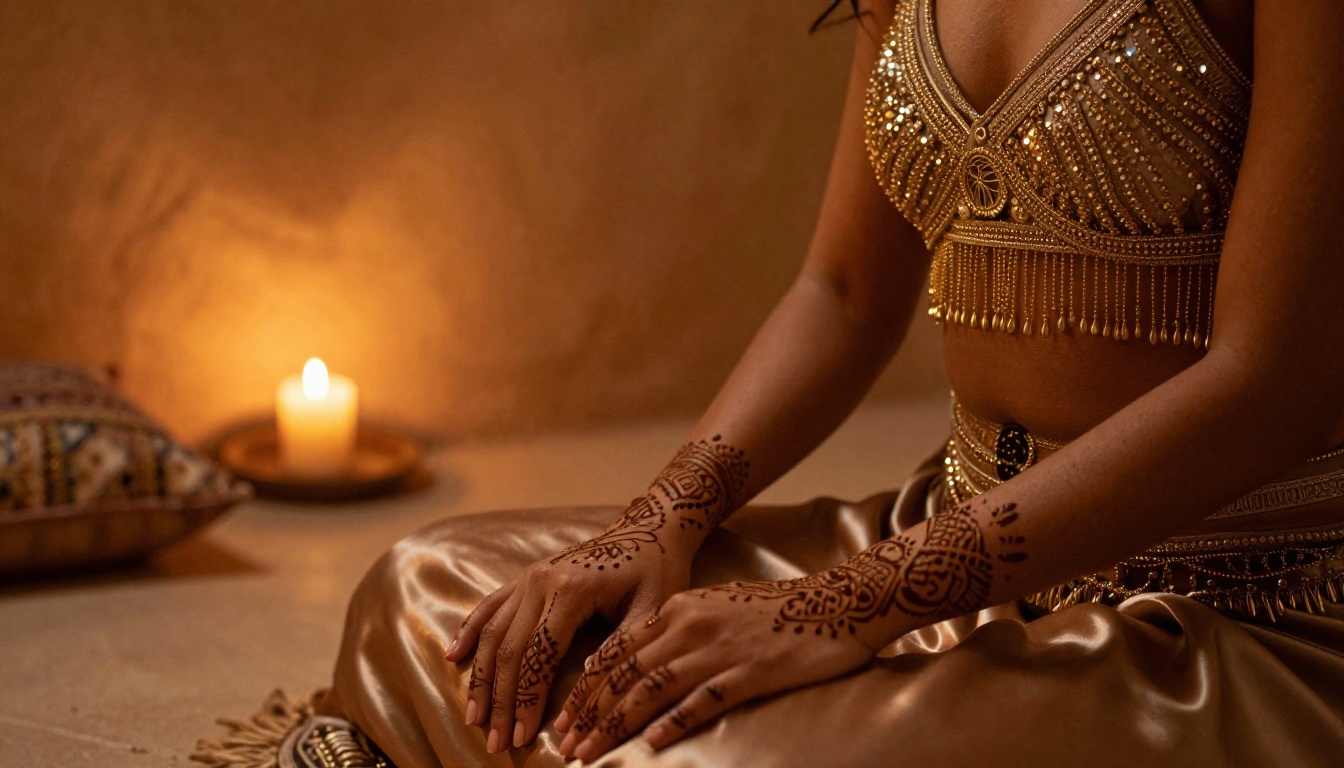
What LoRA Does for Character Consistency
The fundamental limitation of base models is that they have no memory. Every generation is stateless. Your character's face is reconstructed from scratch each time, which is why variation appears even with identical prompts.
LoRA training changes this. By fine-tuning a small set of model weights on 15-30 reference images of a specific character, you embed that character's visual identity into the model's output behavior. The p-image-lora model on PicassoIA is designed to accept and apply these trained weights seamlessly.
For adult character creation with a recurring cast, LoRA is not optional if you want professional results. It's the tool that separates one-off experiments from a coherent creative body of work.
Combining Multiple LoRAs
Experienced users combine multiple LoRA weights in a single generation for maximum control:
- Character LoRA (who she is) + Style LoRA (the visual aesthetic) + Clothing LoRA (specific outfit types) can all stack together in one prompt
The weights are additive, so you control how strongly each influences the output. A ratio of 0.8 character to 0.4 style to 0.3 clothing gives you character-dominant output with stylistic flavoring layered on top.
Flux Dev and flux-dev-lora are also strong choices for LoRA-based character work, offering the open architecture that makes multi-LoRA stacking straightforward to implement.
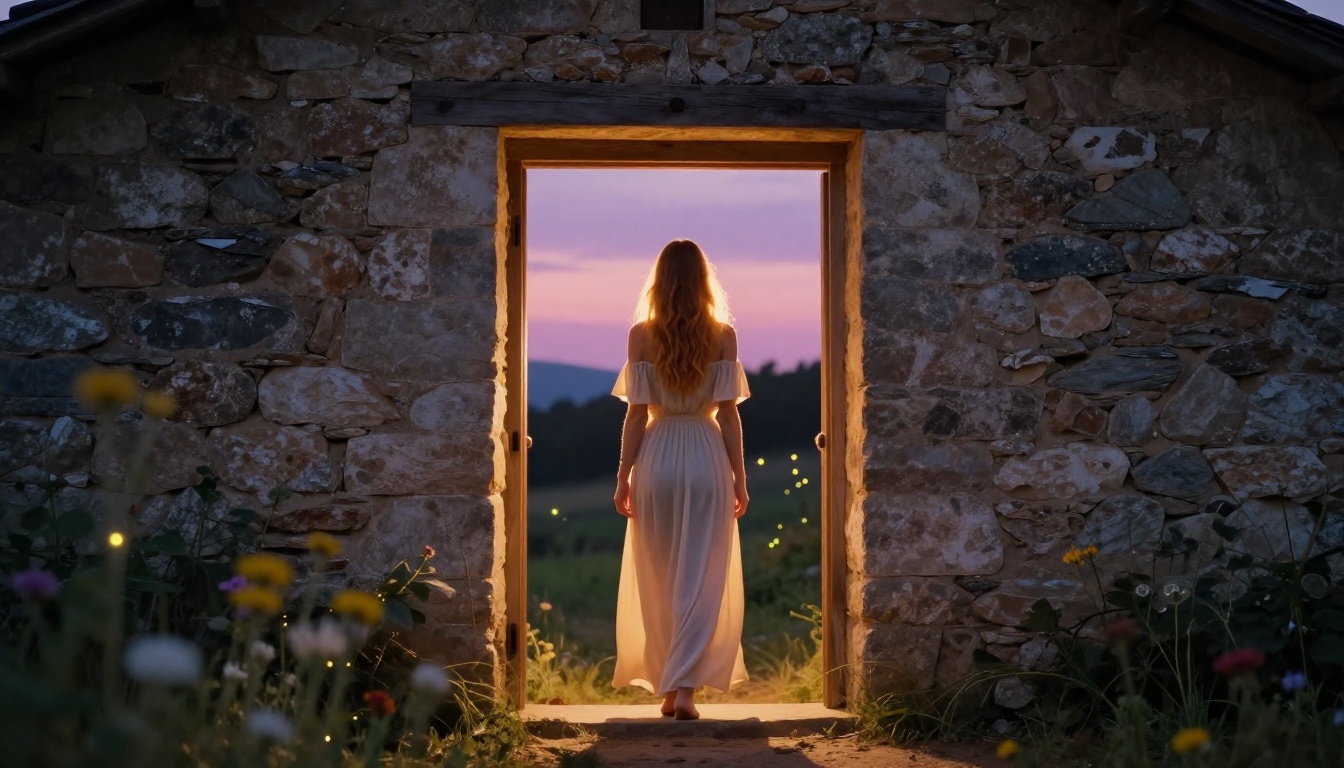
PicassoIA's model library goes well beyond text-to-image generation. Several platform features directly support +18 character creation workflows.
Super Resolution for Final Renders
After you've nailed your character's image, running it through a super resolution model gives you print-quality output. The platform's super-resolution tools upscale 2x-4x while adding detail rather than just stretching pixels, meaning your character's skin texture, hair detail, and fabric weave become even richer in the final image.
This is particularly valuable for close-up character portraits where facial detail needs to be sharp and convincing at large output sizes.
Inpainting for Targeted Fixes
Even the best generations have something you'd want to change. Maybe the hands are off, or the background doesn't quite match, or the clothing detail on one area didn't render as intended. PicassoIA's inpainting tools let you mask the specific area and regenerate just that region while the rest of the image stays locked.
For adult character work, this is invaluable. You can get a perfect face in generation 1, fix the hands in generation 2, and adjust a clothing detail in generation 3, ending up with a composite that would be nearly impossible to achieve in a single generation.
Face Swap for Character Continuity
The platform's Face Swap tool offers another route to character consistency without the setup overhead of full LoRA training. Generate your ideal face once with Realistic Vision v5.1, then use face swap to apply that face to new body poses or scene compositions generated with other models. This hybrid workflow produces consistent character faces across dramatically different scenes.
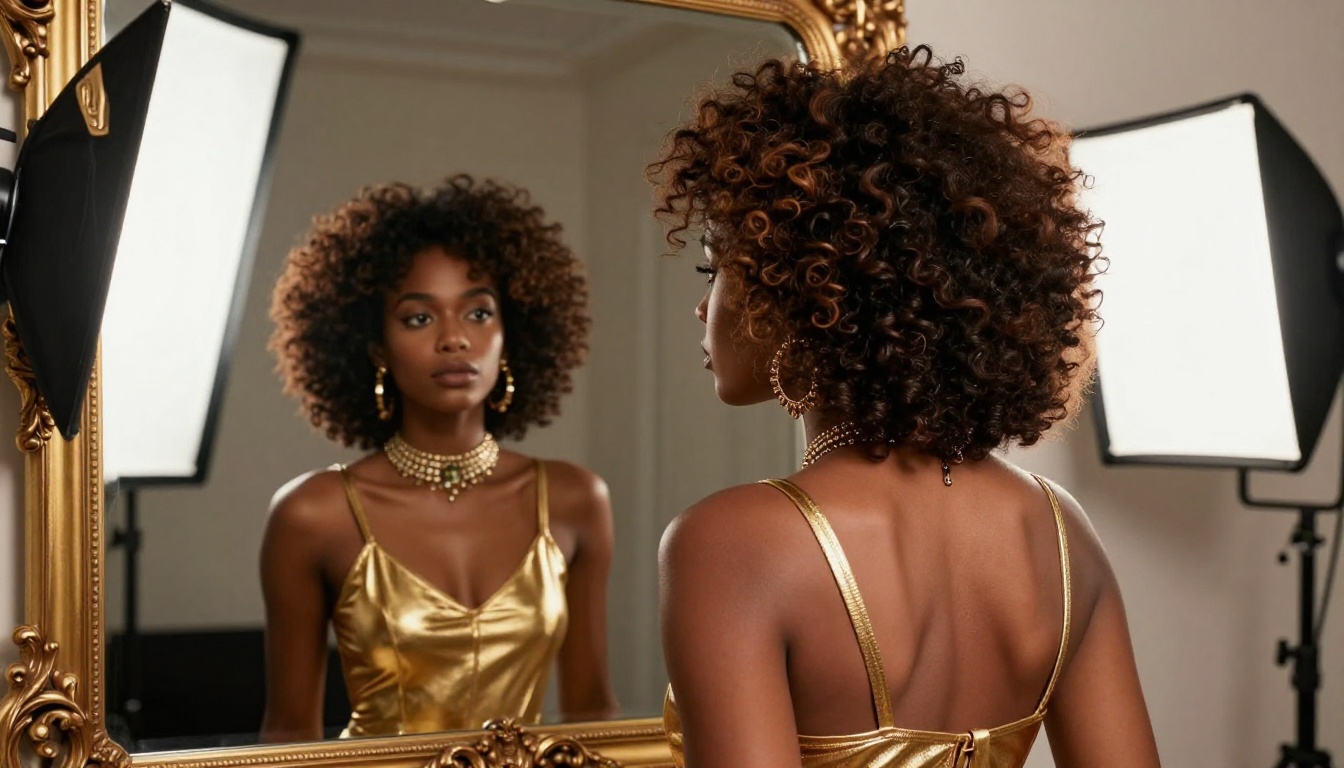
Your Characters Are Waiting
There has never been a better moment to create exactly the characters you want. The combination of models available on PicassoIA, from the photorealistic precision of Flux 1.1 Pro Ultra to the character consistency of p-image-lora, means that the only real limit is your imagination and the specificity of your prompts.
Start with one character. Write out her visual identity in full detail before you type a single word into the prompt field. Pick RealVisXL v3.0 Turbo for the first round of iterations to nail the concept fast, then graduate to Flux 1.1 Pro Ultra for your final renders. Use inpainting to clean up what isn't perfect, and super resolution to make the final image hold up at any size.
With over 91 text-to-image models available, PicassoIA gives you a complete +18 AI character creation studio in your browser. Every model listed here is one click away, no downloads, no local hardware requirements, no waiting. The most important step is the first one: open the platform and start generating the characters you've had in your head.


