The demand for photorealistic adult AI images in 2027 has never been higher, and for the first time, the technology has fully caught up. What used to require studio lighting, professional photographers, and thousands of dollars in production costs can now be created in seconds. But the difference between a blurry, uncanny result and something that looks like it came straight out of a luxury fashion shoot comes down entirely to which AI model you use and how you use it. This breakdown covers the best options available right now, what makes each one stand out, and exactly how to get the results you're looking for.
What Made 2026 a Turning Point
A few years ago, AI-generated images of people had a tell. Something in the hands, the eyes, the way skin looked like polished plastic. Creators working in the adult and glamour space put up with these limitations because there was no better option. In 2025, that changed. In 2026, it's a completely different game.
The Quality Gap Finally Closed
The models released in the last 18 months have crossed a threshold that genuinely matters. Skin now has pore detail. Hair strands catch light individually. Fabric drapes with realistic weight. The gap between a well-prompted AI image and a real photograph has become nearly impossible to spot at a casual glance. Models like Flux 1.1 Pro Ultra and Flux 2 Max pushed this hard in late 2025, and the follow-up releases in early 2026 only refined what was already exceptional.
Platform Freedom Changed Everything
The second shift was platform-level. Closed platforms with aggressive content filtering pushed creators toward dedicated tools that offer real creative freedom. For adult and NSFW content specifically, the ability to work with models that don't automatically censor suggestive imagery, bikini photography, or glamour-style portraits is no longer a niche requirement. It's the baseline expectation.
What Separates Good from Great
Before getting into specific models, it helps to know what you're actually evaluating. Not every "photorealistic" model performs equally when pushed toward adult or suggestive subject matter. Three things matter most.
Skin Texture and Lighting Response
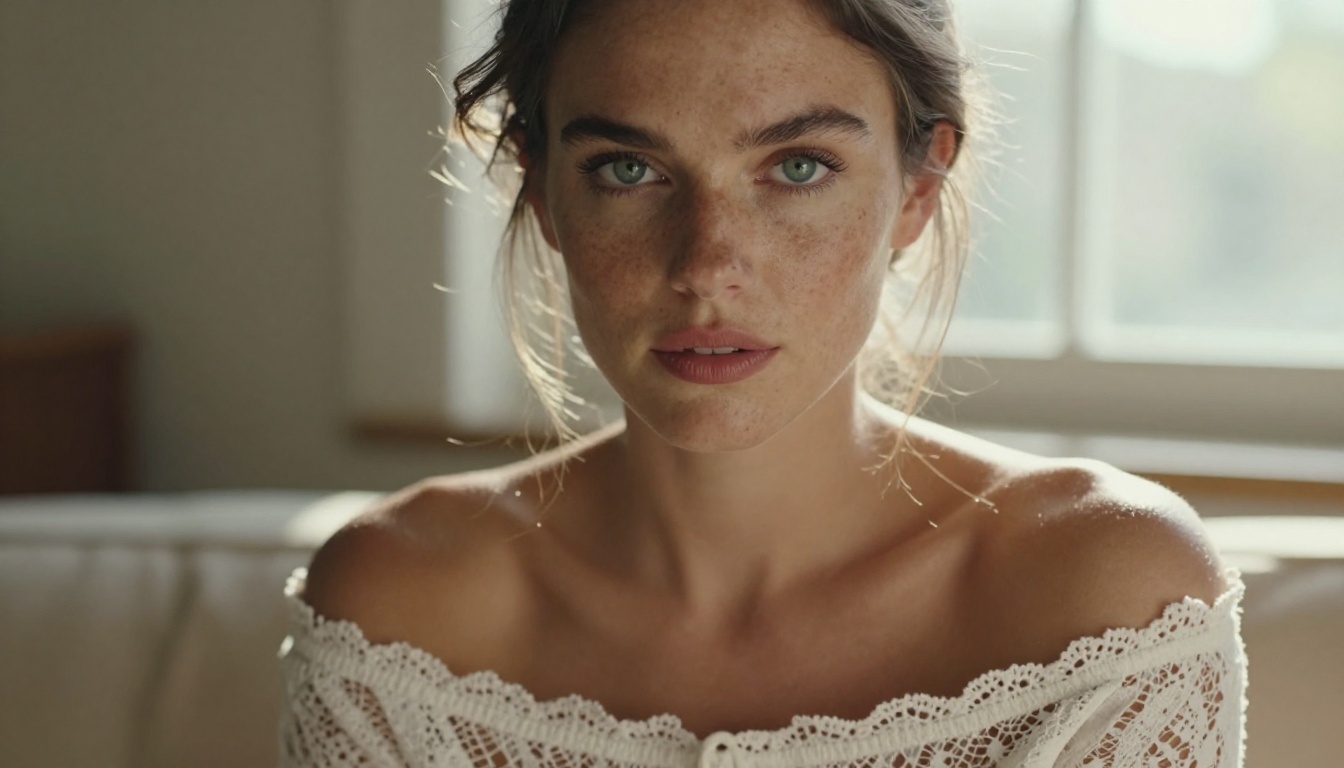
The single biggest quality marker is how a model handles skin under different lighting conditions. Cheap models flatten everything. Great models like Realistic Vision v5.1 and RealVisXL v3.0 Turbo reproduce subsurface scattering, the warm inner glow that real skin has when backlit or side-lit. That single detail is what separates a stunning result from one that looks like a video game character.
Prompt Responsiveness
A model that ignores half your prompt is useless for this kind of work. You need to be able to specify pose, clothing, lighting angle, and camera lens and have the model actually follow those instructions. Flux 2 Pro and GPT Image 1.5 both score extremely high here. They read complex, multi-clause prompts and render them faithfully in a way older models simply couldn't manage.
Output Consistency
One great image means nothing if the next ten are unusable. Consistency matters enormously when you're producing content at volume. Stable Diffusion 3.5 Large has long been known for its reliable output across a wide range of prompts, and the latest iteration maintains that reputation while adding significantly improved realism.
The Top Models for Adult Content in 2027
These are the models that actually perform when pushed toward glamour, suggestive, and NSFW imagery. Each has a distinct strength.
Flux 1.1 Pro Ultra: The Realism Standard
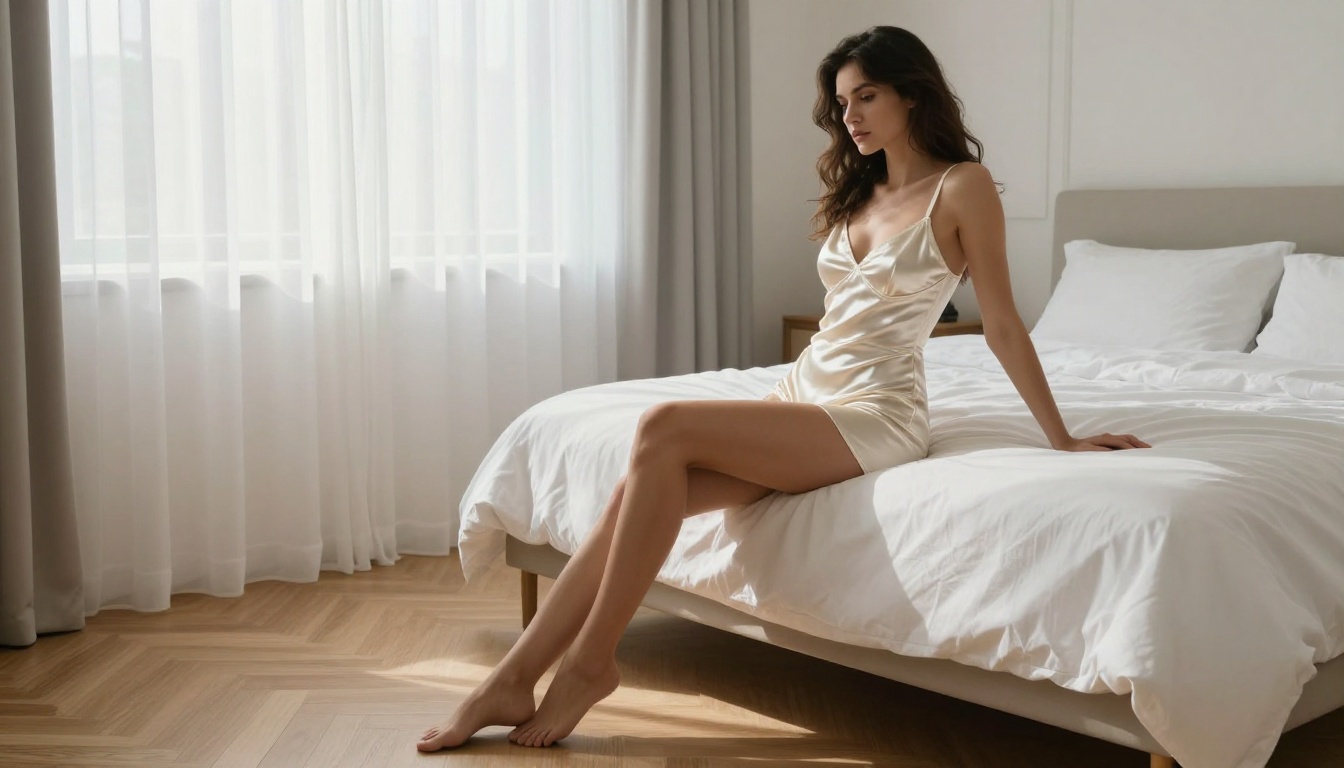
Flux 1.1 Pro Ultra is the benchmark everything else gets compared to. Black Forest Labs built something that genuinely rivals professional photography in terms of detail fidelity. For adult content specifically, it renders skin with micro-detail that's unmatched. Pores, fine hairs, the natural asymmetry of a real face. It handles challenging lighting scenarios, including low-light and high-contrast setups, without falling apart. If you're after the most realistic result possible, this is where you start.
Best for: Maximum photorealism, beauty and glamour photography, high-detail portraits
Strengths:
- Industry-leading skin texture detail
- Accurate anatomical proportions
- Handles complex lighting setups faithfully
- Strong prompt adherence on clothing and pose
Flux 2 Pro and Flux 2 Max: Speed Meets Quality
Flux 2 Pro and Flux 2 Max represent the current generation of Black Forest Labs output. Where Flux 1.1 Pro Ultra prioritizes absolute maximum quality, the Flux 2 series finds a better balance between speed and visual fidelity. Flux 2 Max in particular hits a sweet spot: generation times are fast enough for iterative workflows, and the output quality is close enough to Pro Ultra that the difference only shows in direct side-by-side comparisons at maximum zoom.
For high-volume adult content creation, these two models are the practical workhorses. You can run dozens of iterations quickly, refine your prompt, and then push your best prompt to Pro Ultra for the final polished result.
Best for: Iterative prompt development, high-volume production, swimwear and fashion imagery
Realistic Vision v5.1: The NSFW Specialist
Realistic Vision v5.1 has been a community favorite for adult content for good reason. It was specifically trained and fine-tuned with photorealistic human imagery as the primary objective. The results show. Skin looks organic and warm. Expressions carry genuine emotion. Body proportions feel natural rather than idealized to the point of looking artificial.
Where general-purpose models sometimes flatten NSFW subjects into something that looks technically correct but emotionally flat, Realistic Vision brings a quality that feels lived-in and real. It's the model to use when you want results that feel intimate rather than polished.
Best for: Intimate portraiture, natural lighting scenarios, skin detail priority
Pro tip: Pair Realistic Vision v5.1 with specific film stock references in your prompt. Adding "Kodak Portra 400 grain" or "Fujifilm 400H color profile" pushes the organic quality even further.
RealVisXL v3.0 Turbo: Fast and Photorealistic
RealVisXL v3.0 Turbo delivers what the name promises: ultra-realistic output at turbo speeds. Built on the XL architecture, it benefits from the larger canvas and improved composition that SDXL-based models are known for, while the turbo optimization cuts generation time dramatically. For creators who need to produce multiple variations quickly without sacrificing the photorealism that adult content demands, this is one of the most practical options in the lineup.
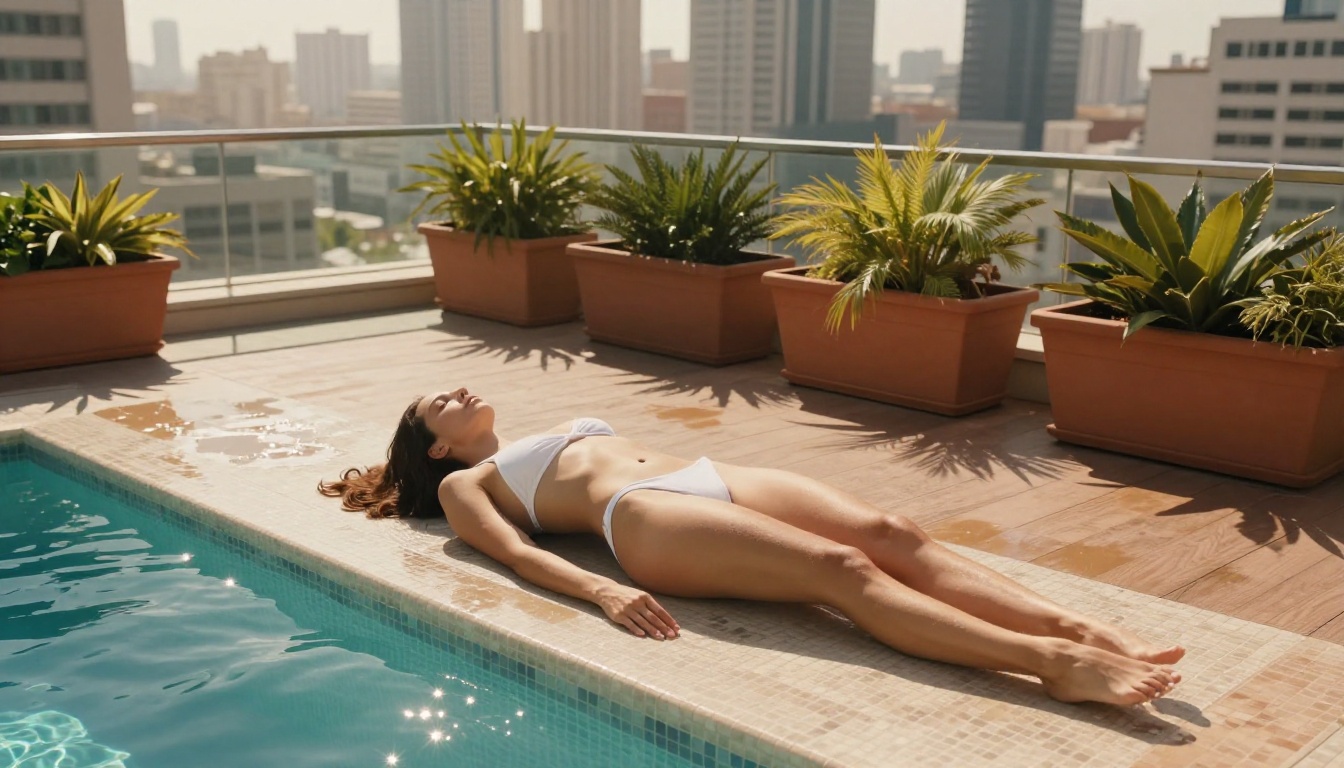
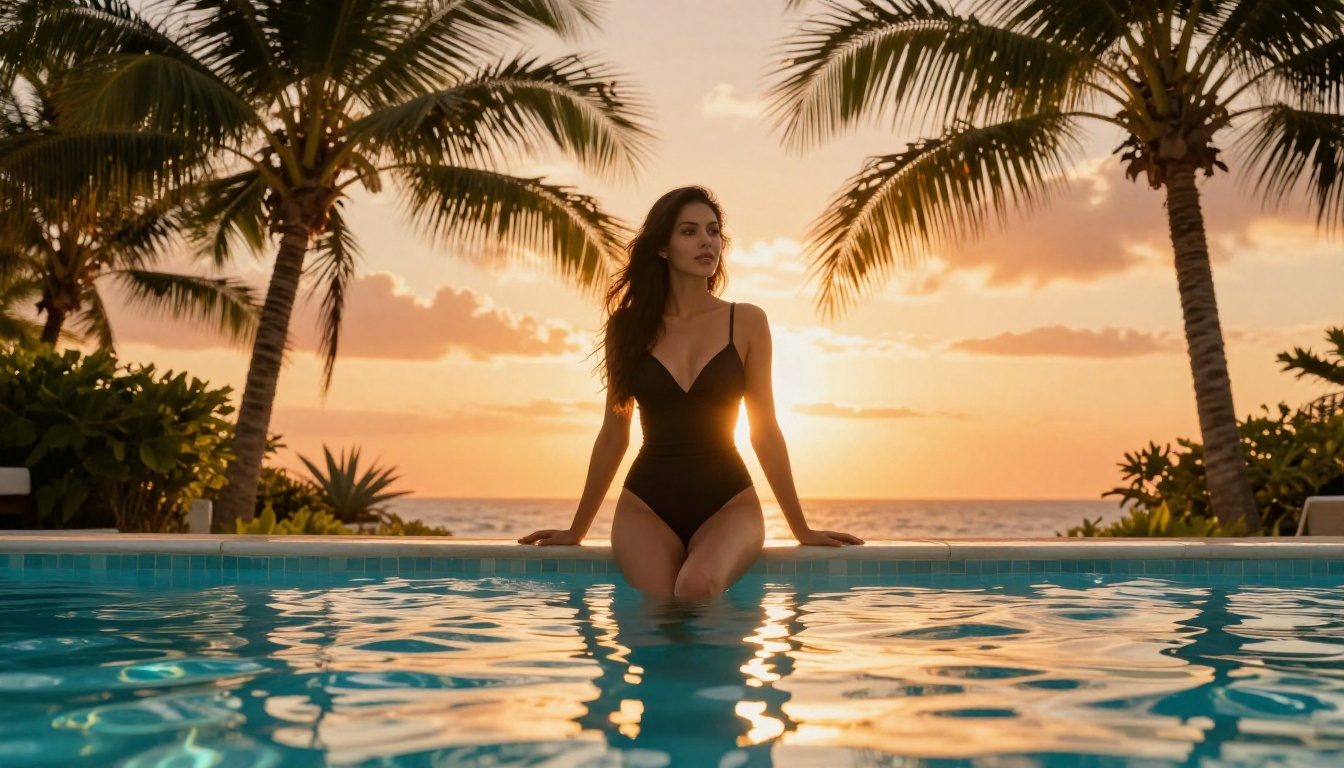
Best for: Fast iteration on complex scenes, outdoor lifestyle photography, beach and pool imagery
Stable Diffusion 3.5 Large: The Reliable Foundation
Stable Diffusion 3.5 Large remains a cornerstone model for anyone serious about AI image generation. Its strength isn't necessarily in producing the single most impressive image, but in its exceptional consistency across wildly different prompts and scenarios. For adult content workflows where you need reliable output across many different styles and settings, SD 3.5 Large is the model that keeps delivering.
Model Comparison at a Glance
How to Create Adult Content on PicassoIA
PicassoIA brings all of these models together in one place, so you don't need to juggle multiple platforms or API keys. Here's the exact workflow that produces consistently strong results.
Step 1: Pick the Right Model for Your Goal
Start at the model selection stage, not the prompt stage. Most people do it backwards. They write a prompt and then pick any model. The better approach: decide what quality level you need, decide how fast you need results, and pick the model that fits both criteria.
For a final, hero-quality image, go straight to Flux 1.1 Pro Ultra. For drafting and iteration, Flux 2 Pro or RealVisXL v3.0 Turbo are your tools. For intimate, warm results with that film-like quality, Realistic Vision v5.1 is hard to beat.
Step 2: Write a Prompt That Actually Works
The biggest mistake in adult AI image generation is writing a short prompt. Models in 2027 respond to specificity. A prompt like "woman in bikini on beach" will give you a generic result. A prompt like this will give you something editorial-quality:
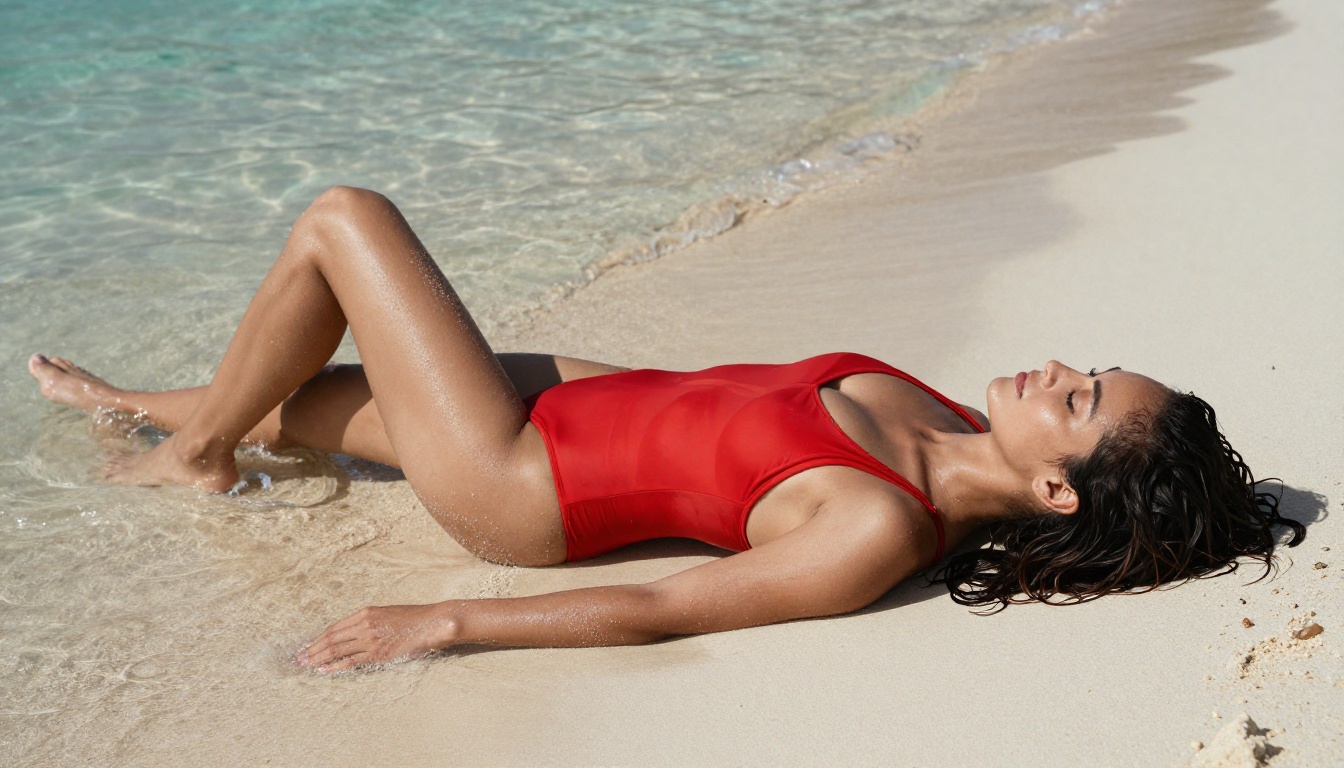
"Confident woman in a vibrant red Brazilian-cut bikini lying on white tropical sand, warm morning sidelight from the right casting long shadows, shallow turquoise water at her feet, natural wet sand texture on tanned skin, Sony A7R IV 85mm f/1.8, Kodak Portra 400 film grain, authentic lifestyle photography, photorealistic"
The formula is: Subject + Clothing + Environment + Lighting Direction + Camera/Lens + Film Stock + Style Tags
What to always include:
- Specific lighting direction ("from the left", "backlit", "morning sidelight")
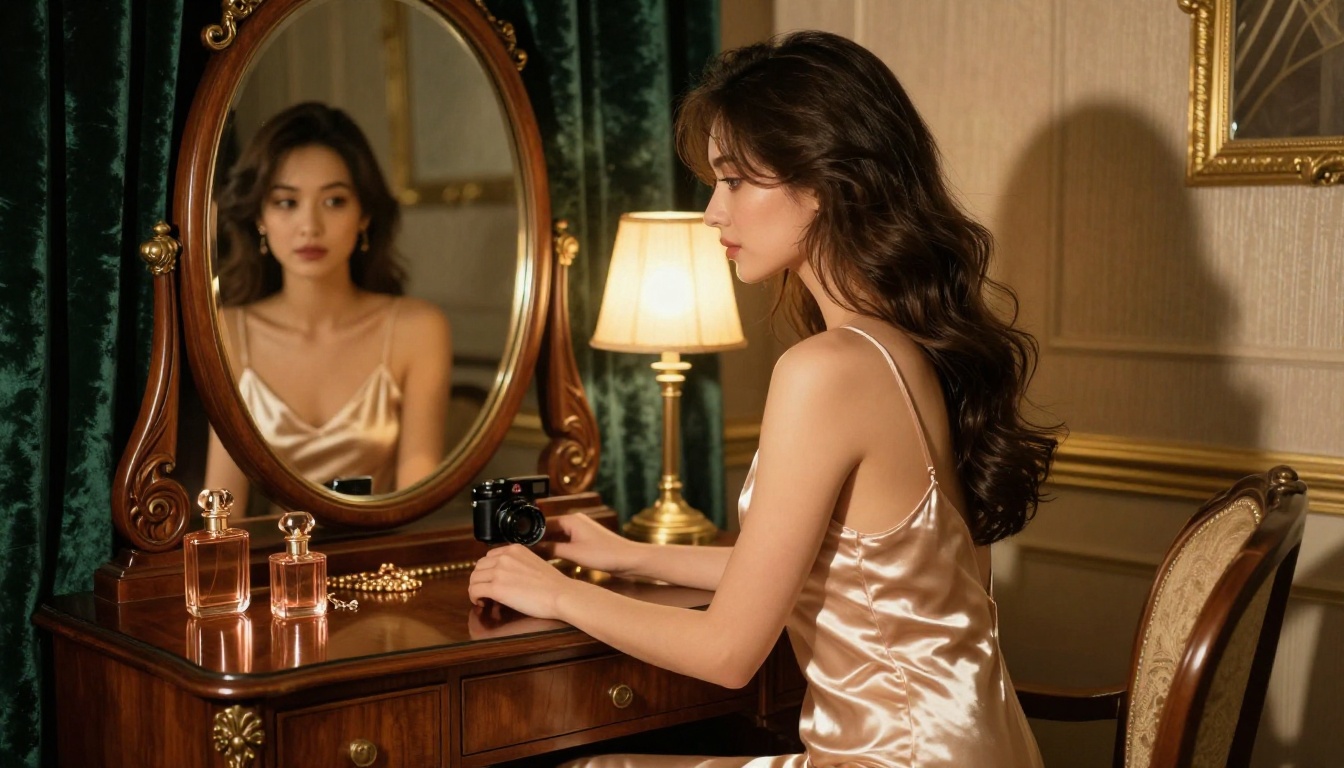
- Camera and lens details ("85mm f/1.8", "Canon EOS R5", "Leica 50mm Noctilux")
- Film stock reference ("Kodak Portra 400", "Fujifilm 400H")
- Texture cues ("visible skin pores", "natural hair flyaways", "fabric drape")
What to avoid:
- Vague style words like "beautiful" or "perfect" without specifics
- Conflicting instructions (don't ask for "soft light" and "harsh shadows" in the same prompt)
- Overcrowding with too many style tags that contradict each other
Step 3: Use LoRA for Consistent Characters
If you're producing a series of images with the same subject or aesthetic, p-image LoRA and the SDXL ControlNet LoRA tools let you maintain visual consistency across generations. LoRA adapters are small fine-tune layers that push the base model toward a specific style, person, or aesthetic without retraining the whole model. For adult content creators building a consistent visual identity or character-driven content, this is one of the most powerful tools available.

Pro Tips for Photorealistic Results
Getting from "pretty good" to "indistinguishable from real" comes down to a handful of specific techniques that most people overlook.
Lighting Descriptions That Actually Matter
Generic lighting instructions produce generic results. Specific lighting instructions produce specific results. Instead of "warm lighting", write "volumetric late afternoon light from the left at 30 degrees, casting long warm shadows, golden catchlights visible in the eyes." Instead of "soft light", write "diffused overcast window light from above creating even illumination with no harsh shadows, soft shadow under the chin."
The models in 2027 are trained on enormous amounts of photography data. They know what these specific conditions look like. Give them the specifics and they'll use that knowledge.
Camera and Lens Specs in Prompts
This is the trick that separates advanced users from beginners. Adding camera and lens specifications forces a particular look that matches how those lenses actually render images. An 85mm f/1.4 has a specific bokeh and compression quality. A 24mm wide-angle has barrel distortion and environmental context. A 120mm macro renders micro-detail at a level that wider lenses can't. Using these references in your prompt teaches the model to match that visual signature.
Recommended lens specs by use case:
- Portraits and beauty: 85mm f/1.4 or 85mm f/1.8
- Full-body and environmental: 35mm f/2.0 or 50mm f/1.8
- Detail and texture close-ups: 100mm macro or 120mm macro
- Environmental with subject: 24-35mm at f/2.8
3 Common Mistakes to Avoid
1. Ignoring aspect ratio. 16:9 for landscape scenes, 9:16 for full-body portraits or fashion shots. Using the wrong ratio crops your subject in weird ways that ruin the composition.
2. Over-prompting style tags. Stacking 15 quality tags like "ultra detailed, 8k, stunning, perfect, best quality" at the end of a prompt often produces diminishing returns or causes the model to de-prioritize the actual subject description. Pick your top 3 quality tags and use them consistently.
3. Not using negative prompts. Most platforms support negative prompts. Use them. At minimum, always include: "blurry, plastic skin, airbrushed, digital art, cartoon, illustration, CGI, 3D render, text, watermark."
Beyond Images: What Else PicassoIA Offers
Adult content creation in 2027 is not just about static images. Once you have strong base images, there's an entire ecosystem of tools to take them further.
Image editing and refinement:
- Flux Kontext Pro lets you make targeted edits to existing images using natural language instructions. Want to change the lighting, adjust clothing, or modify the background without regenerating everything from scratch? This is the tool for that.
- Outpainting tools let you expand the canvas of an existing image, adding environment around your subject.
- Inpainting lets you fix specific problem areas without touching the rest of the image.
Quality enhancement:
- Super Resolution tools let you upscale your best outputs to print-quality resolution without losing detail. A 512x512 can become a 2048x2048 with genuine detail enhancement, not just interpolation.
Face and body precision:
- Face Swap AI lets you apply a specific face consistently across multiple generated bodies or scenes, which is essential for creators building character-consistent adult content series.
Video:
- Text-to-video models let you animate your static images into short clips, adding motion to swimwear, beach, and fashion imagery that takes the content to a completely different level.
Start Generating Right Now
The models covered in this article, Flux 1.1 Pro Ultra, Flux 2 Max, Realistic Vision v5.1, RealVisXL v3.0 Turbo, Stable Diffusion 3.5 Large, and the full lineup, are all available on PicassoIA without needing separate accounts, API keys, or technical setup.
Pick a model, apply the prompt formula from the tutorial above, and run your first generation. The best way to build intuition for what works is to iterate quickly. Run five variations of the same prompt with small changes, see what shifts, and double down on what performs. The tools are there. The models are the best they've ever been. What you create with them is entirely up to you.
Ready to try it? Head to PicassoIA and start with Flux 2 Pro for your first run. It's fast, highly capable, and an excellent starting point before graduating to the more powerful options in the lineup.


