Anime art has always been one of the hardest visual styles to produce from scratch. The combination of expressive character design, stylized anatomy, specific line quality, and rich color work takes years to develop when done by hand. AI image generators have changed that equation. In 2027, you can type a single sentence and get a fully rendered anime character, a detailed background scene, or a manga-style portrait in under five seconds. The only question is which tool actually delivers, and which ones quietly disappoint once you try them on a real character concept.
This article breaks down the best AI image generators for anime available right now, what makes each one distinct, how they perform on real prompts, and where you can start generating without hitting a credit wall or a usage cap. Every model listed here is available on PicassoIA, where unlimited generations come standard.
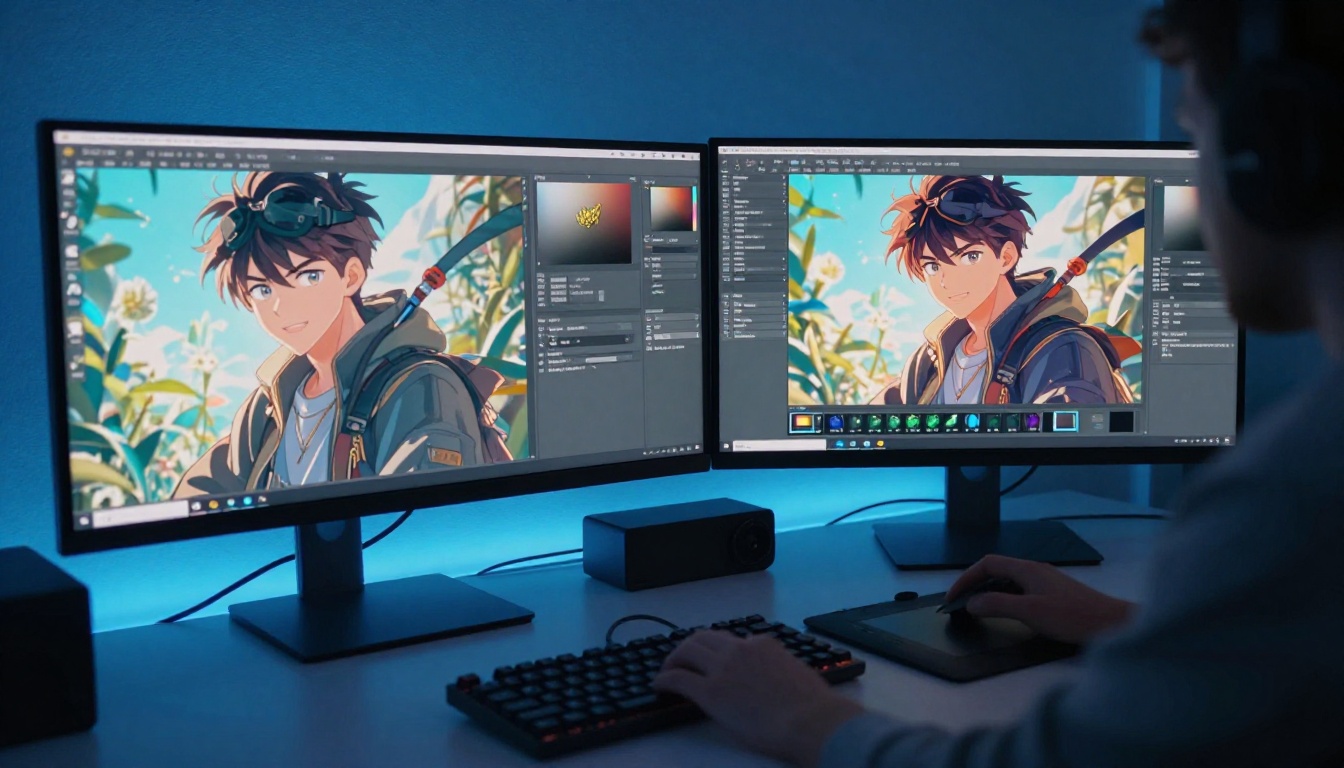
What Makes an AI Anime Generator Worth Using
Not every text-to-image model handles anime well. Some models that produce excellent photorealistic portraits fall apart the moment you ask them for a character with large expressive eyes, stylized hair, or a manga-influenced composition. Others handle anime brilliantly but struggle to maintain consistency across multiple generations or across different scene types.
The best AI generators for anime share a few specific qualities:
- Style range: Can it handle shounen action scenes, slice-of-life character portraits, and dark fantasy backgrounds all from the same interface?
- Prompt responsiveness: Does adding "long silver hair, amber eyes, school uniform" actually produce that, or does the model ignore half the tokens and generate something generic?
- Speed: Anime art workflows often involve rapid iteration. A model that takes 30 seconds per image creates real friction. Sub-second tools change how you work at a fundamental level.
- Output resolution: Anime art frequently needs to be viewed at large sizes, whether for print, wallpapers, or high-resolution social posts. Does the model output at a quality that holds up?
- Upscaling compatibility: Does the broader ecosystem support clean 4x upscaling to make outputs print-ready?
The models below address all of these requirements. Each one is linked directly to its page on PicassoIA so you can open it immediately and start generating.
The Top AI Models for Anime Art
Dreamshaper XL Turbo
Dreamshaper XL Turbo is arguably the most versatile anime generator available right now. Unlike models trained exclusively on photographic data that struggle with illustrated styles, Dreamshaper XL Turbo handles the full visual spectrum: photorealistic portraits, anime characters, manga panels, painted illustrations, and dark fantasy scenes. You do not need to switch tools when the art style changes.
It runs at SDXL resolution (1024x1024 by default) and generates finished images in as few as six denoising steps. That translates to results in under ten seconds, which is fast enough for rapid iteration sessions where you cycle through dozens of prompt variations looking for the one that works.
The negative prompt system is where Dreamshaper XL Turbo really pays off for anime art specifically. By listing elements like 3d render, cgi, realistic skin, photography, extra limbs, bad anatomy in the negative prompt field, you steer the output firmly into clean anime territory. Add masterpiece, best quality, highly detailed, lineart to the positive prompt and the model responds with noticeably sharper, more stylized results.
💡 Prompt tip: For anime character portraits, set guidance scale to 2 and steps to 6. Add (masterpiece:1.4), anime style, detailed background, vibrant colors and you consistently get production-quality results within a few generations.
Flux Dev
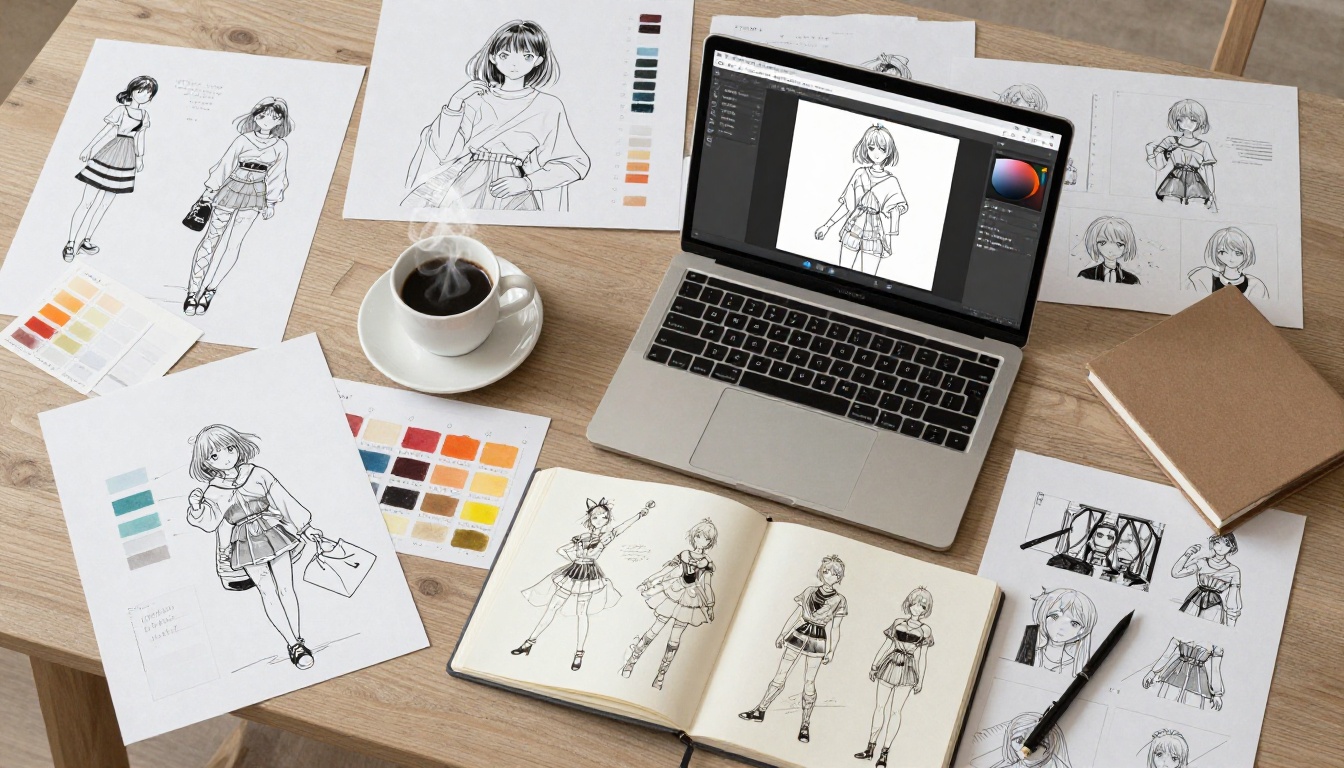
Flux Dev is a 12-billion parameter model that brings a different kind of power to anime art generation. Where Dreamshaper XL Turbo is built for style range and speed, Flux Dev is built for precision. It follows complex prompts with unusual accuracy, which matters enormously when you need a specific character design rather than a generic "anime girl."
Describe a character with distinct features, a specific outfit, a particular emotional expression, and a defined setting, and Flux Dev is more likely than most models to actually produce what you described. This makes it particularly strong for character design work where consistency and specificity matter more than raw throughput speed.
The model supports 11 aspect ratios including 16:9 for widescreen scene compositions, 9:16 for phone wallpapers, and 4:5 for social media portraits. It also has an img2img mode, which means you can upload a rough character sketch or reference image and use Flux Dev to render it in a more polished anime style without starting from scratch.
Generation typically takes 15 to 30 seconds depending on inference steps (28 is the recommended default). It is slower than Dreamshaper XL Turbo, but the additional time often produces noticeably sharper detail and more faithful interpretation of complex prompts.
Flux Schnell
If speed is your primary requirement, Flux Schnell is the model to use. It produces a finished 1-megapixel image in under five seconds, often closer to one second, while maintaining the same strong prompt responsiveness that characterizes the Flux family.
For anime art workflows that involve generating large numbers of character variations, background concepts, or scene thumbnails, Flux Schnell removes almost all the friction from the iteration process. You can run 50 prompt variations in a session that would take hours with slower models, pick the three or four that work, and then pass those to Flux Dev for a higher-fidelity final render.
Flux Schnell supports the same 11 aspect ratios as Flux Dev and outputs in WebP, JPG, or PNG. On PicassoIA, there are no caps on how many images you can generate per session.
💡 Workflow tip: Use Flux Schnell for rough concept exploration, then pass your favorite results to Flux Dev at 40+ inference steps for the polished final version. This two-stage approach is faster overall than running Flux Dev on every iteration.
Stable Diffusion
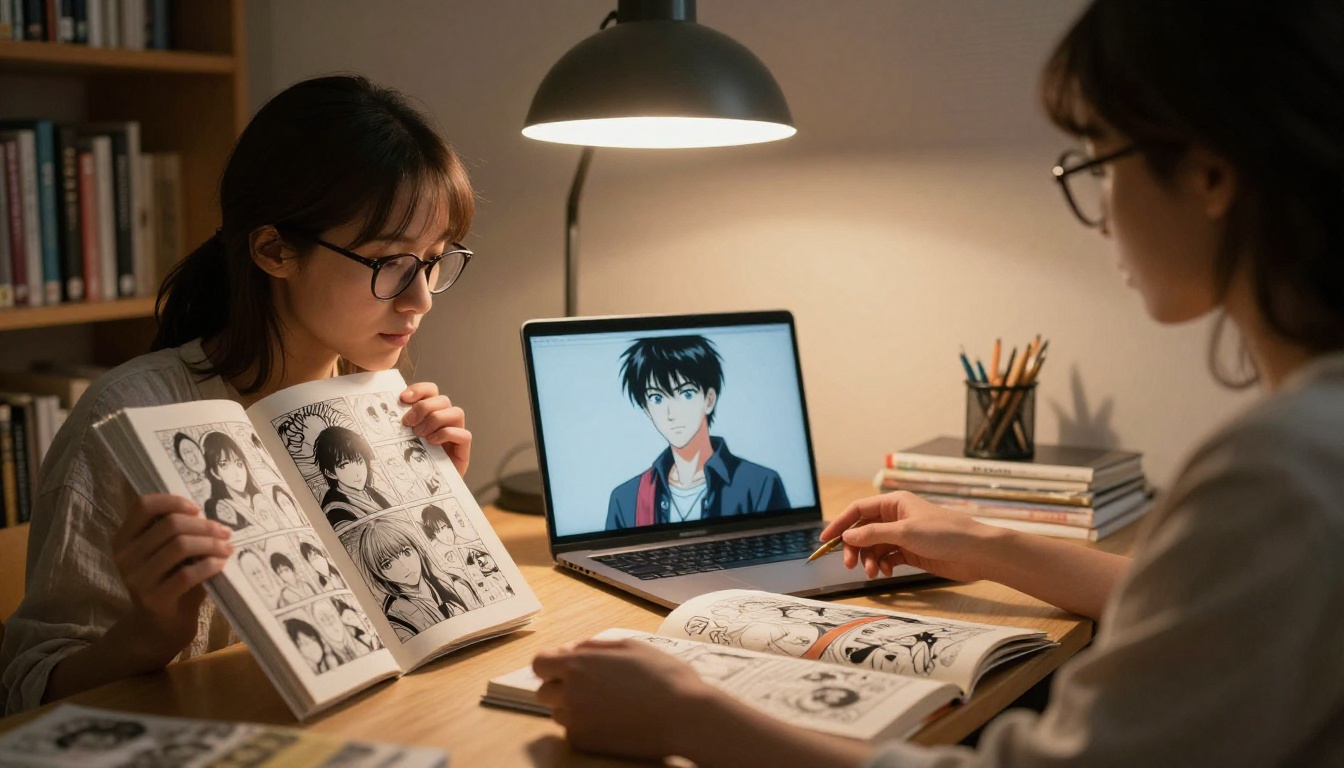
Stable Diffusion is the model that most of the anime AI art community built its workflows on. It has been heavily studied and documented for anime art styles, and while the base model is not anime-specific, it responds very well to anime-style prompts when you include the right token vocabulary.
The model supports resolutions up to 1024x1024, six different schedulers (DDIM, K_Euler, DPMSolverMultistep, and three others), and a robust negative prompt system. Setting guidance scale between 7 and 9 with 30 to 50 inference steps generally produces the most detailed results for character art.
Where Stable Diffusion earns its place in this list is the community knowledge base around it. There are thousands of documented prompt structures, negative prompt combinations, and parameter settings specifically developed for anime character generation. If you want access to a deep library of tested prompt recipes and community wisdom, Stable Diffusion is where that knowledge lives.
On PicassoIA, Stable Diffusion runs with no generation limits, so you can experiment freely with all those community-developed parameter combinations without worrying about a credit counter.
P Image
P Image is a different proposition entirely. It is the fastest model on the platform, generating finished images in under one second, and it handles anime character prompts with solid consistency for a sub-second generator.
The primary use case for P Image in anime art workflows is rapid prototyping. When you need to test whether a concept works before committing time to a higher-quality render, P Image gives you an answer in literally less time than it takes to read this sentence. The model supports multiple aspect ratios and custom pixel dimensions, and the prompt upsampling feature can automatically fill out a short anime character description with additional visual detail.
P Image is not a replacement for Dreamshaper XL Turbo or Flux Dev for final-quality outputs. But as a concept-testing tool, nothing on the market comes close to its speed.
How to Use Dreamshaper XL Turbo for Anime Art
Dreamshaper XL Turbo is the recommended starting point for most users because it handles the widest range of anime styles without requiring highly specific prompt engineering. Here is a step-by-step process for getting consistent anime character results.
Step 1: Open the model
Go to Dreamshaper XL Turbo on PicassoIA. No account setup is required to start generating.
Step 2: Build your character description
Structure your prompt in layers for maximum control:
- Quality tags:
masterpiece, best quality, highly detailed
- Character features: hair color, eye color, expression
- Clothing and accessories:
school uniform, long silver hair, amber eyes, hair ribbons
- Background context:
cherry blossom park, soft spring light
- Style tags:
anime style, cel shading, detailed lineart, vibrant colors
- Composition:
portrait, upper body, soft lighting
Combined example prompt: masterpiece, best quality, 1girl, long silver hair, amber eyes, school uniform, cherry blossom background, anime style, cel shading, portrait, upper body, soft lighting, vibrant colors
Step 3: Write your negative prompt
Always include: ugly, deformed, bad anatomy, extra limbs, blurry, low quality, 3d render, cgi, realistic photography, text, watermark, mutated, extra fingers
Step 4: Set your parameters
- Guidance scale: 2
- Inference steps: 6 to 7
- Resolution: 1024x1024 (default)
Step 5: Iterate quickly
Run three to five generations with the same prompt. Each one will vary meaningfully. Pick the strongest result, adjust one or two elements in your prompt based on what worked and what did not, and run again. Most users arrive at a strong final result within 10 to 15 total generations.
Prompt Structures That Actually Work
The gap between a weak anime generation and a strong one often comes down to prompt structure. These patterns consistently produce better results across all the models above.
For Character Art
The strongest character prompts follow this order:
- Quality prefix:
(masterpiece:1.4), best quality, highly detailed
- Subject count:
1girl or 1boy (this dramatically focuses the model on a single character)
- Physical features: hair color, hair length, eye color, skin tone, expression
- Clothing: specific outfit type, colors, accessories, details
- Setting: simple or detailed background, interior or exterior
- Lighting:
soft studio lighting, golden hour backlight, moonlight, warm candlelight
- Composition:
portrait, full body, close-up face, dynamic action pose
For Scene and Background Art
Anime backgrounds respond well to art direction vocabulary:
tokyo street, night, rain reflections on asphalt, neon signs overhead, cinematic compositionancient japanese temple courtyard, cherry blossoms falling, misty morning, serene atmospherefantasy floating island, dramatic storm clouds, volumetric lighting, epic scalecozy bedroom interior, anime-style decor, warm lamp light, bookshelf filled with manga, late eveningmountain village, autumn leaves, traditional architecture, soft overcast sky, peaceful
What to Always Put in Negative Prompts
These tokens consistently improve anime output quality across every model: deformed, extra fingers, mutated hands, poorly drawn face, bad anatomy, long neck, ugly, low quality, blurry, watermark, text, signature, jpeg artifacts, 3d, cgi, photorealistic skin, realistic photography
Upscaling Your Anime Art
Anime art often needs to be viewed at large sizes, whether for printing, wallpapers, or high-resolution social media posts. Standard AI-generated images at 1024x1024 can look soft or pixelated at display sizes above 1080p. Upscaling fixes that, and done right, it adds fine detail rather than just blowing up existing pixels.
PicassoIA has a dedicated suite of super-resolution models that work exceptionally well on anime content:
For anime character art specifically, Clarity Pro Upscaler and Crystal Upscaler produce the best results because they preserve fine line detail and the smooth gradients characteristic of anime cel shading. Real ESRGAN is faster and still excellent for backgrounds and scene compositions. For maximum output, Image Upscale by Topaz can take a 1024x1024 generation all the way to 6144x6144, genuinely print-ready at poster size.
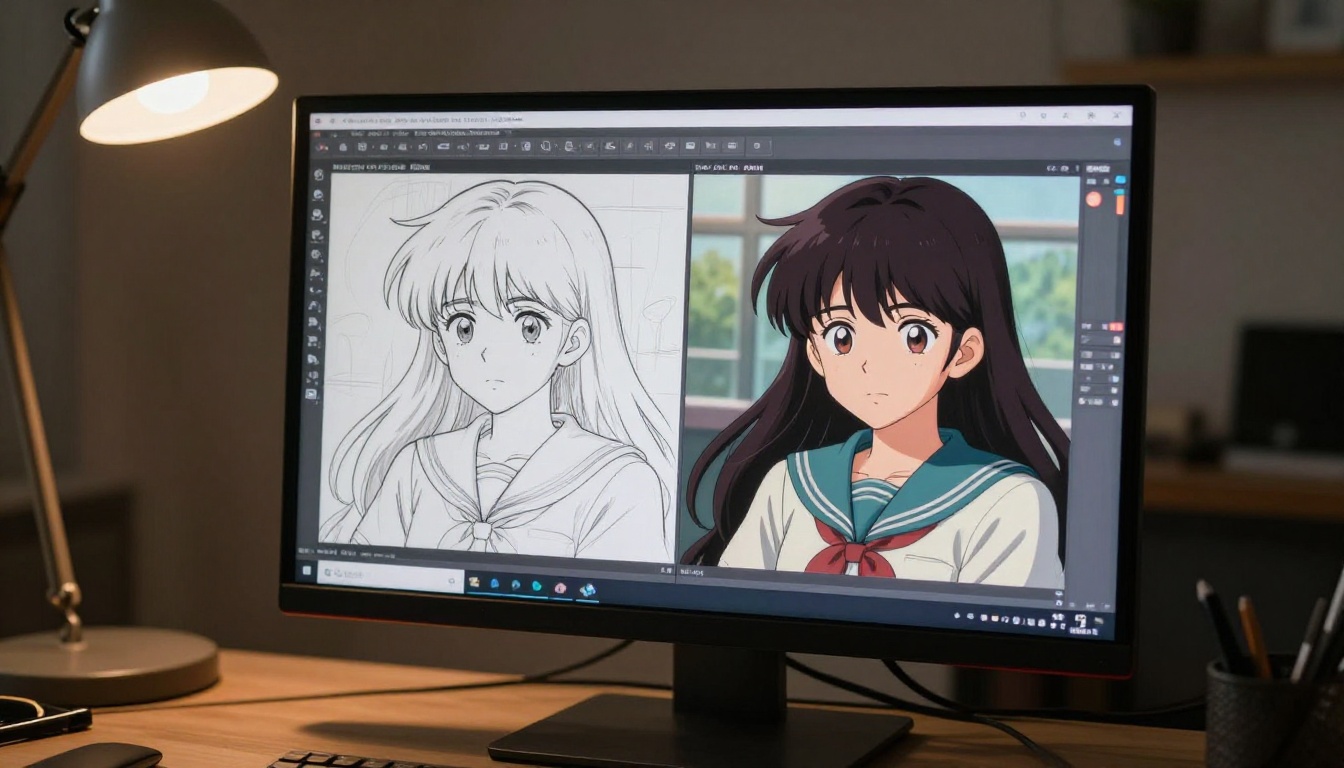
💡 Recommended workflow: Generate at 1024x1024 with Dreamshaper XL Turbo or Flux Dev, select your best result, then run it through Clarity Pro Upscaler. The output at 4096x4096 is sharp enough for large print without any visible pixelation.
Comparing the Models Side by Side
| Model | Speed | Anime Quality | Style Range | Best Use |
|---|
| Dreamshaper XL Turbo | Fast (5-10s) | Excellent | Very High | All-around anime art |
| Flux Dev | Moderate (15-30s) | Excellent | High | Precise character design |
| Flux Schnell | Very Fast (1-5s) | Good | High | Rapid concept testing |
| Stable Diffusion | Moderate (10-30s) | Good | Moderate | Community prompt workflows |
| P Image | Sub-second | Solid | Moderate | Instant prototyping |
All five models run without usage caps on PicassoIA. There is no credit counter, no daily limit, and no watermark on downloads.
Beyond Still Images: Visual Effects for Anime Content
Anime art does not exist in isolation. Some of the most compelling AI-generated anime content combines strong character generation with motion and visual effects work. PicassoIA integrates over 500 video effects, AI video upscaling and restoration tools, and lipsync capabilities that can extend still anime characters into short-form video content.
For creators who want to take their AI anime characters beyond static images, this broader ecosystem means you can generate a character at high resolution, apply visual effects for stylized motion, and produce finished content without switching between multiple platforms. The all-models page at picassoia.com shows the full catalogue including text-to-video, face swap, and AI music generation tools that pair naturally with anime character art.
Start Creating Your Own Anime Art
Every model described in this article is available right now on PicassoIA with no setup required. Open Dreamshaper XL Turbo, type your character description using the prompt structure from the tutorial section above, and have your first result in under ten seconds. If you want to test several concepts at maximum speed before committing to a detailed render, start with Flux Schnell and generate 20 variations in the time it would take a slower model to produce two.
The models covered here represent a genuine cross-section of what is possible with AI anime art generation in 2027. Dreamshaper XL Turbo handles the widest range of styles with the best balance of speed and quality. Flux Dev delivers the highest prompt precision for specific character designs. Flux Schnell runs fastest for concept work. Stable Diffusion carries the deepest community knowledge base. P Image gives you a result in literally one second.
Try all five. Browse all available text-to-image models and upscalers at picassoia.com/en/all-models and see what fits your creative workflow best. The only way to find out which model works for your specific character designs is to start generating, and on PicassoIA, there is nothing stopping you from running as many generations as you need.


