Your product image is not the second thing shoppers see. It is the first. Before they read the price, before they check your reviews, before they notice your brand name, their eyes land on that image. If it does not stop them, nothing else gets a chance.
For years, that reality cost sellers thousands. A single product photoshoot with a professional photographer can run anywhere from $500 to $5,000, depending on the number of SKUs, studio rental, prop styling, and post-processing time. For a brand scaling its catalog, that math breaks quickly. AI image generators built specifically for e-commerce product photography have changed that equation entirely, and the results now rival what a studio session produces.
This article covers the best AI image generators for e-commerce listings available right now: what separates good tools from great ones, how each model performs for specific product categories, and exactly how to start generating professional product images today without booking a studio or hiring a photographer.
Why Product Images Control Your Conversion Rate
Conversion rate optimization professionals talk endlessly about button colors, checkout flows, and pricing strategy. Most of the time, the single highest-leverage fix is simpler: better product photos.
Consumer research on e-commerce behavior consistently shows that 67% of online shoppers rate image quality as "very important" in their purchase decision, ranking it above product descriptions, customer reviews, and even pricing. On Amazon and Shopify alike, listings with high-quality images displayed across multiple angles convert at rates two to three times higher than listings with a single, mediocre photo.

The $1,000 photoshoot problem
A traditional product photography session includes a photographer's day rate ($400 to $800), studio rental ($200 to $500), prop and set styling, and post-processing. For a 20-SKU catalog, you might spend $2,000 to $4,000 and wait two weeks before receiving final images. When you need to add 50 new products for a seasonal launch, that timeline and that budget simply do not scale.
AI product image generation solves this directly. Instead of booking a studio, you write a text description of your product in its ideal context, and the AI renders a photorealistic image in seconds. No studio, no waiting, no per-image invoices. On platforms like PicassoIA, there are no per-generation credit caps either, which means you can iterate freely through dozens of prompt variations in a single session.
What buyers actually see first
The visual hierarchy on any marketplace listing starts with the hero image: the primary photo that appears in search results, usually on a white or neutral background. Buyers form a complete impression of quality, brand positioning, and product fit from this single image before clicking through to the full listing.
After that, lifestyle images showing the product in realistic use provide the emotional context that converts browsers into buyers. A skincare product photographed on a marble counter next to a towel and a plant tells a story that the same bottle on a white background cannot. AI image generators produce both kinds of images, often in the same session.
What E-commerce Images Actually Need
Before choosing a tool, it helps to know exactly what platforms require. Not meeting specifications costs you visibility, not just aesthetics.
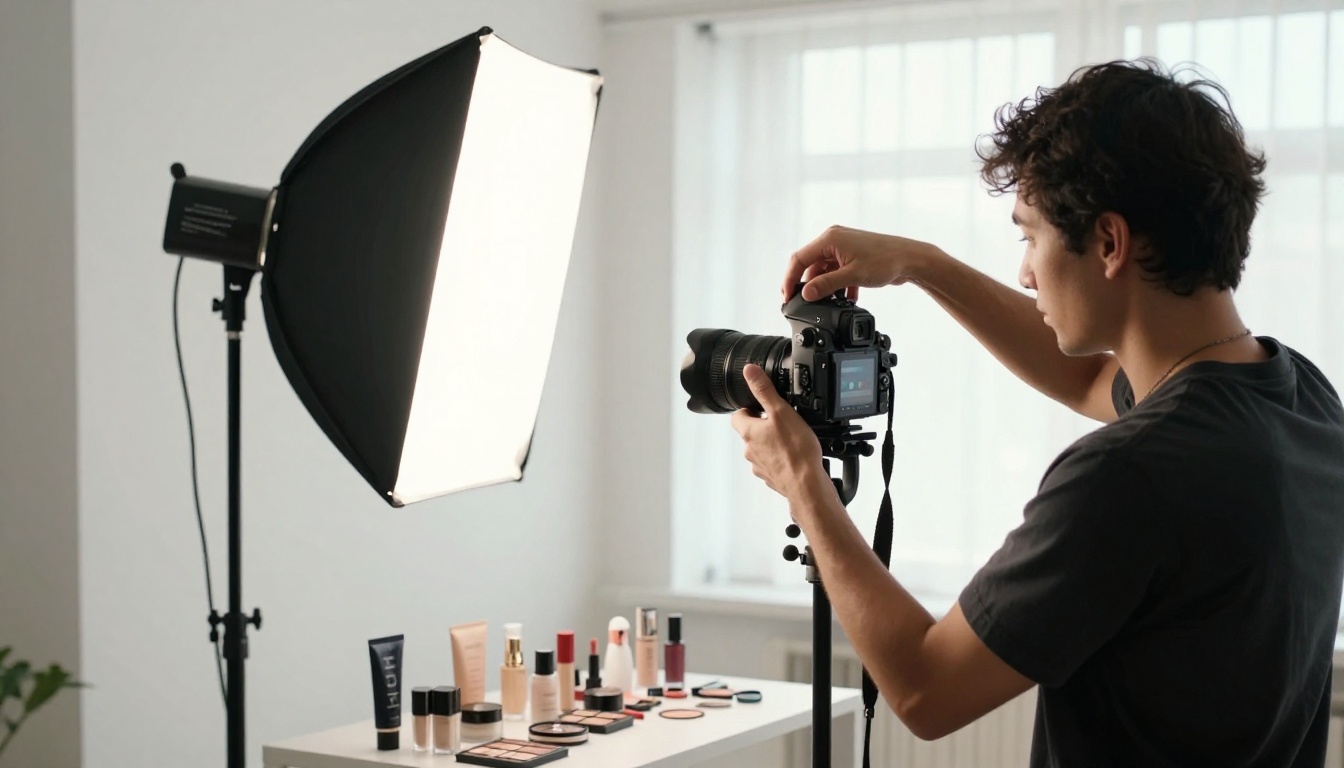
Platform specs that actually matter
| Platform | Min Resolution | Background | Main Image Rule |
|---|
| Amazon | 1000px shortest side | Pure white (#FFFFFF) | Product fills 85% of frame |
| Shopify | 2048 x 2048px recommended | Any (white preferred) | Consistent across variants |
| Etsy | 2000px shortest side | Flexible | Lifestyle shots perform well |
| eBay | 500px min, 1600px+ recommended | White preferred | No borders or added text |
💡 Pro tip: Generate at the highest resolution your AI tool allows, then pass the output through a super-resolution model to reach platform requirements without losing edge sharpness or texture detail.
Background rules by marketplace
Amazon is strict: hero images require a pure white background, and violations result in suppression from search results. Other platforms allow more creative freedom, which is where lifestyle image generation becomes a real competitive advantage. AI tools let you place your product on a marble counter, a wooden shelf, or a scene that matches your buyer's lifestyle, all without building a physical set.
AI background removal tools pair naturally with image generators. Strip a messy background from an existing photo, then use an inpainting model to place the product into an entirely new AI-generated scene. The product stays consistent; the context changes to match the platform or campaign.
The Best AI Image Generators Ranked
There is no single best tool for every seller. Your choice depends on your product category, your volume needs, and how much prompt-level control you want over the output. Here is a breakdown of the top models performing in e-commerce workflows right now.
Flux Pro — Maximum prompt accuracy
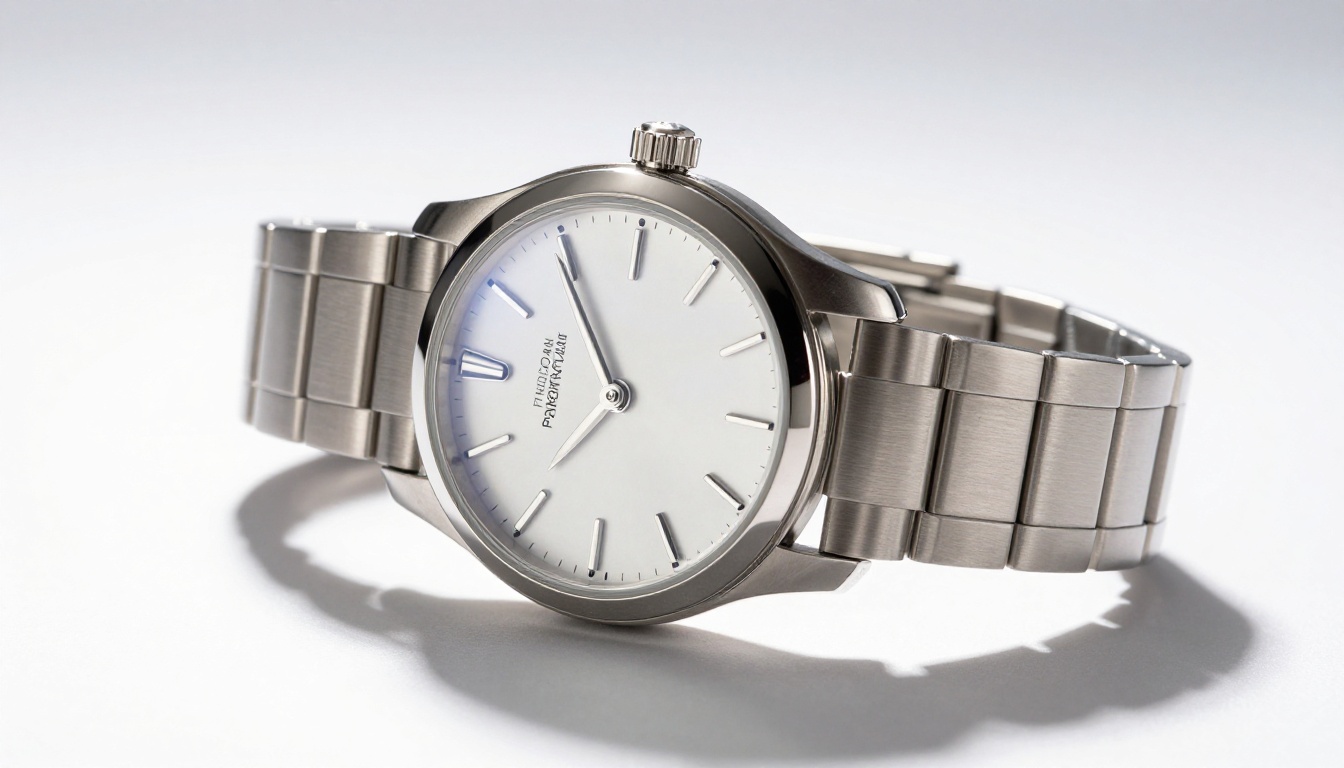
Flux Pro is the model to reach for when your prompt absolutely must match your output. Most image generators interpret descriptions loosely, softening specific details or ignoring parts of your scene description. Flux Pro is tuned for prompt fidelity above all else.
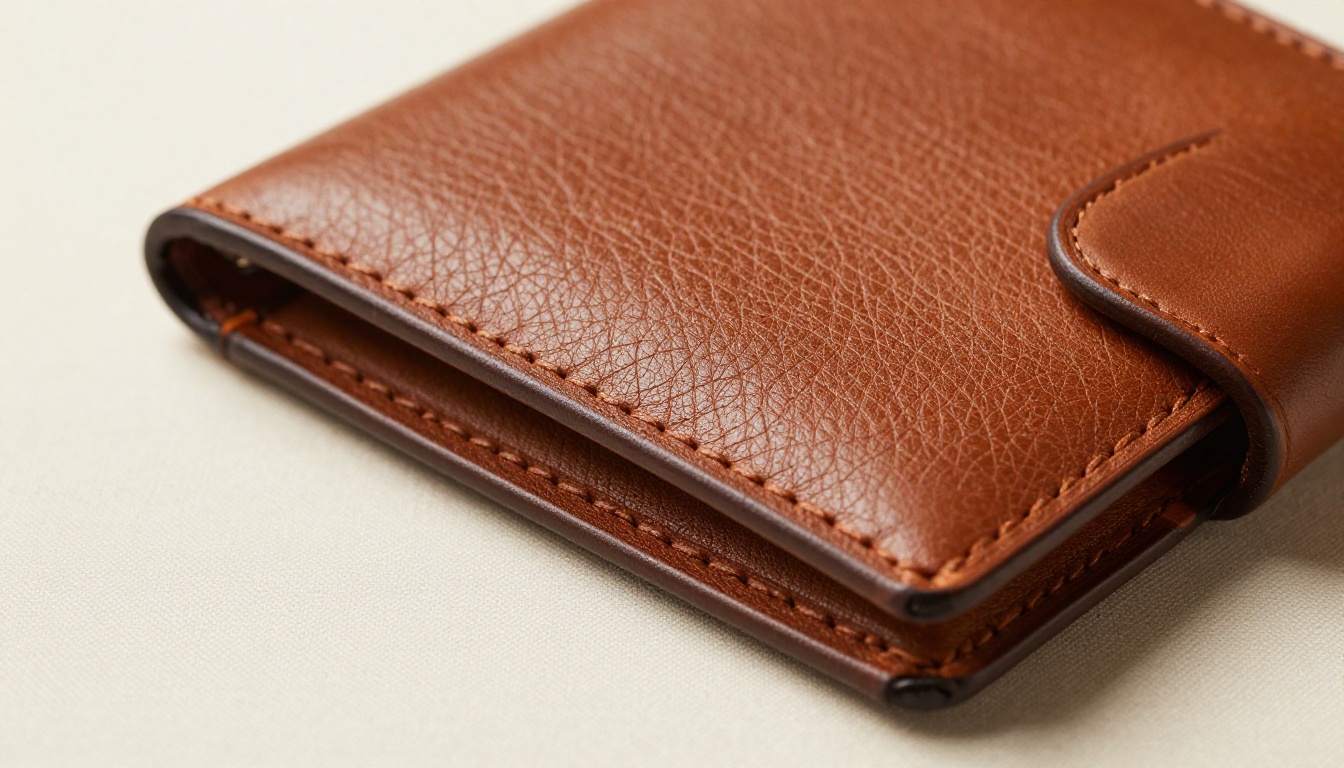
Write "a brown leather bifold wallet on white marble, side lit from the left, grain texture visible," and Flux Pro produces exactly that image, not a soft approximation. This precision matters enormously for product photography where material, color, and composition must be consistent across an entire catalog.
Best for: Premium product categories (jewelry, watches, leather goods, cosmetics), high-SKU catalogs where consistency matters, sellers who write detailed scene descriptions.
Settings that work:
- Set guidance between 4.5 and 6 for tight prompt following
- Keep interval at 1 or 2 for consistent outputs across a product line
- Use the image prompt field to supply a reference image alongside your text for even tighter compositional control
Flux Dev — Photorealistic detail at depth
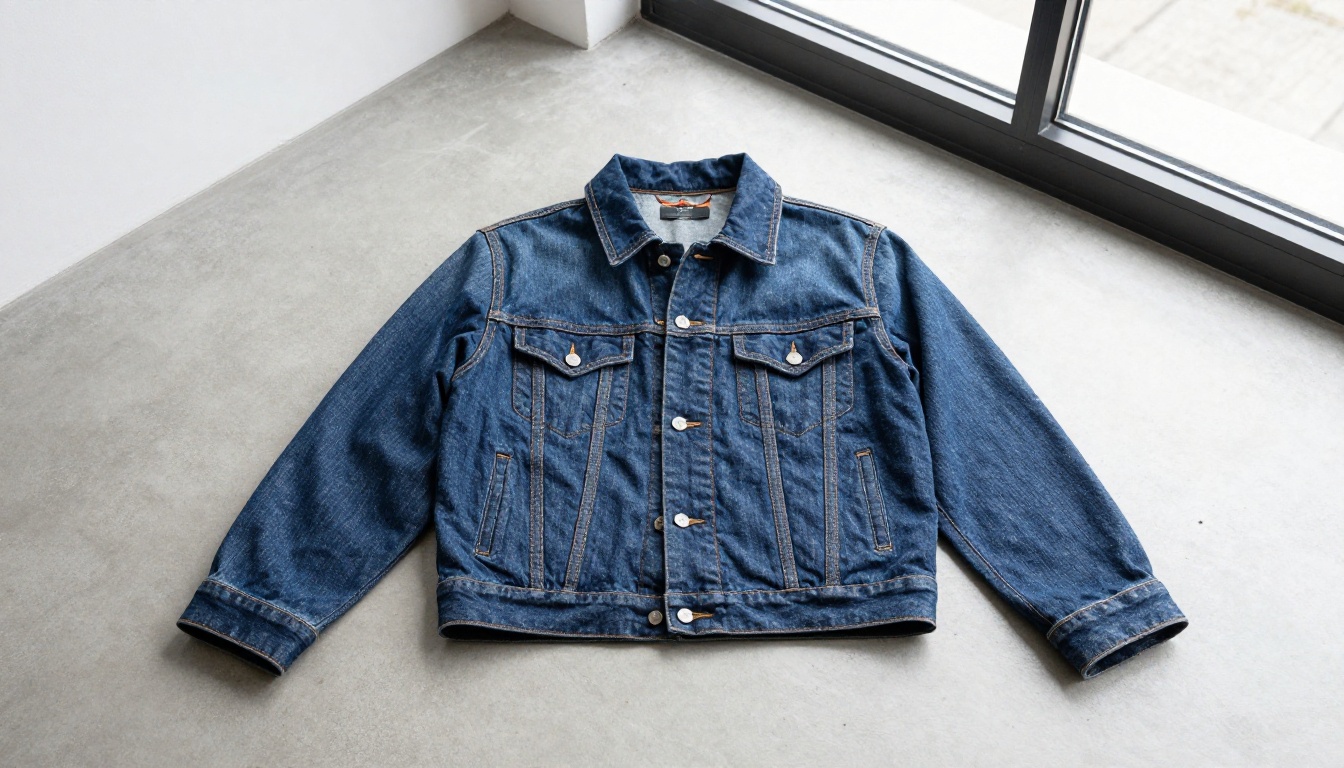
Flux Dev is a 12-billion parameter model built for users who need maximum detail per image. It generates at 1 megapixel resolution with 28 to 50 denoising steps, and the difference shows in the output. Fabric weave, leather grain, glass reflections, and polished metal finishes render with micro-detail that makes buyers trust what they are seeing.
The img2img feature is particularly valuable for e-commerce sellers who have existing product photos but need better backgrounds or lighting. Upload your original product image, describe the new context in a prompt (different background, different surface, different lighting), and Flux Dev applies those changes while preserving the product's core appearance. Set prompt strength between 0.6 and 0.7 to change context without distorting the product itself.
Best for: Fashion, textiles, furniture, and any product category where surface texture and material detail are primary purchase drivers.
Settings that work:
- Use 40 or more inference steps for maximum texture fidelity
- Try img2img at prompt strength 0.6 to change context while keeping product integrity
- 16:9 and 3:2 ratios work well for lifestyle banner images and social content
Flux Schnell — Speed for high-volume stores
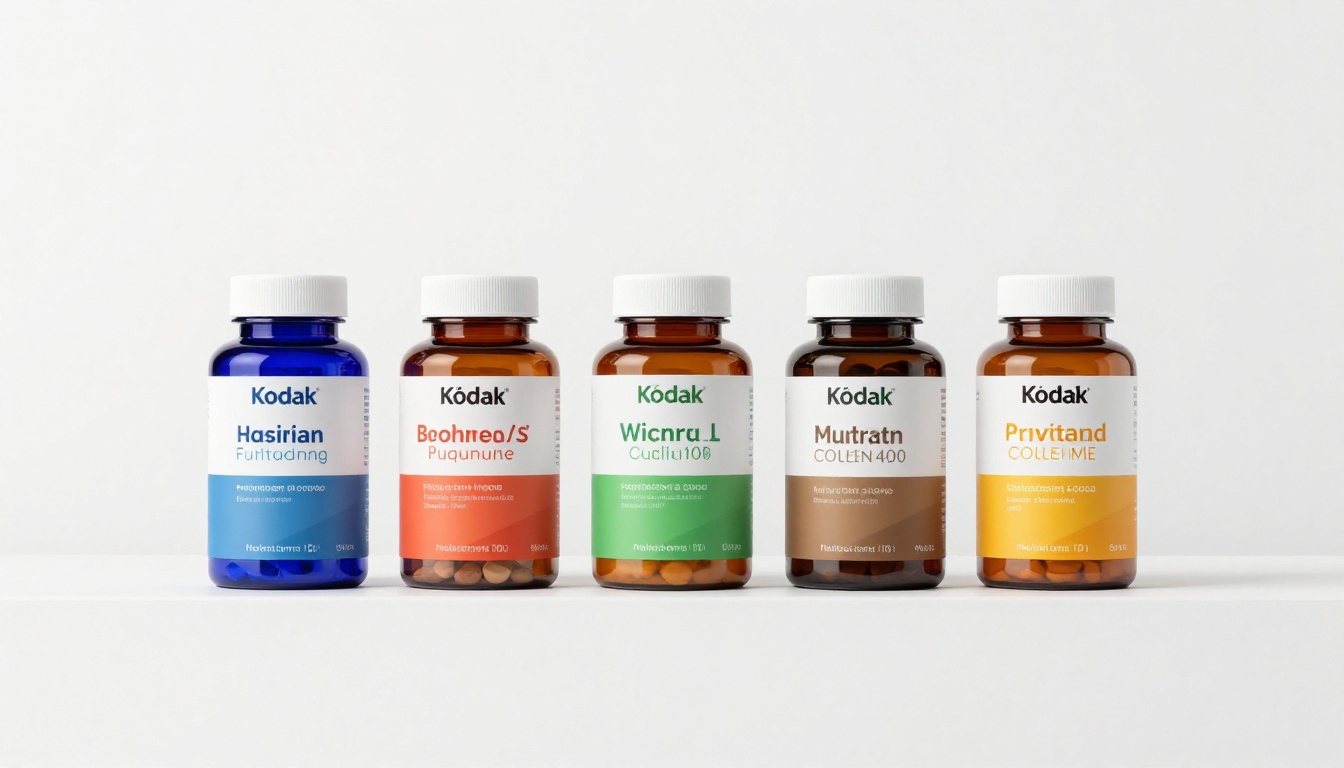
When you have 200 products to photograph in a week, output speed matters as much as image quality. Flux Schnell generates a full 1-megapixel image in under five seconds using only four denoising steps.
The outputs are clean, sharp, and well-composed. They do not reach the micro-detail ceiling of Flux Dev, but for standard white background product shots, supplement label photography, apparel previews, and everyday consumer goods, Flux Schnell produces commercial-ready images fast enough to turn around an entire product catalog in an afternoon.
On PicassoIA, Flux Schnell carries no credit caps or usage quotas. You can generate 500 product images in a single session without tracking tokens or managing billing overages — a significant practical advantage for sellers scaling their catalogs quickly.
Best for: High-volume dropshippers, print-on-demand sellers, large-catalog marketplaces, and any seller iterating rapidly through many SKU variations.
Stable Diffusion — Open, flexible, deep control
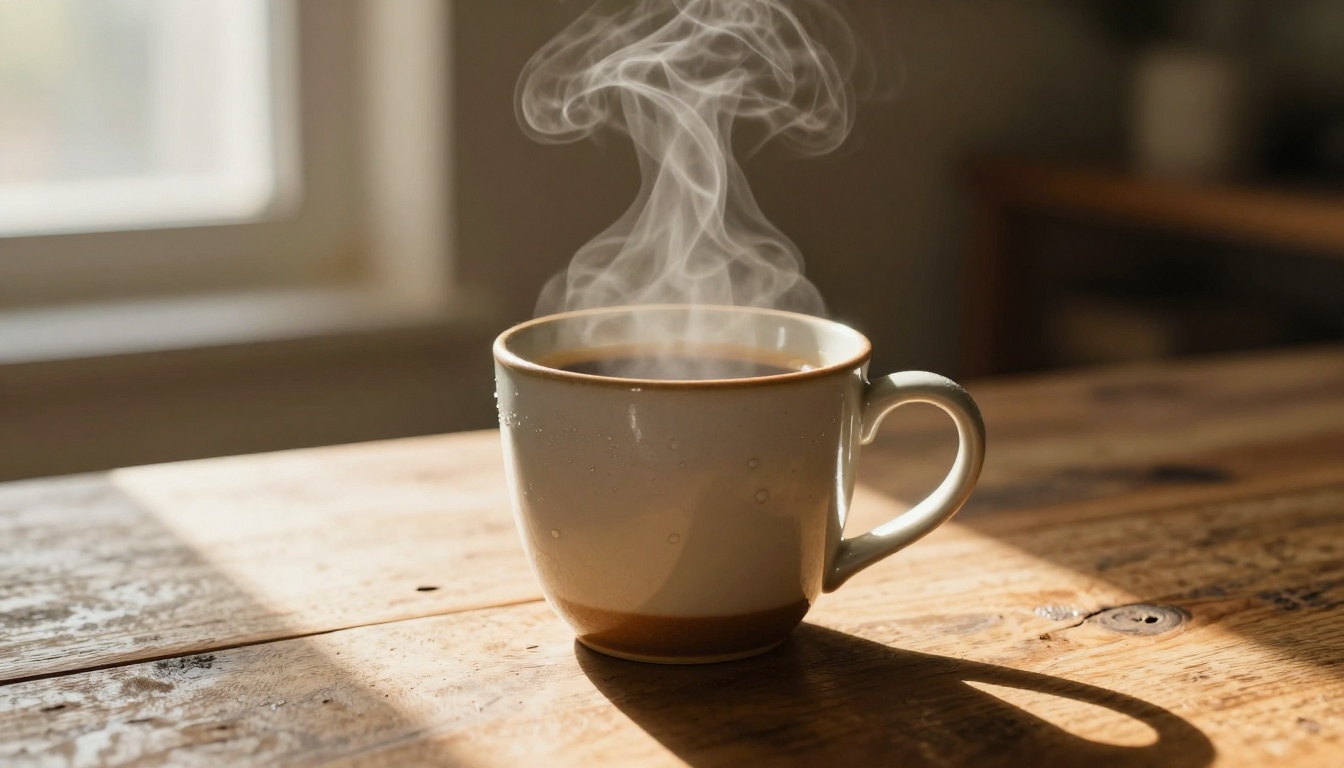
Stable Diffusion is the foundational open-source model the entire AI image industry is built on, and it remains uniquely valuable because of the depth of parameter control it exposes. Six different schedulers, negative prompts to explicitly exclude unwanted elements, guidance scale adjustment, and variable inference steps give you more levers to pull than most other tools.
For e-commerce, negative prompts are the standout feature. You can tell the model exactly what you do not want: "no shadows, no watermarks, no extra objects, no blurry background, no text." This explicit exclusion capability helps produce the clean, uncluttered product shots that marketplace algorithms and shoppers alike prefer.
Stable Diffusion is also the right tool for concept-testing new products before manufacturing. Describe a product that does not exist yet, generate a realistic rendering, and use it in ads and landing pages before you have a physical prototype available for photography.
Best for: Sellers who want fine-grained parameter control, concept-stage product testing, and lifestyle photography with precise scene specifications.
How to Use Flux Schnell on PicassoIA
Flux Schnell is available on PicassoIA with no account setup or API configuration required. Here is how to generate your first AI product image from start to finish.
Step 1: Open the model page
Go to Flux Schnell on PicassoIA. The generation interface loads directly in your browser.
Step 2: Write a specific product prompt
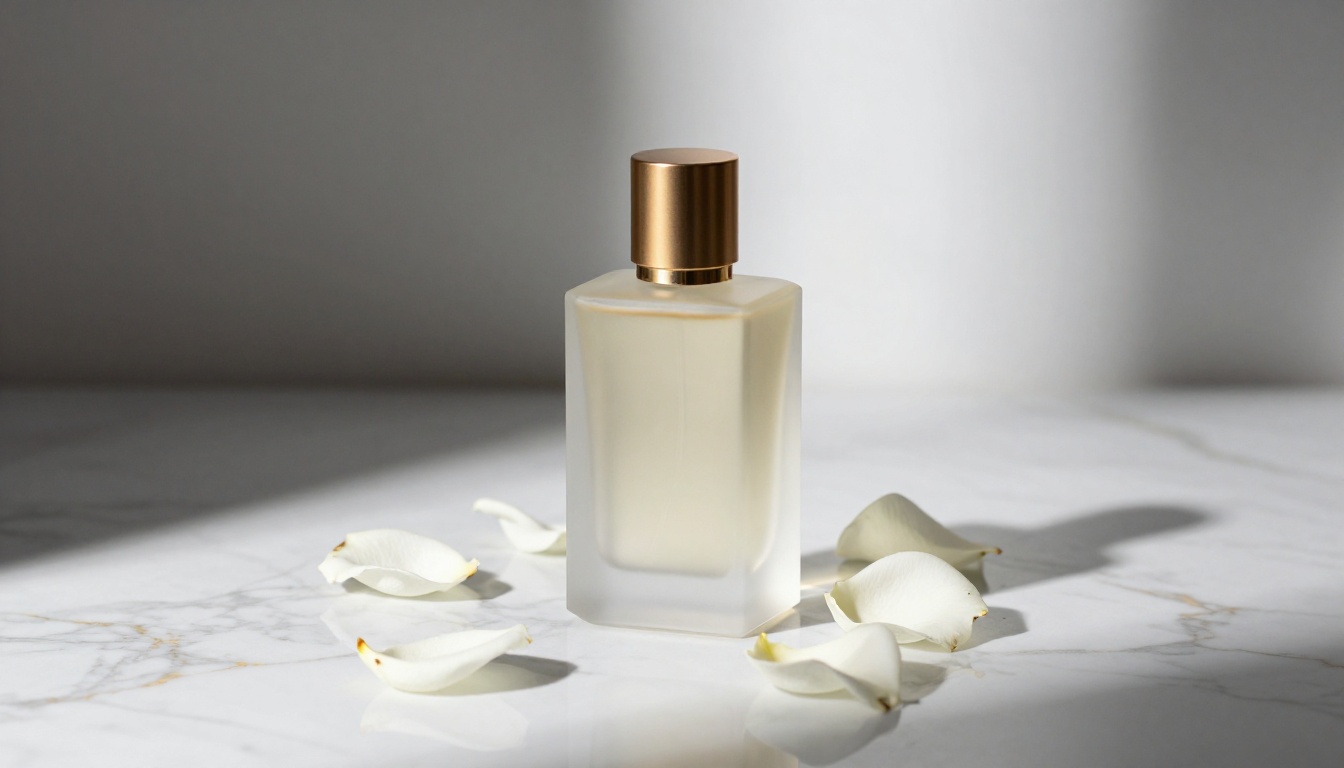
Vague prompts produce vague images. Instead of "a bottle of perfume," write: "a frosted glass perfume bottle with a gold cap, placed on a white marble surface, soft side lighting from the left, clean white background, photorealistic, sharp focus, no extra objects."
Structure your prompt around four elements:
- The product and its material or finish (frosted glass, brushed steel, matte plastic)
- The surface or background (white seamless, marble, wood)
- The lighting direction and quality (soft side light from left, overhead diffused light)
- The photographic style (product photography, studio shot, lifestyle)
Step 3: Set your aspect ratio
For hero images on Amazon and eBay, use 1:1. For lifestyle banners and Shopify headers, use 16:9 or 3:2.
Step 4: Use "Go Fast" for rapid iteration
Enable Go Fast mode for your first several runs while testing prompt variations. Switch it off only when you have identified a prompt direction worth finalizing at full quality.
Step 5: Lock results with a seed
Once you produce an image you like, note the seed number shown in the output details. Reusing the same seed with slight prompt modifications lets you iterate predictably around a winning composition.
Step 6: Download and upload directly
Export as PNG for white background shots (preserves compatibility with background removal tools). Use JPG or WebP for lifestyle images to reduce file size. All outputs are watermark-free and ready to upload to your store immediately.
Sharper Listings with AI Upscaling
Generating a great product image is step one. Step two is ensuring it meets marketplace resolution requirements without losing detail or sharpness when buyers zoom in.
Standard AI image output typically comes in at 1 megapixel, around 1024x1024 pixels. Amazon's minimum passes at that resolution, but for retina displays, Shopify's zoom feature, and print-quality catalog pages, you need 2x to 4x more.
Super-resolution models on PicassoIA upscale your generated images without introducing blur or compression artifacts:
- Clarity Pro Upscaler: Photorealistic upscaling that adds genuine detail rather than simply enlarging pixels. Particularly strong on fabric and fine product textures.
- Image Upscale by Topaz: Enlarges images up to 6x while preserving sharpness across all product categories, including glass, metal, and skin tones.
- Real ESRGAN: Fast 4x upscaling optimized for photorealistic source images, works reliably on white background product shots and product-on-surface compositions.
The workflow is: generate in Flux Schnell or Flux Pro, then pass the output through Clarity Pro Upscaler or Topaz Image Upscale to hit the resolution threshold your marketplace requires.
💡 Tip: For Amazon listings, target at least 2000x2000px. The zoom feature activates at 1001px, but shoppers on high-density screens need 2000px or more to see true sharpness when zooming in on product surface details.
3 Mistakes That Kill Your Product Photos
Even with the best AI tools, certain recurring errors consistently produce weak listing images that underperform.
Vague prompts produce vague images
"A nice photo of my product" is not a prompt. It is a wish. AI image generators respond to specificity. Describe the material, surface, lighting direction, camera angle, and mood. "A premium matte black skincare jar, white seamless background, soft overhead diffused light, photorealistic, no props" produces a commercial-grade product shot. "A skincare jar" produces something generic and unusable.
Treat the prompt like a creative brief you would hand to a photographer. The more specific your direction, the more predictable and professional the output.
Wrong background for the platform
Uploading a lifestyle image as your Amazon hero shot will get your listing suppressed. Amazon's content policy requires a pure white background on the main product image, and violations result in removal from search results, sometimes without warning.
Use white background shots as your main images on Amazon, Walmart, and eBay. Use lifestyle and contextual images as secondary photos on all platforms, and as primary images on your own Shopify store or branded website where you have full creative control.
Skipping the upscale step
A 1024x1024 image looks perfectly acceptable in thumbnail previews and on standard monitors. The moment a shopper activates your Amazon zoom feature or views your Shopify listing on a high-density display, pixelation signals low quality and undercuts buyer confidence immediately.
Running your generated image through a super-resolution model like Clarity Pro Upscaler takes about 30 additional seconds. Skip the step and you leave measurable conversion rate sitting unrealized.
Start Making Your Own Product Images
The cost and time barrier to professional-grade product photography is gone. With Flux Pro, Flux Dev, Flux Schnell, and Stable Diffusion all available on PicassoIA, you have four of the most capable AI image generators available inside one platform, with no per-model subscriptions, no usage caps, and no credit counters running in the background.
Start with your best-selling product. Write a detailed prompt describing it on the surface and in the lighting that would make your ideal buyer stop scrolling. Generate ten variations in Flux Schnell — it takes under a minute for all ten. Pick the three strongest outputs, run them through Clarity Pro Upscaler, and you have a complete set of listing-ready product images before your next coffee break.
The sellers winning on Amazon, Shopify, and Etsy right now are not the ones spending the most on photography. They are the ones generating more images, testing more compositions, and iterating faster than their competition. AI image generation is what makes that pace possible.
Try it on PicassoIA today. Your first product image takes less than a minute to generate.


