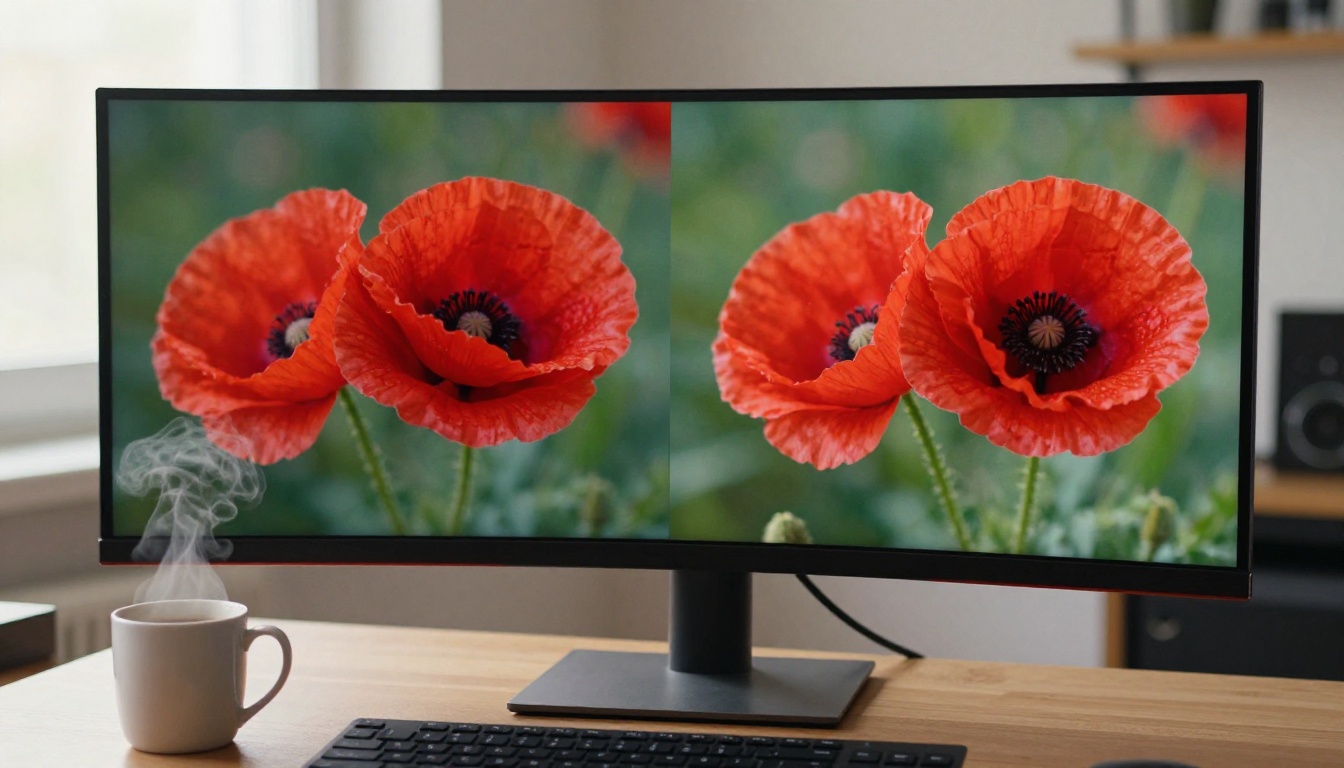
Zoom into any photo taken on a cheap phone, a screenshot pulled from a video, or a scan of an old print, and you hit the same wall: blurry, blocky pixels that no amount of manual sharpening can fix. That was always the limit until AI rewrote the rules entirely. In 2027, the best AI image upscaler tools don't just stretch what's there. They reconstruct missing detail with terrifying accuracy. Skin pores appear where there were none. Brick textures snap into focus. A portrait barely usable at 512px becomes wall-print-ready at 2048px. This article ranks the top tools available right now and shows you exactly how to pick the right one.
Why Pixel Interpolation Is Dead
Traditional upscaling tools, Photoshop bicubic resampling, GIMP's Lanczos filter, the resize button in any standard image editor, all do the same thing: they average the pixels around a new point to guess its value. The result is a slightly smoother blur spread across more pixels. You get a bigger file that looks identical to the original in terms of sharpness. Bigger and still soft.
AI upscaling operates on an entirely different principle. Neural networks trained on millions of high-resolution photographs learn what real surfaces actually look like at a microscopic level: the way light diffracts across fabric fibers, what grain structure a stone wall has at 4x magnification, how skin texture appears at 200% zoom. When a super-resolution model encounters a blurry face, it doesn't average more evenly. It reconstructs the texture it knows should be there.
What AI Actually Does Differently
The shift from interpolation to neural reconstruction is a category change, not an incremental improvement. Models like Real ESRGAN use generative adversarial networks trained specifically on photographic degradation: JPEG artifacts, compression blocking, sensor noise, and motion blur. The model processes a damaged image and outputs a version that looks as though it was captured at the higher resolution from the start.
The practical result is striking. Take a 500px portrait, run it through a quality AI upscaler, and you can deliver a 2000px file that clients cannot tell apart from a native high-resolution capture. Photographers have been doing this on commercial work since 2024. What once required a reshoot now takes 15 seconds.
Resolution vs. Detail: The Real Gap
Resolution and detail are not the same thing. A 4K image can look terrible if the original capture was soft. A 1080p image can look astonishing if the optics and focus were right. AI upscaling outperforms simple resolution increases because it operates on the detail layer, not just the pixel count. It adds texture and edge information that wasn't in the file at all.
The best results come from photos that were sharp at capture but small in file size. Compressed social media exports, old smartphone photos, and video frame grabs all carry genuine detail encoded at low pixel counts. AI can expand that detail faithfully. A completely blurry, out-of-focus shot won't become sharp because the model needs something real to reconstruct from.
9 Best AI Image Upscalers in 2027
All nine tools below are available on PicassoIA. No local installation, no GPU configuration, no Python environment. Every model runs in the browser with results in seconds.
Topaz Image Upscale: Up to 6x Sharpness
Image Upscale by Topaz Labs is the strongest pure-performance option for photographers who need maximum output resolution. It supports enlargement up to 6x, the widest scale factor available anywhere in 2026, which means a 1000px image can become a 6000px file with genuine detail added at every magnification step. The model handles noise reduction and sharpening as a single unified pass, so you're not running separate filters afterward.
It's the first choice for print work, large-format output, and any situation where you need to deliver the highest resolution possible without visible artifacts under close inspection.
Best for: Commercial print, large-format display, archival restoration
Upscale factor: 2x, 4x, 6x
Speed: Moderate, worth the wait for critical output
Clarity Pro Upscaler: Best for Photography
Clarity Pro Upscaler by philz1337x was built specifically for photorealistic output. Where some upscalers add a painted, AI-smoothed look that gives the processing away, Clarity Pro preserves film grain and retains the slight imperfections that make photographs feel real. Portrait edges stay natural, landscape skies don't develop the soft AI halo, and skin holds its micro-texture rather than becoming plasticky.
This is the tool photographers reach for when the output must look exactly like it was shot at a higher resolution, with no telltale signs of processing.
Best for: Professional photography, editorial work, client delivery
Artifacts: Minimal
Output character: Photorealistic, not "AI smooth"
P Image Upscale: Fastest Results
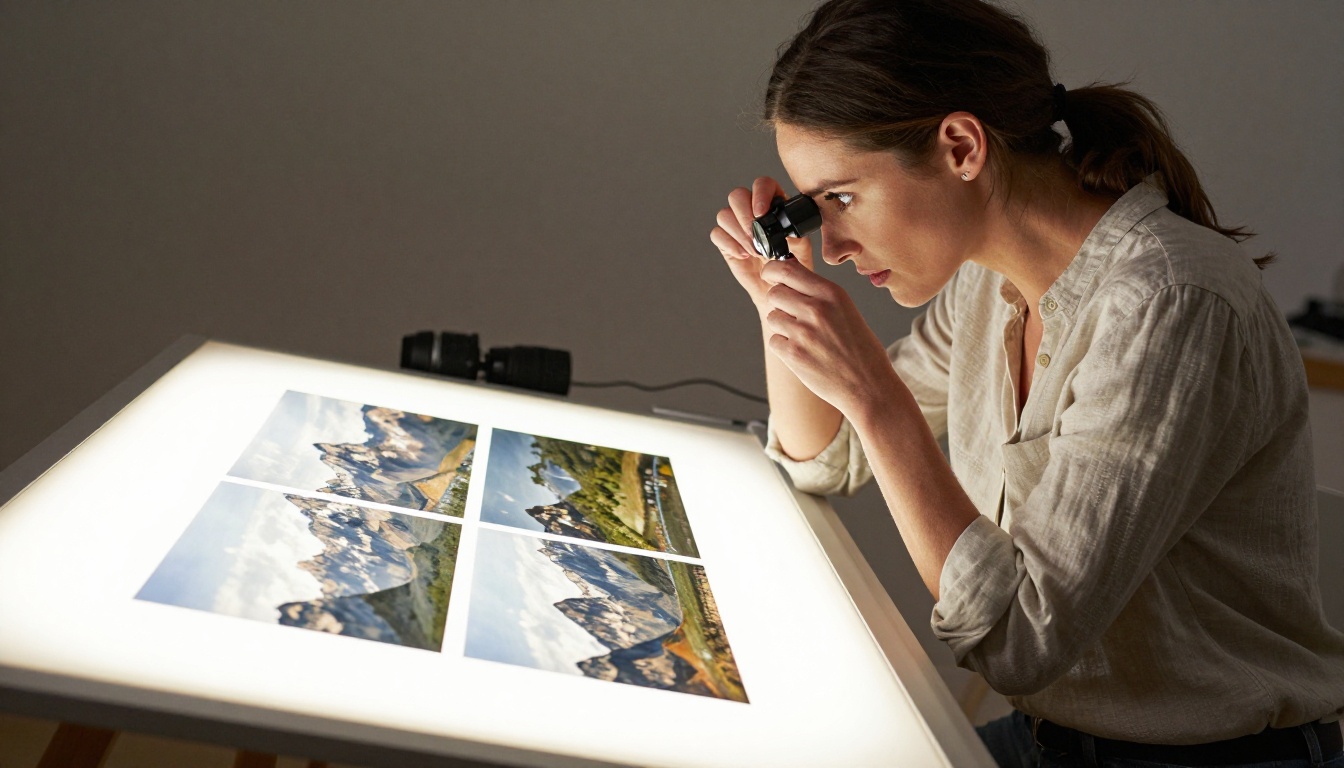
When you need AI photo upscaling in under a second, P Image Upscale by Prunaai delivers. It's the fastest model on PicassoIA for batch processing and time-sensitive production workflows. Social media managers, content teams producing dozens of images daily, and automated pipelines all benefit from a model that adds no friction.
Quality is strong for its speed class. It handles the most common upscaling needs: removing compression artifacts, restoring soft edges, and delivering at 2x or 4x without the blur typical of non-AI methods.
Best for: Batch processing, social media pipelines, rapid turnaround
Speed: Under 1 second
Scale: 2x, 4x
Google Upscaler: Reliable 4x Every Time
Google Upscaler delivers consistent, reliable 4x upscaling across a wide range of input types. Product photos, screenshots, web images, landscape photography, it processes them all without surprises. It won't push past 4x and offers no configuration options, but the results are production-quality and completely predictable.
For teams that need consistency across a large content operation, this is a dependable daily tool.
💡 Tip: Google Upscaler performs best on images that already have reasonable sharpness. Use it for compression recovery and resolution expansion, not for correcting out-of-focus captures.
Best for: General purpose upscaling, team workflows
Upscale factor: 4x
Configuration required: None
Real ESRGAN: Best Free Option
Real ESRGAN by Nightmareai remains the most widely used open-source upscaling model in 2027. Originally developed by researchers at the Chinese University of Hong Kong, it was trained on synthetic degradation data to handle real-world damaged images: JPEG artifacts, noise, blur, and low-light grain. The 4x free upscaling it delivers beats most commercial tools from three years ago.
On PicassoIA you can run Real ESRGAN without installing PyTorch or configuring a local environment. Upload, upscale, download.
Best for: Free upscaling, JPEG artifact removal, budget workflows
Upscale factor: 4x
Cost: Free

Crystal Upscaler: Portrait Specialist
When the subject is a human face, Crystal Upscaler by philz1337x is the most precise option available. It was built with facial detail at its core: skin texture, eye catchlights, hair strand separation, and lip detail all receive specialized treatment from a model trained to process human anatomy at a granular level.
Wedding photographers, beauty photographers, and retouchers delivering final images to clients consistently prefer this model over general-purpose alternatives. The output maintains the emotional authenticity of a portrait without the over-smoothed look that generalist upscalers sometimes produce on skin.
Best for: Portrait photography, beauty retouching, wedding delivery
Face detail: Best in class
Skin rendering: Natural, not plastic
Bria Increase Resolution: Commercial Ready
Increase Resolution by Bria is specifically positioned for commercial licensing workflows. Images processed through Bria's models carry licensing terms suited for commercial use, which matters for brands, agencies, and professionals producing imagery for paying clients. It delivers clean 4x upscaling with strong edge definition and neutral color handling that doesn't shift white balance or saturation.
Best for: Agencies, commercial licensing, brand photography
Licensing: Commercial-friendly terms
Upscale factor: Up to 4x
Recraft Crisp Upscale: Cleanest Edges
Recraft Crisp Upscale from Recraft AI prioritizes edge precision above everything else. For product photography, architecture, technical documents, or any image where straight lines and sharp boundaries matter, this model outperforms more general options. Text in images comes out crisper, product outlines stay clean, and structured geometry doesn't develop the soft haloing that affects other upscalers at their edges.
Best for: Product photography, architecture, text legibility
Edge quality: Best in class for structured content
Output character: Clean, precise, geometric
Recraft Creative Upscale: Add Artistic Depth
Recraft Creative Upscale takes a genuinely different approach. Rather than simply recovering detail that existed in the original, it uses a generative pass to add depth, texture, and visual richness that goes beyond the source material. The model interprets the image and adds detail it believes belongs there given the visual context.
This is the right choice when the goal is a visually striking output rather than a forensically accurate reconstruction. For social media content, marketing materials, and creative projects, the added richness can be the difference between an image that stops the scroll and one that gets skipped.
Best for: Creative projects, marketing materials, social media
Style: Generative depth, more than faithful reconstruction
Output character: Richer and more textured than the original
Every model above is available at picassoia.com without any local installation. The workflow is consistent across all nine tools.
Upscaling a Portrait Step by Step
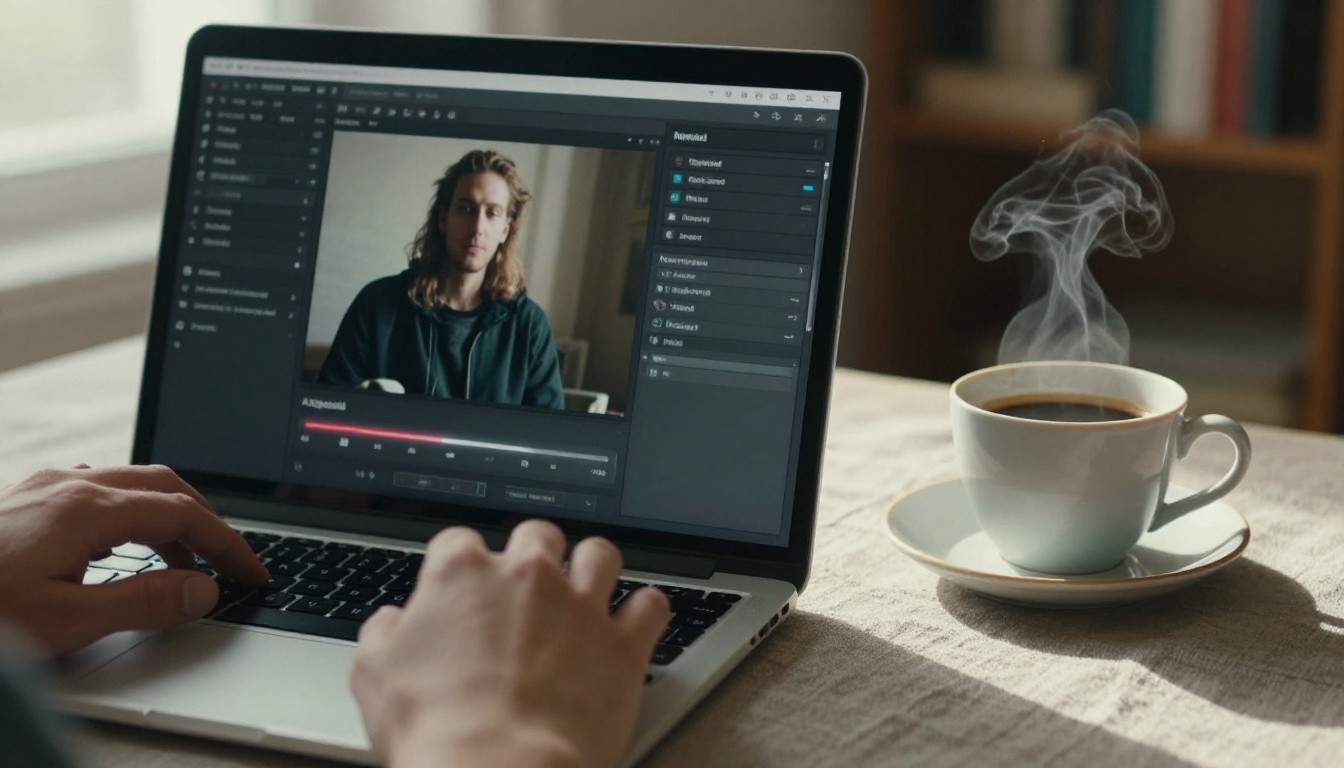
- Visit the model page. For portraits, start at Crystal Upscaler
- Upload your source image in JPEG or PNG format at its original resolution
- Select your upscale factor (2x, 4x, or 6x depending on the model)
- Click generate and wait for processing, typically between 1 and 20 seconds
- Download the result or copy the URL directly for use in your project
For everything other than portraits, start with Clarity Pro Upscaler and compare against Image Upscale by Topaz Labs if you need more aggressive sharpening at larger output sizes.
Settings That Matter Most
Most models on PicassoIA require no configuration beyond the scale factor. Two settings appear across several tools and significantly affect output quality:
Scale factor: 4x is the sweet spot for most use cases. 6x is for specific large-format print needs where every pixel of output resolution matters. Going to 6x on a very small source image can introduce artifacts if the original lacks enough actual detail for the model to reconstruct from.
Noise handling: Some models include a noise reduction strength slider. For clean digital photographs, keep this low. For scanned film, old prints, or high-ISO camera shots, increase it so the model doesn't treat film grain as meaningful detail worth preserving at higher resolution.
💡 Tip: For batch image upscaling across large photo libraries, P Image Upscale is the most practical choice due to its sub-second processing. Run your entire library through it first, then selectively apply heavier models to your hero images.
When 4x Is Enough
The right upscale factor depends entirely on what you're doing with the output. Here's a practical breakdown:
Print vs. Screen Use Cases
| Output type | Recommended scale | Best model |
|---|
| Social media (1080px target) | 2x | P Image Upscale |
| Web display (1920px target) | 2x to 4x | Google Upscaler |
| A4 print at 300 DPI | 4x | Clarity Pro Upscaler |
| Large format print (A1+) | 6x | Image Upscale (Topaz) |
| Portrait retouching delivery | 4x | Crystal Upscaler |
| Product catalog photography | 4x | Recraft Crisp Upscale |
| Archive and photo restoration | 4x | Real ESRGAN |
| Marketing creative content | 4x | Recraft Creative Upscale |
For screen display, 4x almost always produces more resolution than any monitor will actually render. At 2x, most screens cannot distinguish the output from native resolution. The larger scale factors matter only when output goes to print or must withstand extreme close inspection.
6x Upscaling: Worth the Extra Time?
For most workflows, no. The gains from 4x to 6x are visible only at very close viewing distances or very large print sizes. Processing time increases, and on images where the original detail was limited, 6x can introduce slight haloing around sharp edges as the model runs short of real information to work with.
Use 6x specifically for: large-format fine-art prints, billboard-scale output, and archival work where recovering every possible pixel matters.

With nine options, the decision comes down to one question: what is your priority?
Portraits specifically: Crystal Upscaler was purpose-built for faces and it shows in every output.
Maximum resolution (up to 6x): Image Upscale by Topaz Labs is the only option that reaches 6x with genuine quality.
Speed above all else: P Image Upscale processes in under a second, nothing else comes close.
Free with no signup required: Real ESRGAN delivers solid 4x results at no cost and has been battle-tested for years.
Commercial use and licensing: Bria Increase Resolution is built with commercial licensing terms from the ground up.
Creative, richer output: Recraft Creative Upscale adds visual depth that goes beyond the source material.
Product photography and text clarity: Recraft Crisp Upscale wins on edge precision.
Everyday photography, widest input range: Clarity Pro Upscaler handles the broadest variety of photographic inputs with the most natural-looking output.
Team consistency, zero configuration: Google Upscaler gives predictable, production-ready results with no overhead.
Start Creating on PicassoIA
Every model in this article is live and ready to use at picassoia.com. No installs, no GPU, no local dependencies. Pick a blurry photo you've been sitting on, run it through Clarity Pro Upscaler or Crystal Upscaler, and see what the output actually looks like on your own content.
The gap between a borderline-usable image and a print-ready one is often a single upscaling pass. In 2027, that pass takes under 20 seconds.
Browse the full catalog of super-resolution models, image generators, video tools, and more at picassoia.com/en/all-models. Whatever you're working on, the right tool is already there.