The landscape of AI image generation has shifted dramatically in 2027. Models that once struggled to render convincing human faces now produce portraits indistinguishable from studio photography. For creators working in suggestive, glamour, and artistically mature content, the choice of model matters more than ever, since the gap between a convincing, aesthetically rich result and an uncanny, unusable output often comes down to which model you pick and how you prompt it.
This article breaks down the best AI models for NSFW image generation available right now, what each one does well, where each falls short, and how to get the most out of them. Whether you want photorealistic boudoir shots, suggestive glamour portraits, or artistic implied nudity, there is a model built for exactly that.
What "NSFW" Means in AI Art
The Creative Spectrum
The term NSFW spans a wide range. On one end: a woman in a bikini photographed on a beach. On the other: explicit adult material. Most serious AI creators and platforms operate in the middle ground, which means suggestive, glamorous, and artistically mature imagery that is beautiful and provocative without crossing into explicitly sexual territory.
That is the focus here. The models covered in this article excel at the aesthetic end of the NSFW spectrum: realistic skin, natural lighting, confident poses, fabric texture, and the kind of composition that makes a photograph feel alive.
💡 The hardest thing to get right in AI-generated NSFW content is not nudity, it is believable human anatomy, natural skin texture, and coherent fabric physics. These are what separate top-tier models from average ones.
Why Realism Is the Defining Factor
For glamour and suggestive content, realism is everything. An AI portrait that looks like a render fails the moment a viewer notices the smoothed, plastic skin or the finger that bends the wrong way. The models worth your time in 2027 are those that have pushed through the uncanny valley: they render pores, subsurface scattering in skin, natural hair strands, and the micro-wrinkles of fabric under tension.
The technical leap that made this possible was the shift from older diffusion architectures to newer flow-based and hybrid transformer models. The result is a generation of AI tools that can hold anatomical consistency across complex poses without the grotesque distortions that plagued earlier models.
How to Pick the Right Model
Resolution and Skin Detail
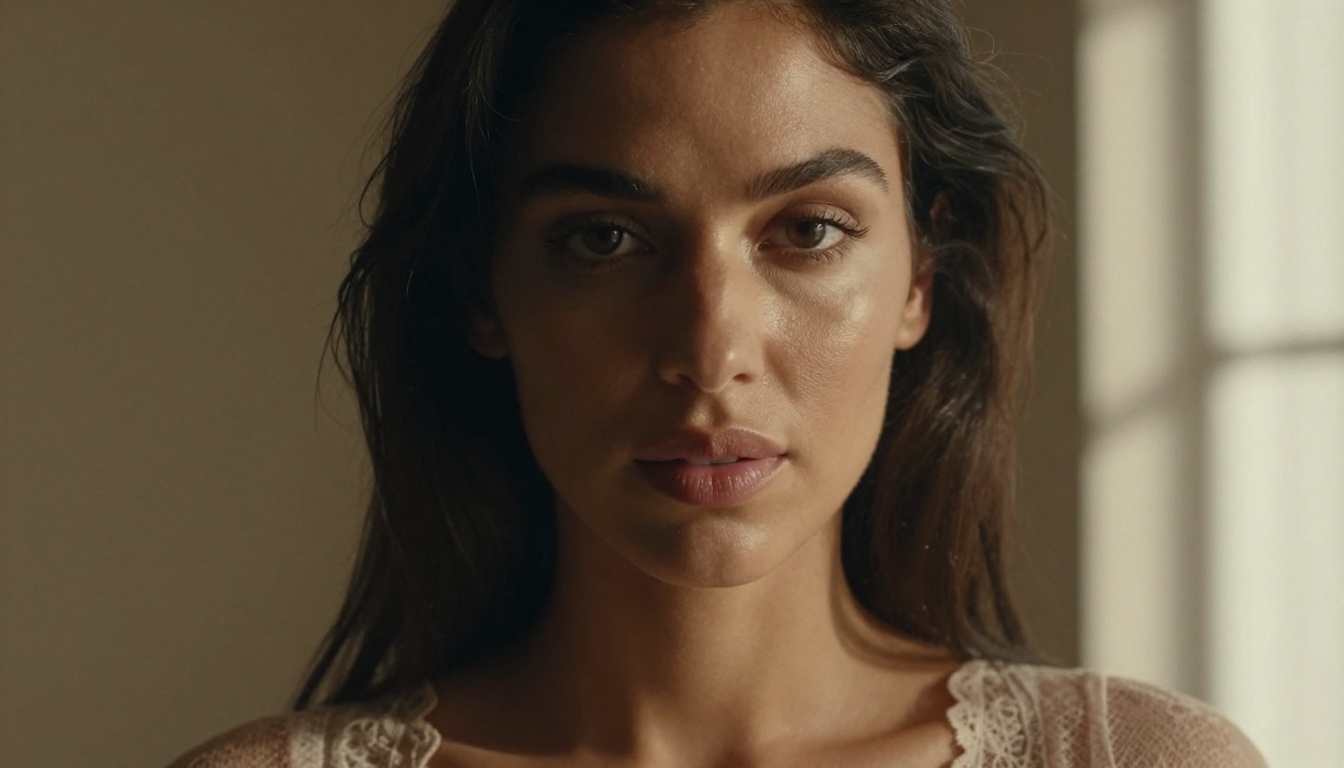
Not all models are equal when it comes to skin. Some produce beautiful compositions but lose detail at the micro level, where pores, fine hair, and natural complexion variations live. For NSFW content specifically, this is where outputs get rejected: smooth, plastic-looking skin reads as artificial immediately.
Models that handle skin well tend to be those trained on large datasets of high-resolution photography with minimal pre-processing. They have learned what real skin looks like, including its imperfections.
Prompt Adherence vs. Creative Freedom
Some models follow your prompt precisely. Others interpret it more loosely, sometimes producing better results than what you asked for, sometimes completely ignoring important details. For NSFW work, prompt adherence matters for specific poses, clothing details, and lighting setups.
Flux-family models tend to have strong prompt adherence. Stable Diffusion variants often offer more creative interpretation, which can be valuable when you want the model to fill in compositional decisions on its own.
Speed vs. Quality
The Flux Family: Still the Benchmark
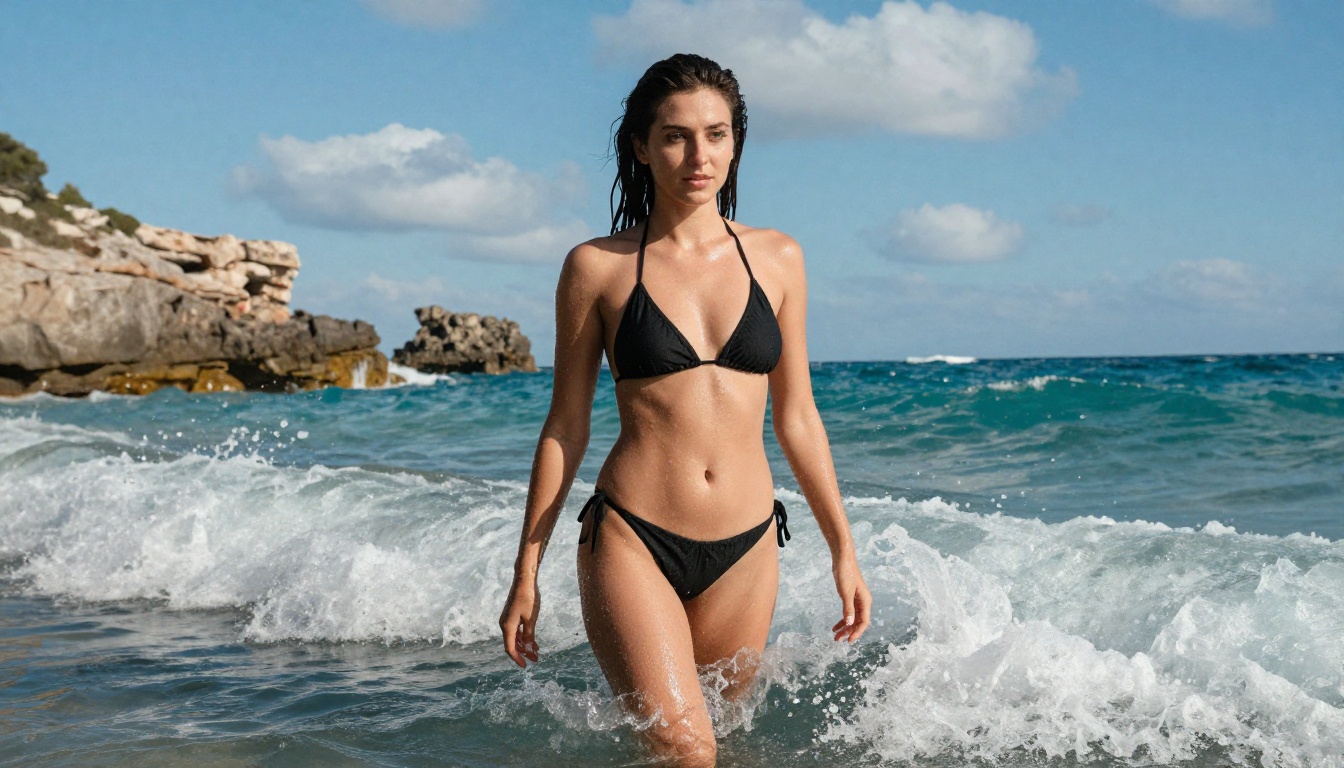
Black Forest Labs built the Flux models from the ground up as a next-generation architecture, and the results show. The entire Flux family produces images with a specific quality of light and skin rendering that has become the industry benchmark for photorealistic human figures.
Flux 1.1 Pro Ultra: The Realism Standard
Flux 1.1 Pro Ultra is the top-tier offering from Black Forest Labs, and for NSFW work, it is the closest thing to having a professional photographer with perfect lighting control. The model handles skin subsurface scattering better than almost anything else available, which means skin looks like skin, not plastic or wax.
What it does well:
- Ultra-high resolution with no degradation at crop level
- Natural fabric physics: silk drapes correctly, lace has visible texture
- Strong anatomical consistency even in complex poses
- Excellent prompt adherence for specific clothing and lighting setups
Where it falls short:
- Slower generation time compared to turbo variants
- Higher cost per generation than entry-level models
For serious NSFW artistic photography output, this is the model to start with.
Flux 2 Pro and Flux 2 Max
Flux 2 Pro and Flux 2 Max represent the latest iteration of the Flux architecture. Both push the envelope on compositional intelligence: the model makes better decisions about framing, depth of field, and figure placement without explicit prompting.
For NSFW content, this matters because it means your prompts can focus on the subject and mood rather than spending tokens on camera instructions. The model already knows that a boudoir portrait benefits from shallow depth of field and soft side lighting.
Flux Dev: The LoRA Powerhouse
Flux Dev is the open-weights version of the Flux model, designed specifically for fine-tuning with LoRA adapters. In the NSFW community, this has made it enormously popular. LoRA models trained on top of Flux Dev allow for consistent character generation, specific body types, and highly specialized aesthetics that base models cannot achieve.
If you need to generate images of a consistent character across multiple scenes, Flux Dev with a character LoRA is your best option.
💡 When using LoRA models on Flux Dev, keep your LoRA weight between 0.7 and 0.9. Going higher often causes the LoRA aesthetics to override natural skin rendering.
Stability AI's Photorealism Lineup
Stability AI's models have been around the longest and have the most mature ecosystem of fine-tunes, embeddings, and LoRAs. For NSFW work specifically, this ecosystem is invaluable.
Stable Diffusion 3.5 Large
Stable Diffusion 3.5 Large is a significant architectural improvement over previous SD versions. The multimodal diffusion transformer at its core handles text prompt interpretation far better than SD 1.5 or SDXL, which means you get what you ask for more reliably.
For NSFW work, the improvement in anatomy is the headline feature. SD 3.5 Large rarely produces the broken fingers, merged limbs, or distorted torsos that plagued earlier versions. Combined with negative prompting, it produces clean, professional-grade outputs.
Parameters for NSFW work:
- CFG Scale: 5.0 to 7.0 for natural results
- Steps: 28 to 35 for best quality
- Negative prompt: always include standard anatomy correction terms
SDXL and Its Fine-Tune Ecosystem
SDXL remains one of the most versatile platforms for NSFW content specifically because of the enormous number of fine-tunes built on top of it. While the base model alone is capable, the real power comes from community-trained checkpoints focused on photorealism, specific aesthetics, and mature content.
DreamShaper XL Turbo is among the most popular SDXL-based fine-tunes for glamour and artistic content. It has been specifically trained to balance stylization with anatomical accuracy, and it produces consistently attractive results with shorter, less complex prompts.
The Realism Specialists
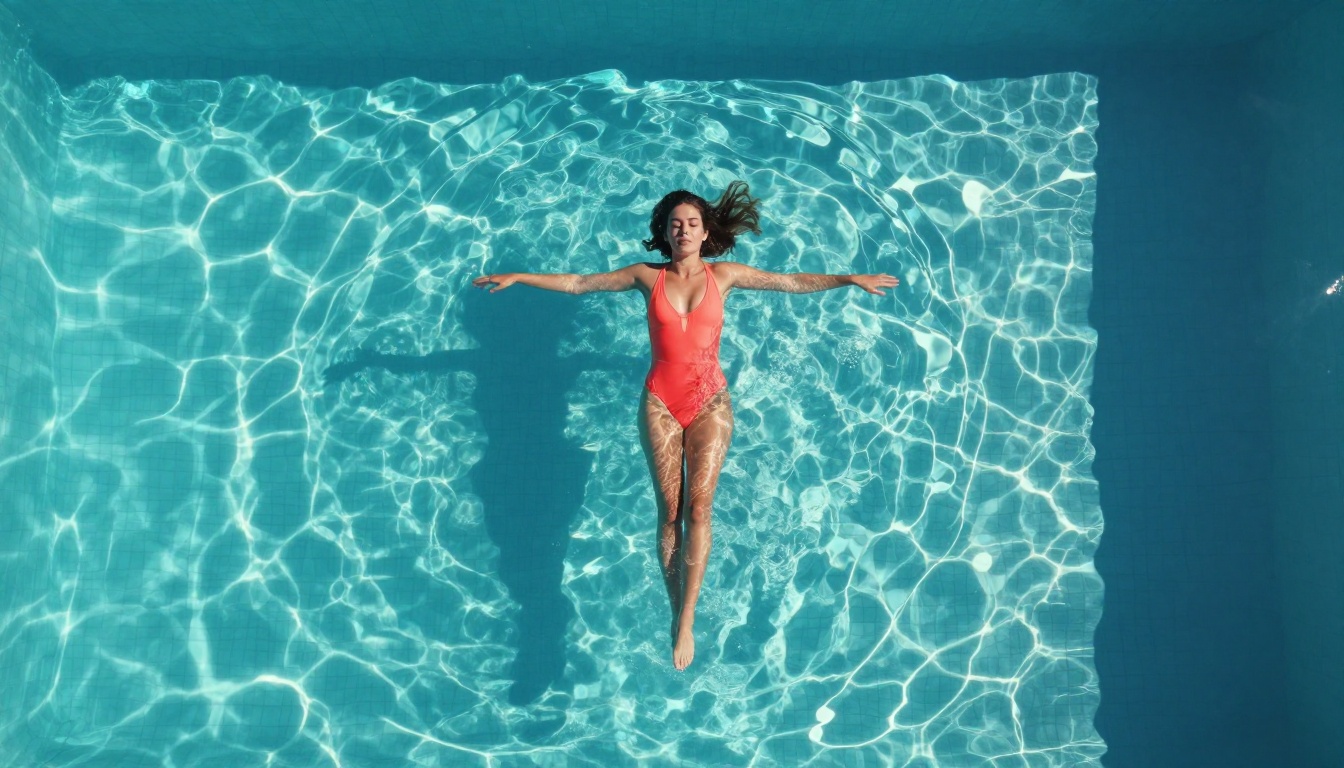
Some models were built specifically with photorealistic human figure generation as their primary goal. These models are not general-purpose; they are optimized for producing convincing portraits and figure shots.
RealVisXL v3.0 Turbo: The Portrait King
RealVisXL v3.0 Turbo has earned its reputation as one of the best portrait generators available. The model was trained primarily on high-resolution portrait photography with careful attention to skin, hair, and facial features.
For NSFW glamour photography, it consistently delivers:
- Natural skin tone gradients across lighting conditions
- Coherent facial features even at high detail levels
- Believable eye rendering with proper catchlights
- Hair that looks like individual strands rather than a painted mass
The "Turbo" variant maintains most of this quality at significantly faster inference speeds, making it practical for iterating through multiple compositions.
Realistic Vision v5.1
Realistic Vision v5.1 takes a different approach, emphasizing cinematic photography aesthetics over pure portrait accuracy. The results have a warm, filmic quality that many creators prefer for suggestive and glamour content over the more clinical accuracy of some competing models.
Think of it as the difference between a digital photo and an analog film scan. Realistic Vision outputs have that slight grain, those rich shadows, and the natural color science that makes images feel like they were actually taken, rather than generated.
Proteus v0.3: Stylized and Versatile
Proteus v0.3 occupies a unique space. Where most realism-focused models try to match photographic accuracy, Proteus leans into a heightened aesthetic that is more attractive and idealized than strict realism, while still maintaining enough anatomical coherence to feel plausible.
For creators making glamour content where the goal is beauty rather than documentary realism, Proteus often produces more consistently striking results than pure photorealism models.
Newcomers Changing the Field
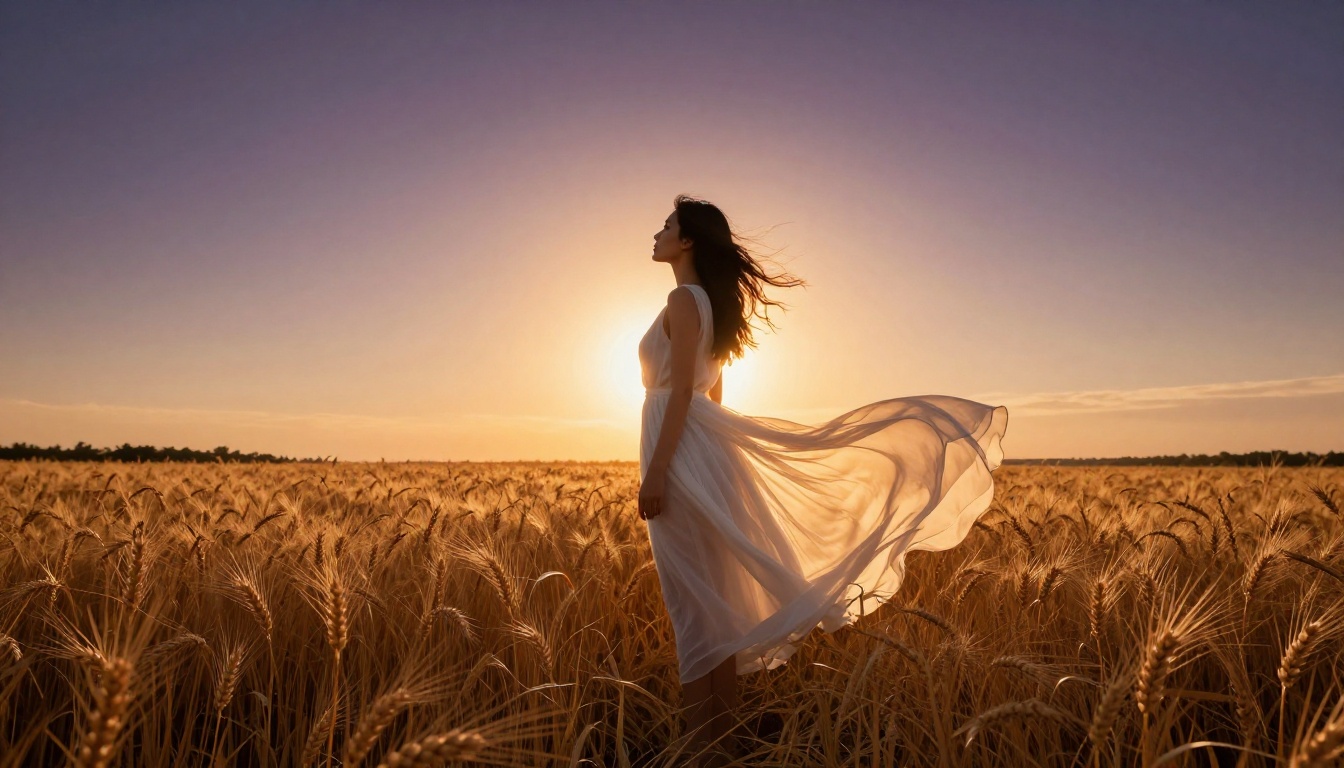
2027 has brought several genuinely new architectures into the picture. These are not incremental improvements on existing models; they represent different approaches to image synthesis that have meaningful implications for NSFW work.
Seedream 4 by ByteDance
Seedream 4 came out of ByteDance's research division and immediately impressed with its compositional intelligence. The model has strong training in interpreting body language and poses described in text, which makes it particularly useful for specific scene setups like "lounging on a chaise in afternoon light" or "standing at the window in rain."
Where some models interpret pose descriptions loosely, Seedream 4 tends to grasp the implied geometry of a described scene and construct it correctly.
GPT Image 1.5
GPT Image 1.5 from OpenAI brings a fundamentally different training approach to the table. Built on top of OpenAI's vision and language research, it has an unusually strong grasp of context and scene description. For suggestive rather than explicit content, this makes it effective for complex atmospheric setups where the mood and environment matter as much as the subject.
It is more conservative in its interpretation of mature prompts than models specifically trained for the space, but within those constraints it produces polished, professional-quality outputs with strong compositional sense.
Ideogram v3 Quality
Ideogram v3 Quality brings high aesthetic design sensibility to the photorealism space. Originally known for its text rendering capabilities, Ideogram's v3 generation has moved strongly into photorealistic human figures. The model has a distinct "premium" quality to its outputs, with rich color science and a sense of intentional composition that makes results feel crafted rather than generated.
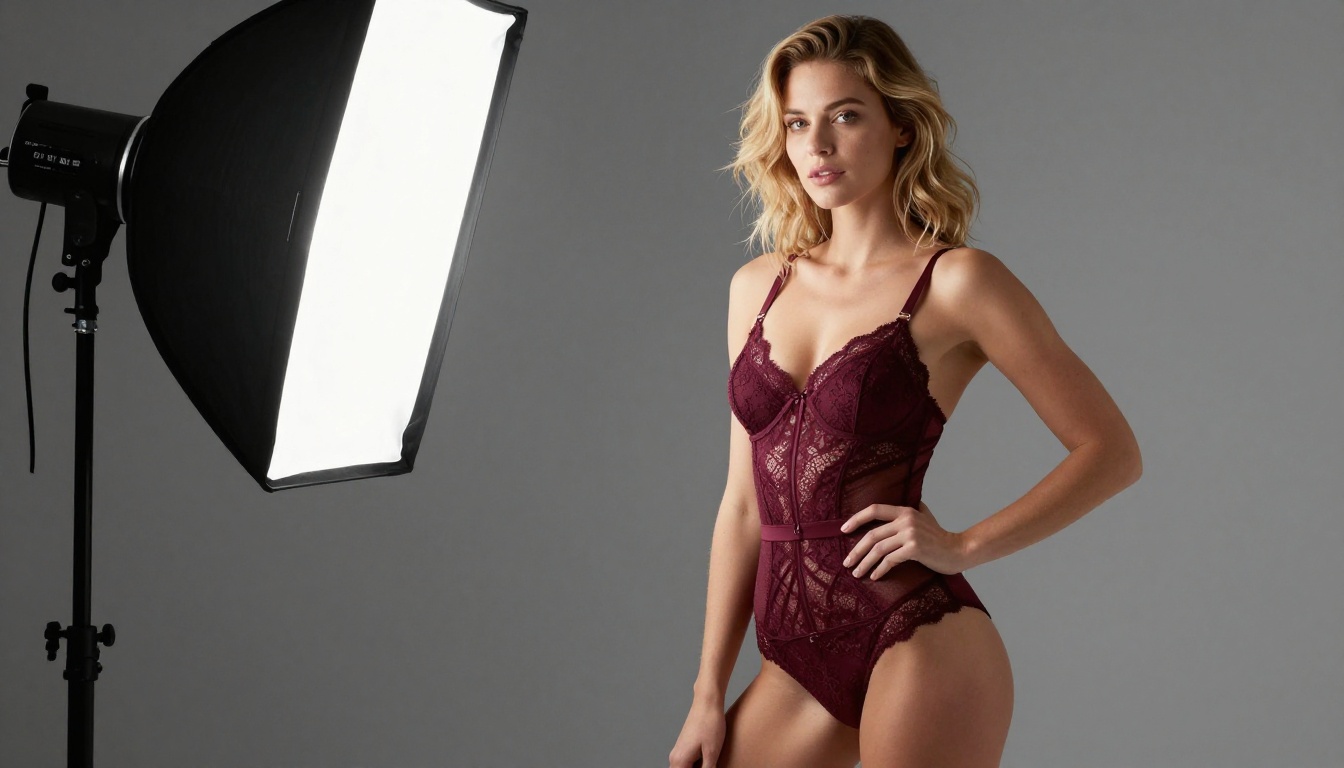
Full Model Comparison
How to Use Flux 1.1 Pro Ultra on PicassoIA
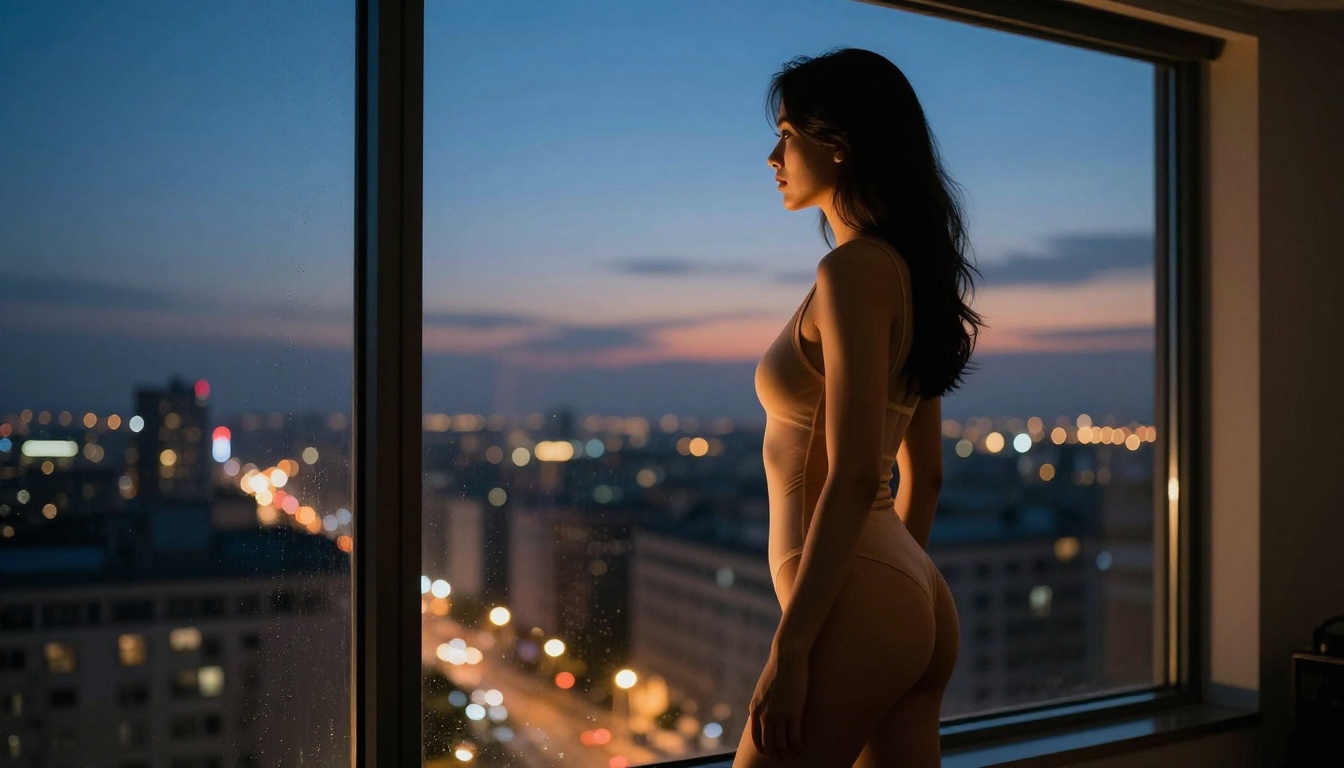
Flux 1.1 Pro Ultra is available directly on PicassoIA, and getting the best results from it for NSFW content requires knowing a few specifics about how the model interprets prompts.
Step-by-Step Workflow
Step 1: Start with the subject. Describe your subject first, before lighting or setting. Flux Pro responds well to subject-first prompting. Example: "A woman with dark brown hair, athletic build, wearing a silk robe that has slipped off one shoulder..."
Step 2: Add environmental context. After the subject, describe the setting and time of day. Flux Pro uses this to determine overall lighting direction: "...in a modern hotel room at dusk, city skyline visible through floor-to-ceiling windows..."
Step 3: Specify the camera. Flux Pro has trained on vast amounts of photography metadata. Specifying a lens and aperture meaningfully changes the output: "...shot on a Canon EOS R5 with 85mm f/1.4 lens, shallow depth of field, natural ambient light only..."
Step 4: Add texture and mood qualifiers last. "...Kodak Portra 400 film grain, warm shadows, photorealistic 8K, high detail in fabric and skin texture."
Parameters to Set
- Aspect ratio: 16:9 for cinematic widescreen, 3:4 for portrait and figure shots
- Guidance scale: Keep between 3.5 and 5.0 for natural results. Higher values produce more prompt-accurate but less natural-looking outputs.
- Steps: Default 25 steps is usually sufficient. Pushing to 35 adds detail but rarely changes composition.
💡 For boudoir and intimate content, the phrase "natural ambient light only" in your prompt dramatically reduces the chance of artificial-looking studio lighting that breaks the intimate mood.
Prompts That Actually Work
The difference between a mediocre and a stunning NSFW image often comes down to prompting rather than model choice. These principles apply regardless of which model you use.
Lighting Is the Most Important Variable
Bad lighting ruins a technically perfect output. Always specify:
- Direction: "soft morning light from the left window"
- Quality: "diffused, no hard shadows"
- Color temperature: "warm 3200K incandescent tone"
- Secondary fill: "cool blue ambient fill from the right"
Describe the Camera, Not Just the Subject
AI models trained on photography metadata respond to camera specifications. Instead of "beautiful woman," write "portrait of a woman, Canon EOS R5, 85mm f/1.4, shallow depth of field, Kodak Portra 400 film grain."
What to Avoid in Prompts
- Vague adjectives: "sexy," "attractive," "beautiful" add little. Describe the specific visual elements that create that feeling.
- Too many negatives: Negative prompts work best when specific. "no deformed hands" outperforms a long list of anatomy corrections.
- Conflicting style tags: Do not mix "photorealistic" with "cinematic" and "oil painting." Pick one visual language.
Words Worth Adding to Any Prompt
photorealistic, natural skin texture, subsurface scattering, volumetric light, cinematic depth of field, film grain, medium format, editorial photography, ambient light only, RAW photography style all signal to the model that you want a realistic photographic aesthetic rather than a stylized AI look.
Start Creating on PicassoIA
Every model discussed in this article is available to use right now on PicassoIA. Whether you want to test Flux 1.1 Pro Ultra for professional-grade portraits, work through rapid iterations with RealVisXL v3.0 Turbo, or build something truly custom with Flux Dev and a LoRA, the platform puts all of it under one roof.
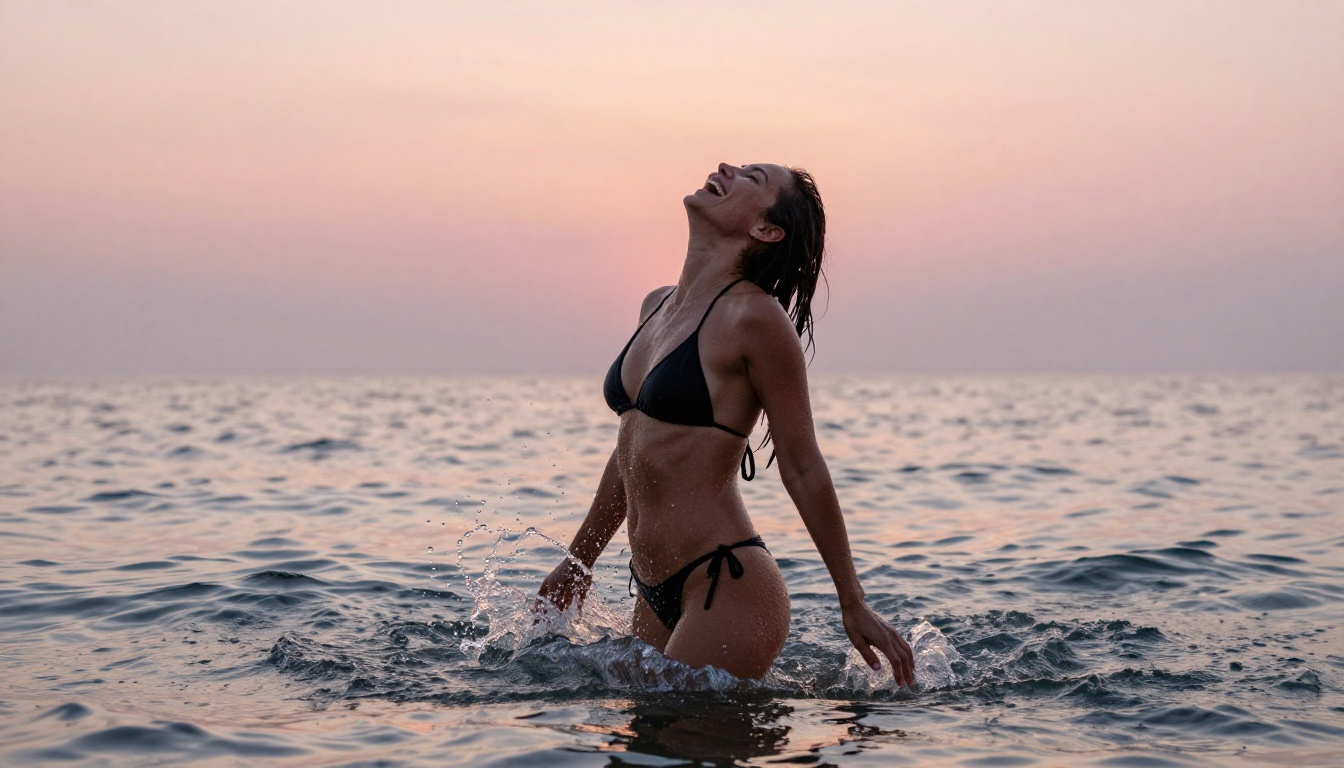
The images throughout this article were generated with carefully crafted prompts focused on photographic realism: specific lighting conditions, named camera lenses, film stock simulations, and precise subject descriptions. That level of control is available to you from your first generation.
Start with Flux 1.1 Pro Ultra if quality is your priority. Start with Flux Schnell if you want to iterate fast. Start with Realistic Vision v5.1 if you prefer a warm, filmic analog aesthetic. All three are waiting for your first prompt.
The only thing left to do is try.


