Product photography is one of the most overlooked conversion levers in e-commerce. Studies consistently show that 83% of online shoppers say product images are more influential than product descriptions when making a buying decision. Yet most small and medium sellers still rely on rushed phone photos or expensive studio sessions that eat into margins.
AI changes the math entirely.
Whether you sell on Shopify, Amazon, Etsy, or your own storefront, the best AI tool for product photography and e-commerce can replace a $3,000 studio day with a generation session that costs a fraction of that, and often produces sharper, more flexible, and more consistent results.
This article breaks down exactly which AI tools and models perform best for product photography, what they are good at, and how to use them to build a visual catalog that actually sells.
Why Product Photos Are Worth Obsessing Over
The real cost of bad images
A blurry product image does not just look unprofessional. It actively destroys trust. Shoppers who cannot see what they are buying do not buy. On Amazon, products with white-background main images consistently outperform those without. On Instagram Shopping, pixelated thumbnails get scrolled past in milliseconds.
The math is brutal: a modest monthly subscription to an AI image platform pays for itself the moment it saves you one studio booking.
Bad product photography also creates downstream costs:
- Higher return rates from customers who feel the product looked different online
- Lower click-through rates on paid ads
- Lower placement in Amazon's A9 algorithm, which factors in image quality signals
- Reduced trust on social media where visual quality is the first credibility signal
What buyers actually look at
Eye-tracking studies on e-commerce sites show shoppers spend 67% of their attention on product images and only 16% on product descriptions. They zoom in on texture, look at edges for quality signals, and compare lighting between images to build mental confidence before adding to cart.
This is precisely where AI models trained on commercial photography excel. They do not just generate images. They generate images that look like they were shot by a professional, because they are trained on millions of professional photographs.

What AI Does That a Studio Cannot
No equipment, no scheduling, no overhead
A traditional product photo session involves renting or owning a studio space, buying lighting equipment, hiring a photographer, and scheduling time. A single session for a catalog of 20 products can easily cost $800 to $2,500 in a mid-tier market.
With AI image generation, you describe the product, the surface, the lighting, and the background. In seconds, you have multiple variations. You pick the best ones and move on.
💡 The real advantage is not just speed. It is iteration. With AI, you can try 40 background variations in the time it takes to set up a single studio shot.
Infinite background variations
One of the most commercially valuable capabilities AI brings to e-commerce photography is instant background swapping. AI generation lets you test:
- Pure white backgrounds for marketplace compliance (Amazon, eBay, Google Shopping)
- Lifestyle backgrounds that show context (your skincare product on a marble bathroom shelf)
- Seasonal backgrounds for campaigns (holiday, summer, back-to-school)
- Brand-specific color gradients for social media and ad creatives
This is not a minor feature. It is a strategic advantage that traditional photography simply cannot match at the same speed and cost.

The Top AI Models for Product Images
Not every AI image model is built for commercial photography. Some are optimized for art and illustration. Others for speed. The models below consistently produce the most commercially usable results for product photography.
Flux 1.1 Pro Ultra: the photorealism standard
Flux 1.1 Pro Ultra from Black Forest Labs sits at the top of photorealistic image generation benchmarks. For product photography, its ability to render glass surfaces, metallic textures, and fabric materials with accurate specular highlights is difficult to beat.
It handles fine detail at high resolution without the characteristic softness you see in lesser models. A perfume bottle on marble, earrings on black velvet, a folded jacket on a neutral surface: Flux 1.1 Pro Ultra renders these with the kind of micro-detail that passes as real photography on a product listing page.
Best for: Luxury goods, cosmetics, electronics, jewelry.
GPT Image 1.5: instruction-following for commercial work
GPT Image 1.5 from OpenAI brings something different: it follows complex multi-part prompts with remarkable fidelity. For e-commerce, this means you can describe a product scene in precise commercial terms, such as "matte white ceramic mug on brushed concrete surface, single overhead softbox, pure white background, shadow falls left," and get exactly that.
This model is particularly useful when you are producing catalog consistency across many products. Because it follows instructions precisely, you can use a template prompt and swap only the product description, keeping backgrounds, lighting conditions, and surface materials identical across the entire catalog.
Best for: Catalog consistency, multi-product shoots, marketplaces requiring specific image formats.
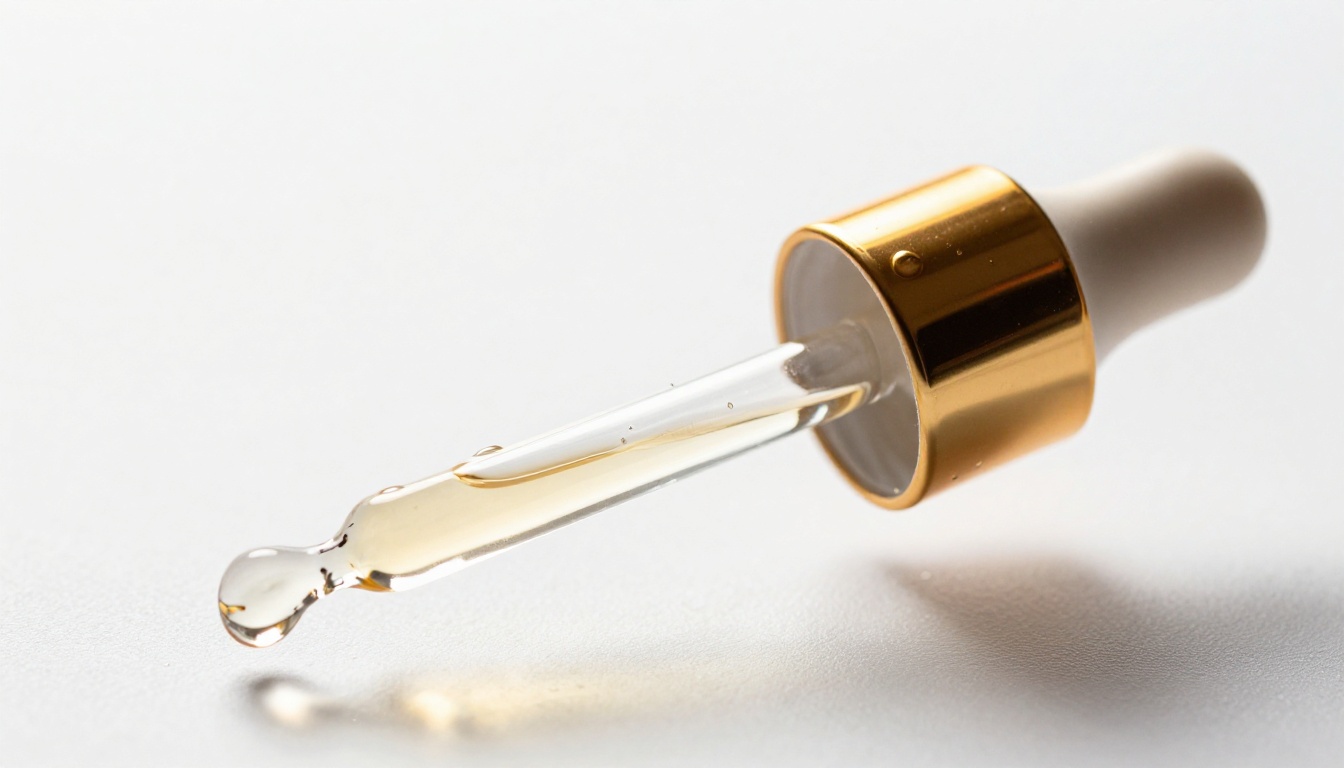
Recraft V4 Pro: when resolution matters
Recraft V4 Pro produces some of the highest native resolution outputs available in text-to-image generation. For products that will appear in print catalogs, lookbooks, or large-format banners, this matters more than speed.
It also has exceptional color accuracy. Fashion and lifestyle brands that need their brand colors precisely rendered, not approximated, find Recraft V4 Pro consistently delivers accurate hue reproduction.
Best for: Fashion, print catalogs, brand-critical color accuracy.
Imagen 4: precision rendering for complex scenes
Google's Imagen 4 excels at compositional precision and lighting physics. When you describe directional light sources, reflections, shadows, or depth of field in a prompt, Imagen 4 renders these with more physical accuracy than most competing models.
For products where lighting is everything, such as skincare, glass, ceramics, and premium electronics, that physical accuracy translates directly into images that look expensive without being expensive.
Best for: Lighting-critical products, glass and reflective materials, premium brand aesthetics.

Background Removal Changes Everything
One click, clean product
Background removal is one of the highest-ROI operations in e-commerce image processing. Amazon requires white backgrounds on main product images. Google Shopping surfaces white-background images with higher click rates. Etsy listings with isolated product shots consistently outperform lifestyle-only images in direct click studies.
Bria's Remove Background model processes images with edge accuracy that outperforms most consumer tools. It handles:
- Hair and fur edges where clipping masks traditionally fail
- Transparent and semi-transparent objects like glass bottles and mesh fabrics
- Complex product shapes with multiple overlapping outlines
- Fine product details like jewelry chains, sheer fabrics, and product text
The output is a clean PNG with no fringe artifacts, no missed corners, and no manual cleanup required. For sellers processing hundreds of SKUs, this alone justifies using an AI platform.
White backgrounds that actually convert
There is a meaningful difference between a product image on a grey background and one on a true clean white. The white background creates a perception of premium quality and professionalism that grey or off-white backgrounds do not achieve.
After removing a background with AI, you can also use Bria's Increase Resolution to sharpen the isolated product before placing it on a new scene or background, ensuring the final composite looks seamless.
💡 Pro tip: After removing the background, use AI image generation to place your product in a lifestyle scene. You get both a clean white-background version and a contextual lifestyle version from the same original image, two assets from one operation.
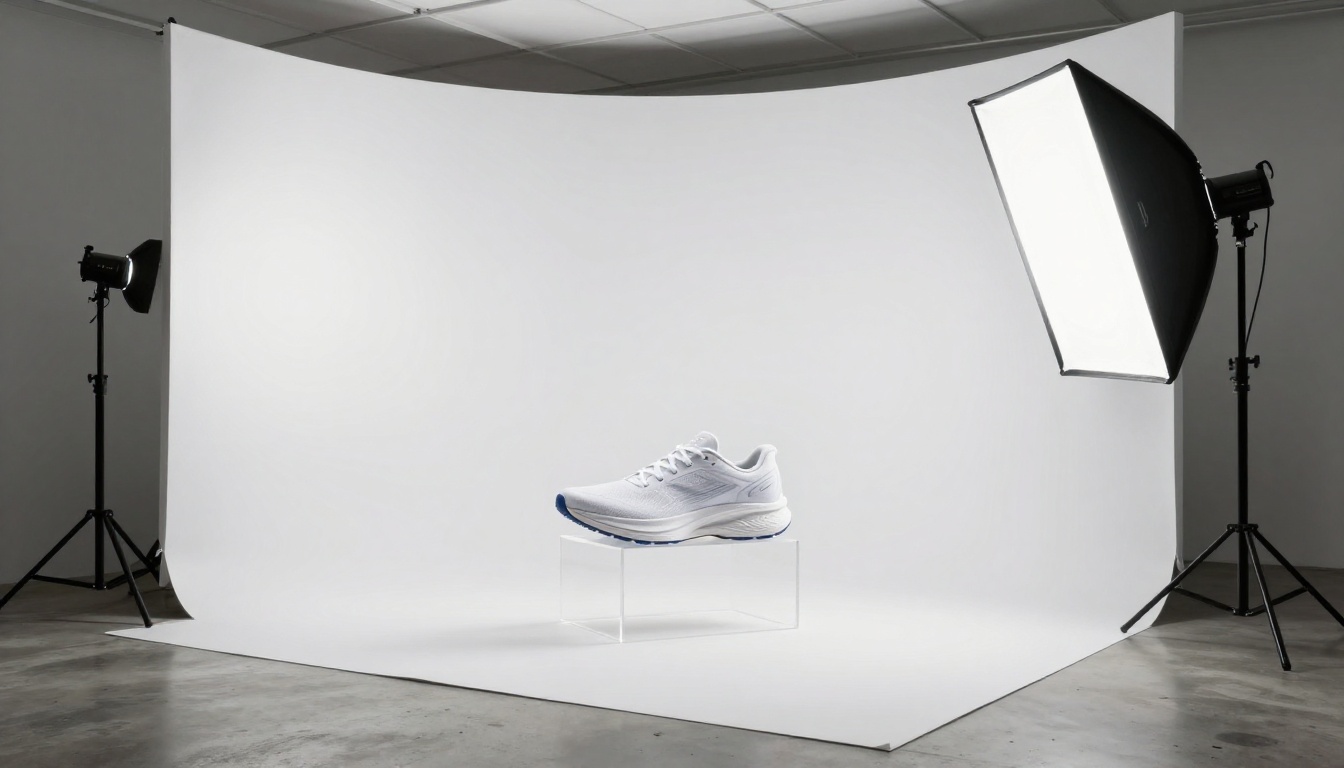
Upscaling Product Images Without Retouching
Why AI upscaling matters for sellers
Not every product image starts at high resolution. Some come from supplier photos, older shoots, or quick phone captures. Publishing low-resolution images on a product listing destroys trust and, on Amazon, can result in listing flags.
AI super-resolution does not just interpolate pixels. Modern models like Real-ESRGAN use convolutional neural networks trained on millions of image pairs to recover realistic texture detail that was not in the original file. A 500px image of a leather wallet, when processed with Real-ESRGAN, gains leather pore texture, stitching detail, and surface depth that was simply not captured in the original photo.
Models built for commercial sharpness
Topaz Labs Image Upscale is the professional-grade option for sellers who need print-quality results. It is the same technology used by professional photographers and filmmakers, now accessible via PicassoIA without any software installation.
For e-commerce, the specific advantages are:
- 2x to 4x upscaling without quality loss
- Artifact removal that cleans up JPEG compression visible in product images
- Edge sharpening that makes product outlines crisp at any zoom level
Recraft Crisp Upscale is a faster alternative optimized for clean-edge images, ideal for product photography where sharp product boundaries matter more than organic texture recovery.
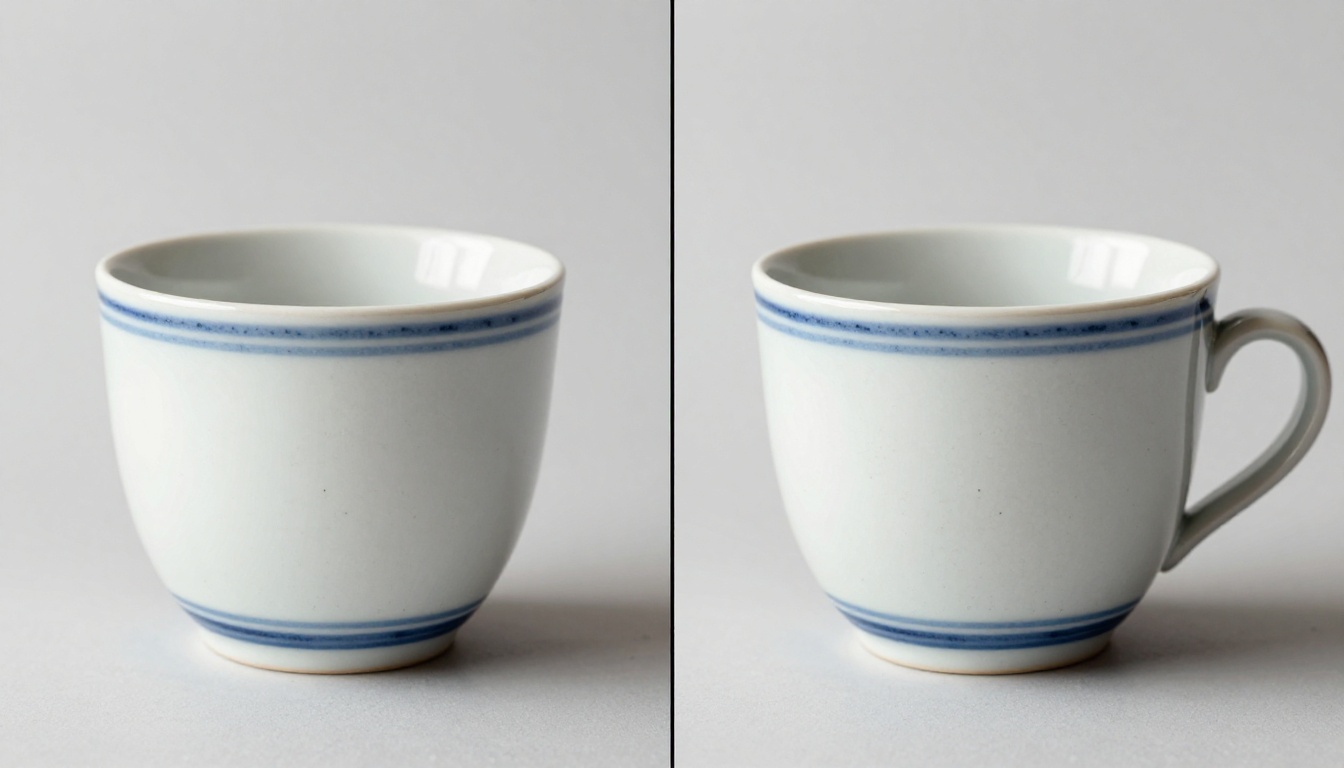
How to Use Flux Kontext Pro for Product Editing
Flux Kontext Pro is one of the most powerful tools in a product photographer's AI toolkit. It is a text-based image editing model, meaning you upload an existing product image and describe the change you want in plain language. The model makes that change while preserving everything else about the product.
Changing backgrounds with text instructions
The workflow is straightforward:
- Upload your product image (a phone photo or existing studio shot both work)
- Describe the new background in your prompt: "Place this product on a white marble surface with soft window light from the left"
- Run the generation and Flux Kontext Pro repositions the product seamlessly into the described scene
- Iterate freely: "Now try it on a dark slate surface with a single overhead spotlight"
The model preserves the product's form, color, and surface detail while replacing only the environment around it. Unlike a background removal tool, it also adapts the lighting and shadows to match the new environment, which is what makes the result look believable rather than composited.
Tips for consistent product results
- Use the same prompt structure for every product in a catalog to maintain visual consistency
- Specify shadow direction explicitly for physical believability ("shadow falls soft to the right at 30 degrees")
- Mention surface materials in detail for accurate reflections ("polished black granite counter with faint product reflection")
- Run multiple variations per product and select the best, rather than relying on a single generation
💡 For Shopify sellers: Use Flux Kontext Pro to generate both a white-background compliance image and a lifestyle scene image from the same original product photo. One input, two outputs, both ready to upload.
Flux Kontext Max offers the same capability at higher fidelity for products where micro-detail preservation in editing is critical, such as watches, electronics with screen content, or products with fine-print labels.
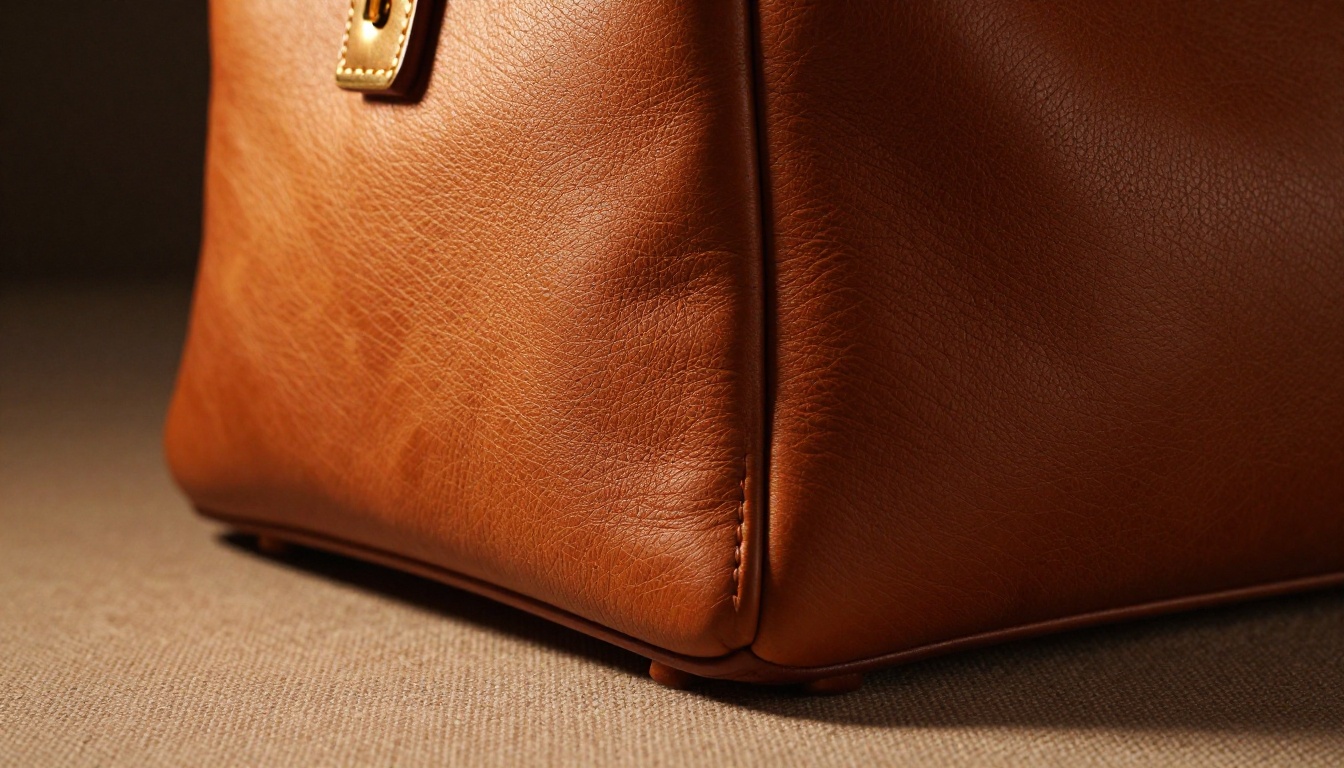
What Separates Good AI Product Images From Bad Ones
Lighting that sells
The single biggest quality signal in product photography is lighting. Natural-looking directional light with proper shadow behavior communicates that an image is real, professional, and trustworthy.
When prompting AI models for product shots, always include these lighting details:
- Light source direction: "volumetric morning light from upper left"
- Shadow behavior: "soft graduated shadow falling right, no hard edges"
- Specular control: "controlled single specular highlight on glass surface, not overblown"
- Fill ratio: "subtle fill from the right, ratio approximately 3:1"
These instructions steer models toward images that look like a real photographer set the scene, rather than the generic flat-lit smoothness that marks low-effort AI images.
Angles that work on mobile
Over 79% of e-commerce traffic now comes from mobile devices. This changes how product images should be composed. On a phone screen:
- Eye-level and slightly elevated shots outperform aerial flat-lays in click-through rates
- Tight product-fills-frame compositions outperform wide shots with lots of empty space
- 16:9 crop ratios work well across both desktop product pages and social media feeds
When specifying angles, think about how the image will crop as both a square Instagram tile and a horizontal Amazon listing simultaneously. The best AI-generated product images are composed to work in both contexts.
AI for Product Image Restoration and Catalog Refreshes
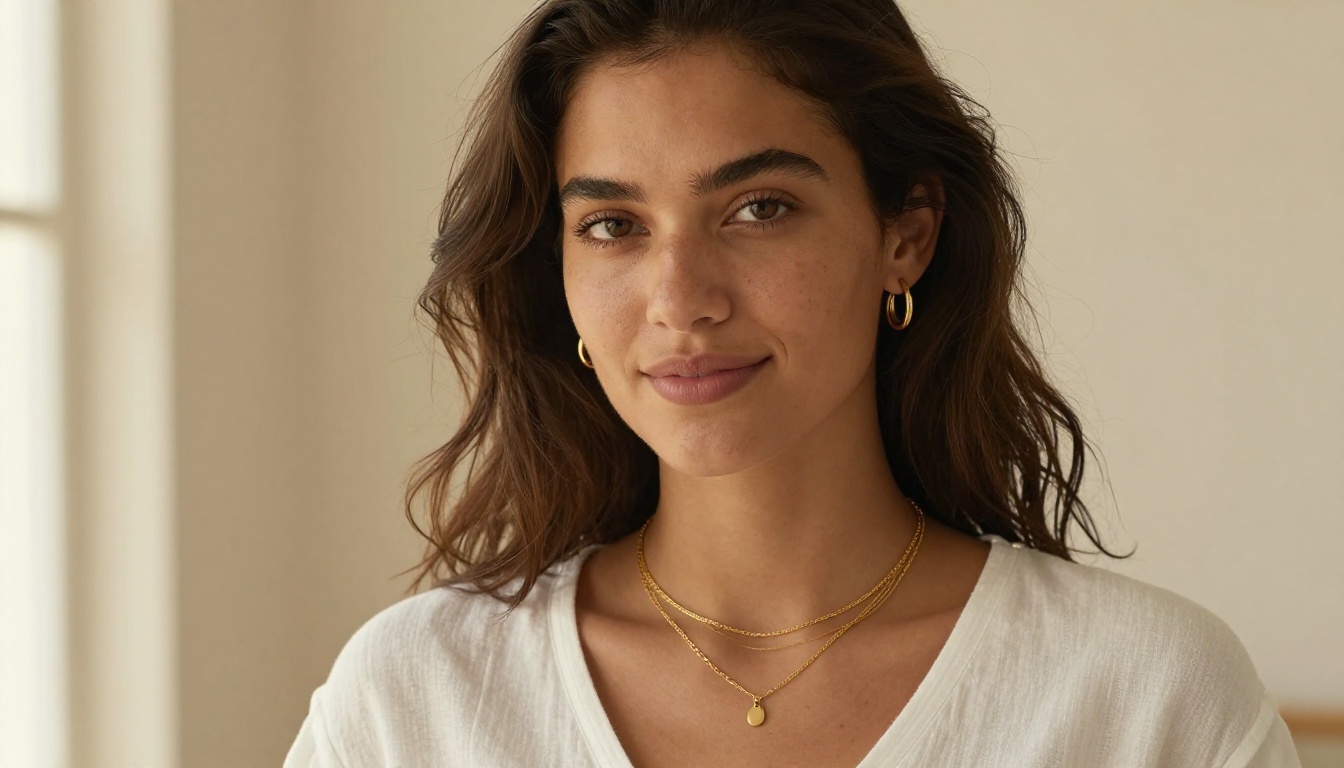
If you have older product images from previous shoots that are compressed, stylistically inconsistent, or simply outdated, AI image generation via Stable Diffusion 3.5 Large or Flux Dev can regenerate product imagery that matches a modern visual identity, without reshooting a single product.
For sellers migrating to a new brand identity, or launching a rebrand mid-season, this is one of the most time-efficient applications of AI in e-commerce. Describe your new visual standards in a prompt template, apply it across all existing products, and your entire catalog looks cohesive in hours rather than weeks.
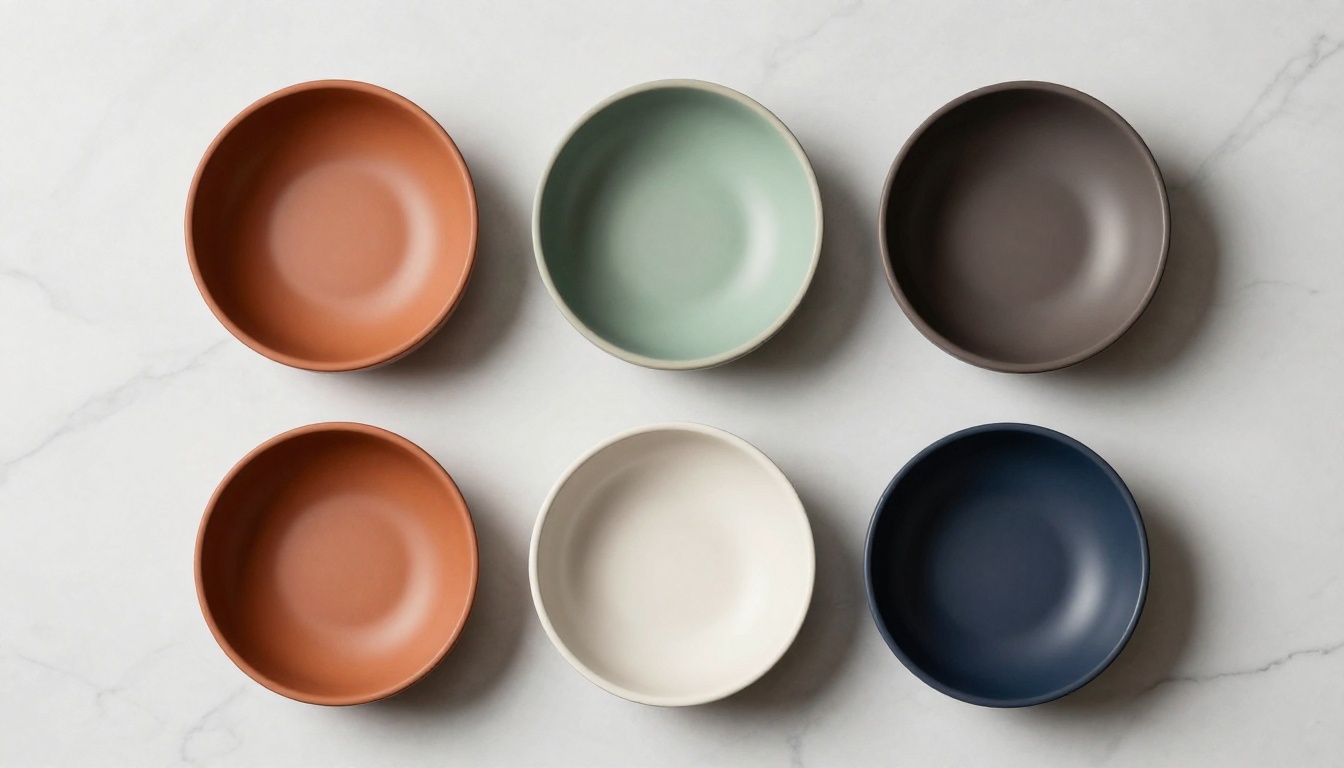
Seedream 4 is also worth noting here for its ultra-high-resolution native output, which makes it particularly strong for generating hero images that need to be large enough for billboard-scale print without AI artifacts.
Start Generating Your Own Product Photos
The gap between sellers who use AI for product photography and those who do not is already significant. Every month it widens.
Every tool described in this article is available on PicassoIA: Flux 1.1 Pro Ultra, GPT Image 1.5, Recraft V4 Pro, Imagen 4, Flux Kontext Pro, Remove Background, Real-ESRGAN, and Topaz Labs Image Upscale, all in one platform with no software to install.
Pick one product. Write a detailed scene description. Run it through Flux 1.1 Pro Ultra. Compare the result to what you are currently using on your listing.
The difference is usually immediate. And once you see it, going back to anything else stops making sense.


