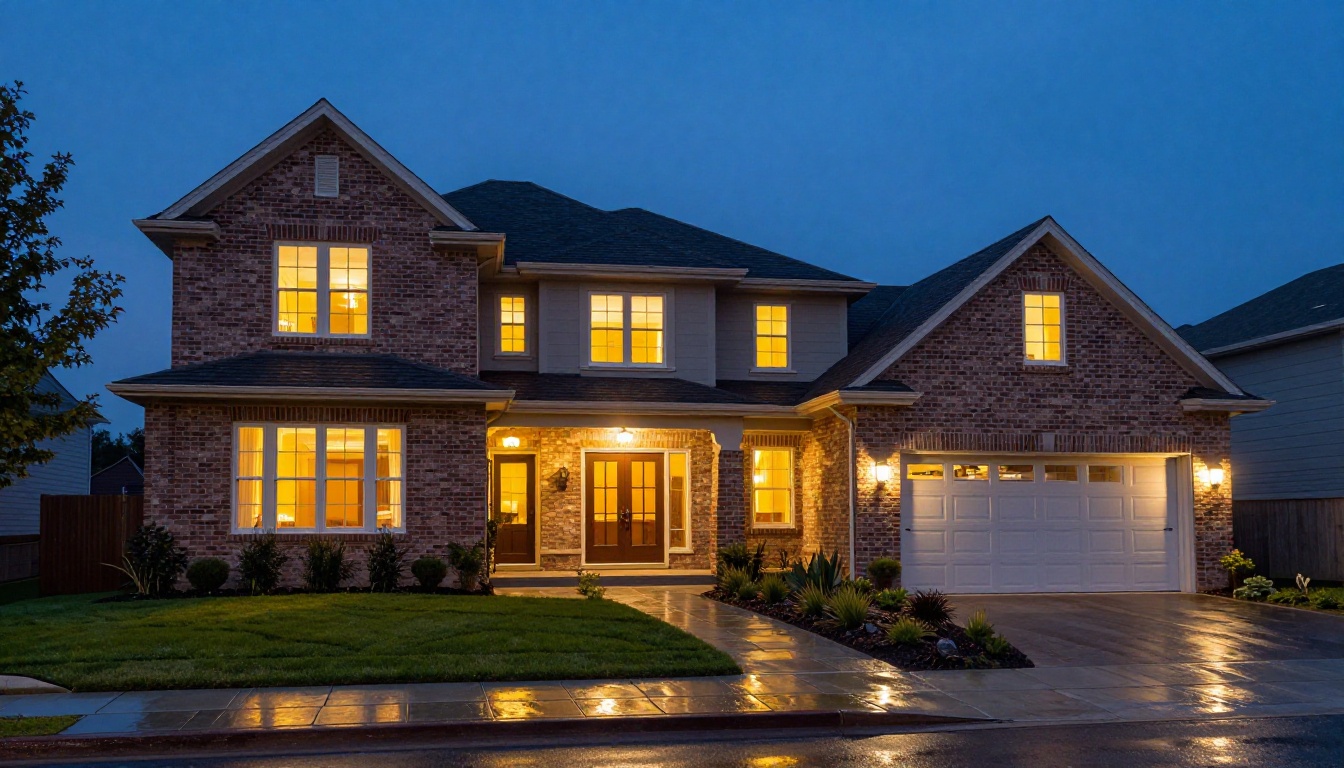
Real estate photography shapes buyer decisions before a single showing is scheduled. A listing with sharp, bright, well-exposed photos generates up to 118% more online views than one with average images, according to data compiled by the National Association of Realtors. Yet most properties are photographed under imperfect conditions: overcast skies, harsh midday sun, cluttered rooms, and wide-angle lenses that distort proportions. That gap between the raw shot and the polished listing photo used to require a skilled retoucher and several days of turnaround. Today, AI closes that gap in seconds.
The best AI tools for real estate photo editing do not just apply a filter. They analyze each image and make context-aware decisions: boosting window luminosity without destroying the exterior view, replacing a dull grey sky without disturbing the roofline, sharpening architectural details while preserving natural textures. This article breaks down every tool worth using in 2027, explains exactly what each one does, and shows you where to access them on PicassoIA without installing any software.
Why Listing Photos Drive Buying Decisions
Property photos are not optional marketing material. They are the first and sometimes only interaction a buyer has with a property. According to Redfin data, homes with professional, improved photos sell for an average of $3,400 to $11,200 more than comparable listings with basic photography. On the rental side, properties with high-quality images fill 30% faster.
The economics are simple: a bad photo makes a $500,000 home look like a $350,000 home. A well-edited photo makes that same property look worth every dollar of the asking price.
What Buyers Notice in the First 3 Seconds
Eye-tracking studies on real estate listing pages show that buyers look at the primary listing photo for an average of 2.8 seconds before deciding to scroll or click. In that window, they process three things:
- Light quality: Is the room bright and airy or dark and cramped?
- Space perception: Does the room feel large and well-proportioned?
- Condition: Does the property look well-maintained and move-in ready?
AI photo editing tools directly address all three. Exposure correction and HDR blending make rooms appear brighter and more spacious. Sky replacement adds drama and openness to exterior shots. Background cleanup and object removal make interiors look staged and pristine without a professional stager ever stepping foot in the property.
What Buyers Notice Before the Price
It sounds counterintuitive, but buyers form an emotional impression of a property before they read the price. The photo triggers a gut feeling, "I could live here" or "this looks run-down," that shapes how they interpret every other detail on the listing. AI-edited photos do not just make properties look better. They change the emotional context in which buyers receive all other information about the home.
The 7 Photo Problems AI Solves in Seconds
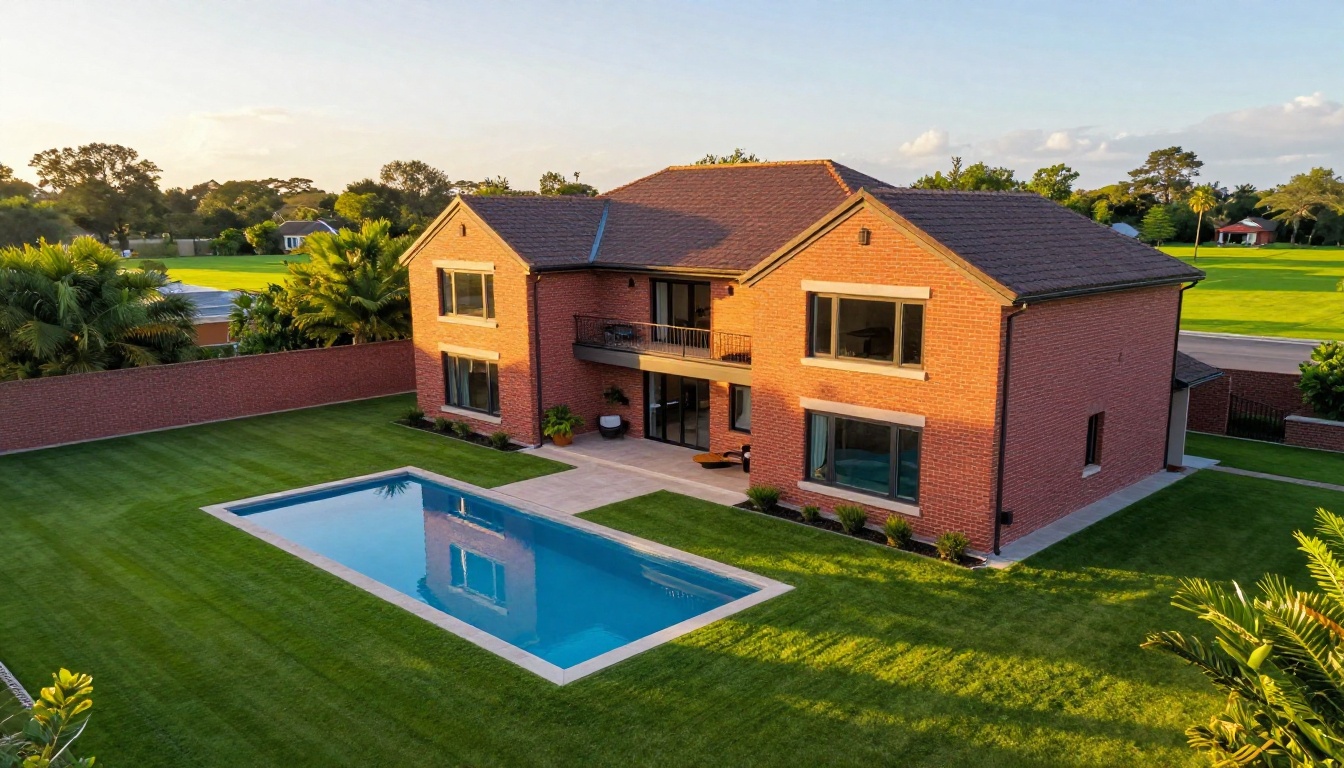
Most real estate photography problems fall into predictable categories. AI tools have been specifically trained on these patterns, which is why they perform far better on property images than general-purpose photo editors.
1. Blown-out windows: The camera exposes for the interior, leaving windows as pure white blobs. AI HDR blending pulls in the exterior view while maintaining proper interior exposure.
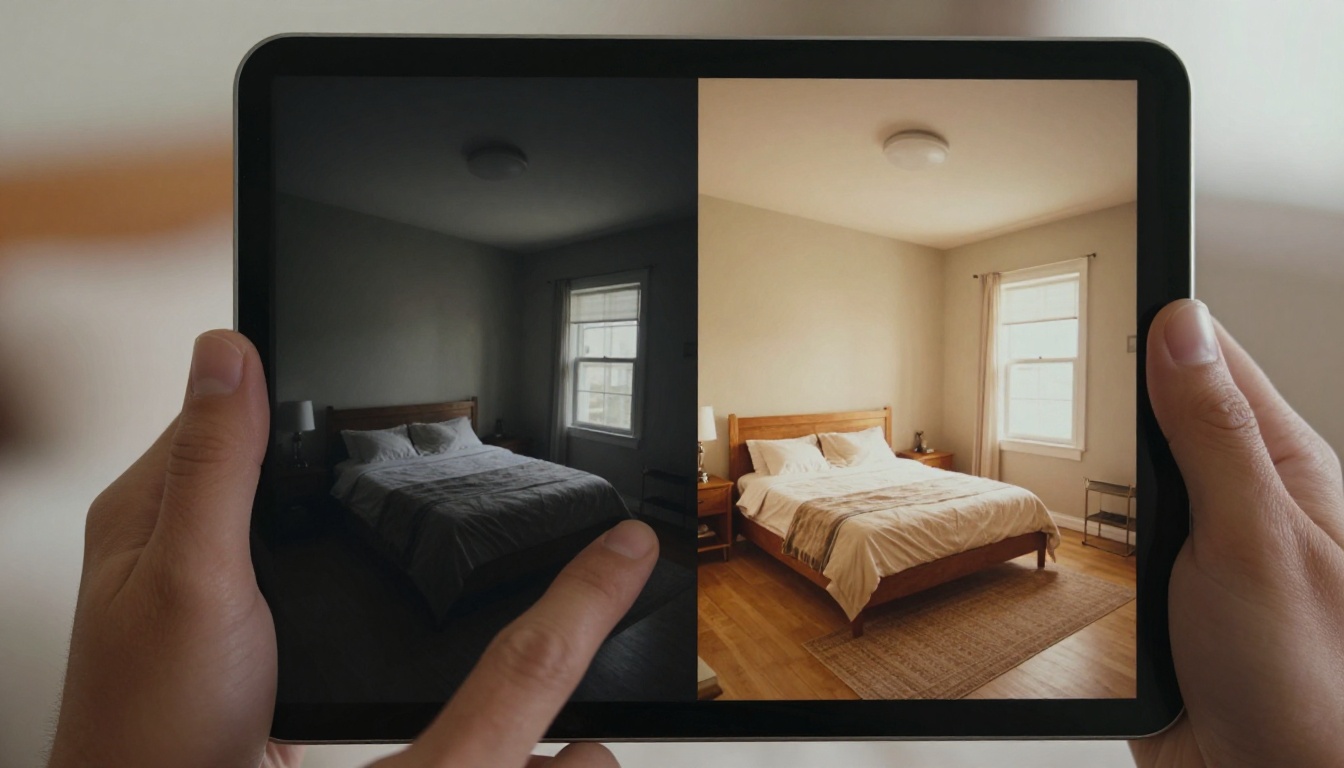
2. Dark or flat interiors: Rooms photographed under cloudy skies or with insufficient lighting look uninviting. AI brightness and shadow recovery tools add warmth and depth without introducing noise.
3. Grey or overcast skies: Perhaps the most common problem in real estate photography. Sky replacement AI identifies the horizon line with precision and swaps in a blue sky with realistic lighting that matches the existing scene.
4. Low resolution and blurry shots: Older phone cameras or compressed MLS image exports result in soft, pixelated images. AI super-resolution models add genuine detail rather than simply smoothing the blur.
5. Lens distortion: Wide-angle lenses used in tight rooms create barrel distortion that makes walls bow inward. AI-powered correction straightens vertical lines automatically.
6. Cluttered backgrounds: Cars parked in driveways, bins visible through windows, or distracting objects in yards can be removed cleanly without leaving artifacts.
7. Color casts from mixed lighting: Mixed light from daylight and incandescent bulbs creates green, orange, or blue color casts. AI white balance tools neutralize these intelligently, producing clean, natural-feeling interiors.
💡 The right order matters. Fix exposure and white balance first, then handle sky replacement, then sharpen and upscale. Applying super-resolution to an already-dark, underexposed image amplifies noise rather than adding real detail.
Here is a direct breakdown of the most effective AI editing categories for property photography, with specific capabilities and where to access each tool on PicassoIA.
AI Super Resolution: Upscaling Property Photos
Super-resolution AI is arguably the single highest-value tool in a real estate photographer's workflow. It takes a soft, compressed, or low-resolution image and adds genuine detail using models trained on millions of high-resolution photographs.
On PicassoIA, several super-resolution models are available for property photos:
For most real estate use cases, the Clarity Pro Upscaler from philz1337x produces the most natural-looking results on interior and exterior shots. It preserves the texture of wood floors, fabric on furniture, and brick on exterior facades in a way that looks photographed rather than generated.
For maximum resolution when preparing images for large-format print or billboard advertising, the Image Upscale by Topaz Labs stands apart with 6x enlargement while maintaining photorealistic texture fidelity.
AI Background Removal for Property Shots
Background removal in real estate photography is not just for product photos. In property marketing it is used to:
- Cut out a property exterior and place it against a better sky or a seasonal backdrop
- Isolate furniture pieces for virtual staging presentations
- Remove parked vehicles, bins, or neighboring property elements from exterior shots
- Create clean cutouts of rooms for floor plan overlays
The Remove Background model by Bria on PicassoIA handles complex architectural scenes, correctly preserving window frames, railings, and tree branches along property edges without the halo artifacts common in lower-quality tools.
💡 After removing a background from an exterior shot, dropping in a twilight or golden-hour sky creates the dramatic dusk-lit listing photo that consistently outperforms other shot types in click-through rate on property portals.
AI Sky Replacement
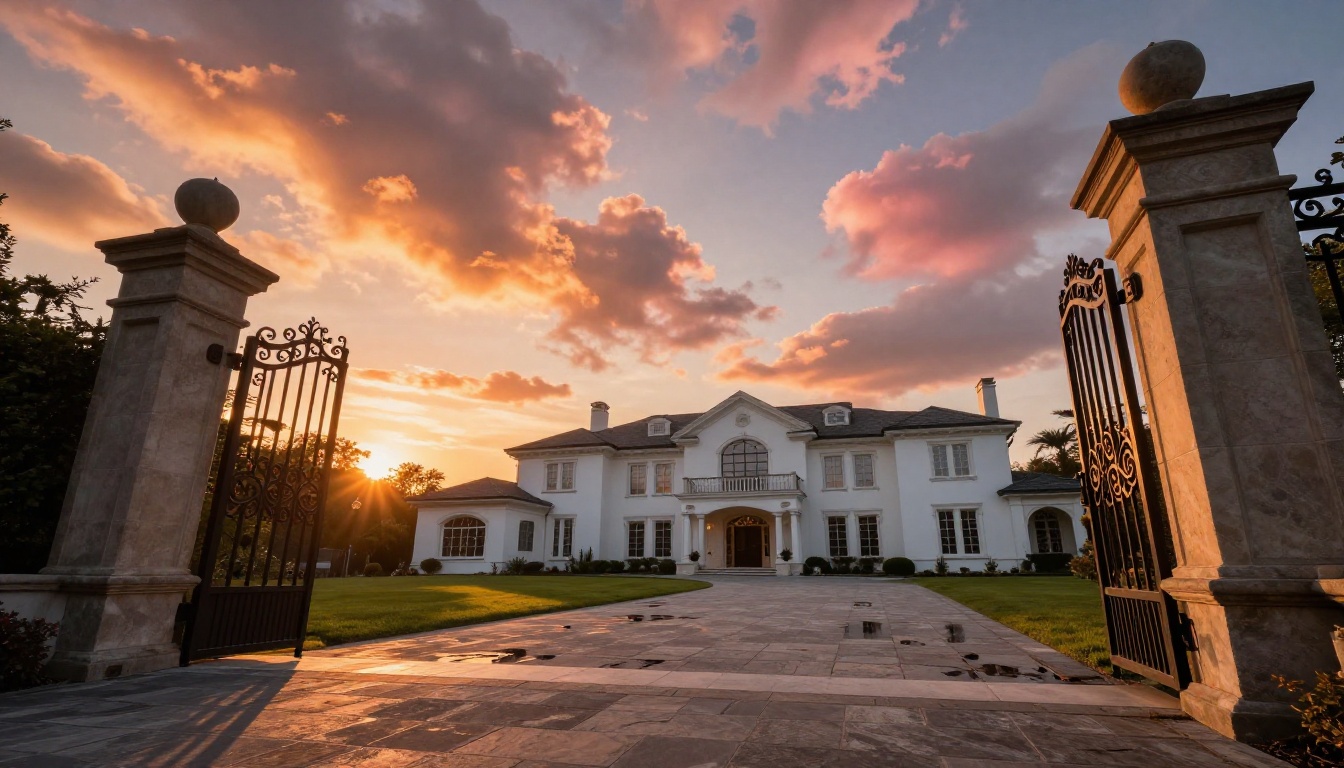
Sky replacement is one of the most dramatic single edits in real estate photography. A property shot on a flat grey day can be converted into a golden-hour showcase in seconds. The AI identifies the sky boundary, including complex edges like trees, antennas, and irregular rooflines, and replaces the sky with one that matches the lighting direction of the original scene.
The main differentiator between good and bad AI sky replacement is ground reflection handling. Poor tools swap the sky without adjusting the light cast on the ground, lawn, and facade. Strong AI sky replacement recalculates how the new sky's light would interact with every surface in the frame, creating a result that looks photographed rather than composited.
Automated Exposure and Color Correction
Color correction for real estate photos addresses two distinct problems that often appear together:
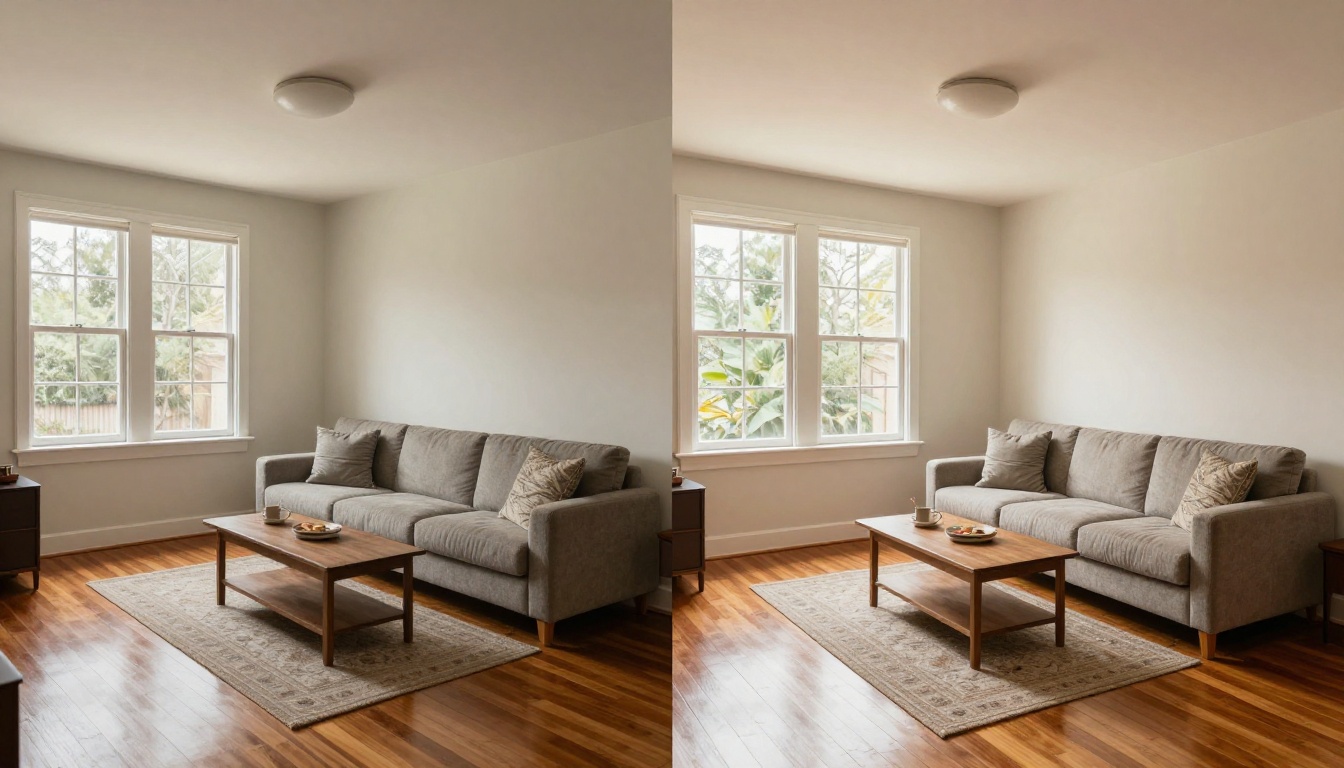
Mixed lighting: A room lit by both daylight from windows and incandescent overhead fixtures will have two competing color temperatures. Daylight reads as blue-white. Incandescent reads as orange-yellow. AI color correction neutralizes both, producing a clean, neutral tone that reads as natural to the viewer.
HDR window blending: The human eye adjusts dynamically to handle the contrast between a bright exterior seen through a window and a normally-lit interior. Cameras cannot. HDR blending algorithms combine multiple exposures to approximate what the eye would naturally perceive.
AI Image Restoration for Older Property Photos
Property management companies and real estate investment firms often work with large archives of older listing photos: images taken on early digital cameras, scanned from film prints, or compressed aggressively for early web uploads. These images show significant noise, color degradation, and low resolution.
AI image restoration addresses damage specifically: noise reduction, compression artifact removal, color fade correction, and sharpness recovery. The Recraft Crisp Upscale model is particularly effective on architectural photography with clean lines that need to be recovered from JPEG compression artifacts. For noisier film-scan images, Real ESRGAN handles grain reduction while upscaling simultaneously.
PicassoIA for Real Estate Photographers
Rather than subscribing to five different specialist tools and switching between them for each editing task, PicassoIA puts all of these AI capabilities on a single platform with a consistent interface and no software installation required.
For real estate photographers, this means:
- Upload a listing photo once
- Apply super-resolution, background removal, or color correction without re-uploading
- Access 90+ models across different editing categories
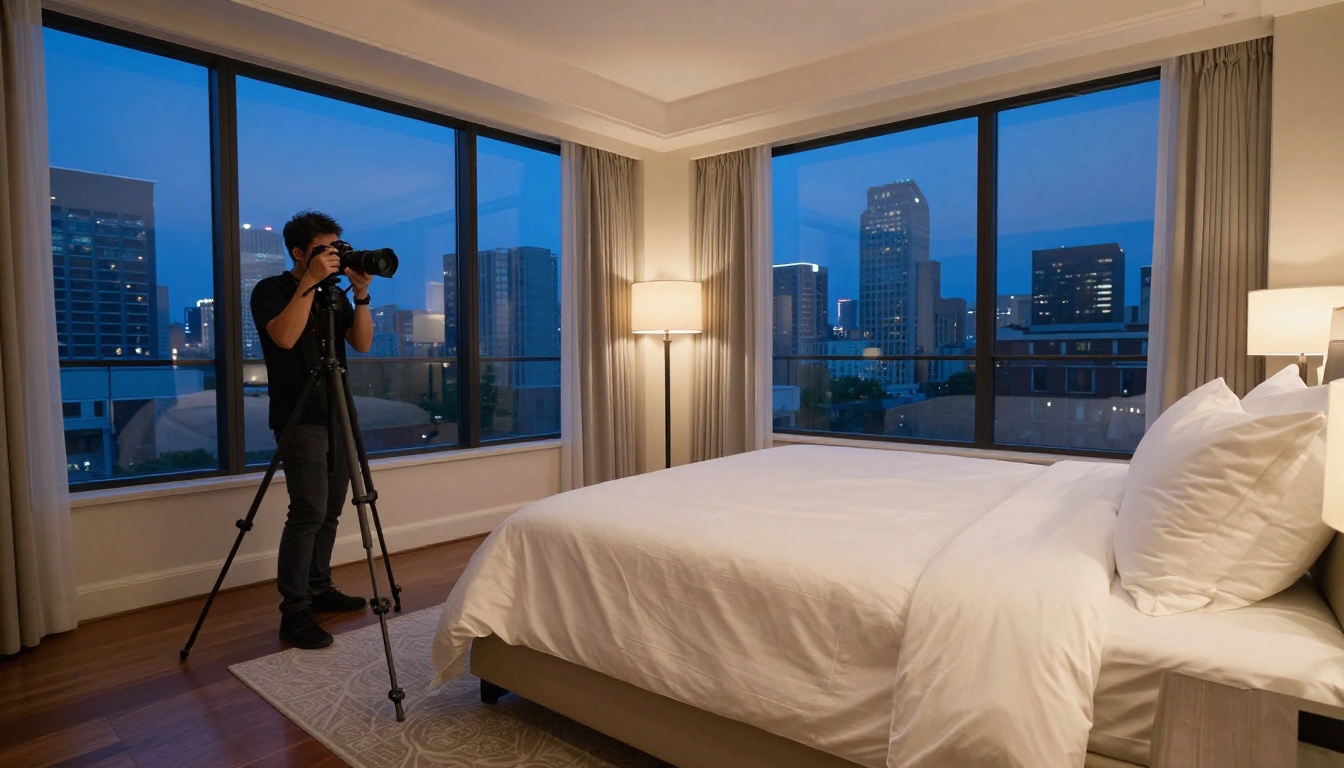
- Process images directly in the browser from a phone, tablet, or laptop on-site at a property
How to Upscale Listing Photos with Clarity Pro Upscaler
The Clarity Pro Upscaler from philz1337x is purpose-built for photorealistic upscaling. To use it on a real estate photo:
- Go to the Clarity Pro Upscaler page on PicassoIA
- Upload your compressed or low-resolution listing photo
- Set the scale factor to 4x for standard MLS use or 2x for social media thumbnails
- Adjust the sharpness parameter between 0.3 and 0.5 for architecture (higher values oversharpen brick and stone textures)
- Download the result in JPEG or PNG
The output adds genuine detail to wood grain on floors, mortar lines between bricks, and fabric texture on upholstered furniture. It is not simply smoothing or sharpening existing pixels; it synthesizes what those details would look like at higher resolution based on patterns learned from millions of real photographs.
Cleaning Up Exteriors with Background Removal
The Remove Background tool by Bria on PicassoIA handles the complex contours of exterior property shots with precision:
- Upload the exterior photo
- Let the model detect and isolate the property automatically
- Download the transparent-background PNG
- Layer in a sky asset or place the property cutout into a virtual staging scene
This workflow is particularly valuable for property developers presenting partially constructed buildings against idealized skies for pre-sale marketing materials.

Batch-Restoring Older Property Archives
For property management companies with large image archives, the Real ESRGAN model provides fast 4x upscaling with noise reduction built into the process. It runs significantly faster than premium options, making it practical for processing large volumes of older listing photos.
For maximum quality on a single hero image, the Google Upscaler offers consistent, reliable results on everyday MLS photo sharpening tasks with minimal parameter adjustments needed.
Not every photo problem requires the same solution. Here is a quick-reference framework:
Speed vs. Quality on Same-Day Listings
When you are processing 40 listing photos on the same day a property hits the market, throughput matters more than perfection. The P Image Upscale generates results in roughly one second per image. For standard MLS use at 2x resolution, the quality is more than adequate and the output rate keeps pace with same-day listing demands.
For hero images, the primary listing photo, the cover for a brochure, or the image that will run in paid advertising, use the Clarity Pro Upscaler or Image Upscale by Topaz Labs where the additional processing time produces a meaningfully superior result.
4 Mistakes That Ruin AI-Edited Real Estate Photos
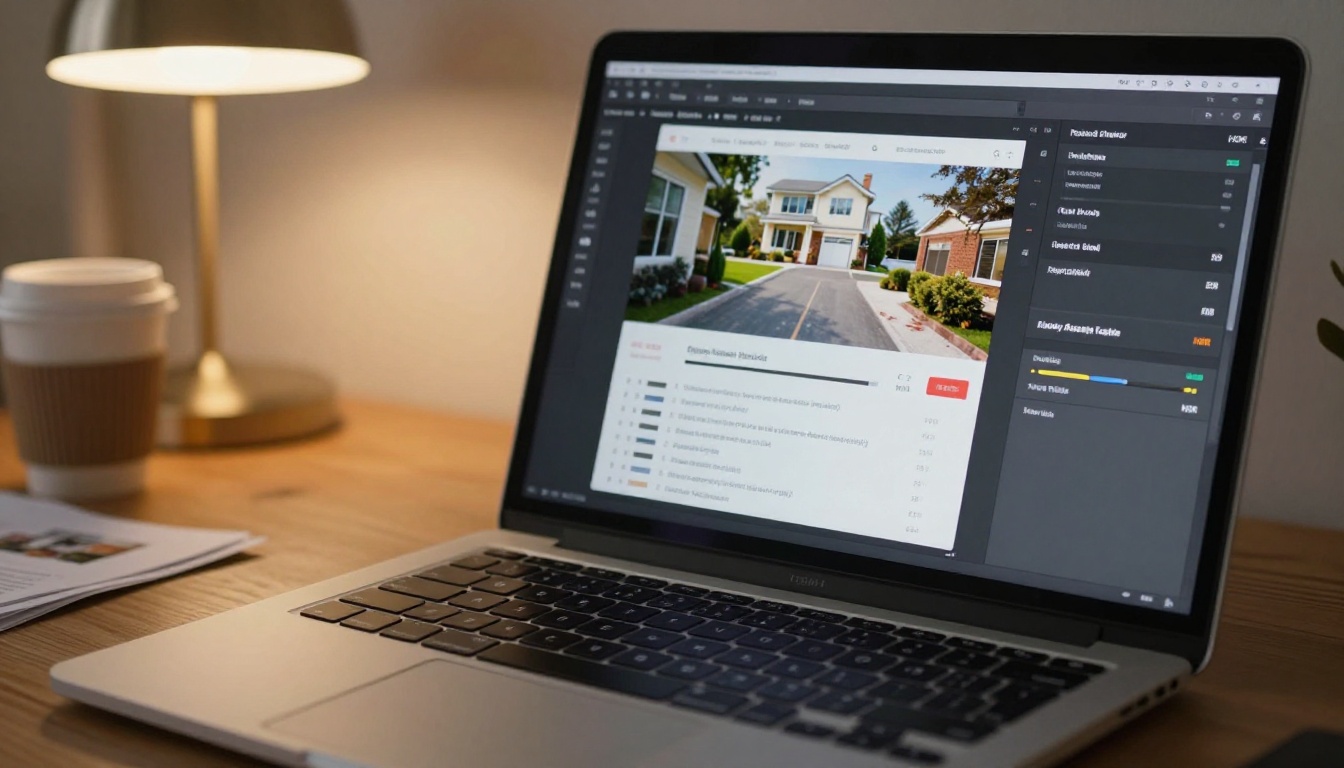
AI tools are powerful but they amplify poor decisions as readily as they amplify good ones. These are the four mistakes that consistently produce bad results in property photography:
1. Upscaling before fixing exposure: Super-resolution models analyze texture to add detail. Running upscaling on an underexposed image generates synthesized noise rather than genuine detail. Always correct exposure and white balance before upscaling.
2. Using sky replacement without adjusting ground lighting: Swapping a grey sky for a golden-hour one creates an obviously composited result when the grass, driveway, and facade are still lit by flat overcast light. The light on every surface must match the new sky's direction and color temperature.
3. Over-sharpening soft interior surfaces: Interior photos with heavy sharpening applied look clinical and sterile. Buyers want to feel warmth and habitability. Keep sharpening subtle on upholstered furnishings and painted walls. Reserve hard sharpening for glass, hardware, and architectural lines.
4. Compressing the final image after upscaling: JPEG compression at below 85% quality after a 4x upscale discards the detail the AI worked to create. Save at 90-95% quality or export as PNG when file size allows.

Pricing across the AI real estate photo editing market varies significantly based on whether you are using specialist software or a consolidated platform approach:
| Tool Type | Typical Monthly Cost | Per-Image Cost |
|---|
| Specialist desktop software (Topaz, Luminar) | $99/month or $199/year | Unlimited within plan |
| Standalone web tool (single function) | $20 to $50/month | Often unlimited |
| AI platform (multi-function, multiple models) | $15 to $60/month | Credits-based |
| Per-image freelance retouching | Not applicable | $2 to $8 per image |
For a photographer handling 10 to 20 listings per month with 20 to 40 images each, a platform like PicassoIA that consolidates super-resolution, background removal, and image restoration under one credit system consistently costs less than maintaining separate subscriptions for specialist tools.
Try Your First Property Photo Right Now
The fastest way to see what AI can do for your listing photos is to run one through a tool and look at the output. Take any listing photo with a problem: a blurry exterior shot, a dark living room, a compressed MLS export, or an older archive image, and run it through the Clarity Pro Upscaler on PicassoIA.
The difference in detail recovery on brick texture, wood flooring, window frames, and soft furnishings is immediate. From there, try what the Remove Background tool does to an exterior shot, or how Real ESRGAN processes a noisy, compressed archive image.
PicassoIA puts more than 90 AI models across image editing, generation, and processing categories on one platform with no installation required. For real estate photographers who want better results without adding more software to their workflow, it is the most practical starting point available.