Scroll through any property listing platform and a clear pattern emerges: homes with sharp, professionally lit photos receive more inquiries, more showing requests, and higher offers. The gap between a listing that sits for weeks and one that sells in days is often just a matter of image quality. In 2025, AI tools have made professional-grade real estate photography accessible to any agent, photographer, or property developer, without the $500-per-session price tag.
Why Property Photos Break Deals Before They Start
A National Association of Realtors study found that over 95% of homebuyers now begin their search online. That means the photograph is the first impression, and in most cases, also the last one if the image does not hold attention long enough to generate a showing request.
What Buyers Notice First
Eye-tracking research consistently shows that buyers spend the majority of their initial viewing time on the primary listing photo. Poor lighting, distorted perspective, and low resolution trigger an immediate subconscious reaction that the property is lower quality than it actually is.
- Lighting quality is the number one factor in perceived property value from photos
- Room size perception is strongly influenced by lens choice and composition
- Color accuracy affects how buyers respond to finishes, flooring, and fixtures
- Sharpness signals whether a listing is professionally presented or thrown together
The Real Cost of Poor Shots
A poorly photographed $400,000 home can lose between $10,000 and $20,000 in perceived value based on listing photos alone. Professional real estate photography runs between $200 and $600 per shoot for a mid-range property. AI tools now deliver comparable results at a fraction of that cost, and with more consistency across shoots.
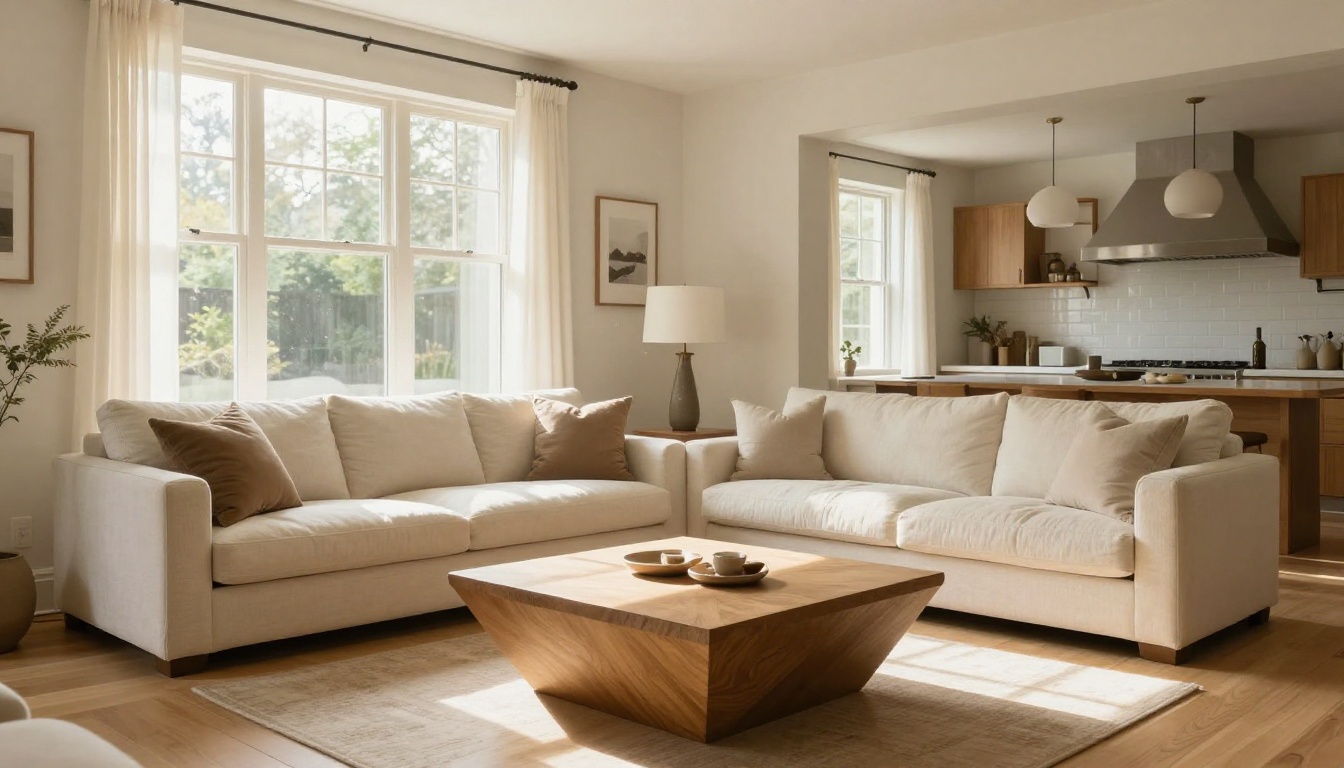
AI Image Generation for Property Visuals
When you need renders of a property before it is built, concept visuals for a renovation pitch, or simply polished hero images for a new listing, AI image generators have become the tool of choice. The models available on PicassoIA in 2027 produce output that is indistinguishable from professional photography in many cases.
GPT Image 2: The Photo-Realism Benchmark
GPT Image 2 by OpenAI is currently the most photorealistic text-to-image model available on the platform. For real estate use cases, this means generating accurate architectural exteriors, believable interior staging shots, and marketing visuals that hold up under scrutiny.
The model performs best for:
- Accurate spatial proportions in room interiors
- Natural lighting simulation (golden hour, overcast, blue-hour twilight)
- Material texture detail in hardwood, marble, concrete, and glass surfaces
- Architectural style accuracy across modern, craftsman, colonial, and Mediterranean designs
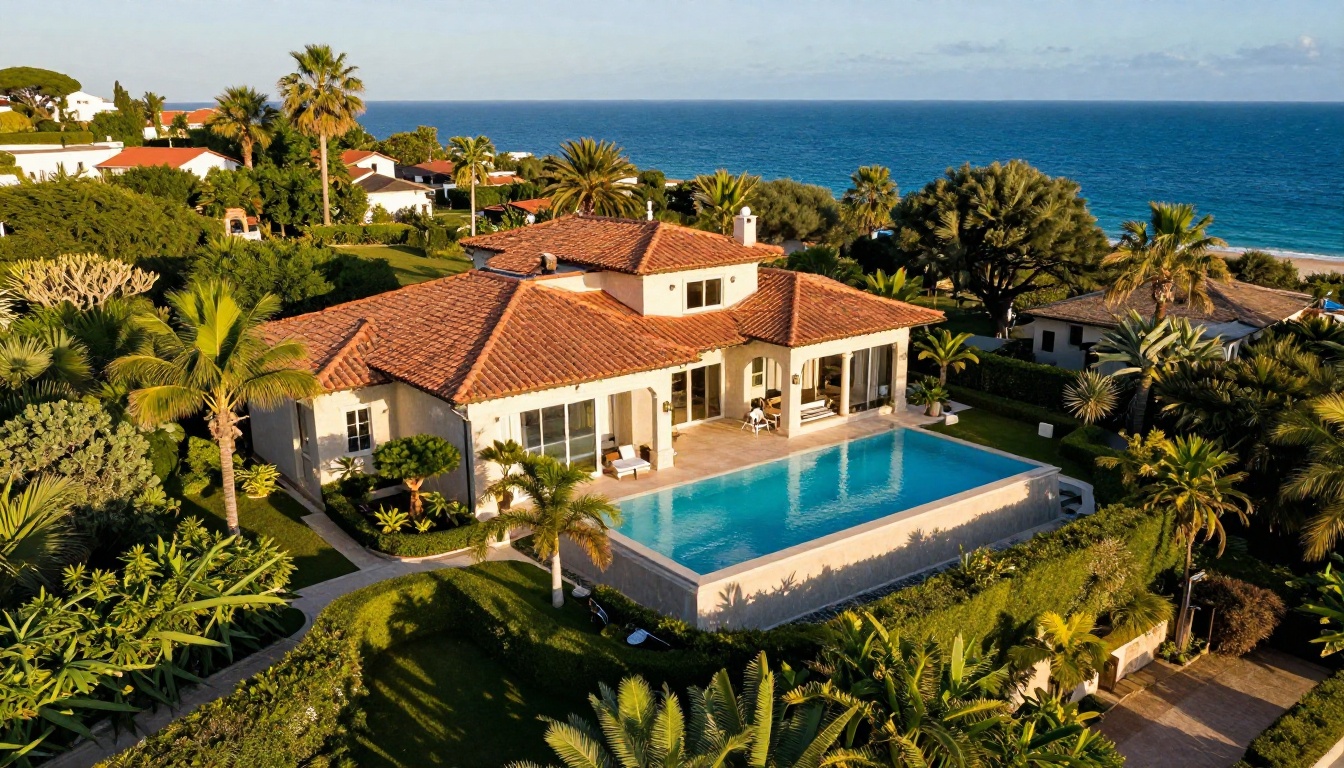
Wan 2.7 Image Pro: Exterior and Aerial Renders
Wan 2.7 Image Pro delivers high-detail exterior property shots with strong architectural coherence. For agents and developers who need renders of homes that are under construction or pre-renovation, this model produces property concepts ready for direct use in marketing materials.
💡 For the most realistic results, include specific architectural styles, time-of-day lighting, and surrounding landscaping details in your prompt.
Seedream 4.5: Interior Staging Concepts
Seedream 4.5 by ByteDance is particularly strong at interior styling. If you have an empty room and want to show buyers what it could look like furnished, Seedream 4.5 generates styled interior concepts with accurate proportions and natural light behavior that feels lived-in.

How to Use GPT Image 2 on PicassoIA
PicassoIA makes it straightforward to generate professional property images using GPT Image 2 without any technical setup. Here is how to do it from scratch.
Setting Up Your First Prompt
- Go to the GPT Image 2 model page on PicassoIA
- In the prompt field, describe the property type, architectural style, and time of day
- Set the aspect ratio to 16:9 for standard listing photo proportions
- Click generate and review the initial output
- Iterate on the prompt to refine specific elements like lighting or materials
Prompts That Work for Real Estate
The quality of your output depends entirely on prompt specificity. Vague prompts produce generic results. Specific prompts produce usable marketing assets.
Weak prompt: "a house with a nice yard"
Strong prompt: "Exterior of a two-story craftsman-style home with cedar shingle siding, covered front porch with white railings, established oak trees in the front yard, soft golden-hour light from the left, wide-angle 24mm shot at street level, photorealistic, 8K, Kodak Portra 400 film tone"
💡 Always include lighting direction, time of day, lens type, and architectural style in your prompts for GPT Image 2. These details separate usable outputs from generic ones.
Parameter Tips for Maximum Realism
| Setting | Recommended Value | Why It Matters |
|---|
| Aspect ratio | 16:9 | Standard listing photo format for MLS |
| Style tag | Raw/Photorealistic | Avoids digital art artifacts |
| Prompt length | 60-120 words | More context produces better output |
| Lighting detail | Always specify | Controls mood and perceived property value |
| Film reference | Kodak Portra 400 | Adds warmth and natural color rendering |
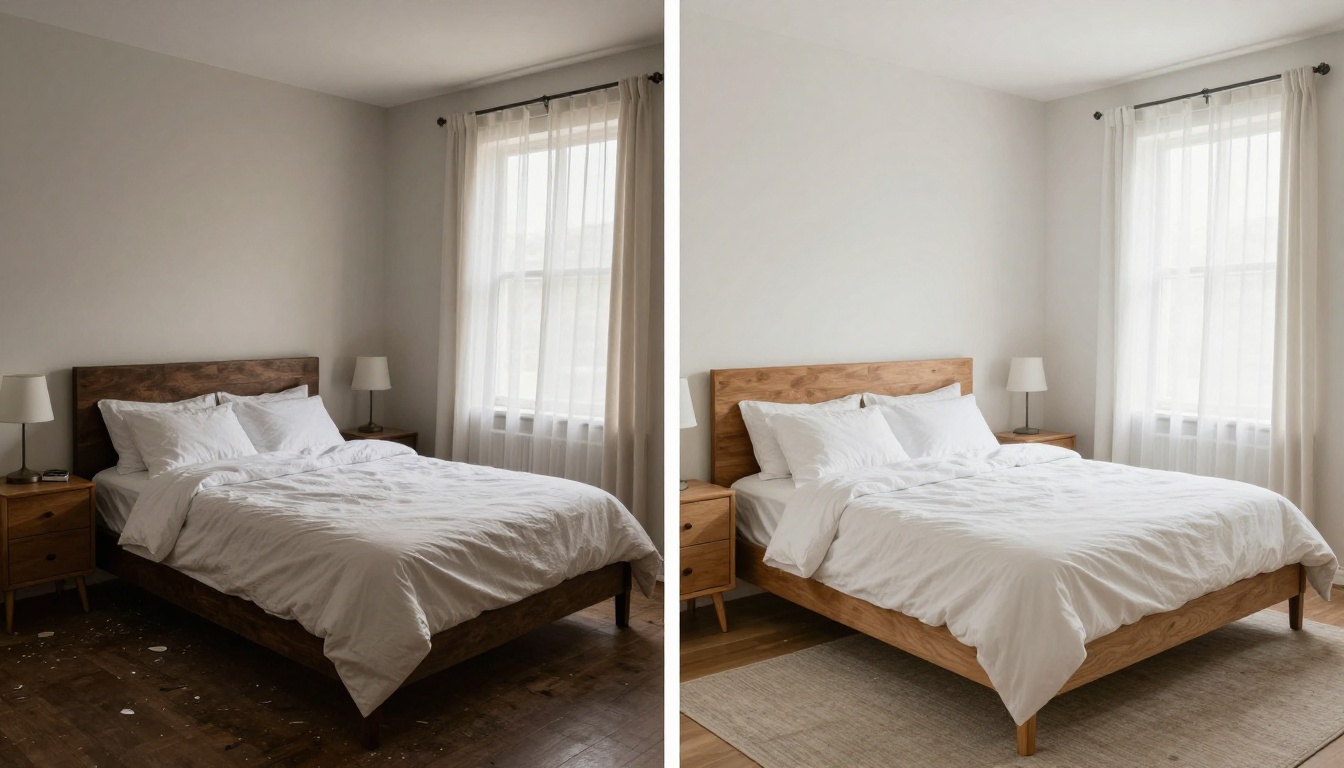
Upscaling: From Blurry to MLS-Ready
Old listing photos, images shot on mobile devices, and lower-resolution camera outputs all suffer from the same issue: they fall apart when viewed at full size on a modern display. AI upscaling tools restore detail, sharpen edges, and increase resolution without the artifacts that older upscaling software introduced.
Topaz Image Upscale: The Professional's Pick
Topaz Image Upscale by Topaz Labs is the industry standard for photo upscaling. It can enlarge any property photo up to 6x while preserving fine detail in textures, edges, and light transitions. For MLS listings that require minimum resolution specifications, this tool makes compliance effortless.
- Preserves brick, stone, and wood texture detail at 4x-6x enlargement
- Handles window glare and reflective surfaces without blooming
- Works consistently on both exterior and interior photos
- Output quality holds regardless of how old the input file is
Real ESRGAN: Fast Results at No Cost
Real ESRGAN is a 4x upscaler that processes images quickly and without cost barriers. While it does not match the precision of Topaz for highly detailed shots, it performs very well on standard real estate interior photos. For agents who need to batch-process a full listing shoot, Real ESRGAN handles volume efficiently.
Google Upscaler: Reliable for Architecture
Google Upscaler offers 4x enlargement with strong performance on architectural details. Its handling of straight lines, which appear throughout real estate photography in windows, trim, and floorboards, reduces the warping artifacts that can appear in other upscaling models.
💡 Always upscale before applying additional edits. Upscaling after editing can degrade corrections that were already applied to the image.
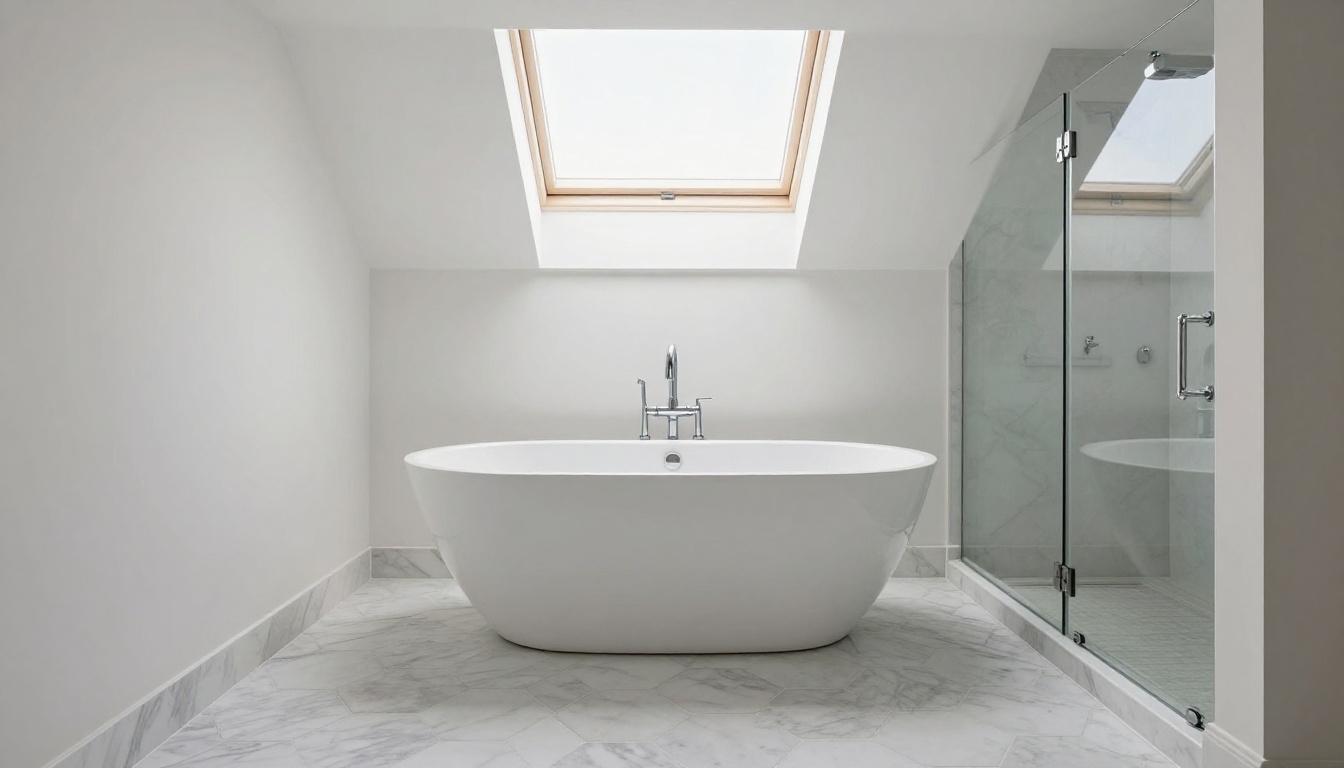
Virtual Staging with AI
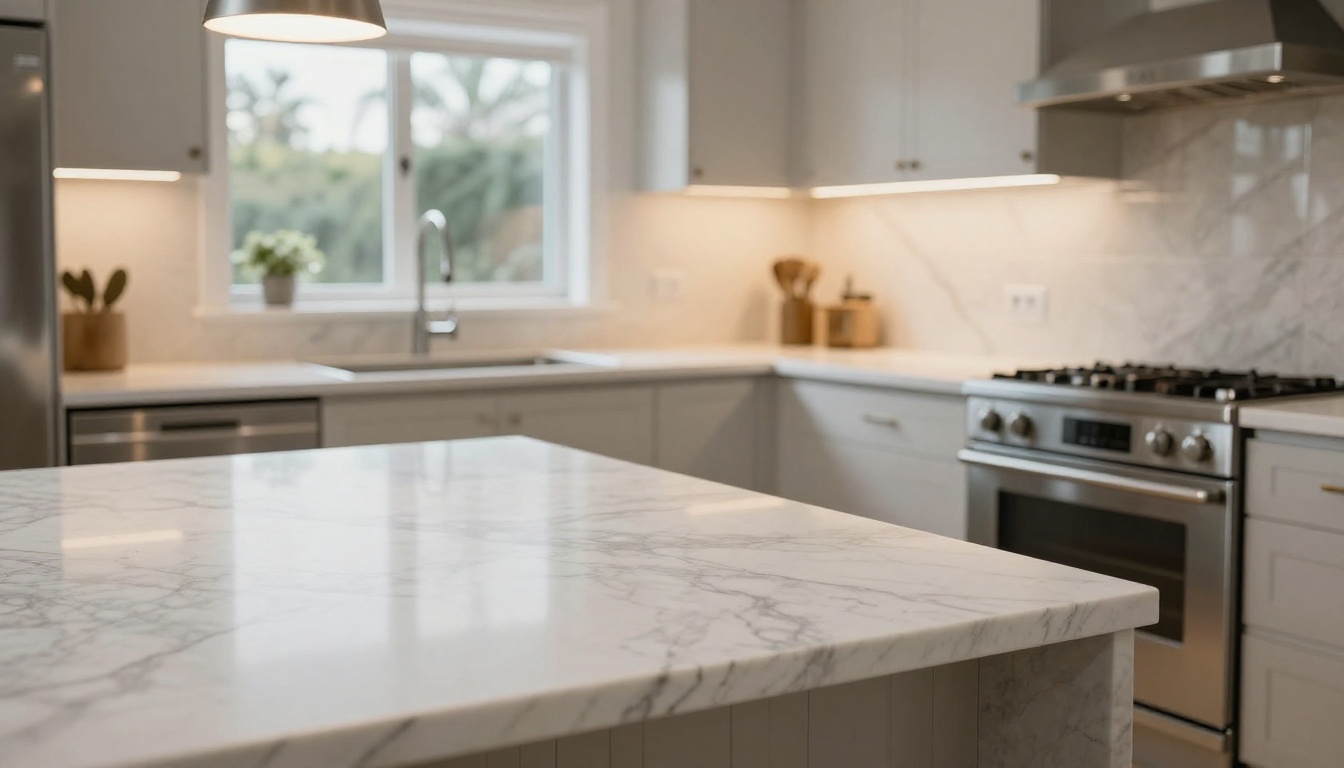
Physically staging a home for sale costs between $1,500 and $5,000 depending on size and duration. Virtual staging with AI achieves comparable results in minutes, not days, and at a fraction of the cost.
Empty Room to Furnished in Minutes
The P-Image Edit LoRA model and Fibo Edit are well-suited for adding furniture and decor to empty room photos. The workflow is simple: upload the original empty room image, describe the staging style you want, and the model generates a furnished version that maintains the original room's architecture and lighting conditions.
AI virtual staging works best for:
- Living rooms with clean sightlines and defined floor areas
- Bedrooms where scale and proportions need to be communicated clearly
- Home offices which have become high-value selling points for modern buyers
- Basements and flex spaces that buyers consistently struggle to visualize
Sky Replacement and Relighting
Overcast skies, construction visible in the background, and unflattering outdoor lighting are common problems in real estate photography. The Qwen Image Edit Relight model adjusts the lighting conditions in an existing photo, effectively simulating a different time of day or weather condition without a reshoot.
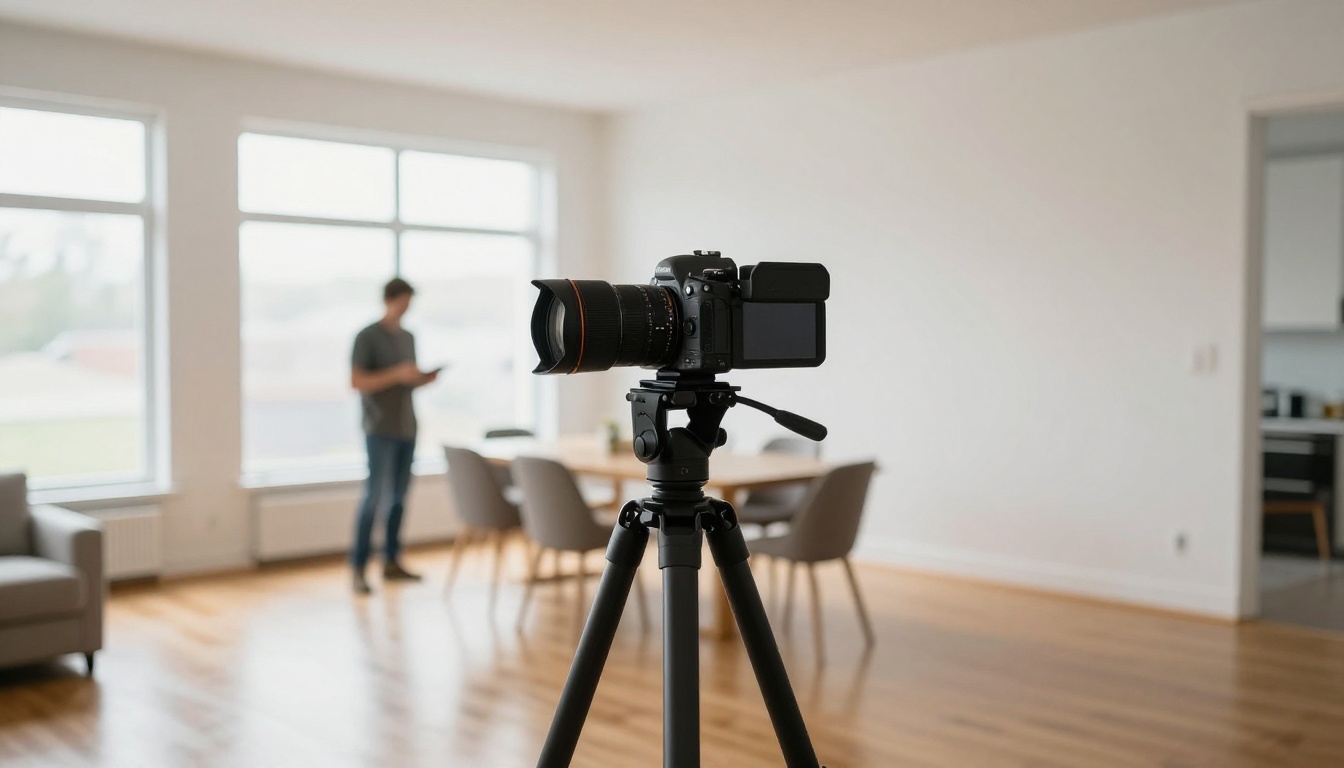
Background Removal for Clean Property Shots
Isolated property images are essential for marketing materials, social media, print ads, and brochures where the background needs to be replaced or removed entirely.
Clean Cutouts Without Edge Artifacts
Bria Remove Background handles the complex edges that appear in real estate photography particularly well. Roof overhangs against a bright sky, porch railings with visible gaps, and landscaping with irregular tree silhouettes are all edge cases where lower-quality tools leave visible artifacts. Bria's model processes them with consistent precision.
For real estate marketing, background removal is typically used to:
- Create isolated property views for print layouts and developer catalogs
- Place a property against a more attractive or seasonally appropriate sky
- Build social media creatives where the background is branded or simplified
- Generate consistent white-background images for property portfolio presentations
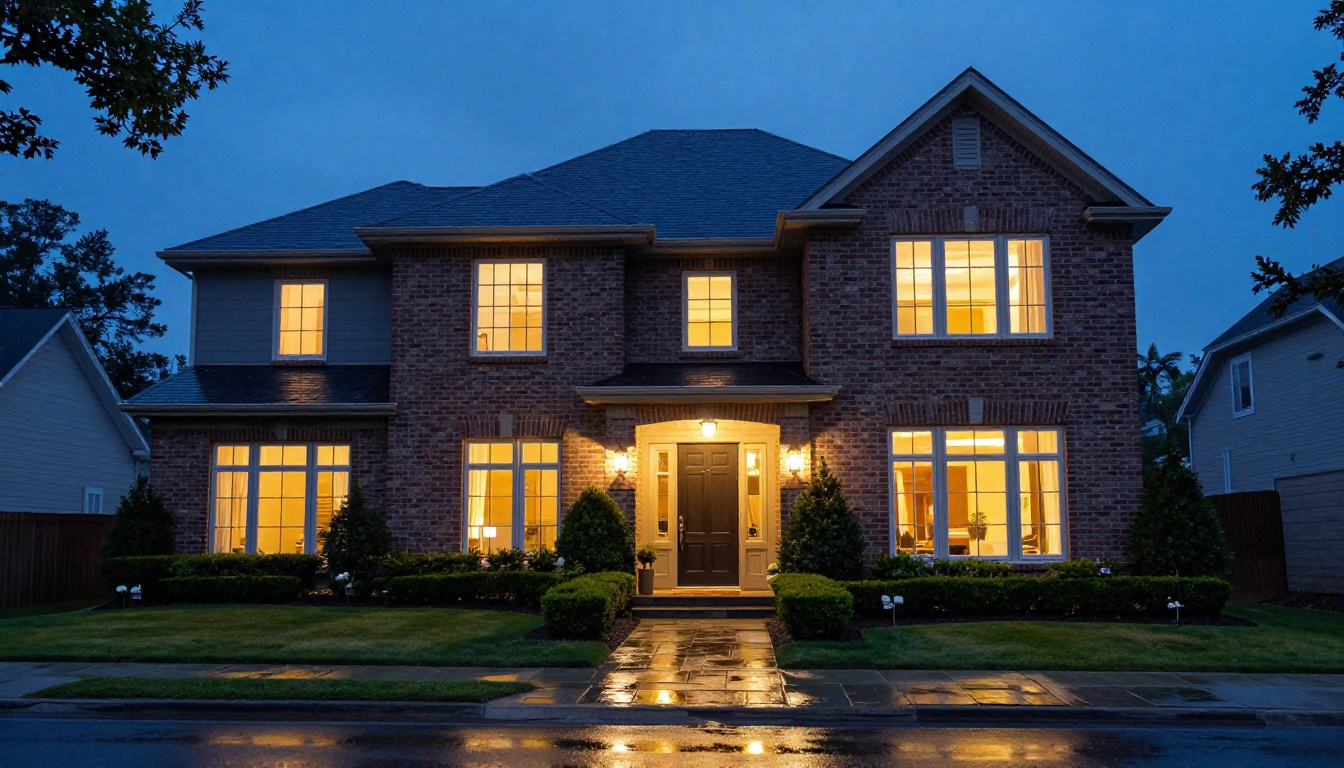
Not every tool is right for every use case. Here is a direct comparison of the best options available on PicassoIA for real estate photography work.
Recommended Workflows by Stage
Pre-listing (property not yet staged):
- Generate concept visuals with GPT Image 2 or Seedream 4.5
- Add virtual furniture to empty rooms using P-Image Edit LoRA
- Create exterior renders with Wan 2.7 Image Pro
During active listing (editing shoot photos):
- Upscale originals with Topaz Image Upscale or Real ESRGAN
- Adjust lighting conditions with Qwen Image Edit Relight
- Remove or replace distracting backgrounds with Bria Remove Background
Post-listing (marketing asset production):
- Create print-ready isolated images for brochures and ads
- Upscale hero shots for billboard and print formats with Topaz Image Upscale
- Generate seasonal variations of exterior shots to keep listings visually fresh
Start Building Better Listings Today
The tools above are not experimental or difficult to use. They are production-ready, available right now, and accessible to any agent or photographer with a property to market.
Real estate photography has always been about making spaces feel desirable. AI does not replace that goal. It removes the barriers that used to stand between a good property and a great photo. Whether you are working with a $200,000 starter home or a $2 million lakefront property, the visual presentation matters, and now you have the tools to get it right without a professional photographer on retainer.
PicassoIA brings all of these capabilities into a single platform. You can generate concept visuals, upscale existing shots, stage empty rooms, remove backgrounds, and relight photos without switching between tools or managing multiple subscriptions.
Try your first property image on PicassoIA today. Pick a room in your current listing, describe what you want it to look like at its best, and see exactly what is possible with the right AI tools behind you.


