The average social media manager spends over 6 hours a week just on visual content. That number drops to under 30 minutes when AI tools enter the picture. Whether you run a brand account, manage clients, or create content as a side hustle, the right AI tools cut production time while producing visuals that stop the scroll.
This article breaks down the best AI tools for social media posts in 2027, from image generators to photo editing platforms, and shows you exactly how to use them.
Social Media Content Has a Speed Problem
Every platform demands more content, more often. Instagram expects daily stories and three to four feed posts per week. TikTok rewards posting two to four times daily. LinkedIn punishes inconsistency. Most creators and brands fall behind not because of ideas but because production is slow.
AI tools solve the bottleneck. They generate on-brand images in seconds, write captions that match your tone, and produce a full month's content calendar in an afternoon. The barrier to consistent, high-quality posting has never been lower.
The tools covered here fall into four main categories:
- Image generation (text to image, product shots, lifestyle)
- Photo editing (inpainting, outpainting, object removal)
- Visual effects and enhancement (super resolution, color grading)
- Typography and text-in-image tools
Three years ago, AI image generators produced blurry, distorted results. The latest models in 2027 produce photorealistic, 8K-quality images from a single text prompt. The difference for social media creators is enormous.
Before AI image tools, producing a single branded lifestyle photo required a photographer, a subject, a location, post-processing time, and a designer for brand overlays. Now, a single AI image tool handles all of those steps in under 60 seconds. For brands posting 20 or more times per week, that represents thousands of dollars in monthly savings.
What Makes a Great Social Media Image
Before picking a tool, it helps to know what separates great social media images from forgettable ones:
- Scroll-stopping composition: Strong focal points and clear visual hierarchy
- Correct aspect ratio: 1:1 or 4:5 for Instagram, 9:16 for Stories and Reels, 16:9 for YouTube thumbnails
- Brand consistency: Repeatable color palette and subject style
- Fast load time: Compressed without visible quality loss
- Text legibility: When overlays are used, they must be readable on mobile
AI image tools handle composition, ratio, and quality automatically. Brand consistency requires prompting skill, which is a learnable craft.
GPT Image 2 for Brand Visuals
GPT Image 2 by OpenAI is one of the sharpest text-to-image models available right now. It follows complex prompts with precision, making it ideal for brands that need specific compositions, products in context, and lifestyle imagery.
What sets GPT Image 2 apart for social media:
- Prompt fidelity: Unusual ability to follow detailed multi-element instructions
- Consistent characters: Reusable brand characters across multiple images
- Text in images: Places readable text within images reliably, a challenge for most models
- Photorealistic output: Results look like professional photography, not AI art
💡 Tip: When using GPT Image 2 for social media, always specify the platform in your prompt. "Instagram post, 4:5 ratio, lifestyle photography style, warm natural light" will consistently outperform a generic prompt.
Seedream 4.5 for 4K Visual Content
Seedream 4.5 by ByteDance produces some of the highest-resolution AI images available, outputting true 4K quality that holds up perfectly when zoomed in on desktop or used in digital advertising campaigns alongside social posts.
For social media, Seedream 4.5 shines in:
- Product photography: Clean, studio-quality product shots from a text description
- Fashion and lifestyle content: Natural-looking human subjects with accurate proportions and realistic skin tones
- High-res story covers: Output that never looks pixelated on large mobile displays
One key advantage: Seedream 4.5 handles fashion and beauty content with particular accuracy. Influencers and beauty brands will find it produces natural lighting conditions and skin texture that many other models miss.
PicassoIA Image for Unlimited Creation
PicassoIA Image is built for volume. If you need to generate 50 images for a month's content calendar in one sitting, this is the model designed for that workflow.
Why content creators rely on it:
- Unlimited generation credits with no per-image fees
- Fast output speed, making batch content calendar sessions practical
- Works in all standard social media aspect ratios natively
- Consistent quality across high-volume runs without degradation
For brands or agencies managing multiple client accounts, PicassoIA Image removes the per-credit cost problem that makes most AI tools expensive at scale.
Flux Redux Dev for Image Variations
Flux Redux Dev from Black Forest Labs takes an existing image and generates variations that stay true to the original composition, color palette, and style. This is invaluable for social media marketers who have:
- A proven top-performing post and need 10 variations for A/B testing
- A product shot that works and needs seasonal or contextual variations
- A brand campaign visual that needs multiple formats for feed, stories, and banners
Rather than starting from scratch every time, Flux Redux Dev maintains your winning visual identity while producing fresh variants. That is a significant competitive time advantage.
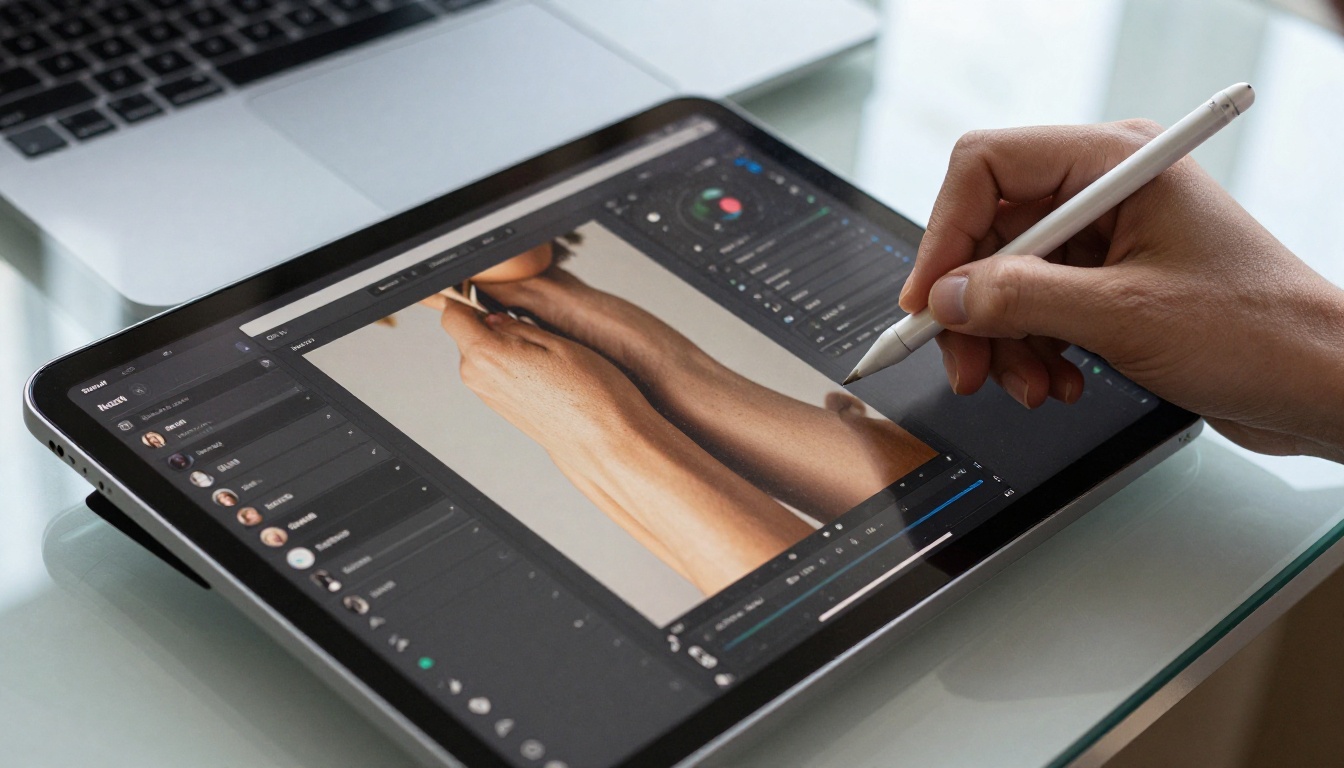
Raw AI-generated images often need small adjustments before posting: cropping for a specific ratio, removing a background element, changing a product detail, or adding brand overlays. Several specialized editing models handle these tasks precisely.
PicassoIA Image Editor Pro
PicassoIA Image Editor Pro is an unlimited AI photo editing model with capabilities that replace most paid editing software for social media use:
| Feature | Use Case |
|---|
| Inpainting | Remove objects and fix imperfections |
| Outpainting | Extend images to different aspect ratios |
| Object replacement | Swap products or backgrounds instantly |
| Style transfer | Apply consistent brand aesthetics |
| AI upscaling | Enlarge without visible quality loss |
For social media, the outpainting capability stands out. You can take a 1:1 square image and extend it to a 9:16 story format without cropping, or expand a portrait shot into a landscape banner for LinkedIn.
Qwen Image Edit Plus for Precision Edits
Qwen Image Edit Plus handles text-guided image editing with high instruction accuracy. You describe the change you want in plain language, and it executes it without affecting the rest of the image.
Typical use cases for social media:
- "Change the background to a beach" on a product photo
- "Make the lighting warmer and more golden"
- "Remove the logo from the bag in this photo"
- "Add snow falling softly in the background"
The instruction-following quality is strong enough that non-designers can make professional-level edits without any technical skill.
One of the most common mistakes creators make with AI image tools is generating beautiful images in the wrong dimensions. Each platform has specific requirements:
| Platform | Recommended Format | Aspect Ratio |
|---|
| Instagram Feed | 1080 x 1080px | 1:1 |
| Instagram Portrait | 1080 x 1350px | 4:5 |
| Instagram Stories | 1080 x 1920px | 9:16 |
| TikTok | 1080 x 1920px | 9:16 |
| Facebook Feed | 1200 x 630px | 1.91:1 |
| Twitter/X | 1200 x 675px | 16:9 |
| LinkedIn | 1200 x 627px | 1.91:1 |
| YouTube Thumbnail | 1280 x 720px | 16:9 |
Most AI tools on PicassoIA support direct aspect ratio selection, so you can match the target format from the start rather than cropping after the fact.
💡 Tip: Always generate natively at the correct aspect ratio. Cropping an AI image after generation often removes the most important part of the composition, since AI models place subjects and focal points according to the ratio they generate in.
Adding Text to AI-Generated Social Media Images
Most AI image models struggle with text rendering inside images. Letters appear distorted or garbled in the output. A few models handle this reliably, and knowing which ones to use matters for certain content types.
Riverflow 2.0 Pro for Typography
Riverflow 2.0 Pro is specifically designed for generating images with readable, stylized text embedded directly in them. For social media posts that need quotes, headlines, or promotional text baked into the visual (common for motivational accounts, announcements, and sales posts), this is the correct tool.
Strong use cases:
- Quote posts with styled typography over lifestyle backgrounds
- Sale announcements with pricing text
- Event promotion graphics
- Product name and tagline overlays
When images need to be larger than standard AI output, two options exist: generate at higher resolution from the start, or upscale after generation.
Wan 2.7 Image Pro for 4K Output
Wan 2.7 Image Pro generates true 4K images directly. For social media, this level of quality matters most when:
- Posts are likely to be screenshotted and reshared (losing resolution each time)
- Content will also be used in print or digital advertising alongside the social campaign
- The account targets a design-conscious audience who notices quality differences
Hunyuan Image 2.1 for Detailed Scenes
Hunyuan Image 2.1 by Tencent outputs at 2K resolution and excels at complex, multi-element scenes. For social media creators who need rich environmental context, like a travel account requiring detailed cityscapes or a food blogger with elaborate table settings, Hunyuan 2.1 handles scene complexity better than most text-to-image models.
How to Use PicassoIA for Social Media Posts
PicassoIA brings all of these models together in a single platform. Here is the workflow that produces professional social media content consistently and at scale.
Step 1: Select Your Target Platform
Before generating anything, decide which platform the content is for. This determines the aspect ratio you generate in, the composition style, and the level of detail required.
TikTok and Instagram Stories need vertical 9:16 content. Instagram feed posts work best at 1:1 or 4:5. LinkedIn content performs better in landscape formats with professional, clean compositions.
Step 2: Choose the Right Model
Different models have different strengths. A quick reference:
Step 3: Write a Specific Prompt
Generic prompts produce generic results. The difference between a mediocre AI image and a scroll-stopping one often comes down entirely to prompt specificity.
Generic: "coffee shop photo for Instagram"
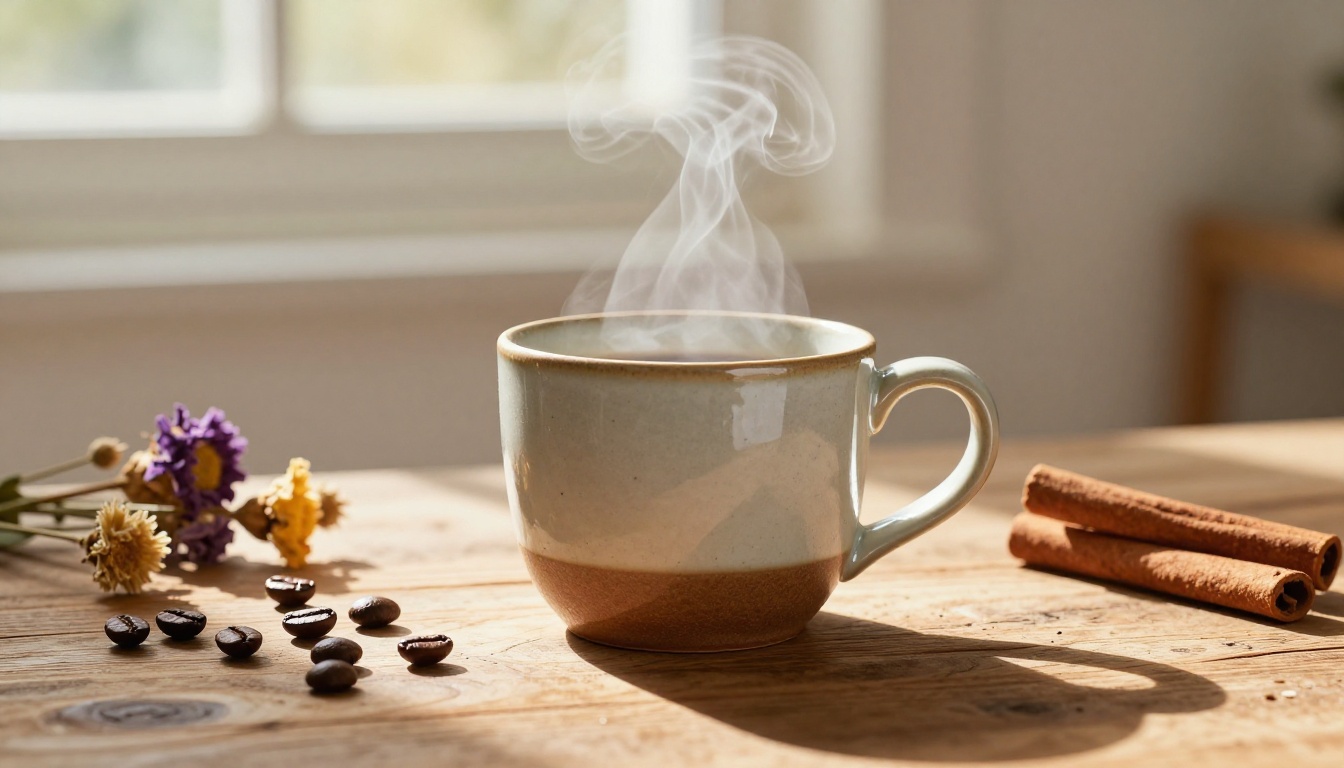
Specific: "Close-up of a ceramic coffee mug on a worn wooden table, steam rising gently, soft morning window light from the left, shallow depth of field, film grain, 4:5 ratio"
The specific prompt produces a usable, platform-ready image. The generic one produces something forgettable.
Step 4: Edit and Adapt
After generating the base image, use PicassoIA Image Editor Pro to adjust the crop to platform specifications, remove any unwanted background elements, extend the canvas if you need a different ratio, or apply subtle brand color adjustments.
Step 5: Batch Your Content Calendar
Once you know which model and prompt style works for your brand, run a batch session. Generate all 30 images for the month in one sitting. Most creators complete this in under two hours, producing content that would have taken a full traditional production day.
💡 Tip: Save your best-performing prompts in a separate document. When you find a combination that consistently produces on-brand results, reuse it with minor variations. This is the foundation of scalable AI content creation.
Common Mistakes That Kill AI Social Media Content
Using the Same Prompt Repeatedly
Variety is critical on social media. Algorithms reward diverse content, and audiences disengage from feeds that all look identical. Even if a prompt works, vary the angle, lighting condition, and subject details between posts.
Ignoring Platform Specs
Generating everything at 16:9 and then cropping down is a workflow that wastes quality and destroys composition. Always match the generation aspect ratio to the target platform from the start.
Over-Editing AI Images
AI images often look best with minimal post-processing. The tendency to over-saturate, apply heavy filters, or stack multiple adjustments usually makes images look more artificial, not less. Restraint produces more professional results.
Skipping Model Testing
Different models produce dramatically different results from the same prompt. Spending 10 minutes testing a prompt across three or four models before committing to a batch run consistently saves hours of regeneration later.
| Tool | Best For | Output Quality | Speed |
|---|
| GPT Image 2 | Brand visuals, text in image | Very High | Medium |
| PicassoIA Image | High-volume content calendars | High | Fast |
| Seedream 4.5 | 4K product and fashion shots | Very High | Medium |
| PicassoIA Image Editor Pro | Editing and ratio adaptation | High | Fast |
| Flux Redux Dev | Variations from existing posts | High | Fast |
| Riverflow 2.0 Pro | Typography and quote posts | Medium-High | Fast |
| Wan 2.7 Image Pro | 4K complex environmental scenes | Very High | Slow |
| Hunyuan Image 2.1 | Detailed multi-element scenes | High | Medium |
Start Creating Your Own Social Media Content
AI tools for social media have passed the point where quality is a concern. The models available on PicassoIA right now produce images that are indistinguishable from professional photography in most social media contexts. The real question is how efficiently you put them to work.
Start with a clear brief: platform, content type, visual style, and monthly volume needed. Pick the right model for that brief. Write specific prompts, run a small test batch, and save what works. Within a few sessions, you will have a repeatable workflow that produces a full month of social media content in an afternoon.
PicassoIA gives you access to over 91 image generation models, unlimited editing, and specialized tools for every social media format. The full model library, from GPT Image 2 to Seedream 4.5 to PicassoIA Image Editor Pro, is available in one place so you can test, compare, and batch create without switching between platforms.
Pick a platform, pick a model, and start generating. Your content calendar will never be empty again.