If you are 13, 15, or 17 and curious about AI, you are sitting on one of the biggest opportunities in creative history. Not because of some vague promise about tomorrow. Because right now, today, you can type a sentence and get a photorealistic image back in under a second. You can write lyrics and have a full song playing in your browser three minutes later. You can remove the background from any photo, clone a voice, or generate a short video clip without touching a single line of code.
This is what the best AI tools for teens starting out actually look like in 2027. Not textbook demos. Real tools, used by real young creators every day.
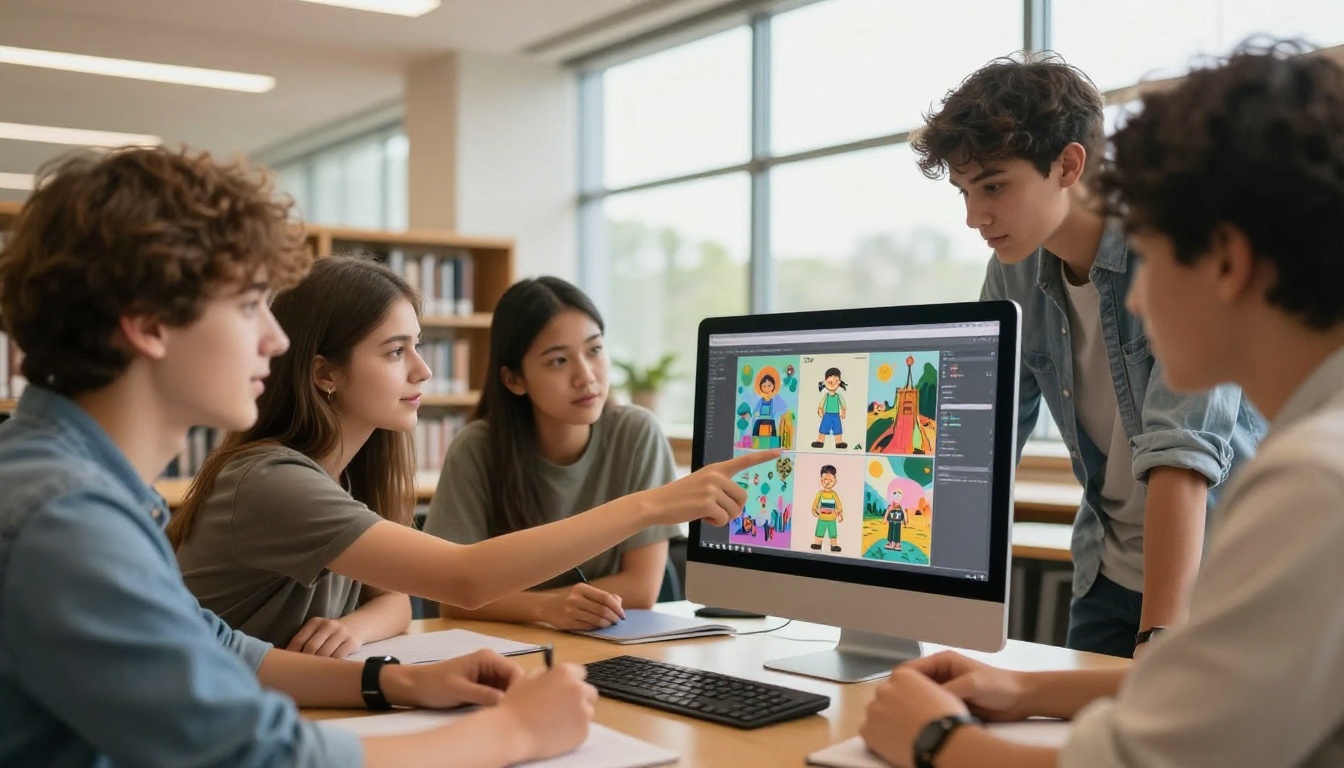
Why Right Now Is the Best Time to Start
Three years ago, making AI art required a GPU, a Python environment, and hours of setup. Today you open a browser tab, type what you want, and the image appears. The barrier dropped to nearly zero. What used to take a professional team can now happen in a single afternoon for a teenager with a laptop and an idea.
This is not a trend. These tools have settled into platforms that are actively maintained, free or very affordable, and designed for people who have no technical background at all. Young creators are already building portfolios, launching side projects, and getting hired based on AI skills. The ones who start now have a real head start.
There is also something worth noting here. Creative skills compound. The earlier you start experimenting with AI image generators, music tools, and writing assistants, the more you will absorb about how to prompt, how to iterate, and how to shape AI output into something genuinely yours. That instinct takes time to build. The time to build it is now.
Visual content is where most people begin, and for good reason. The results are immediate, shareable, and satisfying. Here are the tools worth knowing about right now.

Flux Schnell: Results in Seconds
Flux Schnell is the go-to starting point for anyone who wants fast results without fussing over settings. It generates images in roughly four steps instead of the standard 20-50, which means you get your output almost instantly. For a teen just figuring out how prompting works, that speed is critical. You can try ten different prompts in the time it takes other models to finish one.
The quality is solid. Not the absolute best you can get, but genuinely good for social media posts, thumbnails, portfolio pieces, or just experimenting. If speed matters more than perfection, this is your first stop.
SDXL: Full Creative Control
SDXL by Stability AI sits at a different point on the spectrum. It takes a bit longer to generate, but it gives you much more control over style, composition, and detail. If you have a specific aesthetic in mind, whether that is cinematic realism, a moody portrait, or a clean graphic look, SDXL handles it well.
This is also one of the most widely supported models in the AI art community, which means there are thousands of tutorials, prompt libraries, and example galleries to study. When you are starting out, having that ecosystem of examples around you is genuinely valuable.
💡 Tip: Start with simple, specific prompts. "A teenage girl reading in a sunlit park, photorealistic, 85mm lens" will get you better results than a vague description. Specificity is everything.
Ideogram v3 Turbo: When Text Matters
Most AI image models struggle with text inside images. Logos, posters, social media graphics: any time you need readable words rendered accurately inside a generated image, Ideogram v3 Turbo is the model that actually delivers. It was built specifically to handle typography inside AI-generated visuals.
If you want to make a poster for a school event, a personal logo, or a branded thumbnail with your channel name on it, this is the tool that will not embarrass you with garbled letters.
Imagen 4 Fast: Google's Everyday Option
Imagen 4 Fast by Google brings a different flavor. It is optimized for photorealism and everyday scenes, the kind of images that look like they came from an actual camera. Portraits, product mockups, nature photography-style shots. For teens building a portfolio that looks professional rather than artistic, Imagen 4 Fast produces results that hold up to scrutiny.
Seedream 4: 4K Without the Wait
Seedream 4 by ByteDance generates images at 4K resolution for free. That matters when you want to print something, use it in a presentation, or post a shareable visual that holds detail when people zoom in. For a teen building a creative project that needs high-resolution output, this model delivers.
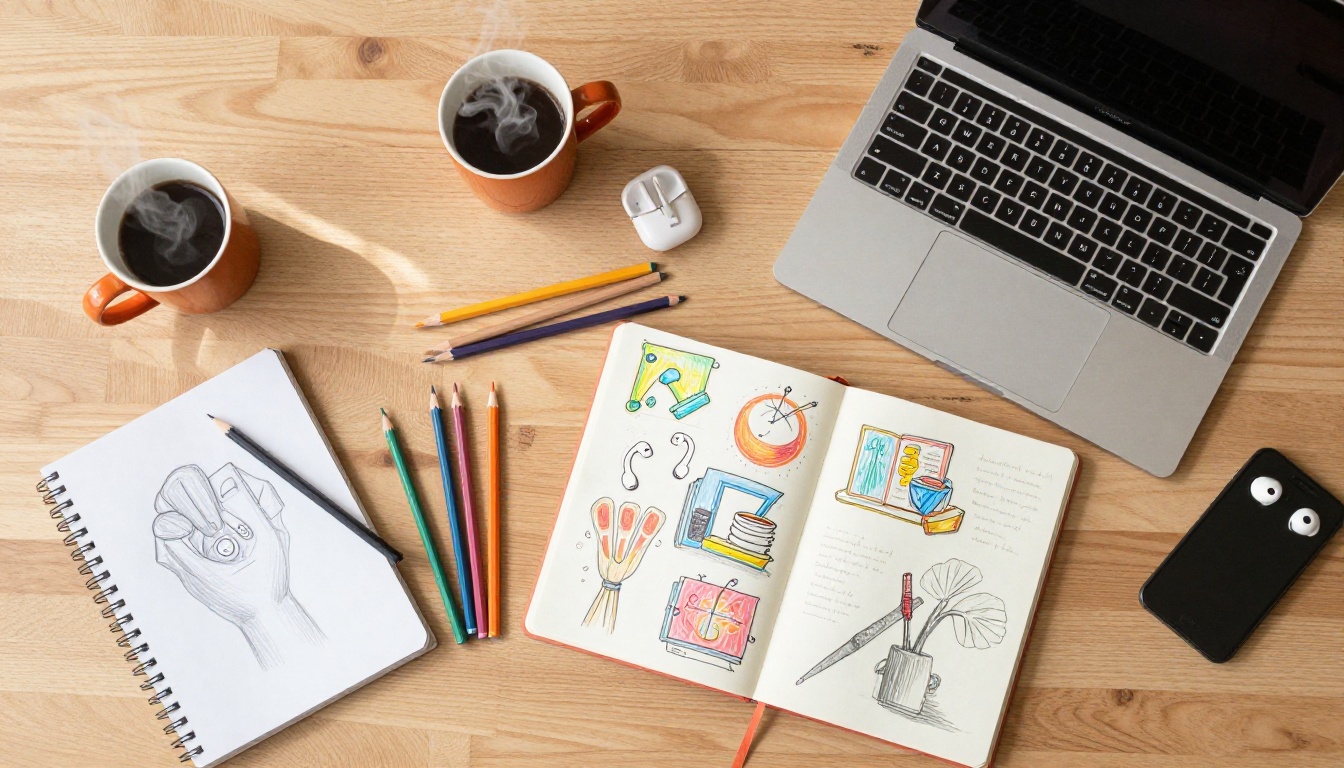
Comparing the Top Image Models
Here is a quick breakdown of how these models stack up for different use cases:
AI for Writing, Not Just Visuals
Image generation gets all the attention, but writing tools are where many teens find the most practical value. Whether you are working on a school essay, drafting a YouTube script, writing song lyrics, or building a brand voice for a creative project, AI writing tools can speed things up dramatically.
The large language models available on AI platforms today can do a lot more than autocomplete sentences. They can take a rough idea and turn it into a structured outline. They can rewrite a paragraph three different ways so you can pick the best version. They can help you write in a specific tone, whether casual and funny or formal and authoritative.
The important thing to remember: AI writing should be a starting point, not the final product. Use it to break through blank-page paralysis, generate options, or fix awkward phrasing. Then edit it until it sounds like you. The teens who use AI writing well are the ones who stay in the driver's seat.
Make Music Without Instruments
This is the category that surprises people the most. You do not need to play a single instrument, read sheet music, or know what a DAW is to make AI-generated music in 2027. You type a description: "upbeat indie pop with acoustic guitar and a summer vibe" and you get a full track back in seconds.
AI music generation has reached a point where the output is genuinely usable. Teens are using it for:
- YouTube and TikTok background music for videos where you do not want copyright strikes
- Original songs to share on music platforms
- Soundtracks for game projects or animation
- Practice and inspiration when playing real instruments alongside AI tools
The best part for beginners: you do not need to know any music theory. You describe the feeling you want, and the tool does the rest. As you get more comfortable, you start making more specific requests and the results get more personal.
💡 Tip: For background music, describe the mood first, then the tempo. "Calm and focused, slow piano, 70 BPM" gives the model much better direction than just "relaxing music."

Video and Voice on Demand
Video tools have expanded dramatically in the past year. AI can now generate short video clips from text prompts, sync lips to audio, and add dramatic visual effects to existing footage. For a teen interested in YouTube, TikTok, short film, or social content, this opens up a serious creative range.
Text-to-speech has also gotten genuinely impressive. The voices no longer sound robotic. They sound like real people with natural cadence, emotion, and pronunciation. For narrating videos, making podcast-style content, or adding voiceovers to projects without recording your own voice, this technology is now practical for everyday use.
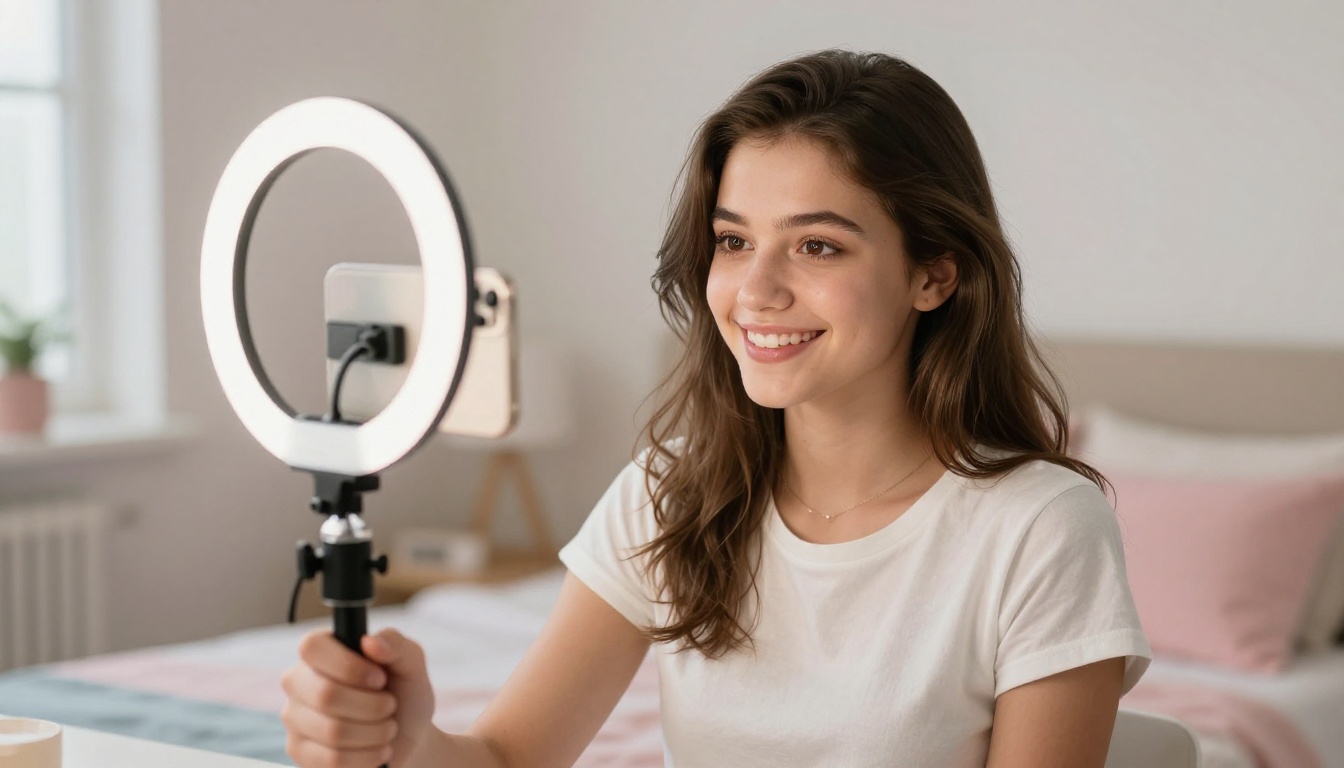
Some useful things teens are doing with AI video and voice tools right now:
- Voiceovers for school presentations without the nerves of recording yourself
- Short animated explainer videos made entirely with AI
- Social media Reels with AI-generated b-roll footage
- Lipsync videos that match music or dialogue to a character photo
How to Use Flux Schnell on PicassoIA
Flux Schnell is the fastest and most beginner-friendly image model available on PicassoIA. Here is how to get your first image in under two minutes.
Step 1: Open the model page
Go to the Flux Schnell page on PicassoIA. You do not need an account to begin, though creating a free account gives you more generations per day.
Step 2: Write your prompt
Type a description of what you want to see. Be specific about three things:
- Subject: What is in the image? ("a teenage girl reading")
- Setting: Where is it? ("in a sunny park with oak trees")
- Style: How should it look? ("photorealistic, warm afternoon light, 85mm lens")
A strong starting prompt: "A teenage girl reading a book in a sunny park, photorealistic, warm afternoon light, shallow depth of field, 85mm lens, Kodak Portra 400"
Step 3: Choose your aspect ratio
For social media posts, pick 1:1 or 4:5. For YouTube thumbnails or banners, use 16:9. Flux Schnell handles all ratios cleanly without stretching or cropping awkwardly.
Step 4: Hit generate
Flux Schnell returns your image in about 2-4 seconds. That speed means you can iterate fast. If the first result is not quite right, adjust one element in your prompt and try again immediately.
Step 5: Save and use
Download your image directly from the results page. For higher resolution output, move to Flux Dev or Flux 1.1 Pro once you are comfortable with prompting basics.
💡 Parameter tips: Keep your prompt between 20-60 words. Too short and the model guesses at what you want. Too long and details start conflicting with each other. Add quality modifiers at the end: "photorealistic, cinematic lighting, 8K, high detail."

Skills That Actually Transfer
There is something worth saying about what you build by using these tools regularly. Prompting is a form of communication. Figuring out how to describe what you want with precision, anticipating how a system will interpret your words, and iterating based on results is directly applicable to writing, design, art direction, and even programming.
The teens who do well with AI tools are not necessarily the most technical ones. They are the ones who have a clear creative vision and know how to express it. If you can describe what you want, you can build it.
That is a transferable skill. The platforms will change. The models will change. But the instinct for creative direction and clear communication will not. Start building that instinct now and it will serve you across every tool that comes after this one.

Not every tool is right for every project. Here is a practical reference:
What Gets Better with Practice
The first few images you generate will probably feel a little random. That is normal. Nobody gets exactly what they picture in their head on the first try. What changes as you practice is that the gap between what you imagine and what you get starts to close.
You start to notice which words the model responds to. You pick up how to add context that shapes the composition. You figure out when to be specific and when to leave space for the model to make interesting choices.
Within a week of consistent use, most people feel a real fluency with prompting. Within a month, they have a genuine creative workflow. The time investment is small. The upside is real.

5 Mistakes Beginners Make
A few things that trip people up early on:
-
Vague prompts: "A cool image" tells the model almost nothing. The more specific you are, the better your results.
-
Changing too many things at once: When iterating, change one thing at a time. That way you know what actually made the difference.
-
Giving up too fast: Bad first results are part of the process. Every experienced AI creator has a folder of misfires. Keep going.
-
Ignoring aspect ratio: A 1:1 composition looks different at 16:9. Adjust your description to match the ratio you are using.
-
Forgetting to save: Most platforms do not store your generations indefinitely. Download the ones you like right away.
Your Turn to Create
The tools are here. The access is free. The only thing that separates the teens who are already building creative AI portfolios from everyone else is that they started.
Pick one tool from this article, write your first prompt, and see what comes back. It does not need to be perfect. It just needs to be a start. Every creator you admire in this space began with a result that looked nothing like what they imagined. That is not a failure. That is literally how it works.
PicassoIA brings together 91 text-to-image models, music generation, video tools, voice generation, and background removal, all in one place. Start with Flux Schnell for the fastest on-ramp. Move to SDXL or Flux Dev when you want more control. Try Ideogram v3 Turbo the first time you need text in your image. The platform grows with you.
There is no better time to start than right now.


