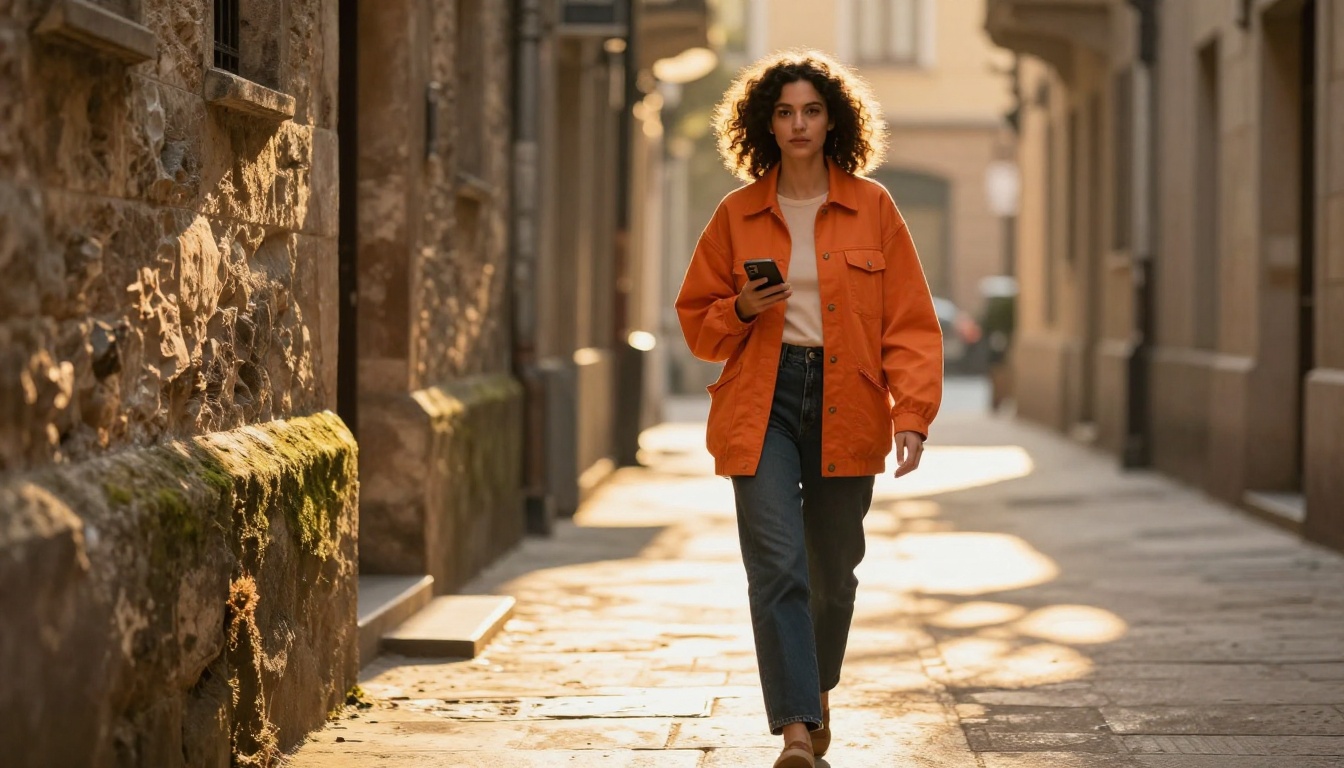
Instagram is brutal with attention spans. You have about two seconds before someone swipes past your reel, and the quality of that first visual moment determines everything. That is why thousands of creators are shifting from traditional filming setups to AI video generation. The tools available today do not just save time. They produce footage that stops thumbs mid-scroll.
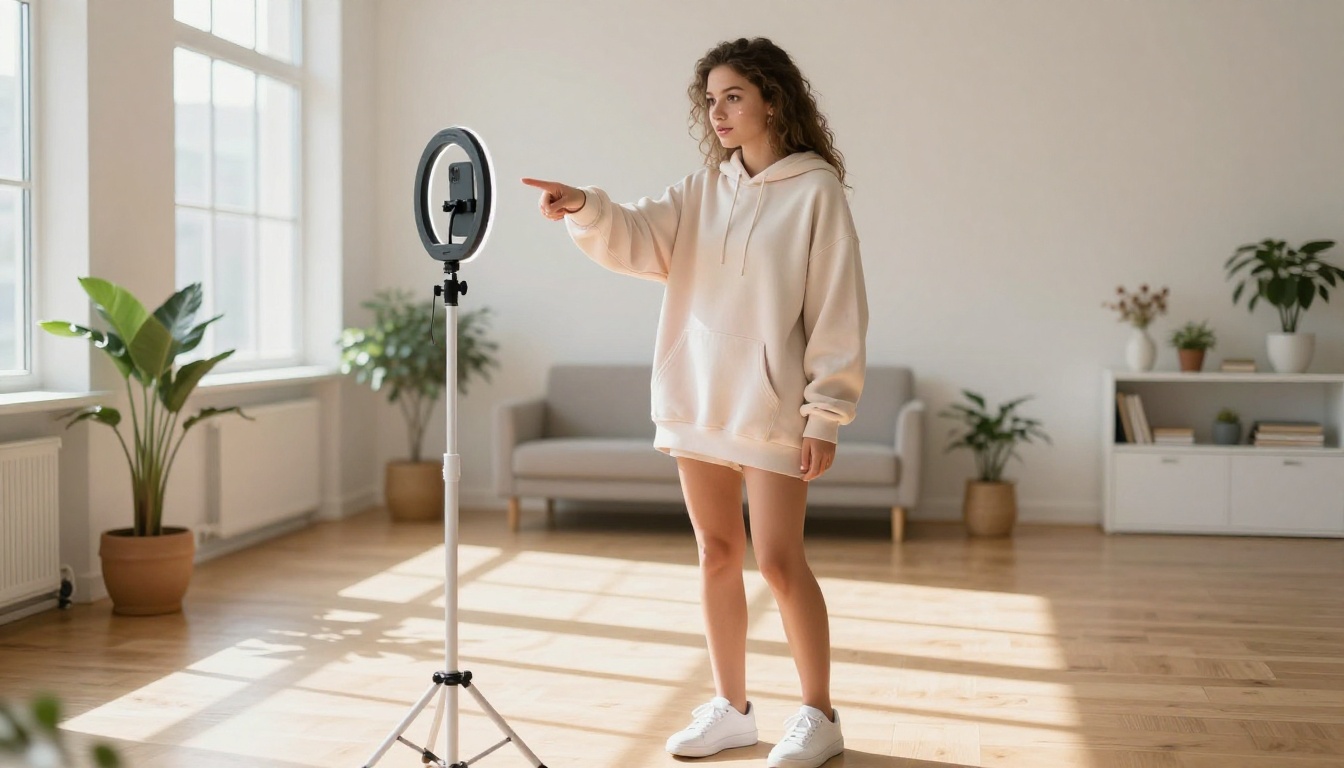
Why Reels Demand a Different Approach
Short-form vertical video is one of the most competitive formats online. The algorithm rewards watchtime, shares, and saves above everything else. That means your content needs to be visually sharp, emotionally immediate, and formatted correctly from frame one.
Traditional video production gets in the way of that. You need decent lighting, a good camera, a stable shot, clean audio, editing software, and time. Most creators do not have all of those things consistently. The days of needing a full production pipeline to post competitive reels are over.
AI video tools remove every bottleneck between an idea and a finished clip. Type a description, choose a model, wait a few seconds, and you have cinematic footage that would have cost a studio day to produce six years ago.
The real question is not whether to use AI. It is which tool to use when.
Not every AI video model is worth your time for Instagram content. Many of them are built for long-form cinematic output or experimental artistic styles that look great in a portfolio but terrible in a feed. Here is what actually matters for reels specifically.
Speed Matters More Than Features
You cannot afford to wait 20 minutes per clip when you are posting three times a week. The best tools for reels are the ones that generate a usable result in under 90 seconds. Slow generation kills your momentum and makes batching content impossible.
Models that sacrifice some quality for speed are often the better choice for regular posting schedules. You can always do one high-quality generation per week as a hero post and use faster outputs for everything else.
Vertical-First Output
Most AI video models default to 16:9 landscape output. That is fine for YouTube, completely wrong for Instagram. The tools worth using either natively support 9:16 vertical output or have integrated reframing tools that do the conversion without cropping your subject out of frame.
Specifying vertical framing in your prompt helps considerably. Describe compositional elements at the top and bottom of frame rather than left and right, and the model will produce something that translates better to a vertical format.
Audio Sync Built In
Reels perform better with sound. The top models now generate synchronized ambient audio or music alongside the video itself, which means one fewer step before you post. This was a feature reserved for premium tools a year ago. Now several models include it by default.
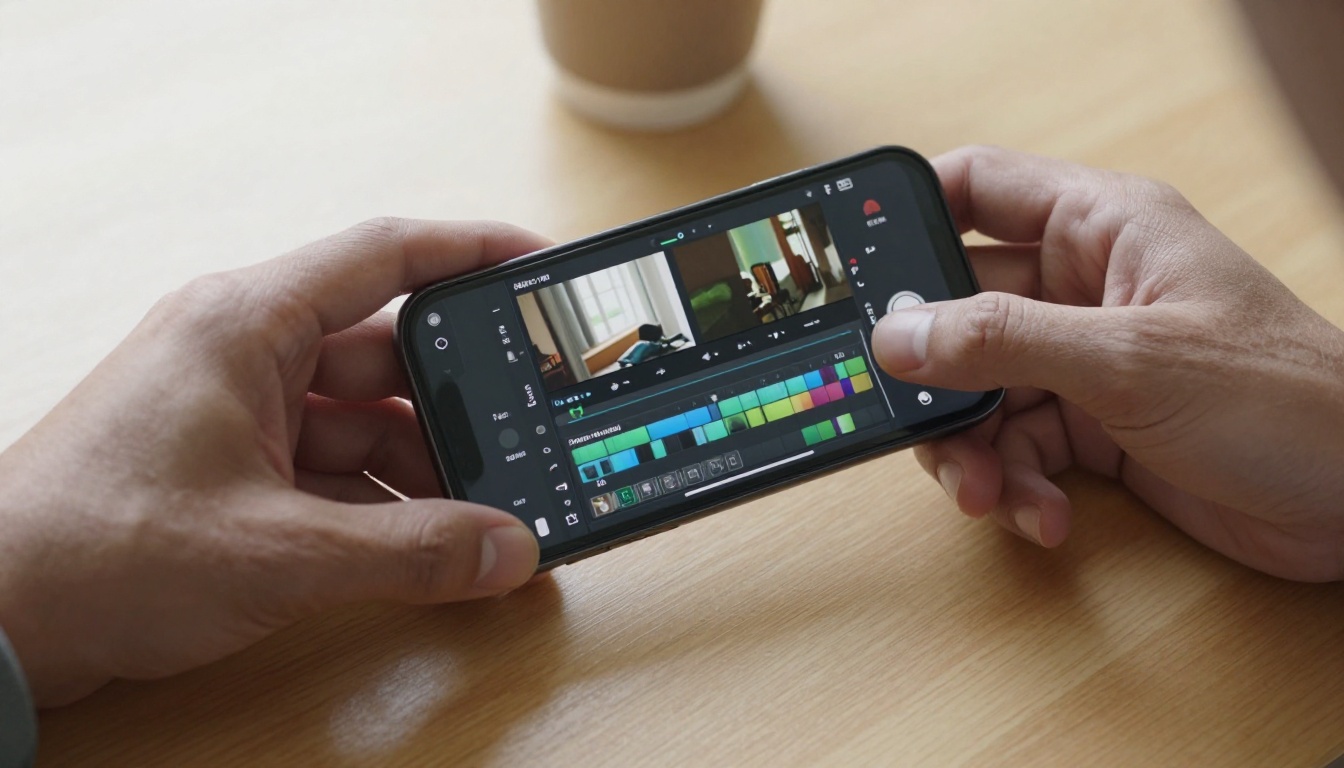
The Top AI Video Models for Reels in 2027
These are the models actively used by creators generating content at scale. Each has a different strength, and the right one depends on what kind of reel you are making.
Seedance 2.0: Audio and Motion in One Shot
Seedance 2.0 from ByteDance is the closest thing to a finished reel in a single prompt. It generates video with built-in native audio, which means ambient sound, music elements, and environmental effects are baked into the clip automatically. The motion quality is smooth and realistic. Characters move naturally, camera perspectives feel intentional, and the output holds up at 1080p resolution.
For lifestyle content, travel snippets, or product reveal reels, Seedance 2.0 is the most ready-to-post output of any model currently available. The Seedance 2.0 Fast variant cuts generation time significantly when you are batching multiple clips across a single session.
💡 Tip: Use Seedance 2.0 with a detailed environment description in your prompt. The more specific you are about the setting and mood, the better the audio generation aligns with the visual content.
Kling v3 Omni: Cinematic Motion Control
Kling v3 Omni Video from Kwai produces 1080p output with some of the most realistic human motion of any model available. It handles close-up facial expressions, hand gestures, and crowd scenes without the uncanny valley artifacts that plague other models. The camera movement options are deliberately cinematic. You can specify slow dolly movements, handheld-style gentle shake, or locked wide shots, and the model respects those instructions reliably.
For creators making fashion content, beauty tutorials, or anything where a real person needs to appear on screen, Kling v2.6 is a strong alternative when you want faster generation times without sacrificing too much quality.
Veo 3 Fast: Google's Speed Option
Veo 3 Fast from Google sits in a specific sweet spot: high-quality output with audio at a generation speed that makes it viable for regular posting schedules. Google's video models handle natural environments exceptionally well. Water, foliage, sky transitions, and light changes all render with a realism that feels less synthetic than competing models.
If your content involves outdoor settings, travel clips, or nature-based aesthetics, Veo 3 Fast delivers the most convincing natural environments available right now.

Pixverse v5.6: Detail-Heavy Short Clips
Pixverse v5.6 generates 1080p video with a distinctive sharpness that holds up well when Instagram compresses footage during upload. Many AI models look soft after platform compression. Pixverse's output has enough detail headroom to survive that compression and still look crisp in a feed.
For product-focused reels where visual clarity of textures, materials, or fine details matters, Pixverse v5.6 is worth testing. Pixverse v5 offers slightly faster generation at a small resolution trade-off for when speed takes priority.
Hailuo 02: Fast 1080p for Short-Form
Hailuo 02 from Minimax is built for exactly the kind of output reels require: short, high-resolution, and fast to generate. It handles both text-to-video and image-to-video workflows, meaning you can animate a still photo you already have or start entirely from a text prompt. The motion interpolation is smooth at reel lengths under 30 seconds, which is where many models show frame-rate inconsistency.
💡 Tip: When using Hailuo 02 for image-to-video, use a portrait-oriented source image. The model's motion synthesis stays more coherent when the input aspect ratio already matches your intended output format.

Other Models Worth Having in Your Rotation
The five above cover most use cases, but there are situations where a specialist model outperforms the generalists.
LTX 2 Pro is particularly useful when you want to produce a hero reel at the highest possible quality and then repurpose frames as static posts. The 4K output gives you enough resolution to crop tightly without losing clarity in either format.
Ray Flash 2 720p is the fastest free option for creators who want to iterate quickly through concepts before committing credits to a higher-quality generation run.
How to Use PicassoIA to Generate Reel Content
PicassoIA gives you access to all of these models from a single interface, which matters when you are experimenting with different styles for different content categories. You do not need a separate account for each model, and switching between them takes seconds.
Step 1: Write Your Prompt with Precision
The quality of your prompt directly determines the quality of your output. Do not write vague descriptions. Instead of "a woman dancing in a park," write "a young woman in a yellow sundress spinning slowly in a sun-lit open park with soft morning light filtering through oak trees, gentle wind moving her hair and dress, shot from a low angle with shallow depth of field."
Specify the camera movement you want. Specify the lighting conditions. Specify the mood. The models respond to all of it, and the difference between a generic prompt and a detailed one is immediately visible in the output.
Strong prompt structure for reels:
- Subject and action first
- Environment and lighting second
- Camera angle and movement third
- Mood or atmosphere last
Step 2: Choose Based on Your Content Type
Step 3: Post-Process Before Uploading
Raw AI video output rarely goes directly onto Instagram without any adjustment. Even a quick reframe or caption layer makes a meaningful difference to watchtime. The editing tools on PicassoIA handle this without requiring external software or subscriptions.
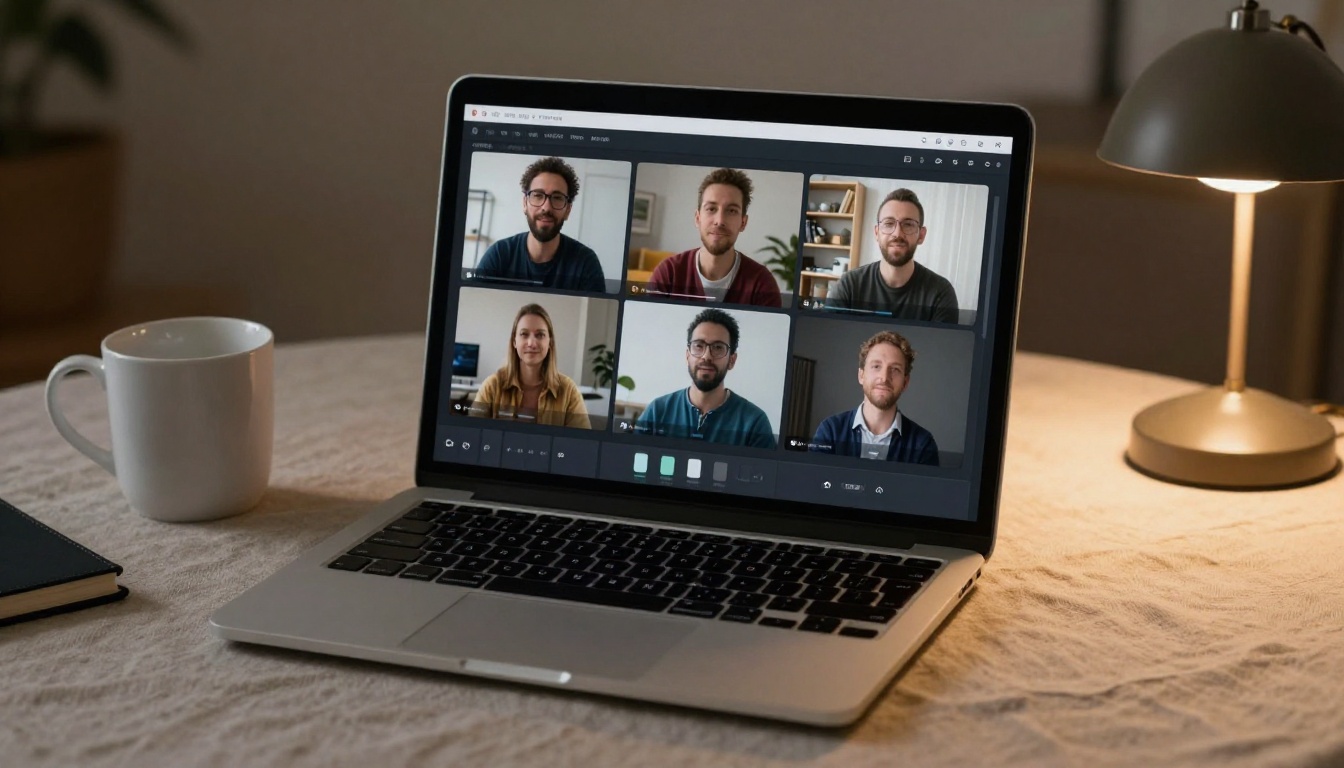
Generating the clip is only half the process. These tools sit at the end of your pipeline and turn a good AI clip into a post-ready reel.
Auto-Captions for Accessibility and Retention
Autocaption adds synchronized text captions directly to your video. This is not just an accessibility feature. Research consistently shows that captioned reels get significantly more watchtime because a large portion of Instagram users scroll with audio off. Captions keep those viewers engaged through the whole clip without relying on them turning the sound on.
The model handles multiple languages and syncs captions to speech timing automatically. For creators posting internationally, this is particularly valuable.
Reframing for Aspect Ratio
Reframe Video from Luma solves the landscape-to-vertical conversion problem. If you generate a 16:9 clip that you want to post as a reel, this tool intelligently tracks and follows the main subject as it converts the framing to 9:16. The subject stays centered and visible rather than getting cut in half by a simple crop.
This is useful when you want to repurpose content across formats, posting the same base clip to both YouTube and Instagram without rebuilding the generation from scratch.
Resolution Upscaling
Video Increase Resolution from Bria handles the compression problem from the other direction. If your generated clip is at 480p or 720p, upscaling it before upload means Instagram's compression algorithm has more to work with and the final result looks sharper in the feed.
You can upscale to 4K or 8K before upload. Instagram's internal processing genuinely benefits from higher-resolution source files, and the difference is visible on high-density mobile displays.
💡 Tip: Pair Video Remove Background with any AI clip featuring a person you want to composite onto a different backdrop. It removes backgrounds frame-by-frame without a green screen, which opens up creative options for product and fashion content.

3 Mistakes Most Creators Make
Most people using AI video for reels fall into the same traps repeatedly. These are the ones that cost the most time and produce the weakest results.
1. Generic prompts. Typing "a beautiful sunset" produces a generic sunset that looks identical to every other AI-generated sunset in the feed. The models reward specificity. A prompt describing the exact time of day, the specific location type, the weather conditions, and the camera angle produces a clip that stands out from the first frame.
2. Wrong aspect ratio from the start. Generating a wide landscape clip and then cropping it to vertical always loses important visual information. Set your intended format in the prompt itself. Describe the framing as vertical. Describe compositional elements at the top and bottom of frame rather than left and right. The models adapt to this guidance reliably.
3. Skipping the resolution check. A lot of creators post 480p AI clips directly because they look fine on a laptop screen during review. On mobile, especially on high-density displays, the softness is immediately obvious. Always upscale before upload. The extra step takes under two minutes and the quality improvement is visible to anyone watching on a modern phone.
Building a Repeatable Reel System
The creators who consistently produce high-performing reels are not just picking good models. They are building a repeatable system around a handful of tools that work for their specific content niche.
A typical efficient workflow looks like this:
- Prompt bank. Keep a running document of prompts that have produced strong results. Iterate from what works rather than starting from scratch each time. A good prompt that generated one strong reel can be slightly modified to produce a dozen variations.
- Model rotation. Use two or three models regularly so you understand their characteristics well. Rotate based on content type rather than randomly picking something new each session.
- Batch generation. Generate five to ten clips in a single session, review them, and schedule posts across the week. This prevents the daily scramble of needing new content every morning.
- Edit in one pass. Caption, reframe if needed, upscale, then export. Doing this in one sitting rather than piece by piece saves significant time per clip and keeps the workflow from fragmenting across multiple days.
Consistency beats perfection for the algorithm. Three solid reels per week outperforms one exceptional reel per month, every time.
Your Next Reel Starts in Seconds
The gap between an idea and a posted reel has never been smaller. The models above are not conceptual or experimental. They are producing 1080p footage right now that real creators are posting to real audiences with real results.
PicassoIA gives you direct access to all of them from a single platform. Start with Seedance 2.0 for your first generation because its built-in audio means you get a post-ready clip with minimal additional editing. Pick a moment or scene you want to create, describe it in detail, and see what comes back.
The Picasso IA Video free generator is also worth testing for quick concepts before you commit to a premium model run. It handles both text-to-video and image-to-video workflows at no cost, which makes it ideal for rapid concept testing before scaling up production.
Stop waiting for the perfect setup. Your next reel is a prompt away.