Instagram Reels is a war of attention. You have three seconds to hook a viewer or lose them to the next creator. The format punishes slow workflows and rewards consistency at scale. That is exactly why AI video generation has become the single most important tool in a creator's stack right now. If you are still editing every clip by hand, you are spending time that AI can collapse into minutes. Whether you post for a personal brand, a business, or a media page, the tools in this article will cut your production time while raising the quality of every Reel you publish.
This article lays out the most effective AI video tools for Reels in 2027, what each one does well, and how to use them through PicassoIA to keep your content pipeline moving at scale.

The old process required filming, editing, exporting, and then starting over the next day. That cycle is exhausting at any posting frequency, and it becomes unsustainable when you need three to five Reels per week to see consistent growth. AI video tools break that cycle entirely. They let you generate polished, vertical-format clips directly from a text prompt. No filming. No timeline scrubbing. No color grading sessions. Just a prompt and a download.
The Reels Format Has Specific Demands
Reels is not just video. It is 9:16 vertical, typically under 60 seconds, with captions, sound, and a strong visual hook in the first two to three frames. Every tool you pick needs to support this format natively. Most traditional video editors were not built for it. The AI tools listed below treat short-form vertical video as the default output, not an afterthought.
Quantity and Quality at the Same Time
The algorithm on Instagram favors accounts that post frequently. Three to five Reels per week is a realistic target for growth. With manual editing, that volume is a full-time job. With AI, it becomes a morning task. The tools below let you produce multiple high-quality clips in a single session, and the quality ceiling has risen dramatically in 2027 with models outputting 1080p, 4K, and native-audio video from plain text descriptions.
What to Look for in a Reel-Ready AI Tool
Not every AI video generator is built for social media. The best options for Reels share a few traits: fast generation times, support for vertical aspect ratios or easy reframing, motion that looks natural rather than glitchy, and output that holds up on a phone screen. Price and usage limits matter too. Daily creators need either an affordable subscription or free unlimited access.
The Best Text-to-Video Models for Reels

Text-to-video models are where Reels production actually changes. Type a scene, receive a clip. Here are the models worth your time.
Seedance 2.0 by ByteDance
Seedance 2.0 is the top pick for Reels right now. It generates video with built-in synchronized audio, which means you get ambient sound, music beds, and dialogue sync without any extra editing step. The output quality is cinematic, with rich color grading and smooth motion. For creators who want a one-step workflow from prompt to posted Reel, Seedance 2.0 delivers at a level that previously required a full post-production setup.
💡 Tip: Seedance 2.0 works best when you describe movement, not just scenes. Instead of "a beach at sunset," try "waves slowly rolling onto a golden sand beach at dusk, camera panning right from ocean to shoreline."
The faster variant, Seedance 2.0 Fast, is ideal for batch sessions when you need output in seconds rather than minutes.
Kling v3 Video by Kwaivgi
Kling v3 Video produces cinematic 1080p clips with exceptional motion coherence. Where some models make subjects float or stutter, Kling v3 handles human movement realistically. This is critical for lifestyle, fashion, beauty, and fitness Reels where the person in the frame needs to look natural. The model supports both text-to-video and image-to-video workflows, so you can take a product photo and turn it into an animated clip in seconds.
For brands that need polished, commercial-quality output and cannot afford inconsistent results, Kling v3 is consistently reliable across prompt styles.
Veo 3.1 by Google
Veo 3.1 outputs 1080p with native audio generation, rivaling broadcast production quality. The model handles complex scenes with multiple subjects, accurate lighting physics, and realistic physical motion. If you create content in travel, nature, architecture, or documentary-style Reels, Veo 3.1's realism is unmatched in the current model landscape.
Veo 3.1 Fast is the speed-optimized variant, ideal for quick iterations and testing prompt variations before committing to a full-quality generation.
Pixverse v5.6
Pixverse v5.6 is the strongest choice for trend-driven content. The model handles style flexibility exceptionally well: you can push it toward cinematic realism, stylized color, or moodier aesthetics depending on the prompt direction. For creators who experiment with visual identity and rotate between different Reels aesthetics, Pixverse v5.6 gives you range that single-style models cannot match.
Its 1080p output and fast generation speed make it a practical daily driver for high-volume accounts.
P Video and Picassoia Video (Free, Unlimited)
P Video and Picassoia Video are PicassoIA's own video generation models built for unlimited free generation. If budget is a constraint or you need to batch-generate clips for testing different content angles and visual styles, these models remove the paywall entirely. Quality is strong, with clean motion and reliable prompt adherence. For creators who want to experiment at volume before committing to premium generations, they are the logical starting point.
Models That Punch Above Their Weight

Not every Reel needs the highest-tier model. These generators hit a sweet spot of speed, cost, and output quality for everyday posting.
Ray 3.2 for Cinematic Output
Ray 3.2 by Luma produces HDR cinematic video with sharp color separation and beautiful contrast. It excels at atmospheric content: moody cafe interiors, golden-hour outdoor clips, low-light urban footage. The kind of visual quality that reads as professional even on a small phone screen, which is exactly what Instagram surfaces demand.
Wan 2.7 for Sharp 1080p at Speed
Wan 2.7 T2V turns text into sharp 1080p video with fast turnaround. For creators who post daily and need consistent quality without long generation waits, Wan 2.7 fits the workflow without friction. The image-to-video variant, Wan 2.7 I2V, animates any photo, ideal for product Reels or repurposing existing brand assets that are already shot.
LTX 2.3 Pro for 4K Detail
LTX 2.3 Pro by Lightricks outputs at 4K resolution. For creators who produce content for both Reels and long-form YouTube or streaming platforms, the extra resolution gives you crop flexibility and future-proofing without quality loss. Its fast counterpart, LTX 2.3 Fast, handles quick iterations when turnaround speed matters more than maximum detail.
Hailuo 02 for High-Volume Output
Hailuo 02 by MiniMax is a reliable 1080p generator with consistent output quality and predictable prompt behavior. When you need to generate 10 to 20 clips in a single session, Hailuo 02 handles volume without degrading quality across batches. Hailuo 02 Fast delivers 512p output instantly for speed-first workflows.
| Model | Resolution | Audio | Best For |
|---|
| Seedance 2.0 | 1080p | Built-in sync | Premium Reels with audio |
| Kling v3 Video | 1080p | No | Motion-accurate lifestyle content |
| Veo 3.1 | 1080p | Built-in | Cinematic and documentary Reels |
| LTX 2.3 Pro | 4K | No | Cross-platform high-res content |
| P Video | HD | No | Free unlimited testing at volume |
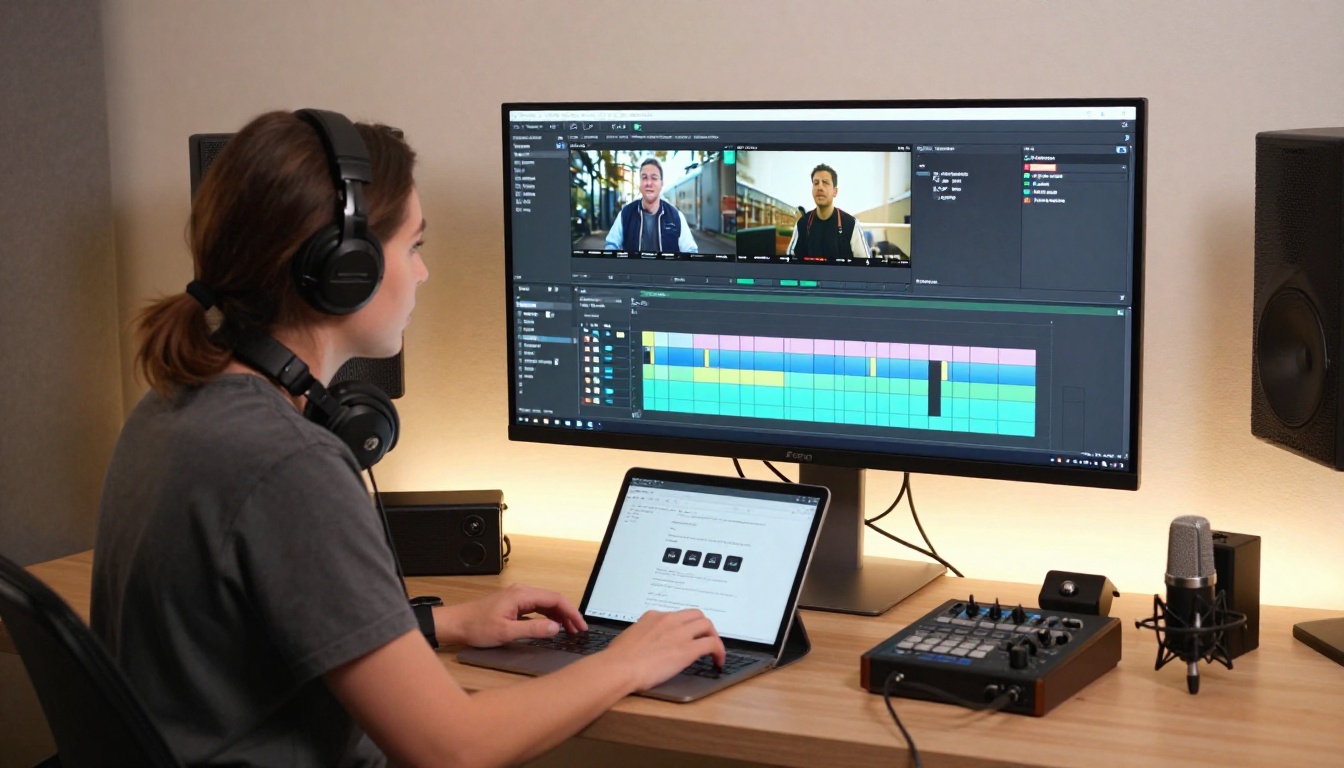
Generating video is step one. Step two is cutting it into a Reels-ready format. These tools handle the editing layer with AI, no timeline experience required.
Reframe Video for Aspect Ratio
This is the single most important editing tool for Reels. Reframe Video by Luma takes any 16:9 landscape or square video and converts it to 9:16 vertical format automatically. The AI tracks the subject so nothing important gets cropped out, even when there is motion in the frame. If you generate landscape video and want to repurpose it for Reels without manually adjusting crop points frame by frame, Reframe Video handles it in one step. This alone saves hours per week for any creator who works across multiple content formats.
Autocaption for Silent Viewers
Autocaption adds synced text captions to any video automatically. Captions are not optional on Reels in 2027. A significant portion of viewers watch short-form video with sound off, and without captions, you lose that audience entirely. Autocaption handles transcription and text styling in one pass, with no manual alignment needed.
💡 Tip: Add captions after all other edits are complete. Captions generated before trimming the clip will fall out of sync.

Lucy Edit 2 for Text-Based Editing
Lucy Edit 2 by Decart lets you edit any video by typing what you want changed. Remove an unwanted background element, change the color of a garment, cut a section out of the middle of a clip. Text-based video editing removes the technical barrier for creators who are not fluent in traditional non-linear editing software. You describe the change in plain language and the model applies it.
Wan 2.7 Videoedit for Style Changes
Wan 2.7 Videoedit uses text prompts to restyle, modify, or restructure existing video clips. It is particularly strong at applying consistent style changes across a full clip, which is useful when you want a specific visual aesthetic applied to footage that was not originally shot with that style in mind. For creators who batch-produce Reels with a consistent visual brand, this model keeps every clip looking intentional.
Video Remove Background
Video Remove Background by Bria strips backgrounds from video without a green screen setup. This opens up creative possibilities for creators shooting in varied environments who want a clean, professional look. You can drop your subject onto any background, AI-generated or otherwise, after the fact. For tutorial creators, product showcases, and interview-style Reels, the result looks like a proper studio shoot.
Sound Makes or Breaks a Reel
Audio is the invisible layer that determines whether a Reel feels polished or amateur. These tools handle it automatically without a recording setup or audio editing knowledge.
Video to SFX v1.5
Video to SFX v1.5 by Mirelo analyzes your video and adds contextually appropriate sound effects automatically. The model reads the visual content and matches ambient sound: footsteps on different surfaces, city noise, coffee shop chatter, the natural sounds of whatever the clip depicts. For AI-generated clips that lack audio, this tool fills the gap convincingly without manual selection or placement.
MMAudio for Synchronized Soundscapes
MMAudio generates AI-created audio synchronized to the visual content of your video. Unlike simple background music tracks, MMAudio creates audio that reacts to motion and scene changes within the clip. It is the right choice for stylized, music-driven Reels where the audio and visual need to feel intentionally connected rather than layered separately.
Upscale Your Reels Before Posting
Low-resolution video is invisible on Instagram. The feed rewards crisp, high-contrast visuals, and blurry or pixelated clips get scrolled past before the viewer even registers the content.

Video Upscaler by ByteDance pushes video to 4K at 60fps, sharpening edges, improving color depth, and reducing motion artifacts that accumulate through multiple generation and editing steps. If you generate video at a lower resolution and want to bring it up to feed-quality before posting, this handles the upscaling in one automatic pass.
Crystal Video Upscaler is the alternative option, also reaching 4K with strong edge preservation and fine texture detail. The Video Upscale by Topaz Labs is the premium choice for creators who need 4K output at up to 120fps, useful for slow-motion Reels content.
💡 Tip: Always upscale as the final step, after all other editing is complete. Running upscaled footage through additional edits introduces compression artifacts that erase the quality gain.
How to Make a Reel with AI on PicassoIA
The workflow below takes any creator from zero to a posted Reel using only PicassoIA tools. No external software. No camera. No editing timeline.
Step 1: Write your prompt. Be specific. Describe the subject, the action, the environment, the lighting, and the mood. "A woman in a white dress walking through a field of lavender at golden hour, slow dolly-forward camera" will outperform "woman in a field" at every model and every resolution level.
Step 2: Choose your generator. For premium output with built-in audio, use Seedance 2.0 or Veo 3.1. For motion-accurate people content, use Kling v3 Video. For free unlimited generation, use P Video or Picassoia Video.
Step 3: Reframe to 9:16. Run your generated clip through Reframe Video to convert to vertical format with AI subject tracking.
Step 4: Add captions. Drop the vertical clip into Autocaption to generate synced text captions in one pass.
Step 5: Add audio if needed. If the model did not generate audio with the clip, run it through Video to SFX v1.5 or MMAudio for contextually synchronized sound.
Step 6: Upscale. Push the final edited clip through Video Upscaler to 4K before posting.
That is a complete, professional Reel produced without a camera, a shooting location, or a video editing application.
Match the Tool to the Content Type
The right choice depends on what kind of Reels you make and how often you need to post. This table matches common use cases to the best-fit tools:
Create Your First AI Reel Today

The tools above are not theoretical. They are live on PicassoIA right now, accessible from any browser with no software installation or hardware requirements. PicassoIA brings over 87 text-to-video models together with editing, upscaling, audio, and captioning tools in a single platform, covering every step of the Reels production process.
The fastest way to see results is to pick one model and run ten prompts through it in one session. You will know within an hour which visual style fits your content, which generation settings produce the output you want, and how to describe scenes that translate well from text to video.
Every creator who now produces polished AI-generated Reels consistently started the same way: with one experiment. Pick a model. Write a specific prompt. Post what you get. Iterate from there. That is the only workflow that actually produces results at the pace Reels rewards.


