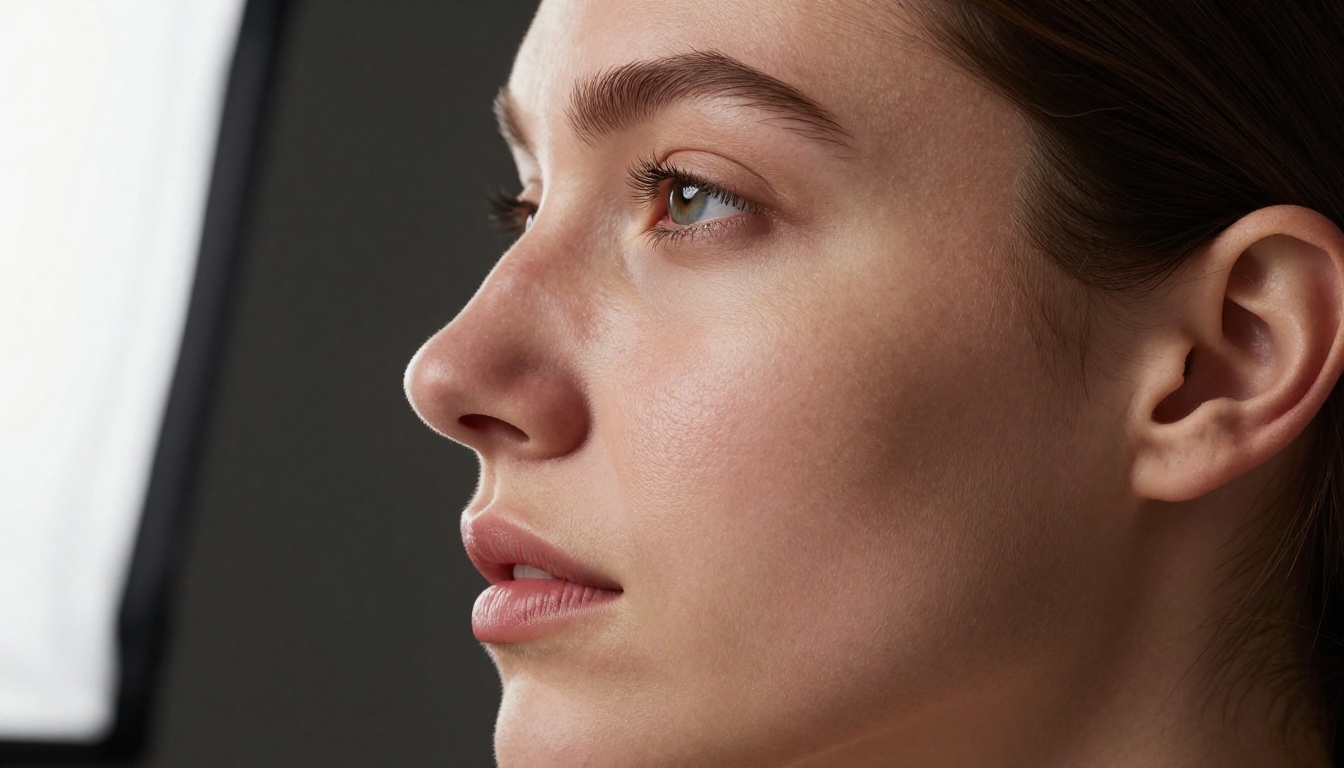
If you have spent hours prompting free NSFW AI generators only to end up with results that look like plastic mannequins or over-smoothed video game characters, you already know the real problem: skin realism is the hardest thing in AI image generation. Most free tools blur over the precise details that make a body look human, and even many paid platforms fall short. The good news is that a small group of models have genuinely cracked it, and several of them are completely free right now on PicassoIA.
This article breaks down the best free NSFW AI options for generating realistic skin in 2027, ranked by output quality, skin texture accuracy, generation speed, and how much you can actually produce without hitting a paywall.

Why Skin Realism Is So Hard to Get Right
Most people assume that NSFW content is where AI fails on purpose because of safety filters. That is only half the story. Even fully uncensored models regularly produce fake-looking skin because skin realism is technically one of the most demanding outputs in image synthesis. It requires a model to simultaneously nail multiple overlapping physical properties that most datasets do not capture accurately.
What Makes Skin Look Fake
Skin has a specific set of properties that AI has to render correctly at the same time:
- Subsurface scattering: light that enters the skin and bounces around beneath the surface before exiting, producing that warm inner glow you see in real photography
- Pore and micro-texture detail: thousands of tiny imperfections distributed across the surface that signal biological reality
- Natural color variation: skin is never one flat tone, it carries warmth variations, slight redness at the nose and cheeks, pigment shifts across the body
- Specularity: how skin catches and reflects light depends on moisture content, oil distribution, and surface angle relative to the light source
- Fine hair: peach fuzz, eyebrow micro-hairs, and hairline edges all catch light in very specific ways that immediately expose a generated image when wrong
When a model fails any single one of these, the result reads as wax, plastic, or digital art. The models in this article get all of them right, or come very close.
The Real Benchmark for Skin Texture
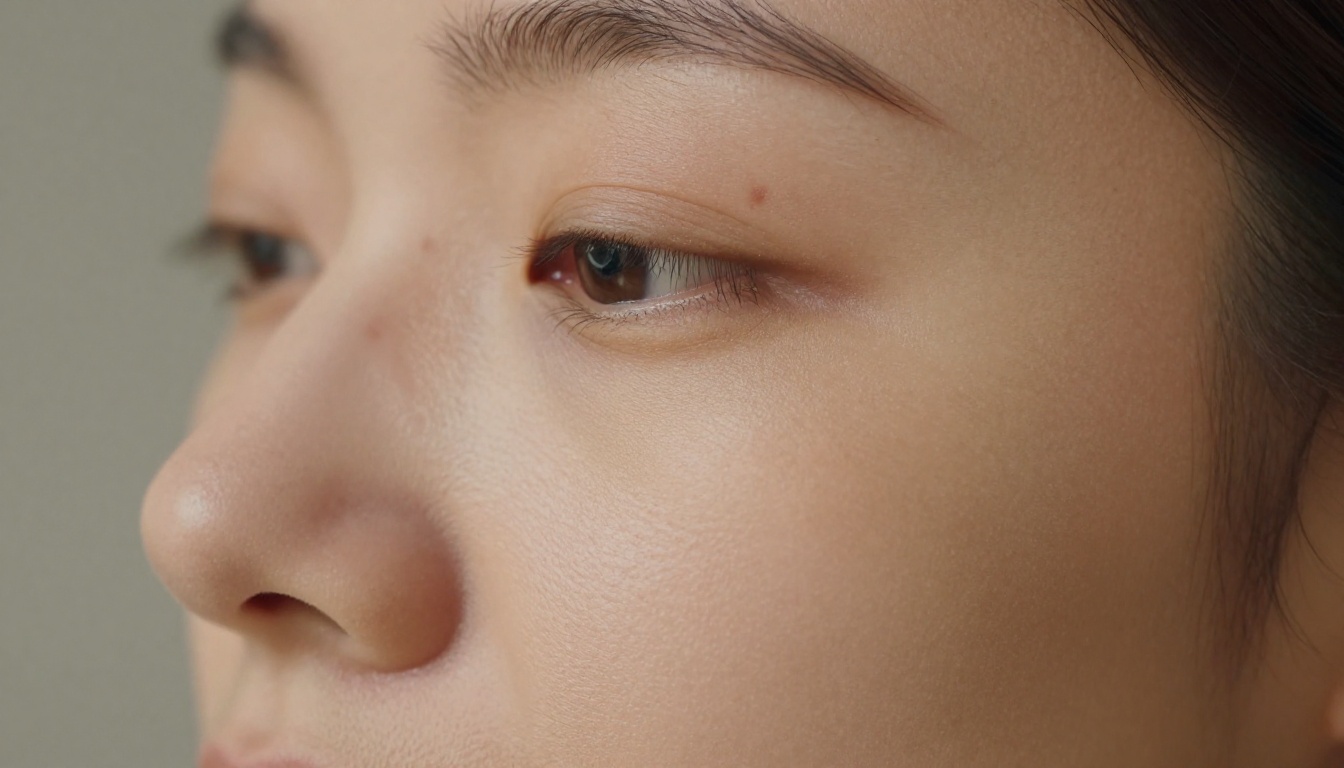
The correct benchmark for skin realism is not "does it look pretty at thumbnail size." It is the 100% crop test: download the full-resolution output and zoom to 100% on the cheek, shoulder, or collarbone area. Check whether pores, fine hairs, and micro-texture hold up at that magnification, or whether they dissolve into smooth noise. Most models fail this test. The ones below do not.
Tip: Every time you evaluate a new NSFW AI tool for skin quality, download the full-resolution file and perform the 100% crop test before trusting the thumbnail preview. What looks convincing at a glance is often obviously artificial at full size.
Seedream 4.5 Is the Current Top Choice
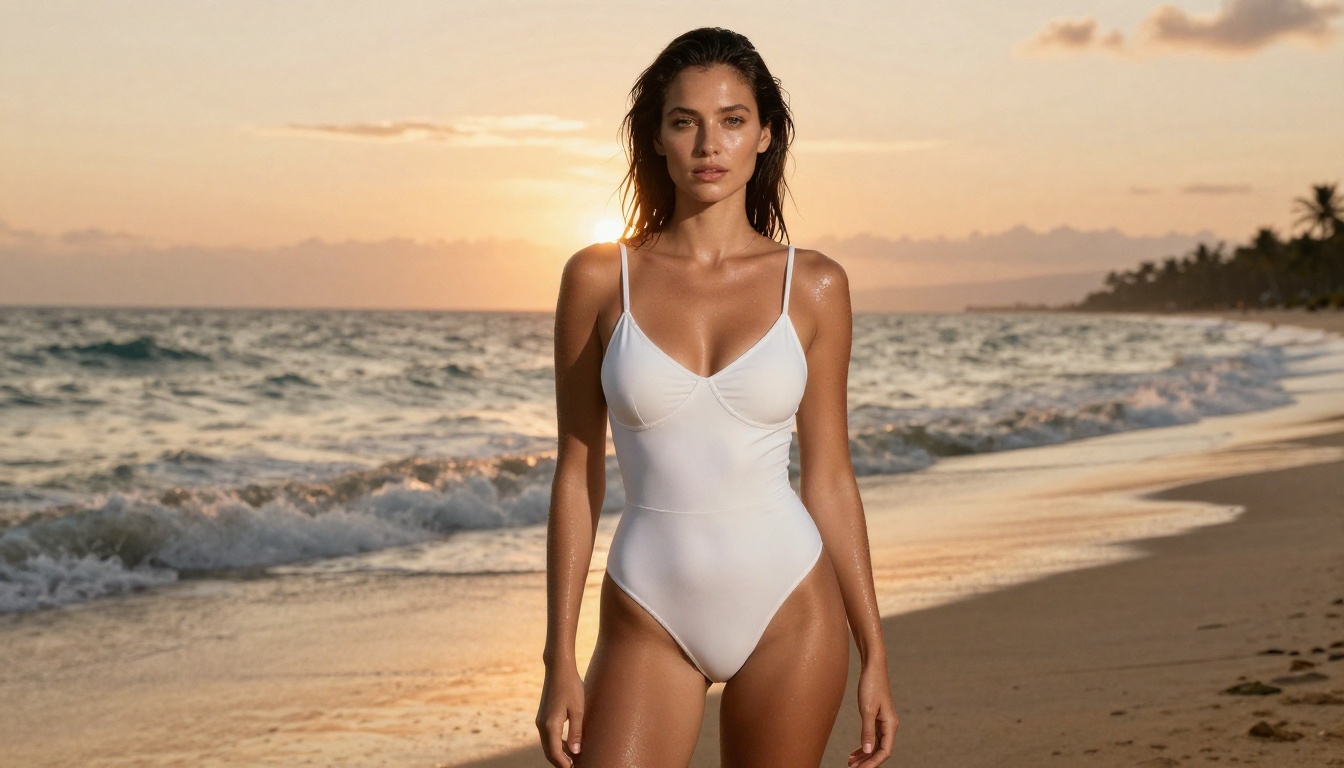
Seedream 4.5 from ByteDance is, right now, the best free NSFW AI model for realistic skin. It has established a new standard for photorealistic human figure generation that the rest of the market is still catching up to across every measurable dimension.
What It Does Better Than Anyone
Seedream 4.5 excels specifically at the properties that matter most for NSFW and body-focused content:
| Property | Seedream 4.5 | Average Free Model |
|---|
| Subsurface scattering | Excellent | Poor to Moderate |
| Pore-level micro-texture | High detail | Smoothed over |
| Natural skin tone variation | Accurate per region | Flat single tone |
| Fine hair and fuzz | Very precise | Blurry edges |
| Lighting response on skin | Physically accurate | Artificial glow |
| Speed per generation | 8-15 seconds | Varies widely |
The model was trained on an enormous photographic dataset and handles implied nudity, artistic body photography, bikini and lingerie content, and glamour work without triggering refusals on PicassoIA. You get full photorealistic output from your first run.
How to Prompt for Maximum Skin Detail
Getting the best skin output from Seedream 4.5 requires a specific prompt structure. Vague descriptions produce generic output. Specific, technical descriptions produce photorealistic results.
Prompt framework for skin realism:
[Subject + pose + clothing] + [skin tone description] + [lighting type and direction] + [camera brand and lens] + [film stock] + [quality modifiers]
Example: A woman with warm olive skin tone in a white linen dress, visible collarbone and bare shoulders, golden morning light from the left at 45 degrees illuminating cheekbone and shoulder, visible pores and fine skin texture, subsurface light scattering, Canon 85mm f/1.4, Kodak Portra 400 film grain, 8K RAW photography, photorealistic, no smoothing
Tip: Always include a specific film stock such as Kodak Portra 400 or Fujifilm Pro 400H, and a specific lens focal length with aperture. These two additions alone produce a measurable improvement in skin realism output on Seedream 4.5.
Negative prompt additions (use if the interface supports a negative field):
plastic skin, smooth skin, airbrushed, digital art, 3D render, CGI, illustration, cartoon, overexposed, fake lighting, artificial
Recommended parameters for Seedream 4.5:
| Parameter | Value |
|---|
| Steps | 30 to 40 |
| CFG Scale | 6.5 to 7.5 |
| Sampler | DPM++ 2M Karras |
| Resolution | 1280x720 minimum |
| Seed | Fix a seed once you find a successful base |
PicassoIA Image Editor Pro for Unlimited Volume
After Seedream 4.5, the second most important tool for anyone doing sustained NSFW work is PicassoIA Image Editor Pro. Where Seedream is the highest quality single model, Image Editor Pro solves a completely different problem: daily generation limits.
Why Free Limits Kill Your Workflow
If you are generating NSFW content for creative projects, artistic work, or iteration-heavy processes, you will burn through free credits fast. Most platforms cap you at 5 to 20 daily generations on their top models. For any real workflow involving multiple prompt variations, lighting adjustments, and pose exploration, that ceiling is hit in under an hour.
PicassoIA Image Editor Pro offers unlimited generations on its standard processing queue. Output quality for skin realism sits just below Seedream 4.5 but well above most free alternatives, making it the practical backbone for high-volume NSFW creative work without constant interruption.
The Two-Step Pipeline That Works
The smart approach is to combine both tools rather than choosing between them:
- Generate your best images with Seedream 4.5 to nail composition, skin tone, and overall quality when it matters most
- Iterate at scale using PicassoIA Image Editor Pro for variations, adjustments, and bulk runs without worrying about limits
- Upscale the best outputs through PicassoIA's super-resolution models to push skin texture detail even further at 2x or 4x
This pipeline gives you both peak quality and unlimited volume without paying for either.
Flux Krea Dev and Flux Schnell LoRA for Speed
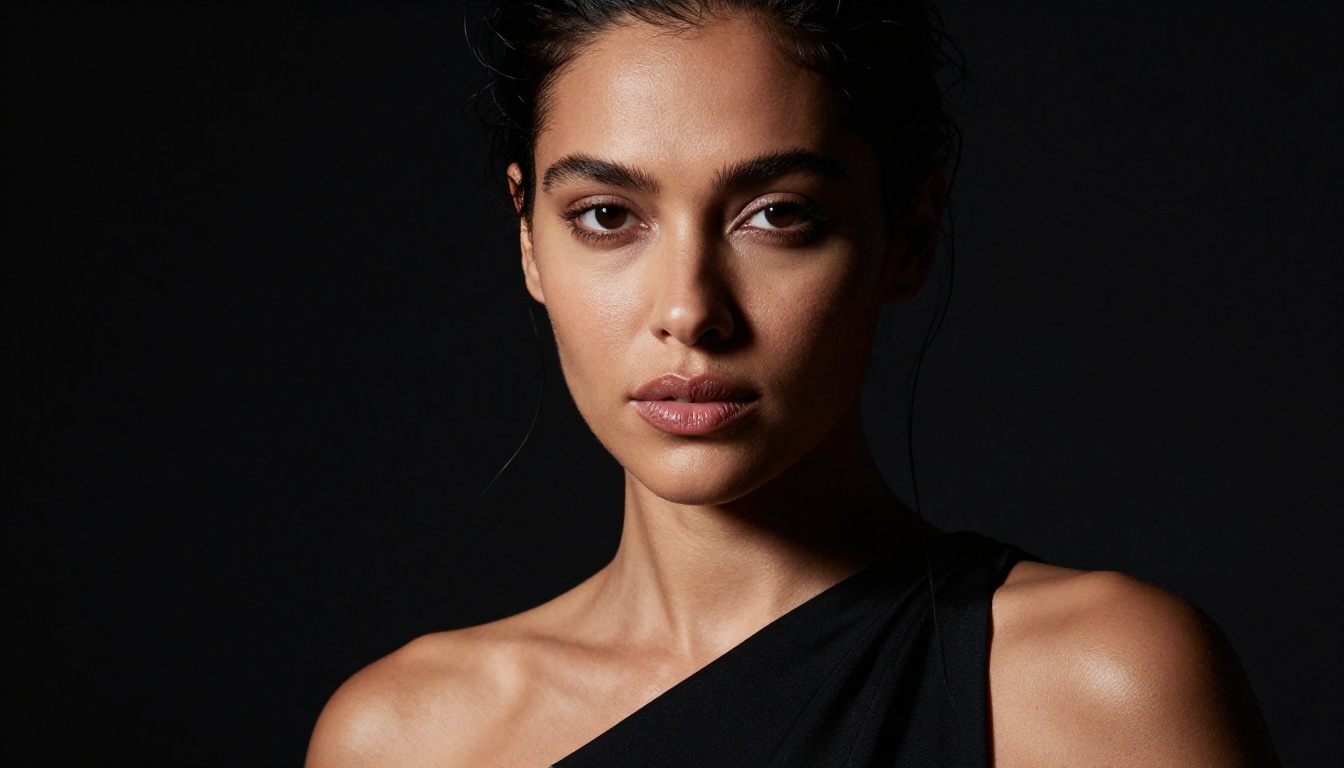
When raw generation speed matters more than absolute peak quality, the Flux model family offers the best tradeoff in the free tier.
Flux Krea Dev was trained specifically to avoid the artificial look that makes most AI portraits immediately identifiable as generated. It produces output with natural imperfections, realistic lighting response on skin, and a photographic quality that reads as camera-captured rather than computer-created. For NSFW work specifically, it handles body photography without the plastic-skin default that plagues most fast models.
Flux Schnell LoRA sits at the fastest end of the quality spectrum, completing generations in 3 to 6 seconds. Skin quality remains above average for a speed-first model, and the LoRA customization layer allows you to push it toward specific aesthetics, including skin tone accuracy for diverse ethnicities, specific lighting setups, and body photography styles.
When You Need Fast Results
The Flux models fit best when:
- You need to test 20 or more prompt variations quickly before committing to a full run
- You are iterating on composition and pose rather than refining skin quality
- You want near-instant feedback on lighting and framing before switching to Seedream 4.5 for the final output
- You need multiple scene variants in a short session without burning daily limits on your highest-quality model
Trade-offs Worth Knowing
No free model is perfect. The Flux family has specific failure modes to watch for:
- Flux Krea Dev occasionally over-sharpens fine hair at standard portrait focal lengths, producing a slightly crispy edge that reads as processed rather than photographic
- Flux Schnell LoRA can lose micro-texture in shadowed skin areas at its fastest generation speeds
- Both models require more explicit prompting around skin properties compared to Seedream 4.5, which handles skin naturalism by default without heavy prompt engineering
Tip: For Flux models, add subsurface skin translucency, visible pores, Kodak Portra film grain, no AI smoothing explicitly to your prompt. These additions prevent the default over-smoothed appearance that Flux reverts to without strong guidance.
The Skin LoRA That Changes Everything
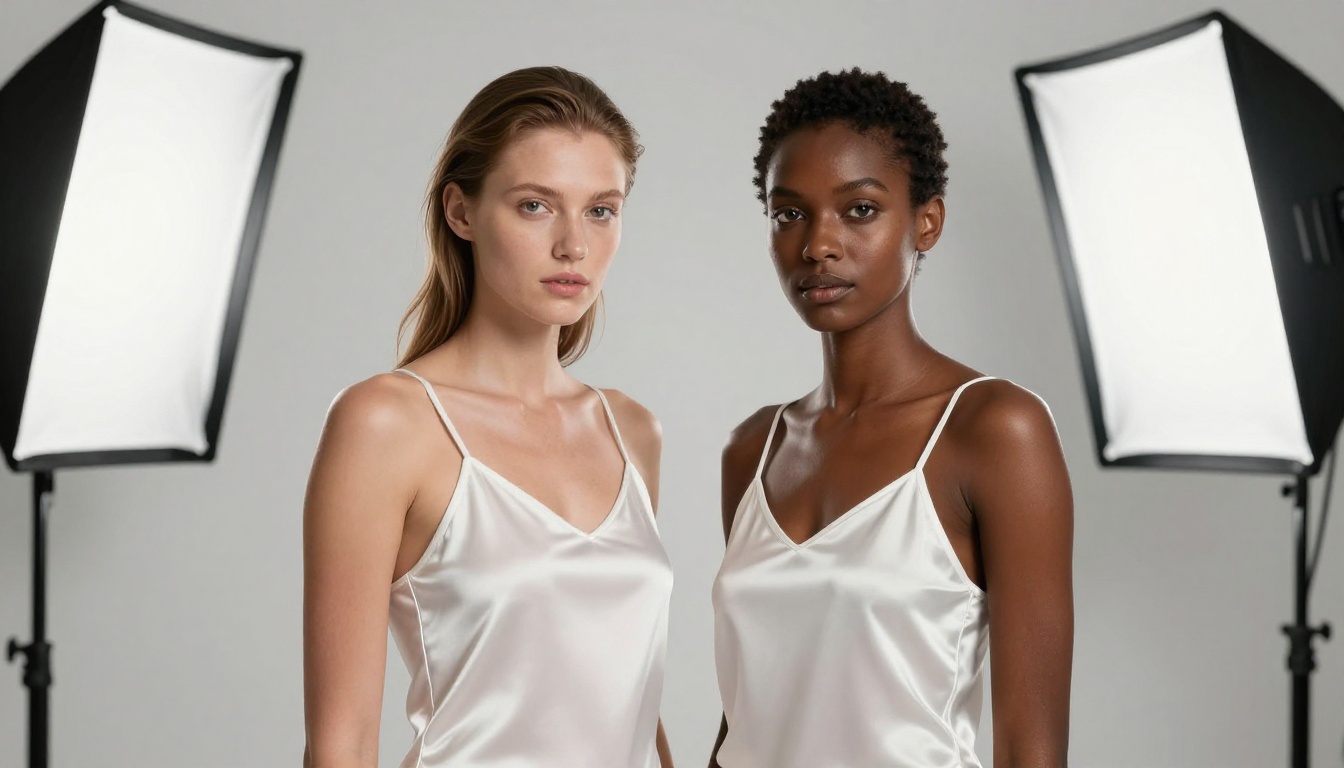
Qwen Edit Apps Skin LoRA
One of the most underrated free tools available on PicassoIA is the Qwen Edit Apps Skin LoRA. This is a specialized low-rank adaptation trained specifically on skin quality improvement, and it works differently from standard generation models in a way that makes it uniquely useful.
Where Seedream 4.5 generates realistic skin from scratch in a single pass, the Skin LoRA works on existing generated images, enhancing pore density, correcting unnatural skin smoothing, standardizing texture quality across face and body, and adding realistic micro-imperfections to areas that look flat or artificial.
What the Skin LoRA specifically improves:
- Pore density and realistic spatial distribution across skin surfaces
- Skin tone coherence between the face and the rest of the body, which often differs in quality on base model outputs
- Natural imperfections such as freckles, slight capillary redness, and fine surface lines
- Directional light response on textured skin, particularly in shadow transition zones where skin often looks flat
How to Stack LoRAs for Better Results
The real power comes from using the Skin LoRA as a refinement layer on top of a strong base model output:
- Generate your starting image with Flux Redux Dev for a fast, high-quality base
- Apply the Skin LoRA as a second pass to push pore detail and texture realism
- Use PicassoIA's super-resolution upscaler for a 2x or 4x final output
This three-step stack consistently produces results that beat any single model used alone, and the entire pipeline is free.
How to Use Seedream 4.5 on PicassoIA
Since Seedream 4.5 is the top recommendation for skin realism, here is a direct step-by-step process for getting your first high-quality output on PicassoIA.

Setting Up Your First Generation
- Open Seedream 4.5 on PicassoIA in your browser
- Select 16:9 aspect ratio for editorial and landscape style, or 9:16 for portrait and vertical format
- Set resolution to the highest available option, with 1280x720 as the recommended minimum for skin detail visibility
- Disable any "enhance" or "auto-correct" smoothing options if the interface offers them, as these work against natural skin texture
- Enter your prompt using the framework from the earlier section and run
Most generations complete within 15 seconds. If the first result has any of the common skin issues described below, adjust your prompt using the troubleshooting guidance and re-run.
Common Problems and Fast Fixes
Plastic or waxy skin: Lower your CFG scale by 0.5 steps and add "subsurface scattering, natural skin imperfections, film grain" to your prompt.
Flat skin tone with no variation: Add specific tone language such as "warm honey undertone with slight redness at cheeks and nose." Flat tone is the model defaulting to its training distribution mean.
Unnatural body-to-face skin quality difference: Run the Skin LoRA as a second pass on the output to standardize texture quality across the full image.
Over-sharp, processed-looking skin: Reduce steps to 25 and add "Kodak Portra 400 film grain, soft focus, natural" to soften the output without losing detail.
All Six Models Side by Side

Here is the full comparison across every model covered in this article:
| Model | Skin Realism | Speed | Free Limit | NSFW Output | Best Use Case |
|---|
| Seedream 4.5 | Excellent | 8-15s | Daily cap | Full support | Best quality output |
| Image Editor Pro | Very Good | Moderate | Unlimited | Full support | High-volume runs |
| Flux Krea Dev | Good | Fast | Daily cap | Full support | Natural, photo-real look |
| Flux Schnell LoRA | Moderate-Good | 3-6s | Daily cap | Full support | Speed-first iteration |
| Flux Redux Dev | Good | Moderate | Daily cap | Full support | LoRA stacking base |
| Skin LoRA | Refinement layer | Moderate | Available | Full support | Skin texture enhancement |
The short version: Use Seedream 4.5 as your primary model. Pair it with Image Editor Pro when you need volume. Apply the Skin LoRA as a final refinement layer when skin quality is the primary output goal. Use Flux Krea Dev and Flux Schnell LoRA for fast iteration before committing to a full Seedream run.
What to Do When Models Still Fall Short

Even the best free models have failure modes. Here is how to handle the most common skin realism problems without switching tools:
Waxy or plastic skin appearance: Use Seedream 4.5 with explicit skin texture language. Add "subsurface scattering, visible pores, natural skin imperfections, peach fuzz catching light" and lower your CFG scale slightly. The model responds well to specific physical descriptors.
Flat, single-tone skin with no natural variation: Add specific regional skin tone language to your prompt. Describe where redness appears, where warmth concentrates, and where shadows cool the tone. For example: "warm honey complexion with slight redness at cheeks and nose, cooler tone at temples, golden warmth at shoulders in sunlight."
Lighting looks artificial on skin: Name the light source position exactly. "Single key light from upper-left at 45 degrees with soft octabox diffusion" produces far more realistic skin lighting than vague descriptors like "dramatic lighting" or "moody atmosphere."
Body skin looks fake but face looks real: This is a well-known quality gap where face regions receive more training attention than body regions in most models. The Skin LoRA was built specifically to address this inconsistency, standardizing texture quality across the full body region.
Skin looks over-processed or retouched: This usually happens at high CFG scale values with many steps. Reduce CFG to 6.0 to 7.0 and add "no retouching, unprocessed film scan, raw capture" to your prompt. Adding a specific film stock name (Kodak Portra 400, Fujifilm Pro 400H) also helps anchor the output toward a photographic rather than digital aesthetic.
Try It on PicassoIA Right Now

Every model covered in this article is available for free on PicassoIA right now, without any local installation, GPU hardware, or technical setup. You open the tool, enter your prompt, and get a photorealistic output in seconds.
The fastest way to start: go directly to Seedream 4.5 on PicassoIA, paste in the prompt template from the earlier section with your own subject and lighting details, and run your first generation. You will have a photorealistic skin result in under 15 seconds.
If you want to see every option in one place, PicassoIA's full model library at picassoia.com/en/all-models has over 90 text-to-image models covering everything from the fastest iteration tools to the specialized skin enhancement LoRAs described here. The best approach for most users is to pick two or three models that match their specific workflow and build real prompting skill with those, rather than constantly switching between tools looking for a perfect result.
Skin realism in AI imagery is no longer locked behind expensive subscriptions or local hardware. The tools to produce genuinely photorealistic skin, pores and all, are free, fast, and available right now. The only variable left is knowing which models to use and how to write the prompts that get them to perform at their ceiling. Both of those answers are now in front of you.