Free NSFW AI image generators with no account required used to be rare. Now, the best ones run directly in your browser, accept plain English prompts, and deliver photorealistic results in under 30 seconds. No email. No credit card. No identity attached to what you create.
This is the practical breakdown of the best options available right now, how the models compare, and exactly how to get the most out of each one.
Why No Sign-Up Matters
Signing up for an AI platform is not just an inconvenience. It is a paper trail. Most platforms log every prompt you type, tie it to your account, and reserve the right to review or moderate that content. For adult content specifically, that creates real tension: the platforms that allow NSFW generation often require the most personal information.
The Privacy Problem with Accounts
When you create an account, platforms typically collect:
- Your email address (often verified by phone)
- IP address and browser fingerprint
- Every prompt you submit
- Generated images (sometimes stored server-side)
- Payment details if you upgrade
For sensitive content categories, this data collection is not hypothetical. Platforms have suspended accounts and removed content when moderation systems flag certain prompt patterns. Anonymous generation sidesteps all of that.
What You Lose by Skipping Registration
Staying anonymous does come with tradeoffs. Most no-signup tools offer limited generation quotas, slower queue times during peak hours, and no history to revisit past generations. You also get no LoRA training, no fine-tuned personal models, and no community features.
That said, for casual or exploratory NSFW generation, the free-anonymous tier is more than sufficient for most people.
What Makes a Great NSFW AI Generator
Not all AI image generators produce the same results, even with identical prompts. Several factors determine whether you get a stunningly realistic image or a blurry, anatomically incorrect mess.
Image Quality That Actually Impresses
The best NSFW generators share a few technical traits:
- High-resolution output: 1024x1024 minimum. Anything below 512px looks like a thumbnail.
- Photorealism capability: The model architecture must be trained on real photography, not just illustrations.
- Anatomical accuracy: Historically the weakest point for AI, but newer models handle hands, faces, and body proportions far better.
- Consistent skin tones: Realistic skin rendering requires models with diverse training data and careful colorimetry.
Prompt Flexibility and Precision
A rigid prompt system that ignores qualifiers like lighting direction, lens type, or fabric texture is a deal-breaker for high-quality adult content. The best free NSFW generators accept long, detailed prompts and follow them precisely.
💡 Pro Tip: Always specify lighting in your prompt. "Rembrandt lighting from above-left" will produce dramatically different and more professional-looking results than a vague "beautiful lighting."
Model Architecture Matters
Diffusion models dominate the NSFW generation space. The architecture determines not just quality but stylistic range:
| Architecture | Strength | Best For |
|---|
| FLUX-based | Photorealism, prompt adherence | Realistic portraits, editorial |
| SDXL-based | Speed, versatility | Quick generations, diverse styles |
| SD 3.5 | Detail, composition | Complex scenes, artistic |
| RealVisXL | Hyper-realism | Skin texture, photography |
Top Free Models for NSFW Images
The models listed below are available without account creation on the right platforms. Quality varies substantially, so understanding what each does well prevents wasted generations.
Flux Dev and Flux Pro
Flux Dev and Flux Pro from Black Forest Labs represent the current state of the art in photorealistic text-to-image generation. Flux's diffusion transformer architecture handles human anatomy significantly better than previous generations. The model follows detailed prompts precisely, making it ideal for complex scenes with specific lighting, clothing, and pose requirements.
Flux 1.1 Pro pushes quality further with improved skin detail and reduced edge artifacts. The Flux 1.1 Pro Ultra variant supports ultra-high-resolution output, making it the strongest choice for print-quality adult photography simulation.
For speed without sacrificing quality, Flux Schnell delivers results in a fraction of the time. It is ideal for iterating on prompt ideas before committing to a full-quality render with Flux 2 Pro.
What Flux does best:
- Accurate facial proportions and expressions
- Natural skin texture with realistic pore detail
- Precise prompt adherence for clothing, pose, and environment
- Consistent lighting across complex scenes
💡 Flux Tip: Include the camera lens specification in your prompt (e.g., "85mm f/1.4 portrait lens") to trigger the model's understanding of photographic depth of field and perspective.
SDXL and DreamShaper XL
SDXL from Stability AI was the dominant NSFW generation model for years before Flux arrived. It remains highly capable, especially for stylized content alongside photorealism. The large parameter count gives it excellent understanding of complex prompt instructions.
DreamShaper XL Turbo is a fine-tuned variant that significantly improves upon the base SDXL for human subjects. It was trained with high-quality portrait and figure photography datasets, resulting in much better skin rendering and anatomical consistency than standard SDXL.
Realistic Vision v5.1
Realistic Vision v5.1 is a fine-tuned Stable Diffusion model optimized specifically for photorealistic human subjects. It excels at portrait and figure photography, with particularly strong performance on:
- Natural facial expressions without the uncanny valley effect
- Realistic eye rendering and reflections
- Body proportion accuracy across different poses
- Clothing and fabric texture simulation
This model is slower than Flux but produces a distinctly photographic look that many users prefer for intimate portrait-style content.
Stable Diffusion 3.5 Large
Stable Diffusion 3.5 Large brings Stability AI's latest architecture improvements to bear. The multimodal diffusion transformer handles complex compositional prompts better than older SD versions. For NSFW content specifically, the improved understanding of spatial relationships means more accurate scene compositions with multiple scene elements.
The Stable Diffusion 3.5 Large Turbo version trades a small amount of quality for dramatically faster generation speeds, which is useful for rapid experimentation.
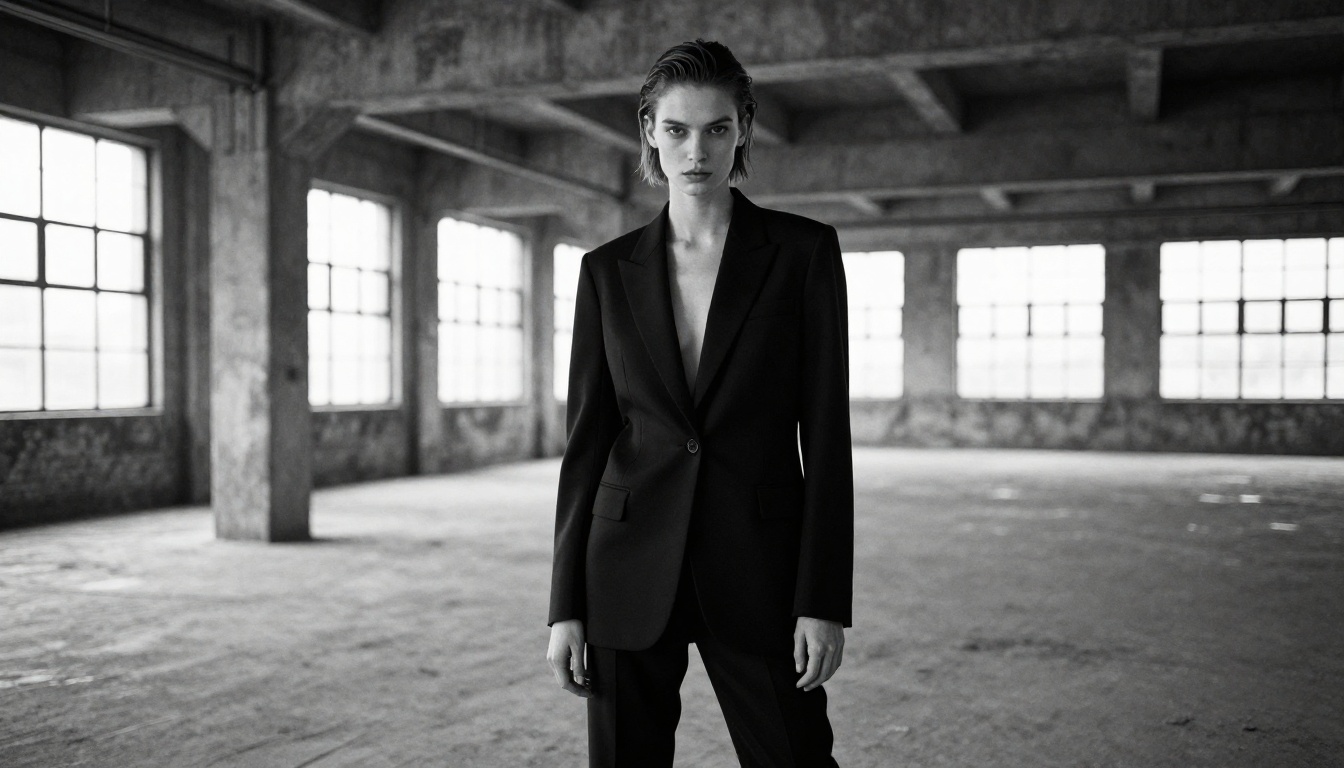
How to Use Flux Dev on PicassoIA
PicassoIA gives you direct access to Flux Dev without requiring an account for basic usage. Here is exactly how to get your first generation done.
Step 1: Open the Model Page
Navigate directly to the Flux Dev model page on PicassoIA. You will see the prompt interface immediately without any login barrier.
Step 2: Write a Specific Prompt
The prompt box accepts natural language. Specificity is the single biggest factor in output quality.
Weak prompt:
"Beautiful woman, sexy, high quality"
Strong prompt:
"A beautiful woman in a sheer ivory silk blouse, sitting at a window seat in a sunlit Parisian cafe, morning light from the left casting soft shadows on her face, 85mm f/1.8 portrait lens, shallow depth of field, photorealistic, Kodak Portra 400 film grain"
The difference in output quality between these two prompts is substantial. Every detail you specify is one less decision left to chance.
Step 3: Choose Your Aspect Ratio
For portrait-style NSFW content, 2:3 (portrait orientation) works best. For editorial scenes and environments, 16:9 gives a cinematic feel. For square social-format outputs, 1:1 remains reliable.
Step 4: Generate and Iterate
Click generate and evaluate the result. Flux Dev typically produces results in 10 to 30 seconds. If the result misses the mark, adjust one element at a time:
- Add or modify the lighting descriptor
- Change the camera angle specification
- Adjust clothing or fabric descriptors
- Swap the environment details
💡 Iteration Tip: Change only one variable per generation so you know exactly what caused the improvement.
Step 5: Download
Once satisfied, download directly from the result page. No watermarks on the free tier.
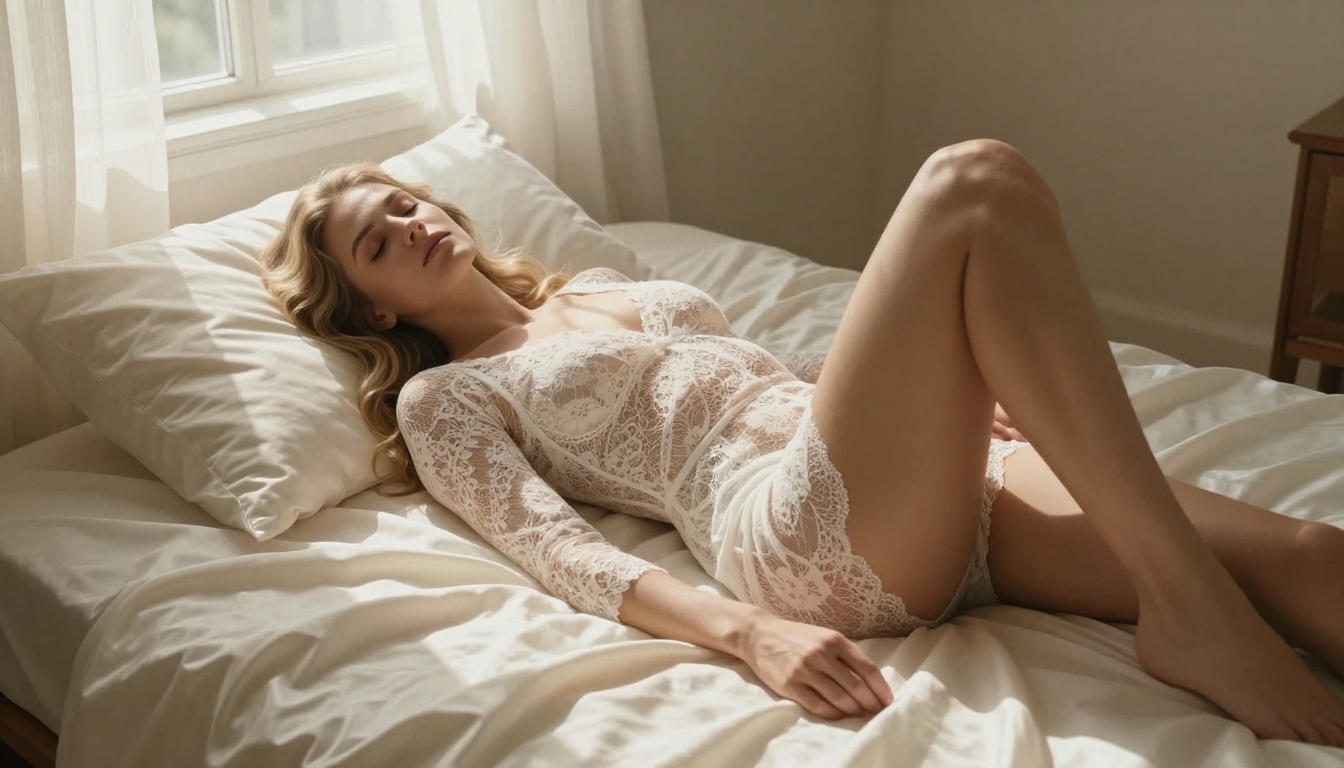
Prompt Parameters That Change Everything
| Parameter | Example Phrase | Effect |
|---|
| Lens | "85mm f/1.4" | Cinematic portrait depth of field |
| Lighting | "Rembrandt lighting from above-left" | Dramatic, sculpted shadows |
| Film stock | "Kodak Portra 400 grain" | Warm, organic photographic feel |
| Camera angle | "Low-angle shot from below" | Empowering, dramatic perspective |
| Distance | "Medium close-up, waist up" | Controls subject framing |
| Texture | "Fine pore detail visible on cheekbones" | Triggers micro-realism in skin rendering |
Writing Prompts That Actually Work
The biggest gap between mediocre and exceptional AI adult content is the quality of the prompt, not the model. Even the best models produce generic results with generic prompts.
The Anatomy of a Strong NSFW Prompt
A high-performance prompt for NSFW image generation follows this structure:
- Subject: Who they are, what they are wearing or doing
- Environment: The specific setting with distinctive details
- Lighting: Direction, color temperature, and source type
- Camera: Angle, distance, and lens specification
- Texture and Detail: Specific material and skin detail instructions
- Style: Film stock or photographic aesthetic reference
Every element you leave out is a decision the model makes for you, and those automatic decisions are rarely as good as your specific intentions.
Common Mistakes That Ruin Results
Mistake 1: Stacking too many subjects
One subject per image. Two or more people dramatically increases the chance of anatomical errors and merged features.
Mistake 2: Vague environment descriptions
"A room" produces arbitrary results. "A sunlit Moroccan riad courtyard with terracotta tiles and a central fountain" produces a specific, beautiful environment.
Mistake 3: No lighting specification
Unspecified lighting defaults to flat or arbitrary illumination. Always specify a light source and its direction.
Mistake 4: Ignoring the negative prompt
Most platforms accept negative prompts. Use them to block common failure modes:
"deformed anatomy, extra fingers, blurry, cartoon, illustration, painting, low quality, watermark"
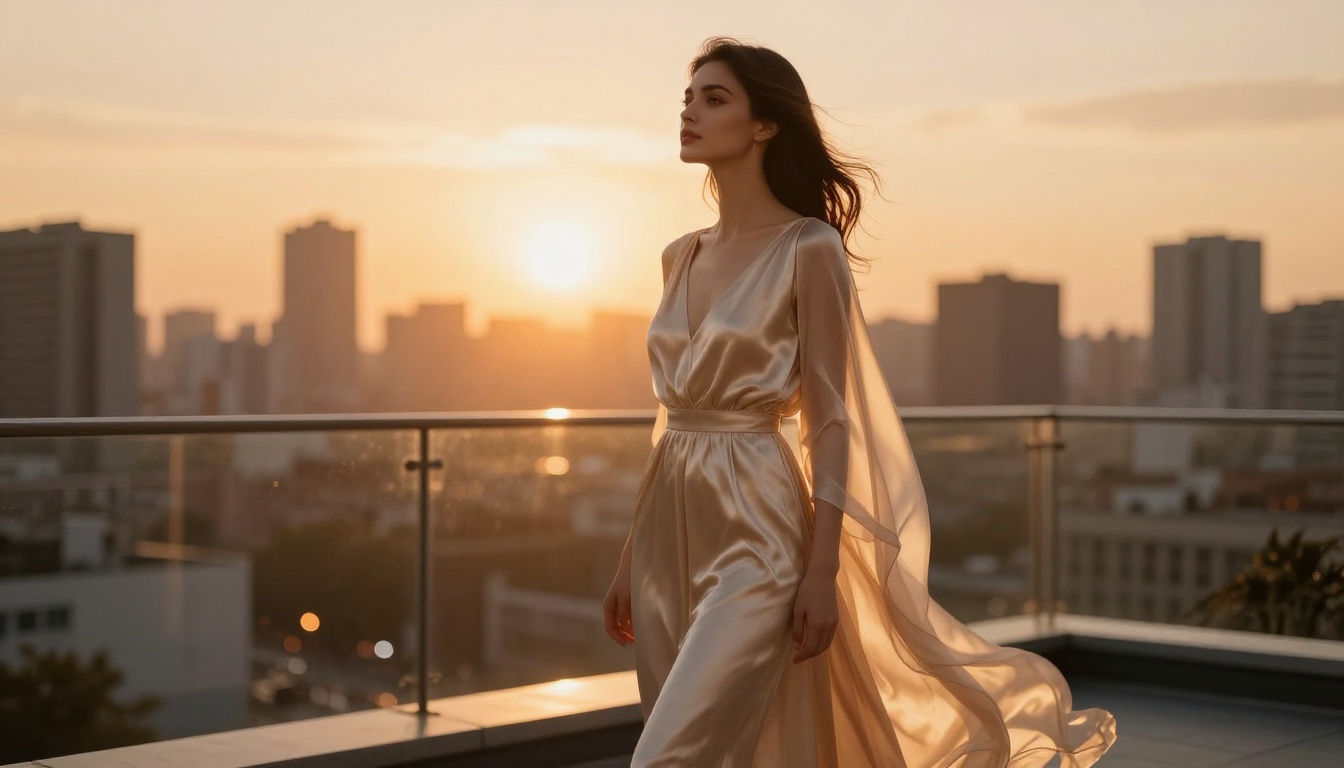
Free vs. Paid: The Real Difference
The free tier on most NSFW AI platforms is not a crippled version designed to frustrate you into upgrading. For most personal use cases, it is genuinely capable.
What You Get for Free
- Full model access to top-tier architectures including Flux Dev and SDXL
- Standard resolution outputs (typically 1024px)
- Daily generation limits (usually 10 to 50 images per day)
- No watermarks on many platforms
- No registration required on select platforms
When Upgrading Makes Sense
| Need | Free Tier | Paid Tier |
|---|
| Quick test generations | ✅ Sufficient | Not needed |
| High-volume production | ❌ Limited | ✅ Unlimited |
| Ultra-high resolution | ❌ Capped | ✅ 2K to 4K output |
| Priority queue | ❌ Slow at peaks | ✅ Instant |
| LoRA custom training | ❌ No | ✅ Available |
| Batch generation | ❌ One at a time | ✅ Multiple |
For personal creative use, the free tier covers most needs. For content creators or professionals who need volume and resolution, upgrading provides real returns.
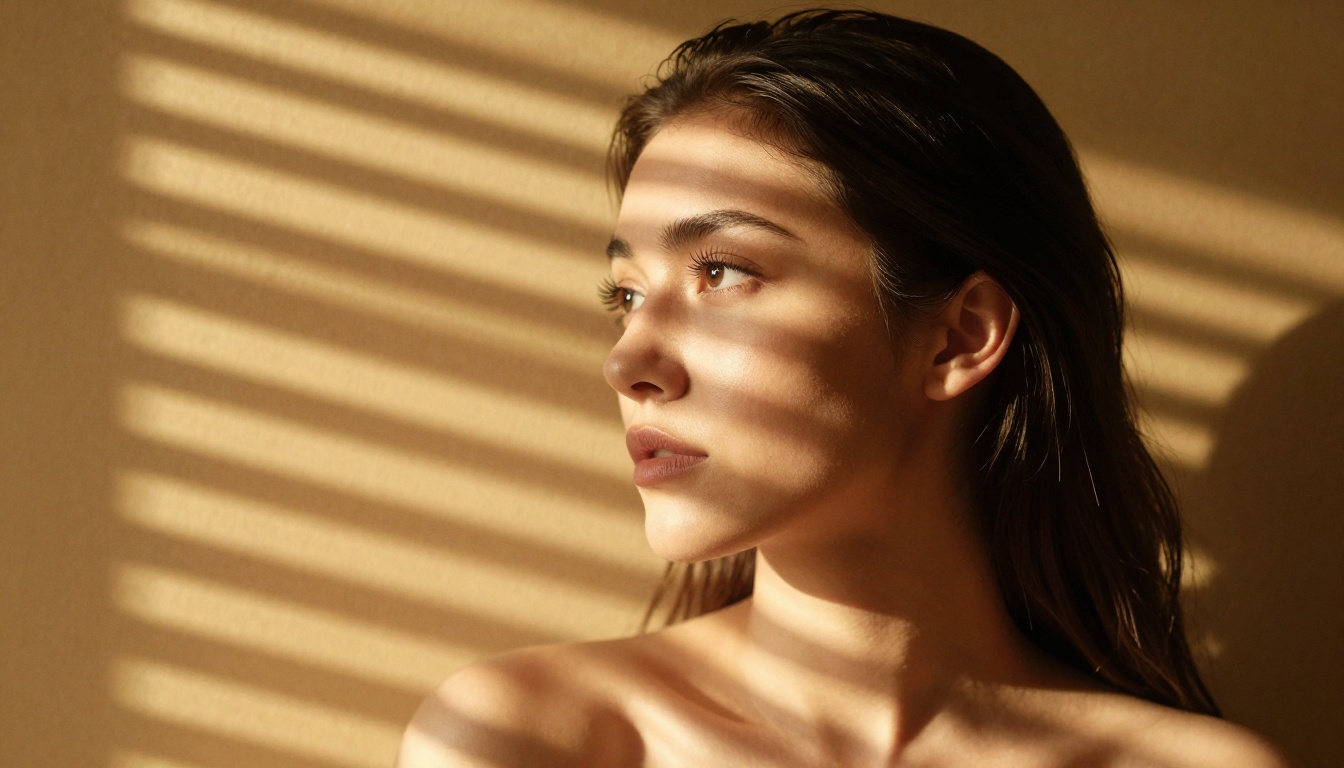
Picking the Right Model Fast
Not every NSFW use case calls for the same model. Here is a fast-reference breakdown to match your specific needs:
Beyond Text-to-Image
While text-to-image covers most NSFW use cases, there are additional tools that extend what you can do with a generated image. Super Resolution upscales a 1024px output to 4K without losing detail, which is useful for print or large-format display. Inpainting lets you fix specific areas of a generated image, like correcting an anatomical issue or adjusting a facial expression. Face Swap applies a generated face to a different scene, and Background Removal isolates the subject for compositing into any environment you choose.
These tools work best as post-generation refinements rather than starting points. Generate a strong base image first, then use these capabilities to polish specific details.
Try It Right Now
The tools exist. The quality is real. The barrier is lower than it has ever been.
Every model in this article is accessible on PicassoIA right now, and several require no registration at all. Start with Flux Dev if you want the best photorealistic results from a single detailed text prompt. Move to SDXL when you want a different aesthetic or faster iteration cycles. Use Realistic Vision v5.1 when portrait accuracy and skin realism are the top priority.
The single biggest factor in output quality is prompt specificity. Use the structure from this article, include specific lighting and camera details, and the improvement in your first generation will be immediate and obvious.
Pick a model. Write a specific prompt. See what comes out.


