Freepik charges up to $29 per month for their AI tools, and that's before you hit the monthly usage caps. For independent creators, bloggers, marketers, and designers who need consistent, custom visuals, that adds up fast. But the real frustration isn't the price. It's the lack of control. Stock photos look like stock photos. Their AI generator is decent but limited to a single model. And royalty restrictions still apply to images you technically "generated."
There's a better option. PicassoIA is an all-in-one AI creative platform built specifically for content creators who need professional-quality visuals without the subscription headaches. It packs 91+ text-to-image models, AI upscaling, background removal, video generation, and 65+ large language models into a single interface. No per-image fees, no hidden limits, no hunting through thousands of images that almost match your vision.
This article covers exactly what PicassoIA offers, how it compares to Freepik's AI tools, and how to start generating your first images in minutes.
Why Freepik Pricing Leaves Creators Behind
Freepik's free plan gives you 3 AI-generated images per day. Three. For a content creator posting daily across Instagram, LinkedIn, a blog, and a newsletter, that's not even close to enough.
Their premium tiers fix the quantity problem but introduce new ones:
| Plan | Price | AI Image Limit | Stock Access |
|---|
| Free | $0 | 3/day | Limited (attribution required) |
| Essential | $12/month | 100/month | Partial |
| Premium | $29/month | Unlimited | Full |
At $29/month, you're locked into Freepik's single proprietary image generator. There's no model switching, no architecture selection, and no way to access newer generation models as the field evolves. You get what Freepik ships, and nothing else.
The bigger issue is visual consistency. If you've built a content brand around a specific aesthetic, one fixed model may not match it. You write a prompt, tweak it a dozen ways, and still end up with something that looks corporate and generic.
💡 The real cost of stock photography isn't just money. It's the hours spent browsing through thousands of images that almost fit your vision, but never quite do.
Beyond aesthetics, Freepik's stock library comes with attribution requirements on the free tier and usage restrictions that vary by asset. For commercial content creators, navigating those licensing terms is its own unpaid job.
What a Real Alternative Actually Needs
Before calling any platform a genuine Freepik AI alternative for content creators, it needs to deliver on five non-negotiable criteria:
- Model variety: One model produces one style. Real creators need to switch between photorealistic, editorial, product, and portrait modes without leaving the platform.
- Output quality: Images must be publication-ready, not watermarked or artificially capped at low resolution.
- Editing tools: Generation alone isn't enough. Upscaling, background removal, inpainting, and restoration all belong in the same workflow.
- Text and writing tools: Visual content always needs copy. Both should live in one place.
- Reasonable pricing: A free tier that actually works, with affordable paid options that don't hide the best features behind the highest plan.
PicassoIA checks all five. Here's the breakdown.
Image Generation: 91 Models in One Place
The biggest difference between PicassoIA and Freepik's AI tool is breadth. Freepik runs one proprietary generator. PicassoIA gives you access to 91 text-to-image models through a single interface.
That means you can switch from a photorealistic portrait model to a fashion editorial style to a clean product photography mode without logging into different tools or managing separate API keys. Everything is in one dashboard.
Different models excel at different content types:
- Photorealistic portraits: Models tuned for skin texture, natural lighting, and facial authenticity, perfect for influencer-style content and headshots
- Product photography: Clean studio backgrounds, accurate perspective, and commercial-ready output for e-commerce brands
- Editorial and lifestyle: Natural scenes, authentic human moments, and realistic environments for blogs and long-form content
- Abstract and artistic: Texture-rich compositions, graphic editorial styles, and bold color palettes for social media headers
💡 Use the model category filters to narrow down by output style. If you need photorealistic skin texture, there are models tuned specifically for that. If you need clean product shots, there are models tuned for that too.
Prompt Writing That Actually Works
The quality gap between good and bad AI image generation almost always comes down to the prompt, not the model.
Weak: "A woman working at a desk"
Strong: "A professional woman in her late 20s working at a minimal oak desk, warm morning golden-hour light streaming from the left, 85mm f/1.4 portrait lens, visible skin pores and fine hair detail, Kodak Portra 400 film grain, RAW 8K photography, bokeh background of green plants"
The second version gives the model a complete brief: subject, age, setting, surface material, lighting direction and quality, lens specs, skin texture, film stock, and background treatment. The output looks like a real professional photograph because the prompt was written like a shot brief.
Aim for at least 40-60 words in your prompts. Include lighting direction (not just "good lighting"), camera lens type, atmosphere, and any specific texture references.
Aspect Ratios Built for Every Platform
Content creation rarely uses one format. PicassoIA supports all standard ratios natively:
- 16:9 for blog headers, YouTube thumbnails, and LinkedIn banners
- 1:1 for Instagram feed posts and profile-safe crops
- 9:16 for Instagram Stories, TikTok covers, and Pinterest pins
- 4:3 for email headers and presentation slides
- 3:2 for print-ready content and magazine-style layouts
No cropping after the fact. No resolution loss from resizing. You generate at the right ratio from the start.
Upscaling That Saves Every Shot
Sometimes you have the right image but the wrong resolution. Maybe you generated it at a lower quality setting, pulled it from an old asset library, or grabbed a screenshot. Standard stock platforms leave you there. PicassoIA doesn't.

The platform includes several dedicated super-resolution models, each with different strengths:
For content creators who need print-quality output, Image Upscale by Topaz is the standout. The 6x enlargement preserves genuine texture without the artificial smoothing that makes most AI upscalers look processed. You get real detail recovery, not a blurred approximation.
For portraits specifically, Crystal Upscaler produces exceptional results on facial detail, including individual eyelashes, subtle skin pores, and hair strands that lower-resolution sources can't show.
💡 Run Clarity Pro Upscaler on any AI-generated portrait to add realistic skin texture back in. The difference is immediately visible.
Background Removal in Seconds
Any content creator who has spent 20 minutes in Photoshop carefully selecting around hair knows exactly how painful background removal can be. AI fixes this entirely.
PicassoIA includes Remove Background by Bria, a dedicated background removal model that handles complex edges accurately, including fine hair strands, fur, and semi-transparent fabrics.
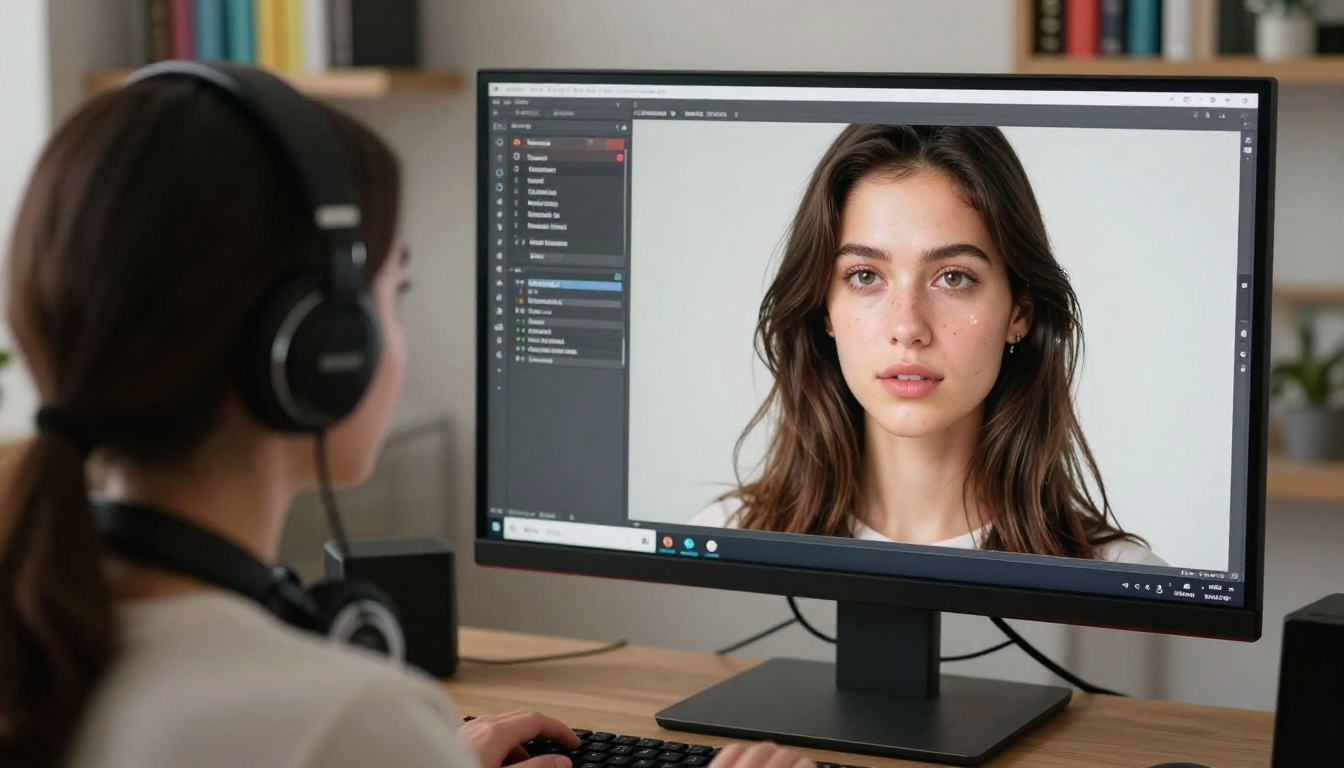
The practical applications for content creators are immediate:
- Product shots: Drop products onto clean white or branded backgrounds for e-commerce listings
- Thumbnails: Cut subjects out and place them over custom-designed backgrounds with text overlays
- Social graphics: Composite portraits into scene designs without any manual masking
- Brand assets: Prepare logos, icons, and product images for use on any background color
This used to require Adobe Creative Cloud at $55/month just for Photoshop. On PicassoIA, it's part of the same platform where you generate your images.
Most visual AI platforms stop at images. PicassoIA doesn't. The platform integrates 65+ large language models, including some of the most capable models currently available, accessible through the same interface you use for image generation.
That means a complete content workflow lives in one place:
- Generate your hero image for a blog post
- Write the article outline and full draft with an LLM
- Create social captions calibrated to each platform's tone
- Summarize long-form content into newsletter bullets
- Write product descriptions, ad copy, or email sequences
Some of the most capable LLMs available on the platform:
- GPT-5: general writing, coding, and complex reasoning tasks
- Claude Opus 4.7: long-form content, nuanced writing, and detailed analysis
- Gemini 3 Pro: multimodal reasoning and image-based analysis
- DeepSeek R1: step-by-step reasoning for structured content
- GPT-4o: fast, accurate responses for everyday writing tasks
💡 Content creators who pair LLMs with image generation cut their production time significantly. Write your visual brief with an LLM, generate the image, and both are done within minutes.
Freepik offers static images and vectors. If you need motion content for social media, that means a separate subscription to a separate platform.
PicassoIA includes 87 text-to-video models in the same interface. You can take any generated image and convert it into a short video clip, add motion to static product shots, generate lifestyle B-roll from text descriptions, or create animated headers for websites and social profiles.
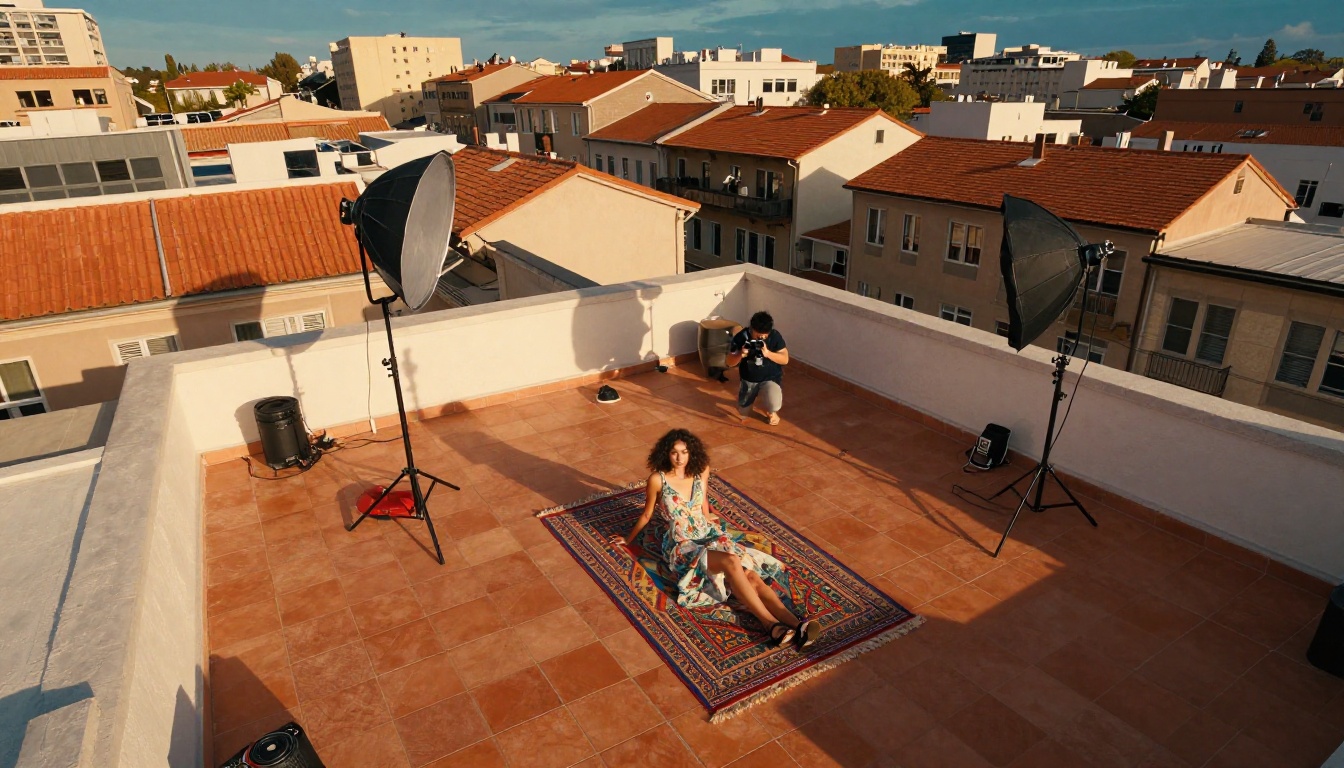
The platform also includes lipsync tools for animating portrait images, video enhancement models for upscaling and stabilizing footage, and effects tools with 500+ video effect options. For creators building presence on video-first platforms, these are tools that used to require professional production software.
The Full Feature Comparison
Here's how PicassoIA stacks up against Freepik's AI tools across the capabilities content creators actually need:
| Feature | Freepik | PicassoIA |
|---|
| Text-to-image models | 1 (proprietary) | 91+ |
| Image upscaling | Basic | 9 models, up to 6x |
| Background removal | Yes | Yes, Bria Remove Background |
| Text-to-video | No | 87 models |
| AI writing (LLMs) | No | 65+ models |
| AI music generation | No | Yes |
| Face swap | No | Yes |
| Lipsync | No | Yes |
| Model switching | No | Yes |
| Free tier | 3 images/day | Available |
The gap is significant. Freepik's AI offering is a single image generator bolted onto a stock photo library. PicassoIA is an AI creative suite built for the full content production workflow from first draft to final visual.
How to Create Your First Image on PicassoIA
Getting from zero to a publication-ready image takes under 5 minutes. Here's the exact process:
Step 1: Choose your model
Go to the text-to-image section and browse the 91 available models. Filter by output style if you have a specific look in mind. For photorealistic portraits, look for models tuned for portrait photography. For product content, look for models with clean background and commercial-style outputs.
Step 2: Write your prompt
Include the subject, environment, lighting direction, camera lens type, and any film style references. More specific prompts produce more consistent results. Aim for 40-60 words minimum.
Step 3: Set your aspect ratio
For blog headers, use 16:9. For Instagram square posts, use 1:1. For stories and reels covers, use 9:16. Generate at the right format from the start.
Step 4: Generate and compare
Run 2-3 generations with the same prompt to see variation. Small differences in the output let you pick the best composition and lighting before committing.
Step 5: Upscale for high-resolution output
If the output resolution isn't sufficient for your use case, send it to Clarity Pro Upscaler or Image Upscale by Topaz for a 4x or 6x quality boost. This takes seconds.
Step 6: Remove the background if needed
For product shots, thumbnails, or composites, run the image through Remove Background by Bria. The output is a clean PNG ready for any design tool.
3 Mistakes That Tank Image Quality
Most content creators who feel disappointed with AI image generation are making one of these three mistakes:
1. Prompts that are too short
"A woman at a cafe" generates something generic every time. You need lighting direction, distance from subject, lens type, mood, and stylistic references. Think of a prompt as a shot brief for a photographer, not a search query for Google Images.
2. Using one model for everything
Different models have genuinely different strengths. A model optimized for landscape photography produces different skin rendering than one optimized for studio portraits. Switch models when switching creative needs, that's exactly what the 91-model library is for.
3. Skipping the upscaling step
Default generation resolution works for social media but falls short for print, large-format digital displays, or anything above 1080p. One pass through Image Upscale by Topaz takes about 30 seconds and produces dramatically sharper, more usable results.
Start Creating Your Own Visuals
If you've been paying $29/month for Freepik and still spending time hunting for images that almost match your vision, the math doesn't add up. One platform with 91 image models, 65+ LLMs, six dedicated upscalers, background removal, and 87 video models gives you more creative control than any stock photo subscription ever could.
The first image you create on PicassoIA will take about 5 minutes. The second will take less. By the tenth, you'll have a repeatable visual workflow that produces custom, on-brand content faster than any stock library allows.
Pick a model, write a specific prompt, and see what comes back. The difference between a custom AI-generated image and a stock photo is obvious the moment you see it. Your audience will notice too.


