The promise of AI art generation was always freedom. Creative freedom. The kind that lets you turn any mental image into a visual without needing a studio, a photographer, or a budget. Somewhere along the way, most mainstream tools wrapped that promise in layers of filters, content policies, and automated rejections that stop legitimate creative work in its tracks.
If you have been hunting for the best NSFW AI art generator, one that is free, reliable, and actually produces stunning results without constantly blocking your prompts, you are in the right place. This breakdown covers the top models, the platforms that run them without interference, how to write prompts that actually work, and exactly how to start generating unrestricted AI art today.
Why Restrictions Ruin Creative Work
Most people who search for unrestricted AI art generators are not doing anything wrong. They are romance novelists looking for visual references for cover art. Fantasy artists building worlds. Filmmakers storyboarding mature scenes. Body-positive photographers using AI as a sketchpad. The tools that censor everything treat all of them the same.
The Real Cost of Over-Moderation
When an AI image generator flags "woman in lingerie" as a violation, it is not protecting anyone. It is just broken. The resulting frustration wastes time and pushes people toward lower-quality tools that at least do not fight them at every step.
Over-moderation creates a specific kind of creative block: you know what you want to make, you have the skill to describe it, but the tool refuses. That friction kills momentum and degrades the output.
Who Actually Uses These Tools
The audience for NSFW-capable AI generators is wider than critics assume:
- Romance and erotica writers needing visual references for character and scene concepts
- Adult content creators building consistent character visuals across a project
- Fine art photographers using AI for composition and lighting tests
- Game developers designing character concepts for mature-rated titles
- Filmmakers and directors creating mood boards and storyboards for mature scenes
- Fashion and boudoir photographers sketching out shoot concepts before booking a studio
None of these are fringe use cases. They represent millions of professionals and hobbyists who need a tool that respects their creative work.
What Makes an NSFW AI Generator Actually Good
Not all unrestricted generators are worth your time. Some produce blurry, distorted results. Others are technically capable but so slow that the experience becomes painful. Here is what actually separates good tools from bad ones.
Realism Is Non-Negotiable
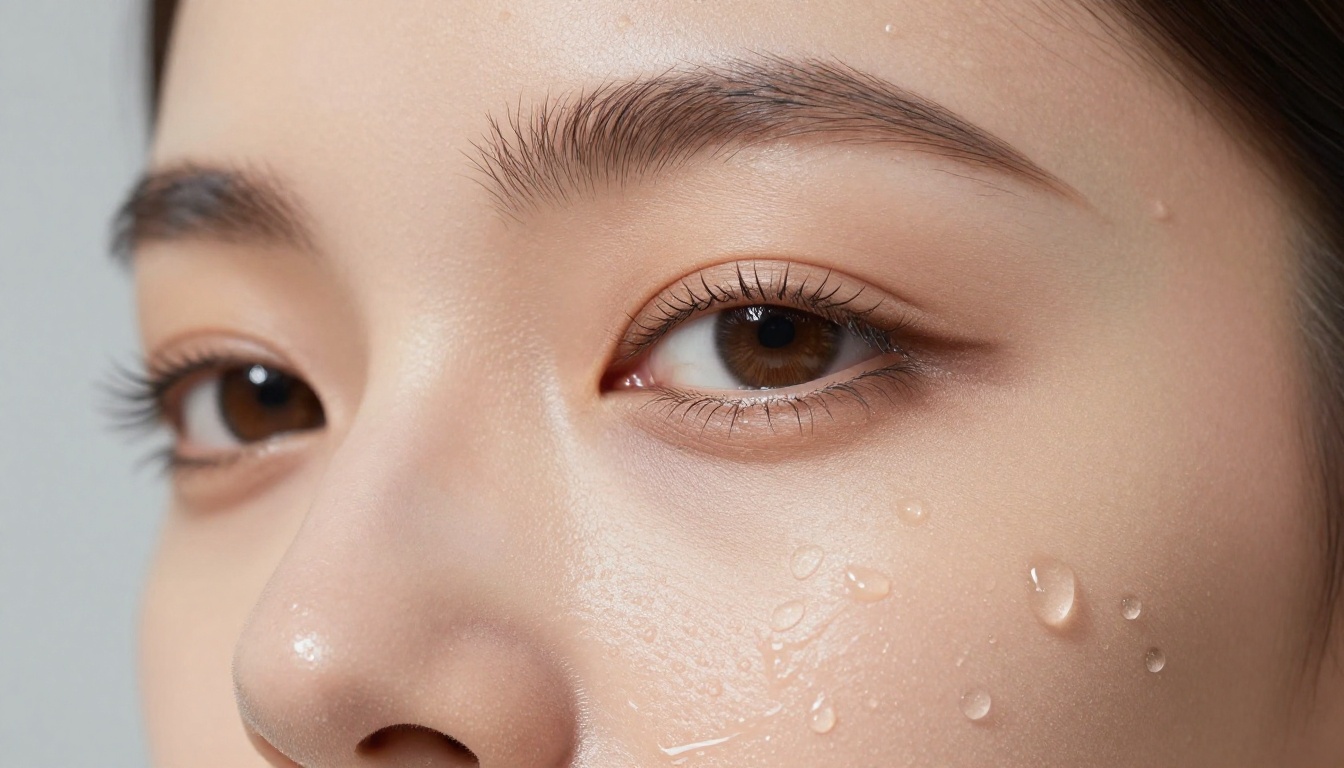
The biggest differentiator in NSFW AI art is photorealism. Artistic images can hide anatomical errors behind stylistic choices. Photorealistic images cannot. The skin texture, lighting coherence, and anatomical accuracy all become visible immediately.
The best models for photorealistic NSFW output are trained on massive datasets of real photography, not illustrations. They read how light behaves on skin, how fabric drapes over a body, how shadows fall at different times of day.
💡 Tip: Always include lighting direction in your prompt. "Soft window light from the left" gives a model much more information than just "good lighting."
Speed vs Quality Trade-offs
Speed matters because iteration matters. A model that takes 45 seconds per image slows your workflow significantly. But speed and quality are often in tension, and the newest models are closing that gap fast.
| Speed Tier | Examples | Best For |
|---|
| Instant (under 3s) | Seedream 4.5, Image Editor Pro, Qwen Image 2 | Real-time iteration |
| Fast (under 5s) | Flux Schnell, Grok Imagine | Quick prototyping |
| Mid (5-15s) | Flux Dev, RealVisXL | Balanced workflow |
| Slow (15s+) | Flux 1.1 Pro Ultra | Final output quality |
The Best Free Models Right Now
These are the models that consistently deliver the strongest uncensored, photorealistic results. All of them are accessible on PicassoIA without installing anything locally, and the list starts with the two that changed the game.
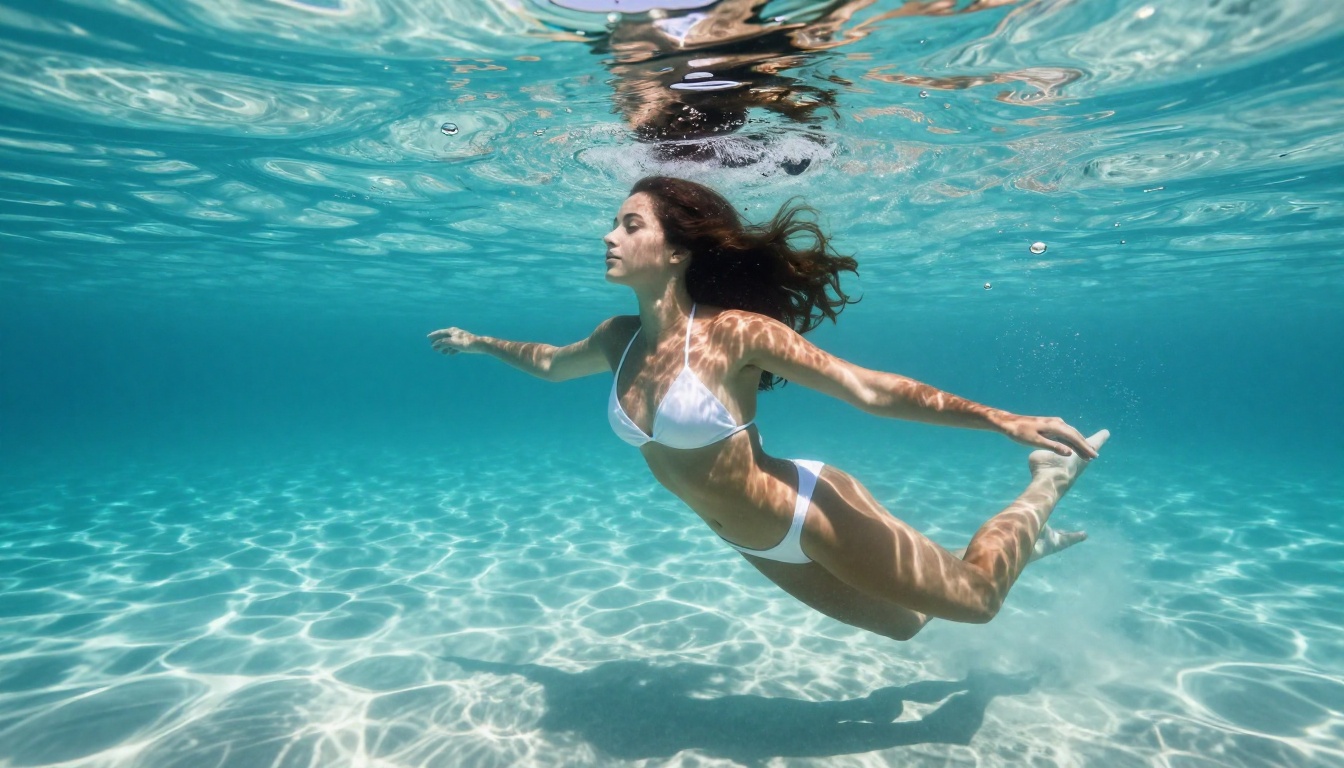
Seedream 4.5: Realism in Under Three Seconds
Seedream 4.5 is the new number one. It accepts NSFW prompts, renders intensely realistic skin and lighting, and returns a finished image in under three seconds. That combination of speed and fidelity is rare, and it makes Seedream 4.5 the model to reach for first.
It is not only a text-to-image engine. Seedream 4.5 also does image editing, accepting up to 14 reference images for image-to-image work, and it outputs at 2K and 4K resolution with no watermarks. Whether you are building a single hero shot or a batch of character variations, the performance is exceptional and the results hold up at full resolution.
Best for: Fast photorealistic NSFW portraits, 4K output, image editing
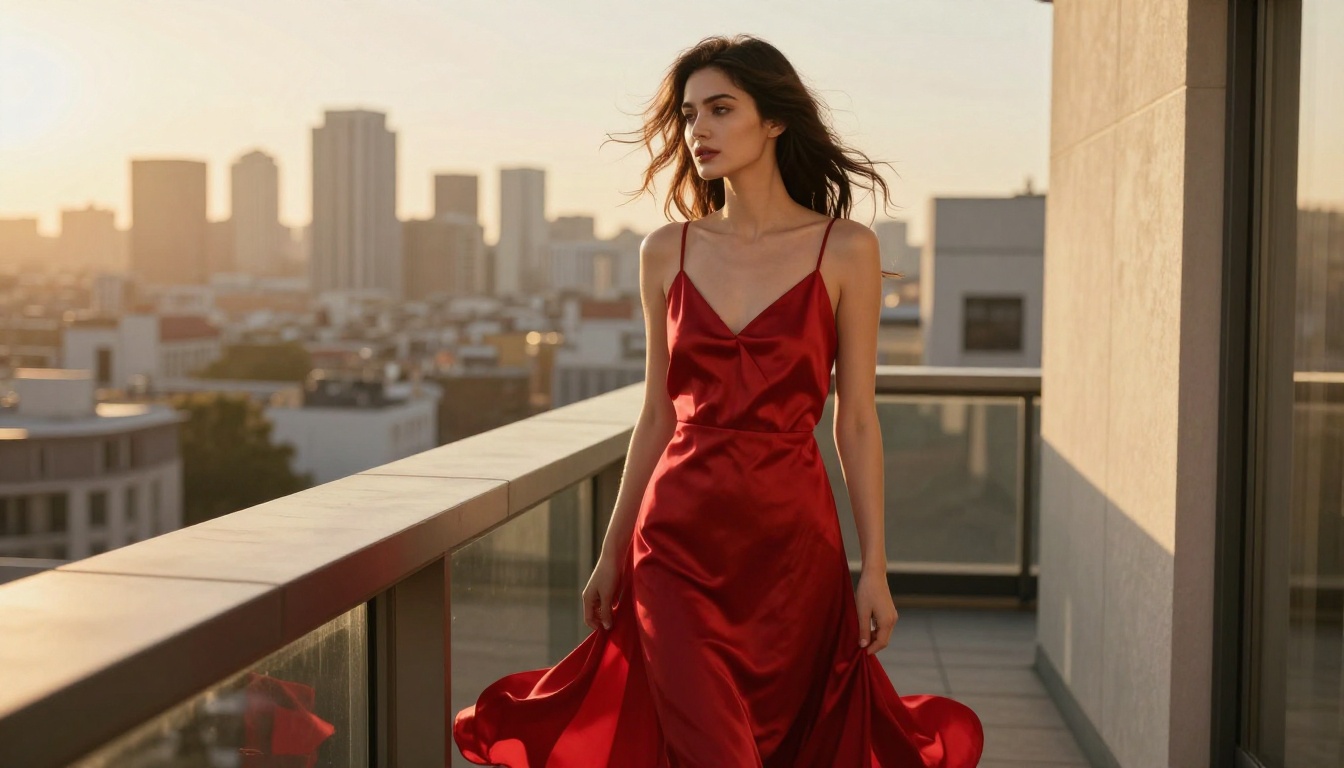
And because Seedream 4.5 holds detail so well, its frames animate cleanly into short clips. Here is that same shot brought to life as a 5 second video:
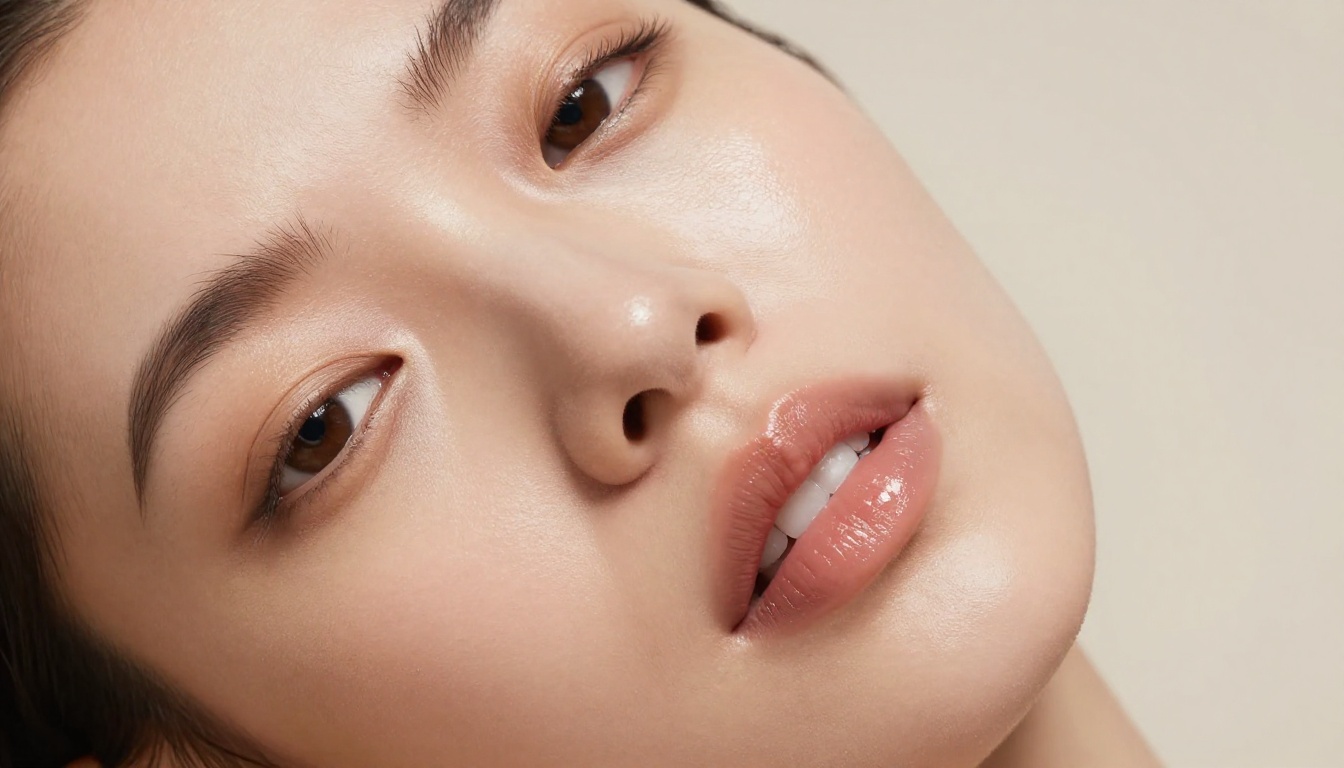
PicassoIA Image Editor Pro is built for image-to-image. Upload a photo, describe the change in plain language, and get an edited result in under one second. It accepts NSFW input and never fights your prompt.
The real advantage is that it is unlimited. There is no per-edit cap and no quota that runs out. You can generate as many times as you want, which changes the math completely compared to credit-metered competitors. A subscriber on the Elite or Infinite plan gets 2,000 images at no extra cost, and can keep going beyond that without paying per image. There is also a free trial of 3 generations with no credit card required, so you can test it before committing to anything. The full cost comparison is below in its own section.
Best for: Unlimited img2img edits, background swaps, outfit changes, retouching
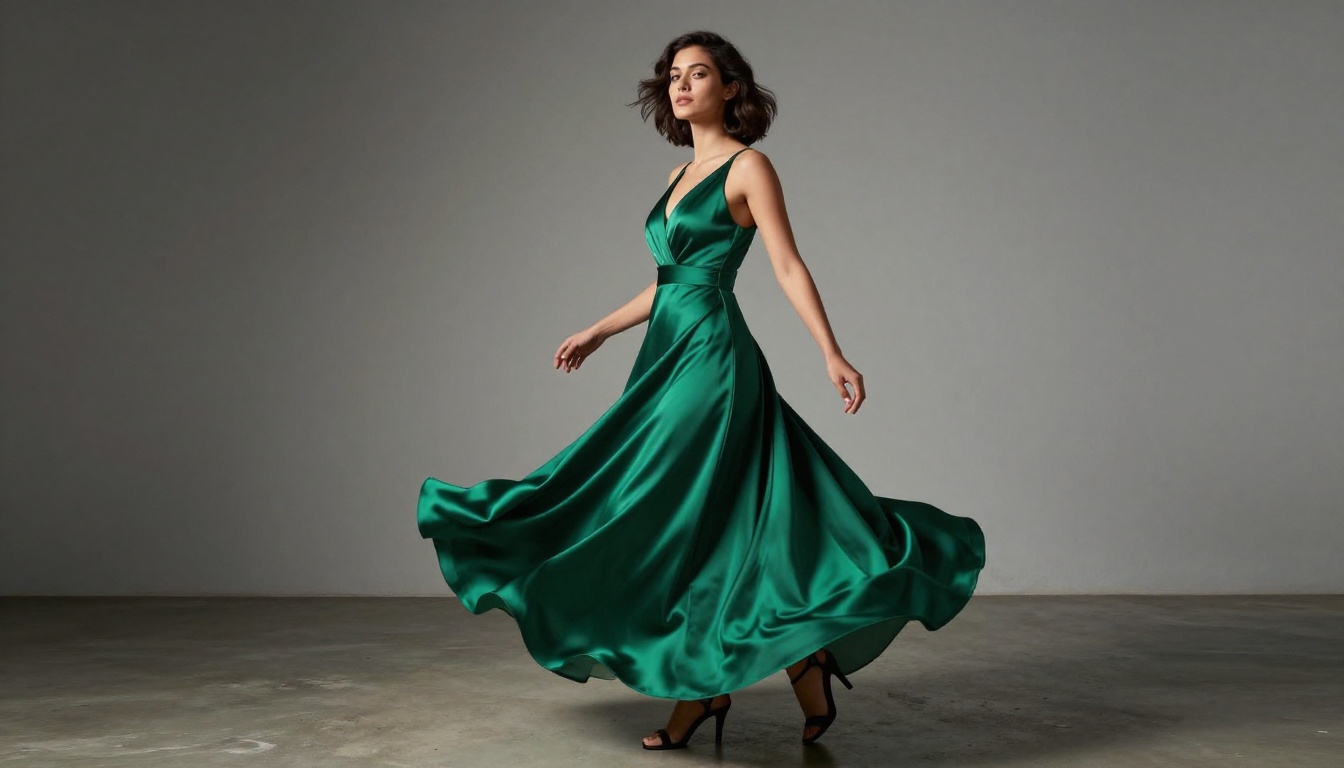
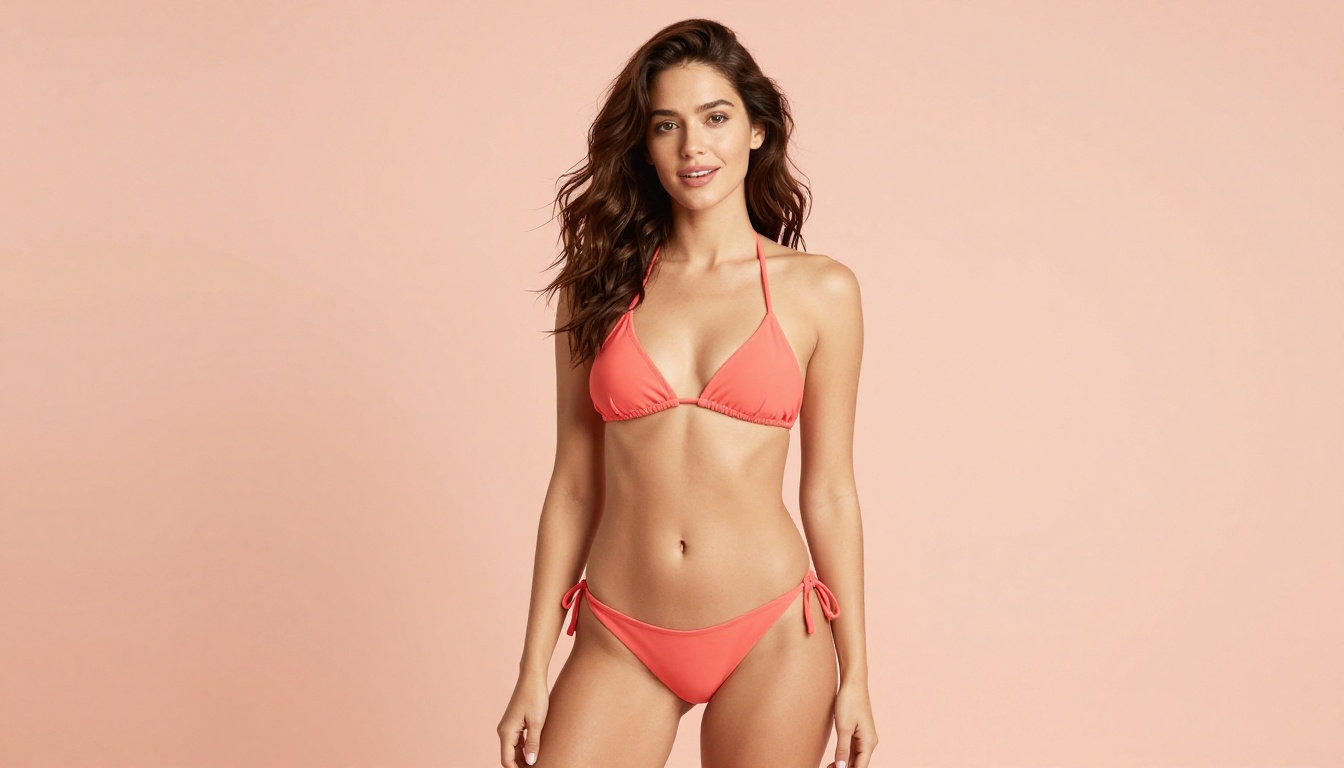
Qwen Image 2 is open source, and that openness is a real advantage. It lets you edit or create any image in seconds, with very detailed realism across skin, fabric, and environment. It runs in two modes, text-to-image and image editing, so you can start from a prompt or upload a reference photo and describe the change you want.
With nine aspect ratios, a negative prompt field, and reproducible seeds, it gives you precise control while staying fast and free on PicassoIA.
Best for: Open-source flexibility, fast edits, detailed realistic output
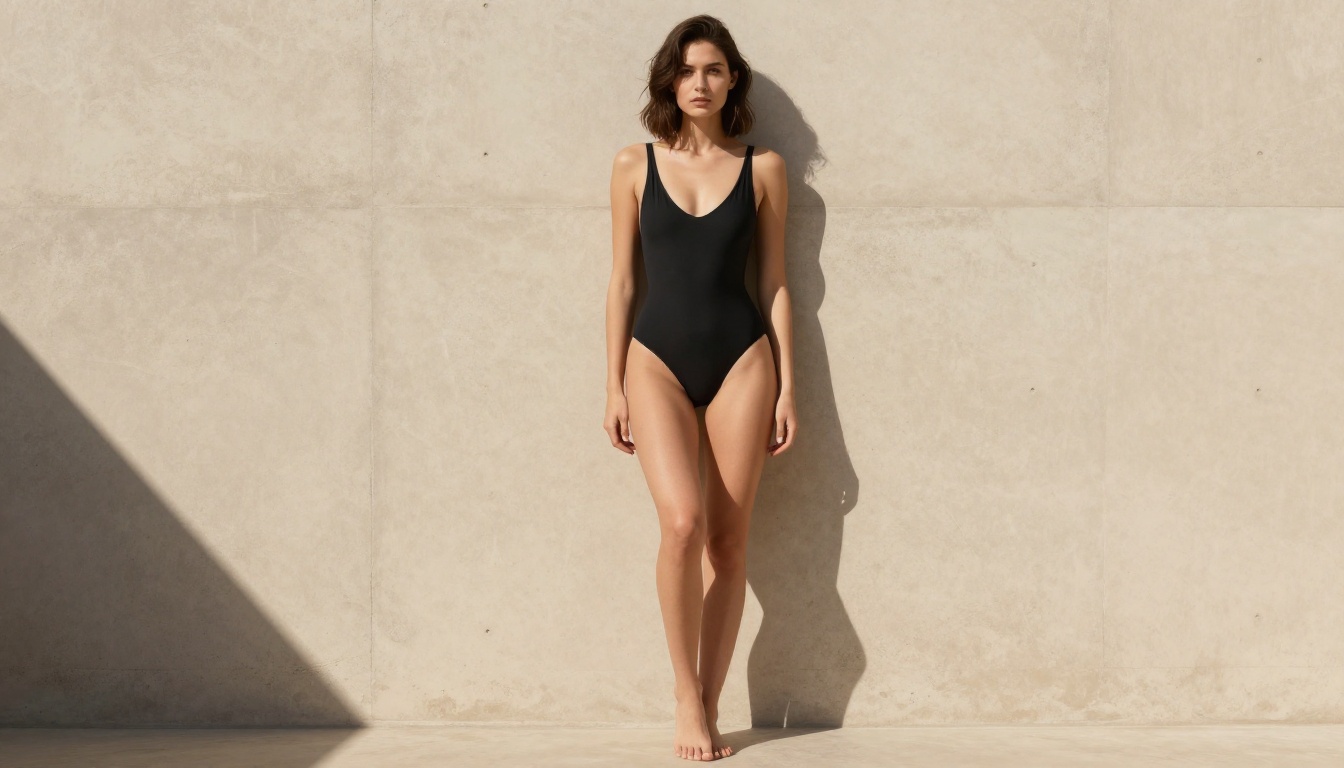
Grok Imagine Image shines in its editing mode. Upload a photo and it will restyle any image into a bikini look in a strikingly realistic way, matching the original lighting, skin tone, and body shape so the result reads like a real photograph rather than an edit. It also works as a straight text-to-image generator across 14 aspect ratios, with unlimited generations and no watermarks.
Best for: Realistic bikini restyles, photo edits, swimwear concepts
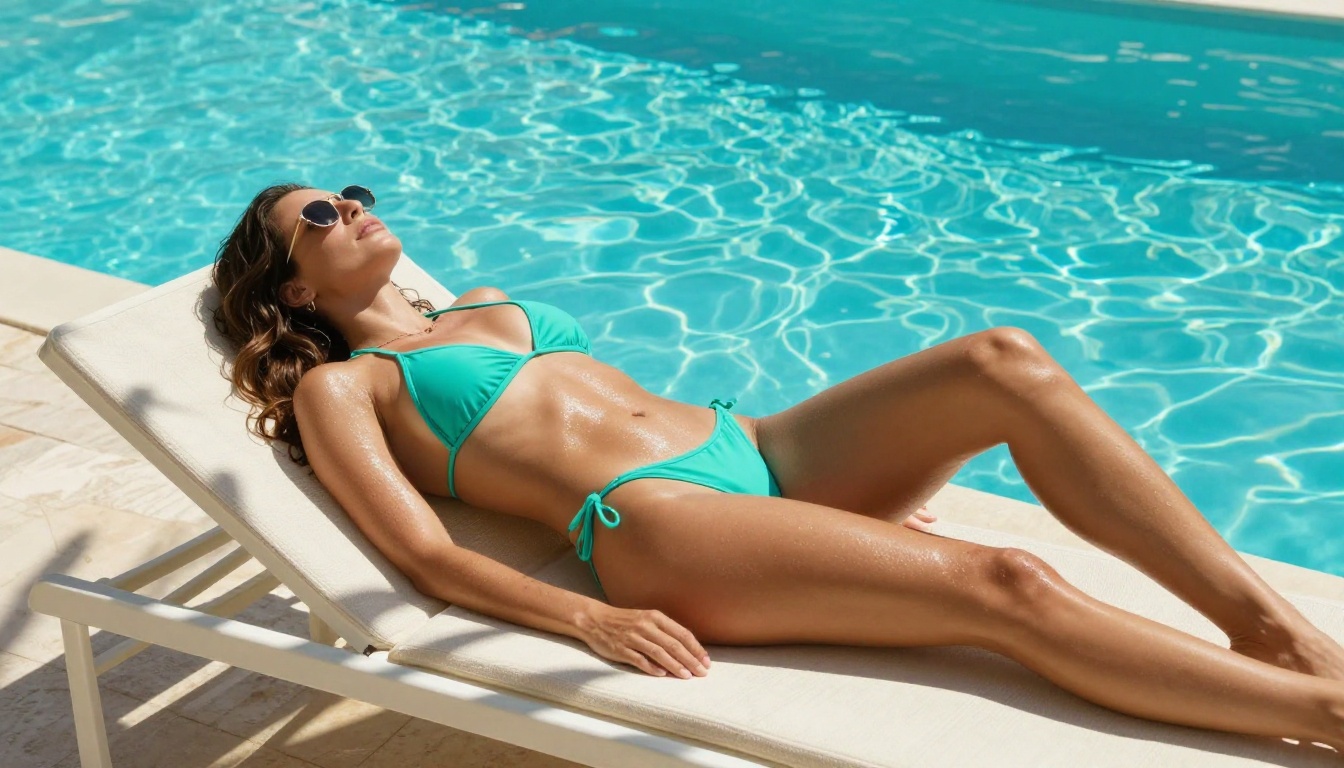
Recraft v4: Art-Directed Realism
Recraft v4 delivers very realistic results with a strong sense of composition, as if a human art director framed every shot. It is text-to-image only, with no image editing mode, but for generating a polished photorealistic image straight from a prompt it is hard to beat. It also renders readable text inside images and supports 14 aspect ratio presets.
Best for: Art-directed photorealism from text, posters, clean composition
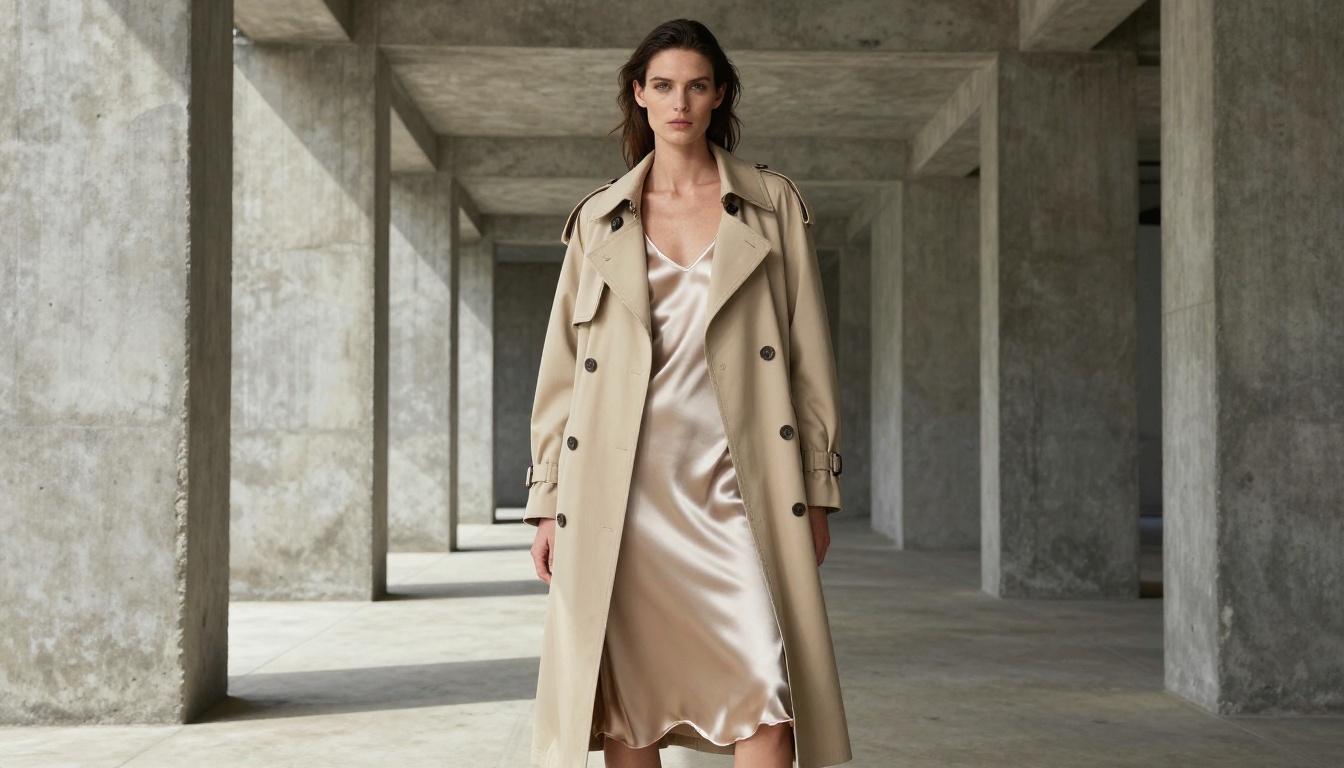
Flux Dev: The Open Standard
Flux Dev from Black Forest Labs has become a reference model for uncensored image generation. It produces sharp, detailed photorealistic images with excellent anatomical accuracy and handles complex prompt instructions well, including lighting descriptions, camera angles, and skin detail specifications.
What sets Flux Dev apart is its prompt adherence. When you say "warm side lighting," it actually delivers warm side lighting. When you describe a specific fabric texture, it renders it.
Best for: Photorealistic portraits, boudoir, artistic nude, fashion editorial
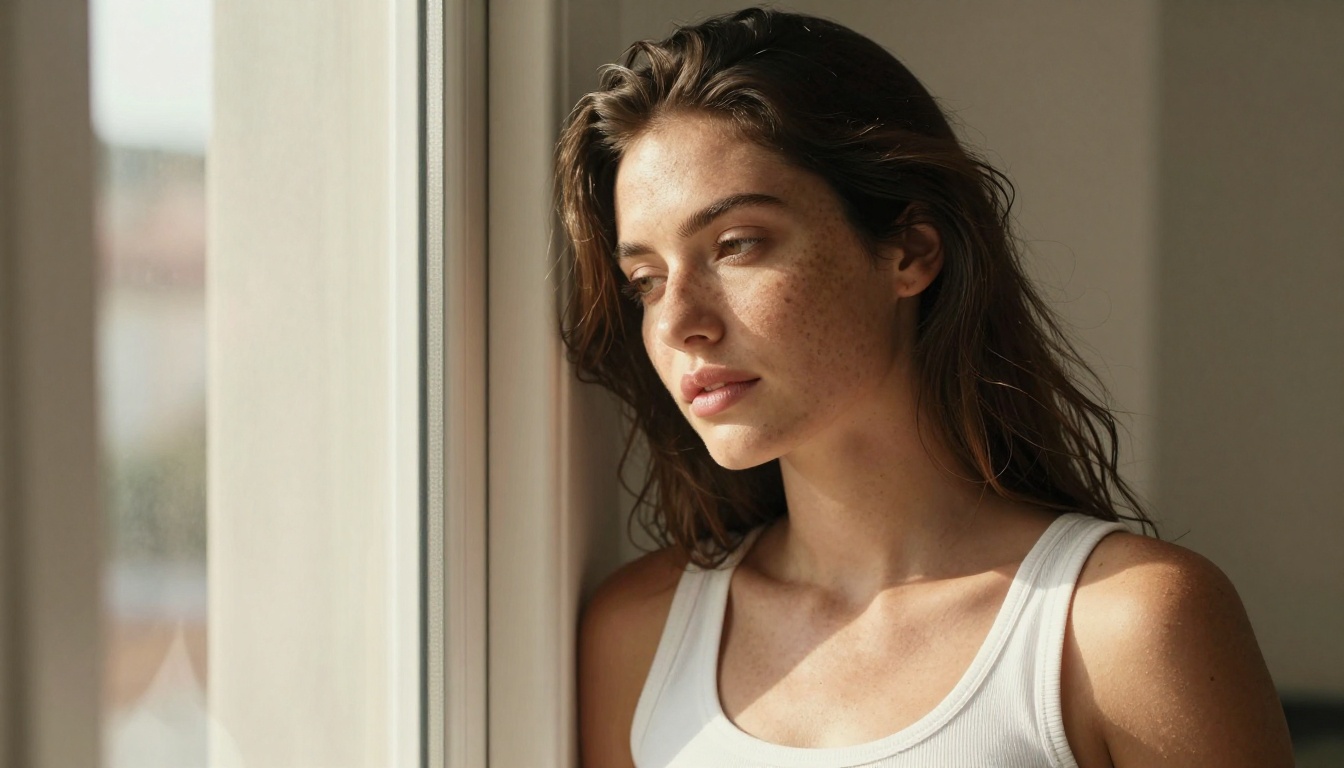
Realistic Vision v5.1 was purpose-built for one thing: making images that look like photographs. It is a fine-tuned model optimized specifically for photorealistic skin, hair, and environmental detail. For NSFW creative work where the final image needs to pass for photography, this model is hard to beat at its size.
Best for: Portrait work, solo figure images, beauty photography
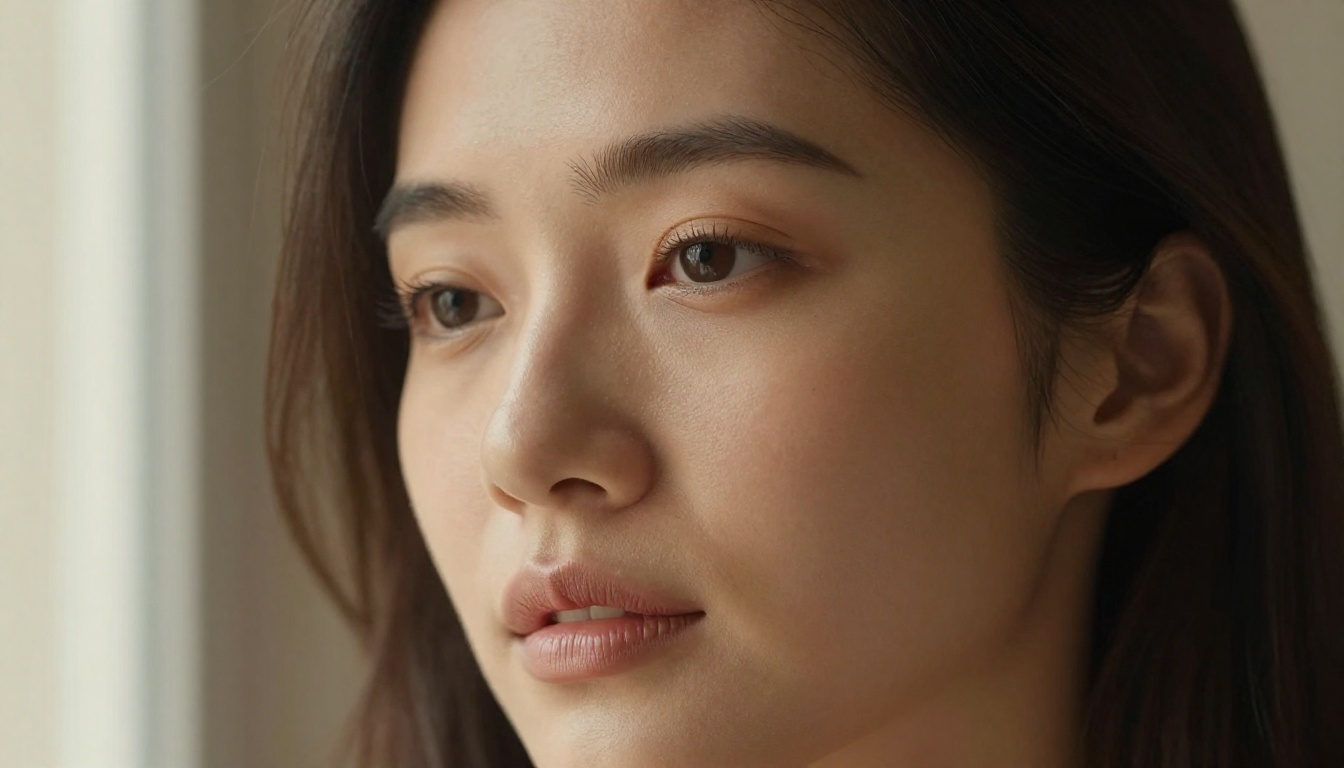
RealVisXL v3.0 Turbo takes the SDXL architecture and pushes it specifically toward photorealism. The result is higher resolution output with better detail retention than base SDXL, at speeds closer to a turbo model. It handles full-body shots particularly well, which is where many photorealistic models struggle with proportion and anatomy.
Best for: Full-body shots, outdoor settings, couple compositions
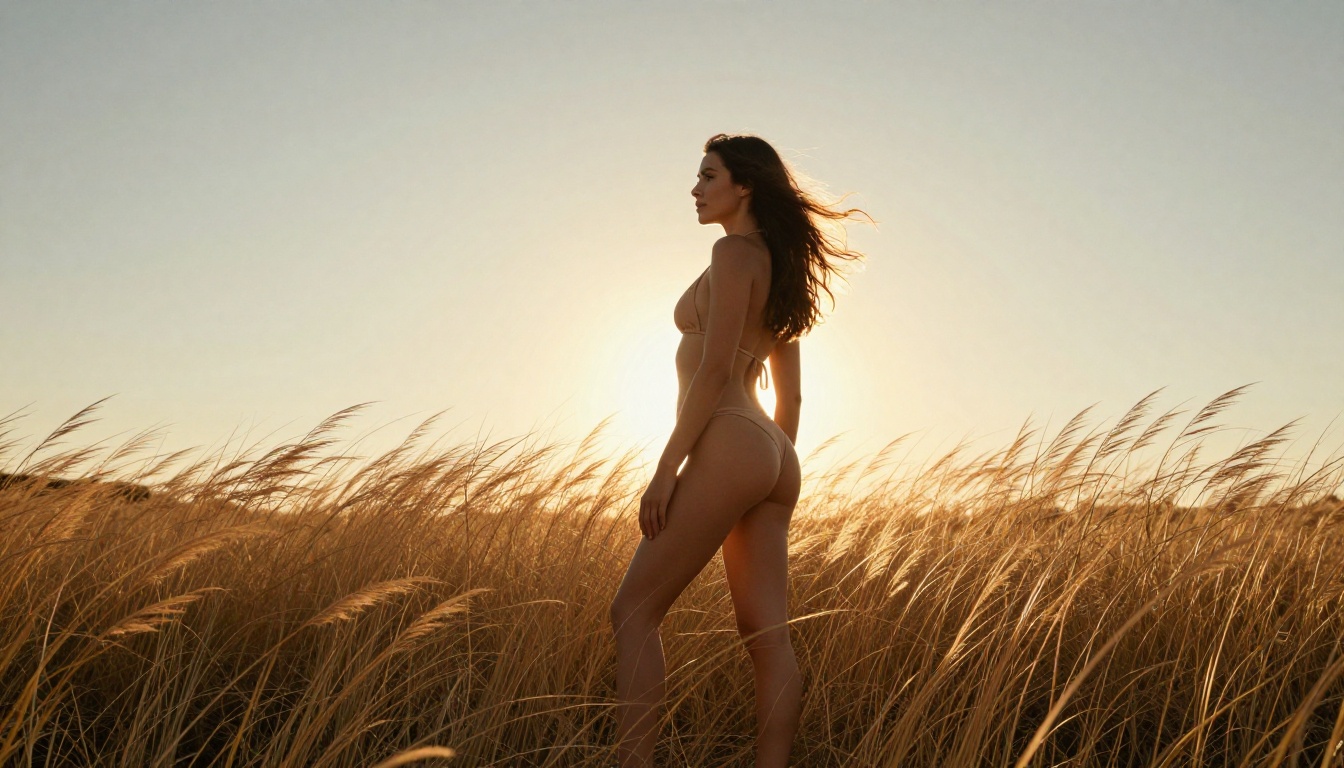
DreamShaper XL Turbo handles both photorealistic and stylized outputs without requiring separate models. Its NSFW output is smooth, well-lit, and detailed, with particularly strong performance on indoor scenes with artificial lighting.
Best for: Mixed-style projects, indoor scenes, quick iteration
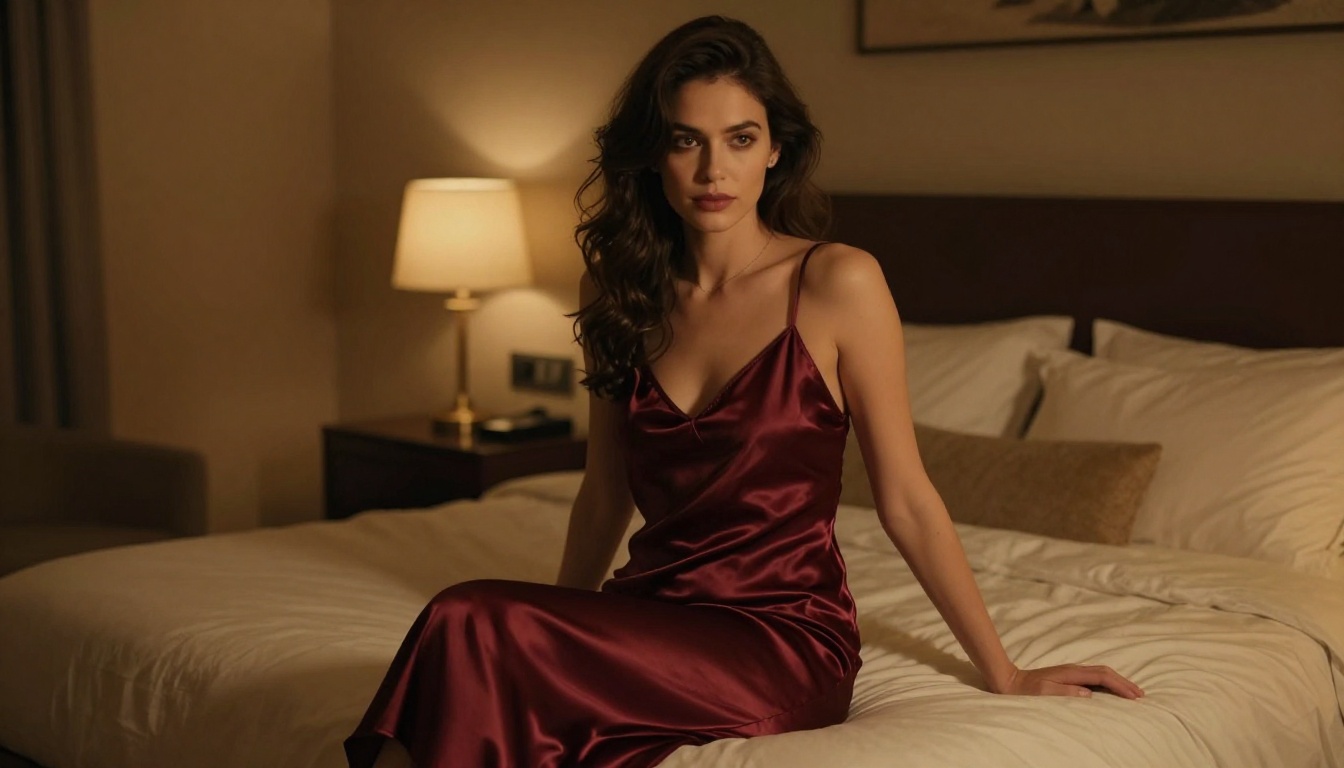
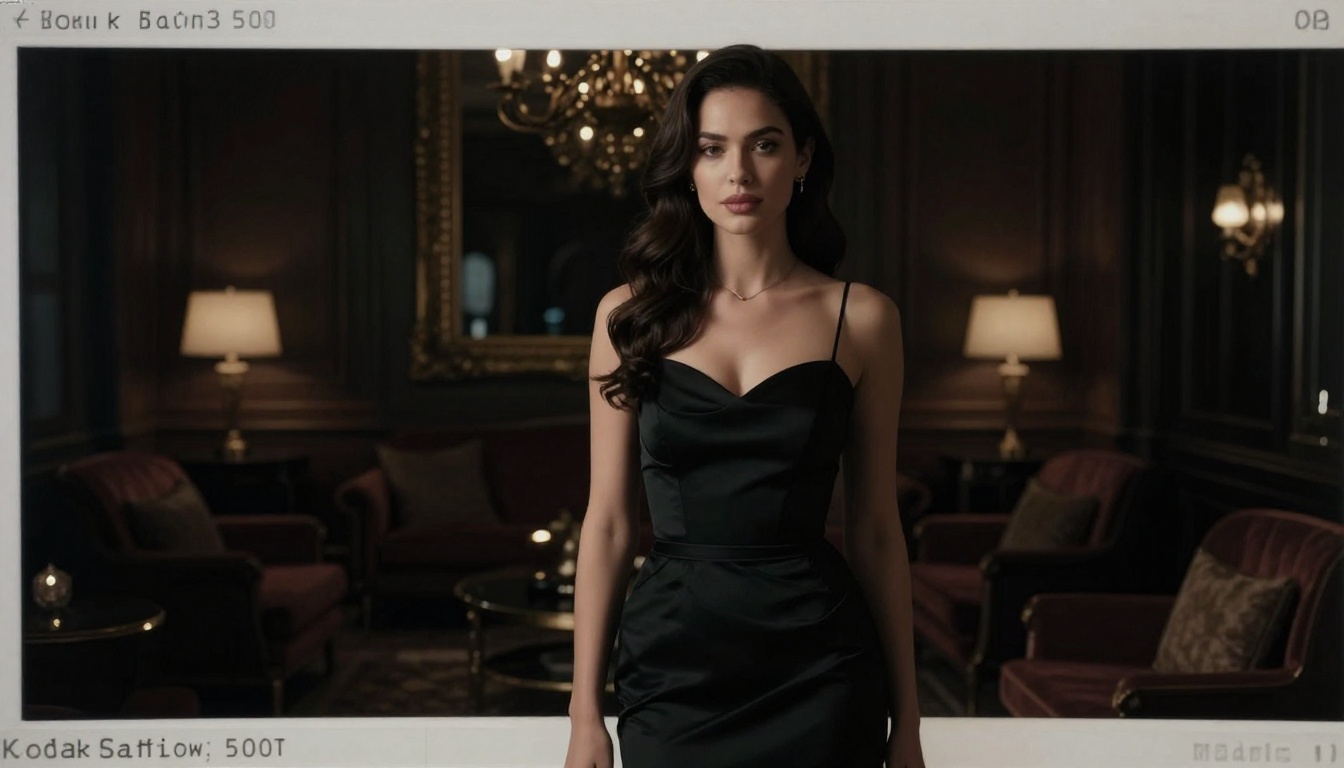
Proteus v0.2 leans into a cinematic aesthetic. Colors are richer, contrast is deeper, and the overall look has a more polished editorial feel. It is particularly effective for scenes with complex lighting setups or dramatic compositions.
Best for: Editorial photography look, dramatic lighting, moody atmospheres
SDXL: The Reliable Baseline
SDXL remains a dependable choice for NSFW generation, especially as a starting point before applying LoRAs. Its large model size and diverse training data give it a broad sense of visual styles. Base SDXL is not the sharpest photorealistic model available, but it is one of the most forgiving with less detailed prompts.
Best for: General use, LoRA experimentation, versatile output
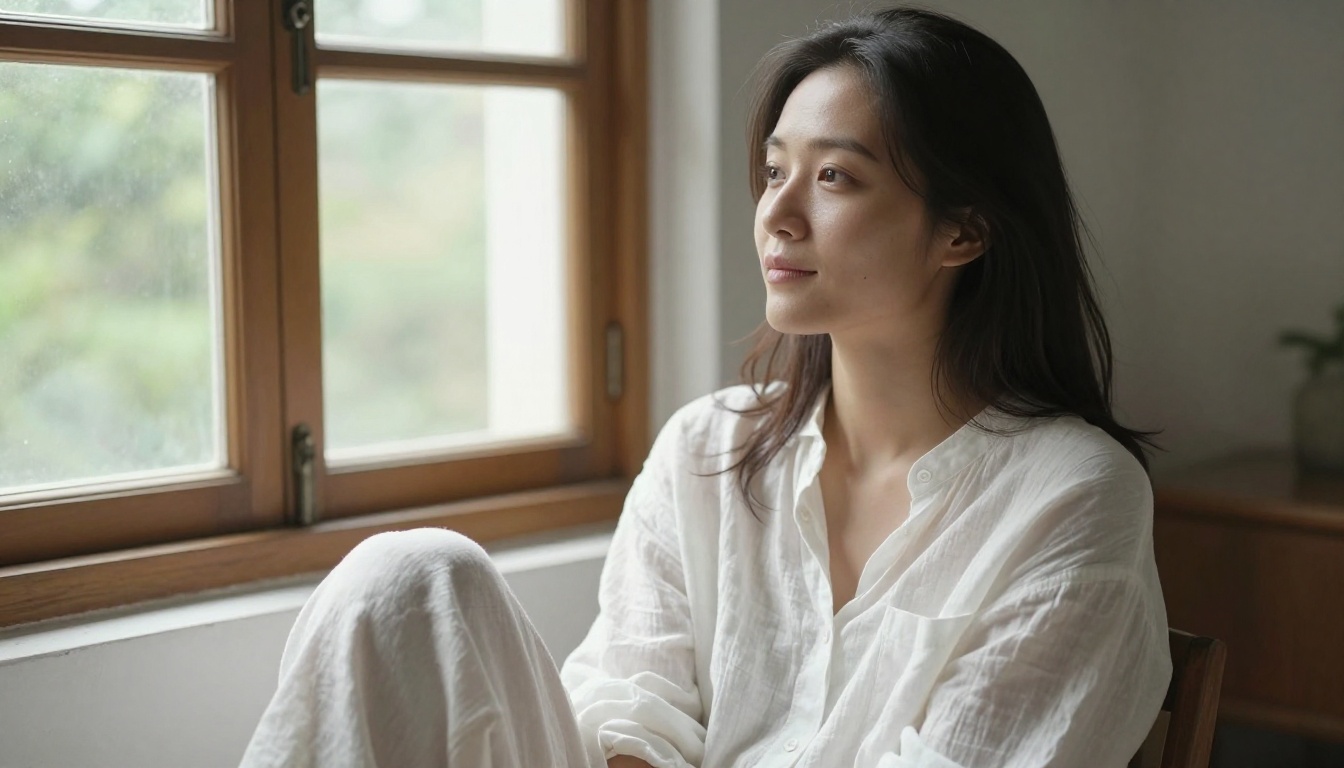
Flux 1.1 Pro sits above Flux Dev in raw output quality. The difference shows in fine detail: individual hair strands, fabric weaves, skin pore texture at close range. For images meant to be printed large or used at high resolution, the quality jump is noticeable. Flux 1.1 Pro Ultra takes this further still, producing images with almost no perceptible AI artifacts.
Best for: High-resolution output, print-ready images, final deliverables
Writing Prompts That Get Real Results
Prompt writing for NSFW AI art is a skill. The models above are capable of stunning output, but a weak prompt wastes that capability. Here is how to write prompts that consistently produce what you actually want.
The Anatomy of a Strong Prompt
Every effective NSFW prompt has the same structure:
- Subject with specific physical description
- Action or pose with precise detail
- Environment with named location and time of day
- Lighting with direction and quality
- Camera angle and lens specification
- Film or texture detail for realism
- Quality modifiers at the end
A weak prompt: "Beautiful woman, nude, beach"
A strong prompt: "Photorealistic editorial photograph of a woman with tan skin standing at the water's edge on a white sand beach, low-angle shot from knee height, golden hour side lighting from the right, shallow depth of field with 35mm lens, Kodak Portra 400 film grain, 8K resolution"
The second prompt gives the model everything it needs to make a real creative decision. The first leaves everything to chance.
Style Modifiers Worth Knowing
These additions consistently improve photorealistic NSFW output:
cinematic lighting brings directional, motivated light sourcesKodak Portra 400 adds natural film grain and warm tones85mm f/1.4 lens creates shallow depth of field for portraitsnatural skin texture prevents overly smooth, plastic-looking skinphotorealistic, 8K signals high detail expectation to the model--style raw suppresses AI over-processing on the output
💡 Avoid: "ultra realistic," "masterpiece," "best quality" as standalone tags. They were effective in older SD 1.5 models but often do nothing in newer architectures like Flux or Seedream.
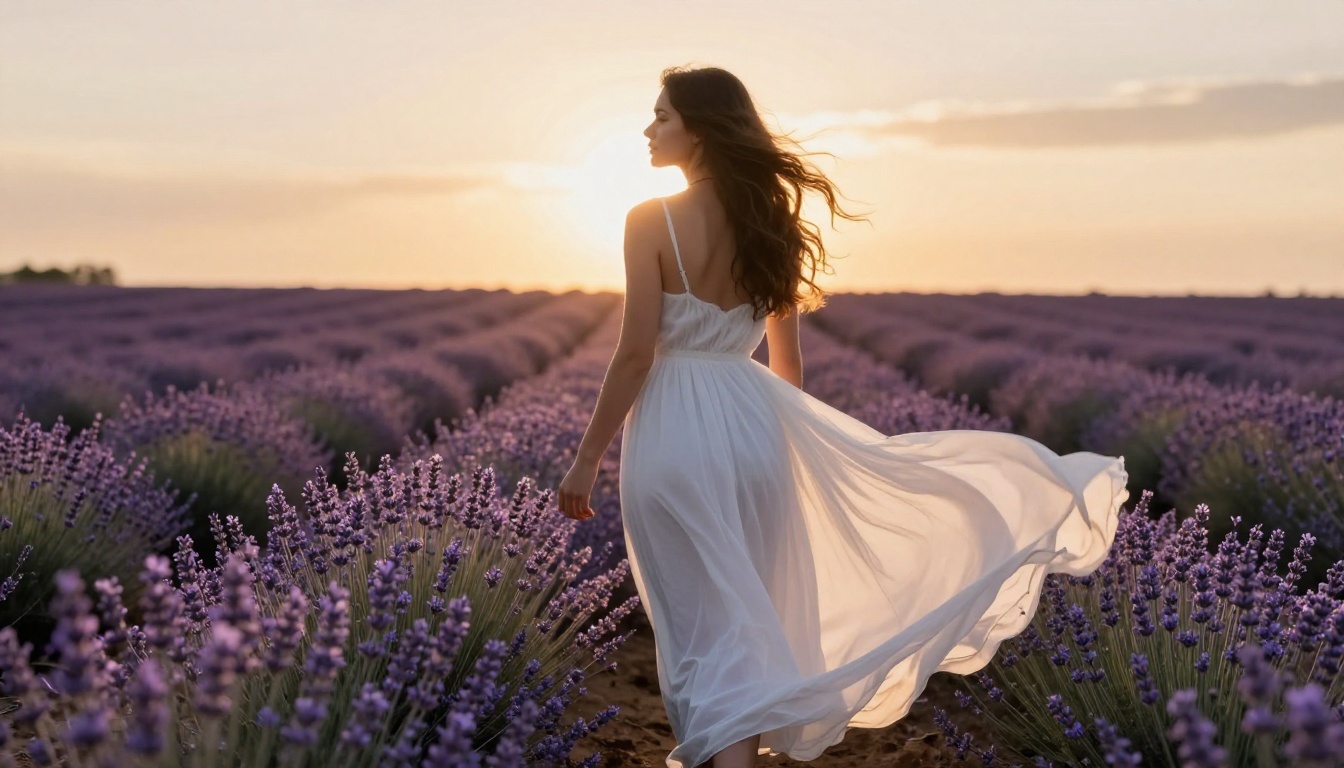
How to Use Seedream 4.5 on PicassoIA
Seedream 4.5 is the top recommendation for anyone starting with NSFW AI generation, and using it on PicassoIA takes less than two minutes to get your first image.
Step 1: Open the Model
Go to the Seedream 4.5 page on PicassoIA. No local installation needed. The model runs in the cloud, so it works on any device with a browser, including phones and tablets.
If you want to edit an existing photo instead of starting from scratch, switch to PicassoIA Image Editor Pro or Qwen Image 2, both of which accept a reference image.
Step 2: Build Your Prompt
Use the structure from the previous section. For a boudoir style image, something like:
"Photorealistic boudoir editorial photograph, woman in ivory satin lingerie lying on white linen sheets, soft morning window light from the left, shallow depth of field, 85mm f/1.4 lens, Kodak Portra 400 film grain, natural skin texture with visible pores, 8K --style raw"
Step 3: Adjust Parameters
Inside PicassoIA, you can adjust:
- Size: Pick 2K for fast iteration or 4K for print-ready output
- Aspect Ratio: Use 2:3 for portrait, 16:9 for landscape, 1:1 for square, 21:9 for cinematic
- Image input: Drop in 1 to 14 reference images for image-to-image work
- Sequential mode: Set it to auto to generate up to 15 related images in one run
- Seed: Set a fixed seed to reproduce an image with slight prompt variations
💡 Pro move: Generate a batch with sequential mode set to auto, then pick the strongest result to refine further. This saves far more time than tweaking a single image over and over.
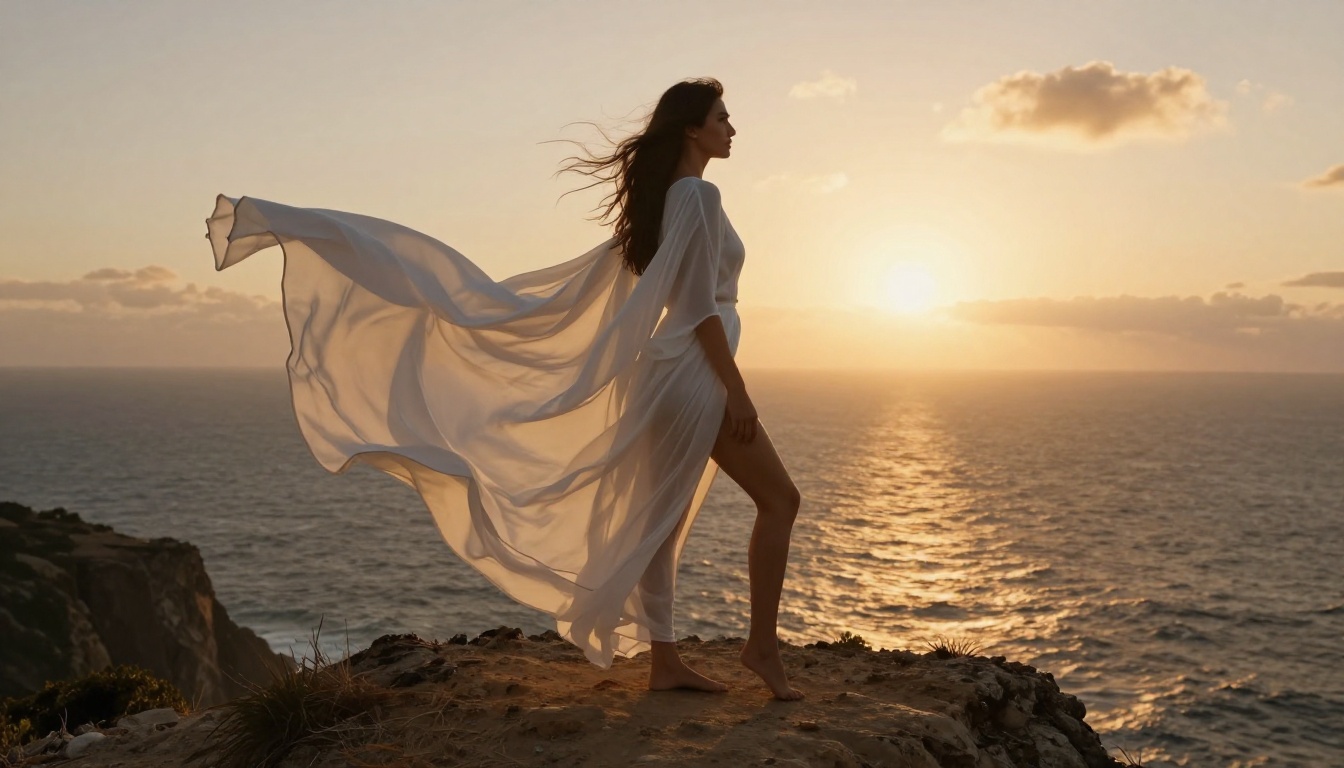
The same clifftop frame, animated into a 5 second clip with native motion:
Unlimited Generations With Image Editor Pro
The single biggest hidden cost in AI image work is per-image pricing. Credit-metered tools feel cheap until you run a real project, then the bill climbs fast. This is exactly where PicassoIA Image Editor Pro pulls ahead.
It is unlimited. You can generate as many times as you want, with no per-edit cap and no quota that runs out. Compare that to a credit-metered competitor like Nano Banana 2, where the cost scales with every single image:
| What you need | Nano Banana 2 (pay per image) | PicassoIA Image Editor Pro |
|---|
| 1,000 edited images | around $100 | Included, $0 extra |
| 2,000 edited images | around $200 | Included in Elite or Infinite, $0 extra |
| Usage cap | Per-image credits | Unlimited, no cap |
| NSFW input | Restricted | Accepted |
| Speed per edit | Varies | Under 1 second |
| Free trial | Card often required | 3 free generations, no card |
With Image Editor Pro, generating 1,000 images costs nothing extra, and 2,000 images are included in the Elite or Infinite subscription. If you need more, you keep going at no per-image charge. Want to test it first? There is a free trial of 3 generations with no credit card required.
Fine-Tuning With LoRA Add-ons
LoRA (Low-Rank Adaptation) models are small add-ons that attach to a base model and push the output in a specific direction without replacing the full model. They are the primary tool for fine-tuning NSFW generation beyond what prompting alone can achieve.
What LoRAs Do for NSFW Art
A LoRA trained on a specific photography style can make Flux Dev or SDXL consistently produce images in that style without lengthy prompt engineering every time. Common NSFW-focused LoRAs include:
- Skin detail enhancers that increase pore and texture realism
- Lighting style LoRAs for specific photography aesthetics such as boudoir, editorial, or outdoor
- Anatomy correction LoRAs that fix common distortion issues in hands and full-body compositions
- Character consistency LoRAs for keeping a consistent face or physique across multiple images
PicassoIA supports LoRA loading through the SDXL Multi ControlNet LoRA model and the Flux Dev LoRA model, which accepts external LoRA weights for custom style application.
Best Stacking Combinations
For photorealistic NSFW output, these combinations produce strong results:
| Base Model | LoRA Type | Result |
|---|
| Flux Dev | Skin detail | Ultra-realistic skin texture |
| RealVisXL v3.0 | Lighting style | Consistent editorial look |
| SDXL | Anatomy correction | Cleaner full-body results |
| DreamShaper XL | Character LoRA | Consistent character identity |
From Still Image to Video
A still is no longer the finish line. On PicassoIA you can take any generated image and animate it into a short, photorealistic clip. Every video in this article was made exactly that way: generate a frame with one of the models above, then send it through image-to-video at 720p, which returns a 5 second clip at 24fps with native motion.
That means a single Seedream 4.5 portrait or a Grok bikini restyle can become a moving shot in a couple of steps. Browse the full set of motion models in the text-to-video collection to see what is possible.
Model Comparison at a Glance
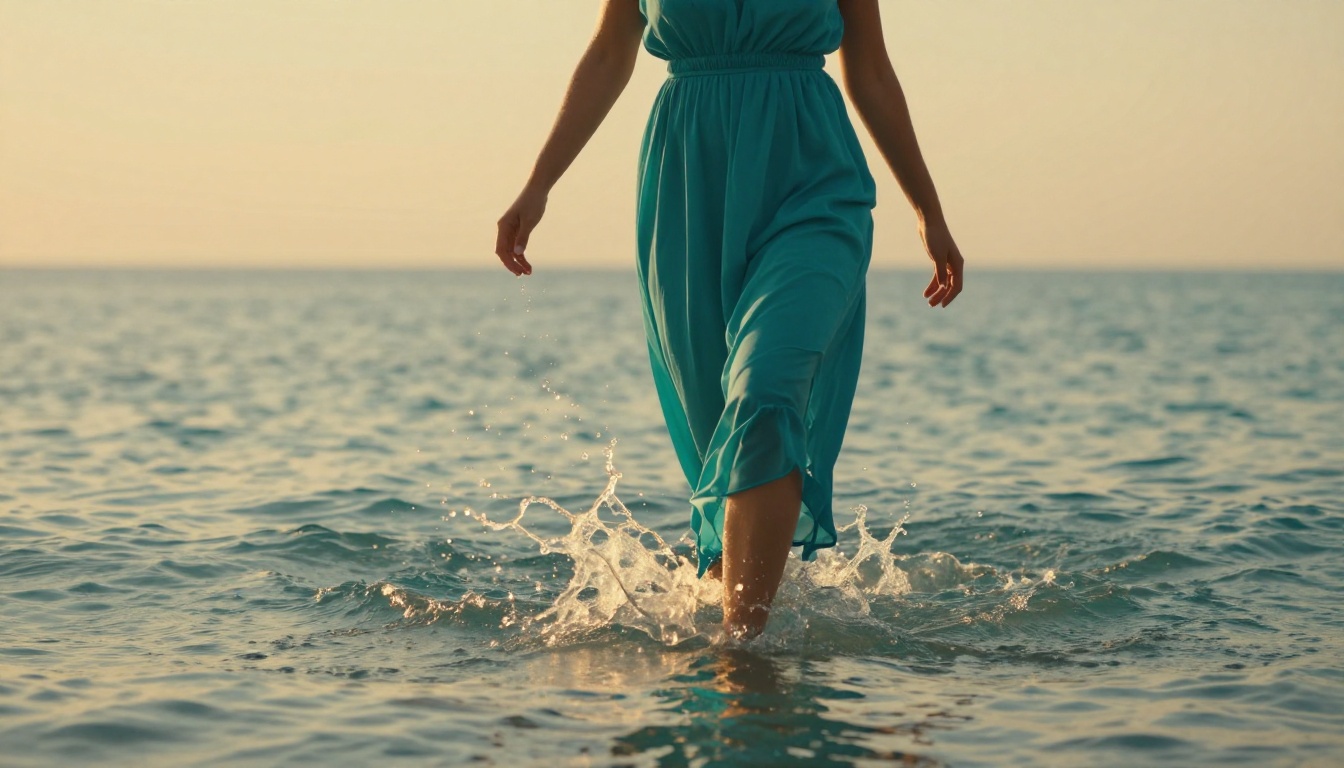
Here is how the top models stack up across the criteria that matter most for NSFW AI art generation:
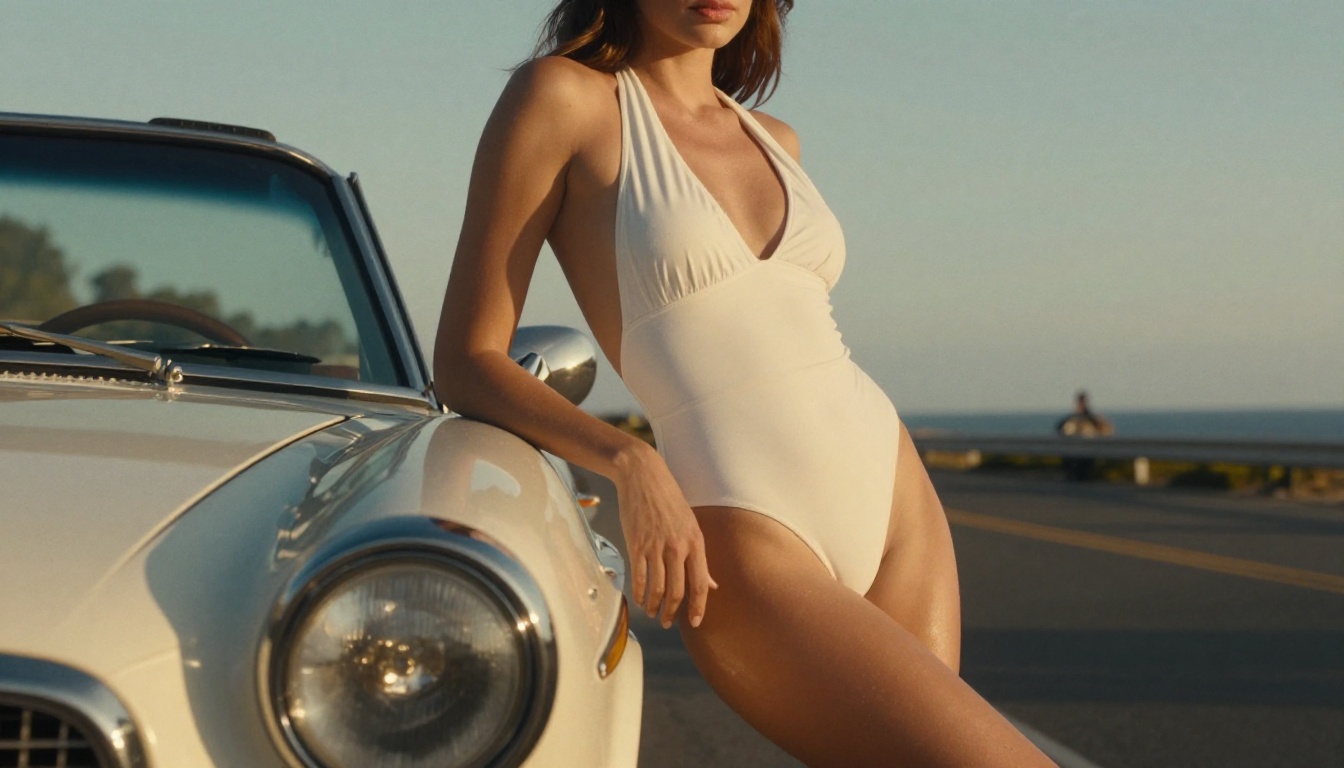
💡 Note: "Free tier" refers to access on platforms like PicassoIA that provide cloud-based model access. Running these models locally is also free but requires a GPU with 16GB+ VRAM for the larger architectures.
The model is only half the equation. The platform you run it on determines the actual experience. The best platforms for NSFW generation offer:
- No content filtering on the generation side so the model runs without interference
- Fast cloud infrastructure so you are not waiting 2 minutes per image
- Multiple models in one place so you can switch between Seedream 4.5 and Flux Dev without leaving the interface
- Parameter control so you can actually adjust guidance scale, steps, and aspect ratio
- Unlimited options so a real project does not drain a credit balance
- No watermarks on output
Many platforms offer one or two of these. Fewer offer all of them.
Every Model in One Place
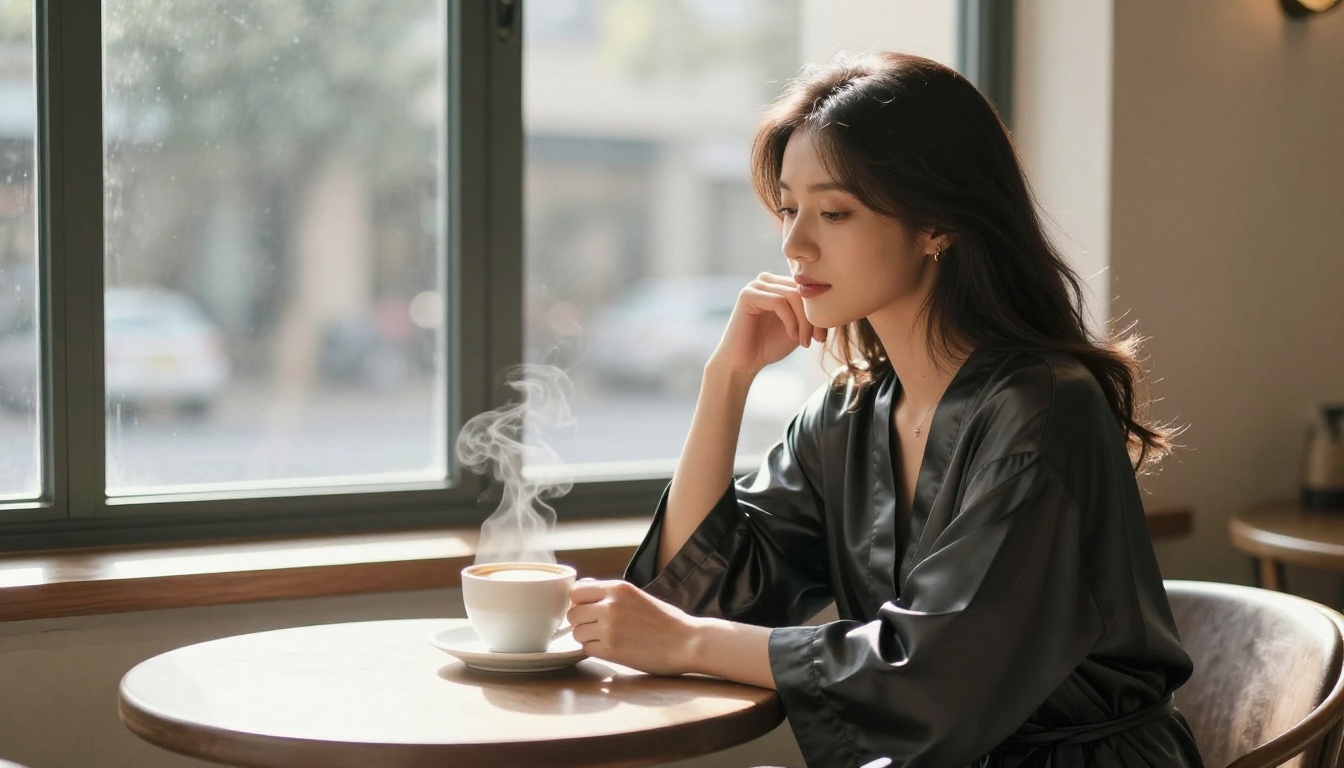
This breakdown covers the standouts, but it is only a slice of what is available. If you want to browse the best NSFW AI models and generate without limits, head to the full catalog at picassoia.com/en/all-models. It is the fastest way to compare engines side by side and find the right one for whatever you are building, from photorealistic portraits to bikini restyles to 4K editorial shots.
Start Creating Your Vision
The tools exist. The models are accessible. The only thing between you and the images you want to create is knowing where to start and how to write prompts that work.
PicassoIA gives you direct access to every model in this article, from Seedream 4.5 and Image Editor Pro to Flux 1.1 Pro Ultra and beyond, with no installation, no downloads, and no GPU required. The platform runs them in the cloud with no content filters standing between your prompt and your output.
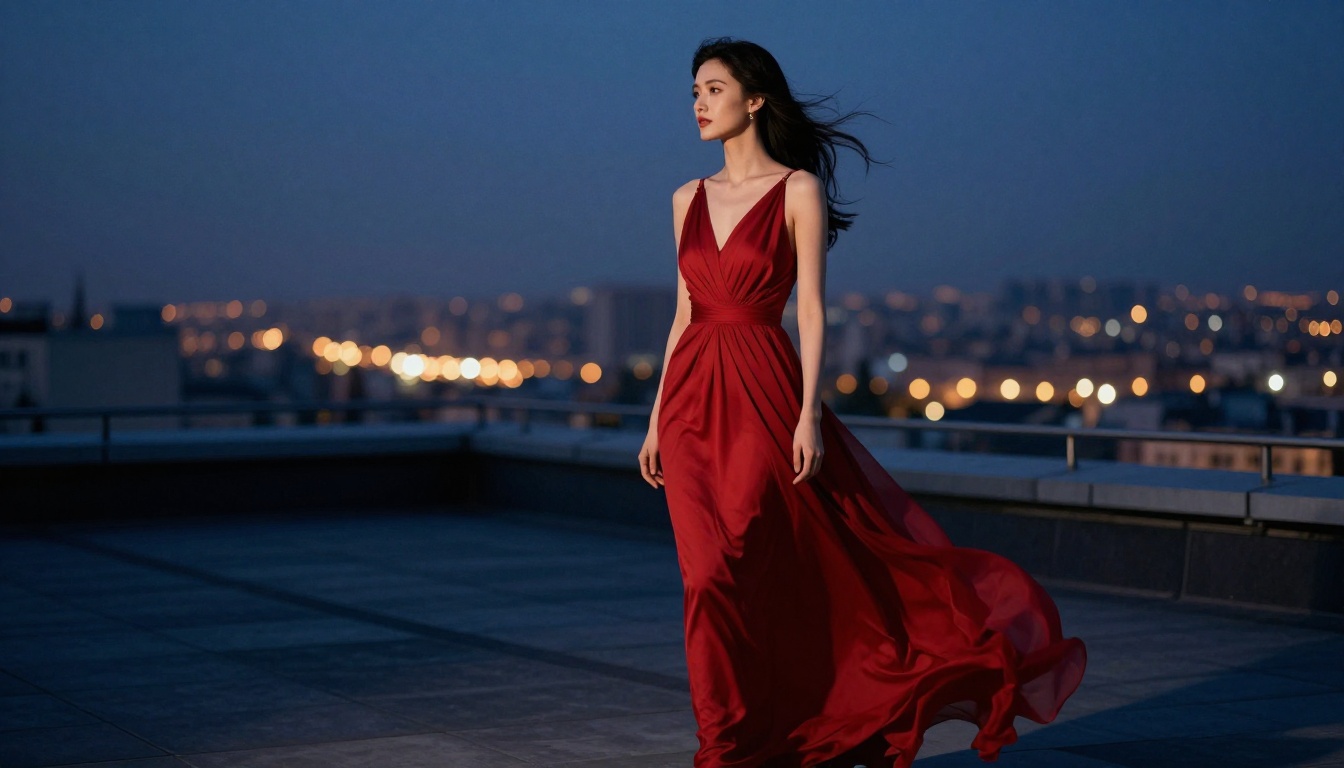
Pick a model. Write a prompt. Iterate, then animate the best frame into a clip. The quality you can reach with these tools and the right prompting approach is genuinely difficult to tell apart from professional photography. Whatever you are making, whether it is fine art, boudoir work, fashion editorial, or character concepts for a project, the capability is right there.
Your first image is waiting. Go make it.


