The gap between censored and truly unrestricted AI art platforms has never been wider. Some tools block anything remotely suggestive, others allow creative freedom up to a point, and then there are platforms that let you generate realistic glamour, bikini art, implied nudity, and artistic figure photography without watermarks or word filters getting in the way. This side-by-side breakdown cuts through the noise: here are the best NSFW AI art tools available right now, ranked by what actually produces results.
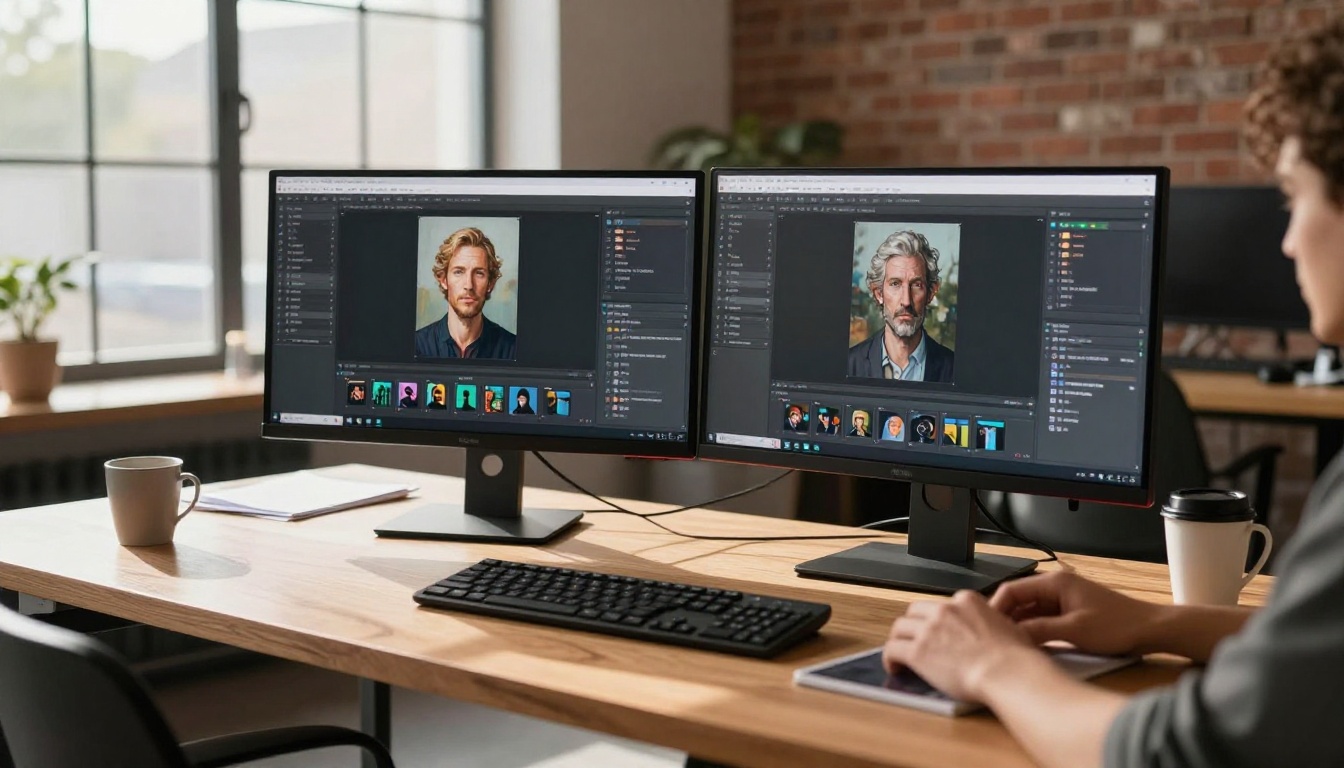
What Actually Matters in NSFW AI Art
Most people focus on whether a tool is "uncensored." That matters, but it is not the whole picture. Three things separate forgettable outputs from images you actually want to use.
Skin Texture and Realism
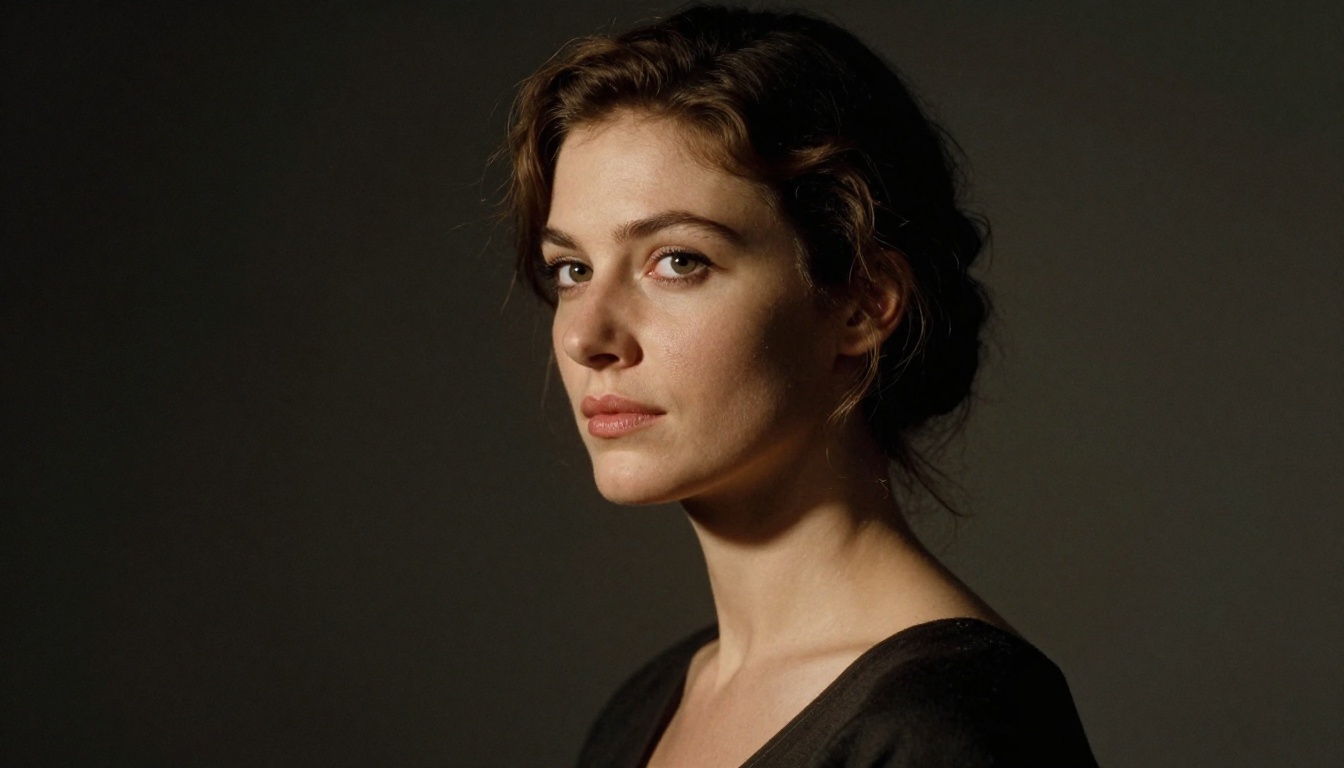
Blocky skin, plastic-looking complexions, and hands that look like they were designed by committee: these are the failure modes that kill an otherwise good image. The best NSFW AI generators render skin with visible pore structure, natural subcutaneous warmth, and the kind of micro-variation in tone that makes a photo look like a photo rather than a render. Anything producing smooth, airbrushed skin out of the box is not worth your time in 2027.
Prompt Accuracy Without Censorship
A tool that blocks half your prompts is not unrestricted, it is just conditionally restricted. What you want is a model that reads your prompt literally, executes it accurately, and does not substitute watered-down outputs when your request brushes against its content policy. Prompt accuracy at this level is what separates the top models from the rest.
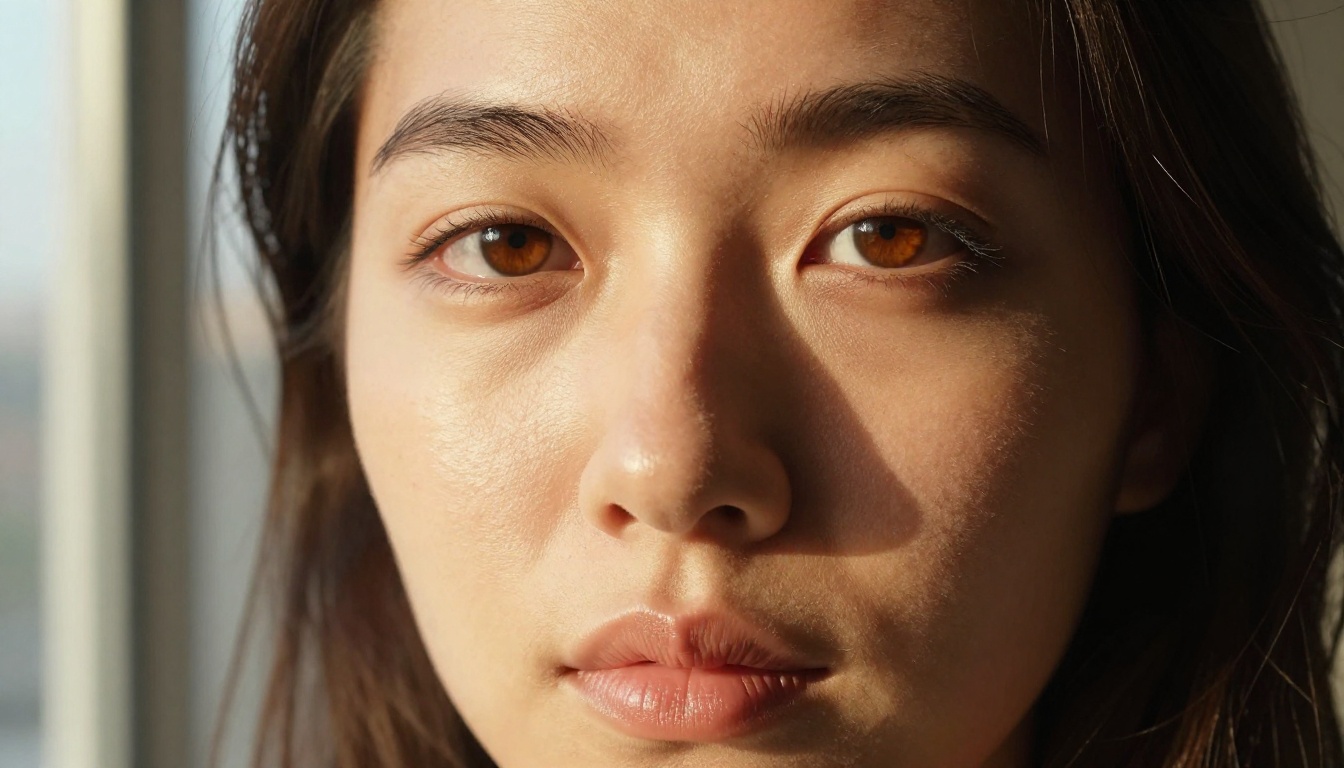
Speed Versus Quality
Waiting two minutes per image is acceptable in a one-off creative session. Running a batch of 50 images for a project, you need a model that delivers quality at speed. The best platforms offer tiered options: fast models for iteration, quality models for finals.
💡 Tip: When testing a new NSFW AI art tool, always start with a photorealistic portrait prompt. Skin rendering is the fastest way to benchmark a model's true output quality.
Seedream 4.5: The One to Beat Right Now
Seedream 4.5 is the current frontrunner for photorealistic NSFW art generation. Built by ByteDance and available on PicassoIA, it produces 4K outputs with a level of anatomical accuracy and skin realism that most other models do not touch.
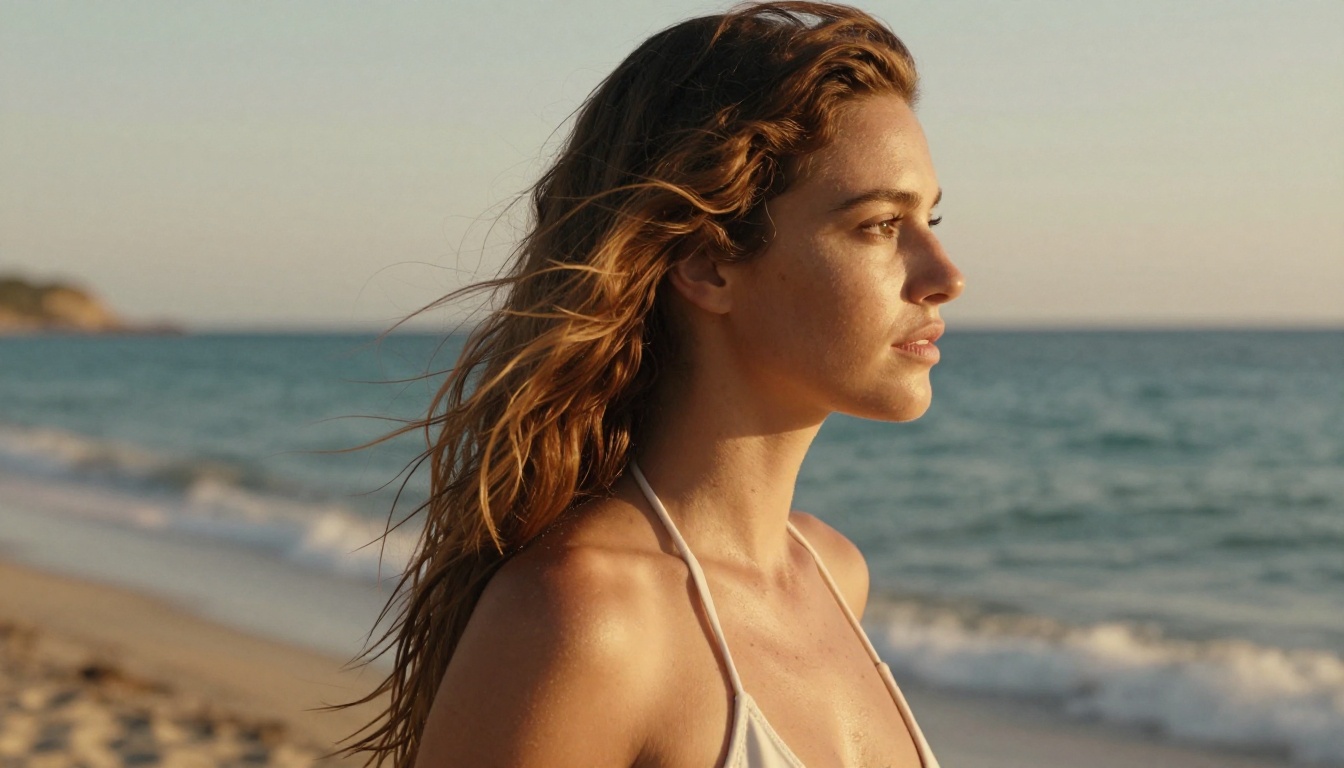
What Makes It Different
Where most models treat skin as a smooth gradient, Seedream 4.5 renders it as a surface, with pore structure, subsurface scattering, and natural color variation in the cheeks, lips, and temples. The model also handles fabric and environmental detail with the same fidelity, meaning the clothing drapes realistically, the background has depth, and the light behaves like actual light.
For NSFW work specifically, Seedream 4.5 does not arbitrarily refuse suggestive prompts. Bikini art, glamour poses, artistic implied nudity, and beauty photography all render as intended. The model respects the prompt rather than substituting a clothed version of your subject.
What it does well:
- 4K resolution output (up to 4MP)
- Exceptional skin texture rendering
- Natural lighting simulation
- High prompt accuracy for adult content
- Fast generation times relative to output quality
Getting the Most Out of It
Specificity wins. Rather than prompting "beautiful woman on beach," try "photorealistic portrait of a woman in a white bikini on a Mediterranean shoreline, golden hour backlight, Canon 85mm f/1.8, film grain, salt-kissed skin with natural freckles." The more photographic detail you include, the more cinematic the result.
💡 Model tip: Add camera specs and film stock references to Seedream 4.5 prompts. It responds exceptionally well to photography-style language: focal length, aperture, ISO, and film emulation names all influence the final aesthetic.
Flux Models: Where Freedom Meets Detail
The Flux family from Black Forest Labs sits at the intersection of prompt freedom and output quality. These models are the backbone of serious NSFW AI art generation in 2027.
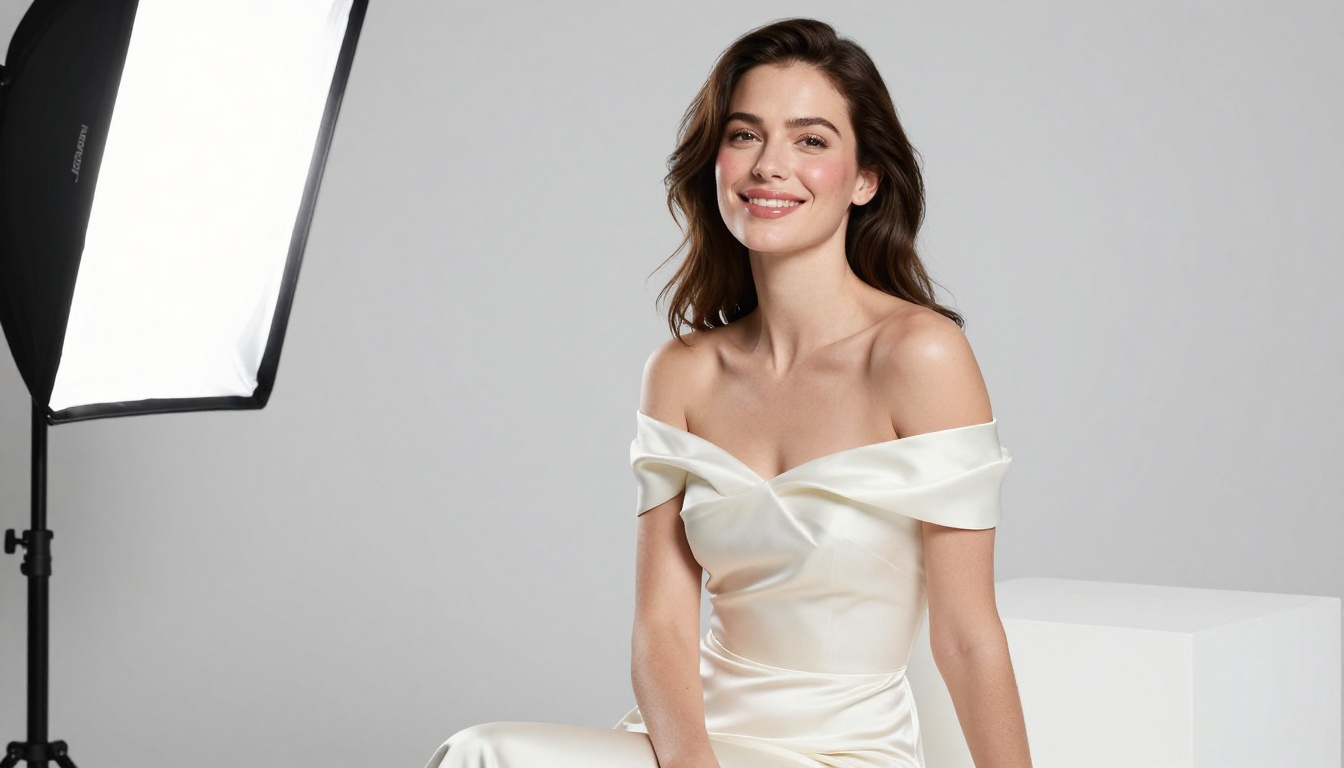
Flux Dev vs Flux Pro
Flux Dev is the open, research-oriented version. It generates slower than the schnell variants but produces noticeably richer detail in skin, fabric, and environmental textures. For final-quality NSFW art, Flux Dev remains one of the most reliable options.
Flux Pro adds a proprietary post-processing layer that sharpens micro-details and improves color accuracy. The practical difference shows up most in close-up portraits: Flux Pro renders individual eyelashes, fine hair texture, and lip moisture in ways that Flux Dev often smooths over.
Side-by-side comparison:
| Feature | Flux Dev | Flux Pro |
|---|
| Skin realism | Very good | Excellent |
| Generation speed | Moderate | Moderate |
| Prompt adherence | High | Very high |
| Adult content | Supported | Supported |
| Detail in close-ups | Good | Excellent |
| Best for | Iteration, batches | Final outputs |
Flux 2 Max for 4MP Results
Flux 2 Max takes the Flux architecture to its current ceiling: 4MP images with dramatically improved dynamic range and color depth. For printing, large-format display, or any use case where you need images that hold up at scale, Flux 2 Max is the choice. It is slower, but the output justifies the wait.
Flux Kontext Dev adds image-to-image editing on top of the Flux base, letting you take an existing image and rewrite specific elements: change clothing, adjust the pose, or alter the environment while keeping the subject consistent. This is particularly useful for NSFW art workflows where you want to iterate on a character across multiple images.
Stable Diffusion Still Delivers
It is tempting to write off Stable Diffusion as yesterday's technology. The base models from 2022 certainly are. But the current generation tells a different story.
SD 3.5 Large Performance
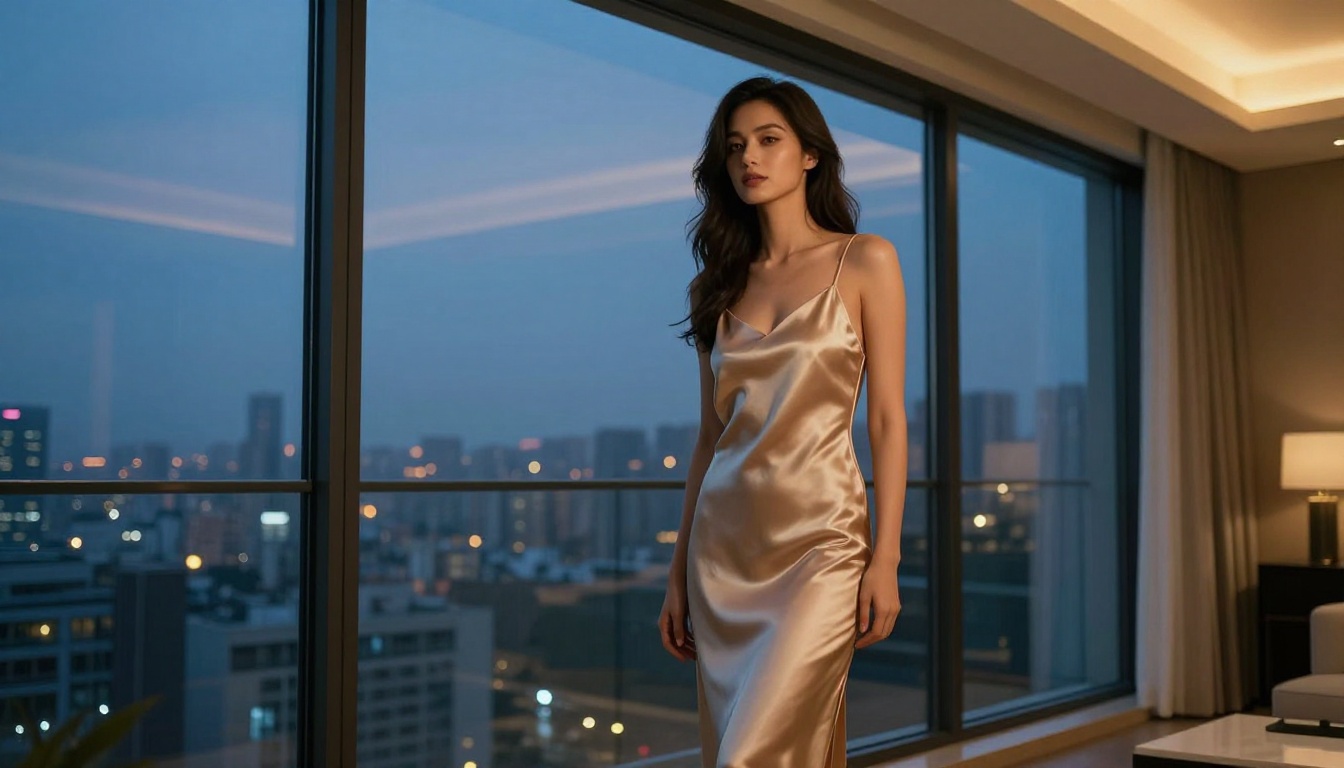
Stable Diffusion 3.5 Large marks a genuine generational improvement over SD 3. The model uses a multimodal diffusion transformer architecture that processes text and image tokens together, resulting in dramatically better prompt comprehension. What this means for NSFW art: it reads complex, multi-element prompts accurately and renders them without simplifying or omitting described details.
Practical outputs from SD 3.5 Large:
- Accurate clothing and fabric physics
- Consistent facial features across multiple generations from the same seed
- Natural skin tones across a wide range of ethnicities
- Better handling of difficult poses and body proportions
Why It Remains Relevant
The core Stable Diffusion architecture is open, which means the community has produced thousands of fine-tuned variants optimized for specific aesthetics: photorealism, illustration, specific body types, specific artistic styles. If you have a very specific visual target in mind, there is almost certainly a community fine-tune built for it.
💡 Note: Stable Diffusion's flexibility comes at the cost of consistency. If you need reliable results across a batch, prefer Seedream 4.5 or Flux Pro. If you want to experiment with highly specific aesthetics, SD 3.5 Large gives you more control.
Here is the full comparison across the metrics that matter for adult AI art generation:
| Model | Realism | NSFW Freedom | Speed | Resolution | Best Use |
|---|
| Seedream 4.5 | ★★★★★ | ★★★★★ | ★★★★ | 4K | Primary workhorse |
| Flux Pro | ★★★★★ | ★★★★ | ★★★ | Standard | Final-quality close-ups |
| Flux 2 Max | ★★★★★ | ★★★★ | ★★ | 4MP | Print/large format |
| Flux Dev | ★★★★ | ★★★★ | ★★★ | Standard | Batches, iteration |
| SD 3.5 Large | ★★★★ | ★★★★ | ★★★★ | Standard | Complex prompts |
| Krea 2 Large | ★★★★ | ★★★ | ★★★★ | Standard | Photorealistic variety |
| Dreamina 3.1 | ★★★★ | ★★★ | ★★★★★ | 4MP | Cinematic scenes |
PicassoIA Image Editor Pro: Unlimited Generations
What Unlimited Actually Means
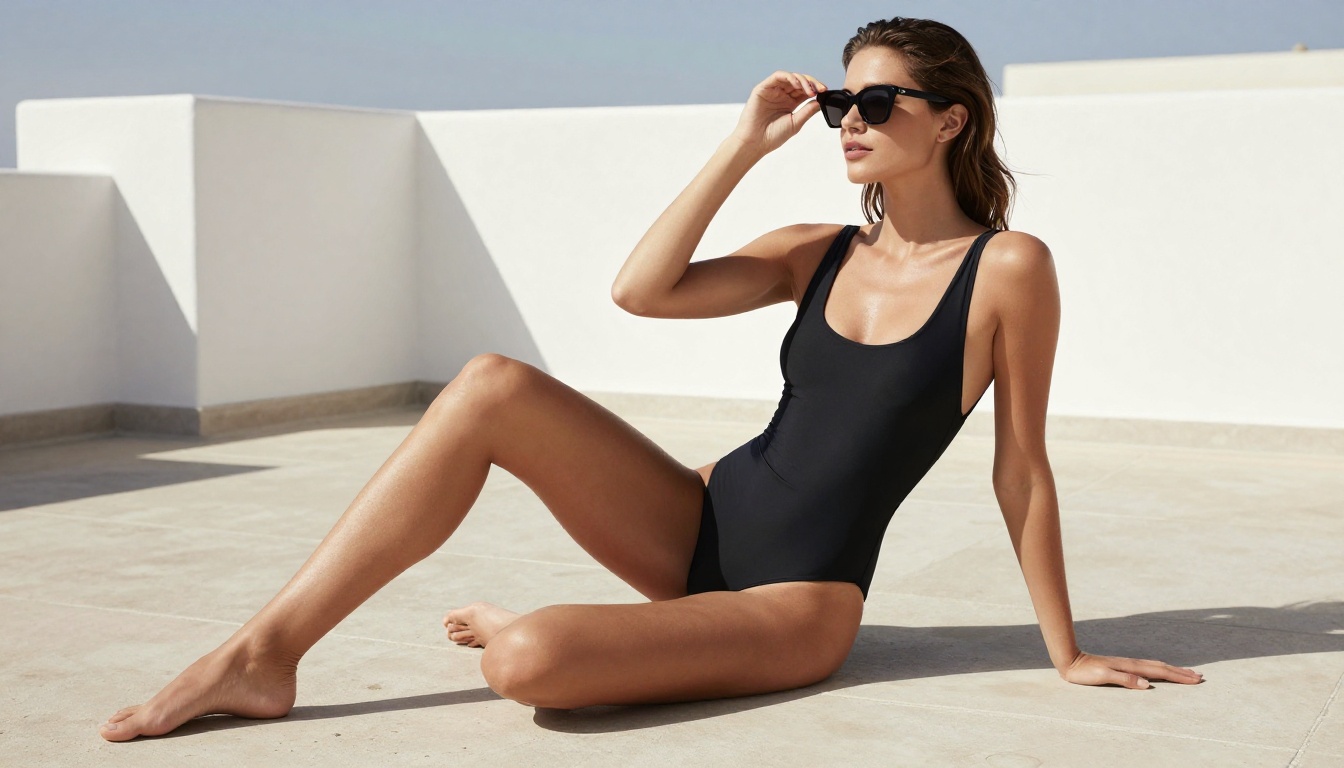
Most AI image platforms either charge per generation or cap you at a daily limit. PicassoIA Image Editor Pro removes that ceiling. You get unlimited generations across all available models, which at the time of writing includes over 90 text-to-image models, including every Flux variant, Seedream 4.5, and all the Stable Diffusion releases.
For NSFW art workflows where you might run 200 or more iterations to get a single perfect image, this makes a real difference in practice. You are not rationing prompts or watching a credit counter. You run the generation, evaluate, adjust the prompt, and run it again.
The Models Available on PicassoIA
PicassoIA currently hosts every model referenced in this article, plus dozens more. The platform organizes them into clear categories:
- Text to Image: 91+ models including all Flux variants, Seedream 4.5, SD 3.5 Large, Krea 2 Large, and Dreamina 3.1
- Image Editing: Outpainting, inpainting, object replacement, AI restoration
- Face and Body: Face Swap AI for consistent character work
- Super Resolution: 2x-4x upscaling for final output refinement
All models are accessible at picassoia.com/en/all-models.
How to Use Seedream 4.5 on PicassoIA
This is the workflow that produces the best NSFW art results on the platform right now.
Step-by-Step Setup
- Go to the model page: Navigate to Seedream 4.5 on PicassoIA
- Set your resolution: Select 4K for final outputs, standard for quick iteration
- Write a photographic prompt: Include subject, environment, lighting direction, camera specs, and film stock
- Set aspect ratio: 16:9 works best for environmental scenes, 2:3 for portraits
- Generate and evaluate: Check skin texture, lighting accuracy, and pose accuracy
- Iterate on prompt: If the skin looks too smooth, add "natural pores, subsurface scattering, film grain" to the prompt
Tips for Better Outputs
- Be explicit about lighting: "Volumetric morning light from camera-left" produces far better results than "good lighting"
- Reference real camera equipment: "Canon 85mm f/1.4 at f/2" tells the model the exact depth of field and lens rendering character you want
- Describe the environment in layers: Foreground subject, mid-ground environmental context, background treatment (bokeh, sharp, blurred)
- Use film stock names: Kodak Portra 400, Fuji Provia 100F, Ilford HP5 all produce distinct and recognizable color and grain characteristics
💡 Pro tip: If Seedream 4.5 produces an image that is almost right but not quite, use Flux Kontext Dev to edit specific elements, such as adjusting clothing or modifying the pose, while keeping the face and overall composition intact.
More Models Worth Your Time
Krea 2 Large for Variety
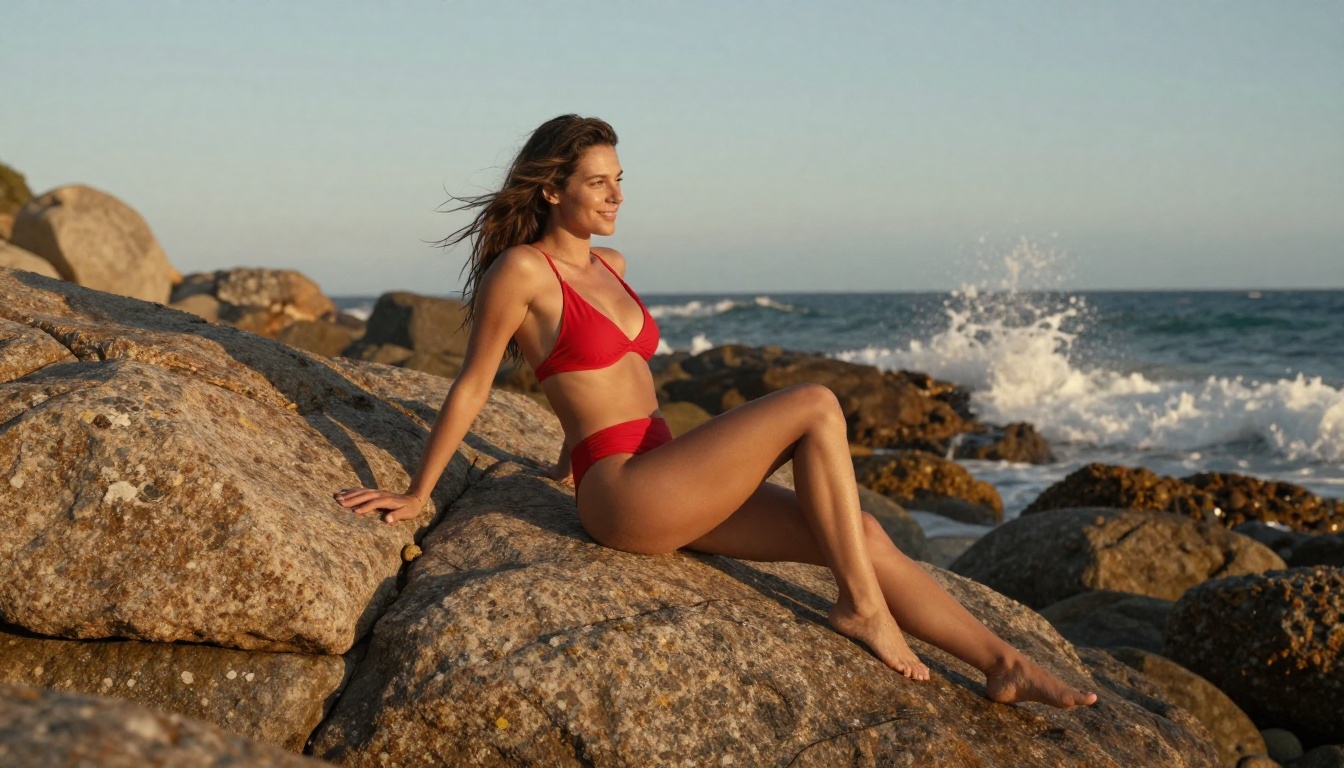
Krea 2 Large takes a different approach to photorealism. Rather than chasing the hyper-detailed skin rendering of Seedream 4.5, it prioritizes natural composition and balanced lighting. The results feel less like AI-generated outputs and more like they were shot on film: not because the detail is lower, but because the model makes aesthetic choices that mimic how a human photographer would frame and expose a scene. For NSFW work where you want images that read as genuine photographs rather than AI outputs, Krea 2 Large is worth running alongside Seedream 4.5.
Dreamina 3.1 for Cinematic Scenes
Dreamina 3.1 from ByteDance produces cinematic 4MP images optimized for wide-angle environmental scenes. Where Seedream 4.5 excels at portraits and close-up detail, Dreamina 3.1 handles full-scene compositions, placing a subject within a richly detailed environment with consistent lighting across the entire frame. For NSFW art that involves complex settings, location shoots, or wide establishing shots, Dreamina 3.1 competes directly with Flux 2 Max.
When to use Dreamina 3.1 instead of Seedream 4.5:
- Full-body shots in complex environments
- Multiple subjects in a single frame
- Cinematic scene compositions with strong foreground and background
- Wide aspect ratio outputs (21:9 or similar)
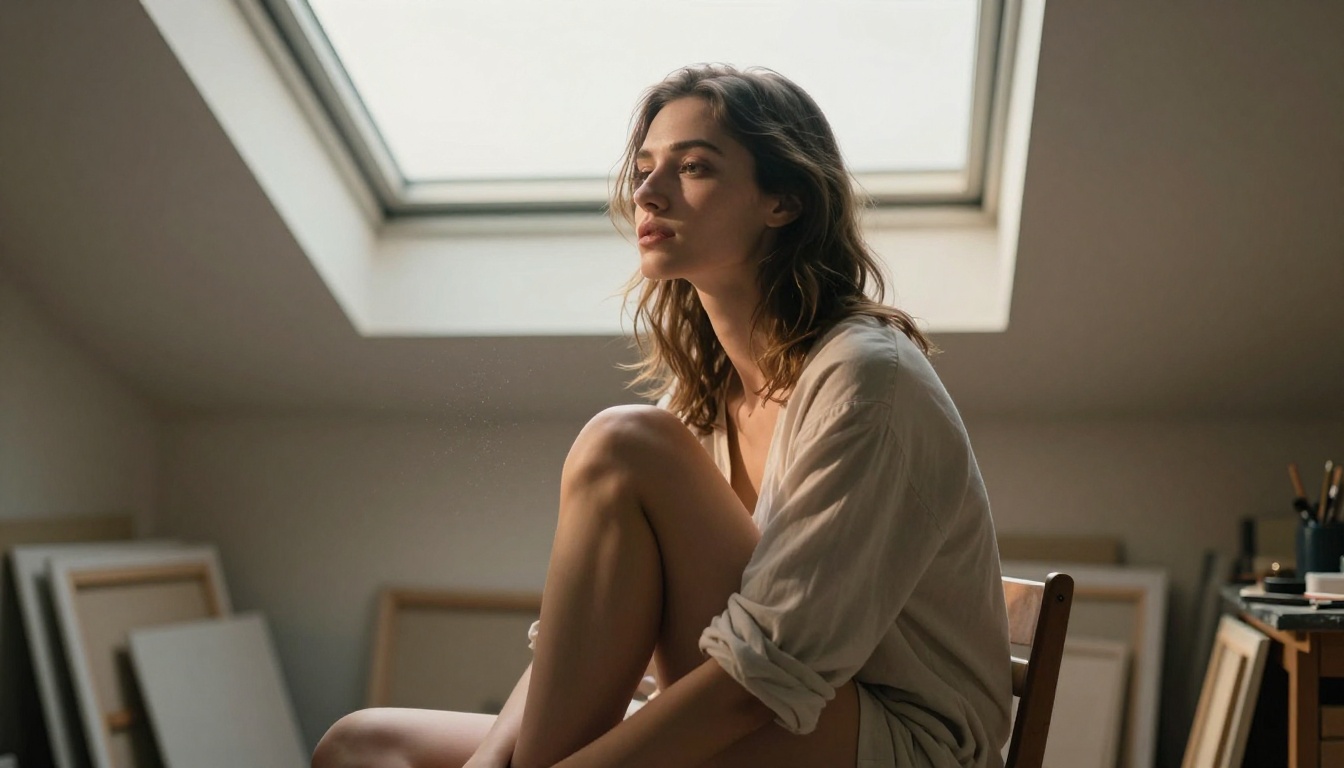
No single model wins every category. Seedream 4.5 leads on skin realism and NSFW prompt accuracy, making it the starting point for most workflows. Flux Pro earns its place for final-quality close-up work. Flux 2 Max is the choice when resolution is the priority. SD 3.5 Large handles complexity that simpler architectures miss. And Krea 2 Large produces the most naturally photographic output when you want images that do not read as AI-generated.
What ties all of these together is access. Running comparisons across seven models in a single session is only practical when you are not paying per generation or watching a credit counter. PicassoIA Image Editor Pro removes that friction: pick a model, run it until you get what you need, switch to another, and run that.
The fastest way to figure out which model works for your specific aesthetic is to run the same prompt through four or five of them and compare the outputs side by side. Start with Seedream 4.5, stack it against Flux Dev, and see which one handles your subject and lighting the way you want. From there, it is a short road to finding your preferred workflow.
Head to picassoia.com/en/all-models to run your first comparison.


