If you've searched for "NSFW AI image generator" and landed on a dozen confusing sites with broken setups, mystery paywalls, or images that look nothing like what you typed, you're not alone. The world of adult AI art has grown massively in 2027, but finding a tool that genuinely works for someone without technical experience is harder than it should be. This article cuts through the noise. Below, you'll find the top models, honest comparisons, and everything you need to generate beautiful, suggestive images from your very first prompt.
Why NSFW AI Art Has Changed Everything
The demand is bigger than most people realize
Millions of people use AI image generators daily, and a significant portion of that traffic is for suggestive, glamour, or adult-adjacent content. What used to require a professional photographer, a studio booking, and a significant budget can now be achieved in seconds with the right prompt. Platforms that once filtered everything aggressively are now offering curated NSFW-capable tools.
The shift happened fast. In 2023, most mainstream AI image tools blocked anything remotely suggestive. By 2025, a wave of purpose-built models changed the conversation entirely. In 2026, the best of these tools are genuinely photorealistic, creatively flexible, and more accessible than ever for beginners.
What "NSFW" actually means for AI images
NSFW in AI art covers a wide spectrum. At one end, you have mildly suggestive content: bikinis, lingerie, artistic nude-adjacent imagery that you might find in a fashion magazine or lifestyle shoot. At the other end sits explicit content, which responsible platforms restrict or filter entirely.
💡 For beginners, the sweet spot is non-explicit NSFW: glamour photography, suggestive poses, artistic beauty content. This range gives you creative freedom while keeping outputs tasteful and shareable on most platforms.
The models covered in this article excel at producing this type of content: photorealistic, beautiful, and suggestive without crossing into explicit territory.
The 5 Best Models for NSFW Images Right Now
1. Flux 1.1 Pro Ultra — The Best Overall
Flux 1.1 Pro Ultra from Black Forest Labs is the current gold standard for photorealistic image generation. It handles human anatomy, skin texture, lighting, and fabric with a level of detail that was impossible two years ago. For NSFW content specifically, its strength is in rendering believable subjects: natural skin tones, authentic body proportions, and lighting that feels photographed rather than generated.
Why beginners love it: You don't need complex prompt engineering. A moderately detailed description gets you results that professionals would be satisfied with.
Best for: Glamour portraits, lifestyle photography, beauty editorials, suggestive outdoor shots.
2. Realistic Vision v5.1 — Best Pure Photorealism
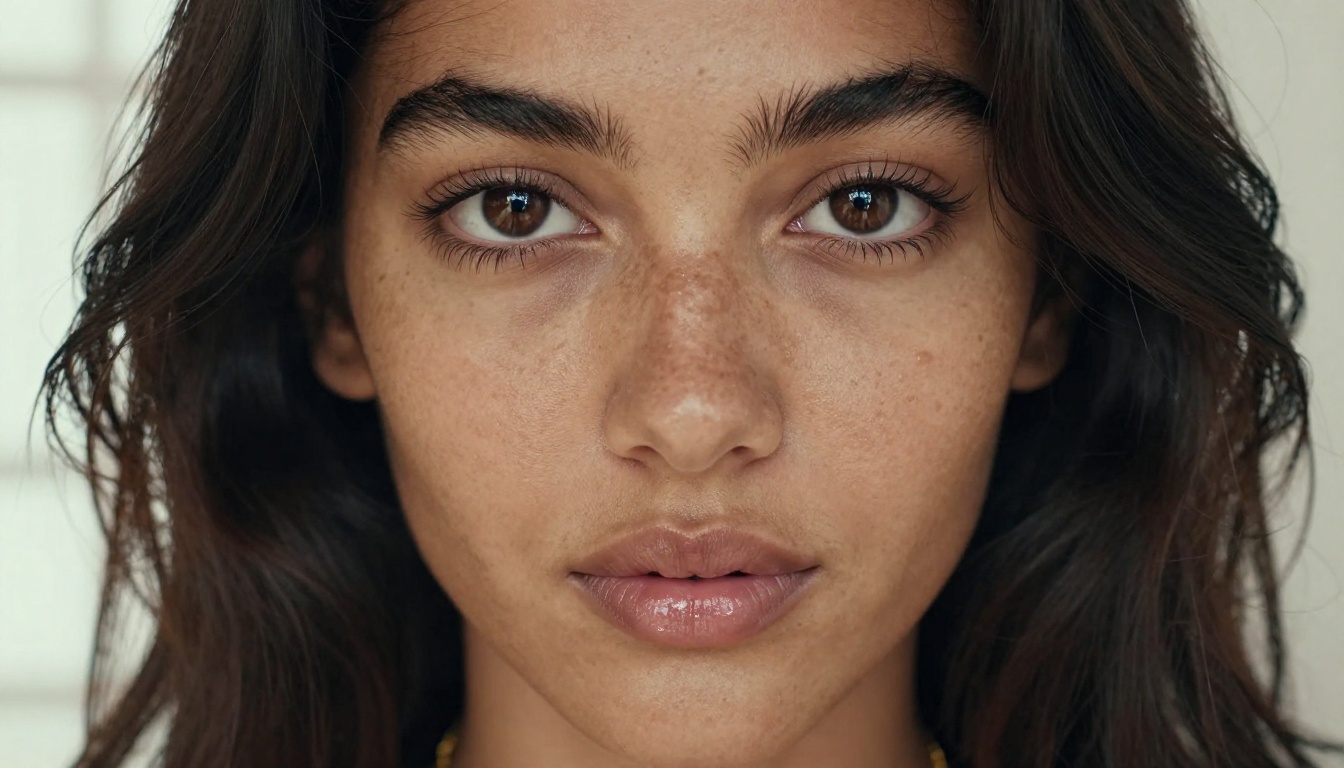
Realistic Vision v5.1 is a fine-tuned model specifically optimized for photographic output. It was built with portrait photography in mind, and it shows. Skin pores, hair strands, light refraction through fabric, eye reflections — this model handles micro-details that others miss.
Why beginners love it: Prompts that describe photography settings (camera lens, lighting direction, time of day) translate exceptionally well.
Best for: Close-up portraits, skin detail shots, intimate lifestyle photography.
3. RealVisXL v3.0 Turbo — Speed Without Sacrifice
RealVisXL v3.0 Turbo solves one of the biggest frustrations for beginners: slow generation times. This model produces near-identical quality to the full RealVisXL pipeline at roughly three times the speed. When you're iterating on prompts and experimenting with compositions, speed matters enormously.
Why beginners love it: Fast feedback loop. You can generate 10 variations in the time it takes other models to produce two.
Best for: Iterating quickly on concepts, finding the right composition before committing to a slow high-quality render.
4. DreamShaper XL Turbo — Creative Flexibility
DreamShaper XL Turbo sits at a unique intersection of realism and stylization. It doesn't lock you into strict photographic output. You can push toward painterly, editorial, or fashion-forward aesthetics while still keeping subjects recognizably human and believable.
Why beginners love it: Forgiving with prompts. Even vague descriptions produce visually interesting results.
Best for: Fashion-influenced NSFW imagery, creative lifestyle content, fantasy-adjacent beauty photography.
5. SDXL — The Free Starting Point
SDXL from Stability AI is the classic choice for anyone who wants to start with zero commitment. It's widely available, fast, and capable of producing solid suggestive content when paired with the right prompts. The output quality doesn't match Flux 1.1 Pro Ultra, but for someone learning the basics of prompt writing, SDXL is an excellent training ground.
Why beginners love it: Low stakes. Use it to learn what works before spending credits on premium models.
Best for: Learning, experimenting, quick low-cost iterations.
Side-by-Side Model Comparison
How to Write NSFW Prompts That Actually Work
The anatomy of a strong prompt
Most beginners write prompts that are too vague. "Attractive woman in bikini" will produce something, but it won't be specific enough to feel intentional. A high-performing NSFW prompt has five components:
- Subject description: Age range, hair color, skin tone, body type, expression
- Clothing or state of dress: Be specific about fabric, fit, and coverage
- Environment: Location, time of day, weather, surfaces nearby
- Lighting: Direction, quality (hard vs. soft), color temperature
- Camera details: Lens focal length, aperture, distance from subject
A beginner prompt: "beautiful woman in bikini on beach"
A prompt that works: "young woman with dark hair wearing a white string bikini, sitting on wet sand at golden hour, warm side lighting from left, shot on 85mm f/2 with shallow depth of field, Kodak Portra 400, photorealistic"
The second prompt gives the model everything it needs to make intentional choices. The difference in output quality is dramatic.
Lighting descriptions that change everything
Lighting is the single biggest variable in whether an NSFW image looks cheap or professional. These specific descriptors reliably improve results across all models:
- "Volumetric golden hour light from upper left" — creates warm, flattering natural fill
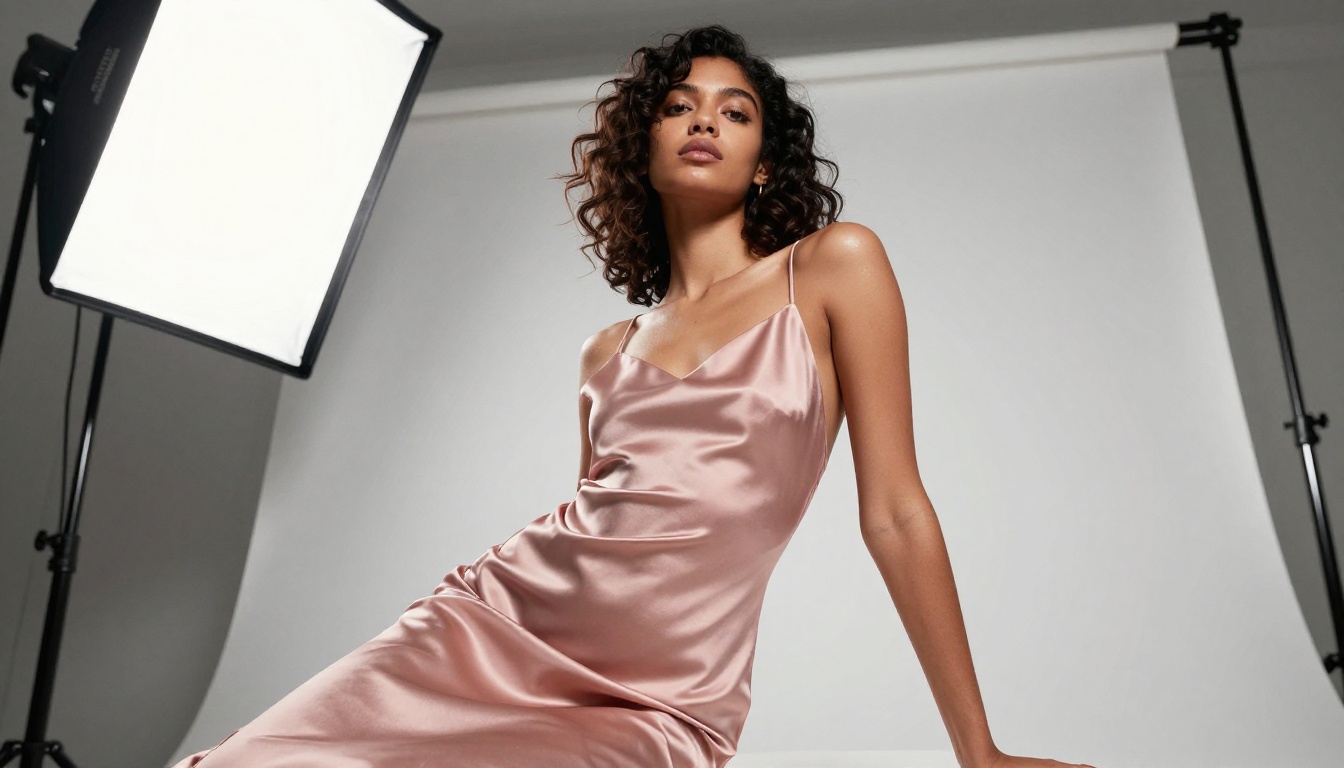
- "Single large softbox at 45 degrees right" — fashion photography look with crisp shadows
- "North-facing window light" — soft, even, no harsh shadows, natural beauty feel
- "Candlelight with ambient fill" — intimate, warm, cinematic atmosphere
- "Overhead midday sun with dappled shadow" — outdoor, active, lifestyle
Adding just one specific lighting phrase to your prompt will noticeably improve output quality, even on budget models.
Prompts to avoid (and why)
Some phrases consistently produce poor or failed results:
| Avoid This | Use This Instead |
|---|
| "naked" or "nude" | "wearing sheer fabric" or "bare shoulders and back" |
| "sexy" (too vague) | Specific pose, clothing, and setting details |
| "realistic" alone | Specific camera and film stock combination |
| "beautiful" alone | Specific physical description with skin and hair details |
| "explicit" | Suggestive framing with implied rather than shown content |
💡 The most effective NSFW prompts describe what the camera sees, not what you want to feel. Treat every prompt like a photography brief, not a wish list.
How to Use Flux 1.1 Pro Ultra on PicassoIA
Flux 1.1 Pro Ultra is available directly on PicassoIA and it's one of the most straightforward models to use, even if you've never generated an image before. Here's a step-by-step walkthrough:
Step 1: Open the model page
Go to the Flux 1.1 Pro Ultra model page on PicassoIA. You'll see a prompt input box and a set of generation parameters on the right side of the interface.
Step 2: Write your prompt
Start with a subject description, then add environment, lighting, and camera details using the structure from above. For NSFW content, stay in the suggestive-but-tasteful range. A solid starting prompt:
"A woman with long auburn hair wearing a white linen slip dress standing on a Santorini terrace overlooking the caldera, golden hour, warm side light from left, 85mm f/1.8, Kodak Portra 400, photorealistic, film grain"
Step 3: Set the aspect ratio
For portraits and lifestyle shots, 16:9 (landscape) works well for editorial content. For close-up beauty portraits, try 4:3 or 1:1 for more vertical real estate.
Step 4: Adjust quality settings
Flux 1.1 Pro Ultra doesn't need heavy parameter tweaking. The defaults are strong. If you want more photographic grain and texture, look for a prompt upsampling toggle and keep guidance scale between 3.5 and 4.5.
Step 5: Generate and iterate
Your first result might not be perfect. Change one element at a time, starting with lighting, then subject details, then environment. Keep notes on which prompt variations produced your best results.
💡 Pro tip: Add "film grain, Kodak Portra 400, photorealistic, natural skin texture" to almost any NSFW prompt and it will immediately look more like a real photograph than a generated image.
3 Common Mistakes Beginners Make
Mistake 1: Skipping the environment
Most beginners focus entirely on the subject and forget the setting. But background and environment are what make an image feel real. A detailed subject in a blank void looks generated. The same subject in a sunlit hotel room with rumpled sheets and morning light streaming through curtains looks like a photograph.
Always describe where your subject is, what surfaces they're on or near, and what's visible in the background, even if it's just "blurred foliage" or "bokeh city lights."
Mistake 2: Using one-word style descriptors
Words like "realistic," "beautiful," "sexy," and "high quality" are ignored or misinterpreted by most models. They're too abstract. Instead, use the specific vocabulary of photography: lens focal length, film stock, lighting direction, time of day. Models trained on photography data respond to that language directly.
Mistake 3: Giving up after one result
Generating a great image almost always takes multiple attempts. Professional AI artists iterate dozens of times per concept. The gap between your first generation and your fifth is usually enormous. Stick with a prompt structure that's close to working, change one variable at a time, and keep the results that teach you something even if they're not perfect.
More Than Just Single Images
Once you're comfortable with basic image generation, the tools available to you expand significantly. PicassoIA gives you access to a full creative toolkit beyond text-to-image:
- Super Resolution: Take a good image and upscale it to print quality with super-resolution models. Perfect for when a lower-quality model produces a composition you love but at too small a size.
- Background Removal: Isolate subjects from their backgrounds for clean edits or compositing into new scenes.
- Inpainting: Fix specific parts of an image that didn't generate correctly without redoing the entire image from scratch.
- Face Swap AI: Replace faces in generated images with realistic alternatives for character consistency across a series.
These tools stack well together. Generate a base image with Flux 1.1 Pro Ultra, upscale it with super resolution, then use inpainting to refine any detail that's slightly off. The result is professional-grade output that would be indistinguishable from a studio shoot.
Also Worth Trying in 2027
Beyond the top five, several other models on PicassoIA deserve attention depending on what you're trying to create:
Each of these is accessible through PicassoIA's model collection without any local setup, downloads, or technical configuration.
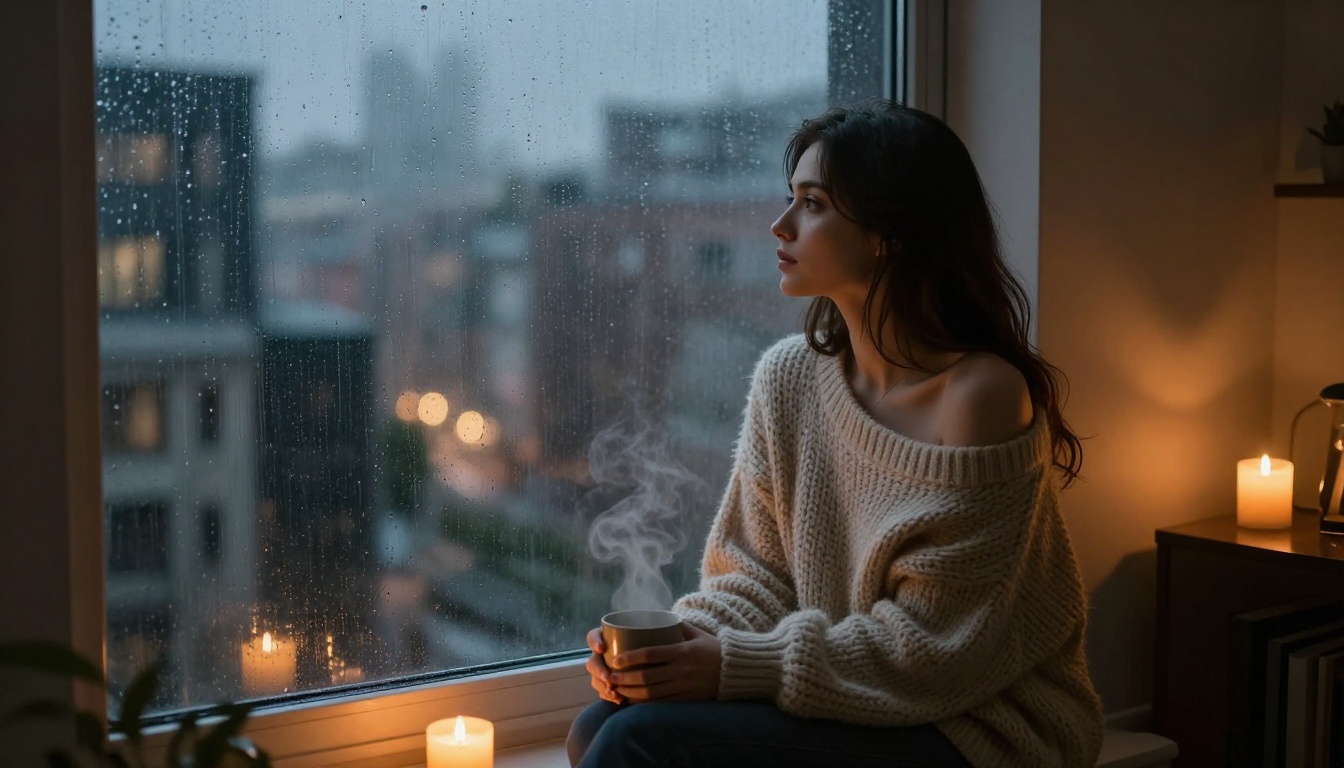
Start Creating Right Now
You don't need to spend hours setting up local environments, wrestling with model installations, or reading technical documentation. PicassoIA puts Flux 1.1 Pro Ultra, Realistic Vision v5.1, RealVisXL v3.0 Turbo, DreamShaper XL Turbo, and 87 more text-to-image models directly in your browser.
Start with the prompt structure from this article. Pick a model. Generate something. Iterate. Within an hour, you'll produce images that are genuinely worth sharing.
The best NSFW AI image generator isn't one specific tool. It's whichever one you actually use, with prompts specific enough to produce what you're picturing. Now you have both the tools and the technique to make it happen.
Start creating on PicassoIA. The models are ready. The only thing missing is your first prompt.


