If you've been using OpenArt for AI image generation and hit a wall because of content restrictions, you already know how frustrating that experience is. You're mid-project, the prompt is perfect, and then a filter kicks in and kills everything you built. That's not a creative platform, that's a gatekeeper.
This isn't about finding a workaround. It's about finding a platform built differently, one that treats artists, content creators, and photographers as adults who know what they want to create.
OpenArt's Restrictions Are Getting Worse
OpenArt is a solid platform, and nobody's disputing that. The community features are strong, the model selection has grown, and the UI is clean. But the content policy has tightened significantly over the past year, and users who work in mature, suggestive, or adult-oriented creative spaces are getting the short end of it.
Filters That Block Legitimate Work
The problem with aggressive content moderation is that it doesn't discriminate. A fashion photography prompt with lingerie, an artistic nude study for a portfolio, a romance novel cover concept: all of these get blocked by the same broad filters designed to catch something else entirely. You end up rewriting prompts endlessly, removing words that shouldn't be offensive, and still hitting walls.
The Subscription Price Problem
OpenArt's pricing has also shifted. The free tier has shrunk, and the credits-based system punishes iteration. When you're trying to generate 20 variations of one concept to find the right composition, burning through credits fast gets expensive. And you're paying premium prices for a platform that restricts what you can actually create.
What Matters in a Real Alternative
Before getting into the specific platform, it's worth knowing what actually matters when switching.
Model Variety Matters More Than You Think
The number of models available directly impacts what you can create. A platform with 10 models has 10 creative directions. A platform with 91 text-to-image models gives you near-infinite variation in style, realism level, and output quality. More models mean more control over the exact aesthetic you're after.
NSFW Without Registration Walls
Some platforms advertise NSFW support but hide it behind extra verification steps, separate subscription tiers, or require document submission. That's not freedom, that's a different kind of friction.
Output Quality at Scale
It doesn't matter how permissive a platform is if the image quality is mediocre. The best alternative needs to produce photorealistic results consistently, not just on rare lucky generations.
Why PicassoIA Stands Out
PicassoIA takes a fundamentally different approach to AI image generation. Instead of building a single model and hoping it covers everything, it aggregates the most powerful models available and makes them accessible through one clean interface.
91 Models in One Platform
That number isn't a marketing figure. PicassoIA hosts 91 text-to-image models spanning everything from fast draft generation to high-fidelity photorealism. Whether you need a quick concept sketch or a polished final image ready for publication, there's a model tuned for that exact job.
NSFW Without the Runaround
This is where PicassoIA separates itself from platforms that only partially support mature content. The platform supports suggestive and NSFW image generation without hiding it behind extra hoops. Artists, photographers, and adult content creators can work the way they need to without constantly fighting the system.
The Speed Advantage
Fast models like Flux Schnell produce usable results in seconds. That matters when you're iterating on a concept and need to see 10 variations before lunch.
The Models That Actually Deliver
The real power of PicassoIA isn't the platform itself, it's the models. Here's a breakdown of the ones worth knowing for NSFW and photorealistic work.
Flux Dev: The Photorealism Benchmark
Flux Dev by Black Forest Labs set a new standard for photorealistic AI image generation. It handles human skin tones with exceptional accuracy, renders fabric textures realistically, and produces consistent anatomical proportions. For NSFW work, this is the model that makes images look like photographs rather than AI art.
Pair it with Flux Dev LoRA for style-specific fine-tuning, and you have a system that can replicate almost any photographic aesthetic.
Flux 1.1 Pro: Precision at the Top
Flux 1.1 Pro is the high-fidelity option for work that demands perfection. The detail rendering on skin texture, hair, and fabric is noticeably sharper than standard models. If you're creating images for professional use, editorial projects, or any work where output quality is non-negotiable, this is the model.
Realistic Vision v5.1: Built for Realism
Realistic Vision v5.1 was specifically trained for photorealistic human subjects. It excels at natural skin tones, believable lighting interactions, and avoiding the "plastic" look that plagues many AI-generated portraits. For glamour, boudoir, and mature content photography styles, it consistently delivers.
DreamShaper XL Turbo: Fast and Beautiful
DreamShaper XL Turbo combines speed with quality in a way most models don't manage. It's a Stable Diffusion XL-based model that generates images faster than standard SDXL while maintaining excellent detail. The aesthetic leans slightly more stylized than Flux, but still achieves strong photorealism when prompted correctly.
Flux Kontext Pro: Context-Aware Generation
Flux Kontext Pro brings context-aware generation to the table. It's particularly strong when you need consistency across a series of images, making it valuable for content creators producing multiple related shots in a single session.
PicassoIA vs OpenArt: Side by Side
Let's put the numbers on the table.
| Feature | PicassoIA | OpenArt |
|---|
| Text-to-Image Models | 91+ | ~50 |
| NSFW Support | Yes, native | Limited, filtered |
| Flux Models Available | 30+ variants | Select few |
| Image Editing Tools | Inpainting, Outpainting, Object Replace | Basic editing |
| Video Generation | 87+ models | Limited |
| Face Swap | Yes | No |
| Background Removal | Yes | Limited |
| Super Resolution | 2x-4x upscaling | Basic |
The gap is significant, particularly in model depth and NSFW accessibility.
💡 Tip: PicassoIA's Flux Pro and Flux 1.1 Pro consistently outperform OpenArt's default models on photorealistic human subjects. Run both side-by-side and the difference in skin texture alone is immediately visible.
How to Generate NSFW Images on PicassoIA
This is the workflow that actually works. Not theory, just the steps.
Step 1: Pick the Right Model
Start with Flux Dev for photorealistic human subjects. If you want faster iteration, switch to Flux Schnell for draft passes and then upscale your best result with Super Resolution.
For a more stylized editorial look with strong realism, DreamShaper XL Turbo is a strong second choice.
Step 2: Write a Prompt That Works
The prompt structure that consistently produces strong NSFW results follows this pattern:
- Subject description: Be specific about pose, clothing, and body language
- Environment: Setting, background, time of day
- Lighting: Always specify lighting direction and type (natural, studio, volumetric)
- Camera details: Lens length, aperture, angle
- Quality tags: photorealistic, 8k, film grain, Kodak Portra 400, RAW photography
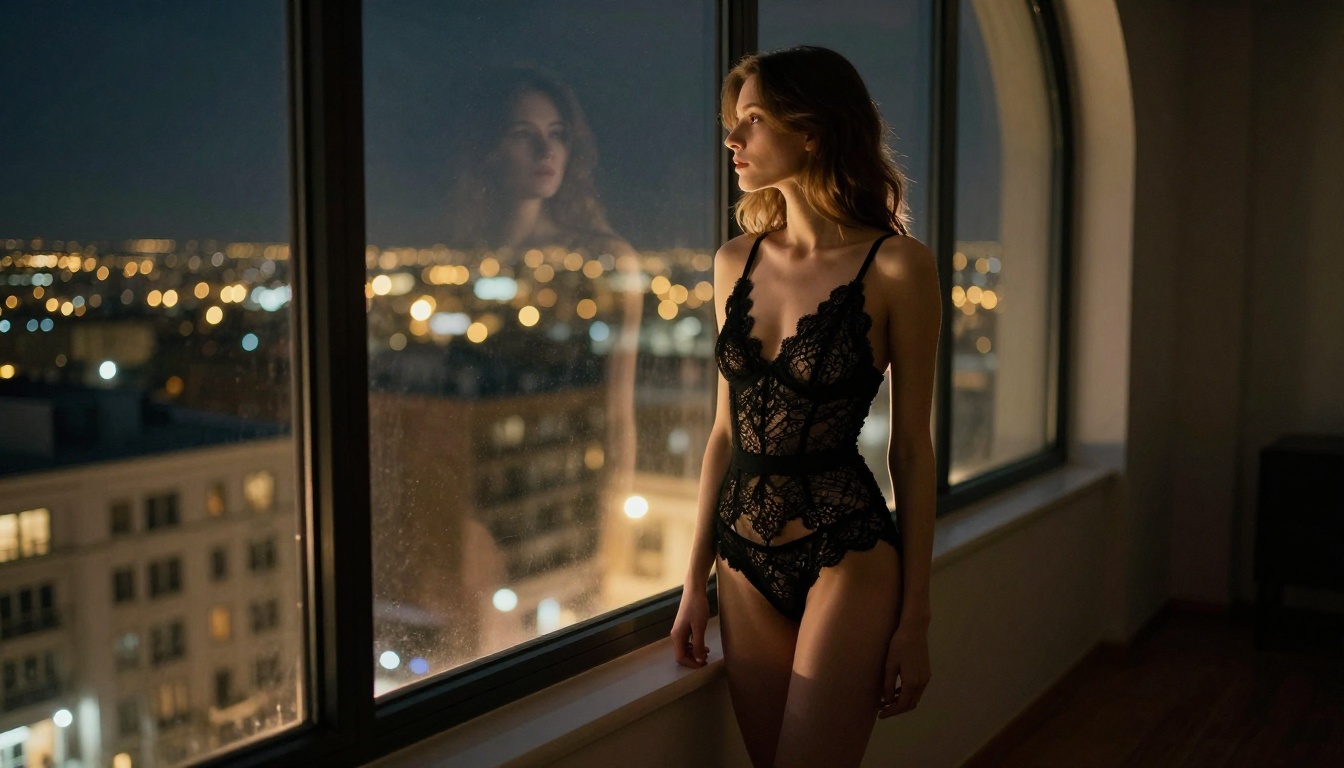
Example: "Portrait of a woman in black lingerie seated on a velvet couch, Rembrandt lighting from a floor lamp on the left, 85mm f/1.8 lens, shallow depth of field, Kodak Portra 400 film grain, photorealistic skin texture"
Step 3: Dial In the Settings
- Aspect ratio: 16:9 for wide shots, 9:16 for portraits
- Steps: Higher steps (30-50) produce more refined detail
- CFG Scale: 7-9 for balanced creativity and prompt adherence
- Negative prompt: Always add "cartoon, illustration, CGI, 3D render, deformed, low quality, blurry" to keep results photorealistic
Beyond Images: A Full Creative Suite
The comparison with OpenArt becomes even more one-sided when you look at the full toolset.
Image Editing That Actually Works
PicassoIA's editing suite covers the full workflow:
- Inpainting: Fix or replace specific areas of an image without regenerating the whole thing
- Outpainting: Expand the canvas in any direction to add context
- Object Replacement: Swap specific elements while keeping the rest of the composition intact
- AI Image Restoration: Fix noise, blur, or compression damage in existing images
For creators who generate and then refine, this matters enormously. OpenArt's editing tools are limited by comparison.
Face Swap and Super Resolution
Face Swap on PicassoIA delivers realistic results that maintain the original image's lighting and skin tones. It's not the clumsy overlay approach you see on cheaper tools. The Super Resolution upscaler takes any generated image to 4x the original resolution, making it print-ready or fit for large-format digital use.
💡 Workflow tip: Generate at standard resolution with Flux Schnell to find the right composition, then upscale your best result with Super Resolution. You get quality without burning time on every iteration.
5 Things PicassoIA Does Better
No hedging here, just the specific areas where the platform wins.
- NSFW accessibility: Native support without extra verification layers or separate tiers
- Model depth: 91 text-to-image models versus OpenArt's more limited selection, with 30+ Flux variants alone
- Editing tools: Inpainting, Outpainting, and Object Replacement available in one place
- Speed options: Fast models like Flux Schnell for rapid iteration
- Output formats: Images, video (87+ models), audio, and more from a single account
Who Gets the Most Value
Photographers and Visual Artists
If your work touches glamour, boudoir, fashion, or figure photography in any form, PicassoIA's photorealistic models give you a tool that produces references, mockups, and compositions that genuinely look like professional photographs.
The SDXL and Realistic Vision v5.1 models are particularly strong for anything requiring accurate human anatomy and natural lighting interactions.
Adult Content Creators
For OnlyFans creators, adult illustrators, and mature content producers, the combination of NSFW accessibility and high model quality makes PicassoIA the most practical tool currently available. You can generate consistent character looks, varied scenarios, and high-resolution outputs without platform restrictions interfering with your workflow.
Romance and Fiction Illustrators
Book covers, character references, and scene illustrations for romance, erotica, and mature fiction all benefit from PicassoIA's model range. The Flux Kontext Pro model is particularly useful for maintaining character consistency across multiple images in a series.
Prompts That Separate Good From Great
Most people using AI image generators are leaving quality on the table because of weak prompts. The models are capable of extraordinary results, but they need specific instructions.
Photographers who get the best outputs from PicassoIA treat prompts like camera settings: every parameter matters.
- Lighting direction changes mood completely ("volumetric morning light from left" versus "flat overhead lighting")
- Lens specification affects depth of field, compression, and subject relationship to background
- Film stock references (Kodak Portra 400, Fujifilm 400H) shift color grading in ways that text descriptions alone don't capture
- Texture descriptions force the model to render surface detail rather than smoothing it away
The difference between "woman in lingerie" and "close-up portrait of a woman in black lace lingerie, Rembrandt lighting from tungsten floor lamp on left, 85mm f/1.8 lens, Kodak Portra 400 grain, photorealistic skin texture with natural pores visible, velvet couch surface detail, editorial fashion photography" is the difference between an average output and something that looks publication-ready.
💡 Power tip: Add quality tags at the end of your prompt, not the beginning. Models weight earlier terms more heavily, so your subject and composition details should come first.
Start Creating Right Now
If you've been holding back on your creative projects because of platform restrictions, there's no good reason to wait. PicassoIA's model library, NSFW support, and editing tools are available right now. The output quality from models like Flux Dev, Flux 1.1 Pro, and Realistic Vision v5.1 speaks for itself.
Start with a model you're comfortable with. Use Flux Schnell for fast results. Use Flux Dev when photorealism is the priority. Run a few prompts, compare the output to what you've been getting elsewhere, and see what the platform can actually produce when content restrictions aren't limiting your work.
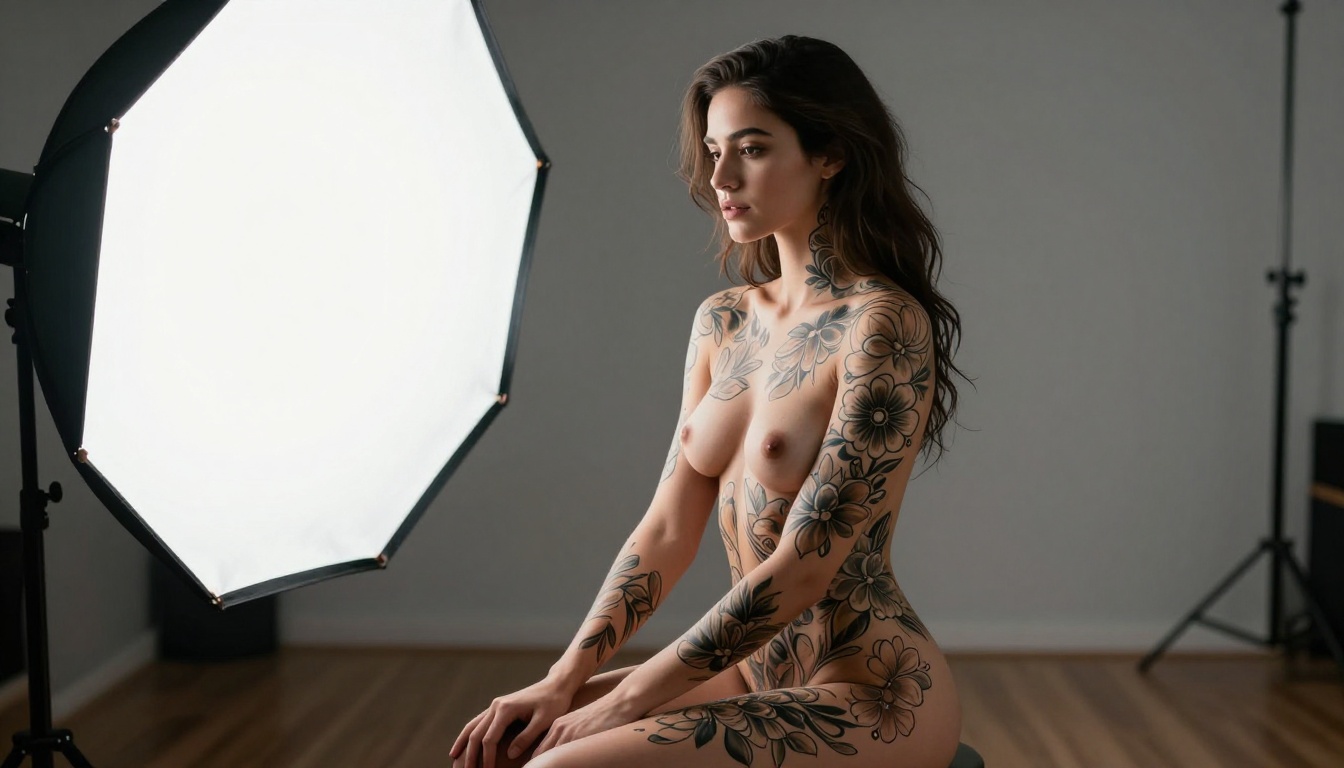
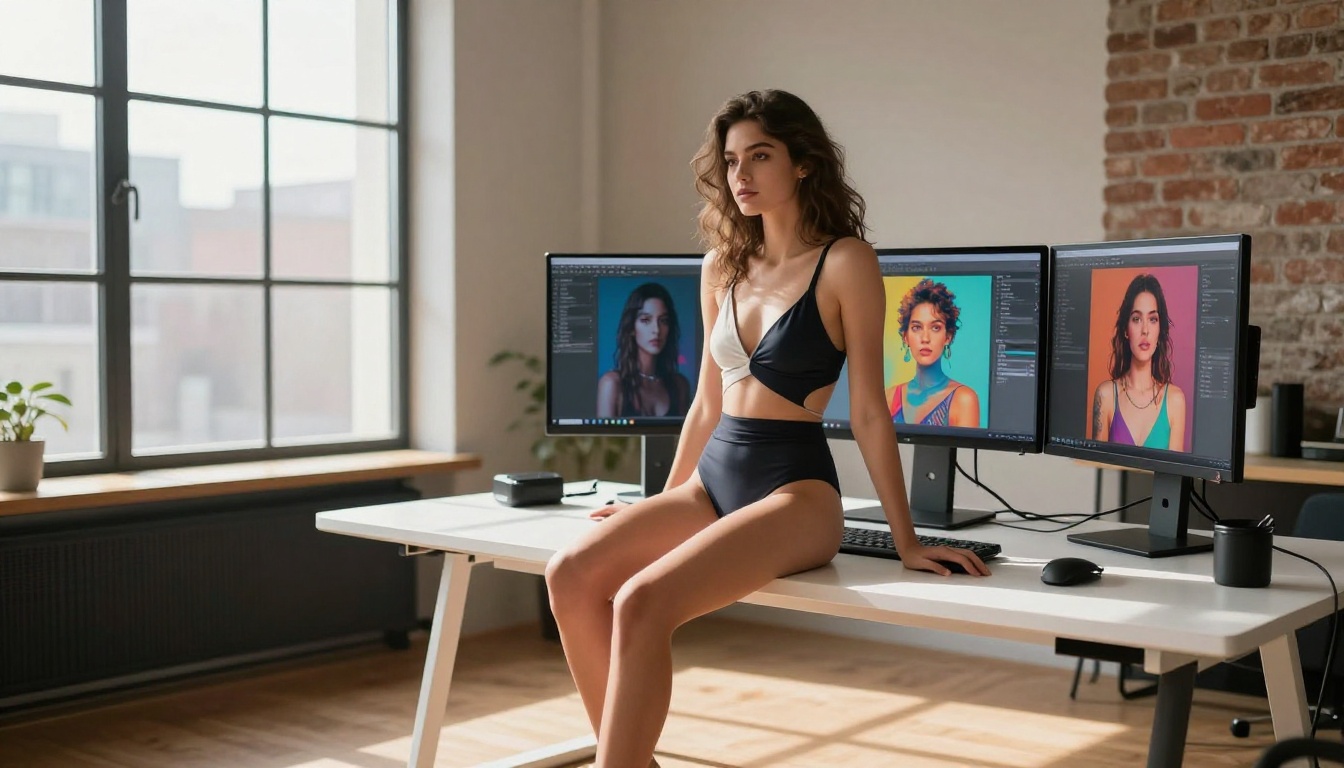
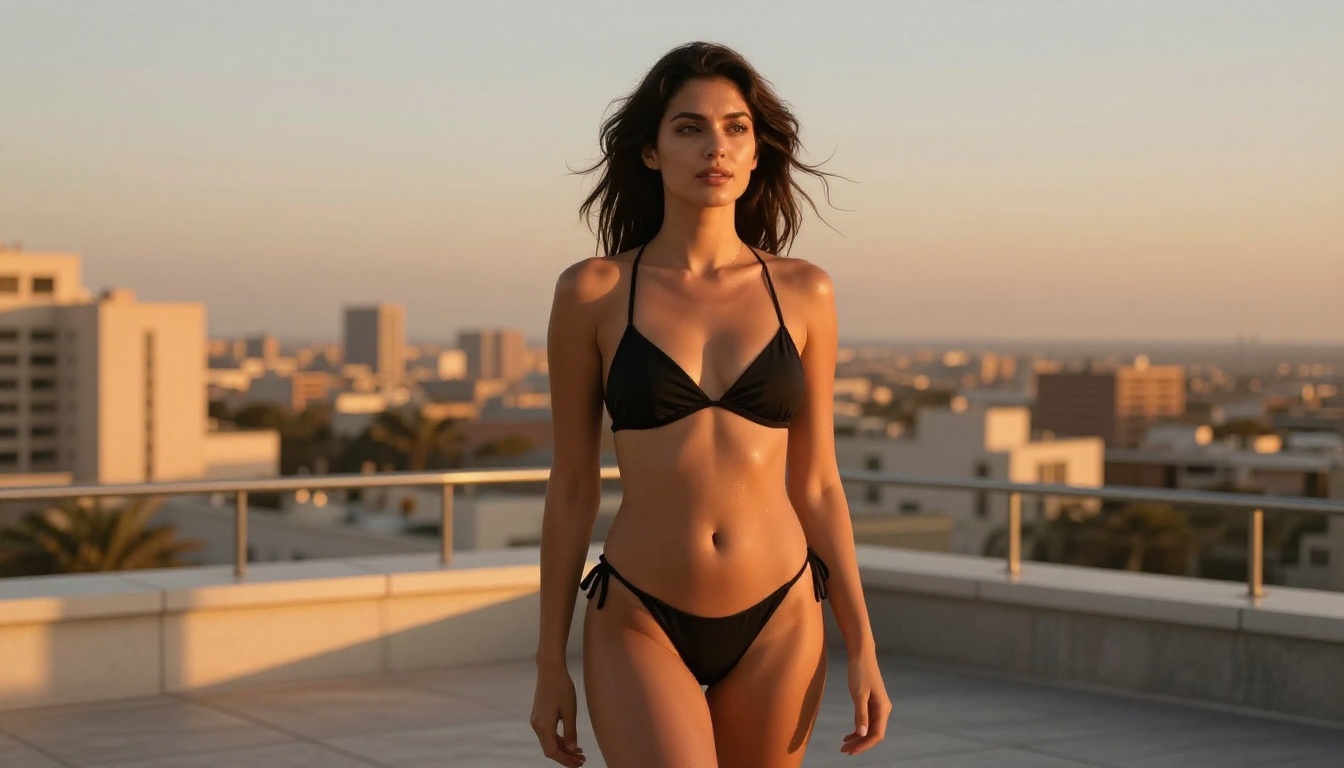
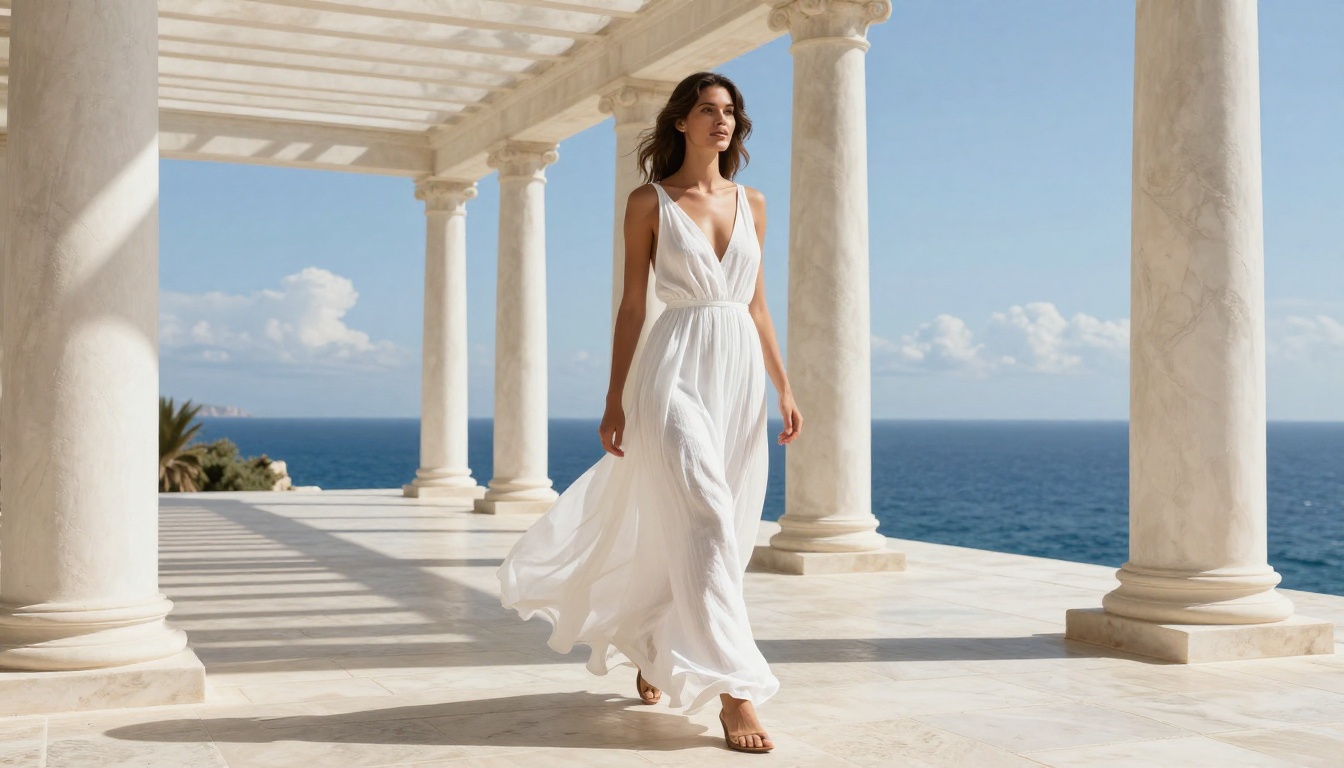
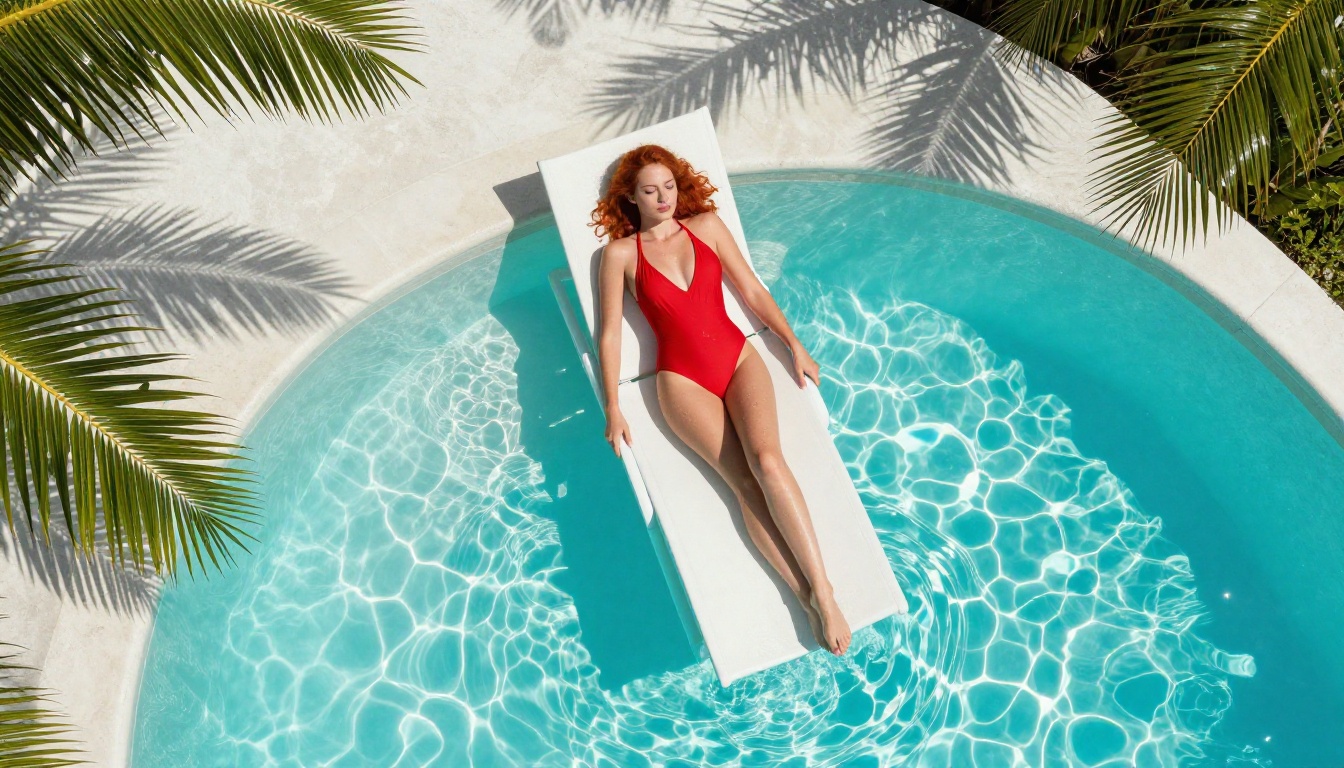
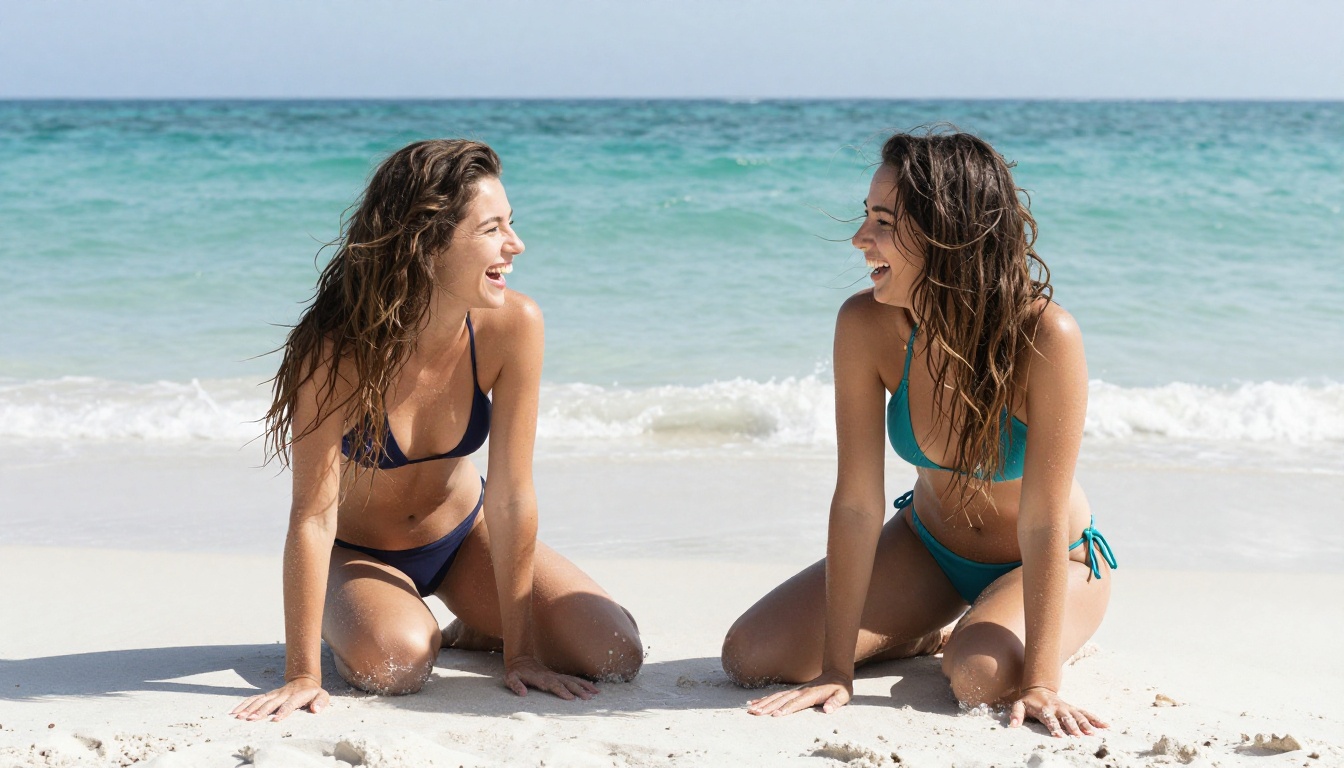
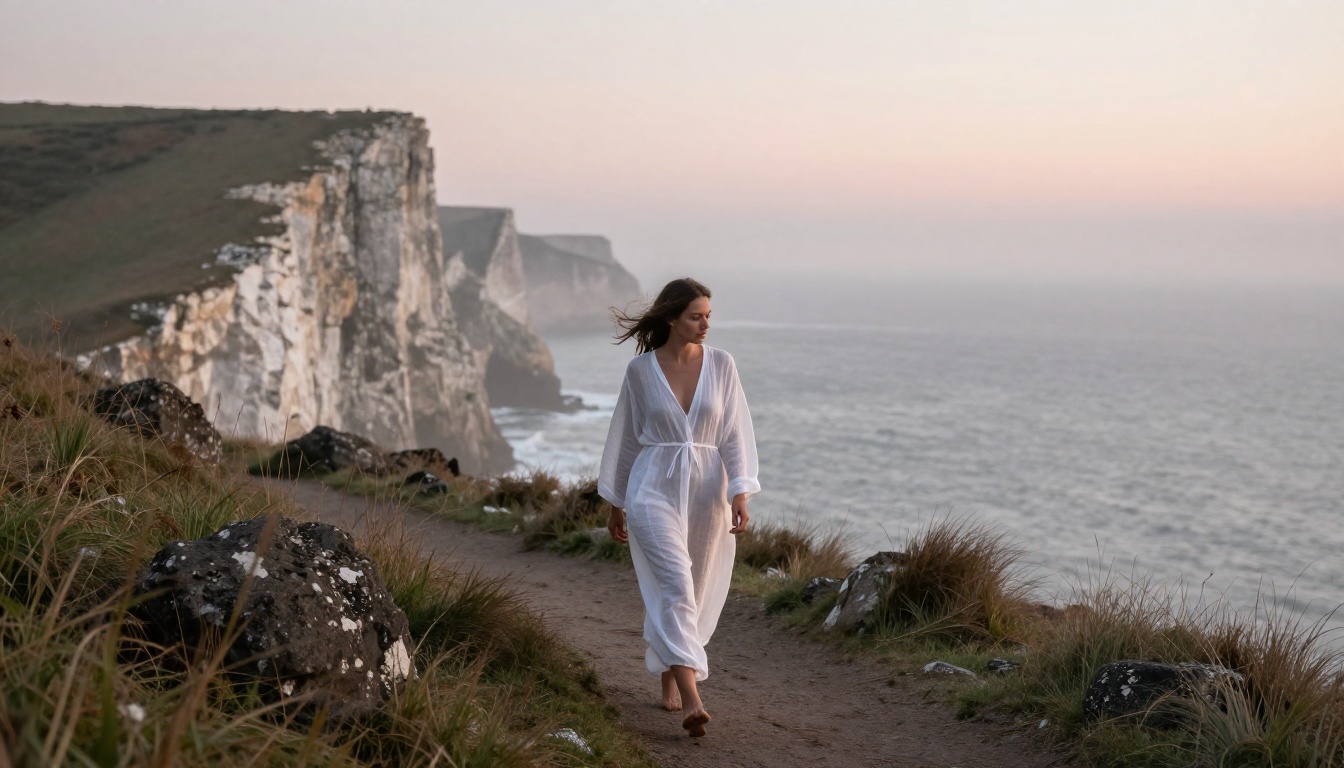
Every image in this article was generated on PicassoIA. What you see is what the platform produces.