Pony Diffusion V6 redefined what SDXL-based models can produce for NSFW character art. This breakdown covers the best community checkpoints, realistic and anime-adjacent variants, settings that actually work, LoRA stacking strategies, and the cloud-based models available right now for high-quality suggestive and glamour AI art without local setup.
Pony Diffusion V6 sits at the top of the community's most-wanted list for a reason. Built on the SDXL architecture and fine-tuned with an enormous dataset of tagged, stylistically diverse content, it delivers character aesthetics that other checkpoints still struggle to match. Whether you want glamour portraits, stylized figure studies, or semi-realistic character art that pushes into suggestive territory, V6 changed the game when it dropped.
But the base Pony V6 checkpoint is just the starting point. The real power comes from the ecosystem built around it, including fine-tuned variants, curated LoRA stacks, and the models that run in the same stylistic family. This article breaks down the best options available right now, what each one does better than the others, how to squeeze the most out of them, and where to run them without setting up a local install.
What Makes Pony Diffusion V6 Different
The SDXL Foundation
Pony Diffusion V6 is a fine-tune built on top of SDXL, the 1024px native-resolution architecture from Stability AI. That foundation matters. SDXL's dual-encoder system, which combines a large CLIP-L/14 with OpenCLIP ViT-bigG/14, gives it dramatically better prompt comprehension than SD 1.5-era models.
What V6 added on top of that base is a training set pulled heavily from Danbooru tags, SFW and NSFW character art, anime-adjacent aesthetics, and semi-realistic portrait styles. The result is a model that can hold anatomy better than most, responds to both natural language and tag-style prompts, and handles stylistic mixing with surprising grace.
💡 Tip: V6 responds especially well to mixed natural language and booru-style tag prompts. Try combining a sentence description with quality tags like score_9, score_8_up, masterpiece for noticeably sharper outputs.
Why V6 Outperforms Earlier Versions
The jump from V5.5 to V6 was not incremental. The training pipeline was rebuilt with heavier emphasis on:
Anatomical accuracy, particularly in hands, feet, and full-body compositions
Lighting realism, with the model learning from photography-adjacent training data
Stylistic range, allowing it to shift between anime, semi-realistic, and near-photorealistic outputs based on prompt guidance
NSFW fidelity, with significantly improved coverage of suggestive and mature content categories
The community noticed immediately. Within weeks of release, Civitai's trending section was dominated by V6-based fine-tunes and LoRA collections.
Top Pony V6-Based Models for NSFW Art
The Realistic Portrait Variants
Several fine-tunes push Pony V6 toward photorealistic outputs, which is where NSFW content often demands the most from a model. The top community picks include:
PonyXL Realistic (community forks) — these checkpoints merge V6 with realism-trained bases, pulling the aesthetic away from anime and toward actual photography. Face detail, skin texture, and lighting accuracy all improve noticeably. Best settings: CFG 5-7, DPM++ 2M Karras, 30 steps.
Perfect World V6 and adjacent merges focus on female character aesthetics with strong anatomical training. They handle full-body shots with better proportional accuracy than base V6, and their NSFW training data leans toward glamour rather than explicit content.
Hassanblend-style merges represent a category of checkpoints that blend V6 with portrait-focused bases. The emphasis is on face realism and skin rendering, making them ideal for close-up character portraits.
💡 Tip: When using realistic Pony V6 variants, lower your CFG to 5 or 6. Higher values cause oversaturation and skin artifacts in the SDXL family.
The Anime and Semi-Realistic Variants
Not all V6 content needs to chase realism. These checkpoints pull the aesthetic toward anime and illustrated styles while keeping V6's core strengths intact:
PonyXL Illustrious variants merge V6 with illustration-focused training, producing a hybrid that handles both anime characters and stylized realism equally well.
Proteus-based V6 merges draw from Proteus v0.3 from Datacte, which established itself as one of the cleaner anime-adjacent SDXL fine-tunes. Community merges combining Proteus genetics with V6 training hit a sweet spot for stylized NSFW character art.
DreamShaper XL Turbo hybrids are informed by DreamShaper XL Turbo, which already handles stylized characters exceptionally well. V6-influenced fine-tunes in its tradition produce fast, consistent character art at reduced step counts.
Model Type
Best For
CFG Range
Steps
Realistic V6 forks
Glamour, portraits, skin detail
5-7
25-35
Anime V6 variants
Character art, stylized NSFW
6-8
20-28
Semi-realistic merges
Mixed styles, cinematic
5-7
28-35
Proteus V6 hybrids
Illustrated, semi-anime
7-9
20-30
The LoRA Stack That Transforms Results
The real advantage of Pony V6 is not the checkpoint alone. It is how it responds to LoRAs. The training architecture accepts style, character, and concept LoRAs cleanly, without the color bleed or anatomy distortion that plagued 1.5-era models.
Body LoRAs: Fine-tuned anatomical corrections, specific proportion adjustments
Clothing LoRAs: Specific garment types, fabric textures, styling presets
Artist LoRAs: Trained on specific art styles for consistent aesthetic output
Settings That Actually Work
CFG Scale and Sampler Combinations
This is where most users leave quality on the table. Pony V6 is not a set-it-and-forget-it model. The right sampler and CFG combination makes the difference between muddy outputs and crisp character art.
Recommended configurations:
DPM++ 2M Karras at CFG 6, 30 steps: The most reliable general-purpose configuration for realistic V6 variants
Euler a at CFG 5, 25 steps: Faster output with slightly softer edges, better for anime-adjacent styles
DPM++ SDE Karras at CFG 6.5, 28 steps: Best for portrait close-ups with strong detail in skin and hair
UniPC at CFG 7, 20 steps: High-speed option that trades some coherence for generation speed
💡 Tip: On cloud platforms like PicassoIA, sampler and CFG are set directly in the interface without any command-line arguments. No local configuration needed.
Negative Prompts That Actually Help
A well-built negative prompt is worth more than a longer positive prompt for V6. These consistently improve output quality:
worst quality, low quality, normal quality, lowres, bad anatomy, bad hands,
extra fingers, fewer fingers, deformed, watermark, signature, text,
blurry, jpeg artifacts, ugly, mutated, oversaturated, flat shading
For NSFW content specifically, add:
explicit, pornographic, overly sexual
This holds outputs in the suggestive and glamour range without crossing into explicit territory.
Resolution Settings for SDXL
SDXL was designed for 1024x1024 natively. Running it at other sizes requires specific handling:
Resolution
Use Case
Notes
1024x1024
Square portraits
Native optimal
1152x896
Landscape scenes
Strong choice
896x1152
Portrait orientation
Strong choice
1344x768
Cinematic widescreen
Wider crop
512x512
Draft testing only
Use hires fix 2x
Running V6 at 512x512 and upscaling with a hires fix at 2x produces better anatomy than native 1024 in some cases, particularly for full-body shots where proportion control is critical.
NSFW Styles That Get Real Results
Glamour Photography Style
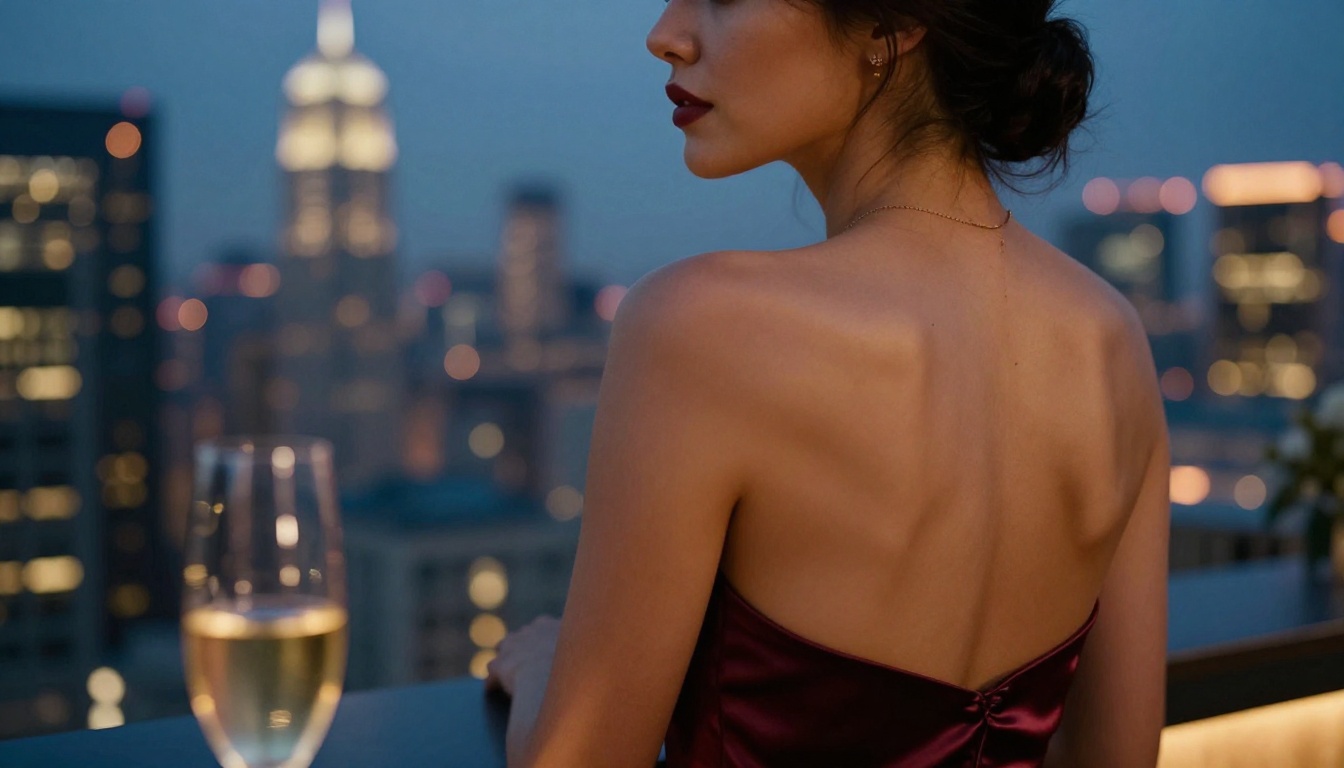
This is where Pony V6 consistently outperforms the competition. Glamour photography prompts, borrowed from actual photography workflows, translate naturally into the model's training.
Strong prompt structure for glamour outputs:
score_9, score_8_up, masterpiece, (1girl:1.1),
[physical description], [outfit details],
[setting/environment], cinematic lighting,
professional photography, 85mm f/1.4,
shallow depth of field, film grain
Specificity matters above everything else here. V6 handles specific lens focal lengths, lighting directions, and photography terminology better than almost any other SDXL-era model. This is not accidental. The training data included photography-adjacent content that taught it these relationships.
Bikini and Swimwear Content
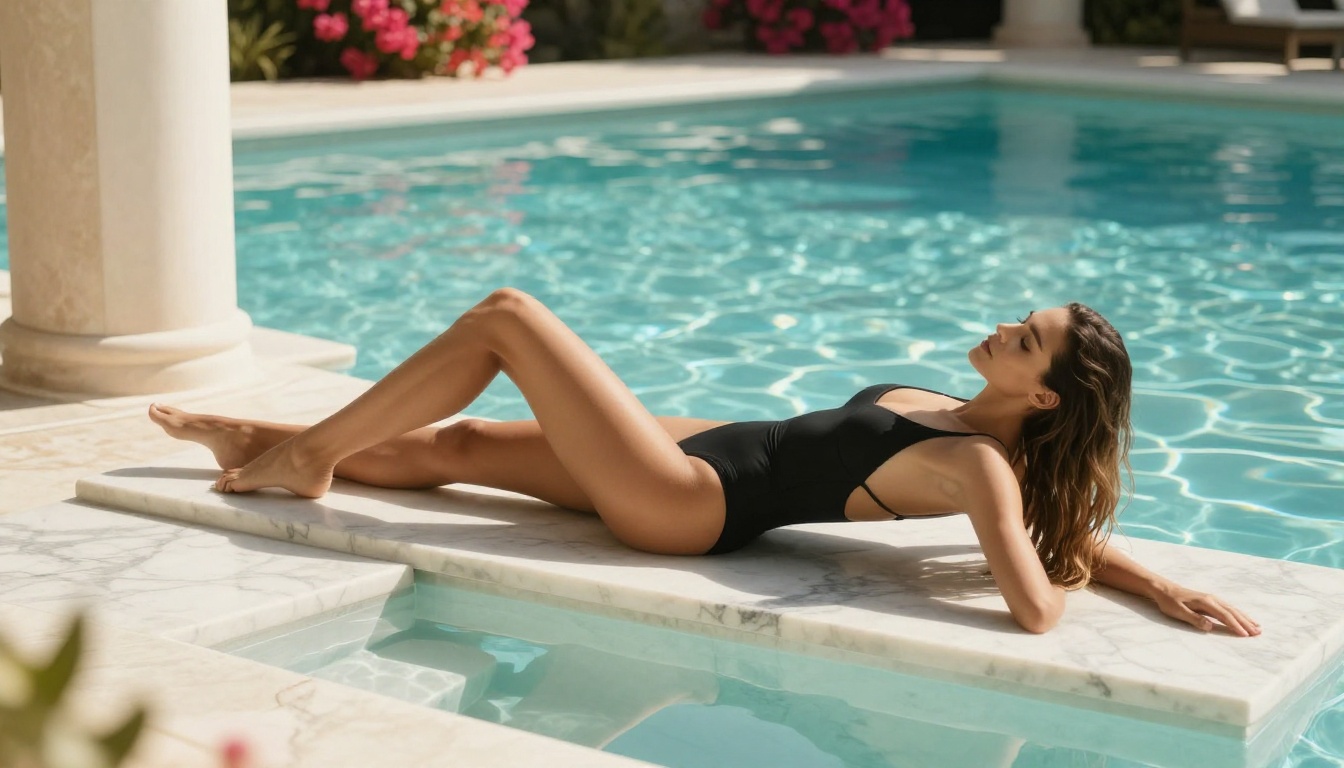
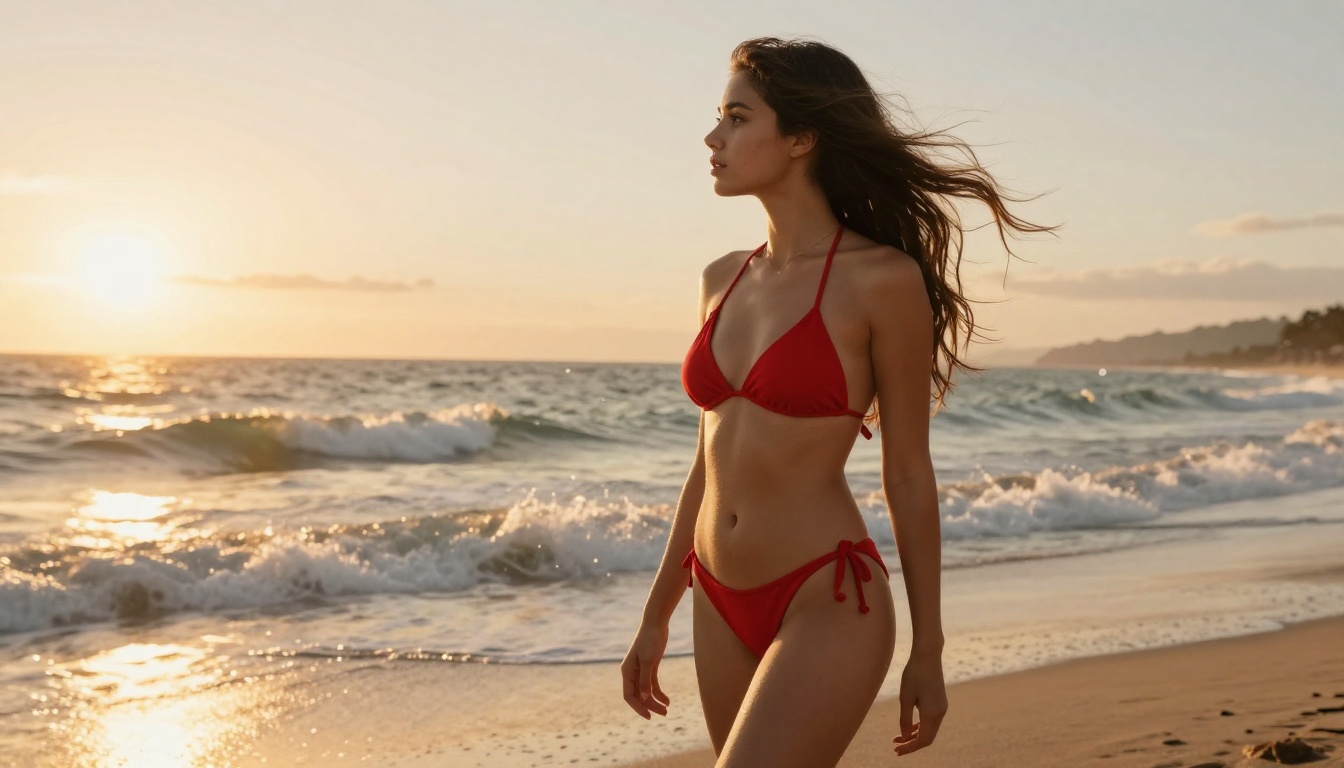
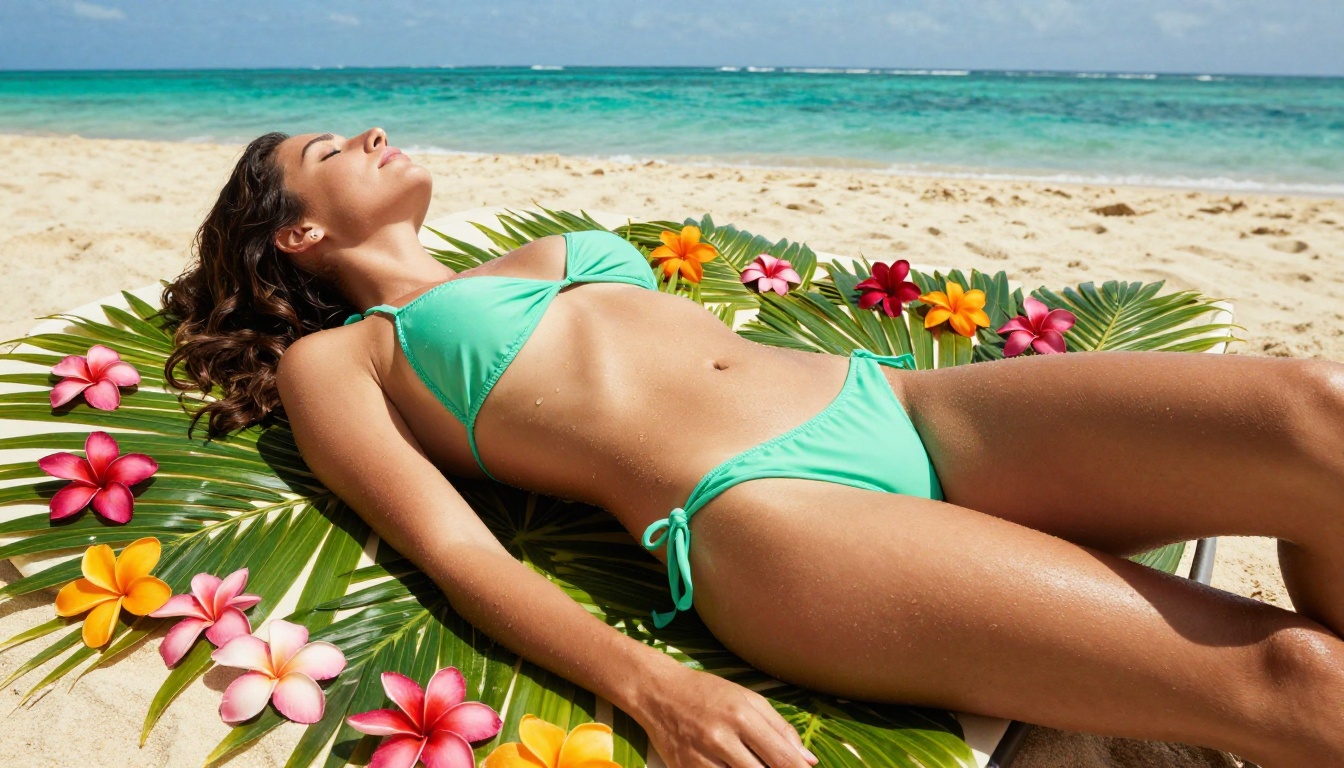
Swimwear content sits in a particular sweet spot for V6: it is suggestive without requiring the explicit training data to render correctly. The model handles fabric physics, water effects, beach environments, and body proportions in this context with notable accuracy.
Working prompt elements:
beach, summer, ocean background, golden hour for warm atmospheric shots
wet, water droplets, swimming pool for more sensual environmental context
bikini, swimsuit, one-piece all work cleanly without triggering anatomy failures
sunlight, rim lighting, backlight for dramatic lighting that flatters the subject
Artistic Figure Study
Artistic nudity and figure study prompts occupy a different category from explicit content. V6 handles these particularly well when framed with art photography terminology:
chiaroscuro lighting, fine art photography, museum quality
The model's training on illustrated and photographic content gives it context for artistic framing, producing outputs that feel considered rather than gratuitous.
Alternative Models on PicassoIA
If you want Pony V6 quality but prefer to work in a cloud environment without local setup, PicassoIA offers several models that hit similar aesthetic targets or exceed them in specific areas.
SDXL-Based Options
SDXL is the foundation model, available directly. Running it with the right LoRA stack through SDXL Multi ControlNet LoRA can approximate the Pony V6 output style while giving you precise pose and composition control through ControlNet.
SDXL Lightning 4-Step delivers dramatically faster inference at the cost of some detail. For rapid iteration on character concepts before committing to a full render, it is invaluable.
Playground V2.5 1024px Aesthetic takes the SDXL base in a different direction, optimizing specifically for aesthetic appeal. Its color handling and compositional instincts make it a strong choice for glamour and fashion-adjacent outputs.
RealVisXL V3.0 Turbo is the closest cloud-available equivalent to the realistic Pony V6 variants. It excels at photorealistic portrait and figure work with clean anatomy and strong lighting response.
Flux Models for Realism
For outputs that need to push beyond what SDXL can achieve in terms of photorealism, the Flux family is the current standard.
Flux Dev produces strikingly realistic outputs with better anatomical coherence than most fine-tuned SDXL models. It is not a Pony V6 replacement for stylized or anime content, but for glamour and portrait realism it is difficult to match.
Flux 1.1 Pro takes that realism further with commercial-grade output quality. Skin texture, hair detail, and lighting accuracy at this tier are genuinely impressive.
Flux 1.1 Pro Ultra is the highest fidelity option available for portrait work on the platform, with native support for high-resolution outputs that reward detailed prompting.
Flux Schnell handles rapid concept generation across the same aesthetic family at significantly reduced cost and time.
DreamShaper and Proteus
DreamShaper XL Turbo remains one of the community's favorite stylized character models. Its ability to blend realistic and illustrated aesthetics in a single prompt makes it particularly effective for NSFW character art that sits between photography and illustration.
Proteus v0.3 handles anime-adjacent character work with clean linework and strong color saturation. If your target aesthetic is more illustrated than photographic, Proteus v0.3 is consistently reliable.
How to Use These Models on PicassoIA
Since both SDXL and Flux-family models are available directly on PicassoIA, here is how to get the best outputs without a local installation.
Step by Step for Character Art
1. Choose your model based on your target aesthetic:
2. Set your resolution: Use 1024x1024 or 1152x896 for landscape character shots. Avoid going below 768px on either dimension with SDXL-based models.
3. Build your prompt in layers:
Quality prefix: score_9, score_8_up, masterpiece, best quality
Subject: specific character description, outfit, expression
Environment: setting, time of day, background elements
Technical: camera, lens, lighting direction, film type
4. Set CFG and steps: Start at CFG 6, 30 steps for SDXL models. Flux models respond well to lower CFG values, around 3.5-4.5, with fewer steps needed overall.
5. Iterate with seeds: When you get a composition you like, lock the seed and refine the prompt to improve specific elements.
💡 Tip: PicassoIA's p-image-lora model supports custom LoRA loading, which lets you bring V6-trained LoRAs into a cloud environment and run them without local hardware.
Building Your Prompt Stack
Quality Tags That Work
Pony V6 was trained on Danbooru-style tags, which means booru quality tags translate directly into better outputs. These consistently improve results:
score_9, score_8_up, score_7_up, masterpiece,
best quality, high resolution, detailed skin,
realistic lighting, professional photography
For NSFW content specifically, V6 also responds to:
Different V6 fine-tunes use different trigger words. Common ones worth trying:
pony or ponyxl in some variants activates the base V6 training mode
v6 as a tag can shift outputs toward the characteristic V6 aesthetic in certain checkpoints
Photography terms like film photo, analog photography, Kodak grain consistently improve realism across the entire V6 family
Mixing LoRAs Effectively
Stacking more than 3-4 LoRAs at once typically causes conflicts in SDXL models. The most effective approach:
LoRA Slot
Purpose
Weight Range
1
Style (overall aesthetic)
0.7-0.9
2
Character/body refinement
0.5-0.7
3
Lighting/atmosphere
0.4-0.6
4
Detail enhancement
0.3-0.5
Keep the total LoRA influence below 2.5 combined weight to avoid coherence breakdown.
Start Creating Right Now
Pony Diffusion V6 set a new bar for NSFW-capable AI art models. The community around it has built an ecosystem of fine-tunes, LoRAs, and merge variants that cover every niche from photorealistic glamour to highly stylized anime character work. The settings matter, the LoRA stack matters, and choosing the right variant for your specific target aesthetic makes a real difference in output quality.
If you want to work with the closest cloud equivalents, PicassoIA has the full range of SDXL, Flux Dev, Flux 1.1 Pro, RealVisXL V3.0 Turbo, DreamShaper XL Turbo, and Proteus v0.3 available without any local installation. Bring your prompts, set your parameters, and see what the current generation of models can actually produce.
The best way to figure out which model fits your workflow is to run the same prompt through three or four of them and compare. That comparison always tells you more than any written description.