Best Uncensored AI Image Generator for Anime and Hentai in 2027
If you want to create anime and hentai art without content filters, you need the right AI image generator. This article breaks down the top uncensored models, how they work, and exactly how to prompt them for stunning character and scene results.
If you've spent time hunting for the best uncensored AI image generator for anime and hentai, you already know the pattern. You type a prompt, the model returns a sanitized, filtered version that completely misses the point, or refuses to generate anything at all. The good news: the landscape has changed significantly in 2027, and platforms offering real, unrestricted access to powerful anime image generation models are no longer hard to find. This article breaks down exactly which models perform best, how they differ from each other, and how to get the results you're actually after.
Why Most AI Tools Block Anime Content
The majority of consumer-facing AI image generators apply what the industry calls a safety filter or content policy layer. These filters are designed to prevent the generation of explicit or illegal content, which is a reasonable goal. But in practice, they are blunt instruments.
Anime and hentai art occupy a unique space. They are forms of illustrated expression with deep cultural roots in Japan, spanning everything from completely innocent slice-of-life stories to explicitly adult material. Most mainstream AI tools cannot distinguish between these, so they default to restricting anything that looks like anime art involving mature themes.
This creates a genuine problem for:
Artists working in the anime tradition who want to create suggestive or adult-themed work
Writers who want character reference art for their stories
Fans who want custom waifu art or original character designs
Content creators who produce NSFW material for adult platforms
The filters aren't protecting anyone from legitimate artistic expression. They're just frustrating people who have completely valid reasons to create this type of content.
💡 The real question isn't whether uncensored anime generators exist. It's which ones are actually good.
What "Uncensored" Actually Means in 2027
When people search for an uncensored AI image generator for anime and hentai, they're usually looking for one of three things:
No content filtering: The model generates what you prompt without refusing or softening the output
High anime fidelity: The model actually speaks the visual language of anime, proportions, and aesthetics
NSFW capability: The model can generate suggestive or adult content without blurring, censoring, or refusing
Not all "uncensored" tools deliver on all three. Some models have no filters but produce mediocre anime art. Others produce stunning images but still apply soft censorship on anything remotely mature.
The models that perform well across all three dimensions are typically open-source diffusion models fine-tuned specifically on anime datasets, or large foundation models with adjustable safety settings.
Top Models for Anime and Hentai Art
Not all models on AI platforms are created equal when it comes to anime content. Here are the five that consistently deliver the best results for uncensored anime and hentai image generation.
This is the standout choice for dedicated anime image generation. Proteus v0.3 was built specifically to handle anime-style outputs, which means it speaks the visual language of the genre natively. Unlike general-purpose models that treat anime as just another style tag, Proteus has been fine-tuned on curated anime datasets.
What it does well:
Large expressive eyes with correct proportions
Soft skin shading in the anime cel-shading tradition
Character poses and expressions that feel authentic to the genre
Accurate rendering of anime-specific clothing details (uniforms, kimonos, fantasy armor)
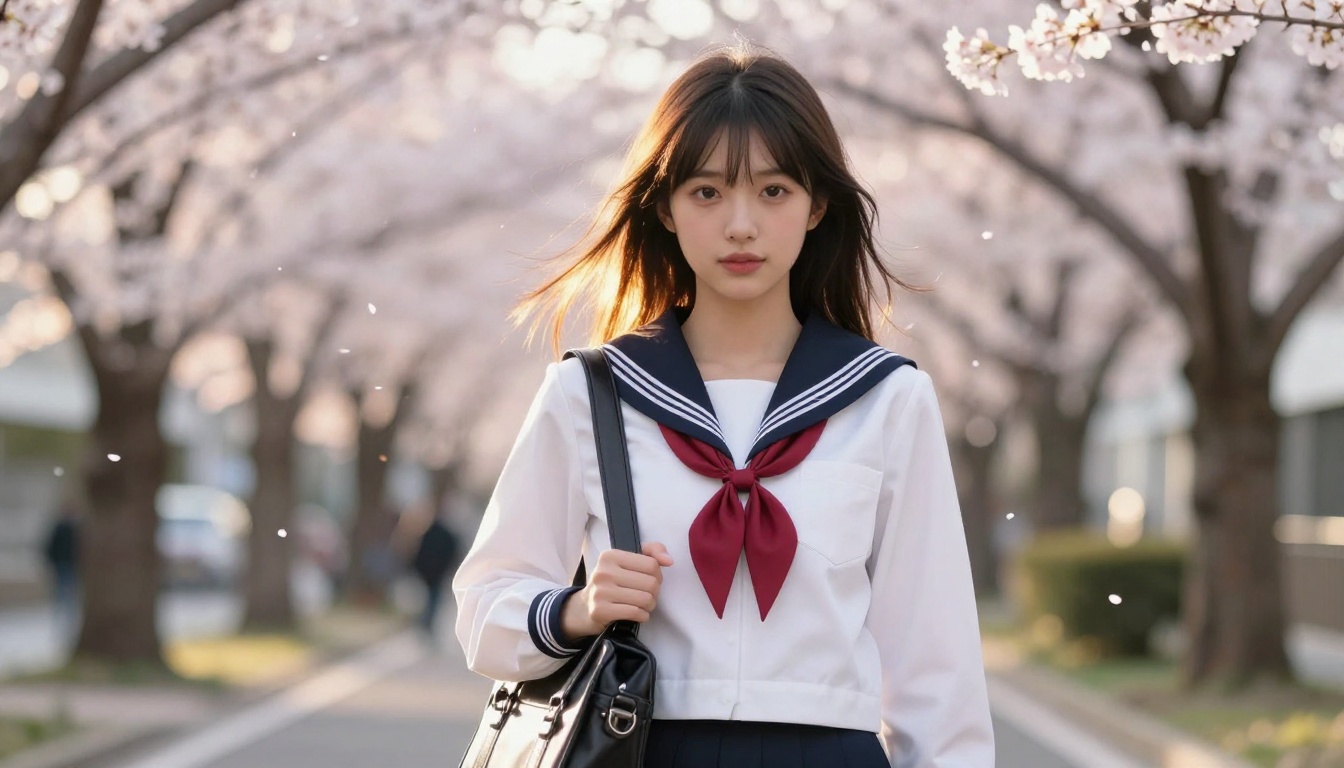
Best prompt approach: Be specific about character traits. Use established anime art descriptors like "1girl, solo, long black hair, large eyes, white sailor uniform, cherry blossoms background, detailed face, high quality".
Flux 1.1 Pro Ultra is not an anime-specific model, but it is one of the most capable text-to-image generators available right now for overall quality. Its natural language prompt adherence is exceptional, which means you can describe anime characters in plain English and get coherent, detailed results.
Where Flux shines for anime work is in character consistency and prompt fidelity. If you want a specific character design maintained across multiple generations, Flux 1.1 Pro Ultra handles it better than most alternatives.
It also responds well to detailed artistic direction, so prompts like "anime art style, soft watercolor shading, 2D illustration, young woman in traditional Japanese clothing, cherry blossom setting" produce high-quality outputs with strong artistic coherence.
Best for: Detailed characters with complex outfits, consistent character art across a series, mixed realistic-anime aesthetics.
Stable Diffusion 3.5 Large represents the latest generation of Stability AI's flagship model. For users familiar with the older SD 1.5 or SDXL ecosystem, SD 3.5 Large is a significant step forward in coherence, anatomy, and overall image quality.
For anime and hentai content, SD 3.5 Large benefits from a massive training dataset that includes substantial anime artwork. It handles:
Complex multi-character scenes better than most models
Action poses and dynamic compositions with correct anatomy
Scene and background detail without sacrificing character quality
The model's larger parameter count translates to noticeably better hands, feet, and face detail, which have historically been weak spots for anime generators.
DreamShaper XL Turbo occupies a sweet spot between speed and quality. The turbo variant generates images significantly faster than standard SDXL-based models while maintaining strong output quality.
For anime content, DreamShaper XL Turbo has a slightly more stylized, dreamlike aesthetic that suits fantasy and supernatural anime genres particularly well. Characters generated by this model tend to have:
Soft, painterly skin tones
More exaggerated anime proportions (larger eyes, slimmer faces)
Rich background detail that complements characters rather than competing with them
💡 Pro tip: DreamShaper XL Turbo handles negative prompts extremely well. Use negatives like "realistic, photograph, 3D render, blurry, deformed" to sharpen the anime aesthetic significantly.
Speed is the defining feature of SDXL Lightning 4Step. This distilled version of SDXL generates high-quality images in just four sampling steps, making it dramatically faster than the full SDXL base.
For iterative workflows where you're testing many different prompts to nail a character design, SDXL Lightning 4Step is invaluable. Generate 20 variations in the time it would take a standard model to produce five, then upscale your favorites using the platform's Super Resolution tools.
How to Use Proteus v0.3 on PicassoIA
Since Proteus v0.3 is the top dedicated anime model available on the platform, here's a step-by-step breakdown for getting the best results.
Step 1: Navigate to the model
Go directly to Proteus v0.3 on PicassoIA. The model page shows example outputs alongside parameter controls.
Step 2: Build your positive prompt
Structure anime prompts in a specific order for best results:
masterpiece, best quality, ultra detailed, 1girl, solo, long silver hair, blue eyes,
maid outfit, white apron, standing, slight smile, cherry blossom garden,
soft afternoon light, anime style, detailed face
Step 3: Add negative prompts
Negative prompts are critical for Proteus v0.3. Always include:
lowres, bad anatomy, bad hands, text, error, missing fingers, extra digit,
fewer digits, cropped, worst quality, low quality, jpeg artifacts, signature,
watermark, blurry
Step 4: Set sampling parameters
Steps: 25-35 for best quality
CFG Scale: 7-9 (higher values follow your prompt more strictly)
Sampler: DPM++ 2M Karras or Euler a
Step 5: Iterate rapidly
Generate 4-6 variations at once. Keep seeds from results you like and make small prompt adjustments to refine specific details. With SDXL Lightning 4Step you can do this even faster during the scouting phase.
Prompt Formulas That Actually Work
Writing effective prompts for anime generators is a skill. Here are the formulas that consistently produce high-quality results across all the models discussed here.
Character Portrait Formula
[quality], [age descriptor], [hair color + style], [eye color + style],
[expression], [outfit description], [background], [lighting style], [art style tags]
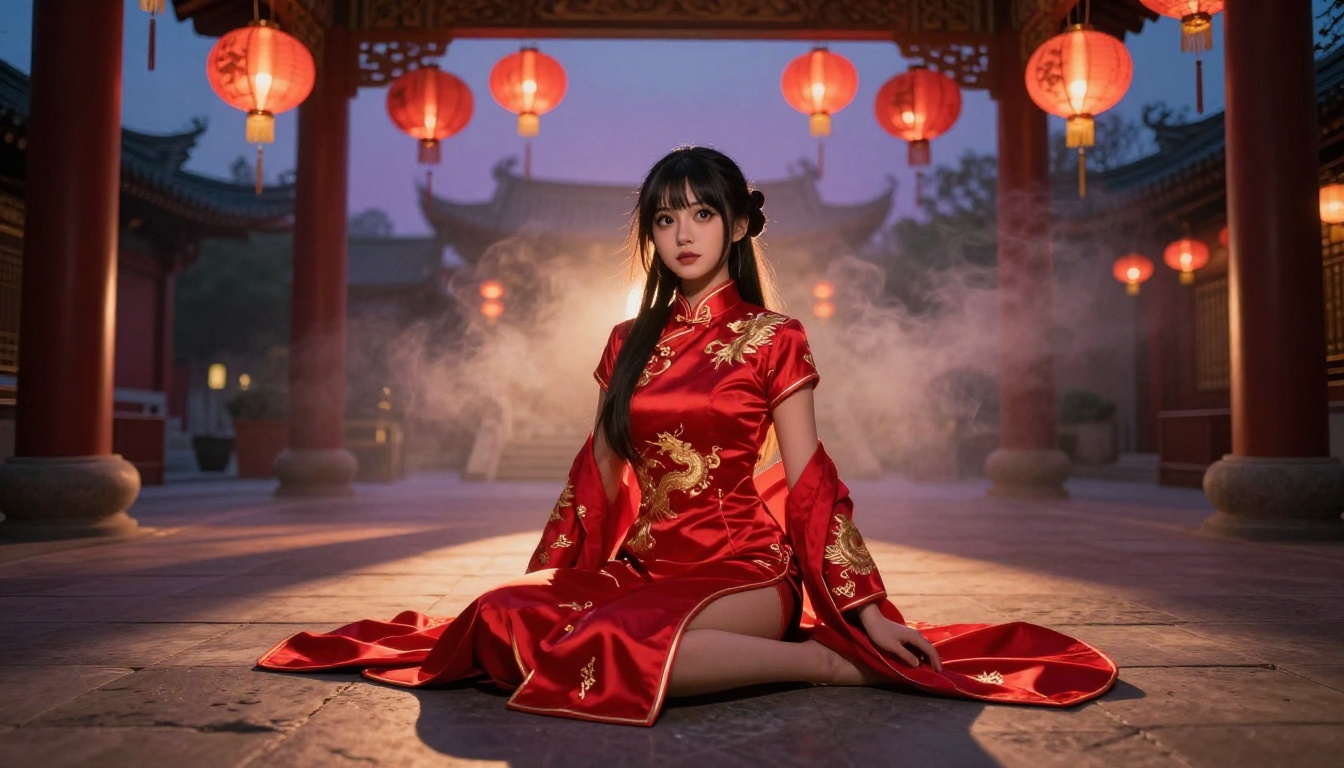
Example: masterpiece, 1girl, long black wavy hair, large violet eyes, slight blush, wearing red qipao dress, golden embroidery detail, temple courtyard background, warm lantern lighting, anime, highly detailed
Example: best quality, 2girls, running through rain, school uniforms, wet hair, city street night background, low angle shot, dramatic lighting, rain droplets, anime cinematic style
Suggestive/NSFW Formula
For suggestive content, specificity matters more than vagueness:
💡 Important: The more specific your prompts, the more control you have over what gets generated. Vague descriptors like "sexy" or "nsfw" produce inconsistent results. Describe exactly what you want to see.
Generating the image is just the first step. PicassoIA gives you a full suite of tools to push your anime art further.
Inpainting lets you fix specific parts of an image without regenerating the whole thing. If the face looks great but the hands are off, mask just the hands and regenerate that region alone. This is significantly faster than starting over from scratch.
Outpainting expands your canvas. If you love a portrait but want to extend it into a full-body shot, outpainting adds new scene elements that match the existing style and lighting seamlessly.
Super Resolution (2x to 4x upscaling) takes your 512px or 768px generations and makes them print-quality. For anime art used as wallpapers, illustrations, or prints, this step makes a noticeable difference in crispness and detail.
Face enhancement tools improve facial detail specifically, which matters a lot for anime portraits where the face carries most of the artistic weight. After a standard generation pass, running face enhancement often reveals eye detail, eyelash definition, and skin texture that was previously lost in the noise.
Terms Worth Knowing
Whether you're new to diffusion models or coming from a different platform, here's a quick reference for the terminology that comes up constantly in anime AI art communities.
Term
What It Means
LoRA
Low-Rank Adaptation, a small model add-on that fine-tunes a base model toward a specific style or character
Negative prompt
Words you tell the model to avoid when generating
CFG Scale
How strictly the model follows your prompt (higher = more literal)
Sampling steps
Number of iterations the model runs (more = higher quality, slower)
Waifu
Informal term for a beloved animated female character
R18 content
Adult-rated content in Japanese media classification
Fine-tuned model
A base model further trained on specific data, such as anime artwork datasets
Checkpoint
A saved model file representing a particular training state
Booru tags
Descriptor tags from anime image databases (Danbooru, Gelbooru) widely used in anime prompts
Knowing these terms helps you communicate precisely in communities, forums, and on platforms where these models are discussed and shared.
The Real Difference Between Platforms
Having access to a powerful model is necessary, but not sufficient on its own. The platform you use matters almost as much as the model itself. Here's what separates good platforms from frustrating ones:
No hard content walls: Some platforms accept adult content in theory but apply shadow restrictions that silently degrade outputs without telling you
Access to multiple models: Being locked to one model means you can't compare results or choose the right tool for each specific job
Editing capabilities built in: Post-generation tools (inpainting, upscaling, face repair) save enormous amounts of time
Speed: Generation time directly affects how productive your creative workflow can be
Transparent pricing: Pay-per-generation vs. subscription models have very different economics depending on your usage volume
PicassoIA provides access to all five models discussed in this article, plus dozens of others across image, video, audio, and editing categories, without the content gatekeeping that frustrates users on mainstream platforms.
For users who want even more photorealistic results alongside anime work, Realistic Vision v5.1 is a strong addition to your toolkit. It bridges the gap between photorealistic and anime-adjacent aesthetics, producing results that feel grounded and real while retaining idealized proportions.
Start Creating Right Now
The models discussed in this article are all live and available. No waitlist, no special subscription tier, no approval required.
If you're new to AI anime art generation, start with Proteus v0.3. Copy one of the prompt formulas from the section above, paste it in, and hit generate. The curve is shorter than you think, and the results from your first session will be dramatically better than anything you'd get from a filtered platform.
For users who already have experience with diffusion models and want more control over style, anatomy, or consistency, Flux 1.1 Pro Ultra and Stable Diffusion 3.5 Large offer more surface area for fine-tuning your outputs.
The right model for you depends on what you're creating. But the right platform is the one that gets out of your way and lets you create it. Head over to PicassoIA, pick a model, and start generating the anime and hentai art you've been looking for.