If you have spent any time generating images with AI, you already know the frustration: type a perfectly reasonable prompt, wait for the result, and get back a heavily filtered, over-softened image that looks nothing like what you had in mind. Mainstream platforms layer on restrictions that blur, alter, or outright block content the moment a prompt includes anything remotely mature, artistic, or genuinely human. The result is sterile output that fails creators, photographers, and visual artists who need something closer to reality.
This article breaks down the best uncensored AI image generators for photorealistic results: the models that actually deliver skin texture, natural lighting, anatomically accurate human forms, and cinematic quality without filtering the life out of every prompt.
Why Photorealism Is the Hardest Thing to Fake
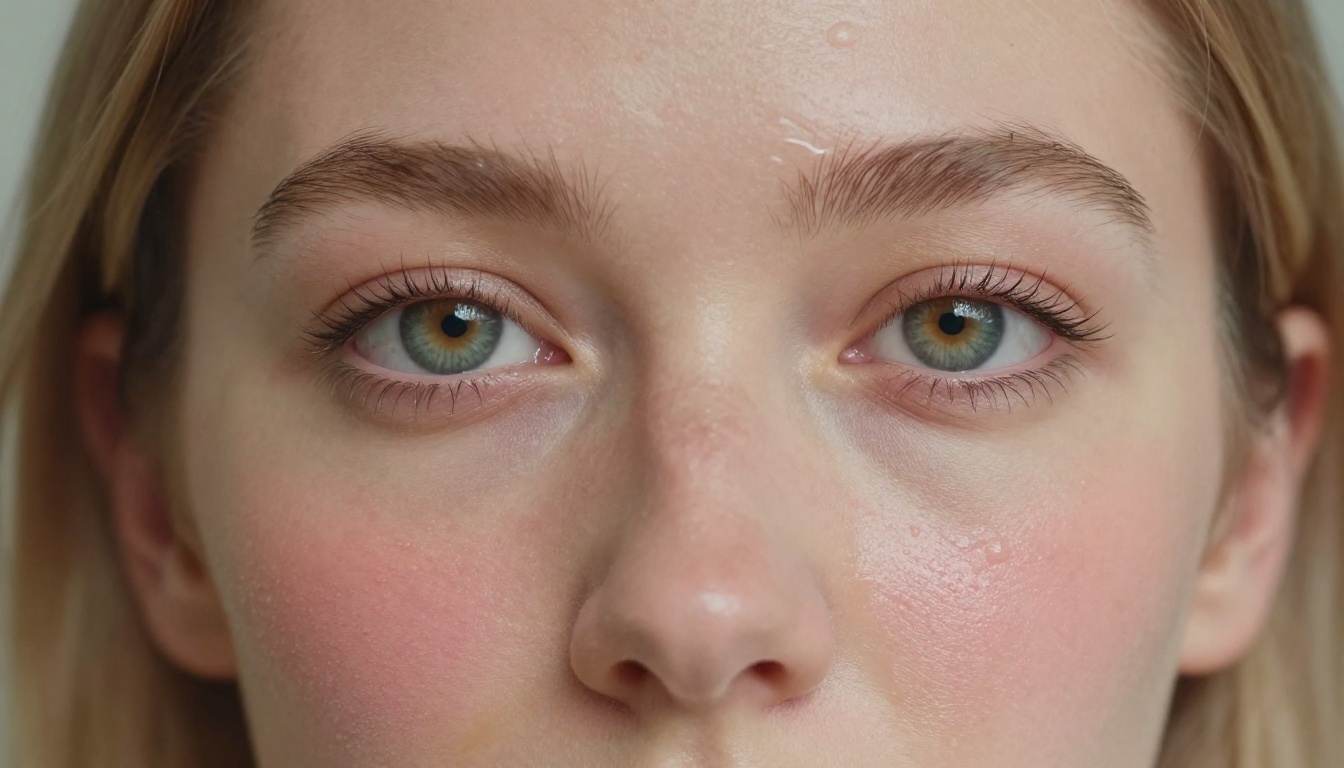
Most AI image generators can produce something visually appealing. Far fewer can produce something that looks like a photograph. The difference is not just resolution. It is the accumulation of hundreds of tiny details that your brain processes in milliseconds and uses to decide whether something is real.
The Gap Between Style and Realism
Stylized output is easier. It can hide artifacts under texture, hide awkward proportions under exaggeration, and hide poor lighting under contrast. Photorealism has nowhere to hide. Every pore, every shadow, every strand of hair is under scrutiny. A 3D render is revealed the moment light behaves wrong. A digital illustration is obvious from the first brushstroke.
Genuine photorealistic AI images require:
- Physically accurate light behavior (subsurface scattering, specular highlights, shadow softness)
- Human skin with actual micro-texture: pores, fine hairs, subtle imperfections
- Depth of field that matches real lens physics
- Color grading consistent with real film stock
- Natural, un-posed-looking composition and spontaneous motion
What "Photorealistic" Actually Requires from the Model
Not every model is built for this. Older architectures like early Stable Diffusion versions struggle to keep faces consistent and often produce the "AI eyes" effect: glassy, uniformly colored, slightly wrong. The newer generation of models, trained on massive high-resolution photography datasets, handles these details dramatically better.
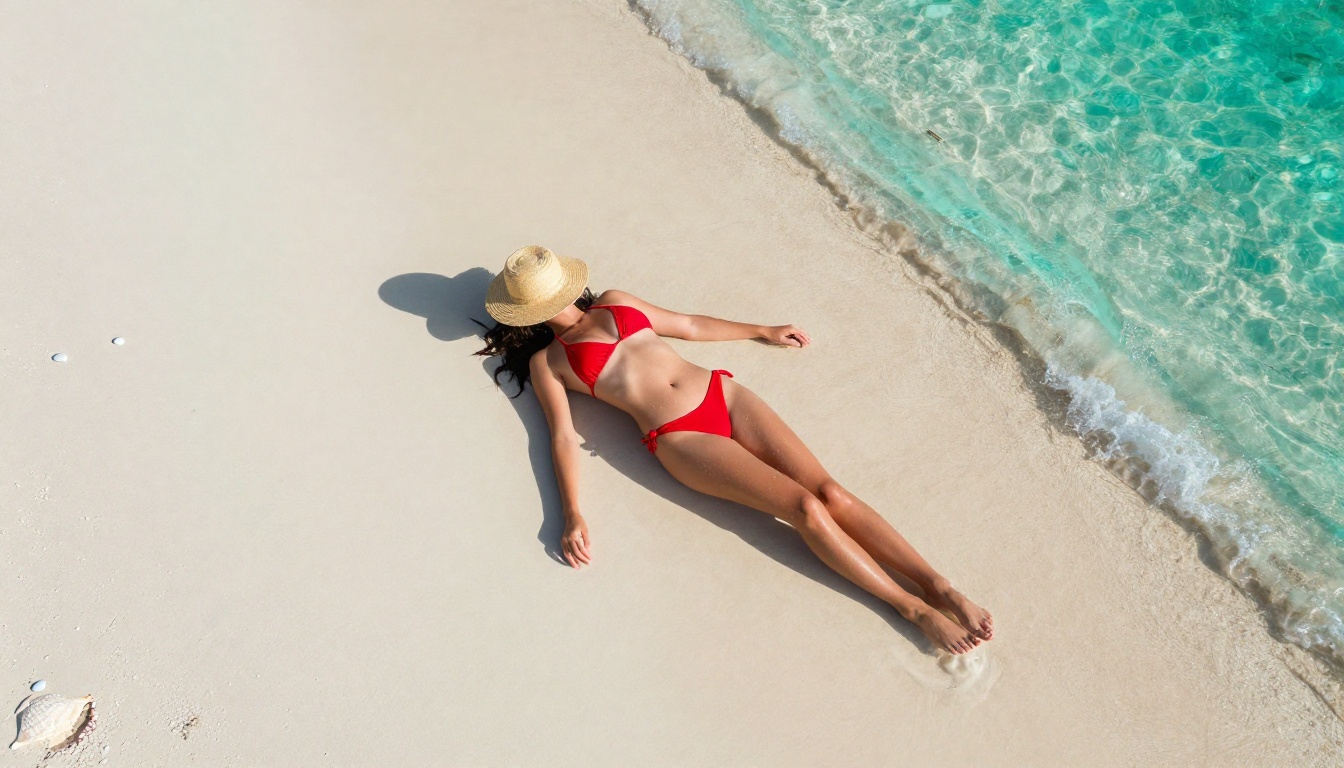
The gap between models is enormous. A prompt like "woman on a beach at golden hour, 85mm f/1.4" fed into a poorly chosen model returns something decorative. Fed into Flux 1.1 Pro Ultra or Realistic Vision v5.1, it returns something you would scroll past twice before realizing it was generated.
How Censorship Kills Creative Output
The irony of heavily censored AI image platforms is that the restrictions are rarely surgical. They do not block objectively harmful content while allowing everything else. They cast a wide net that catches fashion photography, artistic nudity, medical illustration, and even swimwear content alongside genuinely problematic material.
The Problem with Filtered Platforms
If you work in fashion, glamour photography, fine art, or adult content creation, over-filtered platforms are not just inconvenient. They are actively useless. When a platform refuses to render a woman in a bikini because its classifier flags "skin exposure," you are not protected from harm. You are just blocked from doing your job.
Common problems with over-filtered generators:
- Prompt refusals for perfectly legal, artistic content
- Automatic alterations: the model silently adds clothing, changes poses, or crops out body parts
- Inconsistent enforcement: the same prompt works one day and fails the next
- Watermarks and quality restrictions on outputs deemed "sensitive"
What "Uncensored" Actually Means in Practice
"Uncensored" does not mean a platform generates anything and everything without limits. Responsible uncensored platforms draw hard lines at illegal content, minors in any sexual context, and non-consensual imagery. What they allow is the creative space between those hard limits and the overcautious filtering of mainstream tools.
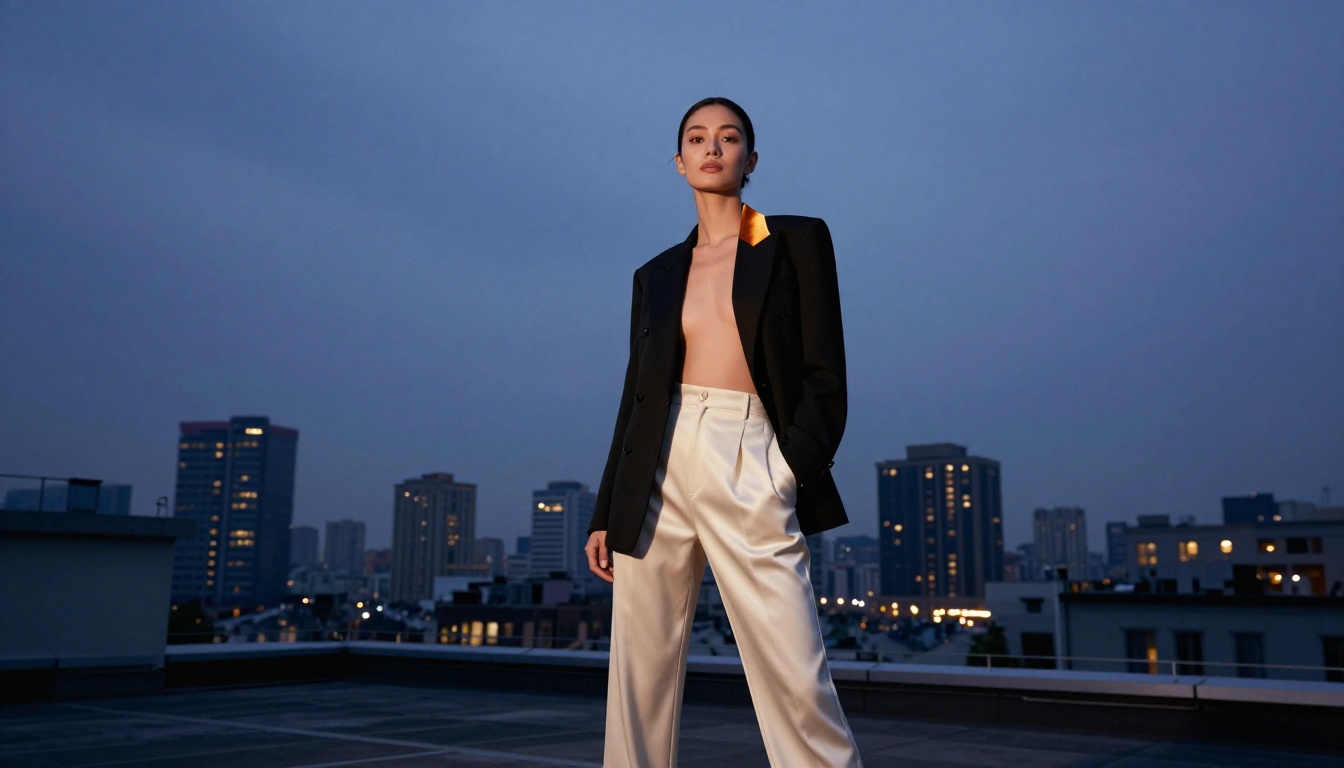
💡 The distinction matters: an uncensored AI image generator for photorealistic results gives artists the freedom to create glamour photography, artistic nudity, fashion editorials, and mature creative work without fighting the platform every step of the way.
The Best Models for Photorealistic AI Images
Not every model handles photorealism equally. Below are the standout performers available today, all accessible through a single platform without juggling multiple subscriptions.
Flux 1.1 Pro Ultra: The Current Benchmark
Flux 1.1 Pro Ultra from Black Forest Labs currently sits at the top of the photorealism hierarchy. It was trained specifically to handle ultra-high-resolution output with fine detail preservation that makes rendered images indistinguishable from photography. Skin texture is handled at a granular level: individual pores, fine arm hair, the subtle translucency of skin in strong backlight.
Key strengths:
- Face consistency: eyes, teeth, and facial symmetry are handled better than any previous generation
- Natural poses: figures do not look stiffly placed without explicit instruction
- Lighting physics: subsurface scattering and specular reflections behave realistically
- Prompt adherence: follows detailed prompts including lens specs, film stock, and lighting setups
For anything where the image needs to look like it came from a professional camera, this is the first model to reach for.
Realistic Vision v5.1: Portrait Specialist
Realistic Vision v5.1 is a fine-tuned model built specifically for portrait photography. Where general-purpose models sometimes smooth faces into an uncanny valley, Realistic Vision retains the imperfections that make portraits believable. Freckles stay. Natural skin tone variation stays. The model does not aggressively beautify faces unless prompted to.
It is the go-to for headshots, glamour portraits, and close-up work where skin texture and facial accuracy are the priority.
RealVisXL v3.0 Turbo: Speed Without Sacrifice
RealVisXL v3.0 Turbo brings photorealistic output at a fraction of the generation time. The tradeoff is minimal: fine detail at extreme zoom is slightly softer than Flux 1.1 Pro Ultra, but at standard viewing sizes the difference disappears. For rapid iteration, content prototyping, or high-volume production where you need dozens of images quickly, this model is exceptionally practical.
Stable Diffusion 3.5 Large: Versatile Workhorse
Stable Diffusion 3.5 Large improved significantly over earlier SD versions. The 3.5 Large variant handles complex compositions well, including multi-person scenes, environmental context, and full-body shots where earlier versions notoriously distorted limbs and hands. It is not the sharpest option for close-up portraiture, but for full environmental scenes with figures it is highly capable.
You can pair it with SDXL ControlNet for pose control when you need precise body positioning without describing it entirely through text.
Flux Dev: High Quality, Open Weights
Flux Dev sits between Flux Schnell (fast, lighter quality) and Flux Pro in the output quality hierarchy. It delivers strong photorealistic results with more inference steps, making it ideal when you want quality closer to Flux 1.1 Pro without the premium cost per generation.
Prompt Secrets for Hyperrealistic Output
The model is only half the equation. A weak prompt fed into Flux 1.1 Pro Ultra will return a mediocre image. The same model with a carefully constructed prompt returns something remarkable. These are the variables that matter most.
Camera and Lens Terms That Change Everything
AI image models were trained on images with metadata and captions. Including camera and lens terminology directly influences how the model renders depth, bokeh, distortion, and perspective.
| Term | Effect on Output |
|---|
85mm f/1.4 | Shallow depth of field, portrait compression, natural facial proportions |
24mm f/8 | Wide angle, deep focus, slight distortion at edges |
100mm macro | Extreme close-up detail, very shallow focus plane |
35mm f/2.8 | Street and environmental balance, natural perspective |
Phase One medium format | High-resolution feel, fine tonal gradation |
Lighting Descriptors That Change Everything
Lighting is where photorealism wins or loses. Vague lighting prompts produce vague lighting. Specific prompts produce photographs.
Highly effective lighting prompts:
"volumetric morning light from the left" - directional, warm, long shadows"overcast diffused natural daylight" - soft, even, no harsh shadows"single source rim light from behind" - separates subject from background cleanly"golden hour backlight with lens flare" - cinematic warmth"single tungsten practical lamp at 3000K" - intimate, warm interior atmosphere
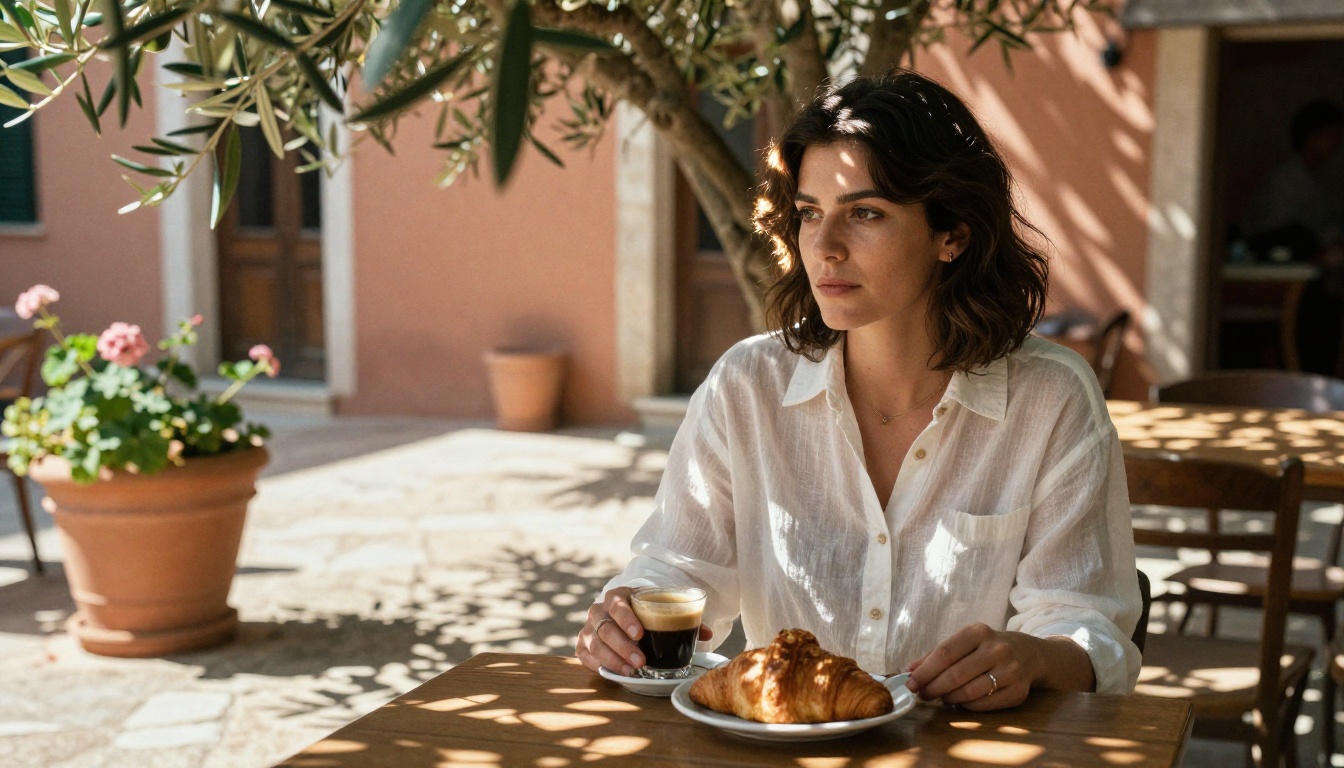
💡 Always specify light direction. "Natural light" is too vague. "Diffused natural light from a north-facing window on the left side" gives the model precise instructions it will actually follow.
Texture and Atmosphere Details
The details that signal "this is real photography" live in texture descriptions. Include them explicitly:
"Kodak Portra 400 film grain" - warm, slightly desaturated, organic grain"visible skin pores and fine hair detail" - pushes the model to render micro-texture"slight motion blur on fabric hem" - implies real-world physics"water droplets on skin surface" - creates believable surface detail"dust motes in the light beam" - atmospheric depth and realism
NSFW AI Image Generation, Done Right
There is strong demand for AI image generators that handle mature content without producing explicit material. Fashion photographers, adult content creators working within legal boundaries, glamour artists, and fine-art photographers all fall somewhere in the space between "fully clothed" and "explicit." Most platforms either ignore this entire category or allow everything with no consideration for quality or purpose.
Artistic vs. Explicit: Where the Line Is
The photorealistic NSFW category covers a wide spectrum. At one end: swimwear, lingerie, implied nudity with artistic framing and strategic camera placement. At the other: fully explicit content that falls outside the scope of most platforms.
The sweet spot for most creators is non-explicit NSFW: beautiful, human, and sensual without being pornographic. Think high-end editorial photography. Skin is visible, the human form is celebrated, but the intent is aesthetic rather than explicit.
What non-explicit photorealistic NSFW looks like in prompts:
"woman in a sheer silk dress, backlit, artistic glamour photography""implied nudity, figure partially obscured by fabric or shadow""fine-art portrait, bare shoulders, dramatic directional light""glamour photography in the style of high-fashion editorial"
Platforms That Respect Creators
Most mainstream consumer AI tools operate on the assumption that any human body requires restriction. This forces serious creators to either fight the content filter or find alternatives. The better approach is choosing a platform built with creator use cases in mind, where the default is artistic freedom and the hard limits are where they should be: illegal content only.
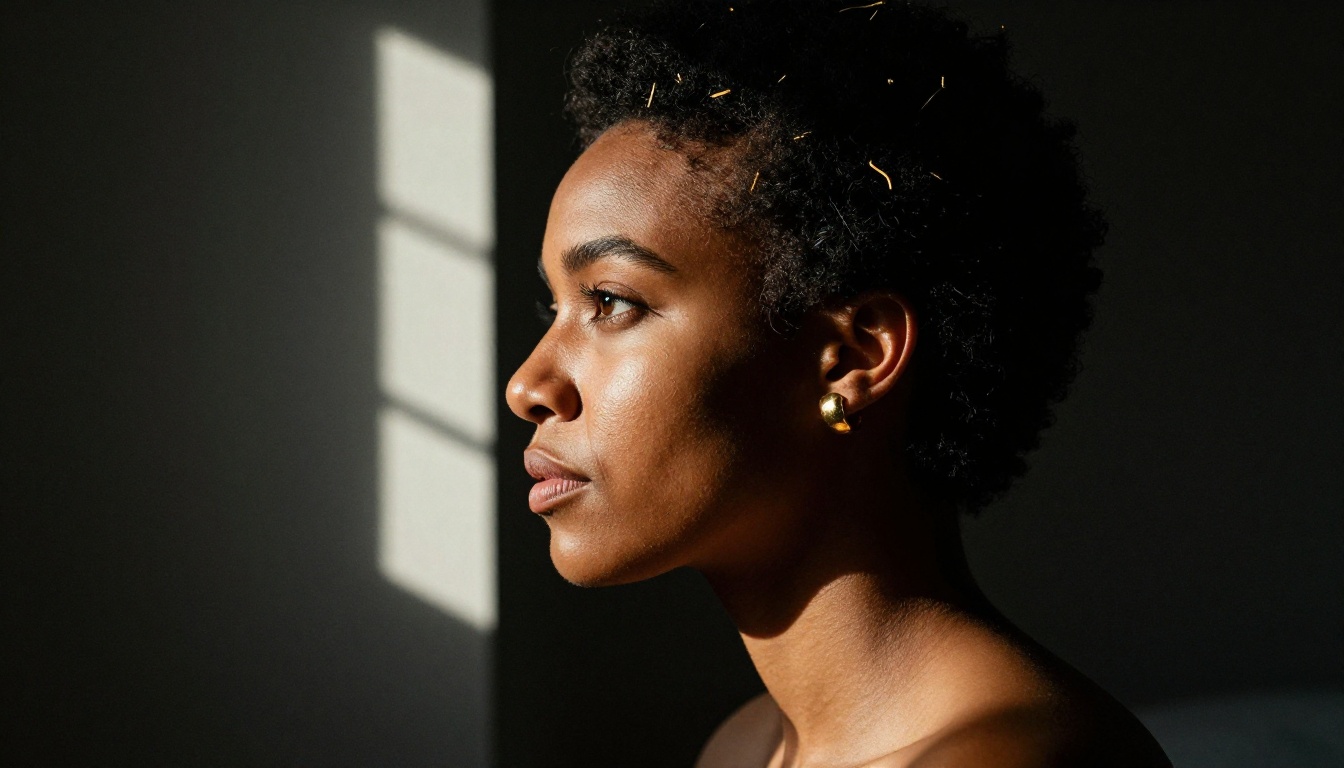
How to Use Flux 1.1 Pro Ultra on PicassoIA
Flux 1.1 Pro Ultra is available directly on PicassoIA without any setup. Here is how to get photorealistic results from it on your first attempt.
Step 1: Select the model
Navigate to Flux 1.1 Pro Ultra in the text-to-image collection. You will see the generation interface with the prompt field and parameter controls.
Step 2: Build your prompt in layers
Structure prompts from broad to specific:
- Subject description (who or what)
- Environment and context (where)
- Lighting conditions (how light behaves)
- Camera and lens (how it is shot)
- Film and texture modifiers (what it feels like)
Step 3: Set the aspect ratio
For photorealistic portraits and lifestyle shots, 16:9 produces a cinematic feel. For pure headshots, 3:4 or 4:5 works better.
Step 4: Use raw prompt modifiers
Append --style raw and specify a film stock. Kodak Portra 400 or Fuji Pro 400H both push the model toward natural photographic rendering rather than stylized output.
Step 5: Iterate on lighting first
If the first result is off, the lighting is usually the culprit. Change the lighting descriptor before anything else. A single word shift from "soft studio light" to "volumetric morning light from the left" can change the entire feel of an image.
💡 Pro tip: For body shots and full-length portraits, include "full body in frame, no cropping, feet visible" to prevent the model from defaulting to a head-and-shoulders crop.
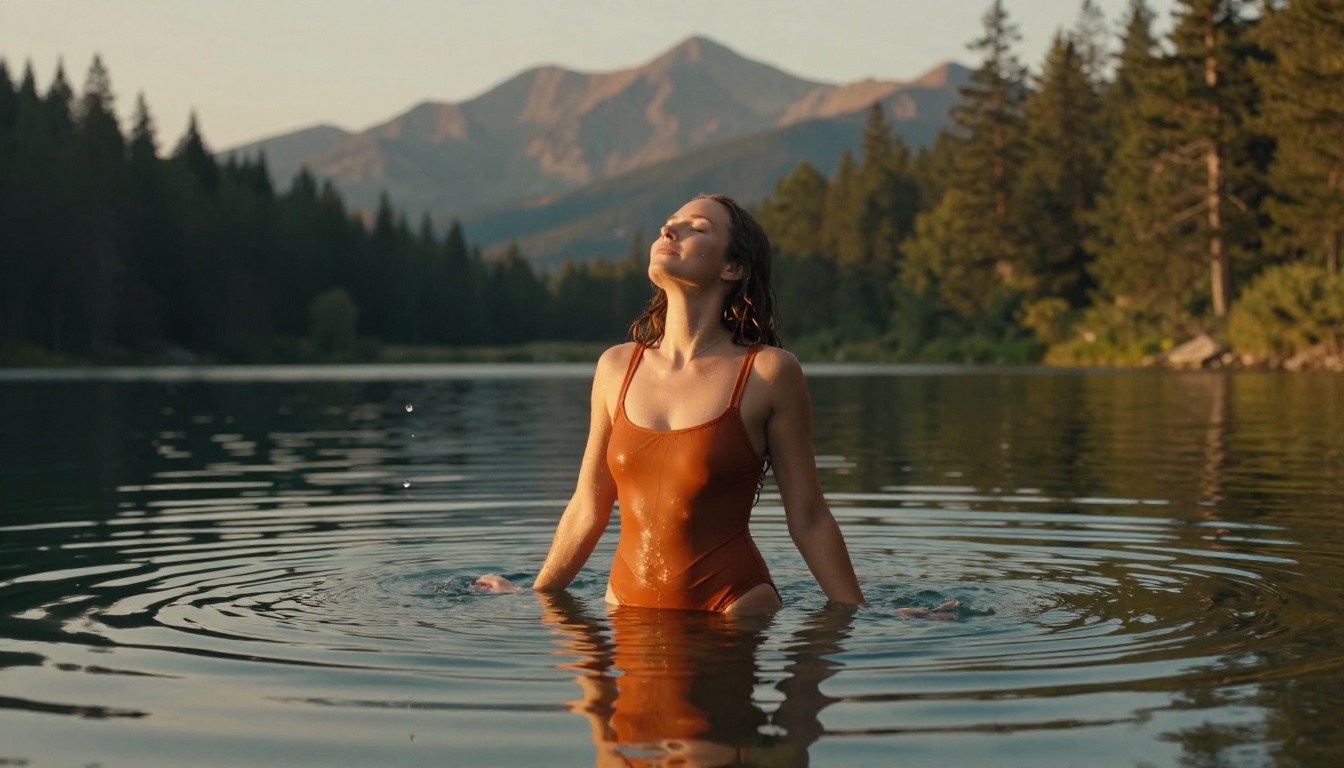
Side-by-Side Model Comparison
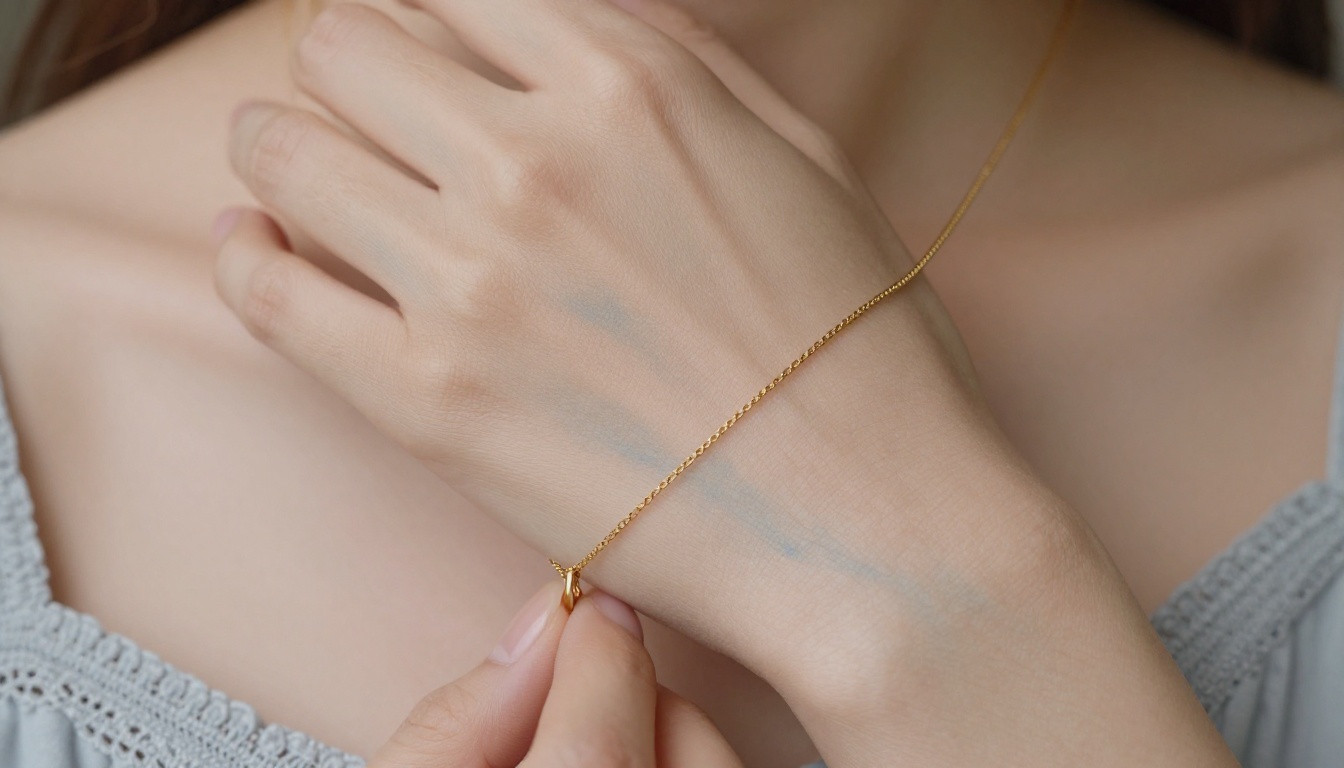
Photorealistic AI and Super Resolution
One underused step when working with photorealistic AI images is upscaling. Even if your base generation is 1024x576, running it through a super resolution model brings out latent texture and sharpness that was not visible at the original size.
PicassoIA's super-resolution category includes models that upscale 2x to 4x while adding genuine detail rather than just interpolating pixels. For portrait work especially, this step transforms a good image into a print-ready photograph.
The workflow serious photographers use: generate at standard resolution with Flux 1.1 Pro Ultra, iterate quickly on several variations, and upscale only the final selected image. This saves generation costs while still delivering maximum final quality.
Start Creating Your Own Photorealistic Images
The barrier to entry for photorealistic AI image generation has never been lower. The models available today produce output that photographers a decade ago would have assumed required a full studio setup, a professional model, and an experienced retoucher.
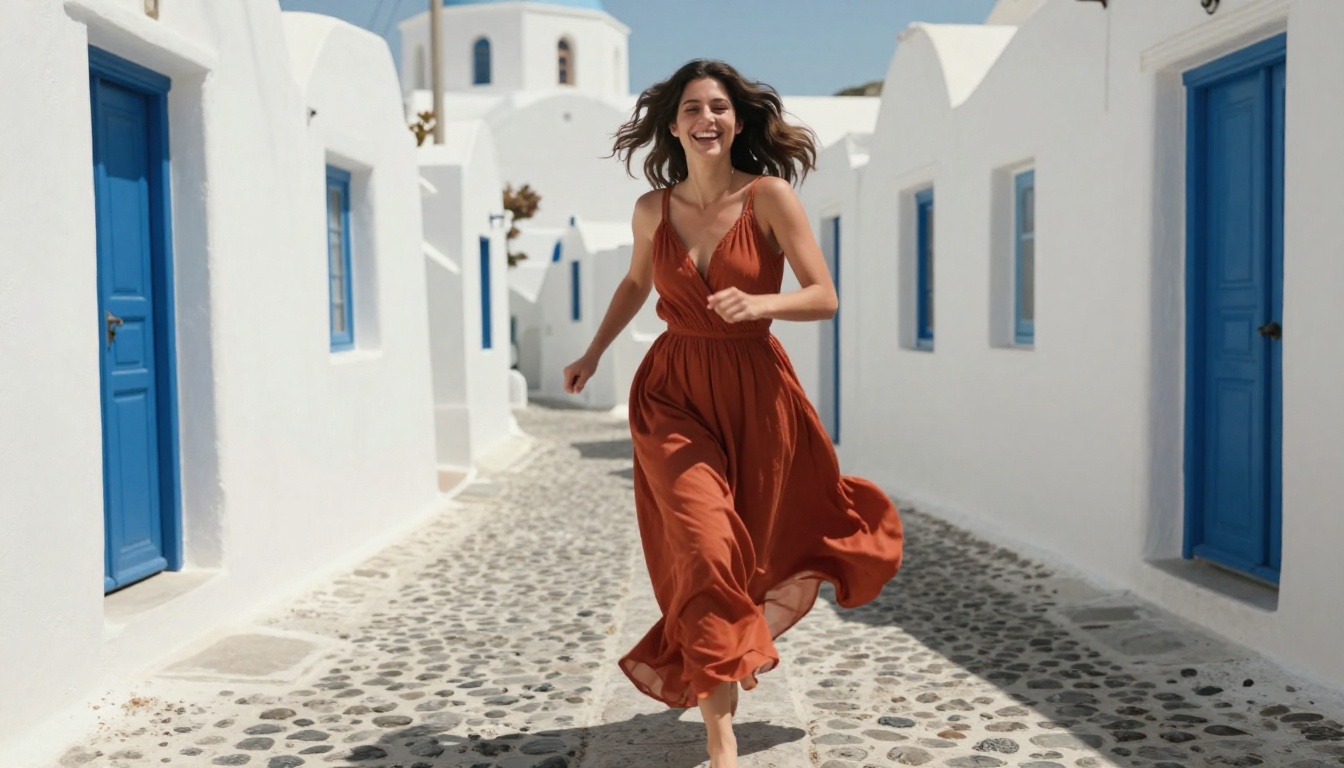
What separates good results from extraordinary ones is not the platform. It is the prompt. The more specifically you describe your subject, environment, lighting, lens, and film stock, the closer the output gets to exactly what you had in mind.
Start with Flux 1.1 Pro Ultra for your first serious photorealistic attempt. Give it a prompt that includes all five layers: subject, environment, lighting, camera, and texture modifiers. Compare it against Realistic Vision v5.1 for portrait-specific work and RealVisXL v3.0 Turbo when you need to iterate quickly.
PicassoIA gives you access to all of these models in one place, without switching accounts, without fighting overcautious content filters for legitimate creative work, and without sacrificing image quality for the sake of convenience.
💡 The best prompt is the one you have already written in your head. Sit down, describe exactly what you see in your imagination, add the camera and lighting details, and let Flux 1.1 Pro Ultra show you what it can do.
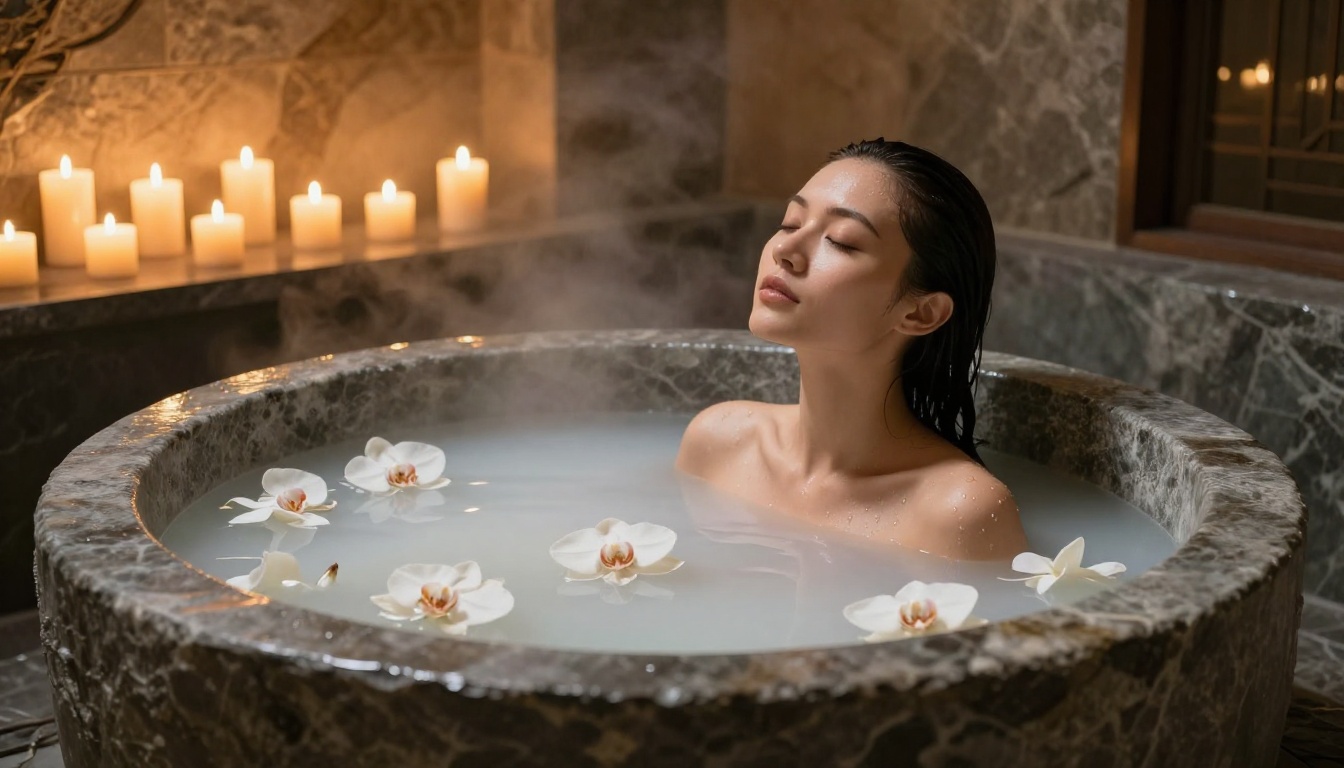
Every major creative field, from advertising to fine art to adult content creation, is being reshaped by photorealistic AI image generators. The creators moving fastest are the ones who treat these tools as professional equipment, picking them up the same way a photographer picks up a new lens or a retoucher adopts new software. The models are ready. The platform is ready. Now it is your turn.


