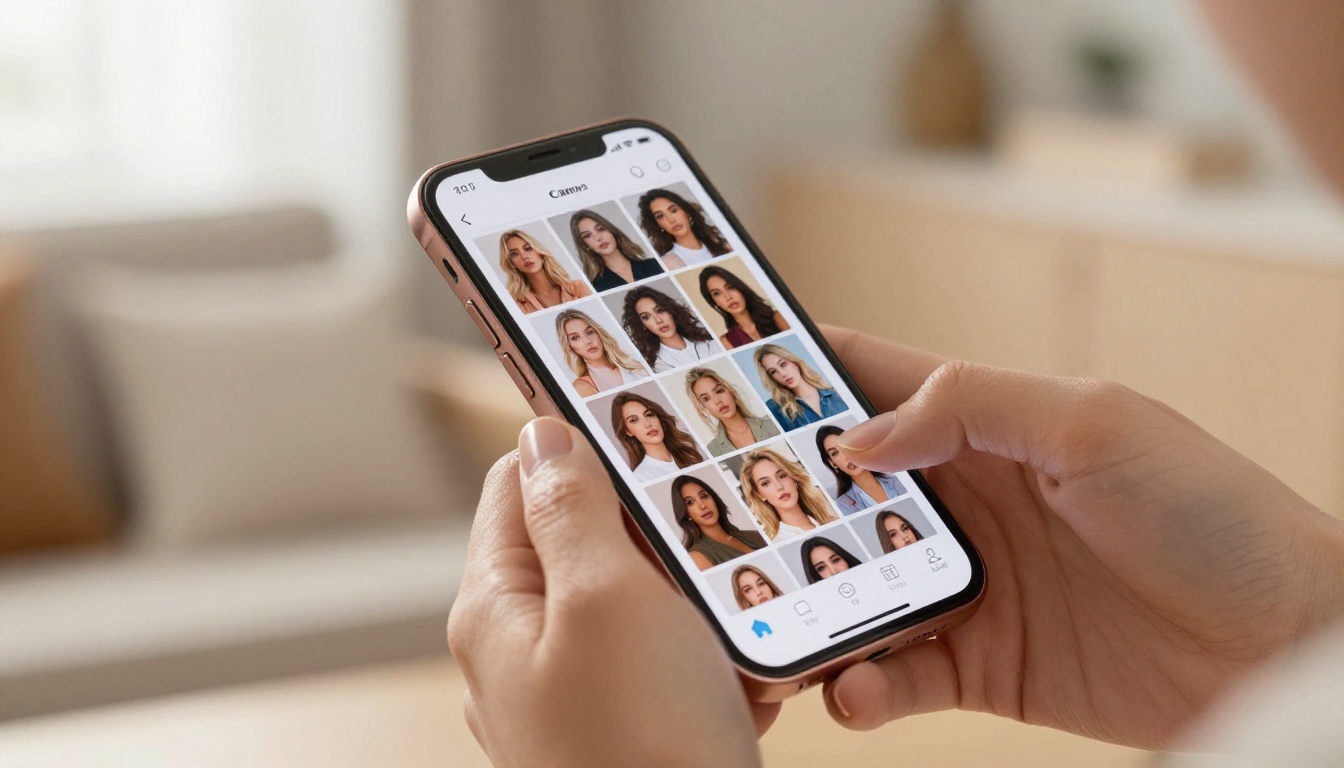
Social media is brutal, and standing out takes more than good captions. The creators pulling real numbers are using AI image generators, specifically the ones without a filter on what they can produce. If you've been stuck with censored tools that refuse your prompts or water down your vision, this is the breakdown you've been looking for.
Why Creators Need Uncensored AI
You don't have to be creating explicit content to need an unrestricted AI image generator. The moment you type "woman in a bikini" or "glamour portrait with bare shoulders," most mainstream tools either refuse, deliver a blurred mess, or produce something that looks like a stock photo from 2009.
That's a real problem for social media creators, OnlyFans models, fitness influencers, photographers, and anyone building a brand around visual appeal. The platforms that host your content have their own rules, but your generation tool shouldn't be adding another layer of censorship on top.
The Problem With Censored Tools
Most commercial AI image generators are trained with heavy safety filters. Those filters block anything the developers consider risky, which often includes:
- Swimwear and lingerie even in clearly artistic contexts
- Implied nudity, like bare backs or off-shoulder looks
- Suggestive poses that are completely normal in fashion photography
- Realistic skin texture, because too much realism triggers safety systems
The result is that creators who need photorealistic, visually compelling content get stuck with tools that produce generic, sanitized images that blend into every other post in the feed.
What "Uncensored" Actually Means
To be clear: uncensored doesn't mean pornographic. The best uncensored AI image generators for social media creators sit in the range of editorial glamour, lifestyle photography, and artistic portraiture. Think of the aesthetic in high-end fashion magazines, travel blogs, and fitness accounts with large followings.
The sweet spot is non-explicit NSFW: suggestive, attractive, aesthetically confident images that don't cross into explicit territory. These are images you can post on Instagram, sell on creator platforms, or use in paid campaigns without violating content policies.
5 Best Models for Suggestive Content
Not all text-to-image models handle photorealistic, suggestive content the same way. Here are the top performers for social media creators who need results without restrictions.
Flux 1.1 Pro Ultra
Flux 1.1 Pro Ultra is the current gold standard for photorealistic human subjects. Black Forest Labs built this model with ultra-high fidelity rendering in mind, and it shows. Skin texture, fabric detail, and lighting behavior are all handled at a level that rivals actual photography.
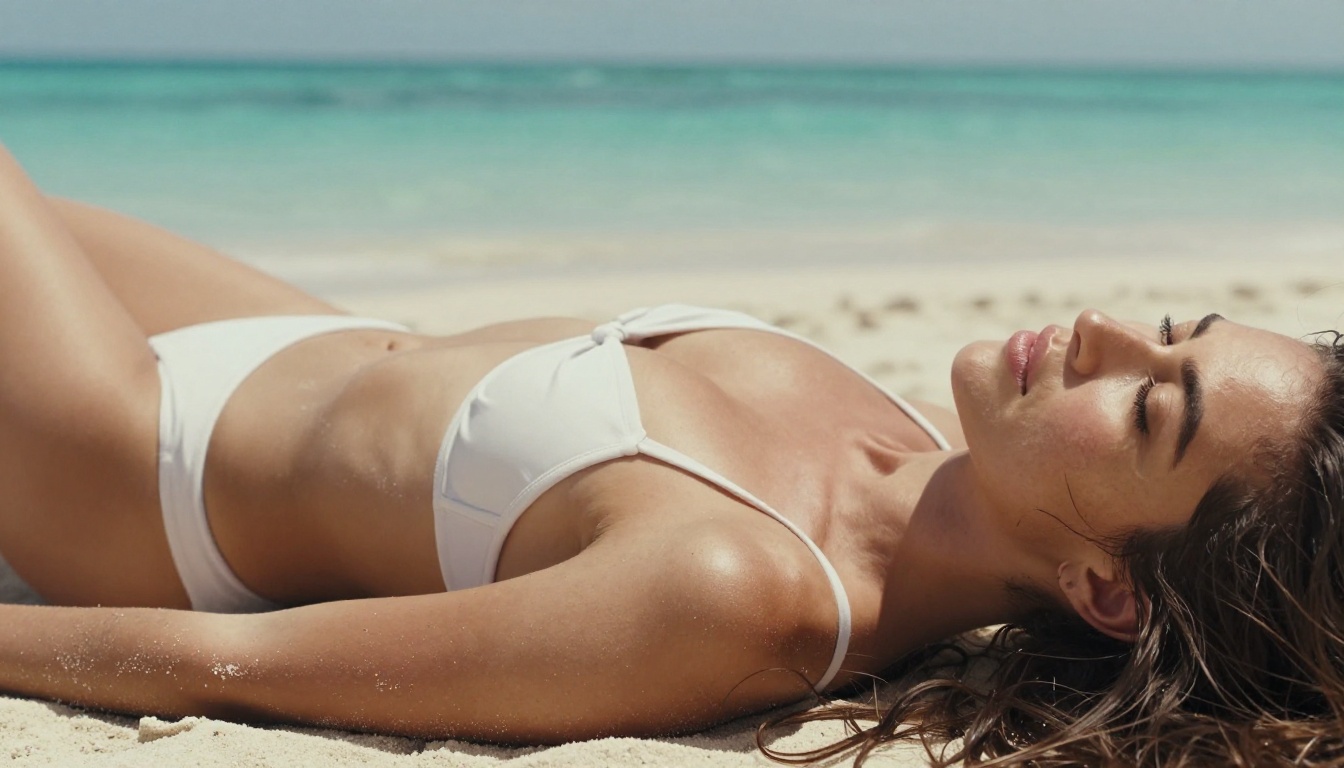
For social media creators, the big advantage is prompt fidelity: what you type is what you get. Write "sun-kissed woman in a white bikini on a tropical beach, Kodak Portra 400 film grain, 8K" and you get exactly that, not a sanitized approximation.
💡 Tip: Flux 1.1 Pro Ultra responds especially well to camera lens specs in your prompt. Add "85mm f/1.8 shallow depth of field" to dramatically increase realism and separation between subject and background.
Realistic Vision v5.1
Realistic Vision v5.1 was built specifically for photorealistic human generation. It's been a creator favorite for years because it handles faces, bodies, and skin tone consistency better than most general-purpose models.
This model excels at:
- Portrait photography with natural skin tones
- Studio glamour shots with controlled lighting
- Beach and lifestyle content with authentic backgrounds
Where it slightly falls behind Flux 1.1 Pro Ultra is in overall scene complexity. For tight portraits and close-up glamour, it remains one of the best options available.
RealVisXL v3.0 Turbo
RealVisXL v3.0 Turbo combines photorealism with speed. If you're generating large volumes of content for a social media schedule, the turbo variant gives you high-quality outputs in less time without a significant quality drop.
It's built on the SDXL architecture but fine-tuned heavily for real-world photography aesthetics. The model handles complex fabric textures, outdoor lighting scenarios, and medium-to-close portrait ranges with consistent quality.
Stable Diffusion 3.5 Large
Stable Diffusion 3.5 Large brought significant improvements in anatomy and proportion accuracy compared to earlier SD versions. For creators who work with full-body shots and fashion-style compositions, this is a major upgrade.
The model also handles complex prompt structures well, meaning you can stack multiple descriptors (lighting, lens, texture, mood) without the output falling apart. Use it when you need precise control over the final result.
SDXL
SDXL remains one of the most versatile base models in the ecosystem. Its community-trained checkpoints and wide LoRA library mean you can push it toward almost any aesthetic, from soft editorial to high-contrast glamour.
For social media creators who want consistency across a large body of work, SDXL paired with a style-specific LoRA is a highly effective workflow. The SDXL ControlNet LoRA variant takes it further by letting you control pose and composition directly.
How to Use Flux on PicassoIA
Since Flux 1.1 Pro Ultra sits at the top of the photorealism rankings, here's a step-by-step walkthrough on using it through PicassoIA for social media content.
Step 1: Pick Your Model
Go to the Flux 1.1 Pro Ultra model page on PicassoIA. You'll also see Flux 2 Pro and Flux Dev listed in the collection. For maximum photorealism, stick with Ultra. For faster iteration on drafts, Flux Schnell is the speed-optimized option.
Step 2: Write a Strong Prompt
The prompt is everything. Here's a structure that works consistently for glamour and lifestyle social media content:
[Subject Description] + [Clothing/Style] + [Setting/Environment] + [Lighting Conditions] + [Camera/Lens Specs] + [Film Emulation/Texture]
Example prompt:
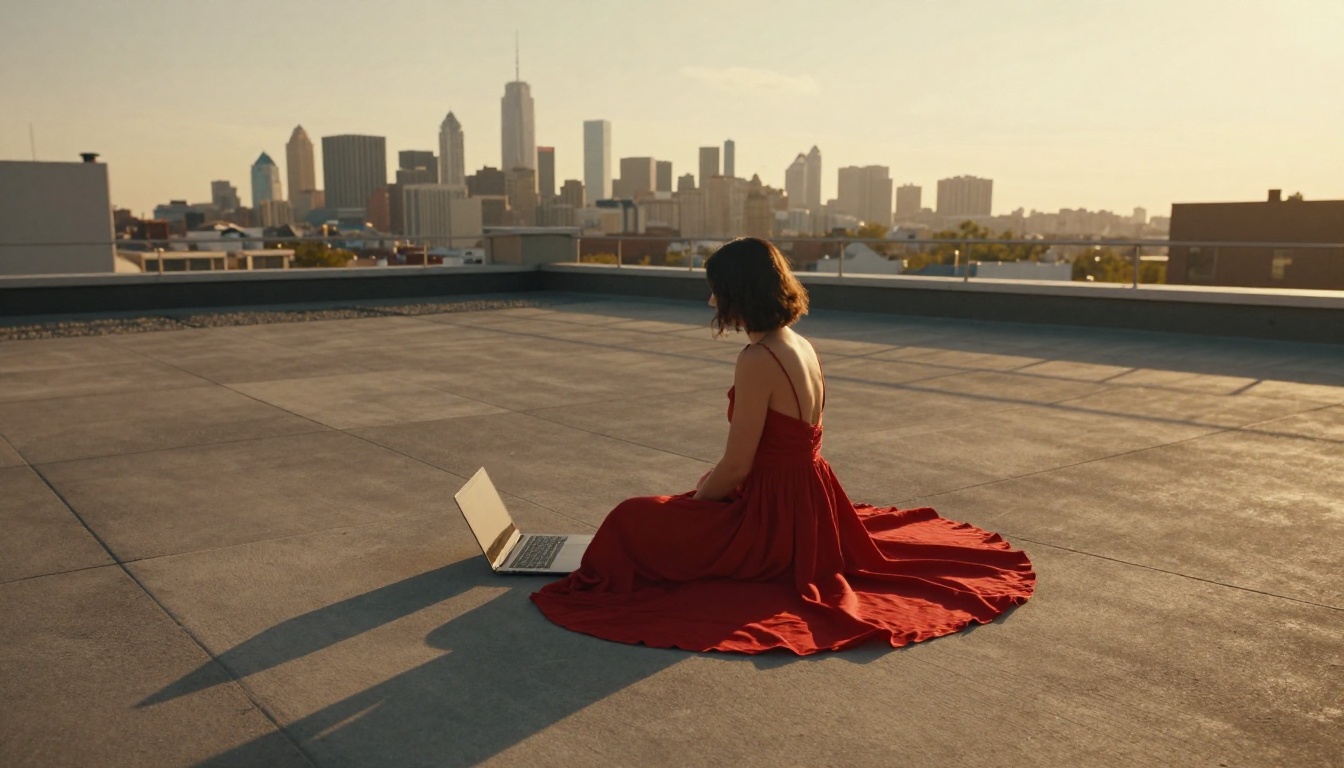
"Beautiful woman in a silk crop top and high-waisted shorts sitting on a white rooftop terrace, golden afternoon sidelight from the right, Canon 85mm f/1.4 shallow depth of field, Kodak Portra 400 film grain, 8K photorealistic, warm amber color grade"
Step 3: Tweak Your Parameters
PicassoIA lets you control several parameters that directly affect output quality:
| Parameter | Recommended Setting | Why |
|---|
| Aspect Ratio | 16:9 or 4:5 | Best for feed posts and wide editorial shots |
| Steps | 30-40 | More steps = sharper fine detail |
| CFG Scale | 7-9 | Higher = more prompt-literal output |
| Seed | Fixed number | Reproducible results for series content |
💡 Tip: For social media series content, fix your seed and change only the clothing or background. This creates a visually consistent look across multiple posts, which is great for brand building.
Prompts That Get Results
The single biggest difference between mediocre AI output and scroll-stopping content is prompt quality. Here's what actually works for social media creators.
Glamour and Bikini Shoots
The secret to photorealistic glamour content is specificity. Vague prompts produce vague results.
What not to write: "pretty woman at the beach"
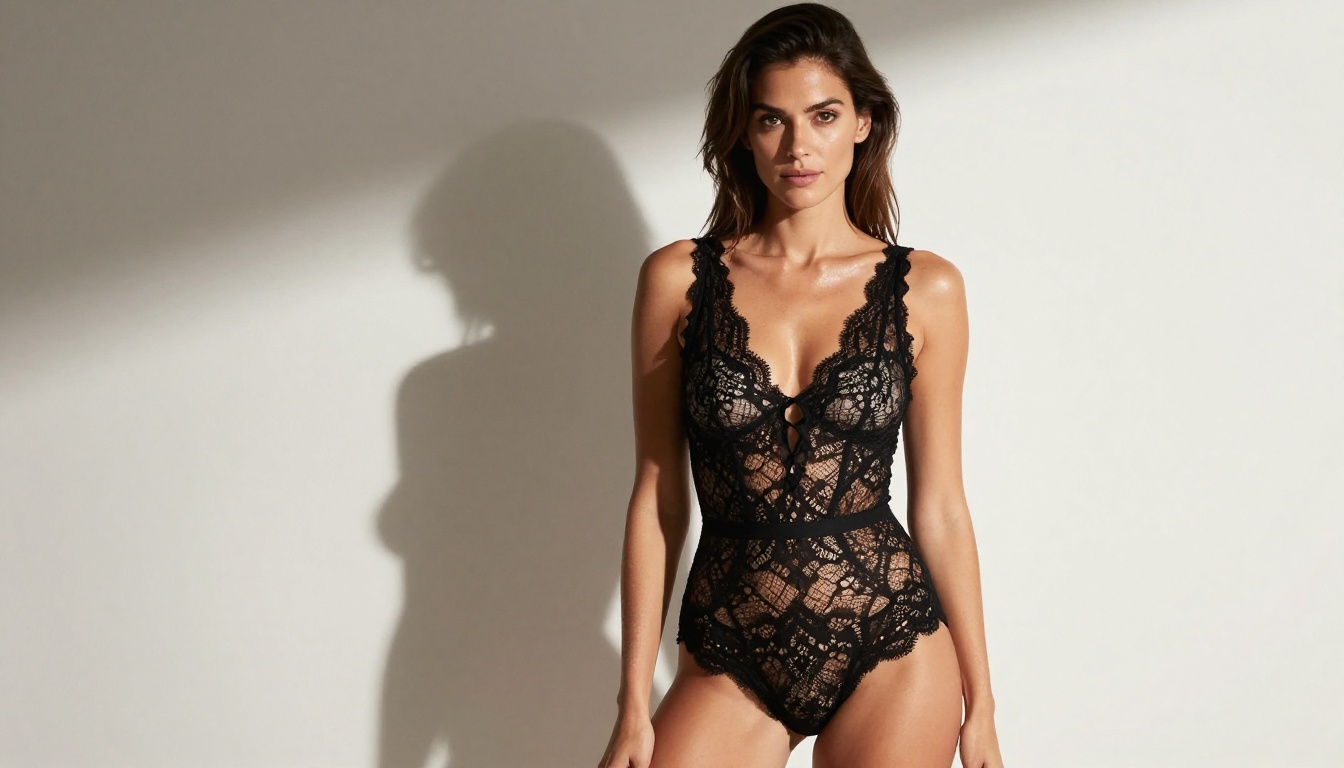
What to write: "Woman in a white triangle bikini lying on white sand beach, afternoon golden sidelight from the left, Canon 50mm f/1.8, shallow depth of field, sun-kissed skin with natural texture, turquoise ocean horizon, Kodak Portra 400 grain, 8K"
The additions that matter most: camera lens specification, lighting direction, film emulation, and specific clothing description. These four elements alone will push your outputs from generic to editorial.
Artistic Implied Content
For more artistic, suggested content, lean into shadow, fabric, and composition to do the work:
- "Draped in white linen, back to camera, standing in soft morning backlight"
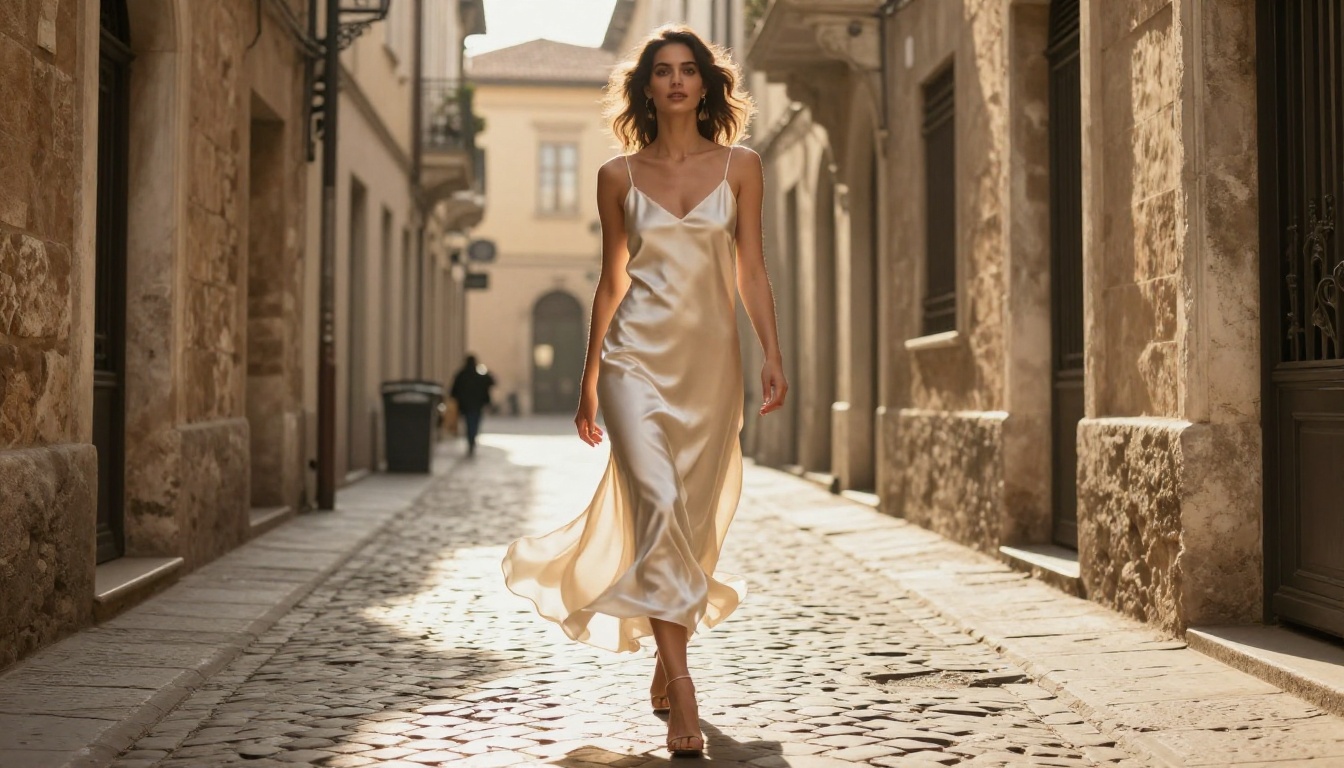
- "Silk robe slipping off one shoulder, viewed from behind, warm candlelight from left"
- "Wet hair, minimal coverage, ocean water in foreground, natural skin tone, golden dusk light"
These prompt structures are regularly accepted by platforms like Instagram and Pinterest while still delivering the aesthetic impact creators are after.
Knowing what you can actually post is as important as knowing what you can generate. Here's a quick breakdown by platform.
Platform-by-Platform Breakdown
| Platform | What's Allowed | What Gets Flagged |
|---|
| Instagram | Bikinis, implied nudity (covered), artistic toplessness | Nipples, genitalia, explicit acts |
| TikTok | Swimwear, suggestive but clothed content | Revealing content in certain contexts |
| X (Twitter) | Adult content with sensitive flag enabled | Non-consensual content, minors |
| Pinterest | Lifestyle, artistic, fashion imagery | Explicit nudity |
| OnlyFans | Explicit adult content (verified accounts) | Minors, non-consensual content |
| Fanvue | Explicit adult content (verified accounts) | Same as OnlyFans |
Most social media creators targeting mainstream platforms will want to stay in the editorial glamour range: confident, attractive, visually striking without explicit content. The AI models listed above deliver exactly that.
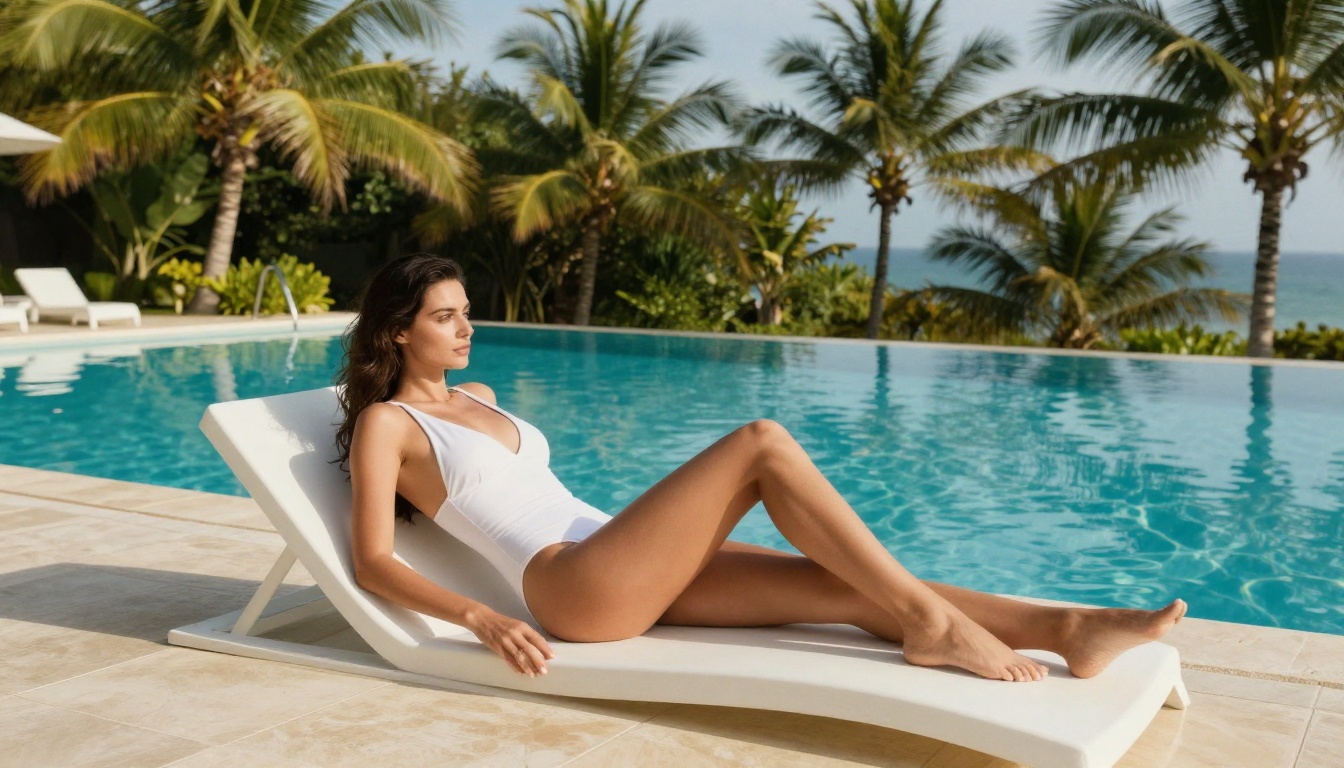
💡 Tip: For Instagram specifically, a good mental benchmark is "what appears in a Sports Illustrated swimsuit issue is fine." Use that as your threshold when deciding whether a generated image is safe to post.
Comparing the Top Models
Here's a side-by-side comparison of the top models available for social media content creation:
Tips for Better Outputs
Getting from "decent AI image" to "this looks like a real photo shoot" requires a few consistent habits.
Lighting Words That Work
Lighting is the single most underused element in AI prompts. These descriptors consistently produce better results:
- "Volumetric morning light from the left" for soft, warm indoor scenes
- "Golden hour sidelight from behind" for outdoor rim-light effects
- "Rembrandt lighting from upper-right" for dramatic studio portraits
- "Overcast diffused light" for even skin tones without harsh shadows
- "Candlelight from below-left" for intimate, warm indoor scenes
Pair any of these with "Kodak Portra 400 film grain" and you add an authentic film photography quality that makes AI outputs look genuinely shot on camera.
Avoid These Prompt Mistakes
3 common mistakes that hurt output quality:
-
Being too vague: "Beautiful woman" gives the model nothing to work with. Specify clothing, pose, setting, lighting, and camera details every time.
-
Stacking conflicting styles: Asking for "realistic photographic style with painterly artistic brushwork" creates confused outputs. Pick one aesthetic direction and commit to it.
-
Forgetting the background: A beautifully rendered subject on a generic white background loses visual impact. Always describe the environment: "white sand beach with turquoise water" or "minimalist marble studio with soft window light."
💡 Tip: Build a personal prompt library. Save the exact prompts that produce your best results and use them as templates. Most successful AI content creators have 5-10 core prompts they iterate on rather than starting from scratch every time.
Start Creating With PicassoIA
The tools exist. The models are better than they've ever been. The gap between AI-generated content and real photography is closing fast, and the creators who move now are the ones who will own the aesthetic space in their niche.
PicassoIA gives you access to all the models covered in this article, including Flux 1.1 Pro Ultra, Flux 2 Pro, Realistic Vision v5.1, RealVisXL v3.0 Turbo, and Stable Diffusion 3.5 Large, all in one place, without the friction of local installs or API key management.
Take one of the prompt formulas from this article, load it into Flux 1.1 Pro Ultra, and see what comes out on the first try. Iterate from there. The best AI social media content starts with a single well-written prompt.