Every AI image generator claims to be powerful. Very few tell you what you can actually do with the images they create. Bria 2.3 breaks that pattern by making commercial licensing the centerpiece of its design, not an afterthought buried in terms of service. If you are a brand, agency, or creator who needs images for ads, product pages, or campaigns, this is one of the few models built specifically for that job.
What Makes Bria 2.3 Different
BRIA AI is an Israeli AI company that took a deliberately different path from every other major image model provider. Instead of scraping the web and hoping the legal disputes would resolve themselves, BRIA licensed every image in its training dataset from day one. The result is a model that generates visuals you can use in paid media, on product packaging, and in broadcast advertising without a legal department review.
This is not a minor distinction. It is the entire product thesis.
The Copyright Problem in AI Images
Most AI image generators were trained on datasets assembled by scraping publicly accessible images from the internet. That includes photographs, illustrations, and designs from individual creators who never consented to having their work used for AI training.
Getty Images filed suit against Stability AI in 2023. The Artists Rights Society has pursued similar claims against multiple AI companies. These cases are still working through courts in the US and UK, and the outcomes will determine the liability status of every image generated by models trained on unlicensed data.
When your marketing team uses outputs from those models for paid advertising, you inherit that legal exposure. Several major brands have already quietly pulled AI-generated campaigns after receiving cease-and-desist letters from rights holders. The risk is real, and it scales with the visibility of your campaigns.
💡 The practical impact: If you use AI images from unlicensed models in paid media, you could face copyright infringement claims even if you paid for the tool that made them. The license to use the tool does not transfer ownership of the training data.
How Bria Solved It
BRIA built a closed, curated dataset from fully licensed sources, including stock agencies, Getty contributors, and directly contracted photographers and illustrators who agreed to have their work used for training. Every image in the Bria 2.3 training set has a documented paper trail of ownership and consent.
Beyond that, BRIA designed a revenue-sharing arrangement where the original content creators receive compensation when the model generates commercial outputs. This is a contractual system that gives the model genuine clean IP status and positions BRIA to indemnify enterprise customers against third-party IP claims.
The practical result: you can use Bria 2.3 outputs in your commercials, billboard campaigns, Amazon product listings, and programmatic ad creative without worrying about an artist recognizing their training data in your ad.

Bria 2.3 vs the Competition
Here is how the major text-to-image models compare on the criteria that matter most for commercial use.
| Model | Commercial License | Training Data | IP Indemnity | Enterprise Ready |
|---|
| Bria 2.3 | Yes, full commercial | Licensed only | Yes | Yes |
| Midjourney | Paid tiers only | Scraped web | No | Limited |
| DALL-E 3 | OpenAI terms apply | Mixed sources | Limited | Partial |
| Stable Diffusion XL | Varies by version | Scraped web | No | No |
| Adobe Firefly | Yes | Licensed + Adobe Stock | Yes | Yes |
| Flux Pro | Limited commercial | Mixed | No | No |
Bria 2.3 and Adobe Firefly are the two models with genuinely clean IP status in this category. Firefly has stronger brand recognition and tighter Adobe ecosystem integration, but Bria offers more flexible API access and a broader set of product-specific commercial tools that have no equivalent in the Firefly suite.
Image Quality That Holds Up
The realism on Bria 2.3 outputs is competitive with top-tier models for commercial content. The model excels at:
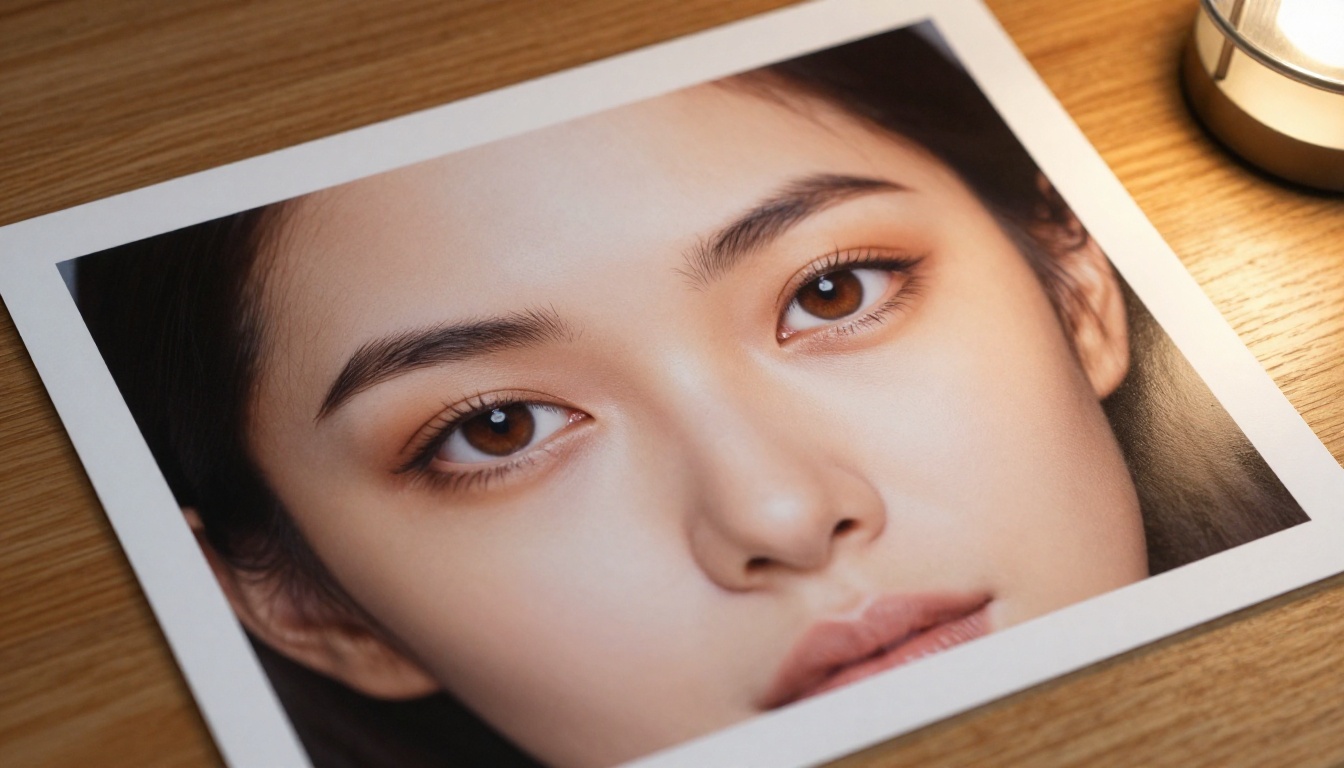
- Human faces: Natural skin texture, accurate anatomy, consistent lighting across variations
- Product photography: Realistic material properties, accurate reflections, clean professional compositions
- Lifestyle scenes: Convincing depth of field, natural ambient lighting, believable spatial relationships
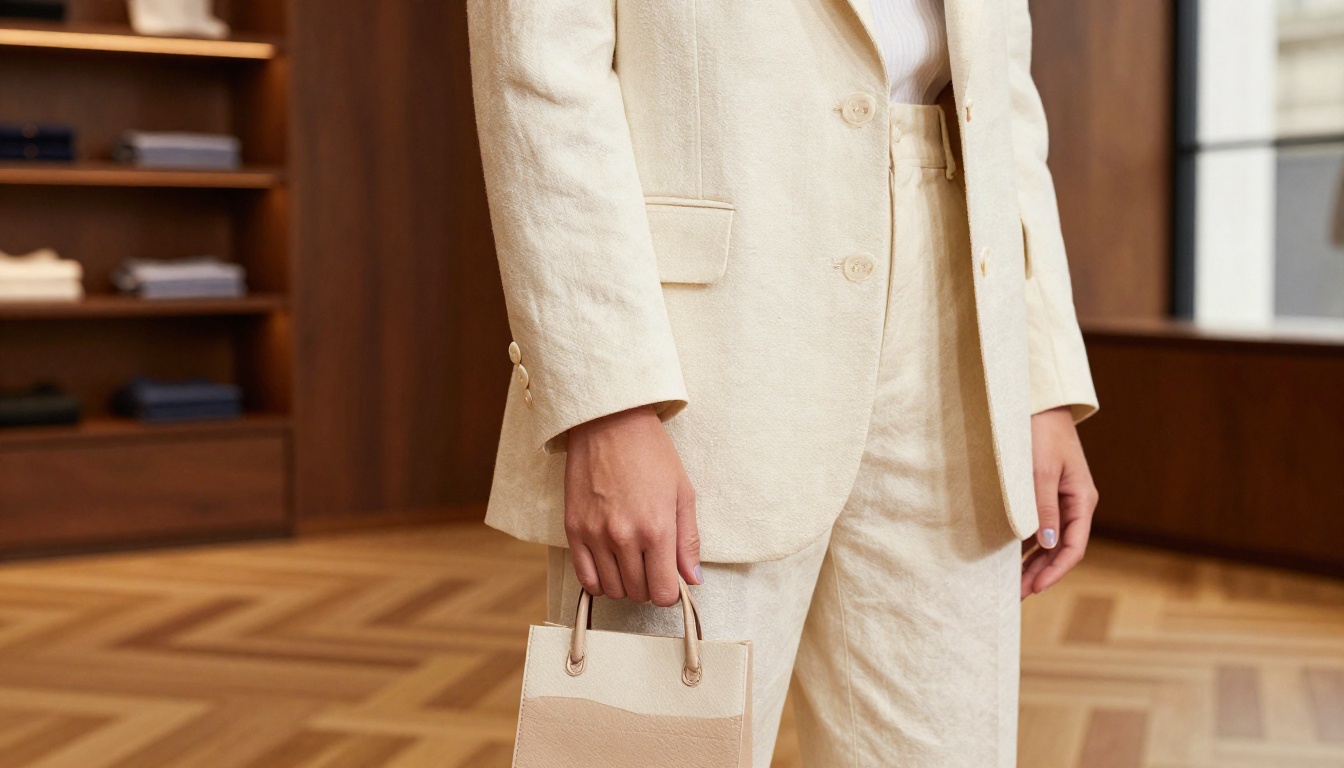
- Fashion and apparel: Accurate fabric drape and weave texture, consistent color fidelity across batches
Where it sits below the absolute frontier is in highly experimental or stylized directions. Bria 2.3 was trained and tuned for commercial photorealism. If you need painterly illustration styles or abstract art, other models perform better in those categories. But for the 80% of commercial use cases that need clean, realistic imagery, the output quality is excellent.
Commercial Rights: The Real Difference
The licensing advantage comes down to three concrete points:
- Indemnification: BRIA AI indemnifies enterprise customers against IP claims arising from the model's training data, a meaningful legal shield that no scraped-data model can offer.
- Scope of use: Outputs can be used in paid advertising, print, broadcast media, e-commerce listings, and product packaging with no additional licensing fees per image.
- No attribution required: Unlike many open-source models, Bria 2.3 outputs do not require you to credit BRIA or disclose AI generation in your published materials.

Bria 2.3 is not just one model. The BRIA ecosystem includes a full suite of focused commercial image tools that work together across the production workflow, from initial generation through background replacement, product isolation, shadow compositing, and generative editing.
Core Image Generation
The primary model, BRIA Image 3.2, handles text-to-image at high resolution with commercial-grade output quality. The diffusion architecture is similar to other frontier text-to-image systems, but the training distribution is heavily weighted toward photorealistic commercial content, which shows clearly in the outputs.
BRIA FIBO is their fast inference variant, optimized for high-volume generation at lower compute cost. It is the right choice when you need dozens or hundreds of variations quickly, such as when producing creative test assets for A/B paid campaigns.
Editing and Post-Processing Tools
This is where Bria separates itself from most image generators. The ecosystem includes dedicated tools for every stage of commercial image production:
Background and Composition:
- BRIA Generate Background: Replace or generate entirely new backgrounds for product images using text prompts
- BRIA Expand Image: Outpainting to extend image borders in any direction while maintaining visual consistency
- BRIA Eraser: Precise removal of unwanted elements without leaving artifacts or seam lines
Product-Specific Tools:
Generative Editing:
- BRIA GenFill: Inpainting to fill or replace masked areas with prompt-guided AI-generated content
- BRIA FIBO Edit: Fast instruction-based image editing for applying changes across image batches at scale
💡 For e-commerce teams: The combination of BRIA Product Cutout, Product Shadow, and Generate Background can replace a significant portion of your studio photography budget for product catalog images. Brands running 500-plus SKU catalogs have used this workflow to cut photography costs by 60 to 80 percent.
How to Use Bria Models on PicassoIA
All BRIA models are available directly on PicassoIA without any API setup or registration with BRIA separately. Here is a practical product image generation workflow from prompt to production-ready asset.

Step 1: Generate the Base Image
- Open BRIA Image 3.2 on PicassoIA
- Write a detailed product prompt. Specificity directly affects output quality: include material, lighting direction, background color, and camera angle
- Example prompt: "A glass perfume bottle with a gold metallic cap, placed on a white marble surface, soft diffused studio lighting from the upper left, clean white background, sharp reflections on curved glass surface, commercial product photography, 4K"
- Set the appropriate aspect ratio. For e-commerce product thumbnails, 1:1 ratio works well; for lifestyle images, 16:9 or 4:3
- Generate at least four variations and select the strongest composition before moving to the next step
Step 2: Remove and Replace the Background
- Upload your selected output to BRIA Product Cutout
- The model automatically isolates the product on a transparent background
- Move to BRIA Generate Background and describe your target scene with a text prompt
- Scene examples that perform well: "Luxury bathroom vanity with marble tiles and soft morning light", "Minimalist white studio with concrete floor", "Outdoor terrazzo table at golden hour with blurred garden background"
Step 3: Add Shadows and Finishing
- Upload the composite to BRIA Product Shadow
- This step adds a ground plane shadow that makes the product appear physically present in the scene rather than floating above it
- Choose natural contact shadow for lifestyle scenes or soft drop shadow for studio-style clean backgrounds
Step 4: Fine-Tune with Generative Editing
- If any element needs correction, use BRIA GenFill to repaint specific areas
- Draw a mask over the problem area and provide a replacement prompt describing what should fill it
- For isolated objects or small distractions, BRIA Eraser handles clean removal without affecting the surrounding image
💡 Parameter tip: For ad creative destined for paid media, always generate at maximum resolution from the start. Even with super-resolution post-processing, native high-resolution outputs outperform upscaled images in fine detail and artifact-free results.
Real-World Use Cases
Product Photography Without a Studio
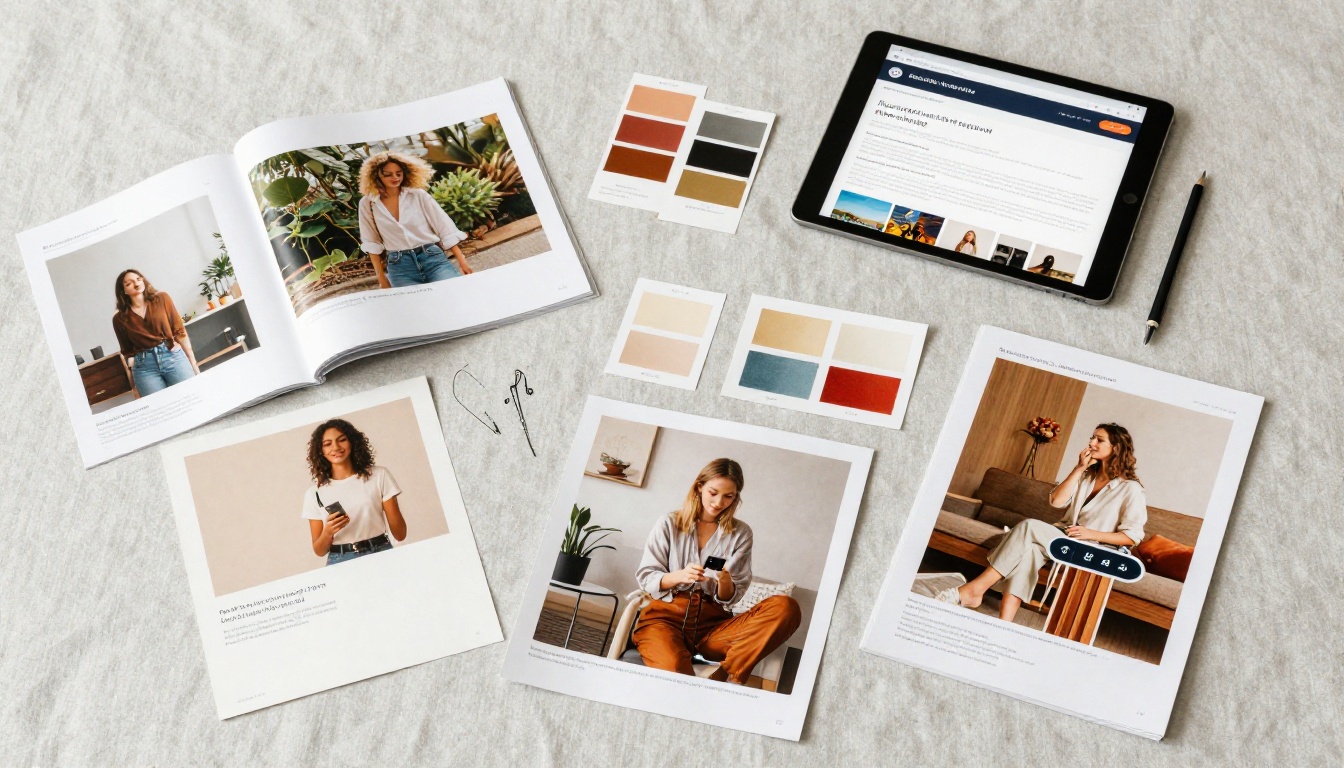
Traditional product photography for a 200-SKU catalog runs between $5,000 and $20,000 depending on product complexity, studio time, and photographer rates. With the BRIA product tools on PicassoIA, brands can generate catalog-quality images at a fraction of that cost, with the legal clarity to use them in paid ad placements from day one.
The workflow is particularly strong for:
- Cosmetics and skincare: High-reflectance glass and metallic surfaces, accurate color rendition, minimalist studio aesthetics
- Accessories: Bags, shoes, and jewelry with accurate leather grain, stitching detail, and material sheen
- Electronics: Clean hardware visuals with precise proportions and controlled reflections
- Food and beverage packaging: Packshot generation for label approval mockups and retailer asset portals
Ad Campaigns, No Legal Headaches
Digital advertising is where the licensing advantage of Bria 2.3 becomes most tangible. Major ad platforms do not currently audit image provenance in creatives, but legal scrutiny of AI-generated advertising content is increasing rapidly.
Bria 2.3 gives marketing teams a defensible position: all generated images are provably free of third-party IP claims. This matters specifically when:
- Running paid social at scale where image volume is high and creative refresh cycles are short
- Creating market-specific ad variants with localized imagery for different regions
- Building dynamic creative optimization setups requiring hundreds of image variants per campaign
- Producing content for regulated industries where documentation of content origin is required by compliance teams
Social Content at Scale
Content teams running high-frequency social channels need consistent brand imagery at volumes that stock photography cannot economically support. Bria 2.3 addresses this through:
- BRIA FIBO for fast batch generation of social post visuals with consistent style and mood
- BRIA FIBO Edit for applying brand-specific edits across large image batches efficiently
- BRIA Expand Image for adapting horizontal 16:9 images to vertical 9:16 formats for Stories and Reels without recropping the primary subject
Who Should Use Bria 2.3
| Team Type | Primary Use Case | Best BRIA Tools |
|---|
| E-Commerce Brand | Product catalog images | Product Packshot, Product Cutout, Product Shadow |
| Digital Marketing Agency | Paid social ad creatives | BRIA Image 3.2, FIBO |
| Content Creator | High-volume social imagery | BRIA FIBO, FIBO Edit |
| Product Designer | Concept mockups and prototypes | BRIA Image 3.2, GenFill |
| Advertising Agency | Campaign visuals and variations | BRIA Image 3.2, Expand Image |
| Developer or SaaS Builder | API-based image generation | BRIA Image 3.2, Product tools |
The clearest signal that Bria 2.3 is the right choice is when commercial licensing is a hard requirement, not a nice-to-have. If your outputs will appear in paid media, on product packaging, or in any context where IP ownership matters, the legal clarity that BRIA provides is worth more than marginal quality differences from unlicensed alternatives.
For teams that operate purely in non-commercial or personal creative contexts, other models may offer more stylistic range. But for anyone producing visual content at a professional or business level, the IP situation matters, and Bria 2.3 is currently one of only two production-grade models that has resolved it.
Start Creating Commercial Images Now
The barrier between having an idea and having a production-ready commercial image has never been lower. Bria 2.3 on PicassoIA gives you direct access to the full BRIA toolkit: base image generation, product cutout, shadow compositing, background replacement, and generative editing, all in one platform with zero API setup required.
If you run paid campaigns, manage a product catalog, or create brand assets that require a clean IP chain, BRIA Image 3.2 is where to start. Write a detailed prompt, generate your first batch, and compare the output quality and licensing situation against whatever you are using today. The results are usually self-evident.
PicassoIA brings together over 90 text-to-image models, which means you can compare Bria 2.3 outputs directly against other frontier models in the same session. Try BRIA FIBO for fast volume generation, BRIA GenFill for precision generative editing, or the full BRIA Product Packshot workflow for catalog production at scale. Your next campaign visual is one prompt away.


