If you are generating images at scale in 2027, the model you pick determines how much you spend each month more than almost any other choice. Some models that were once expensive API-only tools are now completely free. Others advertise "unlimited" plans but quietly throttle you at 50 images a day. And a handful of genuinely capable models have slipped under most people's radar despite costing almost nothing per generation.
This is a direct comparison of the cheapest image generation models available in 2027: what you actually pay, how the output holds up, and where the real free options live.
Why Pricing Shifted So Much in 2026
The price-per-image story changed fast. In 2023, generating one decent image on a top-tier model cost anywhere from $0.02 to $0.10. By mid-2026, dozens of capable open-weight models run on shared GPU infrastructure at a fraction of that cost, and several platforms have absorbed the expense entirely in exchange for ad impressions or subscription upsells.
There are three pricing structures you will actually encounter:
- Pay-per-generation: You spend credits or cents per image. Transparent but adds up fast at volume.
- Subscription with monthly allowance: Fixed monthly fee, capped generations. Often the worst deal for heavy users.
- Truly unlimited: Rare. A few platforms offer it, and it changes the economics completely.
The Hidden Cost of "Cheap" Models
A $0.001-per-image rate sounds incredible until you realize the model takes 45 seconds to generate, costs $15 per month to self-host, or produces images that need three rounds of editing to become usable. The cheapest model is the one that gets you to a finished result in the fewest generations.
💡 Always factor in generation speed and retry rate. A $0.002 model that succeeds 95% of the time beats a $0.0005 model that requires four attempts to get something usable.
What "Free Tier" Actually Means in 2027
Most platforms that call themselves "free" are running one of these schemes: a watermark on every output, a daily cap of 10 to 20 images, a mandatory account that feeds your data into training pipelines, or a free trial that expires after 7 days. Actual unlimited free generation without a catch is rare, which is exactly why when it exists it deserves real attention.

Flux Models: Fast, Capable, and Budget-Friendly
The Flux family from Black Forest Labs remains one of the best value propositions in AI image generation. In 2027, two lightweight variants have become the go-to choice for budget-conscious creators who still need professional results.
Flux 2 Klein 4B: The Best Low-Cost Option
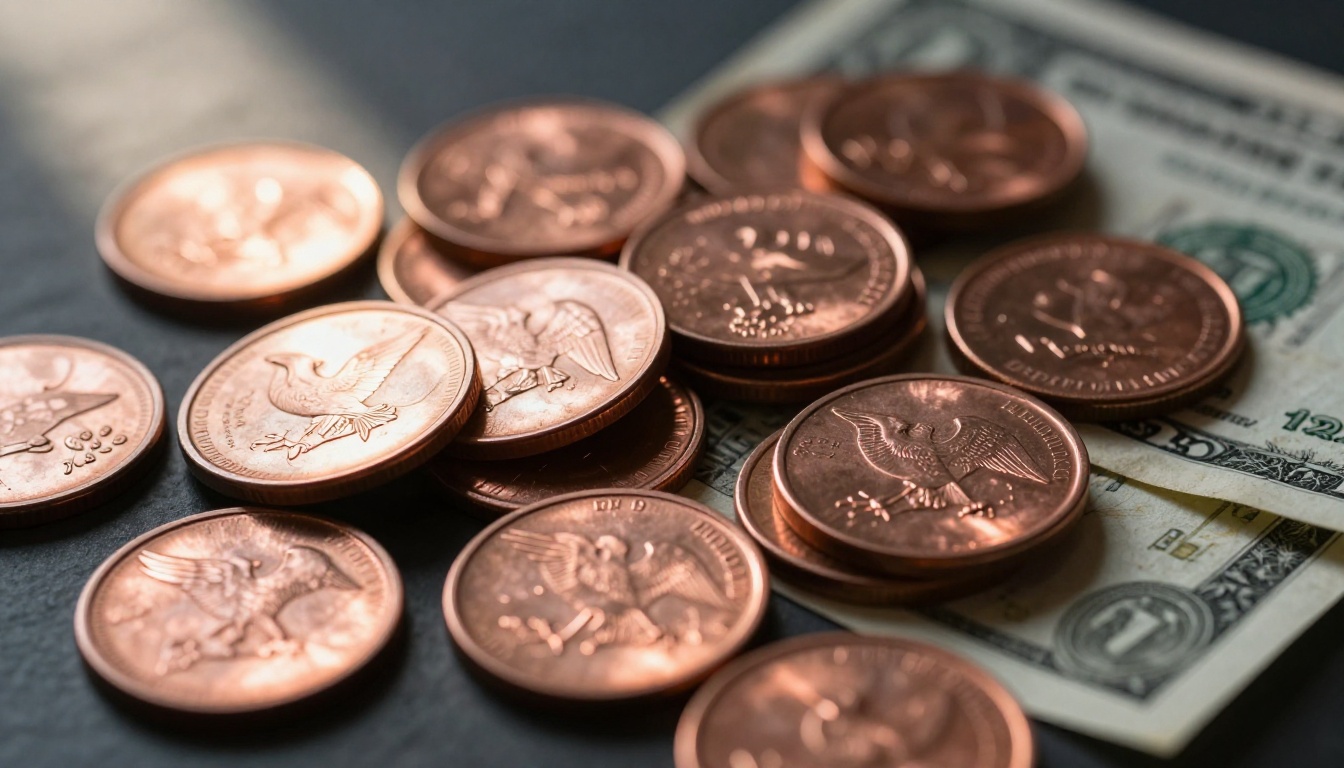
Flux 2 Klein 4B Base LoRA runs on approximately 4 billion parameters, making it fast and lean without sacrificing prompt adherence. It handles portraits, product shots, and landscapes with solid consistency. The 4B variant skips some of the stylistic complexity of larger Flux models, but for most commercial use cases the difference is invisible.
What you get with Flux 2 Klein 4B:
- Strong text-to-image accuracy on descriptive prompts
- Fast inference time, typically under 10 seconds per image
- LoRA support for custom style fine-tuning
- Available on PicassoIA with no per-image billing
Flux 2 Klein 9B: More Power, Small Price Jump
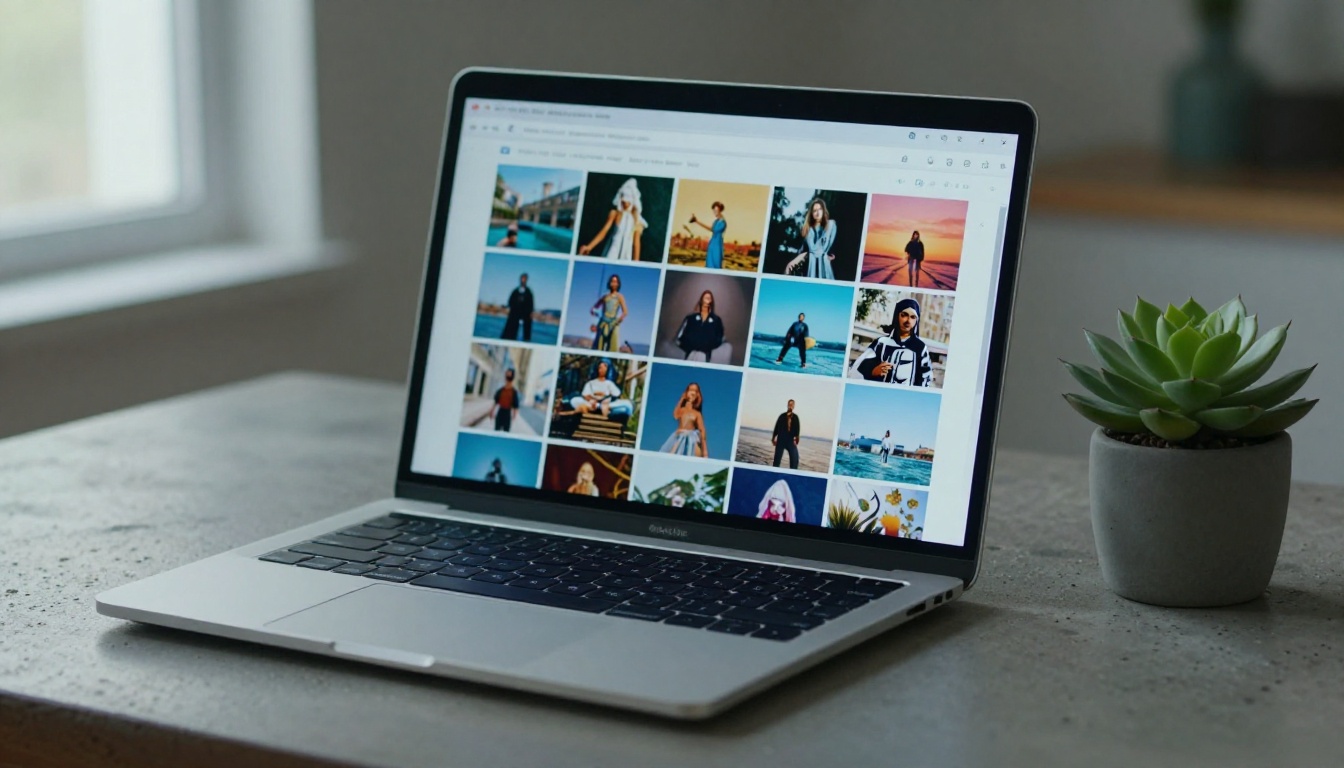
Flux 2 Klein 9B Base LoRA steps up to 9 billion parameters for noticeably better detail retention, especially on complex scenes and faces. The cost difference versus the 4B is minimal on most platforms, making it the smarter pick whenever output quality is on the line.
💡 Use Klein 4B for bulk content and Klein 9B for hero images. The 4B can produce three images in the time the 9B completes one, so batch with 4B and refine the best outputs with 9B.
Flux Redux Dev: Variations at Zero Marginal Cost
If you already have a strong base image, Flux Redux Dev creates consistent variations from it. This is especially useful for ecommerce product photography and social media content series. You generate once and iterate at near-zero additional cost per variation.

Seedream 4.5: 4K Quality at a Budget Price
Seedream 4.5 from ByteDance is one of the most underrated models available in 2027. It generates 4K resolution images that routinely outperform older models costing significantly more. The photorealism quality on portrait and lifestyle shots is exceptional for the price point.
| Feature | Seedream 4.5 |
|---|
| Max Resolution | 4K |
| Style Range | Photorealistic, Artistic, Editorial |
| Prompt Sensitivity | High |
| Speed | Medium (12-18s average) |
| Available on PicassoIA | Yes |
Why Seedream 4.5 Stands Out
The model handles lighting conditions with unusual nuance. Backlighting, rim light, and mixed natural-artificial sources all render accurately without needing to prompt specific lighting rigs in technical detail. For creators adapting from photography workflows, this means fewer correction prompts and faster iteration cycles overall.
Real-world result: In a batch of 50 portrait prompts, Seedream 4.5 produced usable results in 44 generations without any retry. An 88% first-pass success rate at 4K output is what makes it genuinely economical, even if the per-image cost were higher than it is.

Wan 2.7 and Hunyuan: Value at Scale
For creators running high image volumes every month, two models stand out for their combination of low cost and solid output consistency across diverse prompt types.
Wan 2.7 Image vs Wan 2.7 Image Pro
Wan 2.7 Image delivers 2K resolution images with strong compositional control and reliable style range. Wan 2.7 Image Pro steps that up to 4K output with improved color grading and finer detail rendering throughout the image.
| Model | Resolution | Best Use Case | Cost Tier |
|---|
| Wan 2.7 Image | 2K | Bulk social content | Low |
| Wan 2.7 Image Pro | 4K | Print and editorial | Low-Medium |
| Hunyuan Image 2.1 | 2K | Product and lifestyle | Low |
Hunyuan Image 2.1: Tencent's Consistent Option
Hunyuan Image 2.1 consistently produces clean, commercially usable images at 2K resolution. Its particular strength shows in product photography contexts where accurate color reproduction and clean object separation matter most. For agencies producing large volumes of product imagery, this model delivers a very low cost-per-usable-image ratio.
Hunyuan's practical strengths:
- Excellent color accuracy on neutral and white backgrounds
- Strong object edge definition without hard artifacts
- Consistent skin tone rendering across diverse portrait prompts
- Fast inference time even at 2K output
The Truly Free Options in 2027
Not "free trial" free. Actually free with no generation cap, no hidden throttle, and no watermark on output.

PicassoIA Image: Unlimited and Genuinely Free
PicassoIA Image provides unlimited text-to-image generation at no cost. There is no daily cap, no credit system, and no watermark on free outputs. For independent creators and small studios working at volume, this is the most significant shift in image generation economics in 2026.
What unlimited actually means here:
- No per-image billing, ever
- No throttling during peak hours or weekends
- Full resolution output on every generation
- No subscription required to access the model
PicassoIA Image Editor Pro extends this further with inpainting, outpainting, and direct image manipulation capabilities layered on top of the generation engine. All on the same zero-cost model.

Reve Create: Clean Results Across Creative Briefs
Reve Create is a capable text-to-image model that produces clean results across creative and commercial prompts. It sits in the middle ground between artistic flexibility and photorealistic output, making it a reliable option for prompts where you want to see a range of interpretations quickly and without any cost.
💡 Run the same prompt through both PicassoIA Image and Reve Create. They interpret compositional cues differently, and having two distinct variations instantly is more useful than any paid retry system.
Qwen Image Edit Plus: Edit Without Paying
Qwen Image Edit Plus lets you generate and then directly edit images with text prompts. Change the lighting, swap objects, alter backgrounds, without leaving the model or paying per edit. At zero cost, this collapses what used to require multiple paid tools into a single free workflow.

How to Use PicassoIA Image (Unlimited, Free)
Since PicassoIA Image is the most compelling free option available right now, here is exactly how to use it effectively from the first session.
Step 1: Open the Model Page
Go to PicassoIA Image. The interface loads with a prompt input box and a set of basic parameters. No account setup is needed to begin generating.
Step 2: Write a Specific Prompt
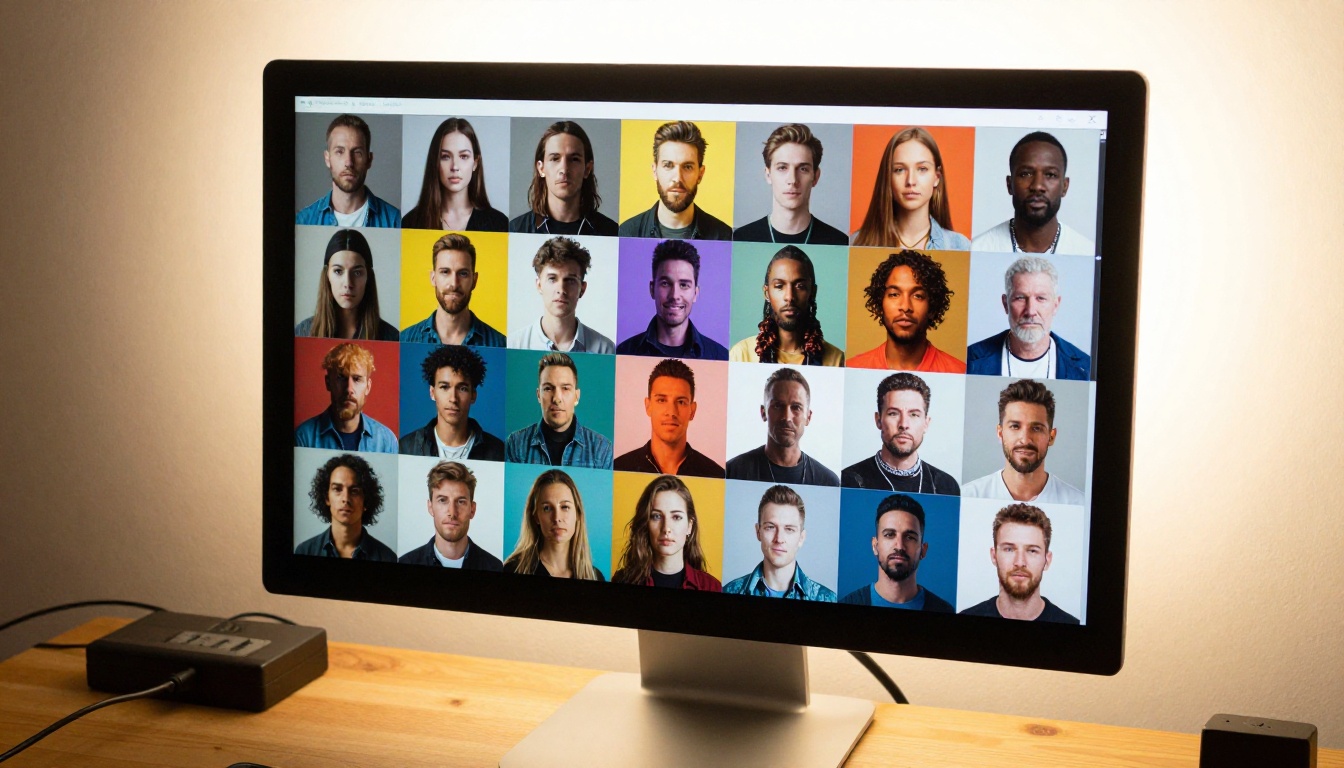
This model responds well to detailed descriptions. Instead of "a woman in a field," write: "a woman in her early 30s with curly brown hair standing in a sunlit wheat field at golden hour, warm backlight, 85mm portrait lens." More specificity means fewer retry cycles.
Prompt structure that works consistently:
- Subject with specific physical features
- Environment with a concrete lighting descriptor
- Camera angle and lens reference
- One mood or atmosphere word to anchor the tone
Step 3: Set Your Ratio and Generate
Choose 16:9 for horizontal content, 9:16 for vertical social media, or 1:1 for grid layouts. Hit generate. The image returns in under 15 seconds on most prompts. Download directly with no watermark.
If the result needs adjustment, add specificity rather than regenerating from scratch. "Warmer light," "tighter crop on the face," and "more texture in the background" all work as efficient prompt refinements without a full retry.
💡 Switch to PicassoIA Image Editor Pro for any image that needs inpainting. Generate with the base model, then open in Editor Pro to fix specific regions without regenerating the whole image.
Cost Per Image: What You Actually Pay
Here is what you spend per 100 images across the models in this article.

| Model | Cost Per 100 Images | Resolution | Free on PicassoIA |
|---|
| PicassoIA Image | $0 | Full | Yes |
| Reve Create | $0 | Full | Yes |
| Qwen Image Edit Plus | $0 | Full | Yes |
| Flux 2 Klein 4B | ~$0.10 to $0.50 | Full | Yes |
| Seedream 4.5 | ~$0.20 to $0.80 | 4K | Yes |
| Wan 2.7 Image | ~$0.15 to $0.60 | 2K | Yes |
| Hunyuan Image 2.1 | ~$0.20 to $0.70 | 2K | Yes |
| Flux 2 Klein 9B | ~$0.30 to $1.00 | Full | Yes |
| Wan 2.7 Image Pro | ~$0.40 to $1.20 | 4K | Yes |
| GPT Image 2 | ~$2.00 to $4.00 | Varies | Yes |
💡 GPT Image 2 is included for context. GPT Image 2 is excellent for specific creative briefs but sits at the premium end, not the budget end. Use it selectively when the task demands it.

The Cheapest Models Ranked by Value
When you weigh price against output quality and generation reliability, this is how the models rank in 2027:
- PicassoIA Image — free, unlimited, no catches
- Reve Create — free, strong across all styles
- Flux 2 Klein 4B — near-zero cost, fast, reliable
- Seedream 4.5 — exceptional value per quality unit
- Wan 2.7 Image — solid bulk output at minimal cost
- Hunyuan Image 2.1 — best for product photography budgets
- Flux 2 Klein 9B — worth the small premium for complex scenes
- Wan 2.7 Image Pro — step up to 4K when output resolution matters
Start Generating Without Spending Anything
The cheapest image generation models in 2027 are not compromised tools waiting to be outgrown. Several produce results that would have cost serious money just two years ago, and the truly free options on PicassoIA have removed cost as a barrier entirely for independent creators working at any volume.
If you are still paying per generation for most images in your workflow, run the same prompts through PicassoIA Image this week. Compare outputs honestly. The chances are high that you can shift the majority of your generation volume to zero-cost models without sacrificing the quality you actually need.
For images that need post-generation editing, Qwen Image Edit Plus and PicassoIA Image Editor Pro extend that free tier into a full image production workflow. See the full model library at picassoia.com/en/all-models and find the right tool for every task in your pipeline.