Seedance 2.0 is not just another AI video tool. ByteDance built it from the ground up to handle everything that makes video feel truly cinematic: natural motion, consistent characters, dramatic lighting shifts, and now, native audio in a single generation pass. And the best part? You can use it right now, completely free, without a subscription.
If you've been watching the AI video space, you already know the gap between "technically works" and "actually looks good" has been the core problem. Seedance 2.0 is the first model that makes that gap feel small enough to actually matter for creators, not just researchers.
This article breaks down exactly how to create cinematic videos with Seedance 2.0 for free, what makes the output genuinely impressive, and which prompt strategies get you from mediocre to stunning.
What Seedance 2.0 Actually Does
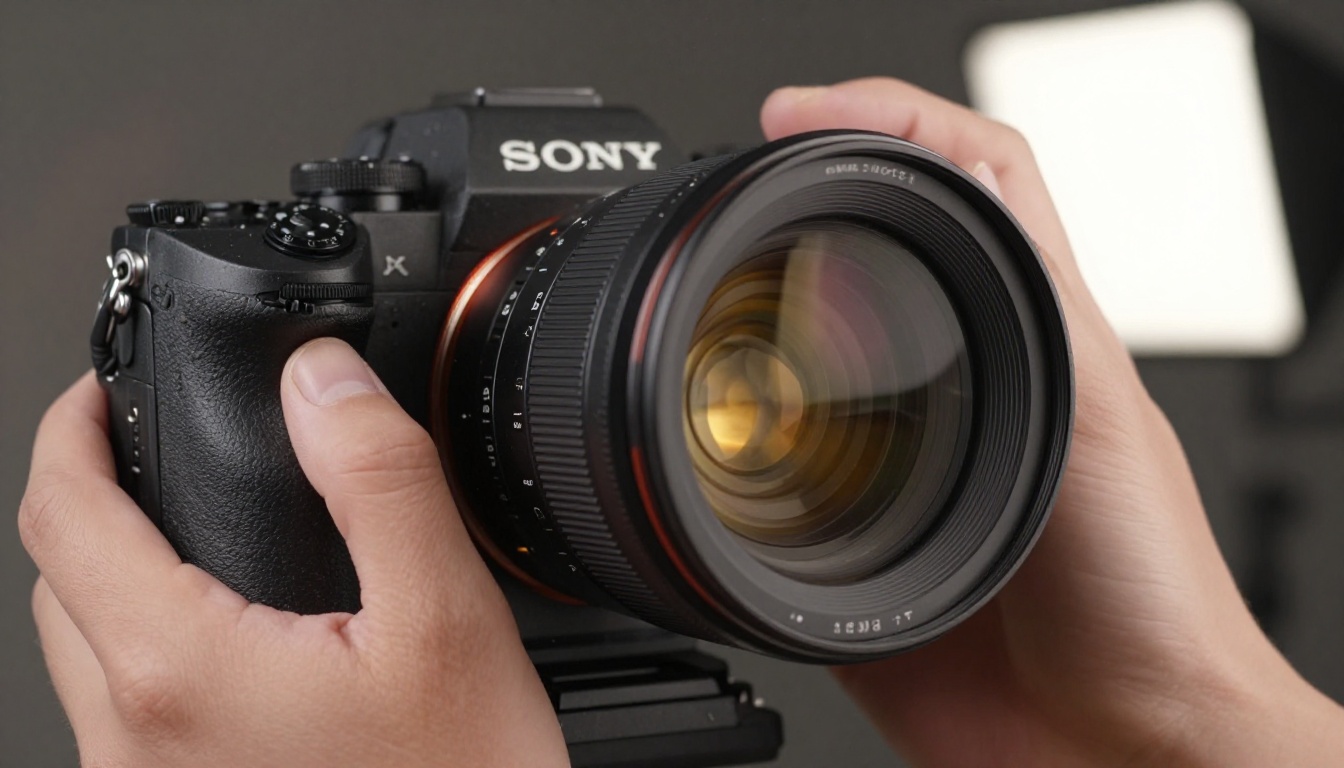
Seedance 2.0 is a text-and-image-to-video model developed by ByteDance, the same company behind TikTok. What separates it from the competition isn't raw resolution — it's behavioral realism. The model was trained to understand how things actually move in the physical world: fabric folds under tension, water reflects dynamically, faces carry micro-expressions through an entire sequence.
Text and Image to Video
Seedance 2.0 accepts both pure text prompts and image-to-video inputs. You can describe a scene from scratch, or start with a still image and let the model animate it with physically plausible motion. Both workflows produce video in high resolution with consistent quality throughout the clip, not just in the opening frame.
The image-to-video mode is particularly powerful for creators who already have a strong visual in mind. Feed it a photo of a rainstorm over a city at night, and Seedance 2.0 will add moving rain, wet reflections rippling on pavement, and the ambient sound of the storm, all without extra prompting for physics.
Native Audio Generation
One of the standout upgrades in version 2.0 is native audio synthesis. Earlier versions required post-production audio work. Now, Seedance 2.0 generates synchronized ambient sound, environmental audio, and in some prompts, dialogue and music, all within the same inference pass. This is not a tack-on feature. The audio model is deeply integrated with the visual output, so the sound of water actually matches when waves hit rocks on screen.
Resolution and Frame Quality
| Feature | Seedance 2.0 | Seedance 1.5 Pro | Seedance 1 Pro |
|---|
| Max Resolution | 1080p | 720p | 720p |
| Native Audio | Yes | No | No |
| Image-to-Video | Yes | Yes | Yes |
| Avg. Clip Length | Up to 10s | Up to 8s | Up to 5s |
| Motion Realism | Best in class | High | Good |
💡 Tip: If you want fast iterations without sacrificing quality, try Seedance 2.0 Fast for quick tests, then switch to the full model for final renders.
Why "Cinematic" Matters in AI Video
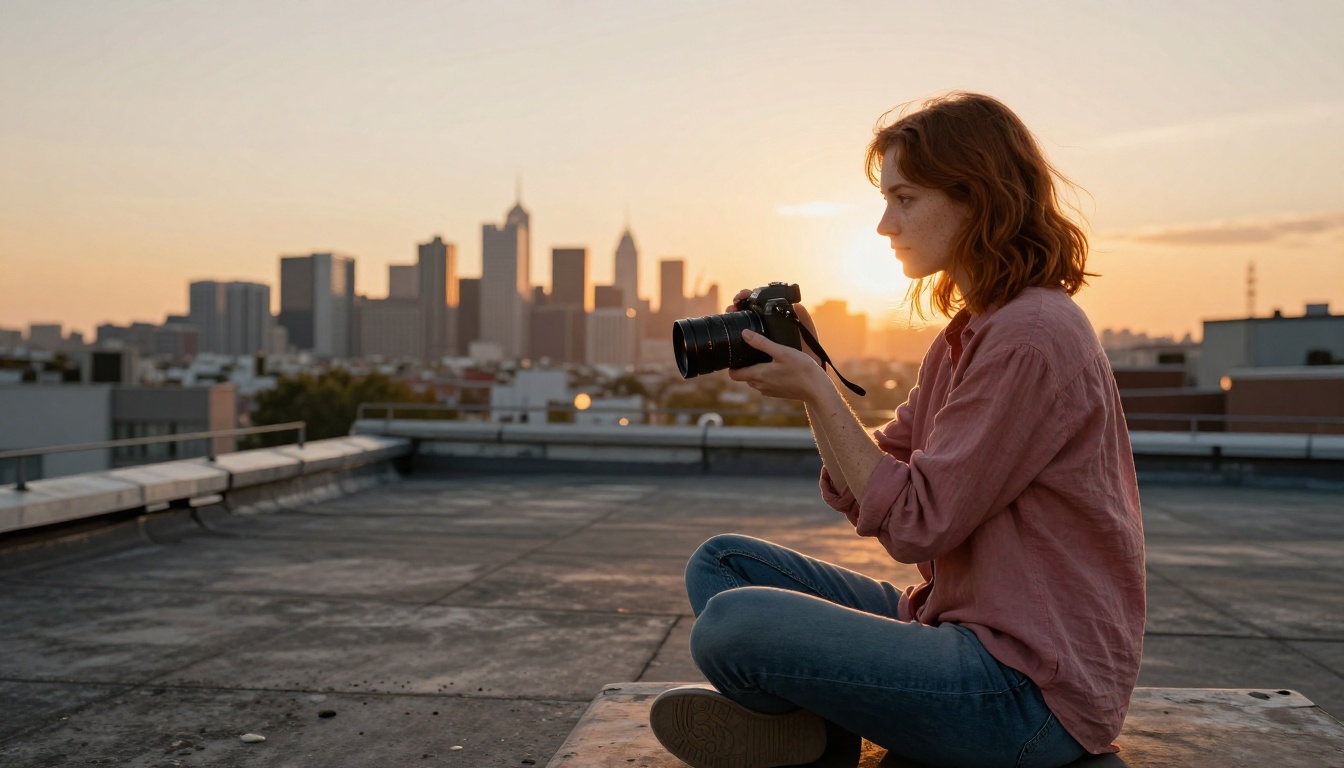
The word "cinematic" gets thrown around a lot in AI creative spaces. But there's a real definition worth holding onto: cinematic video looks like it was shot with intention. Lens choice, lighting direction, motion arc, depth of field — these elements communicate to the viewer on a subconscious level before any story content lands.
The Elements That Make Video Feel Cinematic
- Depth of field: Foreground subjects sharp, backgrounds beautifully blurred
- Natural camera motion: Slow dollies, gentle handheld wobble, smooth pans that feel like a real operator
- Lighting continuity: Light sources that behave consistently across the entire clip
- Subject motion: Characters and objects that move with weight and momentum, not the floaty stiffness of older AI models
- Color grading: Warm shadows, retained highlights, a coherent palette that reads as intentional
How Seedance 2.0 Handles Motion
Most AI video models fail at one specific thing: secondary motion. When a person walks, their clothes should move. When a car accelerates, the suspension compresses slightly. When wind crosses a field of wheat, each stalk moves at a slightly different rate. Seedance 2.0 handles secondary motion better than any previous version of the model, and better than most competing models at a similar price point.
The physics model embedded in Seedance 2.0 understands material properties. Silk moves differently than denim. Water reacts differently to a stone dropped from 1 meter vs. 3 meters. These differences aren't described in prompts — they're inferred from the material context the model was trained on.
Writing Prompts That Get Real Results
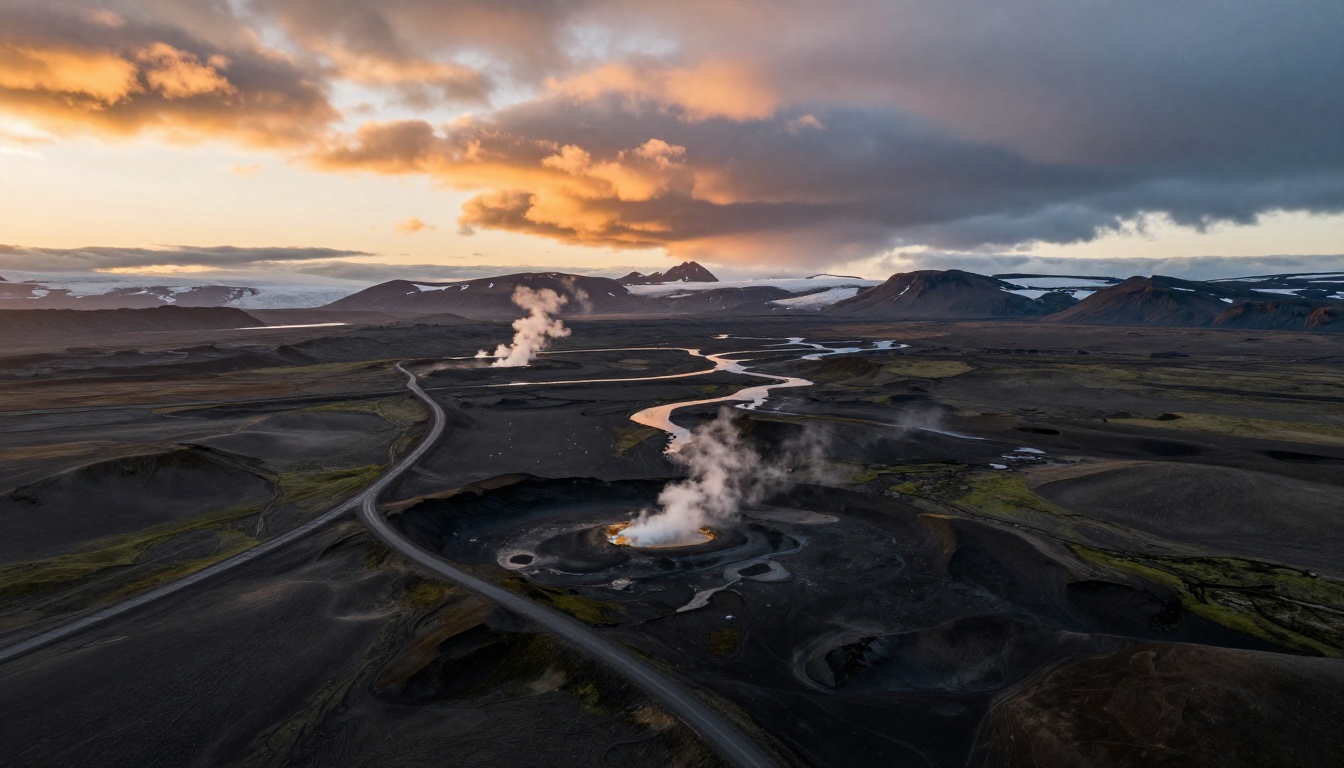
The gap between a mediocre Seedance 2.0 output and a stunning one is almost always the prompt. The model is capable of extraordinary things, but it needs structured, specific language to reach its ceiling.
Prompt Structure for Cinematography
Think about your prompt in five layers:
- Subject: Who or what is in the scene? Be specific about appearance.
- Action: What is the subject doing? Use precise verbs.
- Environment: Where is this happening? Include time of day, weather, surface textures.
- Camera: What kind of shot is this? Mention angle, lens type, and motion.
- Mood: What emotional tone should the lighting and color carry?
5 Prompt Formulas That Work
Formula 1: The Landscape Reveal
"Slow aerial pull-back from the base of a snow-capped mountain at dawn, mist filling the valley below, warm amber light cresting the peak, 24mm wide-angle drone shot, natural color grading, photorealistic"
Formula 2: The Character Close-Up
"Extreme close-up of a woman's face, late 30s, strong features, eyes reflecting city lights at night, slight wind moving her hair, 85mm f/1.4 portrait, shallow depth of field, blue and gold color palette"
Formula 3: The Action Sequence
"Low-angle tracking shot following a runner through a rain-soaked street at midnight, motion blur on the background, sharp focus on the runner, neon reflections in wet pavement, 35mm anamorphic lens, high contrast noir lighting"
Formula 4: The Product Scene
"Table-top shot of a ceramic coffee mug surrounded by coffee beans and steam rising, warm morning light from camera-left, shallow depth of field, 60mm macro lens, Kodak Portra 400 film grain, photorealistic"
Formula 5: The Nature Sequence
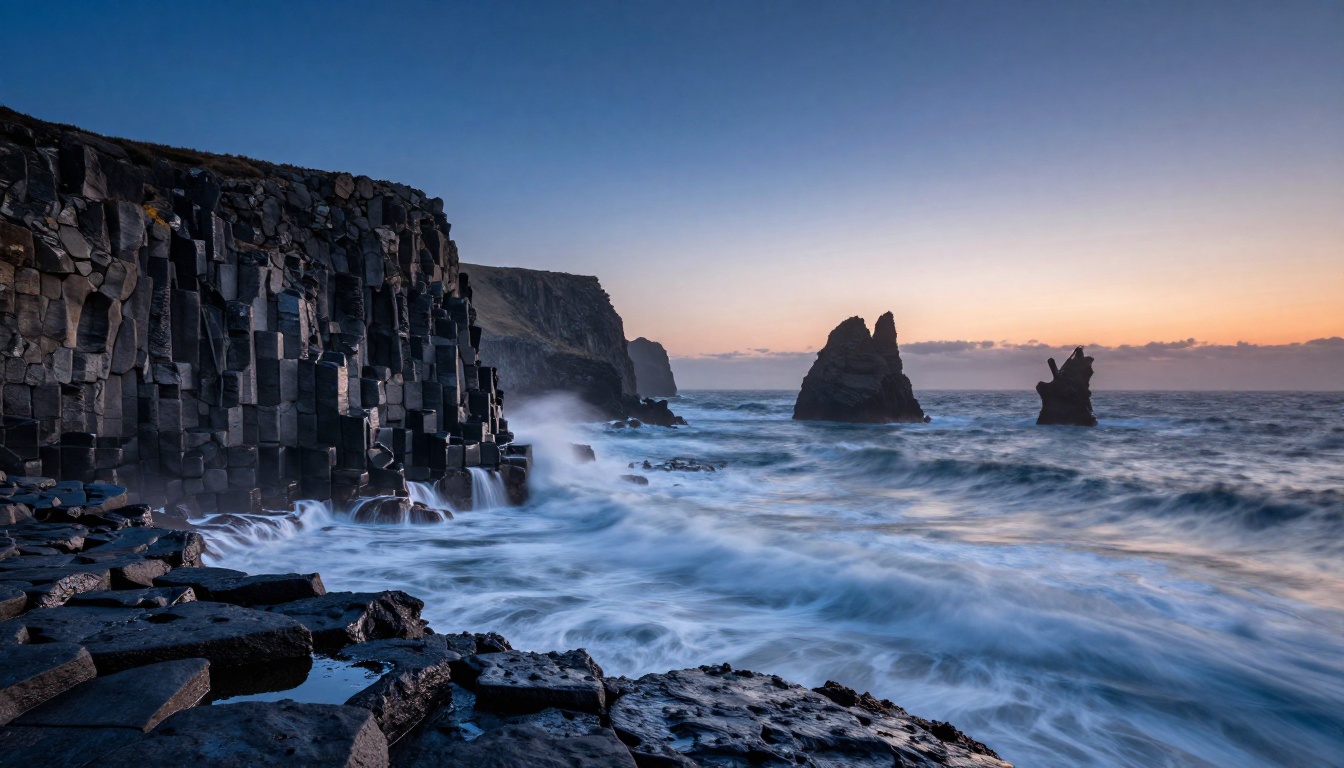
"Wide shot of waves crashing against basalt sea stacks at blue hour, long exposure silky water motion, dramatic storm clouds overhead, 16mm wide-angle, natural sound of surf and wind, photorealistic 4K"
What to Avoid in Prompts
- Vague directions: "Make it look cool" gives the model nothing to work with
- Too many subjects: One primary subject per clip works better than three competing focal points
- Conflicting styles: Don't mix "photorealistic" with "anime-inspired" in the same prompt
- Overloading camera terms: Pick one camera movement, not five
💡 Tip: If your first output isn't what you expected, isolate one element to change. Don't rewrite the whole prompt at once — diagnose which layer of the five-part structure is missing.
How to Use Seedance 2.0 on PicassoIA

PicassoIA gives you direct access to Seedance 2.0 without needing a ByteDance developer account or API credentials. The interface is built for creators, not engineers.
Step-by-Step: Your First Cinematic Video
Step 1: Open the model page
Head to the Seedance 2.0 page on PicassoIA. You'll see the prompt input and optional image upload field.
Step 2: Choose text-to-video or image-to-video
If you're starting from scratch, write a prompt using one of the formulas above. If you have a still image you want to animate, upload it first and your prompt will act as a motion direction guide.
Step 3: Write your prompt
Use the five-layer structure: Subject, Action, Environment, Camera, Mood. Be specific. Mention lens type, lighting direction, and material textures where relevant.
Step 4: Set the duration
Seedance 2.0 supports clips up to 10 seconds. For your first generation, 5 seconds is a good starting point — it keeps generation time shorter and gives you a fast feedback loop.
Step 5: Generate and review
The model will produce your clip. Review it for motion quality, subject consistency, and lighting coherence. If any of those three feel off, adjust the relevant part of your prompt.
Step 6: Use Fast mode for iteration
Once your prompt structure is working, use Seedance 2.0 Fast to iterate quickly at lower computational cost. Switch back to the full model for final output.
Parameter Tips
| Setting | Recommendation |
|---|
| Clip Length | Start at 5s, scale to 10s for finals |
| Aspect Ratio | 16:9 for cinematic, 9:16 for social |
| Image Input | Use high-contrast, well-lit starting frames |
| Prompt Length | 50-100 words is the sweet spot |
| Audio | Leave enabled — native audio adds significant realism |
Seedance 2.0 vs. Other AI Video Models
The AI video landscape has more options than ever. Here's how Seedance 2.0 stacks up against the other leading models available on PicassoIA.
Where Seedance 2.0 Wins
Physics and secondary motion: Nothing else at this tier handles cloth, hair, and water the same way.
Audio integration: Veo 3 is the only real competitor here, and access is more restricted.
Free access: You don't need a premium plan to run Seedance 2.0 on PicassoIA. That's a significant advantage over Gen-4.5 by Runway and Veo 3.
Where Other Models Shine
Gen-4.5 by Runway has more stylistic flexibility for abstract and non-realistic content. Kling v3 handles motion control workflows where you want to apply specific character movements from reference footage. LTX-2.3-Pro is strong for longer sequences requiring audio-visual synchronization.
Each model has its niche. But for raw cinematic output at zero cost, Seedance 2.0 is the starting point.
Types of Videos You Can Make

The prompt formulas above translate into real production formats. Here's where Seedance 2.0 fits into common creative workflows.
Short Films and Scene Fragments
Seedance 2.0 excels at short, self-contained cinematic moments. Think of it less like a full-length film tool and more like a shot generator. You compose a shot, generate it, then string multiple shots together in a video editor. The result is a short film built from AI-generated cinematography — and the realism of each individual shot is what makes the whole sequence credible.
Product and Commercial Showcases
The model's ability to handle controlled lighting and tabletop compositions makes it usable for product content. A skincare brand could generate a clip of their product on a marble surface with soft studio light and steam rising from a warm compress nearby — all without a shoot day. The native audio even generates the ambient soundscape automatically.
Nature and Landscape Sequences
This is where Seedance 2.0 is at its most jaw-dropping. Natural environments, atmospheric lighting, and large-scale physical motion — ocean, wind, fog — are exactly what the model was trained to handle. A 10-second clip of a mountain sunrise with mist burning off the valley floor is achievable on your first try with a well-structured prompt.
Social and Creator Content
Short-form platforms reward visual quality and movement. Seedance 2.0 Fast lets you generate in 9:16 for vertical video — ideal for Instagram Reels, TikTok, and YouTube Shorts. The speed of the fast variant means you can iterate through multiple looks in the time it used to take to get one result from older models.
Free Access and What You Actually Get
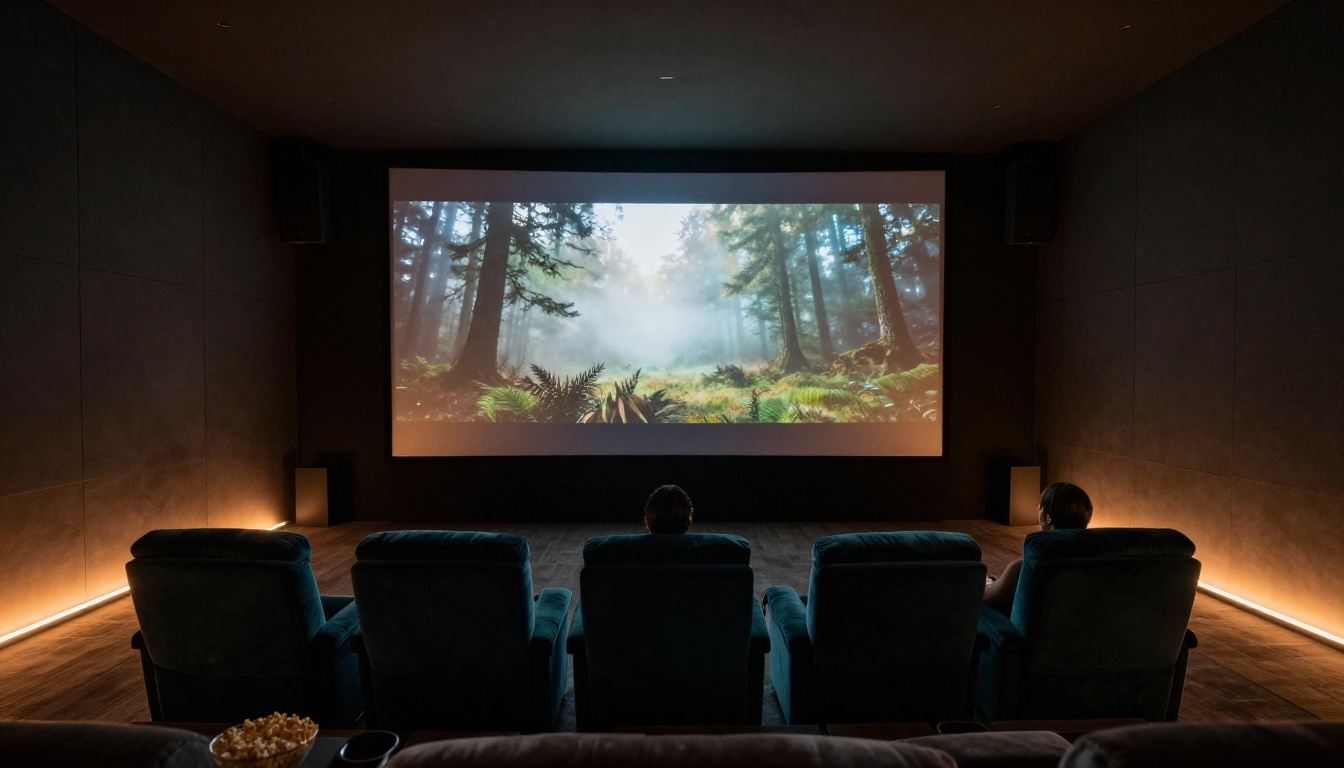
The word "free" in AI tools usually means "limited in a frustrating way." With Seedance 2.0 on PicassoIA, the free access is real access — not a 3-second watermarked clip with locked resolution.
What free gives you:
- Full model access, including image-to-video mode
- Native audio generation enabled
- 1080p output resolution
- Up to 10 seconds per clip
- No watermarks on generated content
The free tier operates within a daily generation quota, which is enough for creative experimentation and short-form content production. For high-volume workflows — teams generating dozens of clips per day for client projects — a paid plan removes the quota ceiling and adds priority processing.
💡 Tip: If you hit your daily quota, Seedance 2.0 Fast is more efficient with quota usage. Use it for prompt development and save full model runs for polished output.
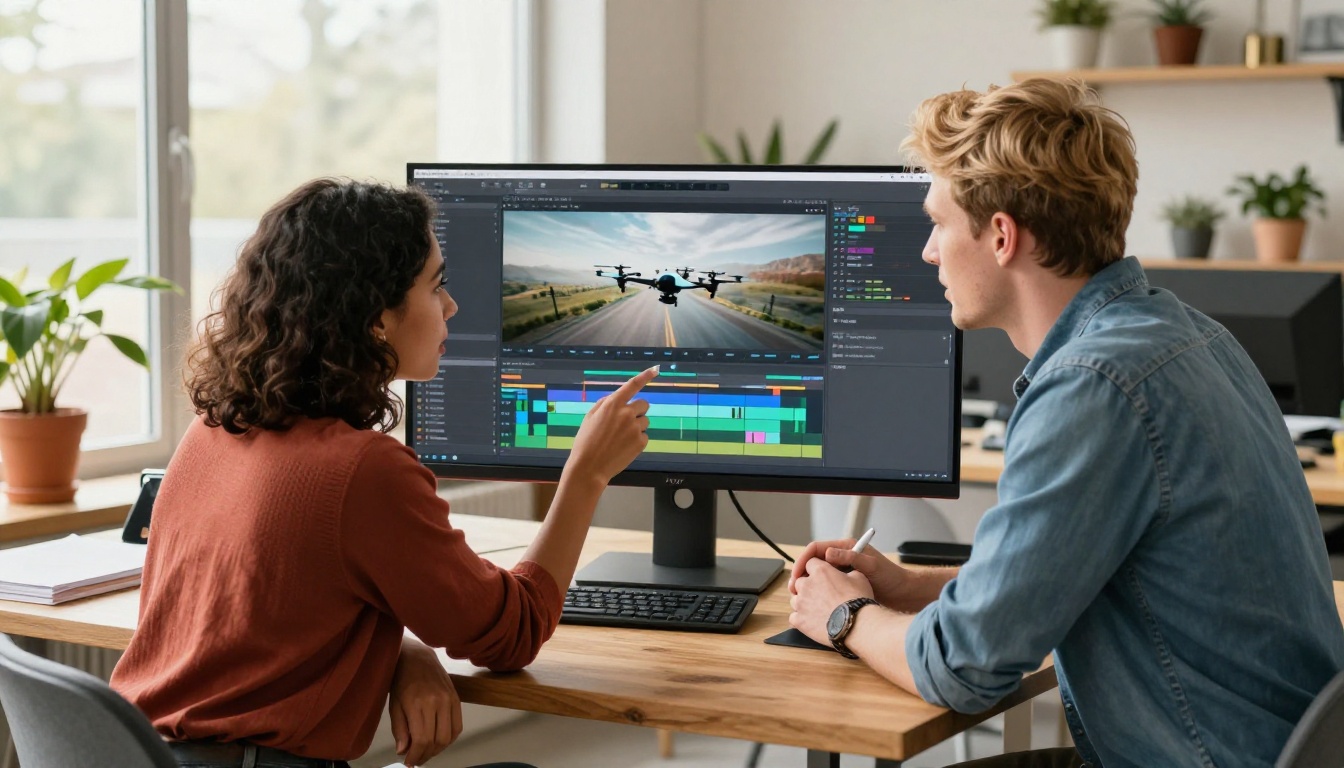
Seedance 2.0 is most powerful as part of a broader creative workflow. PicassoIA gives you access to the full pipeline, not just one model.
Before the video: Use a text-to-image model to generate a precise still frame, then feed that into Seedance 2.0's image-to-video mode. This gives you exact control over the opening composition before animation begins.
After the video: Run your clips through an AI video enhancement model to upscale, stabilize, or restore detail. Apply lipsync if your video includes a speaking character. Add music using AI music generation — all available on the same platform.
For social content: Generate the video, strip the audio if you want to replace it with a custom track, and add AI-generated speech or music on top. The full pipeline from concept to published post can happen inside a single platform session.
💡 Tip: Pairing Seedance 2.0 with a super-resolution model gives you 4K-level detail from 1080p source clips. The upscaling process preserves the film grain and natural texture that makes the original output feel organic.
Start Creating Right Now
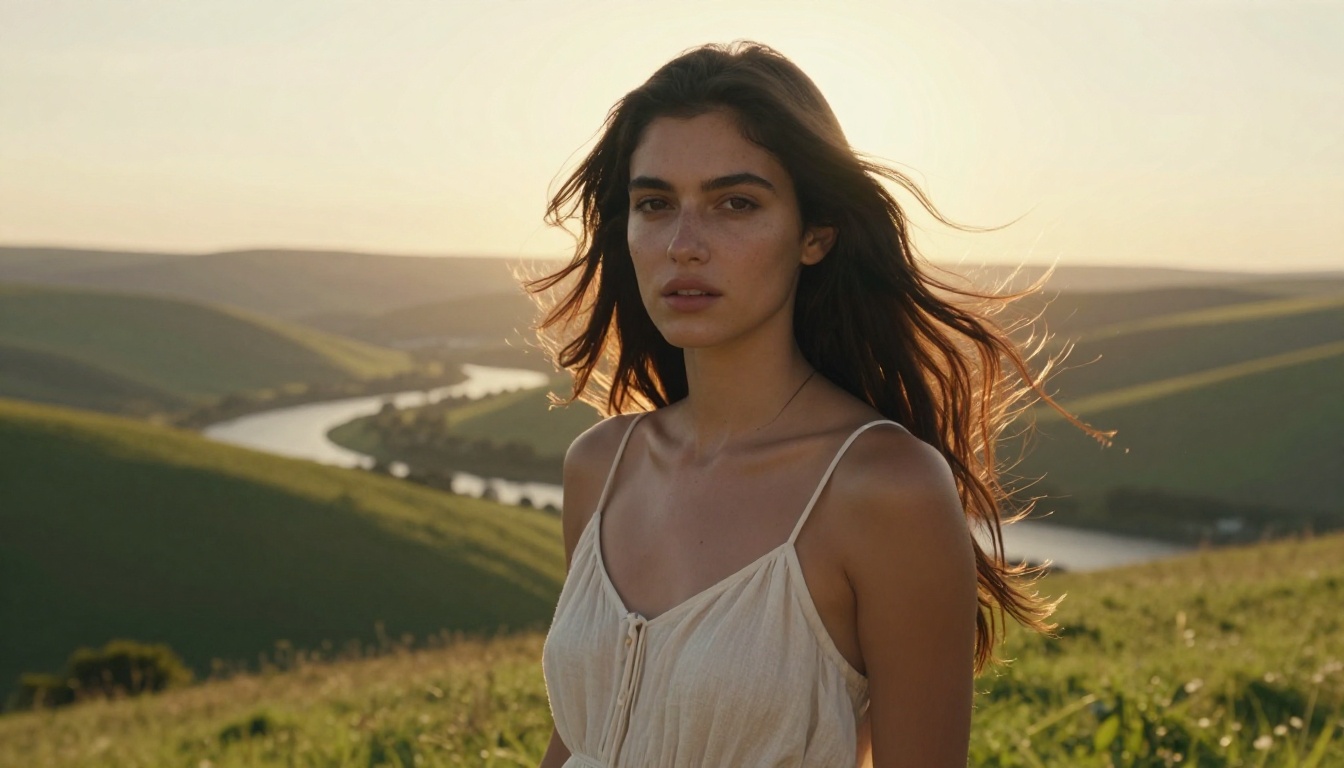
There's no production budget required, no equipment to rent, and no post-production team to coordinate. Seedance 2.0 on PicassoIA puts cinematic-quality video generation directly in your hands.
The prompts in this article are starting points, not recipes. Every creative direction you take — the lighting mood, the subject, the camera angle — shapes a result that no one else has generated. That's the real value: not just access to a powerful model, but the ability to produce genuinely original visual content at a quality level that previously required significant resources.
Pick one prompt formula from the list above. Write it with your own subject and scene. Generate your first clip. Then iterate. The gap between your first output and your tenth is usually dramatic — and every step of that process is free.
Whether you're building a short film frame by frame, creating product content for a client, or just experimenting with AI-generated motion, Seedance 2.0 on PicassoIA is the fastest path from idea to cinematic output available right now.
Try Seedance 2.0 on PicassoIA and see what your next cinematic shot looks like.


