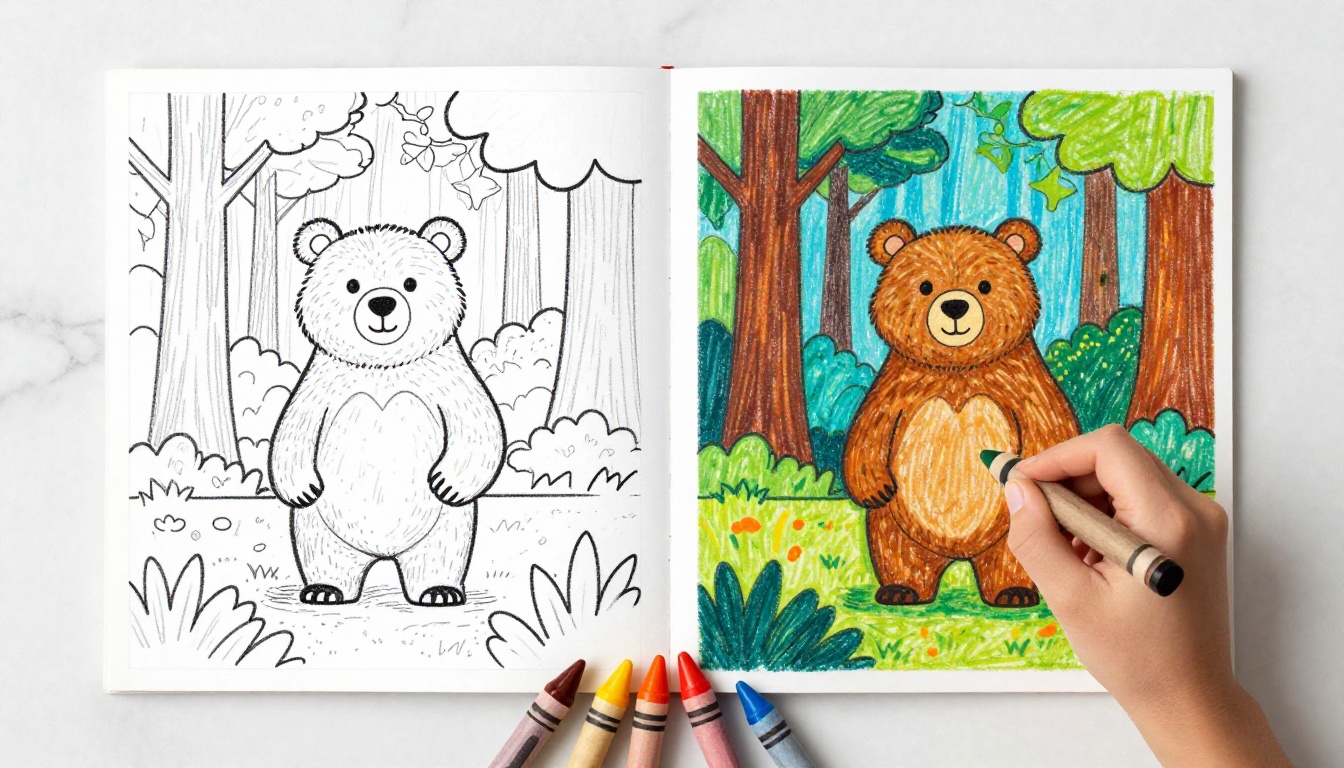
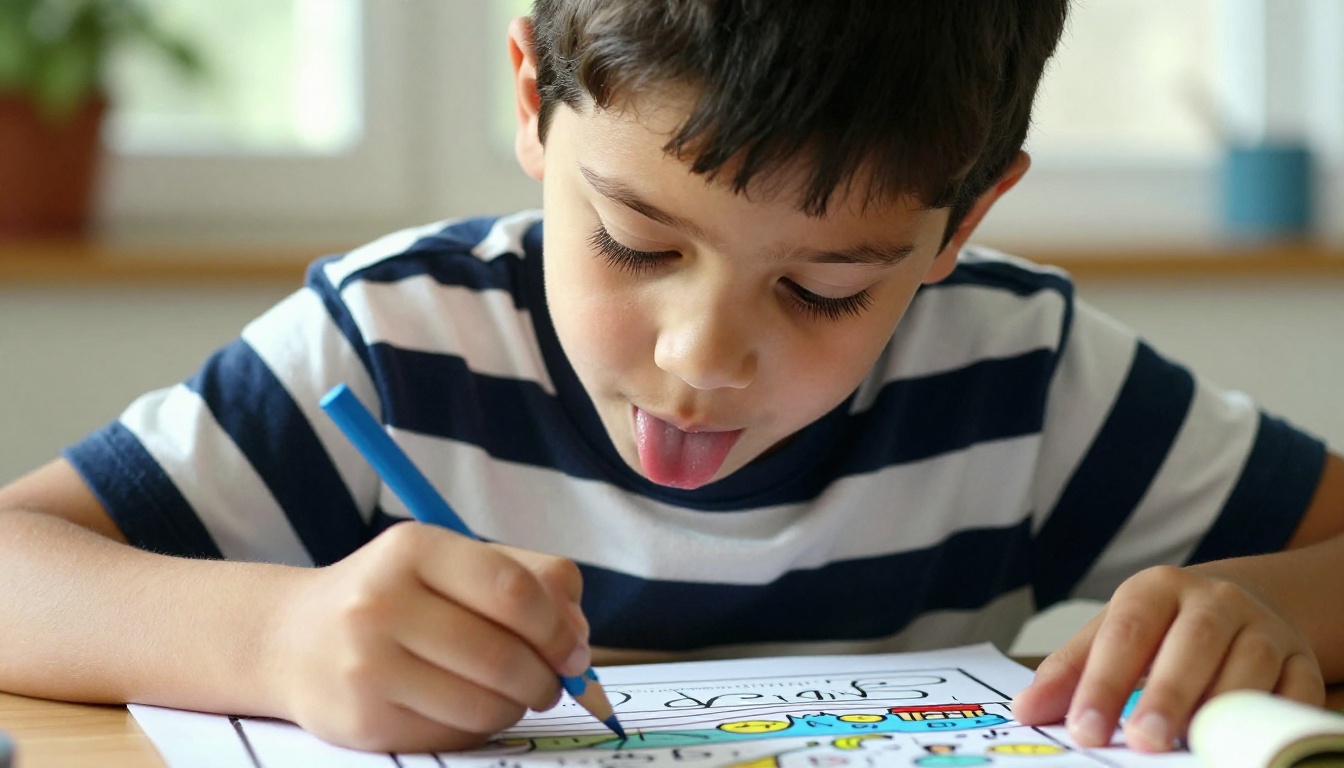
Making a child's face light up takes very little, a blank page with their favorite character on it, a box of crayons, and a quiet afternoon. The problem has always been finding the right coloring page. Store-bought books are packed with characters your kids stopped caring about three months ago. Printing random pages from search engines gets you watermarked images and inconsistent quality. AI changes all of this. You describe what you want, the model draws it, you print it in sixty seconds. Personalized, printable coloring pages for kids that take less effort than a grocery run.
Why Custom Coloring Pages Win Every Time
The traditional coloring page market works on averages. Publishers guess what most children might like and produce millions of copies. Your child is not an average. She wants a three-legged cat wearing a space helmet. He wants a fire truck racing through a jungle. No publisher is going to stock that, but an AI model will generate it in under a minute.
Any Theme, Any Character, Right Now
With AI-generated coloring sheets, you are not browsing a catalog. You are describing exactly what you need. Birthday party tomorrow and the theme just changed to robots? Done. Child just announced their new favorite animal is a capybara? Done. The specificity is the point. Generic coloring books cannot compete with a page that has your child's own name spelled out in the clouds above a dragon they invented.
Zero Cost, Print on Demand
A subscription coloring book app costs money every month and still gives you a fixed library. AI generation through a platform like PicassoIA Image lets you generate exactly as many pages as you need, exactly when you need them. Print two copies for two siblings who will inevitably want the same page. Print a fresh one when the dog sits on the first attempt. The economics are straightforwardly better.
What Makes a Good Coloring Page
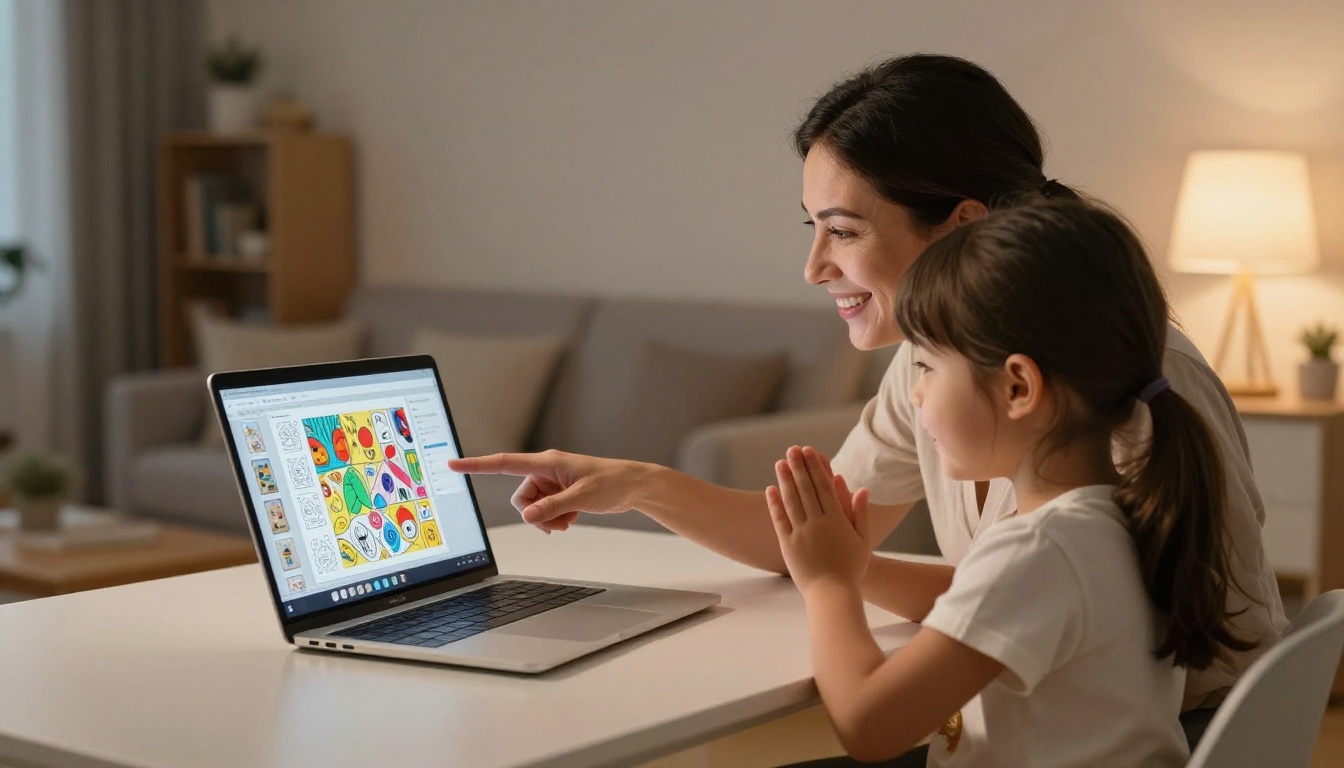
Not every AI-generated image works as a coloring page. The average text-to-image output is a richly detailed, shaded, color-filled illustration. A coloring page needs to be the opposite of that: clean black outlines, no fill, minimal interior detail, and generous white space for crayons to do their job.
Bold Outlines Are Everything
The single most important quality in a printable coloring sheet is line weight. Thin, delicate lines disappear under even a slightly aggressive crayon stroke. For young children especially, you want outlines that are thick enough to act as a fence, keeping color strokes inside the drawing. When writing your AI prompt, specifying "bold thick black outlines, coloring page style, black and white line art, no shading, no gray, no color fill" will get you 90% of the way there immediately.
Match Complexity to Age
A toddler needs three to four giant shapes per page. A ten-year-old can handle intricate geometric patterns or detailed animal portraits with many small sections. Over-detailing a page for a small child creates frustration, not fun. Under-detailing for an older child creates boredom.
| Age Range | Recommended Complexity | Example Subjects |
|---|
| 2 to 4 years | 2 to 4 large simple shapes | Big sun, round cat face, simple fish |
| 5 to 7 years | 6 to 12 medium sections | Animals in scenes, vehicles, houses |
| 8 to 12 years | 15 or more detailed sections | Mandala patterns, city scenes, wildlife portraits |
💡 Add the age range directly into your AI prompt. "Simple coloring page for a 3-year-old" produces noticeably different output than "detailed coloring page for a 10-year-old."
AI Models That Work for Coloring Pages
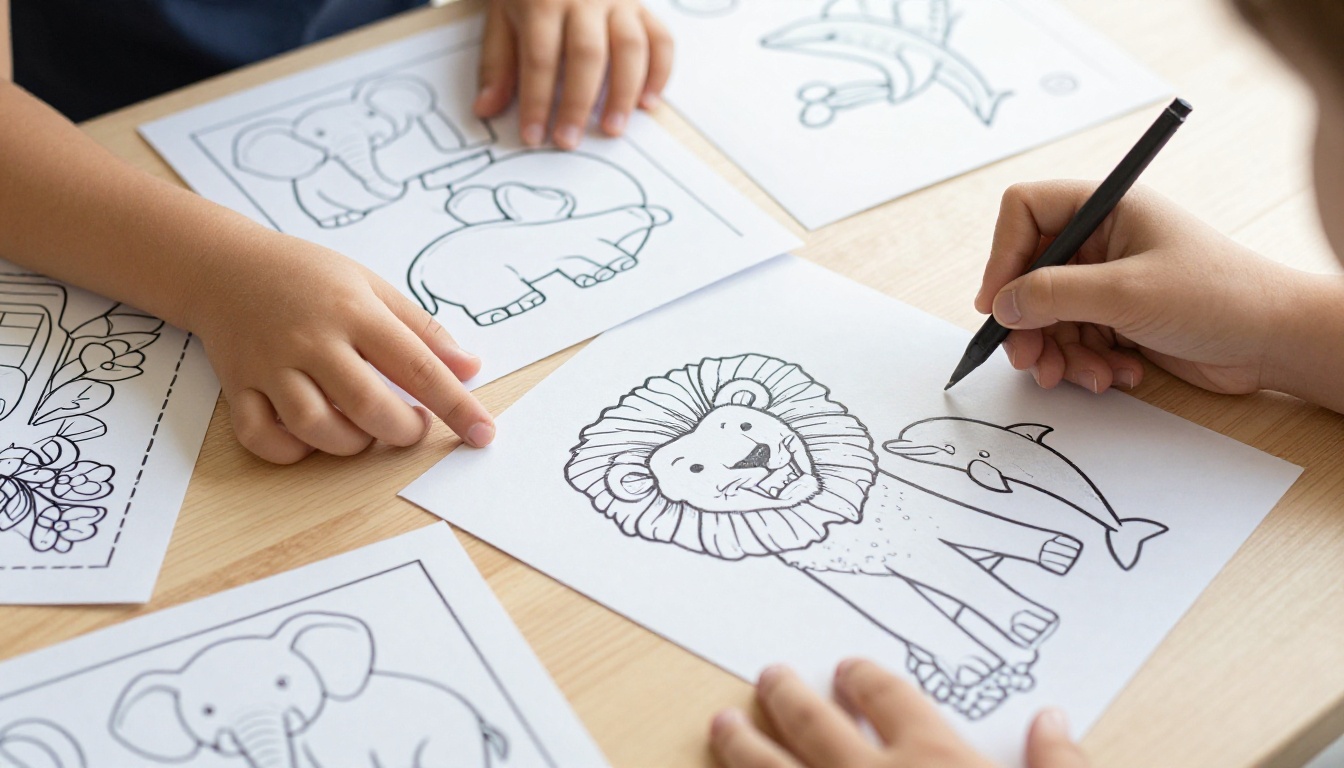
On PicassoIA, you have access to dozens of text-to-image models, each with different strengths. For coloring page generation specifically, three models stand out.
Controlnet Scribble: Sketch to Line Art
Controlnet Scribble is purpose-built for converting rough sketches and scribble inputs into clean, structured illustrations. If you or your child has drawn a rough version of the character you want, this model takes that rough input and produces a polished, consistently outlined version. It respects the structure of your input rather than reinventing it. For parents who want to take their child's own drawing and turn it into a proper coloring page, this is the right tool.
Flux Dev: Precise Prompt Control
Flux Dev is a high-fidelity model that follows text prompts with exceptional accuracy. When you describe a specific scene, "a friendly octopus playing a piano in an underwater city," Flux Dev will place every element exactly where you intend. This precision makes it ideal for generating custom coloring pages where the arrangement and subject matter need to match a specific vision. It responds well to coloring-page style instructions and produces clean separations between outline zones.
PicassoIA Image: The All-in-One Workhorse
PicassoIA Image is the platform's own flagship model, optimized for reliability and consistent output quality. For everyday coloring page generation, it handles a wide variety of subjects without requiring extensive prompt engineering. Start here if you are new to AI image generation and want dependable results from a simple description.
How to Create Coloring Pages on PicassoIA
The actual process is short. Here is the step-by-step breakdown from idea to printed page.
Step 1: Pick Your Theme
Start with what your child is currently obsessed with. Do not second-guess or try to be educational about it. If it is trucks, generate trucks. If it is a specific style of character, generate something inspired by that aesthetic. The more specific your starting point, the more engaged your child will be with the finished page.
Write down three to five details about the scene before you open the AI tool:
- Subject: What is the main character or object?
- Setting: Where does the scene take place?
- Action: Is the character doing something specific?
- Mood: Should it feel playful, adventurous, or peaceful?
- Complexity: How many separate sections should the image have?
Step 2: Write the Right Prompt
Open PicassoIA Image and type your prompt in the text field. Structure it like this:
[Subject + Action + Setting], coloring page, black and white, bold thick outlines, no shading, no color fill, simple illustration, [age complexity level], white background
The phrase "coloring page" is the most important signal. Add "no shading" and "no color fill" to prevent the model from adding any grayscale tones that will interfere with crayons.
Step 3: Adjust and Regenerate
If your first result has too much interior detail, regenerate with the word "simpler" added to the prompt. If the outlines look too thin, add "very thick outline strokes." Most models let you regenerate instantly, so do not hesitate to run three or four variations and pick the one that looks best.
💡 Use Flux Dev when your first result has too many competing elements. Its stronger prompt adherence helps when you need to reduce visual clutter.
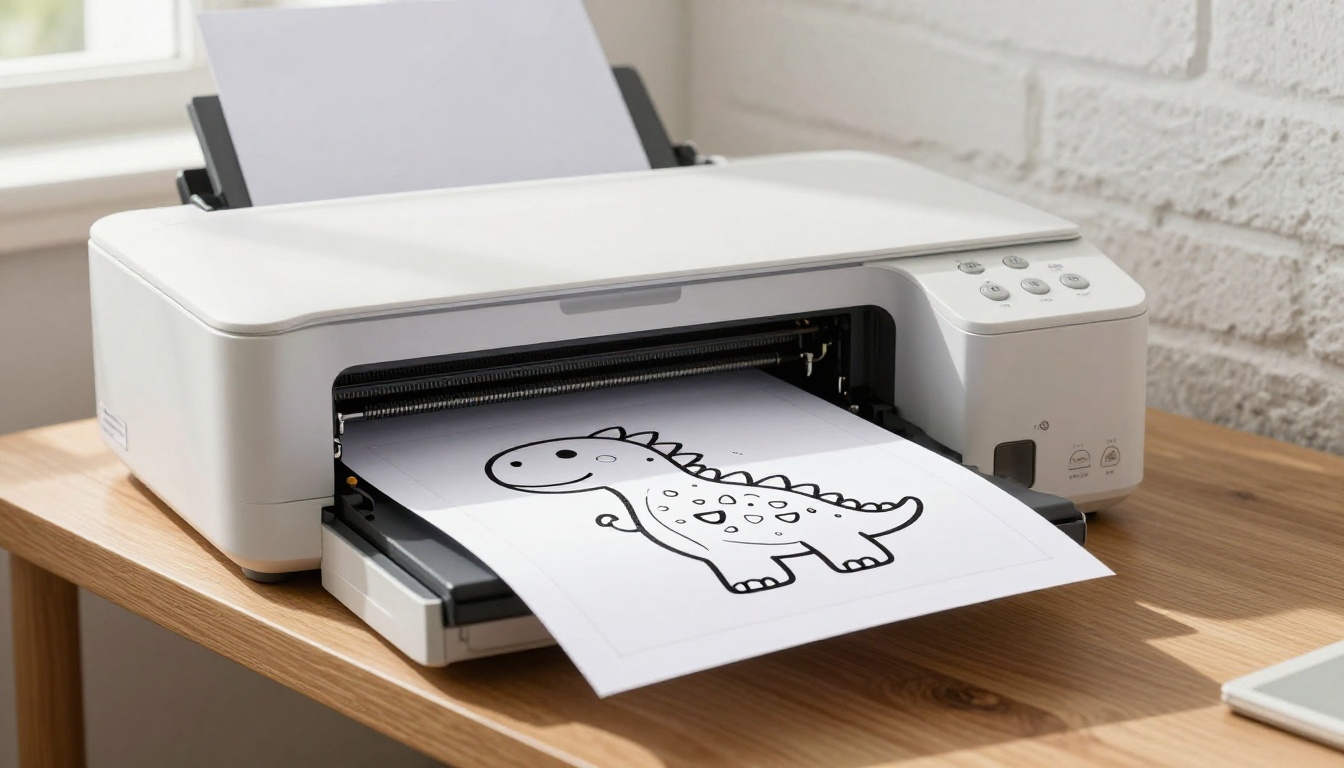
Step 4: Download and Print
Once you have a result you like, download the image at its full resolution. Print on standard white copy paper at 100% scale for most cases. If you want a sturdier page that holds up to heavy crayon pressure, use 90gsm or heavier card stock. Set your printer to Black and White mode to save color ink, and make sure "fit to page" is disabled so the outline fills the full paper area.
Prompt Formulas That Produce Perfect Coloring Pages
Writing prompts for coloring page generation is a small skill that pays off quickly. After a few attempts, you will have a formula that works reliably.
The Core Formula
[Character or subject] [doing an action] in [setting], coloring page style, black and white line art, bold thick outlines, no shading, no gray fill, no color, white background, simple [toddler/child/adult] coloring page
5 Ready-to-Use Prompts
Below are five prompts that consistently produce clean, printable results:
-
Dinosaur Adventure: "A baby T-rex wearing a birthday hat and holding balloons in a jungle, coloring page style, bold thick black outlines, black and white line art, no shading, no color fill, simple children's coloring page, white background"
-
Ocean Scene: "A smiling whale swimming alongside three small fish near coral, coloring page style, bold thick outlines, black and white line art, no shading, simple coloring page for 5-year-olds, white background"
-
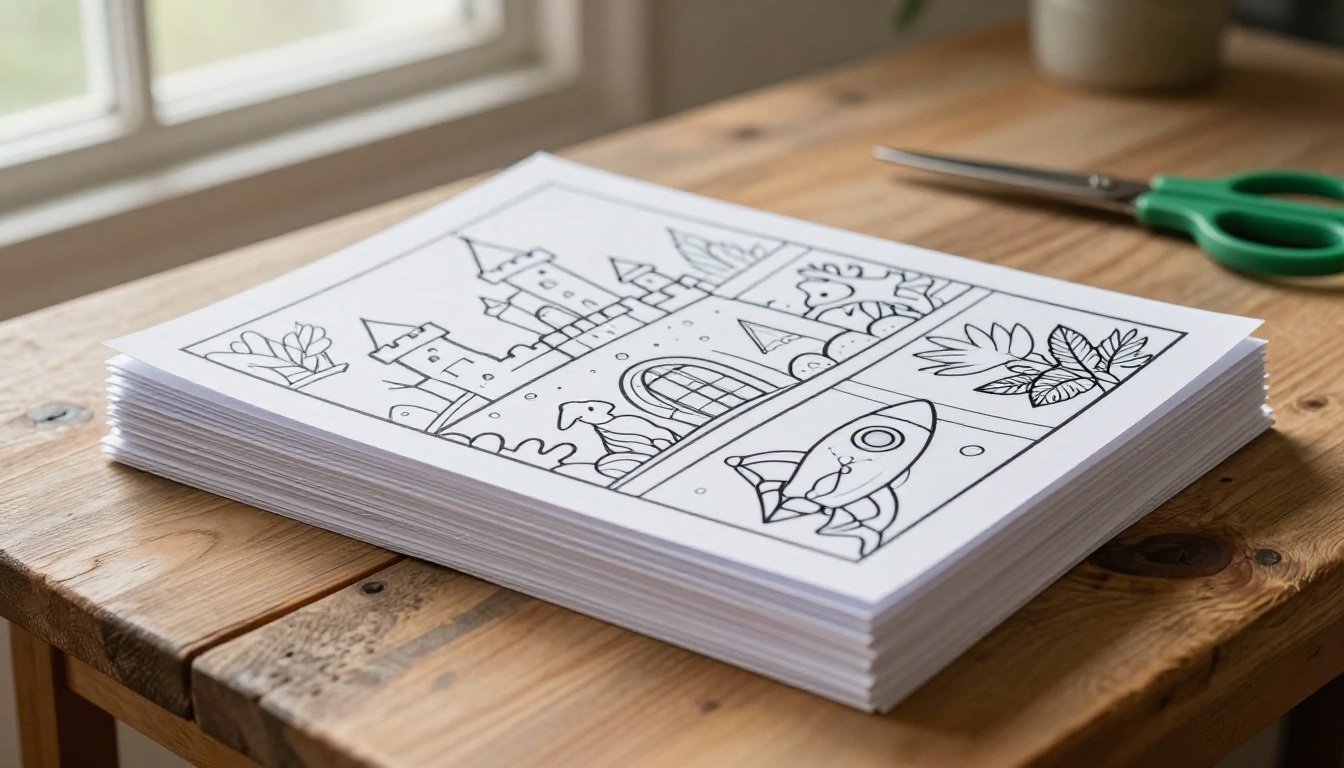
Fantasy Castle: "A tall castle with four towers on a hilltop surrounded by clouds and stars, coloring page style, bold black outline illustration, no shading, no color, clean simple lines, white background"
-
Farm Animals: "A cheerful cow and a small pig standing in a farmyard with a barn behind them, coloring page style, thick bold outlines, black and white, no shading, simple coloring sheet for kids, white background"
-
Space Explorer: "An astronaut floating in space surrounded by planets and stars, coloring page style, bold thick black outlines, no color fill, no shading, simple children's coloring page, white background"
10 Theme Ideas That Kids Actually Request
If you are drawing a blank on what to make, this list covers the themes children ask for most often. Each one translates directly into an AI prompt.
Animals and Nature
- Safari animals: Lions, elephants, giraffes in grassland settings
- Ocean life: Whales, sea turtles, octopuses, coral reefs
- Forest scenes: Bears, foxes, owls, deer in woodland settings
- Domestic pets: Cats, dogs, rabbits, hamsters in home settings
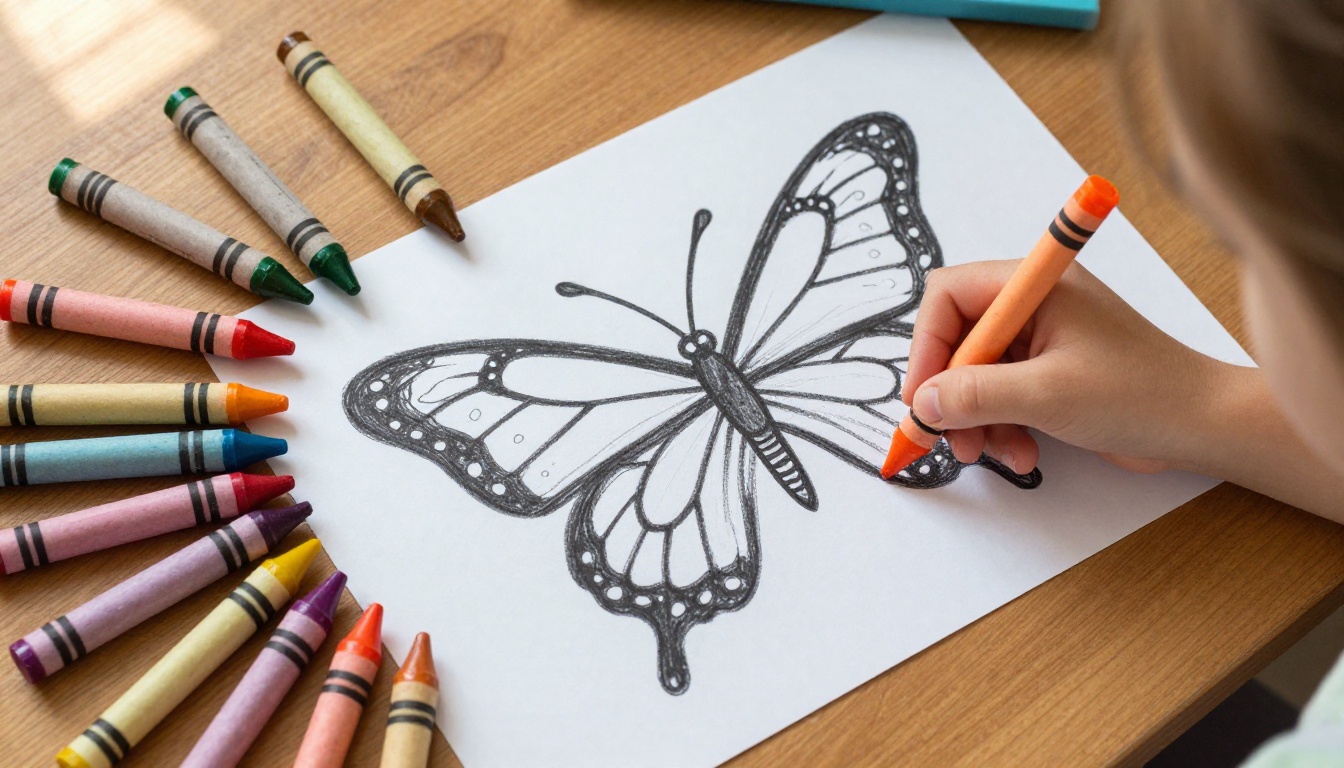
- Insects: Butterflies with large wing sections, ladybugs, bees
Fantasy and Adventure
- Dragons: Fire-breathing or baby dragons, cave settings, treasure hoards
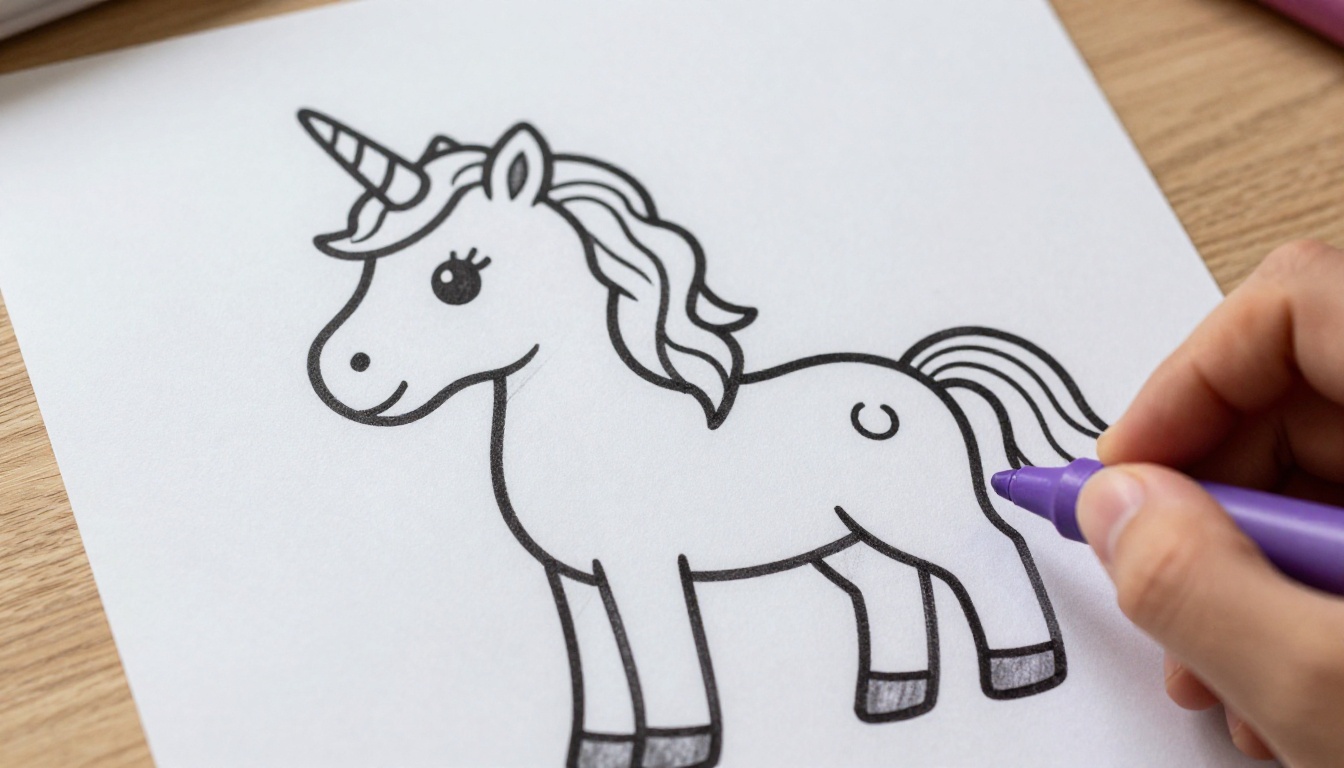
- Unicorns: With flowing manes, rainbow backgrounds, flower meadows
- Mermaids: Underwater settings with fish and seashells
- Knights and castles: Jousting scenes, drawbridges, towers
- Fairies: Small fairy characters sitting on mushrooms or flowers
Seasons and Holidays
| Holiday or Season | Best Subjects |
|---|
| Christmas | Santa, reindeer, Christmas trees, snowmen |
| Halloween | Friendly pumpkins, witches, ghosts, black cats |
| Easter | Rabbits, eggs, chicks, flower baskets |
| Summer | Sun, beach scenes, ice cream cones, sunflowers |
| Winter | Snowflakes, polar bears, sleds, hot cocoa mugs |
💡 For holiday coloring packs, generate five to eight pages at once and staple them into a mini coloring booklet. Children feel like they received an actual book.
Vehicles and Machines
Children who are passionate about vehicles never get tired of this category. Generate fire trucks mid-rescue, construction diggers breaking ground, rocket ships blasting off, and steam trains on mountain tracks. The action-oriented nature of vehicle scenes means every section of the page tells part of a story, which keeps children coloring longer.
Printing Pages at Home and School
The Right Paper Makes a Real Difference
Standard 75gsm printer paper works, but it buckles under watercolor crayons and heavy marker strokes. For a better experience, use:
- 90 to 120gsm copy paper for regular crayon use
- Card stock (160gsm or above) for watercolor pencils or brush pens
- Matte photo paper if you want a professional feel for a special occasion
Always print in Black and White mode to avoid the printer adding any color tones to your outlines. Set the scale to 100% or "actual size," not "fit to page," which can scale down thick outlines to hairlines.
Classroom and Group Use
Teachers have specific advantages when using AI-generated coloring pages. The ability to generate curriculum-relevant imagery on demand is genuinely useful. A lesson on ecosystems? Generate five ocean, five forest, and five desert animal pages. A history unit on ancient Egypt? Generate pyramids, pharaohs, and hieroglyphic borders.
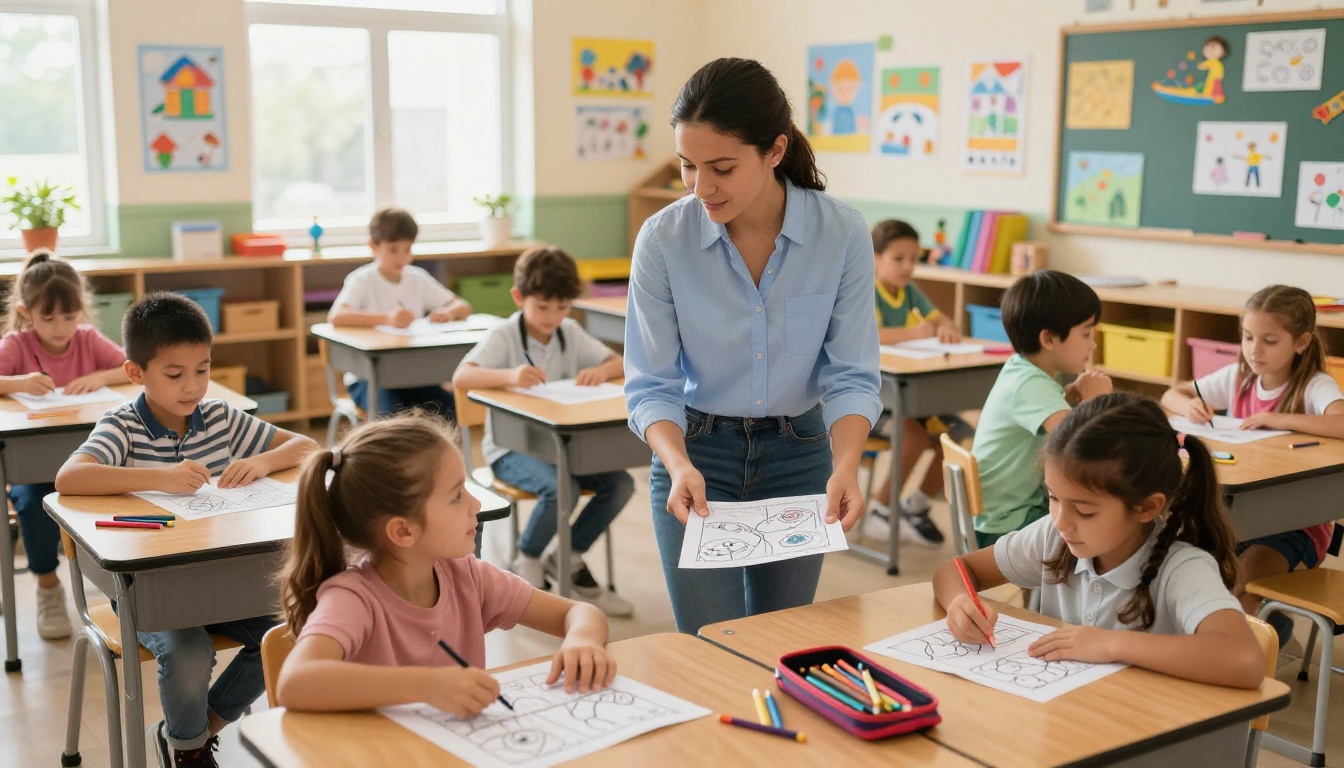
For group use, generate one base image and print 25 copies. Every child colors the same scene differently, which makes for an interesting classroom display wall showing how 25 people interpret the same starting point.
💡 Coloring has well-documented benefits for focus and fine motor development in children aged 3 to 10. Use AI-generated pages as a calm-down activity after high-energy lessons.
Turning Coloring Pages into Teaching Tools
A coloring page does not have to be purely a creative activity. With the right prompt, you can make pages that teach at the same time:
- Alphabet pages: "The letter B with a bear, butterfly, and boat arranged around it, coloring page style, bold outlines, black and white"
- Number pages: "The number 5 surrounded by five apples, coloring page style, bold black outlines, white background"
- Map outlines: "A simple outline map of a continent with country borders, coloring page style, bold black lines, white background"
- Science basics: "A simple labeled diagram of a flower showing petals, stem, and roots, coloring page style, clear bold outlines"
The Stable Diffusion 3 model handles text elements in images with notable accuracy, making it a strong choice when your coloring page needs numbers, letters, or labels to be legible.
Start Making Pages Right Now
Every idea your child mentions is a coloring page waiting to happen. The capybara wearing a crown. The robot that bakes cookies. The underwater school with fish students and a shark teacher. None of those exist in any coloring book on any shelf, but every single one is three sentences away in an AI prompt box.
PicassoIA Image gives you the models, the speed, and the quality to turn those sentences into printed pages your children will actually want to color. Try Controlnet Scribble when you have a rough sketch to start from, Flux Dev when you need exact scene control, and PicassoIA Image for everything in between.
Open the platform, type what your child loves most right now, and print the result. That is the whole process. It takes less time than searching for a coloring page that does not quite fit, and it produces something your child will remember because it was made specifically for them.