Dance content is dominating every platform right now, and the gap between a great idea and a published video has never been smaller. Seedance 2.0 from ByteDance changes the creation process entirely: type a description, hit generate, and get back fluid, music-synced dance footage that looks like it came from a professional shoot. No cameras. No choreographers on call. No editing suite. Just text and a few minutes.
What Seedance 2.0 Actually Does
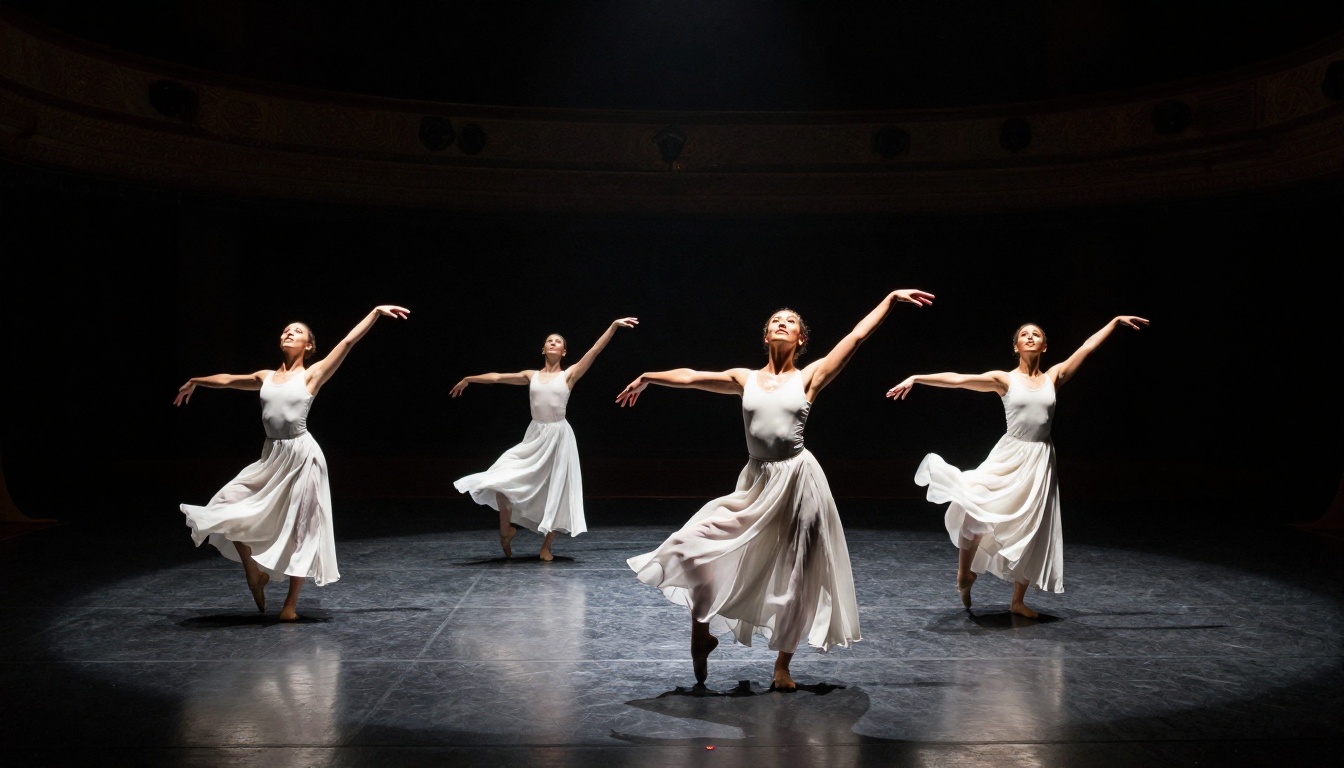
Seedance 2.0 is ByteDance's flagship text-to-video model, built specifically for generating high-fidelity motion from text prompts. Unlike earlier video models that struggled with human movement, Seedance 2.0 was designed with human body dynamics as a core priority. That means dancers bend, spin, jump, and interact with their environment in ways that actually make physical sense.
The model supports both text-only and image-to-video inputs, so you can describe a scene from scratch or feed it a reference image of a pose or style and let it animate forward from there.
Native Audio Built Right In
This is where Seedance 2.0 separates itself from older video generators. Native audio generation is baked directly into the model output. The video does not need to be taken to a separate audio tool and manually synced after the fact. Seedance 2.0 generates ambient sound, music-compatible rhythm, and environmental audio as part of the same pipeline.
For dance content specifically, that matters enormously. A dancer mid-hip-hop routine without the right sonic texture feels wrong to any viewer. With native audio, the footwork sounds land on beat, the transitions breathe, and the overall clip feels ready to post without extra production steps.
💡 Pro tip: When writing your prompt, add audio context like "upbeat rhythm", "ambient club atmosphere", or "live acoustic performance" to influence the generated audio texture alongside the visuals.
Motion That Feels Choreographed
Earlier AI video models produced characters that drifted and jittered during fast movement. Seedance 2.0 uses temporal consistency techniques that keep body structure coherent across frames. A backflip looks like a backflip from start to finish. A salsa spin maintains proper weight distribution throughout the full rotation.
The model also handles clothing and hair physics realistically. A flowing skirt billows during a turn. A loose hoodie lags slightly behind the body during a hard stop. These micro-details are what separate convincing dance videos from obvious AI artifacts.
Who This Is For
You do not need to be a filmmaker or a professional choreographer to get value from Seedance 2.0. The tool works across a wide range of use cases, and the learning curve is close to zero if you can write a sentence.
Content Creators and Social Media
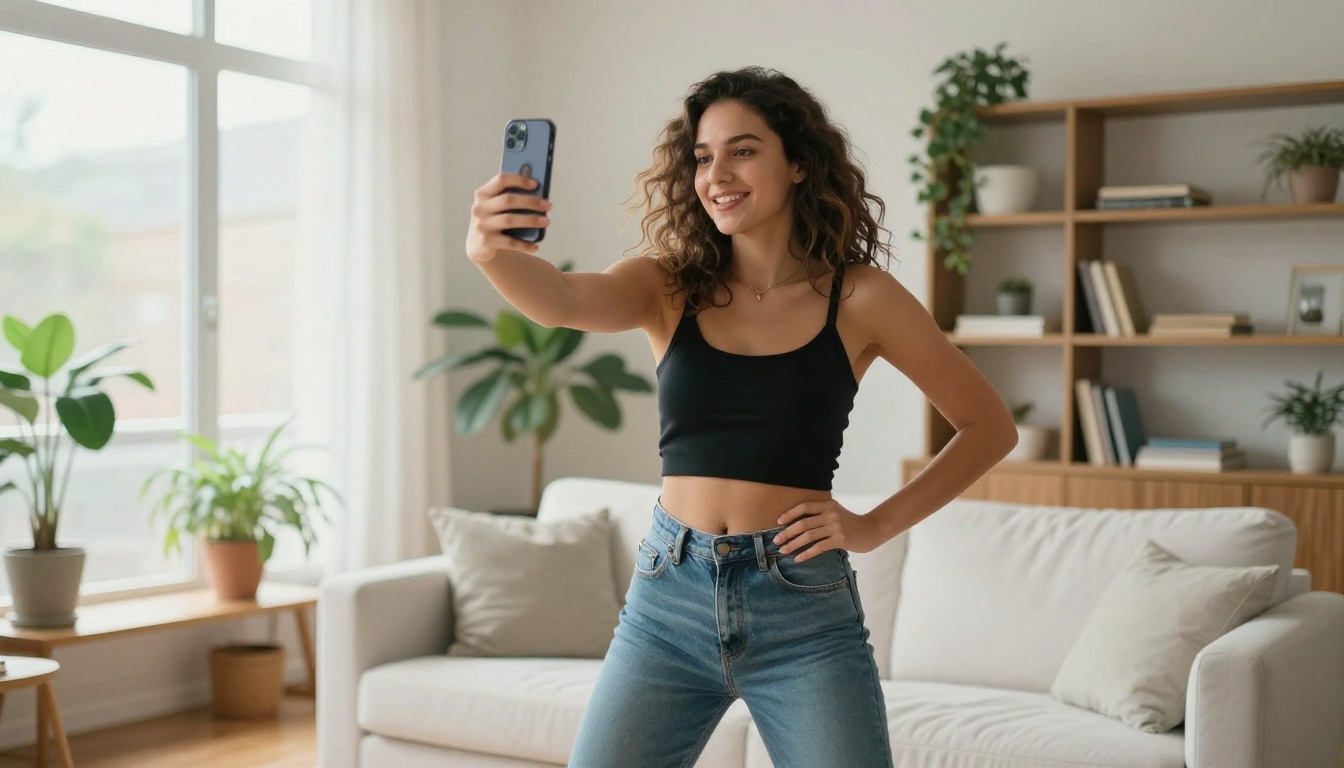
TikTok, Instagram Reels, and YouTube Shorts all run on dance content. Algorithms reward consistent, high-quality video output, but producing that volume manually is exhausting. With Seedance 2.0, you can batch-generate multiple variations of a concept in one session, test different dance styles, and keep a steady publishing cadence without burning out.
Whether you are building a personal brand, managing a creator account, or running social media for a business, AI-generated dance clips are one of the fastest ways to stay visible and on-trend.
Choreographers and Studios
Dance studios and choreographers can use Seedance 2.0 to visualize new routine concepts before booking rehearsal time. Describe the vibe, the style, the energy of a new piece and generate a rough visual reference. It is not a replacement for rehearsal. It is a fast, cheap way to think out loud in video format before committing resources to the real thing.
How to Use Seedance 2.0 on PicassoIA
Seedance 2.0 is available directly on PicassoIA's platform under the text-to-video collection. Here is the exact process from opening a browser to having a finished video.
Step 1: Open the Model
Go to the Seedance 2.0 page on PicassoIA. You will see the prompt field, parameter controls, and example outputs. No account setup or external API credentials required. The interface handles everything in one place.
If you want faster generation with slightly shorter clips, Seedance 2.0 Fast is available as a separate model on the same platform. Use it for quick concept testing before committing to a full-quality run.
Step 2: Write Your Dance Prompt
Your prompt is doing most of the creative work. The model reads every word, so specificity pays off. A vague prompt returns vague results. A precise prompt returns exactly what you pictured.
The ideal dance prompt has four components:
- The dancer: Who is moving? Describe gender, attire, body type, hair, energy.
- The movement: What style? What specific move or sequence? How fast or slow?
- The environment: Where is this happening? What does the space look, feel, and sound like?
- The camera: How is the scene framed? Close-up, wide shot, tracking, static?
Step 3: Set Parameters and Generate
Seedance 2.0 on PicassoIA gives you controls over video duration, motion intensity, and aspect ratio. For social content:
- 9:16 for Reels and TikTok
- 16:9 for YouTube and landscape posts
- Motion intensity: Set higher for energetic routines, lower for slow contemporary or lyrical pieces
Hit generate. Output typically arrives in under two minutes depending on queue load.
Step 4: Review, Regenerate, or Download
If the first output is not quite right, adjust one specific part of your prompt and regenerate. Common fixes:
- Add "slow motion" or "fast tempo" if the timing feels off
- Specify clothing details if the default outfit does not match the vibe
- Add camera movement words like "tracking shot" or "static wide angle" if the framing needs adjustment
Once you are satisfied with the output, download directly from the platform. The video is ready for upload with no watermarks or restrictions.
💡 Tip: Generate three variations of the same prompt before deciding which to use. Small prompt tweaks produce surprisingly different outputs, and the third version is often the strongest.
Writing Prompts That Actually Work
The prompt is the most important input you control. Weak prompts produce weak outputs regardless of how capable the model is. Here is a repeatable formula that works across dance styles.
The 4-Part Prompt Formula
[Dancer Description] + [Specific Move or Style] + [Detailed Environment] + [Camera Direction and Mood]
Example:
"A young woman in a white crop top and high-waisted shorts performing smooth hip-hop choreography in a sunlit rooftop space, shot as a wide tracking shot following her movement, warm afternoon light from the left, upbeat energetic atmosphere with crowd energy"
10 Proven Dance Prompt Examples
| Style | Core Prompt Snippet |
|---|
| Hip-Hop | Male dancer in oversized streetwear doing footwork in an urban plaza at golden hour |
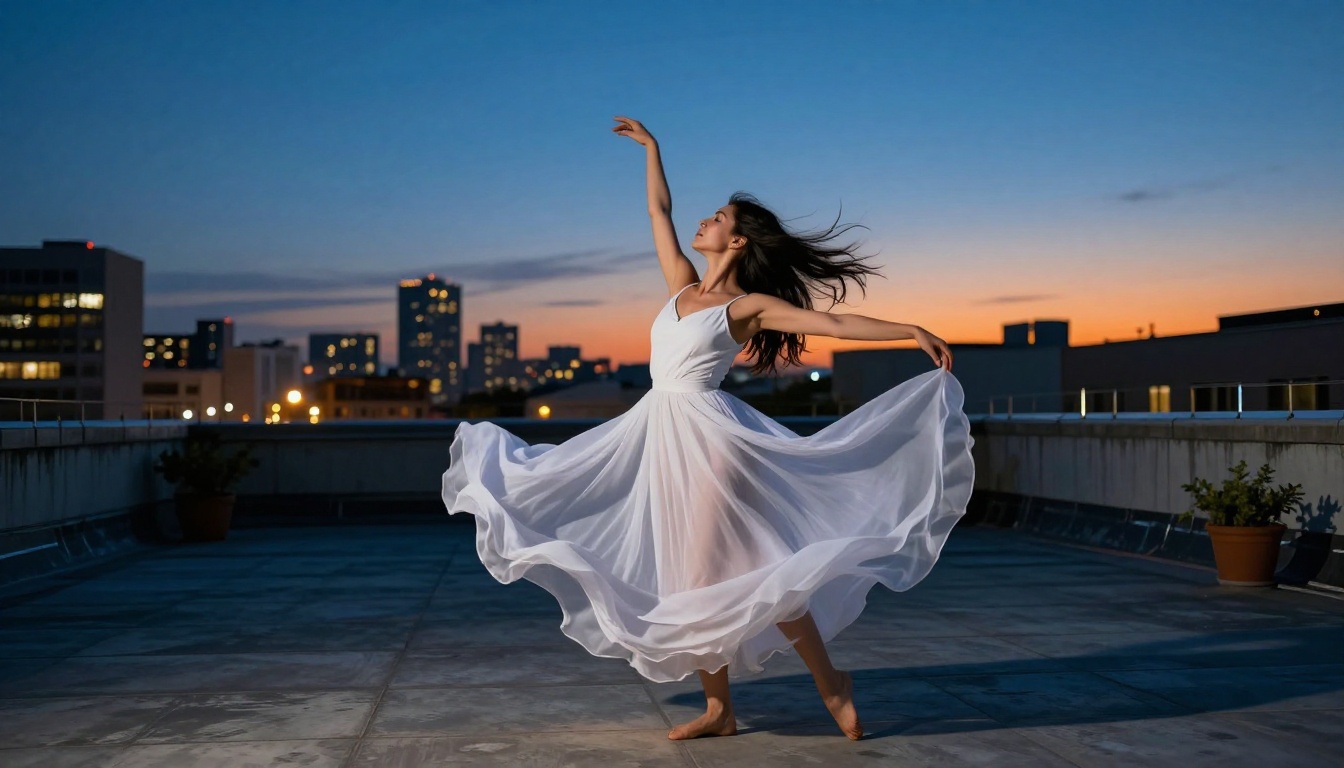
| Contemporary | Female dancer in flowing white dress performing an expressive solo on a rooftop at sunset |
| Ballet | Ballerina in white tutu executing grand jetés on a dark stage with a single spotlight |
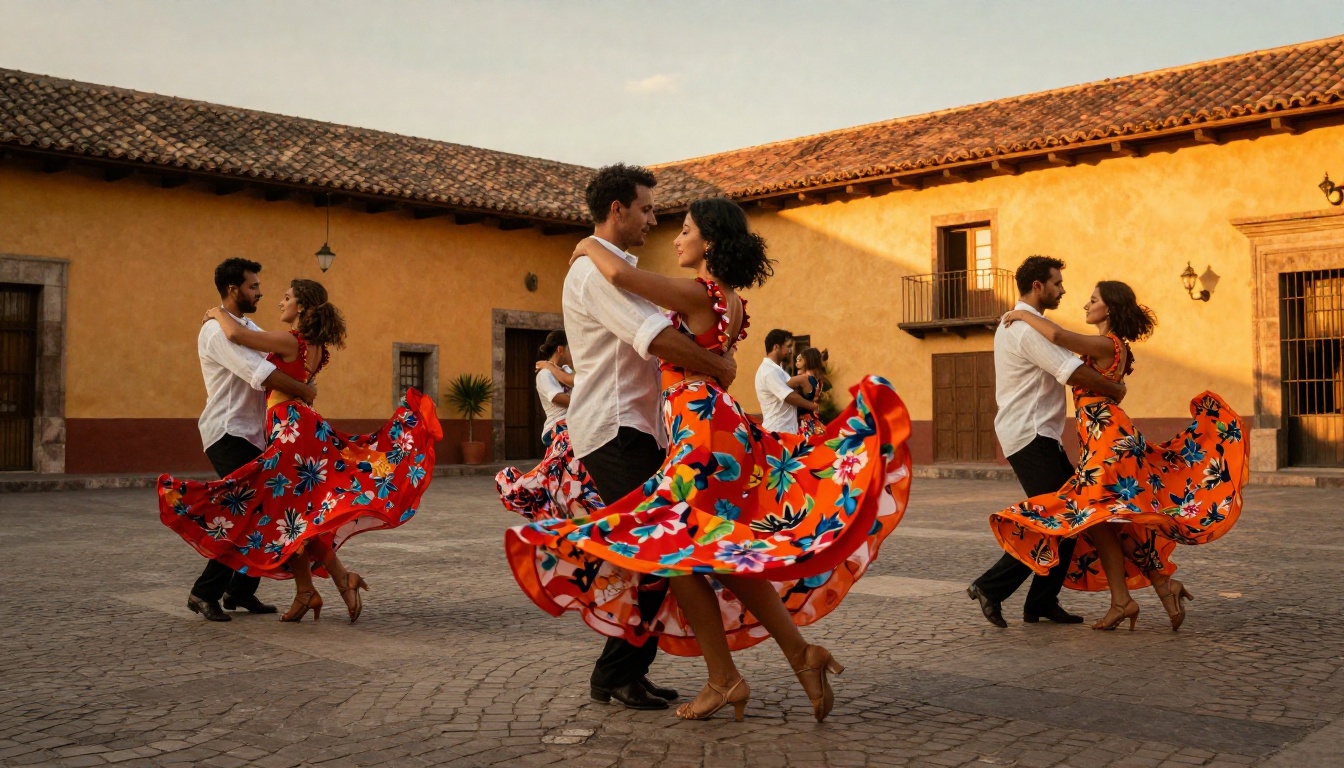
| Salsa | Couple in vibrant red and white outfits performing salsa spins in a cobblestone plaza |
| Breakdancing | B-boy in track pants doing windmill power moves on a painted concrete floor |
| Bollywood | Group of dancers in embroidered costumes performing in sync in an open sunlit courtyard |
| K-Pop | Four dancers in sleek matching outfits doing synchronized choreography on a lit stage |
| Jazz | Female dancer in a sequined bodysuit performing jazz funk in a mirrored dance studio |
| Lyrical | Young woman in a flowing skirt performing lyrical movement in an open field at dawn |
| Freestyle | A dancer moving spontaneously in a small apartment with natural window light, handheld camera |
Dance Styles Seedance 2.0 Handles Best
Not every dance style presents the same generation challenge. Here is an honest breakdown of where Seedance 2.0 performs at its strongest.
Hip-Hop and Street Dance
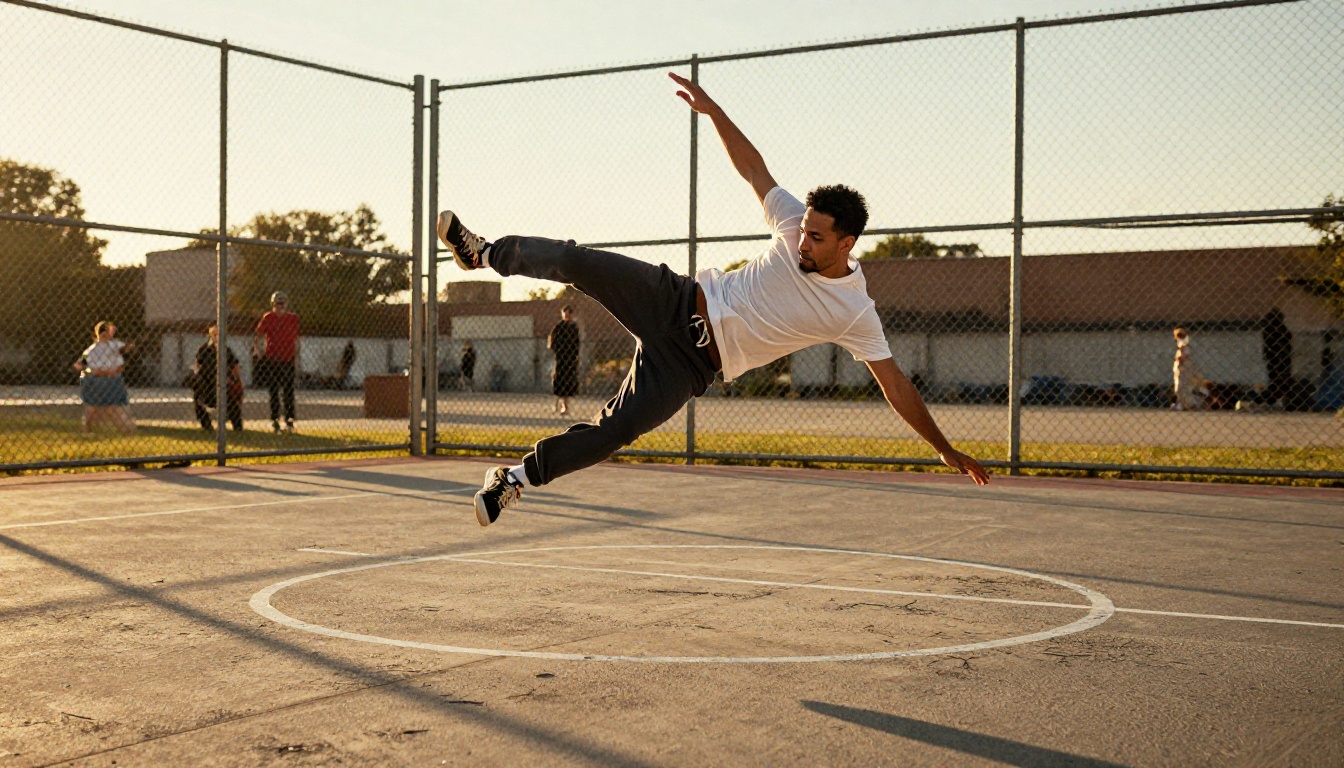
The model handles hip-hop particularly well. The isolated, beat-locked movements that define hip-hop, whether popping, locking, or liquid motion, generate with strong timing and body coherence. Urban environments like concrete plazas, basketball courts, and parking garages work well as scene anchors.
For breaking and power moves, results improve significantly with specific vocabulary. Describing individual moves by name ("windmill", "headspin", "air flare") outperforms generic descriptions like "breakdancing". Specificity is always rewarded.
Contemporary and Ballet
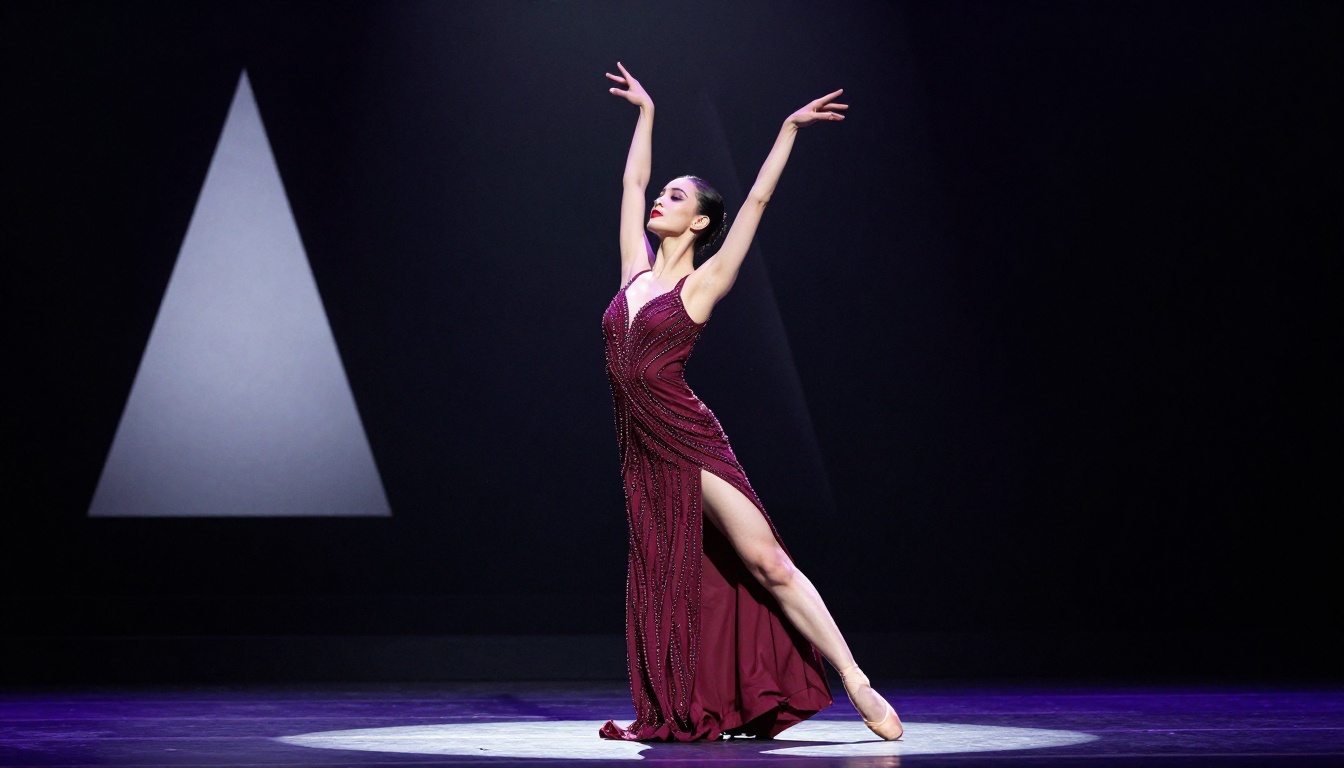
Slower, more expressive movement styles show some of Seedance 2.0's most cinematic output. Contemporary dance with flowing costumes, lyrical movement, and environmental storytelling generates beautifully. The physics simulation for fabric, hair, and body extension during slow arcs is particularly strong.
Ballet generates cleanly when you specify the move directly. "Grande battement", "développé", and "arabesque" all produce recognizable forms with correct body positioning. Classical tutus and pointe shoes are rendered with accurate proportions and texture detail.
Latin and Social Dances
Partner dances like salsa, bachata, and tango perform well when you describe both dancers and their interaction clearly. Specifying the hold position, whether open hold or close hold, guides the model toward correct partner placement. These styles also benefit greatly from native audio generation, since the rhythmic footwork and percussion sounds are part of the visual grammar of the dance itself.
Seedance 2.0 vs. Other Video Models
PicassoIA has 89 text-to-video models in its collection. Knowing which one fits which situation saves time and effort.
Seedance 2.0 Fast for Quick Drafts
Seedance 2.0 Fast uses the same base architecture with optimizations for faster inference. Output quality is slightly reduced compared to the standard model, but the difference is minor for most social media applications. The practical workflow is: draft and iterate with Fast, then finalize with the standard model once you have a strong prompt.
💡 Workflow tip: Use Seedance 2.0 Fast to test three or four prompt variations quickly, pick the strongest result, then run that exact prompt through Seedance 2.0 for the final quality output.
3 Tips for Viral Dance Content
Generating a technically clean video is step one. Getting it to perform on social media is a different skill set entirely.
Optimize for the Platform First
Vertical 9:16 format dominates TikTok and Reels. Horizontal 16:9 works for YouTube. Square 1:1 performs well on Instagram feed posts. Before generating, decide exactly where the video will live and set the aspect ratio accordingly in Seedance 2.0. Repurposing a landscape video to portrait by cropping loses most of the frame and looks amateurish on any platform.
Use Audio as a Creative Direction Tool
Because Seedance 2.0 generates native audio alongside the visuals, you can use audio description as a creative lever. Prompts that include specific sonic context like "upbeat funk rhythm", "deep bass rumble", or "live crowd energy" produce audio that makes the clip feel finished without any post-processing work.
If you want to overlay a specific licensed track instead, generate without audio description and add your track in your video editor. The visual timing of Seedance 2.0 outputs is consistent enough to cut on a beat manually.
Batch Create for Consistency
The accounts that grow fastest on social media post with consistency. AI video generation makes batching possible in a way that manual filming never could. In a single session, you can generate 8 to 10 dance video variations on a theme, schedule them across a week, and maintain a presence without daily effort.
Build a small library of 5 to 6 core prompts for your niche, then rotate and vary them to produce fresh content without starting from scratch every time you open the platform.
Your First Dance Video Starts Here
The barrier to publishing high-quality dance content is gone. Seedance 2.0 on PicassoIA puts a professional-grade AI video generator into a simple text box, with no equipment, no crew, and no complex software beyond the platform itself.
Open the model, describe the dancer and the moment you want to capture, and generate. The first output takes under two minutes. The tenth output takes the same amount of time, which means in a single afternoon you can build a content library that would have required a full production team not long ago.
If you want to go further, PicassoIA has tools that pair naturally with your dance videos. Kling V3 Motion Control lets you transfer motion from a reference clip to any character you generate. Wan 2.2 Animate Animation applies choreographed sequences to custom character designs. And if you want to build out a full social media presence with matching visual identity, the text-to-image models on PicassoIA generate the thumbnails, banners, and profile assets to make everything visually cohesive.
Start with one prompt. See what Seedance 2.0 gives you. Then try another. The speed is the point.


