Most AI image generators treat you like a suspect the moment you try anything remotely bold. You type a prompt, hit generate, and get slapped with a content policy warning. It's frustrating, it's limiting, and if you're an artist, a creator, or simply someone who wants to make something visually daring without corporate guardrails, it kills your workflow instantly. The good news? The tools for creating unrestricted NSFW AI art for free have never been stronger, and you don't need to sacrifice quality or shell out a subscription to access them.
This article breaks down the best free, no-filter AI art generators available in 2027, how to pick the right model for your vision, and the exact prompt strategies that separate blurry failed outputs from stunning, photorealistic results.
It's not your imagination. The vast majority of mainstream AI image tools are built with heavy-handed content moderation baked into every layer. OpenAI's DALL-E, Adobe Firefly, Microsoft Designer, Midjourney's public servers, all of them run your prompts through classifiers designed to catch anything that might embarrass the company's legal team.
That means even legitimate creative requests get flagged. A fine art study of the human form? Blocked. A glamour photography concept with a model in lingerie? Rejected. A suggestive but clearly artistic composition that would hang in any gallery in Paris? Access denied.
The real cost of over-filtering
The problem isn't just annoyance. Over-filtering actively damages creative output by forcing artists into awkward workarounds. You end up with stiff, unnatural images that look nothing like your vision because you're trying to trick the system rather than direct it.
What most filtered platforms restrict:
- Any partial nudity, even when clearly artistic
- Suggestive poses or compositions in glamour photography
- Adult fashion content including lingerie and swimwear in certain contexts
- Implied nudity even when nothing explicit is shown
- Body-positive content that platforms misread as sexual
The irony is that the human body has been the central subject of fine art for thousands of years. What censors call NSFW, the Louvre calls a masterpiece.
What "uncensored" means in 2027
When we talk about free AI art with no filters, we're not describing a lawless zone. The best uncensored platforms in 2027 still operate within legal boundaries while removing the overcautious corporate restrictions that treat every adult as a potential bad actor.
Non-explicit NSFW is the sweet spot: sensual, beautiful, and bold without crossing into pornographic territory. Think high-fashion glamour, artistic nude studies, and confident sensuality in the vein of classic photography. The goal is creative freedom, not shock value.
💡 The distinction that matters: Uncensored AI art tools remove arbitrary platform restrictions, not legal or ethical ones. You gain the freedom to create suggestive, mature, and bold content, while responsible platforms still prevent truly harmful material.
The Best Free Models for NSFW AI Art
The model you choose determines 80% of your result before you even write a prompt. Different architectures produce dramatically different aesthetics. Here are the ones that consistently deliver for adult and unrestricted content creation.
Flux: the photorealism standard
Flux, developed by Black Forest Labs, has become the dominant model for anyone serious about photorealistic uncensored AI images. It produces skin tones, textures, and lighting that are genuinely difficult to distinguish from professional photography.
The Flux family on PicassoIA includes several tiers:
- Flux 2 Pro: The premium offering. Maximum resolution, deepest prompt adherence, most natural skin rendering. Best for portraits and glamour work.
- Flux 2 Dev: Open-weight development model. Slightly less polished but highly customizable. Great for experimenting with styles and LoRA combinations.
- Flux Dev: The accessible entry point to the Flux ecosystem. Free to use, strong output quality, good starting point for anyone new to uncensored generation.
- Flux Schnell: Speed-optimized. Generates in seconds. Trade some detail for rapid iteration when you're testing prompt ideas.
What makes Flux stand out for adult AI art is its unprecedented skin texture rendering. Other models produce plastic-looking skin with an obvious AI sheen. Flux produces pores, subsurface light scattering, natural imperfections, and real hair strand-level detail.
Stable Diffusion: the open-source backbone
Stable Diffusion by Stability AI is the foundation of the entire open-source image generation ecosystem. The reason it's historically associated with uncensored AI art is simple: it's open-source, which means the community built fine-tuned versions optimized for realism, adult content, and artistic freedom without corporate content policies.
Stable Diffusion variants worth knowing:
The SD 3.5 series represents a major leap over earlier versions. Prompt adherence is dramatically improved, meaning what you type is what you get rather than a vague approximation. For NSFW art specifically, this matters enormously because precise composition and pose control are critical.
Realistic Vision: built for skin-level detail
Realistic Vision v5.1 is a fine-tuned model that has developed a dedicated following specifically because of how it handles the human figure. Where many models produce figures that look technically correct but somehow off, Realistic Vision generates people that feel photographically real.
This model excels at:
- Natural skin tones across all ethnicities without the gray or plastic tones common in other models
- Realistic hair with individual strand variation rather than uniform texture blocks
- Proper body proportions that don't distort under complex poses
- Believable clothing and fabric behavior, including how fabric stretches, wrinkles, and interacts with the body
For glamour photography concepts and adult AI art that prioritizes photorealism over stylization, Realistic Vision remains one of the most consistent performers in the ecosystem.
Also worth trying: RealVisXL v3.0 Turbo, the SDXL-based successor that combines Realistic Vision's signature photorealism with the higher resolution ceiling of the XL architecture.
DreamShaper: for cinematic drama
DreamShaper XL Turbo takes a different approach. Instead of chasing photographic realism, it leans into cinematic drama. The images it produces look like stills from a high-budget film, with moody lighting, rich color grading, and strong compositional instincts.
For adult and glamour content where you want mood over realism, DreamShaper XL consistently delivers images with a distinctive, premium feel.
How to Use PicassoIA for Free NSFW Art
PicassoIA gives you access to 91 text-to-image models from a single interface, including the Flux and Stable Diffusion variants above, all without requiring local installations or complex configuration files.
Here's how to actually use it for unrestricted content creation:
Step 1: Choose your model by output goal
Don't just grab whatever is at the top of the list. Match the model to your intention:
Step 2: Write a prompt that actually converts
The single biggest reason people get bad results is prompt construction. A weak prompt produces weak images regardless of how powerful the model is.
The layered prompt formula for adult AI art:
[Subject description] + [Clothing/state] + [Pose/action] + [Environment] + [Lighting] + [Camera/lens] + [Texture modifiers] + [Film/style]
Example breakdown:
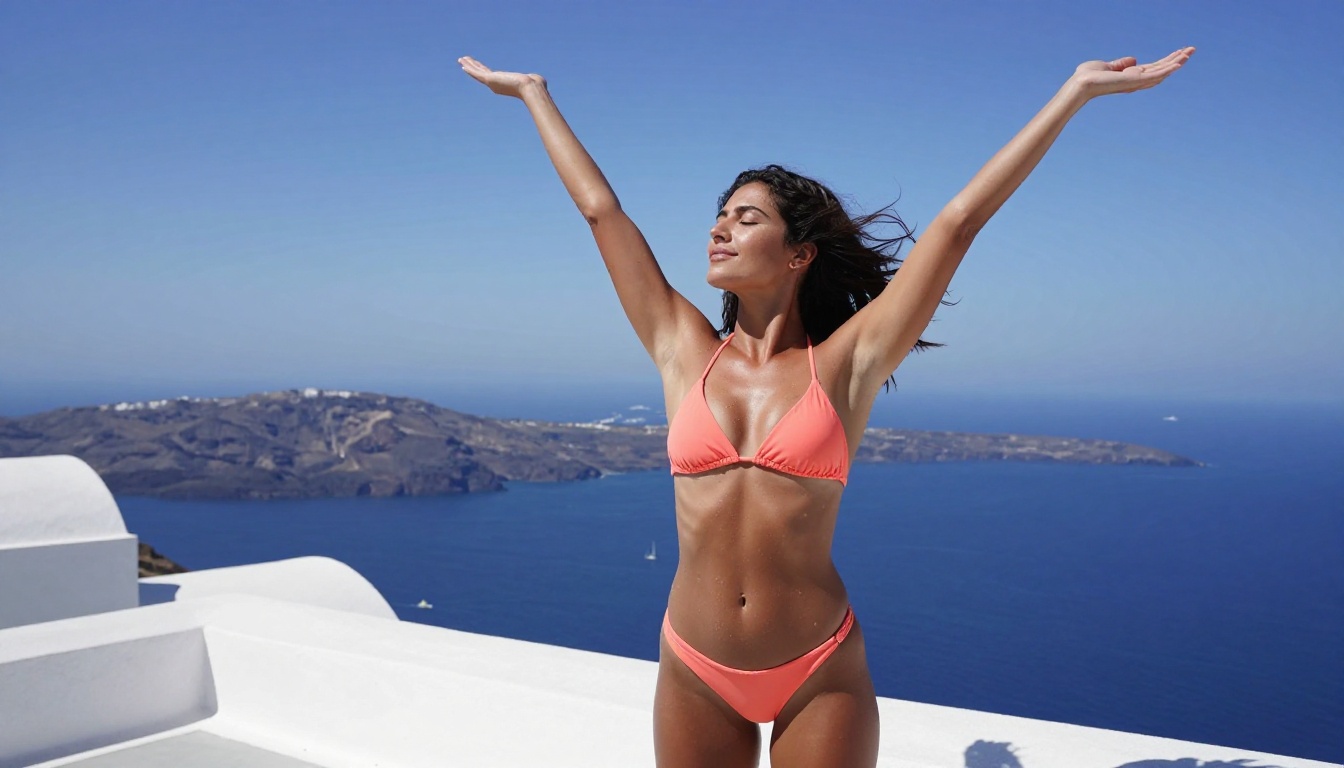
"Athletic woman with bronzed Mediterranean skin and dark hair, wearing a minimal coral bikini, arms raised stretching toward the sky, on a Santorini rooftop with white Cycladic architecture and Aegean Sea in background, harsh Mediterranean noon light softened by canopy, Canon 50mm f/2.8 three-quarter aerial angle, real skin texture with water droplets, Fujifilm Velvia 50 color science, 8K --ar 16:9 --style raw"
Every element is specific here. No vague words. No generic descriptors. You're directing the model like you're giving instructions to a photographer, cinematographer, and makeup artist simultaneously.
💡 Pro tip: Add film stock references like "Kodak Portra 400", "Fujifilm Pro 400H", or "Kodak Ektar 100" to push your images toward photographic authenticity rather than digital AI aesthetics. This single addition dramatically reduces the obvious AI look.
Step 3: Dial in your output
Generate once, evaluate, then refine. Common adjustments:
- If skin looks plastic: Add "natural pores, subsurface scattering, film grain" to your prompt
- If lighting is flat: Specify the direction ("volumetric morning light from left", "rim light from window")
- If proportions are off: Add "correct anatomy, professional photography, realistic proportions"
- If the image looks too perfect: Add "natural imperfections, authentic, unretouched" to break the AI polish
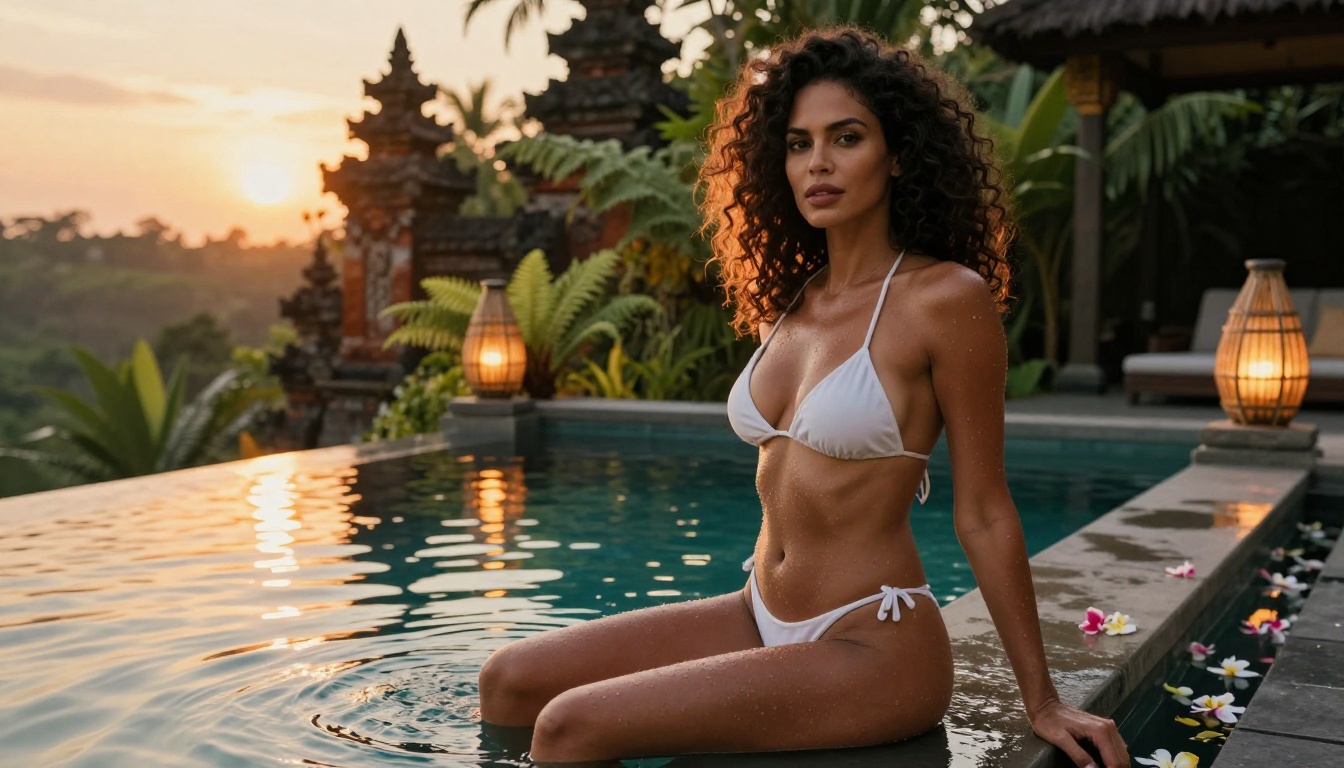
Model Comparison at a Glance
💡 Quick verdict: For photorealistic free NSFW AI art, start with Realistic Vision v5.1 or Flux Dev. For maximum quality when quality is the priority over cost, Flux 2 Pro and Flux 1.1 Pro Ultra are in a class of their own.
Prompt Strategies That Get Results
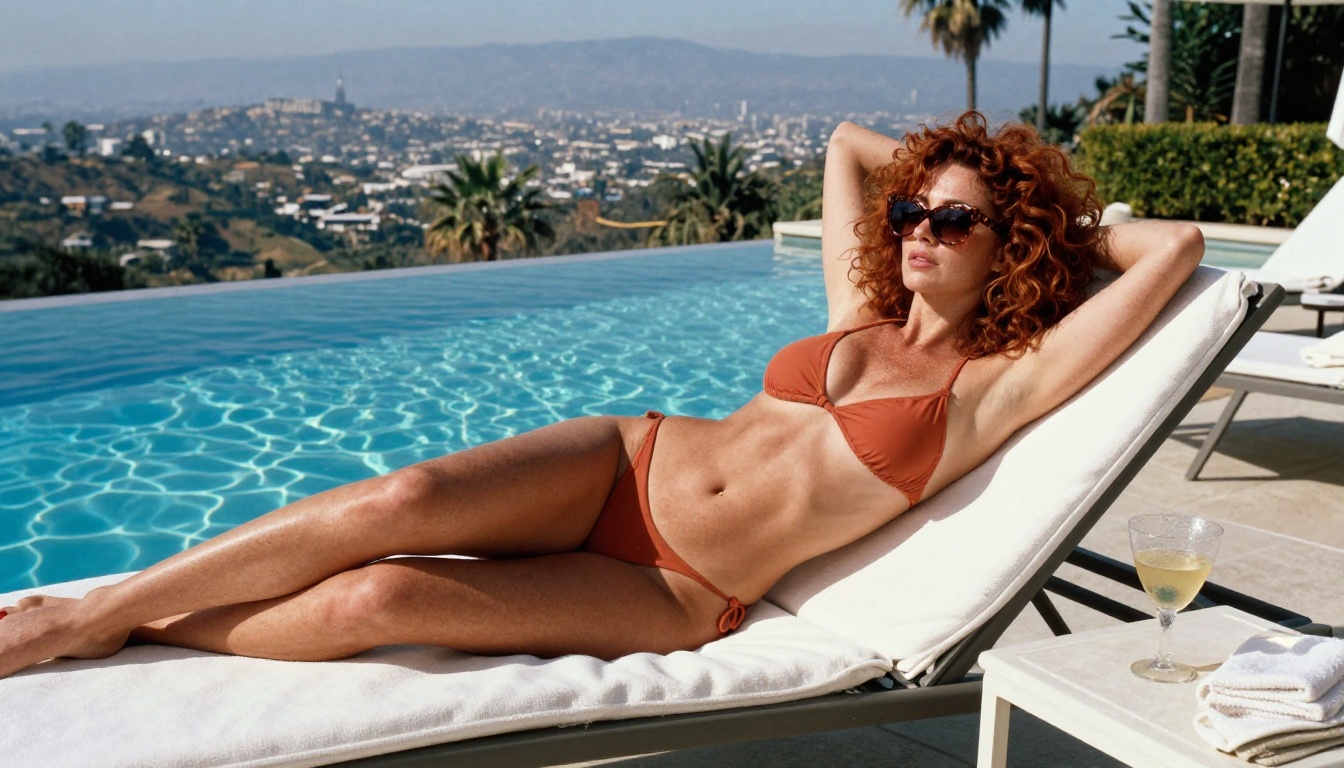
Build your prompt in layers
The most consistent results come from thinking of prompts as stacked layers of direction rather than a single sentence description. Each layer adds information that the model uses to make decisions:
- Layer 1 - The subject: Who is in the image, their appearance, ethnic features, hair, build
- Layer 2 - The styling: What they're wearing or not wearing, accessories, makeup state
- Layer 3 - The action/pose: What they're doing, body language, expression, energy
- Layer 4 - The environment: Where they are, background details, time of day, season
- Layer 5 - The light: Direction, quality, color temperature, shadows
- Layer 6 - The camera: Lens, aperture, distance, angle
- Layer 7 - The texture modifiers: Film grain, color science, rendering style flags
Skip any of these layers and you leave the model guessing. Guessing produces generic results.
Lighting is what separates good from great
Lighting direction is the most overlooked element in AI art prompts. Most people describe the subject and forget to tell the model where the light is coming from.
Specific lighting terms that dramatically improve adult AI art outputs:
"volumetric golden hour light from the left" - creates warm, soft, directional glamour lighting"rim light from behind creating silhouette halo" - perfect for artistic implied nude work"overhead Mediterranean noon sun" - harsh, high-contrast beach photography feel"Rembrandt lighting, single softbox upper left" - classic portrait studio setup"practical lighting from window, blue hour ambient" - moody, intimate atmosphere
Words that confuse vs words that direct
Certain words simply confuse models into producing inconsistent outputs, while others communicate precise photographic intent.
Words that produce weak results:
- "beautiful" (too vague, no photographic meaning)
- "sexy" (triggers filters AND produces generic output)
- "gorgeous" (same problem)
- "stunning" (the model doesn't know what to do with emotional adjectives)
Words that produce strong results:
- "85mm f/1.4 shallow depth of field" (camera lens specs)
- "natural skin pores, subsurface scattering" (texture direction)
- "Kodak Portra 400 color science" (color direction)
- "rule of thirds composition, cinematic" (compositional direction)
- "photojournalistic authenticity" (tells the model to look real, not artificial)
Free Tier Reality Check
Before going all-in on any platform, you should know what you're actually getting for free versus what sits behind a paywall.
What you actually get for free on PicassoIA
PicassoIA's free tier gives you access to a wide range of models including Flux Dev, Flux Schnell, Realistic Vision v5.1, SDXL, and dozens more. For someone learning the craft and building their prompting skills, the free tier is genuinely substantial.
Free tier includes:
- Access to 40+ models including core Flux and Stable Diffusion variants
- Standard resolution outputs sufficient for web and social
- No watermarks on many models
- Full prompt control with no keyword blocking
When to consider the paid tier
If you're doing this professionally, the free tier will hit its ceiling quickly. The paid subscription gives you access to:
- Flux 2 Pro and Flux 1.1 Pro Ultra, the highest fidelity models available anywhere
- Higher daily generation limits for volume workflows
- Priority queue access during peak hours
- Maximum resolution outputs for print-ready work
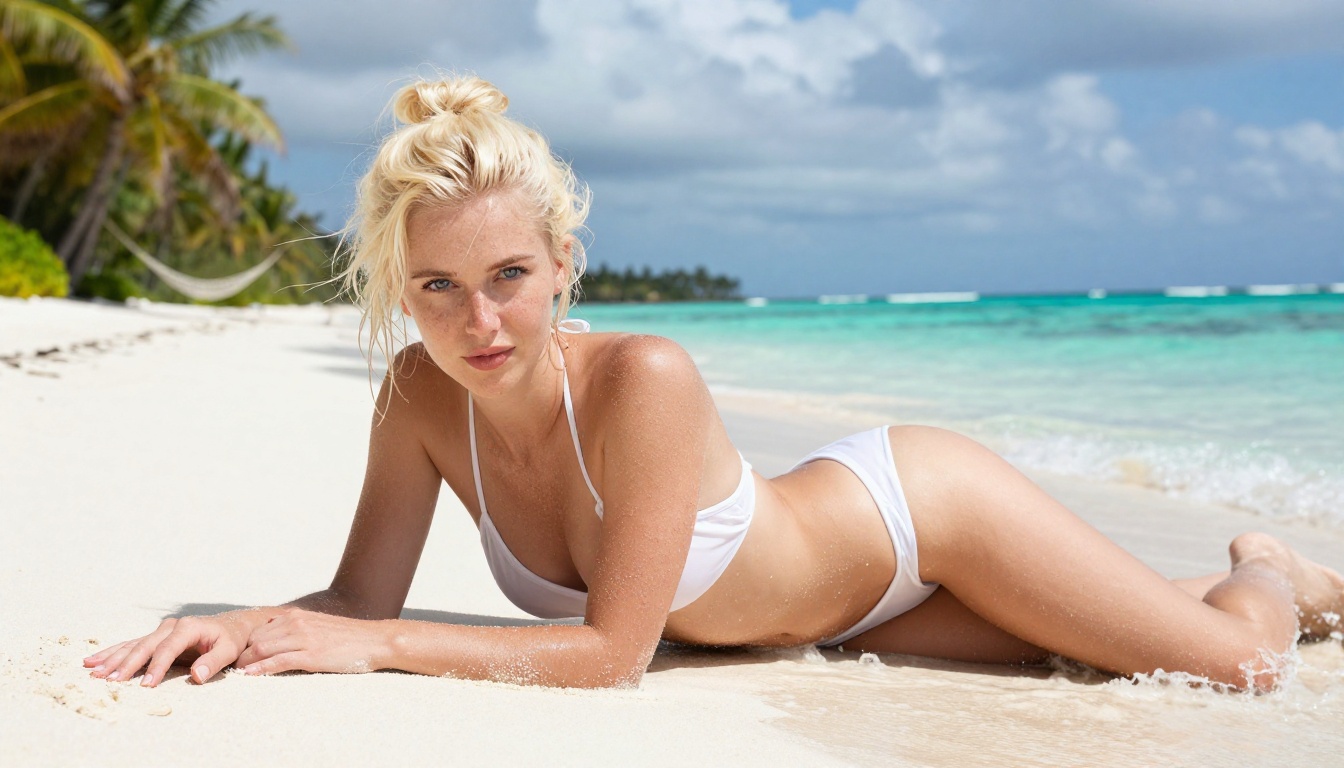
5 Mistakes That Ruin Your Results
Even with the right model and a solid prompt, these mistakes consistently produce disappointing outputs:
1. Vague subject descriptions. "A woman" generates an average-looking output. "A 28-year-old woman with warm amber skin, voluminous dark curly hair, high cheekbones, and full lips" generates a specific person. The more detail you provide, the more control you retain.
2. Ignoring aspect ratio. Most models default to square (1:1) if you don't specify. For glamour and editorial content, 16:9 creates a cinematic feel. 3:2 mimics a traditional camera sensor. Always specify your ratio explicitly.
3. Copying prompts verbatim from forums. A prompt that worked for someone else was tuned for their specific model version, seed, and generation settings. Treat found prompts as starting points, not finished formulas.
4. Not iterating. The first output is rarely the best. Generate 4-6 variations, identify what the model is interpreting correctly, and double down on the elements that work while refining the parts that don't.
5. Forgetting negative prompts where available. On models that support negative prompts (most Stable Diffusion variants do), use them aggressively. Common negatives for NSFW work: "cartoon, anime, 3D render, CGI, plastic skin, oversmoothed, airbrushed, digital art, illustration, painting", anything that pulls away from photorealism.
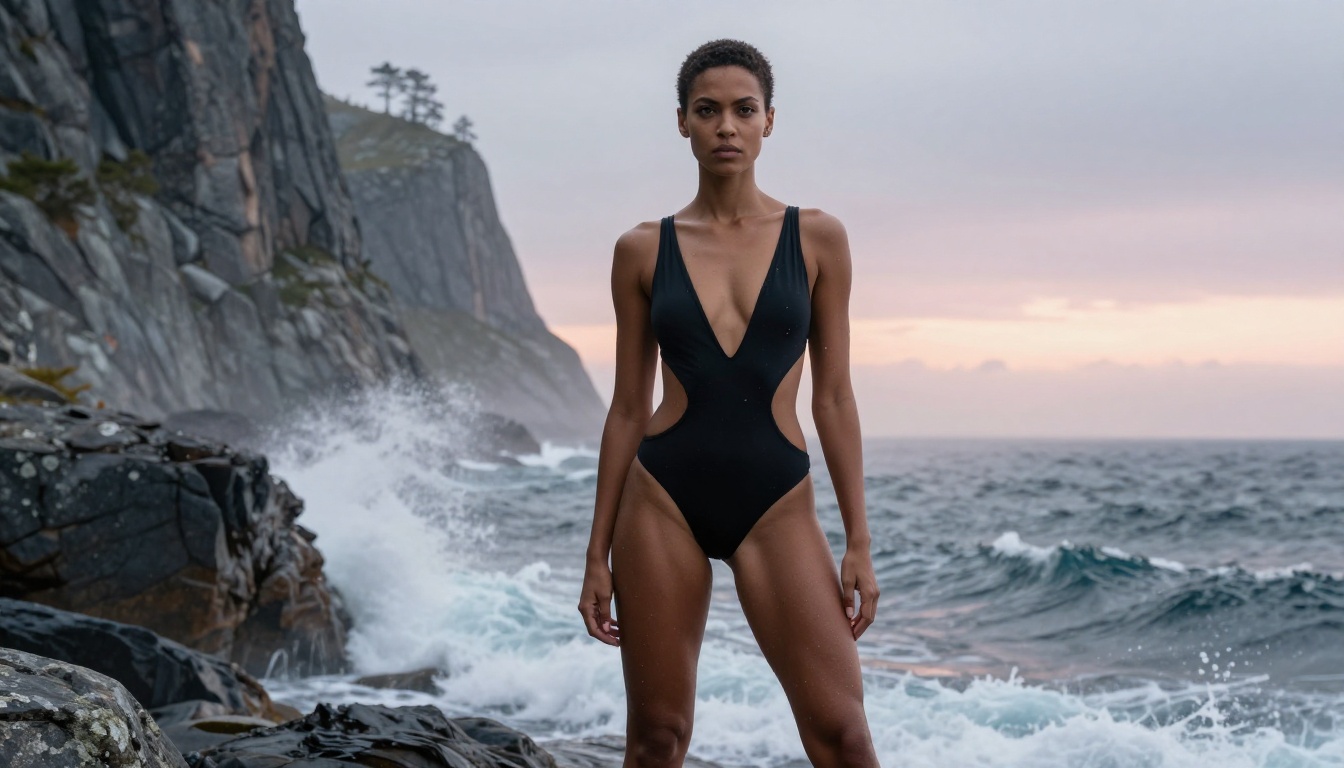
Try It Now on PicassoIA
Everything covered in this article is accessible right now, without a credit card, on PicassoIA. The platform puts over 91 text-to-image models at your fingertips, including the Flux family, Stable Diffusion 3.5, Realistic Vision, and dozens of specialized variants, all from a clean interface that doesn't require any technical setup.
Start with Flux Dev if you want photorealistic results with no restrictions. Try Realistic Vision v5.1 if skin texture and authentic body rendering are your priority. When you're ready to push quality to its absolute ceiling, Flux 2 Pro and Flux 1.1 Pro Ultra are waiting.
Take the layered prompt formula from this article, pick your first model, and generate your first image today. The creative freedom you've been looking for is already there.


