Vertical video is no longer optional for social media. Instagram Reels, TikTok, and YouTube Shorts all prioritize 9:16 content in their algorithms, and creators who shoot horizontally are leaving reach on the table. The real question in 2027 is not whether to go vertical, but how fast you can produce it. That is where Seedance 2.0 by ByteDance changes everything. This model generates cinematic short-form video from a text prompt, natively outputs audio, and supports portrait-format video that drops straight into your Reels workflow without a single crop or reformat.
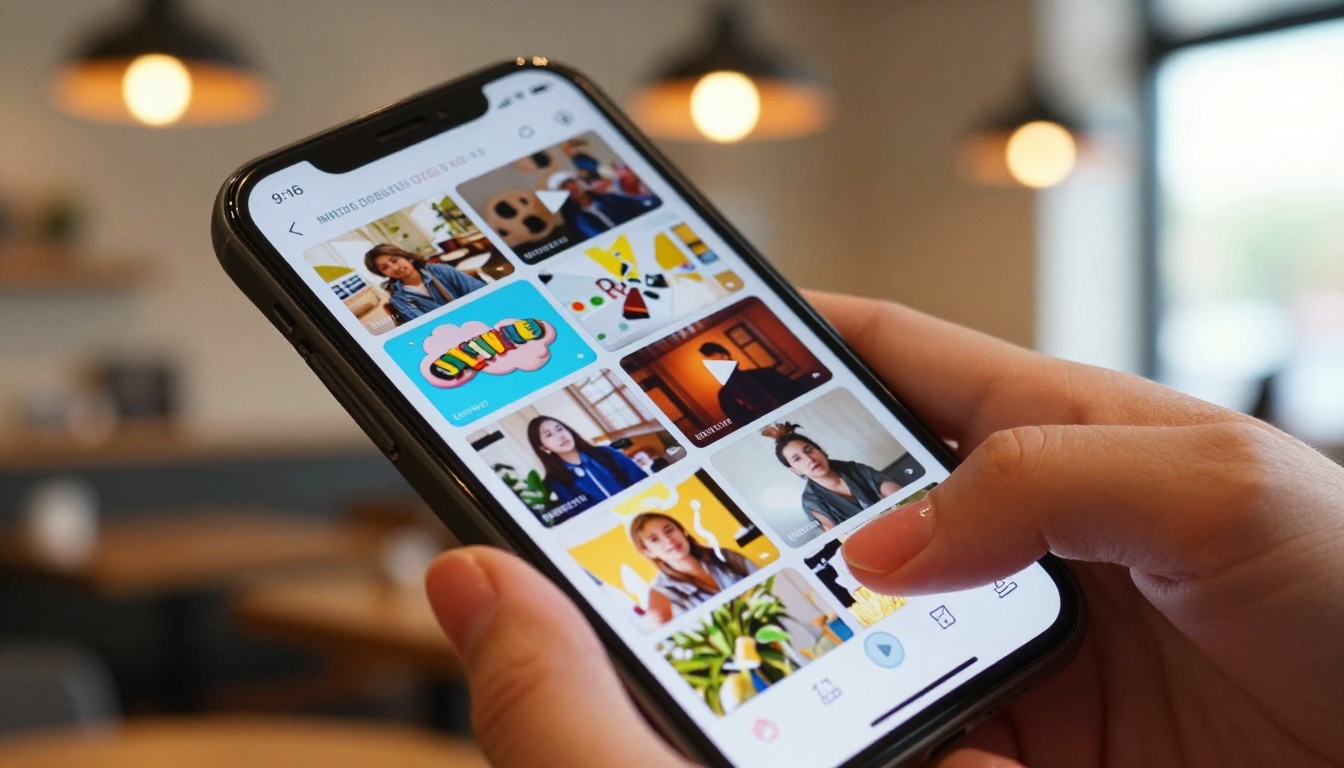
Why Vertical Video Dominates Social Right Now
The shift happened fast. In 2020, most creators still thought of video as a horizontal medium. By 2024, every major platform had restructured its feed to favor portrait-format clips. In 2026, shooting landscape for Reels is the equivalent of printing a flyer on a cassette tape.
The 9:16 Standard Took Over
The 9:16 aspect ratio fills the entire phone screen. No black bars. No wasted space. When a viewer holds their phone upright and your content occupies every pixel from edge to edge, the psychological effect on watch time is significant. Platforms measure this. Videos that fill the screen average 30 to 40% higher completion rates compared to cropped horizontal content on the same feed.
Short-form vertical content now accounts for over 60% of all mobile video consumption globally. That number keeps climbing because phones are the primary screen for most of the world's population, and people use them vertically 94% of the time.
What Platforms Actually Reward
Instagram, TikTok, and YouTube all use watch time and replay rate as primary signals for distribution. Vertical video directly boosts both because it removes friction. Viewers do not need to rotate their phone. They do not see the letterbox effect that signals "this was not made for mobile."
💡 The algorithm does not care about your camera gear. It cares about how long people watch. Vertical format is a mechanical advantage.
Beyond completion rates, Reels that match the native 1080x1920 resolution also benefit from better compression handling on upload. Cropped or reformatted horizontal videos lose quality in the transcoding step. Native 9:16 stays sharper.
What Seedance 2.0 Brings to the Table
Seedance 2.0 is ByteDance's most capable text-to-video model, and it is built specifically for the kind of content that performs on short-form platforms. The architecture handles both text prompts and image inputs, outputs video with synchronized native audio, and delivers results that hold up at full screen on a modern smartphone.
Native Audio Generation
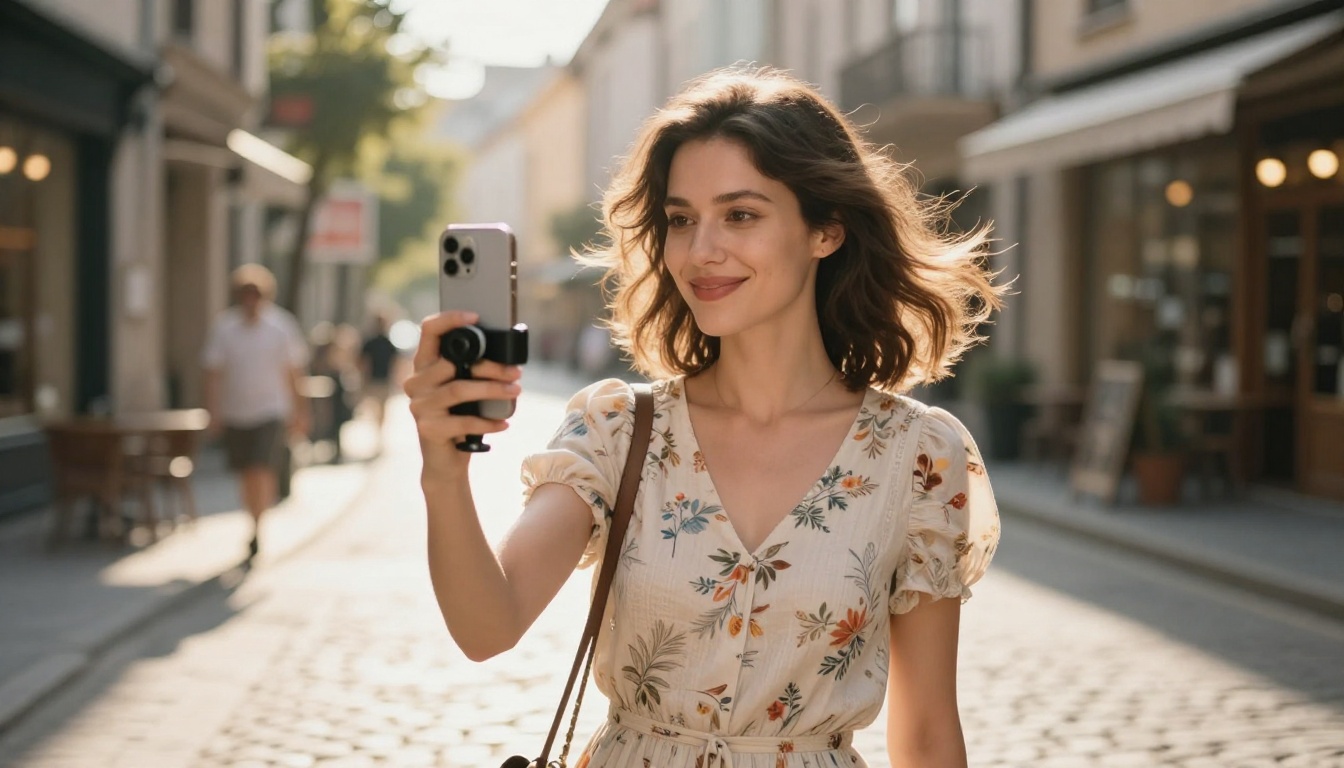
This is the feature that separates Seedance 2.0 from most other video models. When you describe a scene, the model does not just generate visuals. It generates ambient audio that matches the scene context. A beachfront clip includes wave sounds. A café interior produces soft background murmur and espresso machine hiss. A forest walk comes with birdsong and wind through leaves.
For Reels, this matters enormously. Instagram serves most Reels with audio on by default. A video that sounds right immediately reinforces the visual and keeps the viewer watching. No need to source royalty-free audio or record ambient sound separately.
Text and Image Inputs
Seedance 2.0 accepts two types of inputs:
| Input Type | What It Does |
|---|
| Text prompt | Generates video entirely from your written description |
| Image + Text | Animates an existing image using your prompt as motion direction |
The image input mode is particularly powerful for Reels. You can generate a high-quality still image first using any text-to-image model, then feed it into Seedance 2.0 to animate it with a motion prompt. This two-step workflow gives you precise control over the aesthetic before any motion is added.
Seedance 2.0 vs. Seedance 2.0 Fast
There are two variants available: the full Seedance 2.0 and the faster Seedance 2.0 Fast. Here is a practical breakdown:
| Feature | Seedance 2.0 | Seedance 2.0 Fast |
|---|
| Output quality | Highest fidelity | Very good, slightly softer |
| Generation speed | Slower | Significantly faster |
| Best for | Hero content, polished Reels | Batch testing, drafts, fast turnaround |
| Native audio | Yes | Yes |
| Aspect ratio support | 9:16, 16:9, 1:1 | 9:16, 16:9, 1:1 |
💡 Start with Seedance 2.0 Fast to test your prompt. Once you have a version you like, run the final output through full Seedance 2.0 for maximum quality.
How to Use Seedance 2.0 on PicassoIA
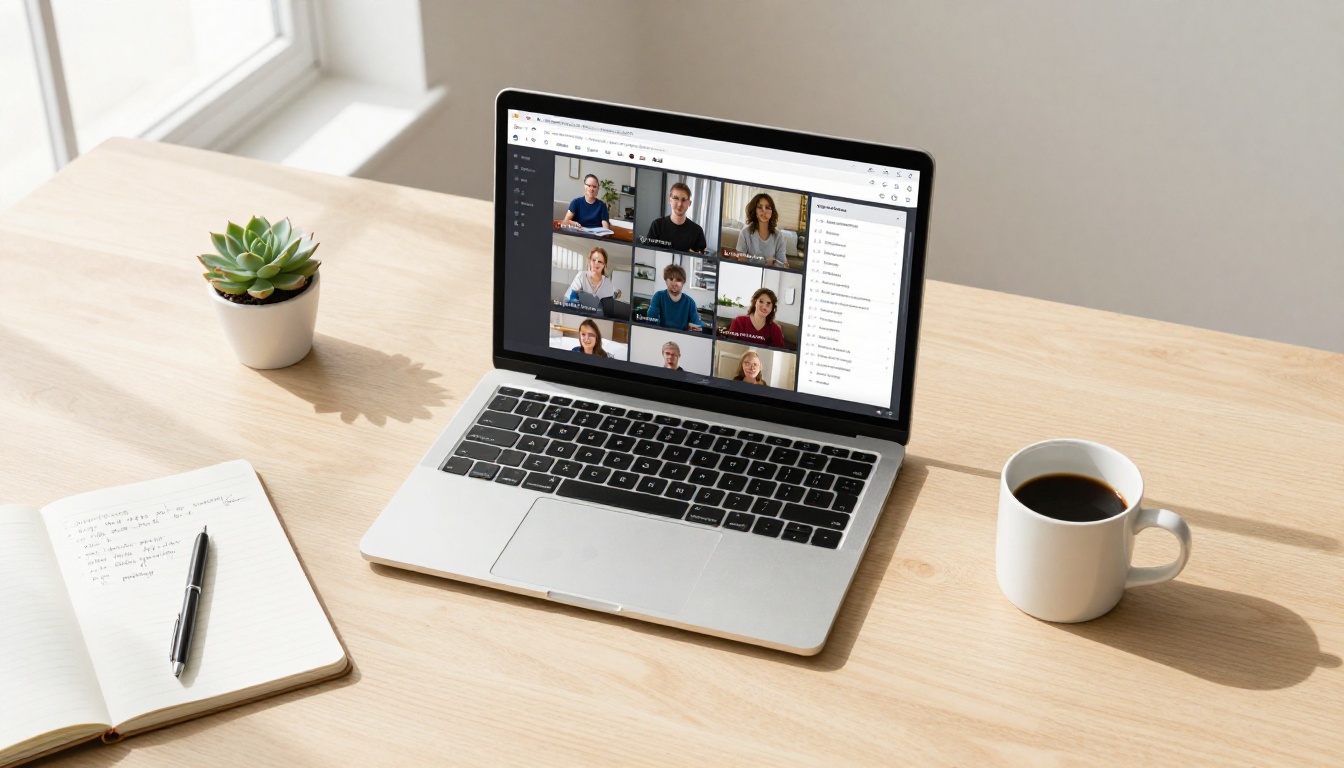
Using Seedance 2.0 does not require any setup, downloads, or accounts beyond PicassoIA. The entire process runs in your browser.
Step 1: Open the Model
Go directly to the Seedance 2.0 model page on PicassoIA. You will see the prompt input field, the aspect ratio selector, and optional image upload on the left side of the interface.
Step 2: Set Aspect Ratio to 9:16
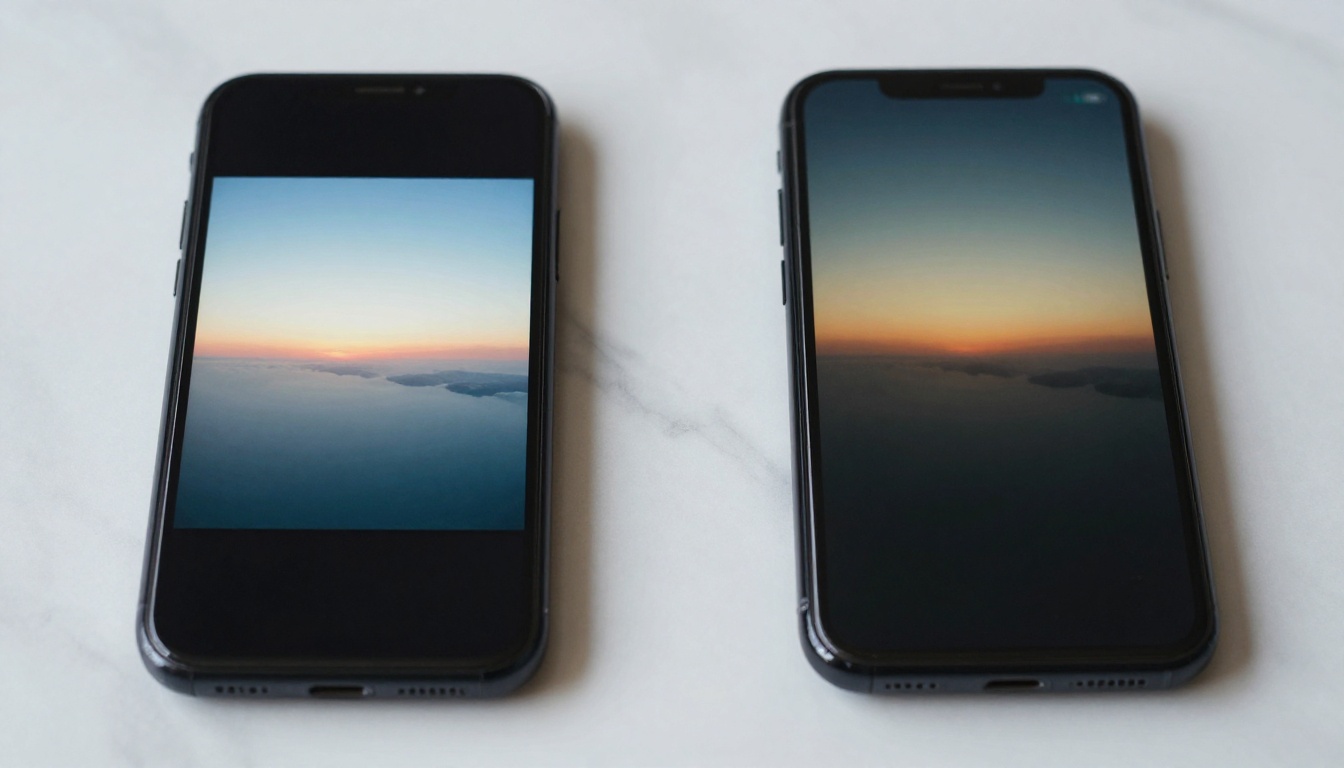
Before typing your prompt, select 9:16 as your aspect ratio. This is the vertical portrait format that fills the full phone screen on Reels. If you forget this step and generate in 16:9, you will end up with a cropped or letterboxed result when posting.
Step 3: Write Your Prompt
This is the creative part. Write a prompt that describes the visual scene, the movement, the lighting, and the mood. More detail produces better results. Vague prompts like "a woman walking" generate generic output. Specific prompts like "a woman in a floral dress walking through a sunlit flower market at golden hour, slow cinematic camera push-in, warm colors" produce Reel-ready content.
Prompt elements that always improve output:
- Subject + Action: Who is doing what
- Environment: Where the scene takes place
- Lighting: Time of day, natural vs artificial
- Movement: Camera motion or subject motion
- Mood/Tone: Warm, cinematic, energetic, calm
Step 4: Generate and Download
Hit generate. Seedance 2.0 will process your prompt and return a video file with native audio. Download it directly and upload to Instagram, TikTok, or YouTube Shorts. The 9:16 format requires no editing or reformatting before posting.
Writing Prompts That Convert for Reels
The difference between a Reel that stops the scroll and one that gets skipped in the first second is almost always the opening frame. Since you are working with AI video, your prompt controls that opening frame completely.
The Anatomy of a High-Performing Prompt
A well-structured Seedance 2.0 prompt for vertical Reels content follows this format:
[Subject + Position] + [Detailed Environment] + [Lighting] + [Camera Movement] + [Mood]
The camera movement component is often skipped by beginners. This is a mistake. Reels with subtle camera motion outperform static shots because movement signals "this is video, not a photo" in the first frame. Use terms like: slow zoom in, gentle pan left, subtle dolly forward, handheld natural movement.
5 Prompt Templates for Reels
Use these as starting points and adapt them to your niche:
1. Lifestyle / Morning Routine
"A young woman in a cream linen robe pouring coffee in a bright kitchen at morning, steam rising from the mug, soft natural window light, slow cinematic push-in, warm cozy atmosphere, photorealistic"
2. Travel / Location
"Aerial view slowly descending toward a turquoise tropical beach with white sand and palm trees, golden hour sun low on the horizon, no people, lush green foliage, cinematic color grade"
3. Fashion / Outfit
"A stylish woman in a flowing floral maxi dress walking toward camera on a sun-drenched European cobblestone street, slow motion, warm afternoon light, shallow depth of field, fashion editorial tone"
4. Food / Product
"Close-up of a fresh açaí bowl being placed on a wooden table outdoors at a cafe, vibrant purple color, fresh fruit toppings, droplets of condensation on the bowl, natural light from above"
5. Fitness / Energy
"A woman doing yoga on a rooftop at sunrise, golden light, city skyline in soft focus background, slow cinematic camera circle, peaceful and energetic mood"
💡 Copy any of these into Seedance 2.0, add your own adjustments, and you have a production-ready Reel in under two minutes.
Not all content categories respond the same way to AI-generated video. Some niches are better suited to Seedance 2.0 output than others.

Lifestyle and Fashion Content
This is the highest-performing category for AI-generated Reels. Lifestyle content relies on mood, aesthetic, and visual atmosphere more than documentary accuracy. Seedance 2.0 excels here because it generates exactly the kind of warm, polished, editorial look that lifestyle audiences respond to.
Fashion content works particularly well when you use the image-input mode. Generate a flat-lay of an outfit or a product shot first, then animate it with motion and atmosphere. The result is a Reel that looks like a high-budget brand campaign.
Travel and Scenic Content
Travel Reels are the second strongest category. Seedance 2.0 handles landscapes, cityscapes, and nature scenes with high photorealism. The native audio generation shines here too. A mountain sunrise clip with wind and birdsong audio feels immersive in a way that silent video never does.
Combine Seedance 2.0 output with a voiceover (generated using PicassoIA's text-to-speech models) for travel content that delivers information and atmosphere at the same time.
Product Showcases
If you sell physical products, Seedance 2.0 can produce short "reveal" style clips showing the product in context. A skincare serum on a marble bathroom counter. A candle burning on a cozy evening table. A pair of sneakers on a rainy city street. These contextual product shots outperform plain white-background photos on Reels because they tell a story.
Other AI Video Models Worth Knowing
Seedance 2.0 is the top choice for Reels, but it sits alongside a strong lineup of video models on PicassoIA. Knowing when to use alternatives makes you a more versatile creator.
Kling V3 for Motion Control
Kling V3 Video by Kwai introduces fine-grained motion control. If you need a specific type of camera move, like a precise arc or a defined push-in trajectory, Kling V3 offers more controllable motion paths than Seedance 2.0. It is the right tool when the movement itself is the centerpiece of the Reel.
There is also Kling V3 Motion Control, which lets you transfer motion from a reference video to a generated scene. This is excellent for replicating a trending Reel's movement style while using your own content.
LTX 2.3 Pro for Speed at Scale
LTX-2.3-Pro by Lightricks is the fastest high-quality option available. When you need to produce 10 or 20 Reels in a single session, this model's speed becomes a competitive advantage. Quality is slightly below Seedance 2.0 at its ceiling, but for social media delivery at 1080p the difference is minimal.
Hailuo 2.3 for Photorealistic Faces
Hailuo 2.3 by Minimax handles human faces with exceptional accuracy. If your Reel content centers on a close-up person, lifestyle portrait, or talking-head style clip, Hailuo 2.3 produces face detail and natural skin rendering that competes with footage shot on a professional camera.

Before You Post Your Reel
The video is generated. Before it goes live, two details can significantly affect how it performs.
Audio and Captions
Even though Seedance 2.0 generates native ambient audio, most Reels benefit from a music layer on top. Instagram's audio library has licensing cleared for all creators. TikTok's native sounds tool does the same. Layering a trending audio track over your ambient sound adds discoverability. Reels with trending audio get surfaced in the Explore tab and in audio-based search.
Captions are equally important. Over 80% of social media video is watched without sound at some point during scrolling. Adding subtitles or a simple text overlay ensures your Reel communicates even when audio is off. PicassoIA's speech-to-text models can transcribe voiceovers automatically if you add one.
Thumbnail Selection
Instagram lets you select a cover frame from your Reel before posting. The thumbnail is what appears on your profile grid. Choose a frame with strong composition and a clear subject. A strong thumbnail encourages profile visits from viewers who liked the Reel and want to see more. Seedance 2.0 output typically has several excellent candidate frames, especially in the opening seconds.
💡 Pause your video at the frame with the best lighting and composition. That is your cover. It will represent this Reel everywhere on your profile.
Comparing the Top Vertical Video Models
Here is a quick-reference comparison of models for vertical Reels production:
No single model is right for every Reel. The creators producing the most consistent content rotate between two or three models depending on what the scene requires.
3 Mistakes That Kill AI-Generated Reels
Even with a powerful model like Seedance 2.0, certain habits undercut results consistently.
1. Posting 16:9 and cropping it to 9:16
The quality loss from cropping a landscape video is visible on modern phone screens. Always set 9:16 in the model settings before generating. Do not try to fix it in post.
2. Skipping the audio layer
Ambient audio from Seedance 2.0 is good for atmosphere, but it is not enough alone for a Reel. Add a music track or voiceover before posting. Audio is a primary discovery mechanism on both TikTok and Instagram.
3. Writing one-line prompts
"A beach at sunset" produces mediocre output. "A deserted tropical beach at golden hour with gentle waves rolling in, warm amber light reflecting off wet sand, slow camera pan right, no people, cinematic" produces a Reel worth posting. Length and specificity in prompts directly correlates with output quality in every text-to-video model.

Start Producing Vertical Reels Today
The barrier to producing professional-quality vertical video dropped to zero with models like Seedance 2.0. No camera. No set. No editing software. Write a prompt, set 9:16, generate, and post. That is the workflow.
The creators gaining the most traction on Reels right now are the ones who treat AI video as a production tool, not a novelty. They produce three to five pieces of content per week with the same effort it used to take to produce one. They test more prompts, find more formats that work, and build audiences faster because the volume-to-quality ratio is simply better.
Open Seedance 2.0 on PicassoIA, write your first 9:16 prompt using the templates above, and post it today. Your next Reel is one prompt away.


