Every few months someone posts that MCP is dead, and every few months a team ships another MCP server to production. Both things are true at once. Models got far better at running shell commands, reading docs, and writing small scripts, so many of the early reasons to wrap every tool in a protocol have weakened. Yet some jobs still need a standard, authenticated, remote interface that any agent can plug into without custom glue. This article sorts the two groups. You will see where a plain CLI or a skill file beats an MCP server, where the server still wins, and how to decide in about five minutes.
What MCP Actually Does
A Plain Definition
The Model Context Protocol, or MCP, is an open standard that Anthropic released in November 2024. It defines how an AI application (the client) asks a separate program (the server) for three things: tools it can call, resources it can read, and prompts it can reuse. Messages travel as JSON-RPC, over standard input and output for local servers or over Streamable HTTP for remote ones. OpenAI and Google adopted it during 2025, and the protocol later moved under the Linux Foundation's Agentic AI Foundation, so no single vendor controls it.
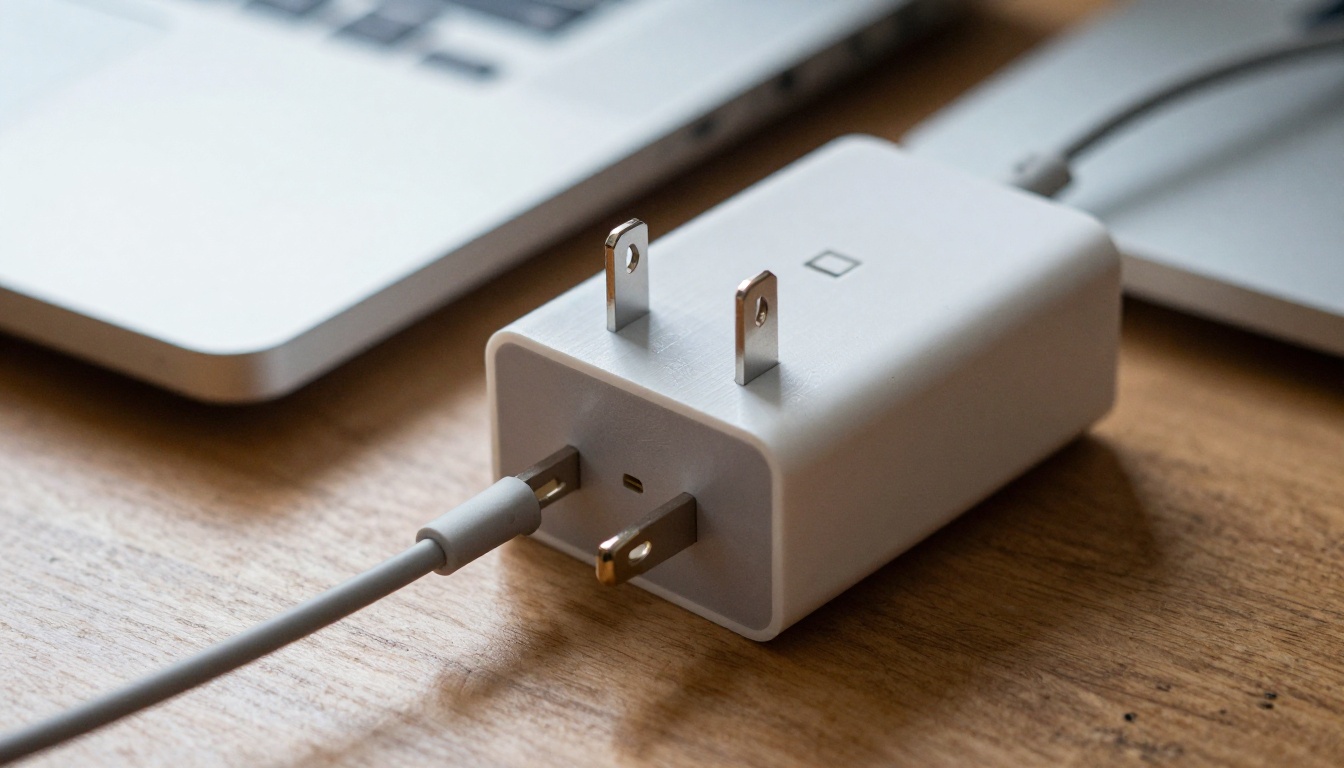
Think of it as a travel adapter. The wall socket (the service) and the plug (the agent) never need to know about each other. The adapter in the middle handles the mismatch.
The Problem It Was Built For
Before MCP, connecting M assistants to N services meant M times N custom integrations. Each pair had its own sign in flow, its own schema quirks, and its own bugs. MCP turned that into M plus N: write one server per service, one client per assistant, and every combination works. That saving is real, and it explains why thousands of public servers appeared within about a year of launch.
💡 Worth remembering: MCP is plumbing, not intelligence. Judge it by whether the plumbing costs less than the alternative for your specific job, not by whether it is fashionable this month.
The Case Against MCP
Critics are not wrong. Three complaints come up again and again, and each one holds up under measurement.
Tool Definitions Eat Your Context
Every tool a server exposes arrives with a name, a description, and a JSON schema. Most clients load all of them into the model's context window at the start of a session. Here is a rough, illustrative calculation: a server with 40 tools at about 400 tokens per schema adds 16,000 tokens. Connect five servers of that size and you have spent 80,000 tokens before the user types a single word.

That bill has three parts: money, latency, and attention. Tokens cost money on every request, longer prompts respond more slowly, and a crowded context leaves less room for the material the model actually needs. Selection quality also tends to drop when two servers each expose a tool called search and the model has to guess which one you meant.
Agents Already Speak Shell
Coding agents are fluent in git, gh, curl, jq, docker, and psql. These tools appear in training data thousands of times, they have a --help flag, and their output is plain text. When a model can run gh pr list --json title,author and parse the result, a GitHub MCP server adds a layer without adding much capability.

A CLI also composes. The model pipes one command into another, writes output to a file, and reads only the lines it needs. An MCP tool call returns its whole result into context unless the server author planned for pagination, and many did not.
Skills and Scripts Cost Less
Skill files take a different route. A skill is a folder with a short markdown description and, optionally, scripts. Only the name and a one line summary sit in context until the agent decides it needs the skill, and only then does it read the full instructions. You pay when the work happens, not on every request.

For internal workflows such as "how we deploy", "how we write release notes", or "how we query the warehouse", a skill plus a script is often the shortest path. There is no server to host, no transport to debug, and everything lives in the repository next to the code it describes.
Where MCP Still Wins
Now the other side. These are the situations where replacing MCP with scripts creates more work, not less.
Remote Services With Real Auth
A script on a laptop can read an API token from an environment variable. That works for one developer. It falls apart when fifty people need access to a CRM, each with different permissions, and the security team wants tokens that expire. MCP's authorization flow builds on OAuth 2.1, so a remote server can ask each user to sign in, issue scoped tokens, and revoke them from one place. The agent never holds a long lived secret pasted into shell history.

Hosted servers also keep working where no shell exists at all: a chat app, a mobile client, a browser sidebar. A CLI needs a terminal. A remote MCP server needs a network connection.
Long Jobs and Async Results
Some tasks take minutes, not milliseconds. Image and video generation are the clearest examples. A request starts a job, a GPU somewhere picks it up, and the caller has to check back later. A shell command that blocks for ninety seconds is awkward. A tool with a defined start, poll, and result contract is easier to get right.

PicassoIA's own connector follows that pattern. Its API is Replicate style: create a prediction, poll it, fetch the output. Through the MCP connection an agent can reach four models, PicassoIA Image, PicassoIA Image Editor Pro, PicassoIA Video, and Seedance 2.5 Lite for video with audio, without anyone hand writing endpoints. The platform allows five concurrent predictions per account, shared across API credentials and MCP connections, so an agent that fires ten requests at once has to respect that ceiling. A well built server hides this bookkeeping behind clear tool results, much like a kitchen pass keeps orders in sequence while the cooks work in parallel.
Picture a content team asking an agent for a launch post, five hero images, and one short animated clip. The writing happens inside the model. The images and the clip are remote, slow, and rate limited, which is exactly the shape MCP handles well.
Teams, Audit Trails, and Permissions
Once an agent touches production data, someone asks who did what. A central MCP gateway can log every tool call, apply allow lists per team, and block risky actions before they reach the service. Doing the same with ad hoc scripts means chasing logs across laptops.

Reviewers appreciate this. They can read one log and one policy file and see what the agent was allowed to do, instead of auditing fifty different shell histories.
MCP vs CLI vs Skills vs API
Here is the same comparison as a quick reference table.
| Situation | Best fit | Why it fits |
|---|
| Local git, files, build tools | CLI | Models already know the commands, no setup |
| Team workflow such as release notes | Skill plus script | Loaded on demand, lives in the repo |
| SaaS product with per user permissions | Remote MCP server | OAuth sign in, revocation, central logs |
| Image or video generation | MCP or direct API | Async jobs, shared concurrency limits |
| One off data pull inside a script | Direct API call | Fewest moving parts |
| Agent inside a chat app with no shell | Remote MCP server | No terminal available |
| Tool needed in 1 of 100 sessions | Skill or lazy loaded MCP | Avoids paying the schema cost every time |
Notice that the answer is rarely all MCP or no MCP. The right pick depends on who calls the tool, how long it runs, and how often it is needed.
How MCP Is Changing
The criticism landed, and the ecosystem responded. Two shifts matter most.
Code Execution Instead of Tool Dumps
Anthropic's engineering team described a pattern in late 2025 in which the agent writes code that calls MCP tools, instead of routing every call through the context window. Tool definitions appear as files the agent can browse, intermediate results stay inside a sandbox, and only the final answer returns to the model. In their worked example, token use fell from about 150,000 to about 2,000, a 98.7% reduction.

Lazy Tool Loading
Several clients now load tool definitions on demand. The model searches a catalog, pulls the two or three tools it needs, and ignores the rest. That is the card catalog approach: the library holds thousands of cards, but you open one drawer. It removes the biggest complaint from the previous section without giving up the standard.
Server authors adapted too. A server with six well described, high level tools beats one that mirrors a 300 endpoint REST API line by line, because the model has fewer choices and each choice means something.
A Five Minute Decision Checklist
Run through this before you build or install anything.

Pick MCP When
- Many users need their own scoped access to the same service
- The work is asynchronous, such as render jobs or long exports
- The agent runs somewhere without a shell
- You need central logging, allow lists, or revocation
- The service owner already ships a maintained server
Skip MCP When
- A well known CLI already does the job
- The task is local files, git, or builds
- Only you use it, on one machine
- The server would mirror a REST API one to one
- You would load it into every session but use it once a week
Mixed Setups That Work
Most mature stacks use all three. A coding agent runs the shell for git and tests, reads a skill for team conventions, and connects to two or three remote MCP servers for the ticket tracker, the database, and media generation. You can try the same tool calling ideas with LLMs available on PicassoIA, such as Claude Sonnet 5, GPT 5.6 Sol, Kimi K2.6, and Gemini 3.5 Flash. The model choice matters less than keeping the tool surface small and honest.
Common Mistakes Teams Make
- Wrapping everything because you can. A server around
ls or cat adds a process, a transport, and a schema in exchange for nothing the shell does not already provide.
- Ignoring the token bill. Check how many tokens your connected servers add before the first message. If the number surprises you, disable servers per project or switch to lazy loading.
- Shipping without auth boundaries. A local server with full file and network access becomes a risk when the model reads untrusted web pages. Scope permissions, prefer read only tools by default, and ask for confirmation on writes.
- Duplicating tools across servers. Two servers that both offer search, fetch, or send confuse the model. Rename tools clearly or turn one server off.
- Treating the protocol as the product. Users care about the result. If a script, a skill, or a direct API call produces a better result with less setup, use it and move on.
Make Your Own Images on Picasso IA
So, do we need MCP anymore? For local, well known tools, usually not. For remote, authenticated, slow, shared services, usually yes. That split is the whole answer, and it will keep shifting as clients get smarter about loading tools.
If you want to see an asynchronous, remote workflow in action without reading a spec, generate something. Open Picasso IA, pick PicassoIA Image for a quick still, refine it with PicassoIA Image Editor Pro, then animate the result with PicassoIA Video. Every image in this article started as a plain language prompt, and the same workflow is open to an agent through the MCP connection. Browse everything at picassoia.com/en/all-models, type one idea, and see how far a single sentence goes.


