Typing "face swap API" into a search bar returns three different products mixed together on one results page. Some links lead to hosted endpoints that take two files and return one. Others lead to open source projects that need a GPU and an afternoon of dependency fixes. A third group is browser tools that never expose an API at all. For still photos, any of them works. For video, the gap is wide, because one bad frame out of 240 is enough to ruin a ten second clip.
This article sorts the options by what they cost, where they break, and which project each one fits. It also includes a working video example you can run in a browser today, plus an honest note on what the PicassoIA API does and does not offer for swaps.
What a Face Swap API Does

A face swap API takes a source (the face you want to use) and a target (the photo or clip that receives it), then returns a new file where the target shows the source identity. Behind the endpoint, almost every pipeline runs the same steps: detect faces, extract an identity signature from the source, generate the new face region, and blend it back with matching skin tone, lighting and head angle.
Typical inputs and outputs look like this:
- Inputs: one to a few reference photos, plus a target image or video file
- Output: a new file with the same length and resolution as the target, often with the original audio
- Delivery: a direct response for images, an asynchronous job for video
Image Swap vs Video Swap
An image swap is one operation on one frame. It finishes in a second or two, and a flaw is easy to spot and retry. A video swap repeats that operation for every frame, then adds a consistency pass so the face does not flicker between frames. Ten seconds at 24 frames per second is 240 frames, and the cost, the waiting time and the failure rate all grow with that number.
| Factor | Image swap | Video swap |
|---|
| Frames processed | 1 | 24 to 60 per second of footage |
| Typical wait | Seconds | Seconds to many minutes |
| Failure mode | One visible flaw | Flicker, drift, lost tracking |
| Delivery pattern | Often a single request | Submit, poll, download |
| Input size | A few megabytes | Tens or hundreds of megabytes |
Why Video Is the Hard Part
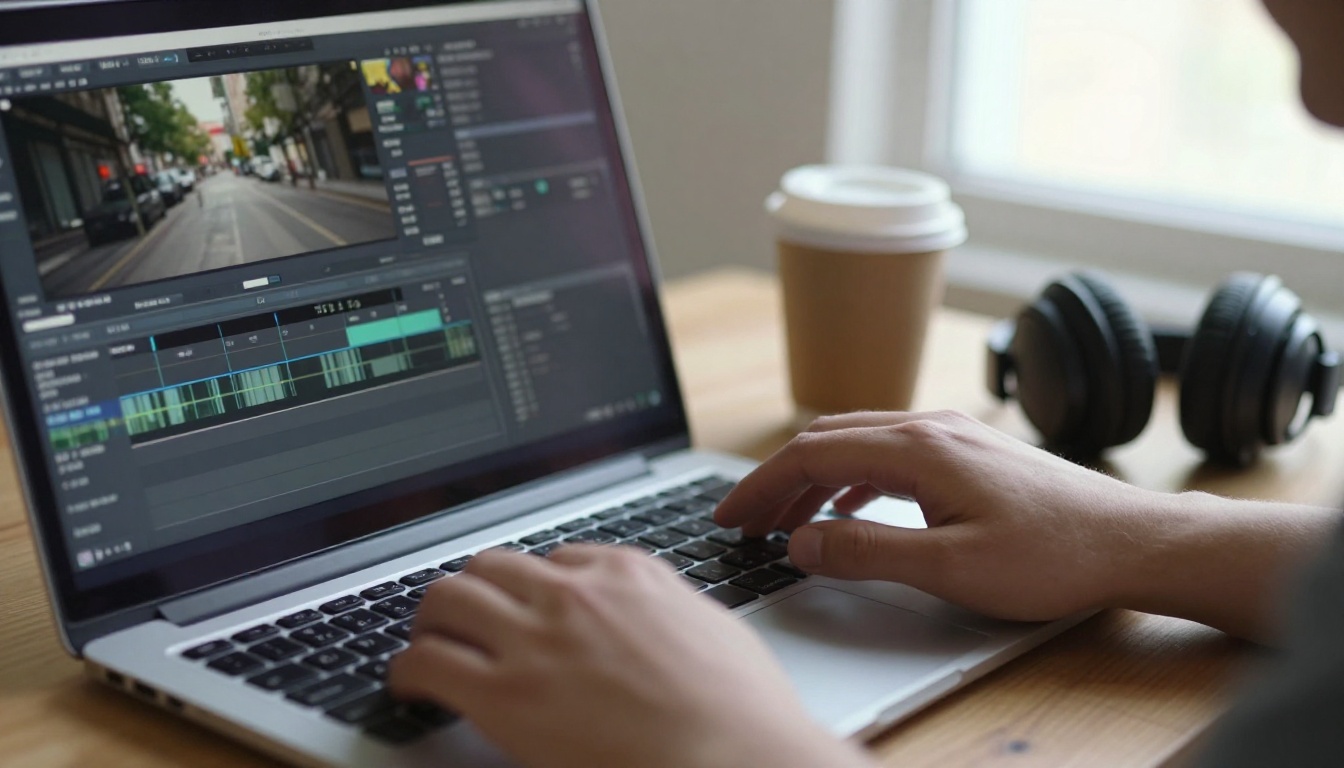
Faces in motion do things that still photos never test. A hand crosses the mouth. The head turns to a profile. A window flare shifts the skin color halfway through a shot. Each of these breaks the identity match for a few frames, and the eye catches a three frame glitch immediately, even when it cannot say why.
💡 Test the worst three seconds first. Pick the part of your footage with the fastest head turn, the most occlusion and the hardest light. If a tool survives that, it will survive the rest. If you only test the best take, every tool looks great.
Three Kinds of Face Swap API
Hosted Endpoints from Marketplaces

Model marketplaces such as Replicate and fal list face swap models you can call over HTTP. Billing is usually per run or per second of GPU time. You skip the hardware, and a prototype can work within an hour.
The trade-offs are practical. Prices and model availability change without notice. Queues grow at peak hours. Uploads have size limits. And every face you send leaves your own servers, which matters in any privacy review. Check the current price page and the data terms before you commit.
Open Source You Run Yourself

FaceFusion, the Roop family of forks and the InsightFace swapper models are the names that come up most often. Running them yourself means no per-call fee, full control over settings, and footage that never leaves your machine.
The cost moves elsewhere. You need a capable GPU, matching drivers, and patience with dependency versions. Licenses deserve the most attention: several popular swapper weights are released for non-commercial research use only. That is fine for a weekend experiment and a problem the day your project earns money, so read the license of the exact weights you download.
Video Replacement Models
A newer approach skips the face paste entirely. Instead of editing a face region, the model replaces the whole person in the clip using one or more reference photos, and keeps the motion, timing and camera work of the original footage.
PicassoIA lists two models built this way: P Video Replace and Wan 2.2 Animate Replace. Because they replace the person and not only the face, hair, build and clothing follow the reference photo as well. That is ideal when you want a different presenter in a finished clip. It is the wrong tool when you need to change only the face and leave everything else identical.
Free Options That Actually Work

"Free" hides at least four different deals, and mixing them up causes most of the disappointment.
What Free Really Means
- Free license, paid hardware. Open source tools cost nothing to download but need a GPU and your time.
- Free tier. A hosted service gives a monthly allowance, then starts charging.
- Free trial. You get a few outputs, often watermarked or limited in resolution.
- Free to try online. A browser tool lets you run your own clips with caps on length or resolution.
Free Route for Developers
Run an open source toolkit on a local gaming GPU while you build. It costs electricity instead of per-call fees, and you can iterate hundreds of times on the same test clip. When the prototype works, move heavy or bursty traffic to a hosted endpoint and compare its per-run price against the cost of keeping your own GPU busy.
Free Route for Creators
Skip the code entirely. The Wan 2.2 Animate Replace page describes the model as free to try online: upload a clip and one character photo, and the swap runs in the browser with no editing software. Start with a short clip at 480p to check the match, then rerun at 720p once you like it.
💡 Free is not the same as commercial. A free tool may restrict commercial use, require attribution, or add a watermark. Read the license before you publish a swapped video for a client.
Best Options Compared
Here is how the realistic choices line up for video work.
| Option | Best for | Video support | Cost model | Main catch |
|---|
| Marketplace endpoints | Developers prototyping an app | Depends on the model | Pay per run | Prices change, uploads leave your servers |
| Open source toolkit | High volume, private footage | Yes, frame by frame | Hardware plus your time | Setup effort, license limits |
| P Video Replace | Replacing a person in finished footage | Yes, up to 1080p | Browser, no hardware | Replaces the person, not just the face |
| Wan 2.2 Animate Replace | Quick character swap from one photo | Yes, 720p or 480p | Free to try online | Slower runs in the published examples |
| PicassoIA API | Image and video generation inside an app | No swap model today | Replicate style predictions | Swap models run in the web app |
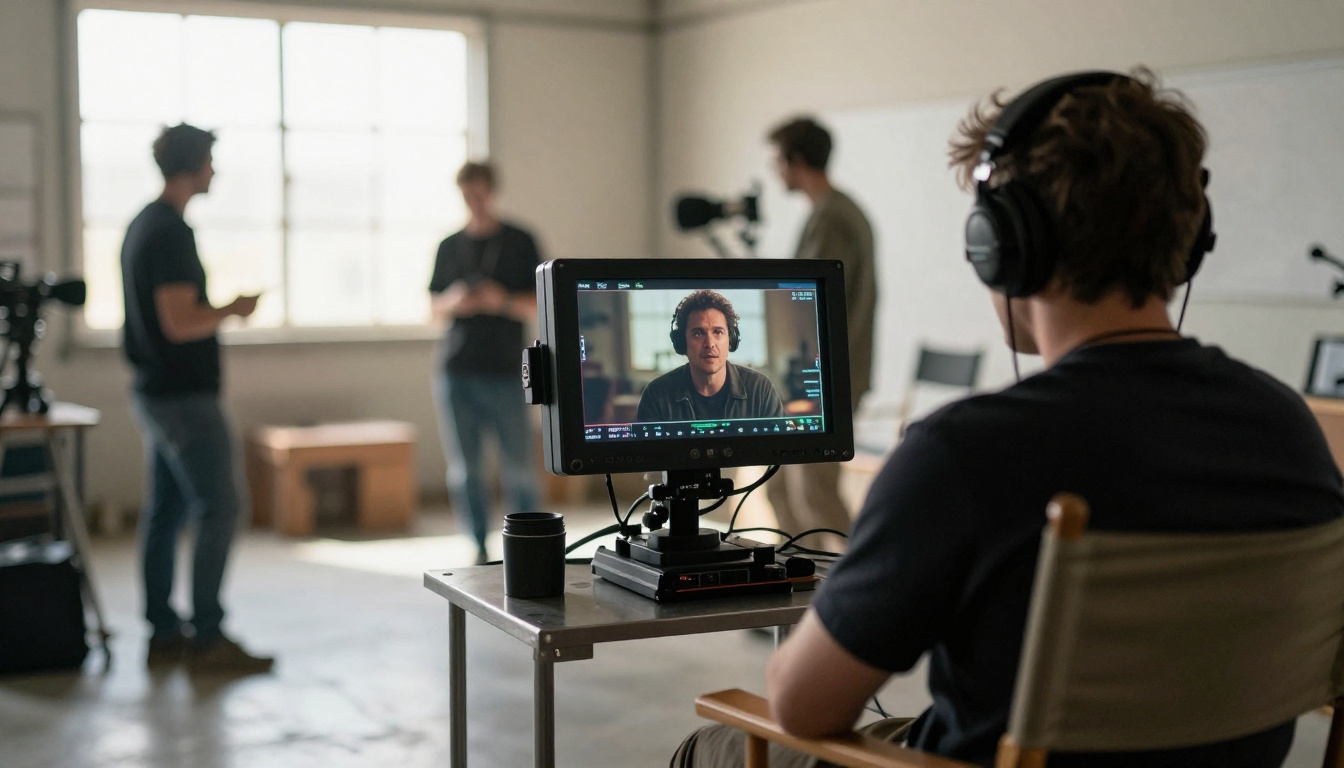
Three rules settle most decisions:
- You write code and need volume: start with a marketplace endpoint, then decide whether to self host.
- You handle private or sensitive footage: run open source on your own hardware.
- You have a finished clip and want a different person in it: use a video replacement model in the browser.
When two options tie, pick the one whose failure you can afford. A flicker you can re-render costs a few minutes, while a privacy leak from an unreviewed upload cannot be taken back.

P Video Replace takes a source video and up to three reference photos of the person you want in the scene. Everything else stays as it was: the motion, the timing, the camera angle and the background. The model page lists up to 1080p output, and the example runs published there finished in roughly 20 seconds to a little over two minutes, depending on the clip.
Step 1: Prepare the Source Video
Use an .mp4 file. Pick footage where the person to replace is visible for most of the clip, with steady lighting and no fast cuts. Trim the clip to the part you need, because shorter clips run faster and fail less often.
Step 2: Choose Reference Photos
Upload one to three photos of the replacement person. Use front facing, evenly lit, sharp images with no sunglasses or heavy shadows. Adding a second angle, such as a three quarter view, helps the face stay consistent when the head turns.
Step 3: Set Resolution and Audio
The default is 720p, and 1080p is available when the clip is for delivery. Leave the original audio on if the voice should stay as it is. Set the frame rate to the original unless your project needs 24 or 48. For quick drafts, switch on turbo: it is faster and slightly lower in quality.
Step 4: Add an Instruction Prompt
The prompt field is optional, and a short sentence is enough. Something like "replace the presenter with the person in image 1" tells the model what you expect. If the result drifts, fix the reference photos before you rewrite the prompt, because the photos matter more.
Wan 2.2 Animate Replace uses a similar flow with one character image instead of up to three. It runs at 720p or 480p, outputs at 30 frames per second and merges the original audio by default. A fast mode gives quicker previews. The published examples took anywhere from about a minute and a half to more than twelve minutes, so plan for waiting on longer clips.
💡 Run a draft before the final. Use turbo or 480p to check the face match, then spend the longer run on the version you plan to publish.
Can You Automate It With the API?
Developers often ask whether the PicassoIA API can run these swaps from code. Here is the honest answer, based on the developer pages at the time of writing.
The API lives at api.picassoia.com/v1 and uses a bearer token for authentication. It follows the Replicate style: you create a prediction with a POST to /v1/models/{owner}/{name}/predictions, then poll GET /v1/predictions/{id} until the job finishes, and you can cancel a running job. Jobs are asynchronous, which suits video.
Four models are exposed: image generation, image editing through PicassoIA Image Editor Pro, and two video options, one of them with audio. None of them is a dedicated face swap model, so the swap models described above currently run in the web app and not through the API.
A few limits matter for video work:
- 5 concurrent predictions per account, shared across tokens and connections
- 10 MB request body, so large video files will usually need to be passed by URL instead of uploaded inline
- 4,000 character prompts and a 3 hour job timeout
💡 Verify the pricing wording. The docs say predictions are currently free and use no credits, but they also name a required plan, and the pricing page lists API access on a different set of plans. Check both pages for the plan you actually need before you build a product on top of the API.

Face swap technology can be used for harmless work, such as replacing a presenter in a training video or testing a casting idea. It can also be used to deceive people, and the line is consent. Treat these as the minimum:
- Written permission from every person whose face appears in the target or in a reference photo
- No impersonation of real people in ways that could mislead viewers, harm a reputation or imitate a voice and face for fraud
- Labels on realistic output. Many platforms ask creators to disclose realistic AI altered video, and several regions are adding rules for labeling synthetic media. These rules change often, so check the current law where you publish.
- No minors and no private individuals without a documented release
If you build a product on a face swap API, add a consent checkbox at upload, keep a log of requests, offer a takedown path, and refuse uploads you cannot verify. Those steps cost an afternoon and prevent the problems that end projects.
Mistakes That Ruin Swapped Video
- Weak reference photos. A blurry, angled or heavily filtered photo produces a blurry, drifting face. A sharp, neutral photo does more than any setting.
- Judging by the best frame. A swap that looks perfect when paused can flicker in motion. Always watch the full clip at normal speed, with sound.
- Skipping the license check. Free software and free demos often carry limits on commercial work. Find that out before delivery, not after.
- Ignoring size and cost at scale. One clip is cheap. A thousand clips need queueing, retries, upload handling and a budget. Do the math with real numbers.
- Forgetting consent. The cleanest workflow still fails if the people in the footage never agreed to it.
Try It on PicassoIA

The fastest way to judge a swap is to run your own footage. Open P Video Replace with a short clip and a sharp reference photo, or try Wan 2.2 Animate Replace for a free to try character swap at 480p. If you also need still image work, PicassoIA Image Editor Pro edits photos from a text instruction.
Start with three seconds of your hardest footage, compare two models side by side, and keep the one that holds up when the head turns. When you want to see what else is available, browse every model at picassoia.com/en/all-models and create your own images and videos on Picasso IA today.


