If you've ever tried creating NSFW AI art on a mainstream platform and hit a wall, you already know the frustration. DALL-E refuses. Midjourney flags your prompt. Firefly produces something completely sanitized. The tools exist to make exactly what you want, but the platforms won't let you use them.
This changes when you use the right models on the right platform. Below is everything you need to generate high-quality, photorealistic NSFW AI art without running into content blocks at every step.
What NSFW AI Art Actually Is
The term covers a wide range, and it helps to be clear about what we mean.
Three tiers of NSFW content:
- Suggestive: Bikinis, lingerie, glamour photography, partially revealed skin
- Sensual: Implied intimacy, artistic nudity, romantic and erotic aesthetics
- Explicit: Full adult content (available on specific models)
Most filtered platforms block even the first tier. A woman in a swimsuit gets rejected as inappropriate. This is a policy decision by those platforms, not a technical limitation of AI image generation.
The models themselves can produce all three tiers. The question is which platforms give you unrestricted access to those models.
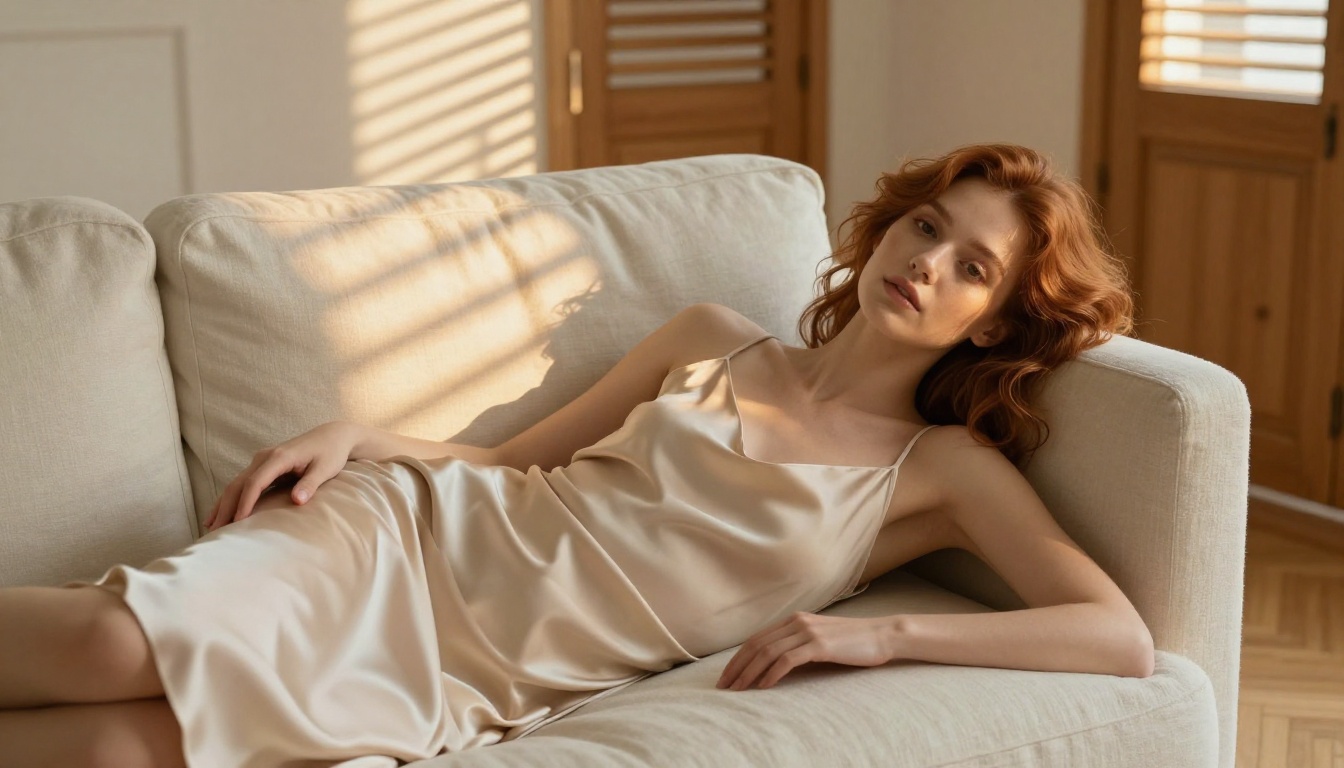
Major AI image generators serve corporate customers, families, and general audiences. Their content policies reflect advertiser relationships and legal liability, not the limits of what AI can produce.
The business logic:
- Advertising revenue depends on brand safety
- General audiences include minors
- Legal exposure for explicit content varies by jurisdiction
- Platform reputation affects enterprise sales
Purpose-built NSFW platforms operate differently. They serve verified adult audiences, operate under appropriate legal frameworks, and give you direct access to unrestricted model weights.
💡 Responsible use baseline: Use NSFW AI tools only on platforms that explicitly allow adult content, and verify you meet their age requirements. That is not a suggestion, it is the floor.
Start Here: Seedream 4.5
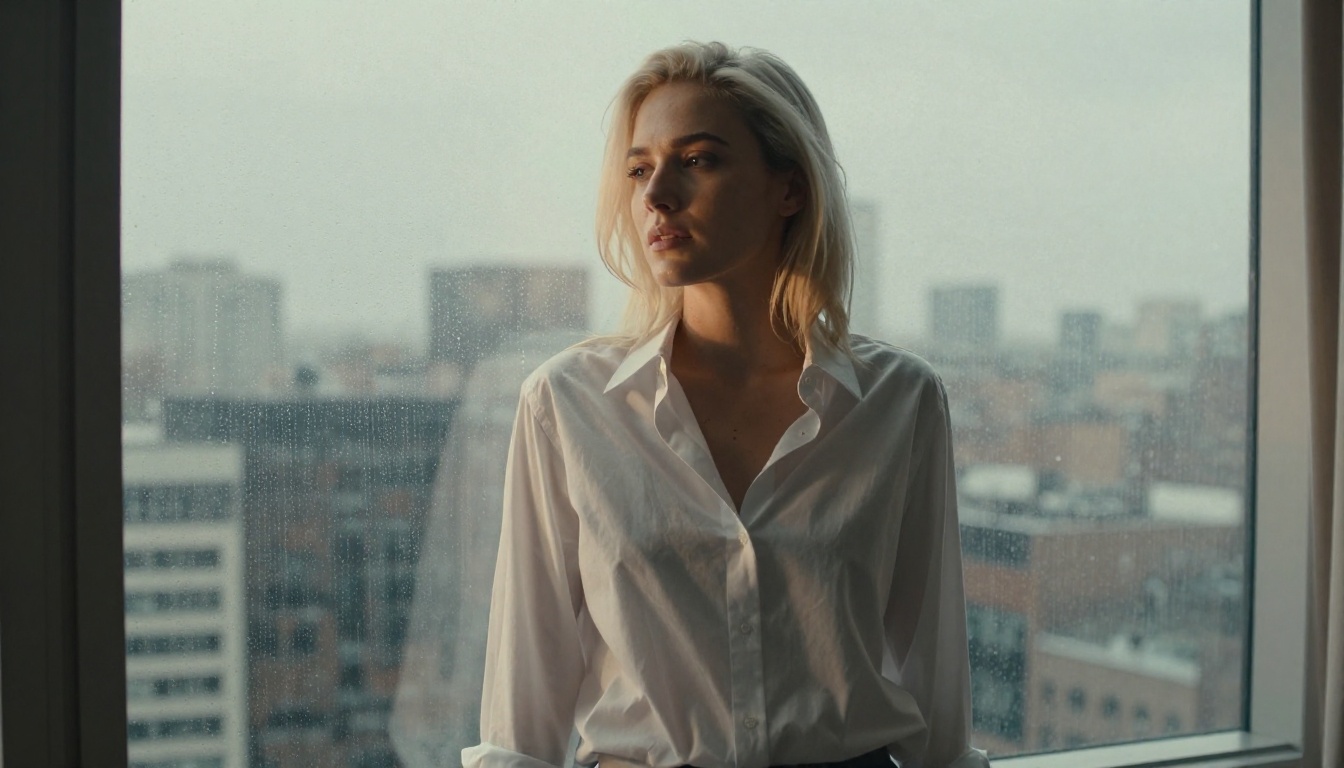
If you want the single fastest path to quality NSFW AI art, go to Seedream 4.5. It is ByteDance's flagship image generation model and it currently produces the best photorealistic results for adult content.
The model outputs 4K images with exceptional skin realism, accurate body proportions, and natural lighting behavior. These are the three factors that separate NSFW images that look professional from ones that look generated.
Why It Wins for NSFW
| Quality Factor | Seedream 4.5 | Average Model |
|---|
| Native Resolution | 4K | 1024px |
| Skin Texture | Pore-level detail | Smooth/waxy |
| Prompt Accuracy | Very high | Variable |
| Lighting Quality | Cinematic | Flat |
| Generation Speed | Fast | Moderate |
The skin rendering is where most models fail. They either oversmooth everything into a plastic appearance or add artificial sharpness that looks processed. Seedream 4.5 produces genuine texture: visible pores, natural color variation across the skin surface, and realistic light response on different body contours.
The Model to Skip
Do not use Seedream 5 Lite for NSFW content. It has content filtering enabled and will block adult prompts. Use Seedream 4.5 instead.
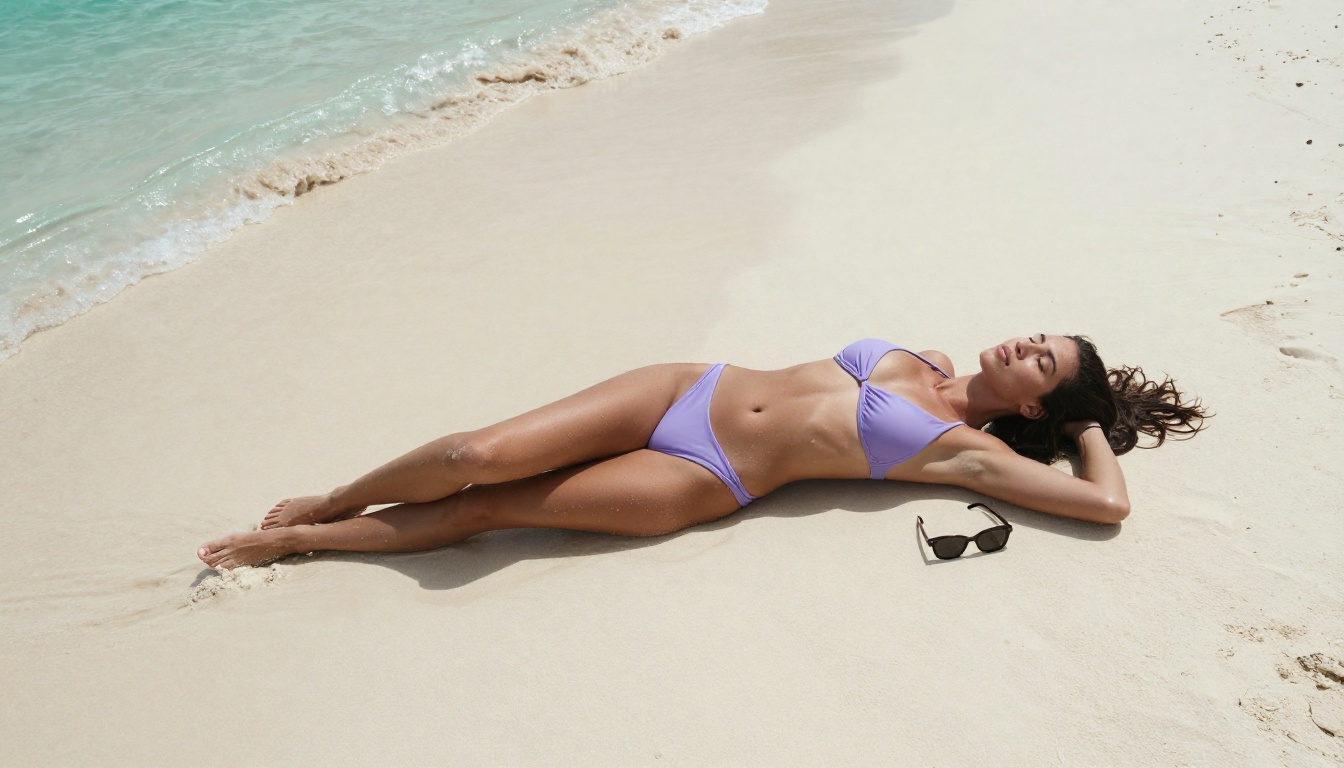
Image Editor Pro: No Limits
After Seedream 4.5, PicassoIA Image Editor Pro is the second tool you should know. It solves a different problem: volume and refinement.
Image Editor Pro gives you unlimited AI image generations. For NSFW creators who iterate through 20-50 generations to get a perfect shot, credit limits on other platforms become a real obstacle. Image Editor Pro removes that friction entirely.
Inpainting: Fix Without Restarting
Beyond unlimited generation, Image Editor Pro adds targeted editing tools that matter specifically for NSFW work:
Inpainting lets you redraw a specific region of an image while keeping everything else exactly as it is. Got a great body pose but the face looks slightly off? Use inpainting to fix just the face. The rest of the image stays untouched.
Outpainting expands the frame beyond the original edges. Want to see more of the environment? Extend the canvas in any direction.
Object replacement swaps specific elements, like changing clothing or background, while preserving subject consistency.
For photorealistic NSFW work, inpainting alone is worth learning. It turns the iterative process from generate and discard into generate and refine, which cuts the time to a final result dramatically.
Prompts That Actually Work
Weak prompts are the number one reason NSFW AI art comes out looking wrong. The model is fully capable. It just received unclear instructions.
The 5-Part Prompt Formula
A strong NSFW prompt has five components:
- Subject: Appearance, hair, age implied adult, any distinctive features
- Clothing or state: What they are wearing, how it fits, what is visible
- Pose and position: Body angle, limb placement, action or stillness
- Environment: Location, background elements, furniture or setting
- Photography terms: Camera angle, lens focal length, lighting direction, film style
Weak prompt: "beautiful woman NSFW bikini beach"
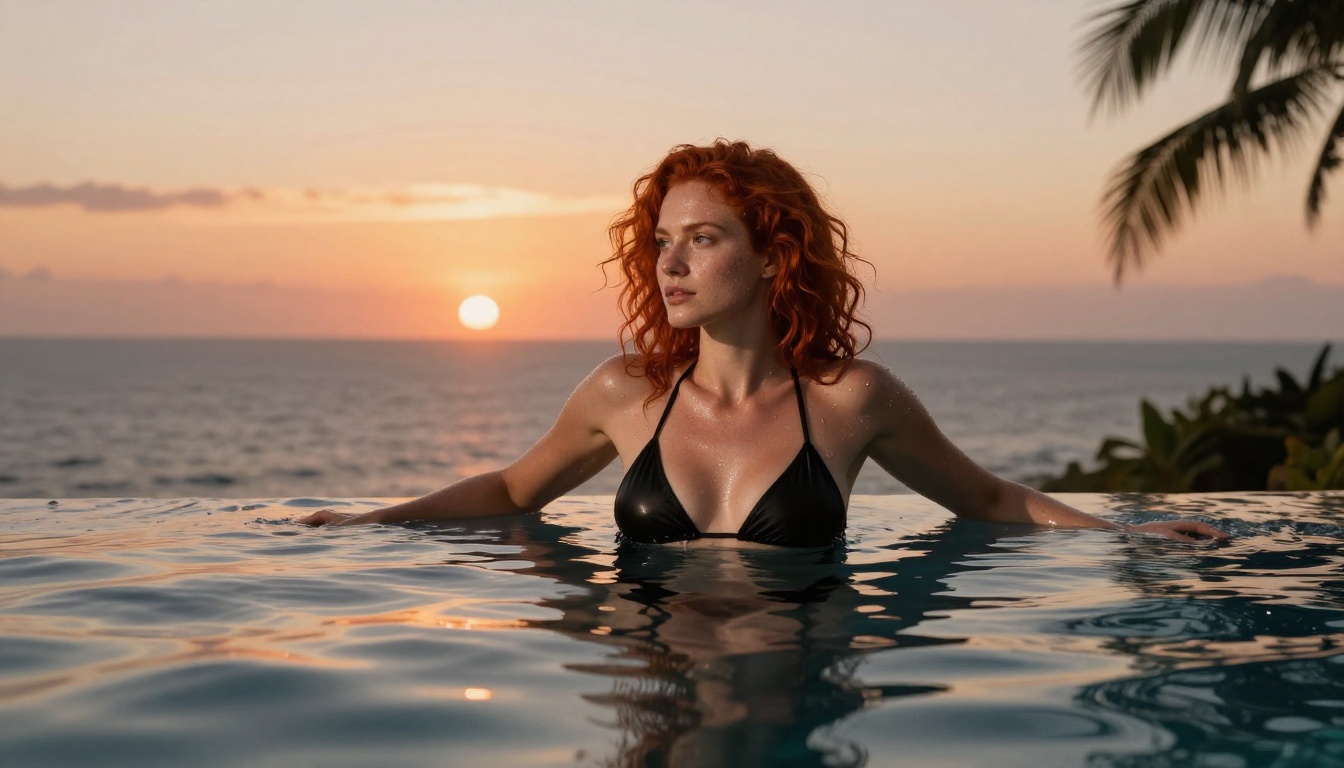
Strong prompt: "Editorial photography of a woman with dark curly hair, wearing a minimal black string bikini, lying on white sand with one knee bent, aerial shot looking straight down, turquoise water visible in frame corner, warm midday sun casting short shadows, 24mm wide angle lens, RAW photography, Kodak Portra 400 film grain, 8K resolution"
The second prompt is 65 words. That specificity is what produces results that match what you actually imagined.
Modifiers That Push Realism
Add these terms to any NSFW prompt to push quality toward photorealism:
photorealistic or hyperrealisticRAW photography8K resolutionfilm grain, Kodak Portra 400natural lighting with a direction (from the upper left, backlit, window light)85mm f/1.4 lens or another specific focal lengthshallow depth of fieldskin pores visibleprofessional photography
Phrases That Trigger Filters
Even on unrestricted platforms, some explicit terms can trip safety layers in the model itself. If you are hitting unexpected blocks, try rephrasing:
- Describe clothing state or artistic context instead of anatomical terms
- Use photography language: "editorial fine art nude portrait" reads differently than more direct phrasing
- Frame the scene as a specific photography style (glamour, editorial, boudoir, artistic)
6 Models Ranked by NSFW Quality
Here is how the available models compare for adult content generation:
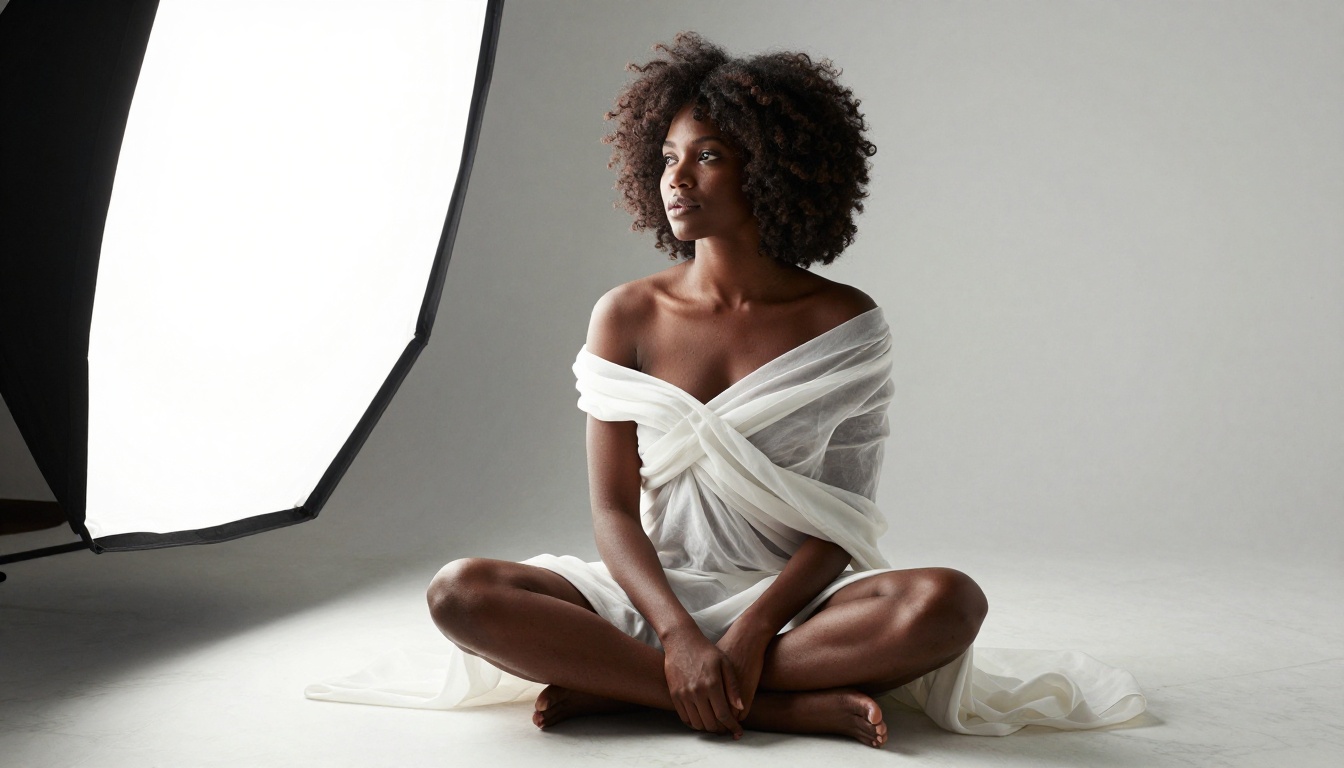
1. Seedream 4.5: The top choice overall. 4K output, best skin realism, fastest generation. Use this as your default.
2. PicassoIA Image Editor Pro: Best for volume. Unlimited generations plus inpainting and outpainting. Use this when you are iterating heavily.
3. Realistic Vision v5.1: Fine-tuned specifically for photorealistic humans. Consistent anatomy, natural proportions. A solid alternative if Seedream 4.5 does not match your style preference.
4. Seedream 4: Previous ByteDance generation. Still excellent quality. Slightly different prompt behavior than 4.5, worth trying if you want a different aesthetic.
5. Flux Redux Dev: Best for variations. Generate a great image with Seedream 4.5, then use Flux Redux Dev to create alternate versions with consistent character and composition.
6. Seedream 3: Lightest and fastest of the family. 2K resolution output. Use this to test prompts quickly before committing to 4K generation.
The full catalog is at picassoia.com/en/all-models. New models are added regularly.
Upscaling for Better Results
Generated images look great at native resolution but often need upscaling for large displays, print work, or when you started with a lower-quality base image.
Best Upscalers for Portraits
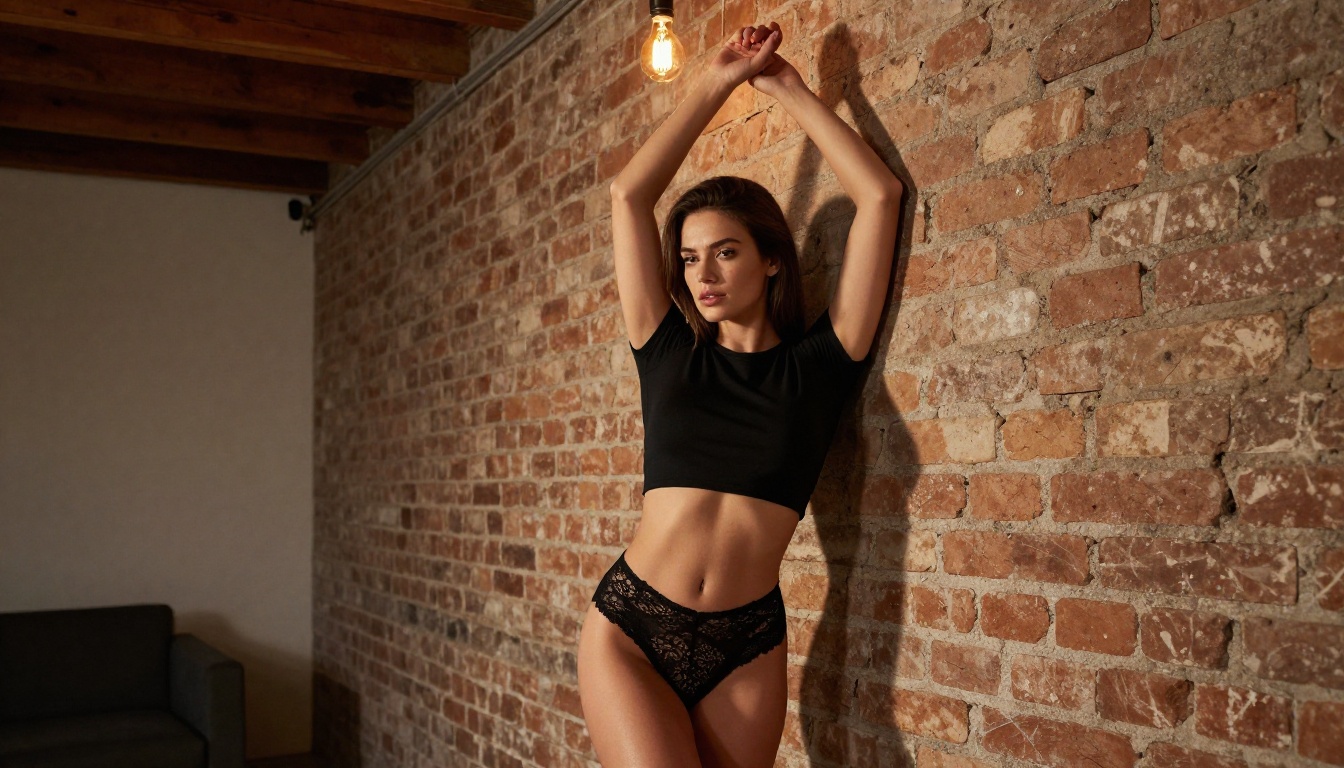
For NSFW portraits, Clarity Pro Upscaler and Crystal Upscaler are the best picks. Both add genuine skin detail and texture rather than simply scaling pixels.
4x vs 6x: What to Pick
For web use or standard display sizes, 4x upscaling is more than sufficient. Image Upscale by Topaz Labs at 6x is for large-format printing or when your source image was generated at lower resolution and needs to reach print-quality output.
💡 Workflow tip: Generate at full quality with Seedream 4.5, then run through Clarity Pro Upscaler for any image that needs to look exceptional at large display sizes.
3 Mistakes Beginners Always Make
These are the most consistent ways people waste time when starting out:
Mistake 1: Vague prompts
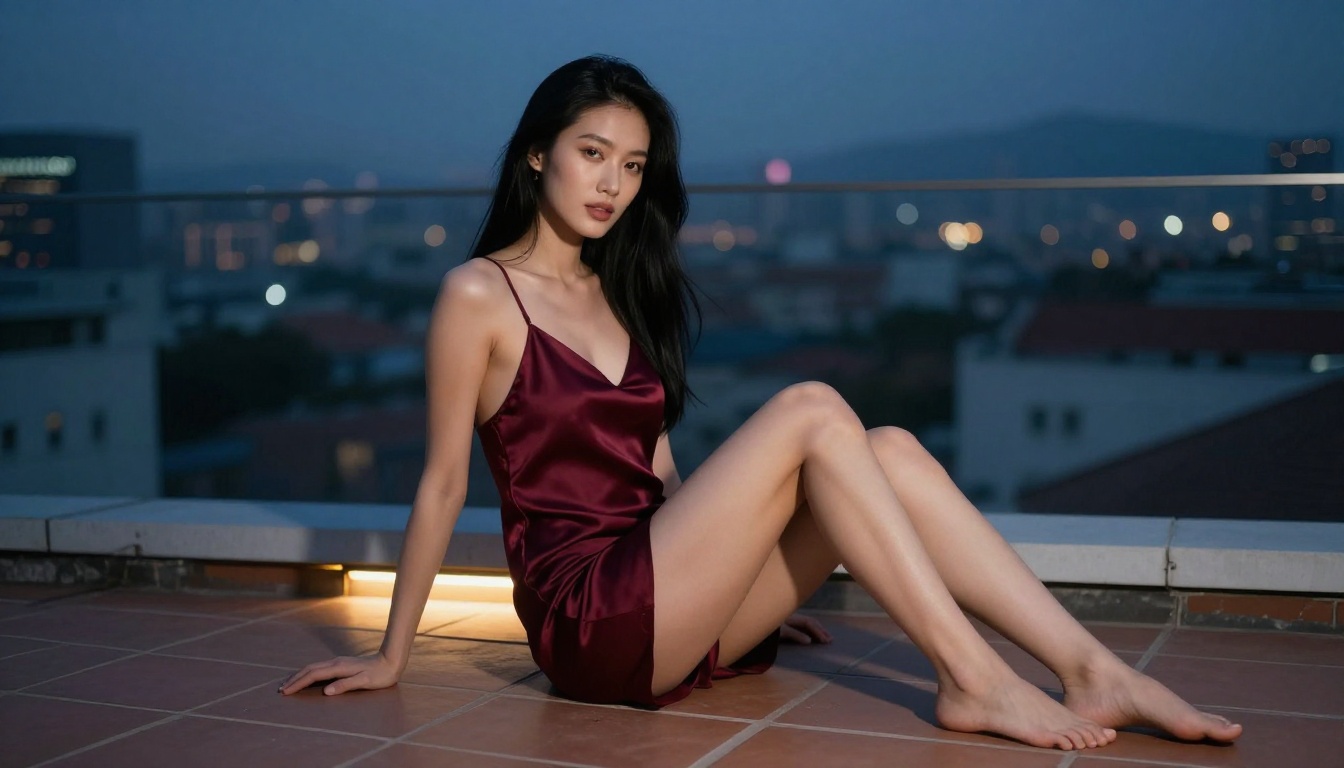
Writing "beautiful woman NSFW" and expecting the model to fill in everything. It will fill it in, but probably not the way you imagined. The more specific your prompt, the closer the output matches your vision. Aim for 50-80 words minimum for reliable results.
Mistake 2: Using filtered models
Trying to generate NSFW content on a model that has content filtering enabled (like Seedream 5 Lite, DALL-E, or Midjourney) and wondering why you keep getting blocked. The model is not malfunctioning. It is working as intended. Use Seedream 4.5 or Image Editor Pro on a platform that explicitly allows adult content.
Mistake 3: Stopping after one generation
AI image generation is iterative. Your first output is a starting point, not a final product. Generate 5-10 variations, pick the one with the best composition, then refine it with inpainting. Using Flux Redux Dev to create variations from your best result is a fast way to develop a polished final image.
Ready to Start Creating?
Here is the process from zero to a finished image:
Step by Step: Seedream 4.5
- Go to Seedream 4.5 on PicassoIA
- Write your prompt using the 5-part formula: subject, clothing state, pose, environment, photography terms
- Set output to 4K, which is native for Seedream 4.5
- Generate. Results typically come back in under 30 seconds
- If the composition is right but a specific detail needs fixing, take the image to Image Editor Pro and use inpainting on just that area
- Once satisfied with the result, run it through Clarity Pro Upscaler for maximum resolution
What Makes Results Look Real
Three factors separate professional-looking NSFW AI art from obvious AI output:
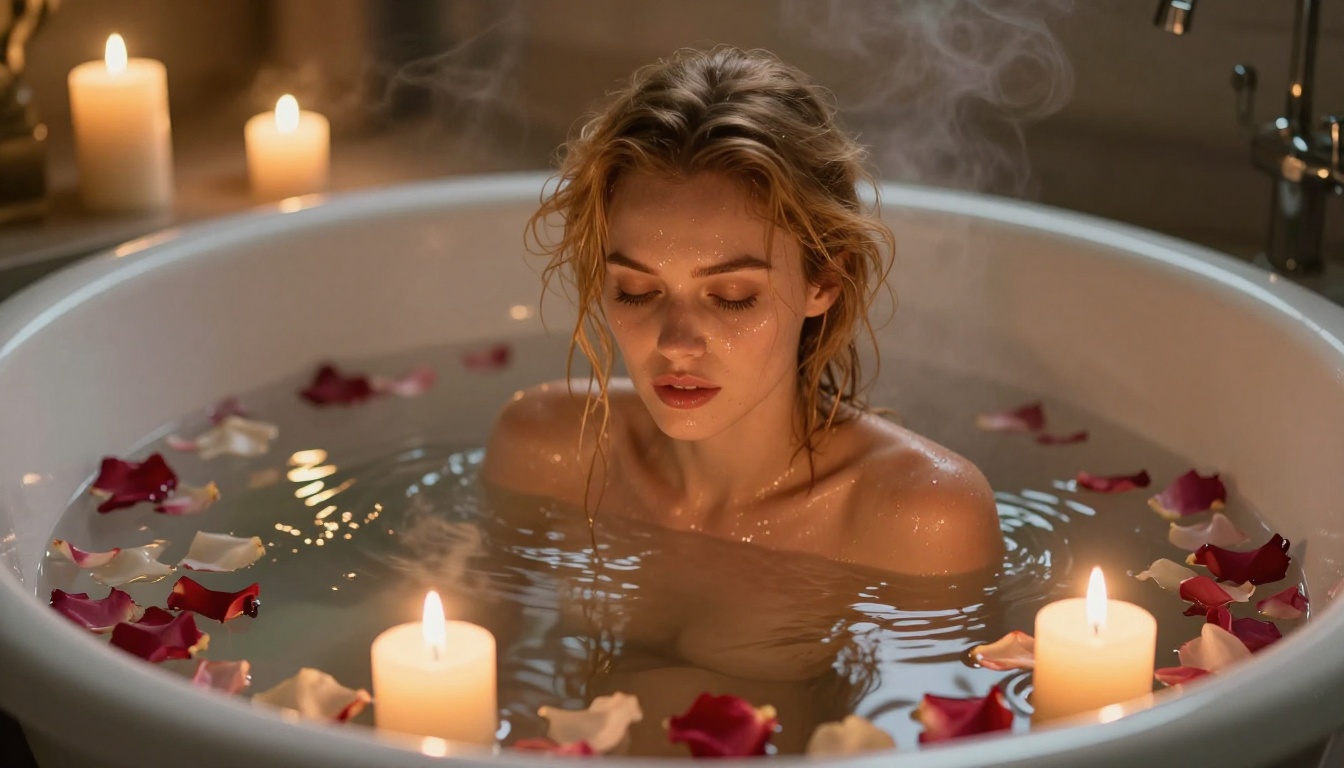
Lighting direction: Natural lighting with a clear source (morning light from the left, backlit by a window, candlelight below) produces realistic images. Flat, undirected lighting looks artificial regardless of how detailed the rest of the prompt is.
Skin specificity: Terms like skin pores visible, natural skin texture, film grain, and Kodak Portra 400 tell the model to produce genuine texture rather than smoothed-out approximations. This single change makes a large difference in how photorealistic the output looks.
Composition intent: Using specific camera terms (angle, focal length, distance from subject) produces photographic compositions rather than generic centered portraits. A prompt specifying "aerial shot from above, 24mm wide angle" gives you a genuinely different image than one without those details.
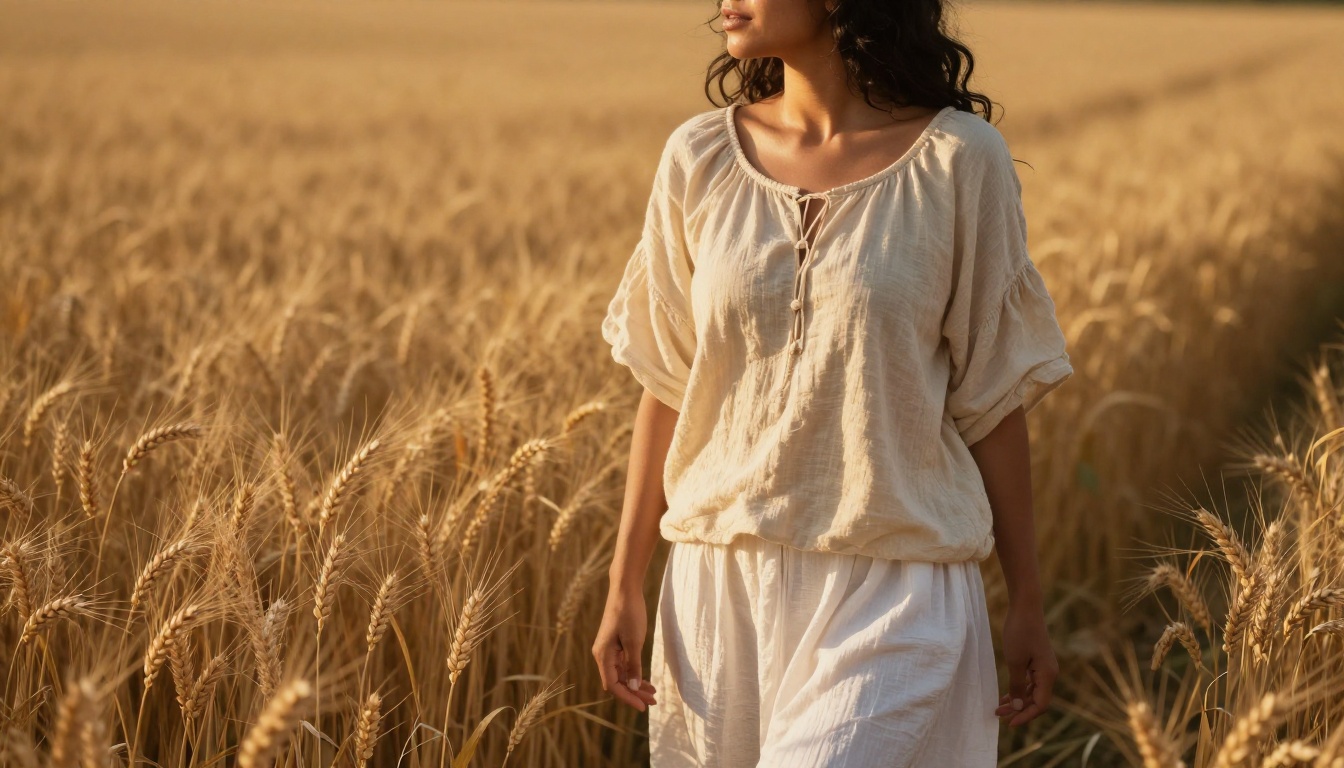
The images throughout this article were all created using models available on PicassoIA. Same tools, same platform, available right now.
The full model catalog is at picassoia.com/en/all-models. Pick a style, write a prompt, and see what comes back. The first generation is always a surprise, and that is where the creative process starts.


